
ChessSnap
Scan Chess Scoresheets to PGN
Designed for iPhone, iPad, iPod touch
Free · In-app purchases
- Age rating4+
- CategoryEducation
- DeveloperJunqing Zhang
- LanguagesEnglish
- Size2.2 MB
Links to the official App Store page
Download.org hosts no file of ChessSnap. The button opens its official App Store page, published by Junqing Zhang. Listing last checked on Nov 18, 2026.
Screenshots


About
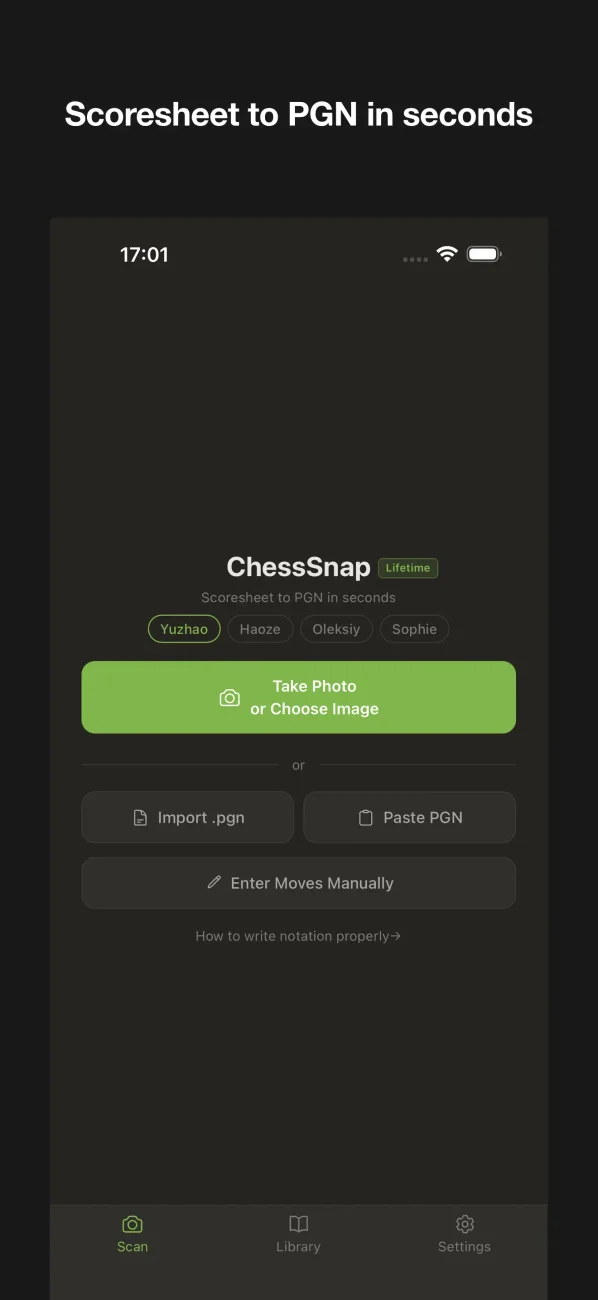
Turn handwritten chess scoresheets into PGN in seconds.
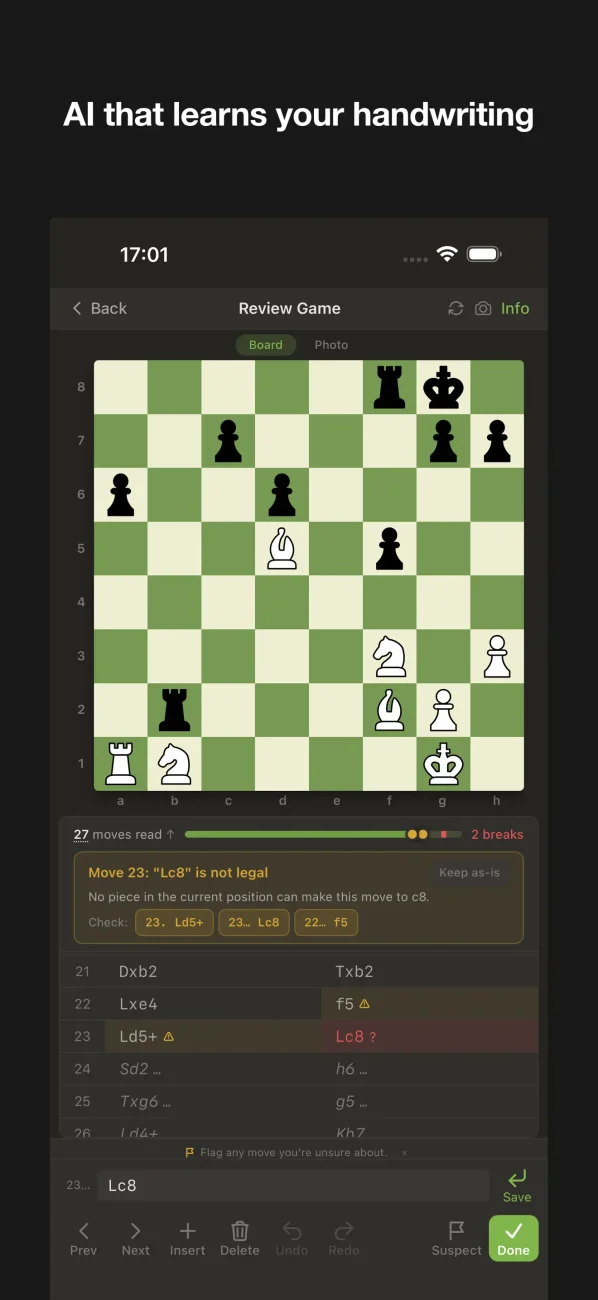
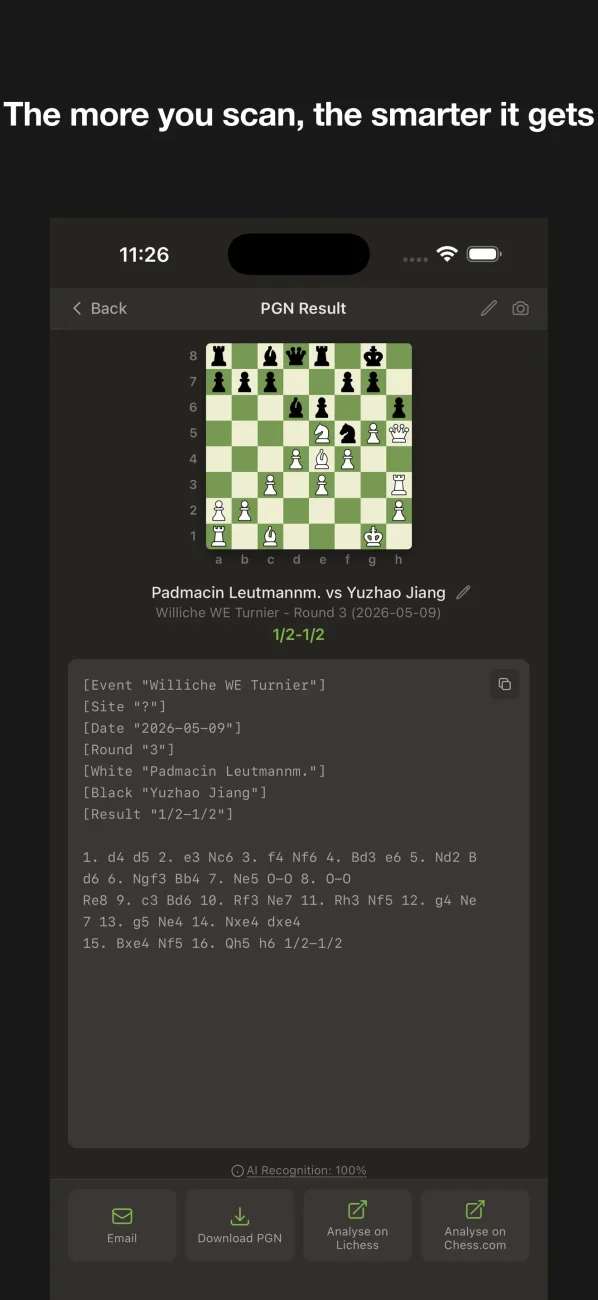
Just snap a photo. ChessSnap uses AI to read your moves, validates them with chess rules, and delivers a clean PGN ready for analysis in Lichess, Chess.com, or any engine.
HIGHLIGHTS
No more typing
Capture and convert instantly.
Smart move validation
AI recognition + rule-based verification.
Learns your handwriting
Improves with every game.
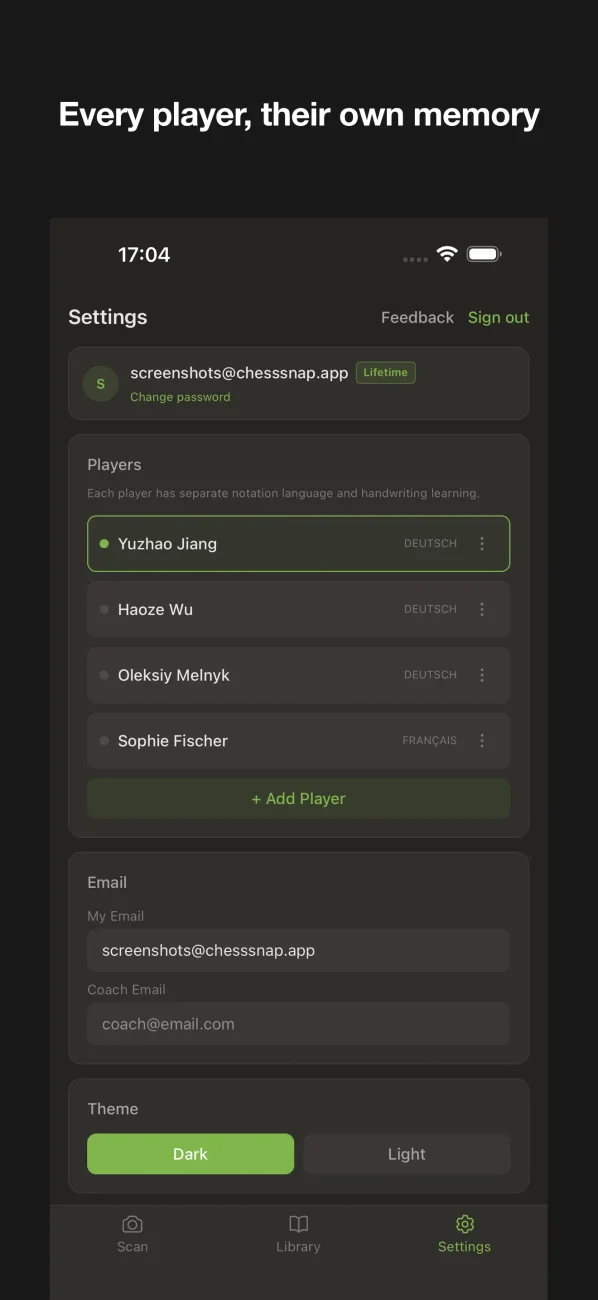
Multiple player profiles
Perfect for coaches, families, and clubs.
11 notation languages
Including English, German, French, Spanish, and more.
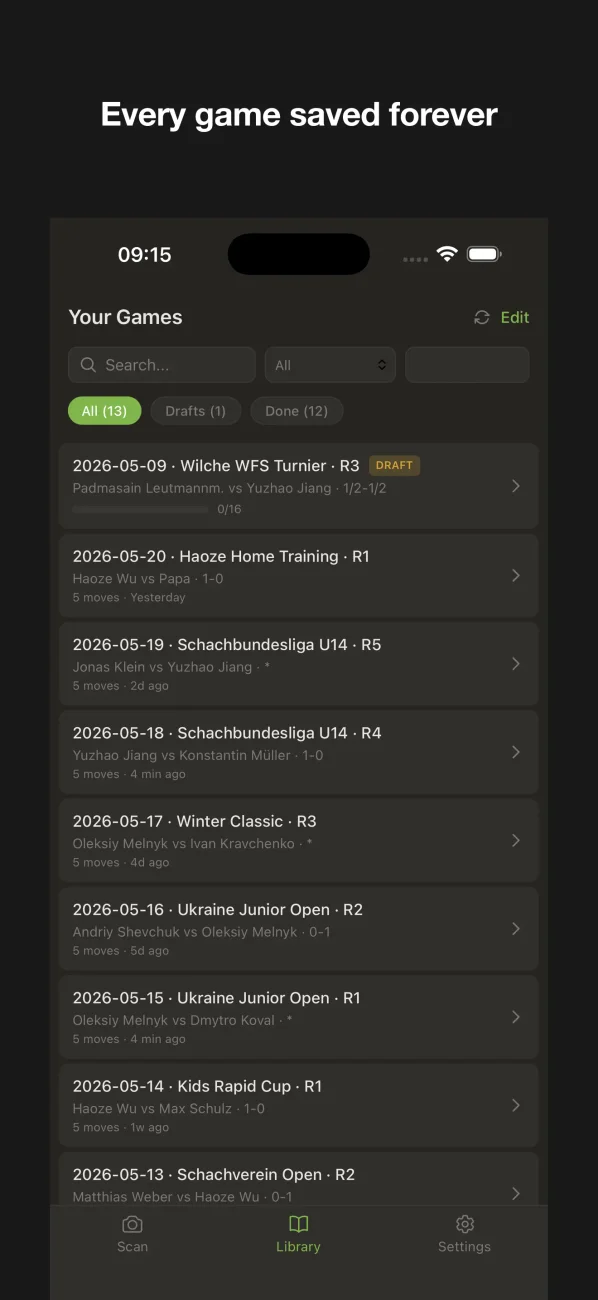
Cloud sync
Access your games on all devices.
Share instantly
Open in Lichess or Chess.com, or export PGN.
FREE TRIAL & LIFETIME
Free trial:
5 scans in total, 1 player profile
Lifetime, one-time purchase:
Unlimited scans
Up to 10 player profiles
One purchase. No subscription, nothing to renew.
PRIVACY
Your data stays private.
No ads. No tracking.
EU-based secure storage.
PERFECT FOR
Tournament players
Coaches
Chess parents
Anyone digitizing scoresheets
Terms of Use (EULA): https://www.apple.com/legal/internet-services/itunes/dev/stdeula/
Privacy Policy: https://www.chesssnap.app/privacy
What’s new
Version 2.1 · Oct 28, 2026
Made for iPhone Duo. Review games on the inner display with the board, your scoresheet photo and the move list side by side. The outer display shows your library and guides you to unfold when you want to review.
Keyboard layouts rebuilt for every screen: the board stays put while you type, and the move you are editing is always visible above the keyboard.
Sign in now opens in Apple's dedicated sign-in window, so Google and Apple login return to the app reliably.
Faster photo storage: scoresheet photos no longer compete with your saved games for space.
App privacy
What Junqing Zhang declares on the App Store about how this app handles data.
-
Data linked to you
May be collected and linked to your identity.
- Purchases
- Contact info
- User content
- Identifiers
- Usage data
-
Data not linked to you
May be collected but is not linked to your identity.
- Usage data
- Diagnostics
Privacy practices may vary, for example with the features you use or your age.
Information
- Seller
- Junqing Zhang
- Category
- Education
- Version
- 2.1
- Updated
- Oct 28, 2026
- Released
- May 27, 2026
- Size
- 2.2 MB
- Requires
- iOS 15.0 or later
- Age rating
- 4+
- Price
- Free
- In-app purchases
- Yes
- Languages
- English
- Copyright
- © 2026 Scop
You might also like
-
 ChessFan: Notation & PDFDetect Boards, Scan Scoresheet
-
 Book2Board: Chess Book StudyPDF reader, board & analysis
-
 OpeningBookBrowse, search & drill lines
-
 Kaissa - Chess AnalysisEducation
-
 EdaraSmart LearnEducation
-
 Chess Openings: Learn & TrainInteractive opening trainer
-
 Rookaby Teaches Toddlers ChessRead-aloud lessons for kids
-
 Academic AceUIL contest practice & drills
-
 JapanColors: Traditional ColorColor Encyclopedia, Wallpapers
-
 PGN Trainer: Chess OpeningsUltimate Repertoire Builder