Chicca – Notes & PDF
The notebook you write by hand
Dirancang untuk iPhone, iPad
Gratis · Pembelian dalam aplikasi
- Batasan usia4+
- KategoriProduktivitas
- PengembangRobert Hoanca
- BahasaInggris+ 1 lainnya
- Ukuran12,1 MB
Tertaut ke halaman resmi App Store
Download.org tidak menyimpan file Chicca – Notes & PDF apa pun. Tombol ini membuka halaman aplikasi di App Store, tempat Robert Hoanca menerbitkannya. Halaman terakhir diperiksa pada 18/11/2026.
Tangkapan layar


Tentang
Pengembang belum menyediakan teks ini dalam bahasa Anda.
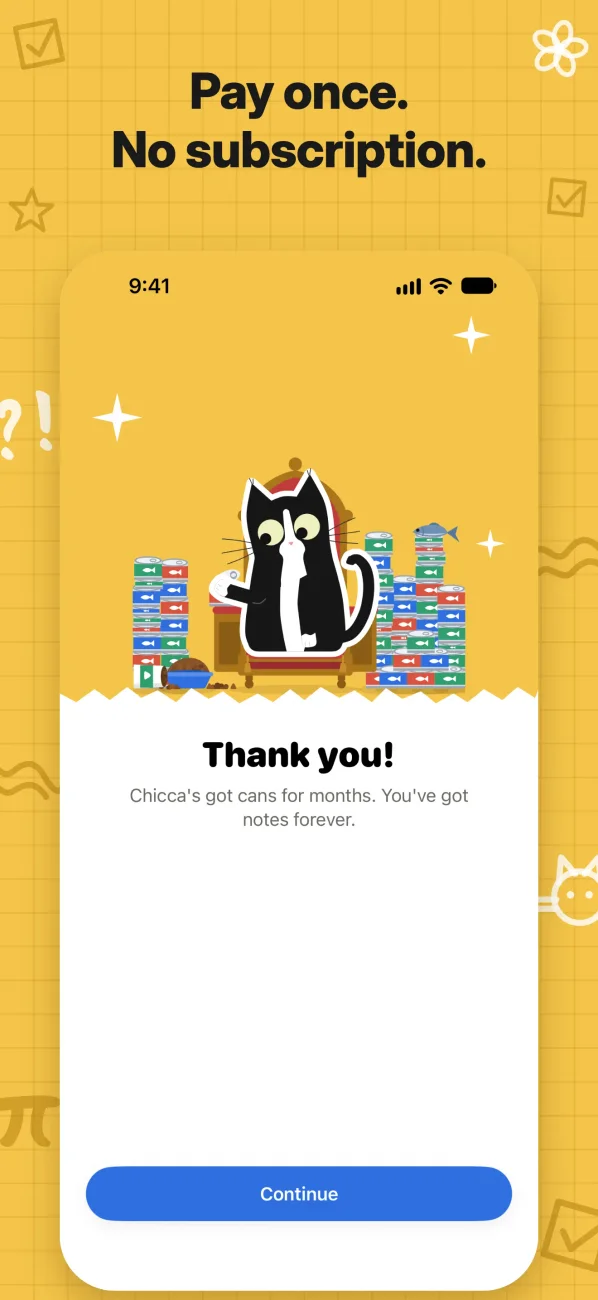
Your first 3 notes are free. Then unlock Chicca forever with a single purchase. No subscription. You'll find the price in your currency under In-App Purchases.
Chicca is a notebook for iPad and iPhone. You write by hand on A4 pages, open your PDF handouts and write right on them, and when someone asks for your notes, you send just the pages they need.
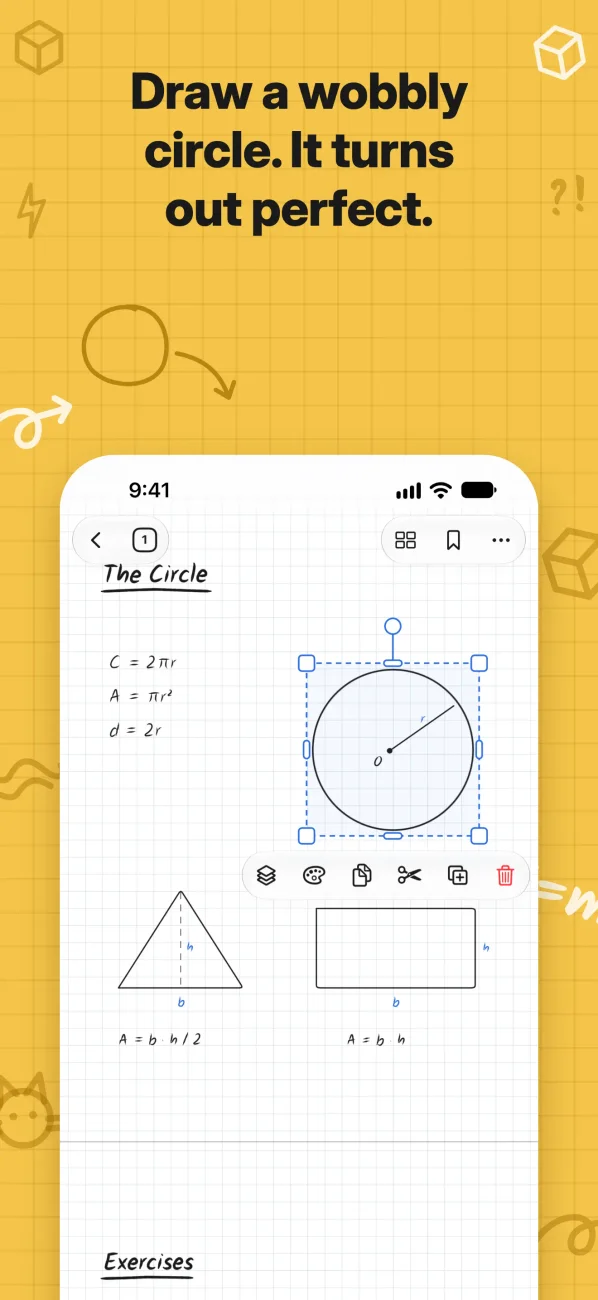
Draw a wobbly circle, hold the tip still, and it comes out round, in the same stroke as your pen.
You don't need an account. Your notes stay on your device and in your iCloud, and nobody else reads them.
01 Write
Blank or grid A4 pages. The pen follows Apple Pencil pressure, and a wobbly circle straightens out if you hold the tip still.
• Pen, highlighter, eraser, lasso, ruler, and a laser pointer for when you're presenting.
• Lines, triangles and rectangles straighten out too.
• Up to 6 tools of your own, each with a name, color and width, the same in every note.
• Text boxes and photos, wherever you want them on the page.
• On iPhone you write with your finger. On iPad you can too, if you turn it on in Settings.
• It saves as you go. When you write at the bottom of the last page, a new one appears below.
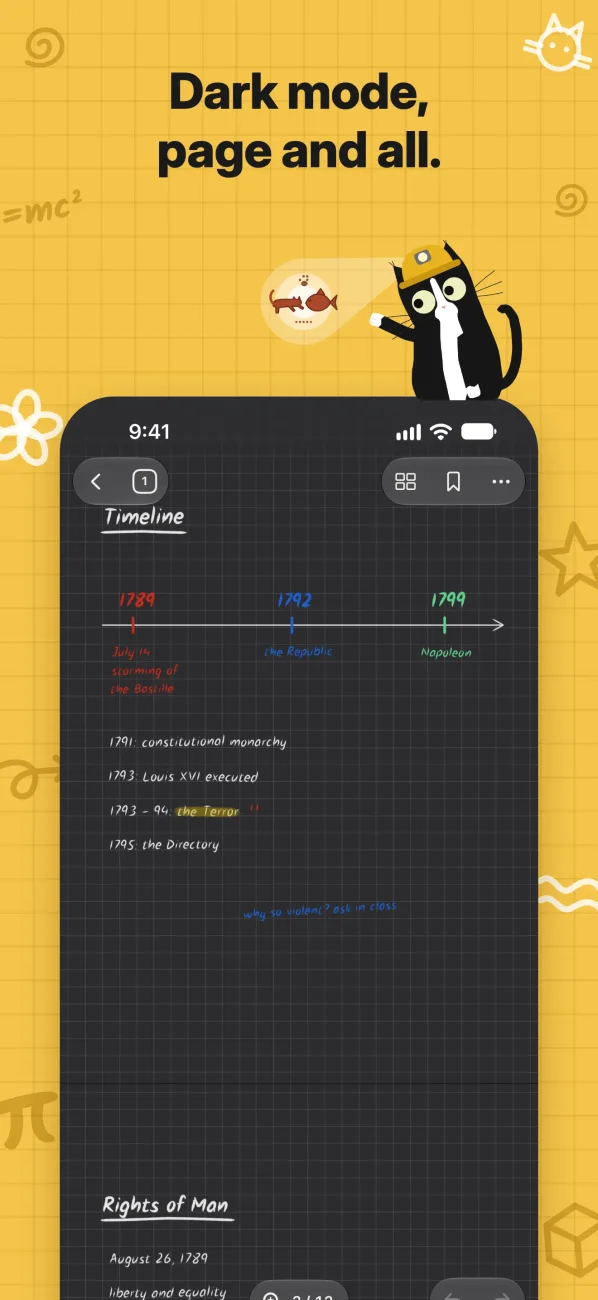
• In dark mode, the page goes dark too.
02 Mark up PDFs
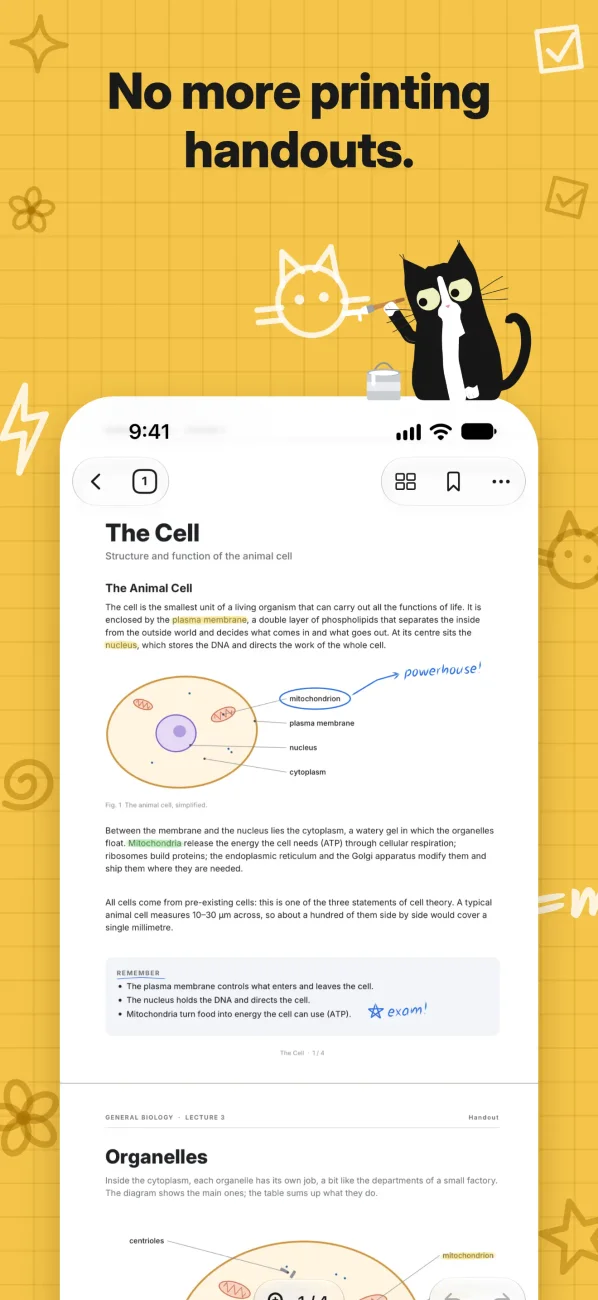
Open a handout from Files and write on it as if it were paper. On iPad, keep it on the left and your notes on the right.
• Got a PDF by email or in a chat? Open it in Chicca and it becomes a note. The original file stays as it is.
• You can add the pages of another PDF to the end of a note you already have.
• Handout pages stay sharp when you zoom in.
• With your iPad in landscape, put any two notes side by side, each with its own undo.
03 Find
Colored folders, favorites and search. In long notes, a ribbon takes you back to the right page.
• A tab on the edge of the sheet marks an exact spot, not just the page.
• Search finds titles and text boxes, not handwriting.
• Keep several notes open in tabs and switch between them.
• With the same iCloud, the same notes show up on iPad and iPhone.
• Deleted notes stay in “Recently Deleted” for 30 days.
04 Export
To PDF or images, even just the pages you pick, to print them or send them to whoever missed class.
• The PDF is A4, ready to print, with sharp text.
• Images come out as one file per page.
• A whole folder becomes a single PDF.
• Even if you write in dark mode, you export and print on a white page.
Things I left out.
Some features look great on a list and then nobody uses them. Chicca doesn't have them.
• An AI assistant. Notes are useful because you write them yourself.
• An infinite canvas. Pages are A4, because sooner or later they get printed.
• An account. You don't sign up to open a notebook.
• A template and sticker shop. Blank and grid pages are enough.
If something's missing that you'd actually use, tell me from Settings.
The trial
Your first 3 notes are free, with as many pages as you like. The notes you write stay yours and editable, even if you never unlock Chicca.
Chicca is Italian for “a little gem”, and it's also the name of the cat you'll meet on empty screens. With Reduce Motion on, she sits still too.
Yang baru
Versi 1.6.0 · 13/11/2026
You can now unlock Chicca forever right from its App Store page.
On iPhone, the line under the pen thickness now talks about your finger instead of Apple Pencil, which iPhone doesn't support.
Privasi aplikasi
Yang dinyatakan Robert Hoanca di App Store tentang cara aplikasi ini menangani data.
-
Data tidak dikumpulkan
Pengembang tidak mengumpulkan data apa pun dari aplikasi ini.
Praktik privasi dapat bervariasi, misalnya berdasarkan fitur yang Anda gunakan atau usia Anda.
Informasi
- Penjual
- Robert Hoanca
- Kategori
- Produktivitas
- Versi
- 1.6.0
- Diperbarui
- 13/11/2026
- Dirilis
- 7/11/2026
- Ukuran
- 12,1 MB
- Memerlukan
- iOS 26.2 atau yang lebih baru
- Batasan usia
- 4+
- Harga
- Gratis
- Pembelian dalam aplikasi
- Ya
- Bahasa
- Inggris, Italia
- Hak cipta
- © 2026 Robert Hoanca
Mungkin Anda juga suka
-
 Note Prime: Catatan & PDFScan Dokumen & Tulisan Tangan
-
 mimosa: Notes, PDF & ScannerProduktivitas
-
 NoteDive: Infinite CanvasProduktivitas
-
 Amazing Notes: Lecture & PDFProduktivitas
-
 Notelet: Buku Catatan HarianJurnal tulisan tangan & sketsa
-
 PDF Editor & Scanner DokumenScan, Edit, Tanda Tangan & OCR
-
 UnivNote: Catatan PDF Anti LagTulis, rekam kuliah, belajar
-
 Simplify Notes:Buku CatatanPDFCatatan, PDF & Apple Pencil
-
 Journal: Notes, PDF & PlannerProduktivitas
-
 MathWrite NotesProduktivitas