Chicca – Notes & PDF
The notebook you write by hand
Được thiết kế cho iPhone, iPad
Miễn phí · Mua hàng trong ứng dụng
- Độ tuổi4+
- Danh mụcHiệu Suất
- Nhà phát triểnRobert Hoanca
- Ngôn ngữTiếng Anh+ 1 ngôn ngữ khác
- Kích thước12,1 MB
Liên kết đến trang App Store chính thức
Download.org không lưu trữ tệp nào của Chicca – Notes & PDF. Nút này mở trang ứng dụng trên App Store, nơi Robert Hoanca phát hành ứng dụng. Trang được kiểm tra lần cuối: 18/11/2026.
Ảnh chụp màn hình


Giới thiệu
Nhà phát triển chưa cung cấp nội dung này bằng ngôn ngữ của bạn.
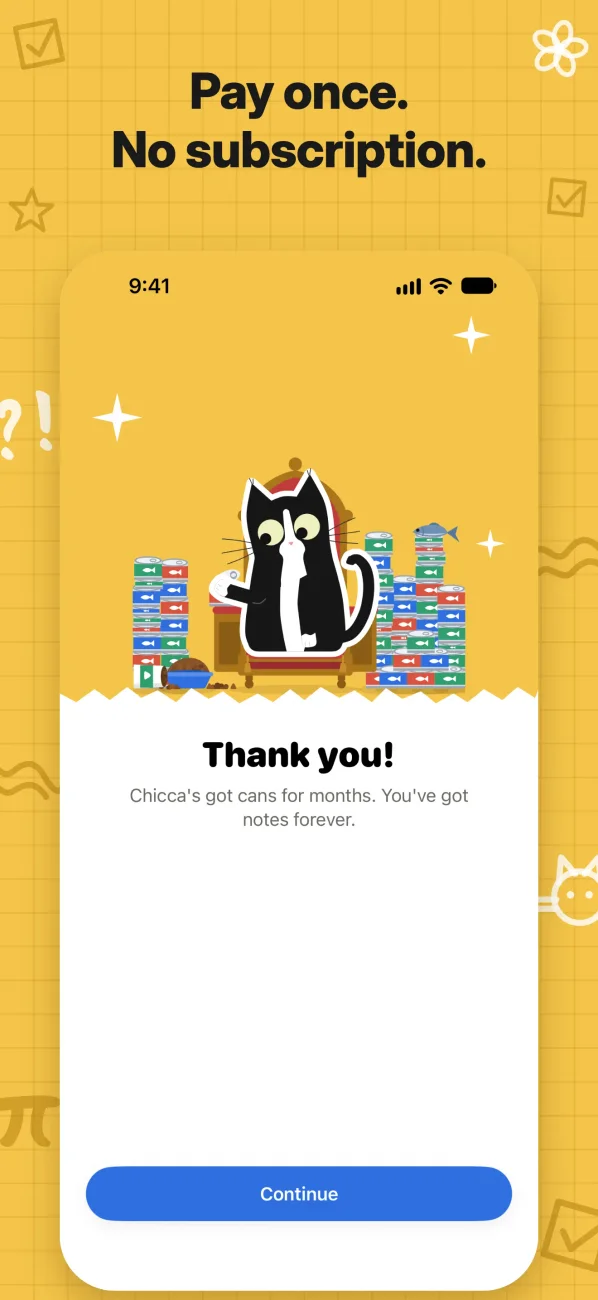
Your first 3 notes are free. Then unlock Chicca forever with a single purchase. No subscription. You'll find the price in your currency under In-App Purchases.
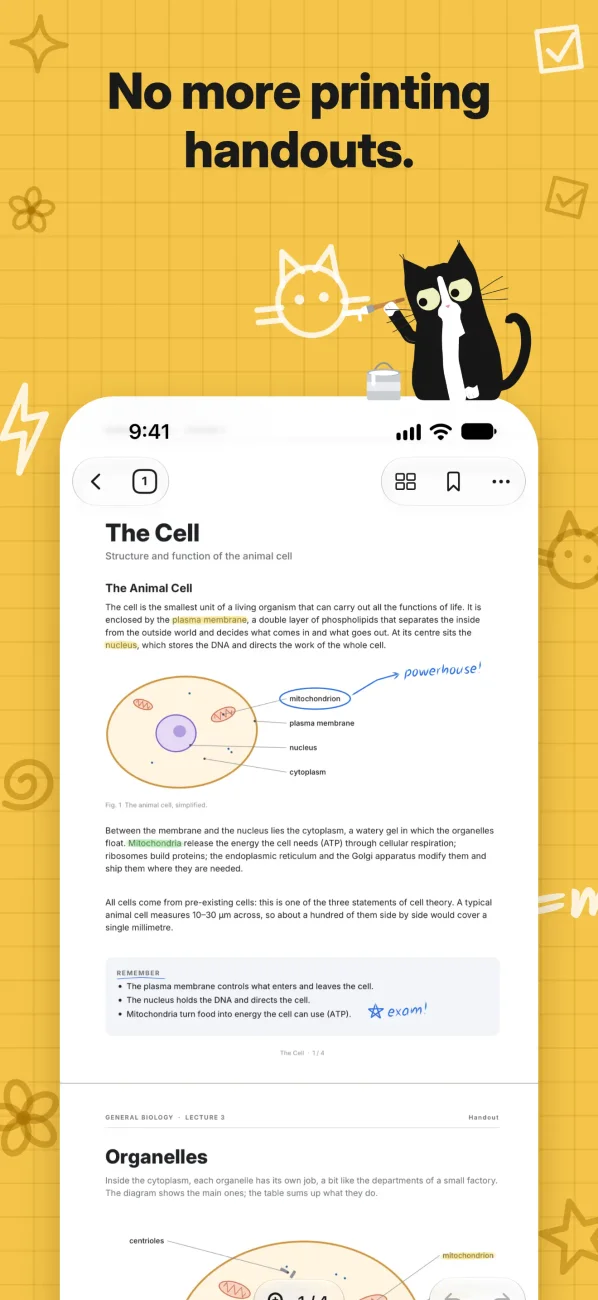
Chicca is a notebook for iPad and iPhone. You write by hand on A4 pages, open your PDF handouts and write right on them, and when someone asks for your notes, you send just the pages they need.
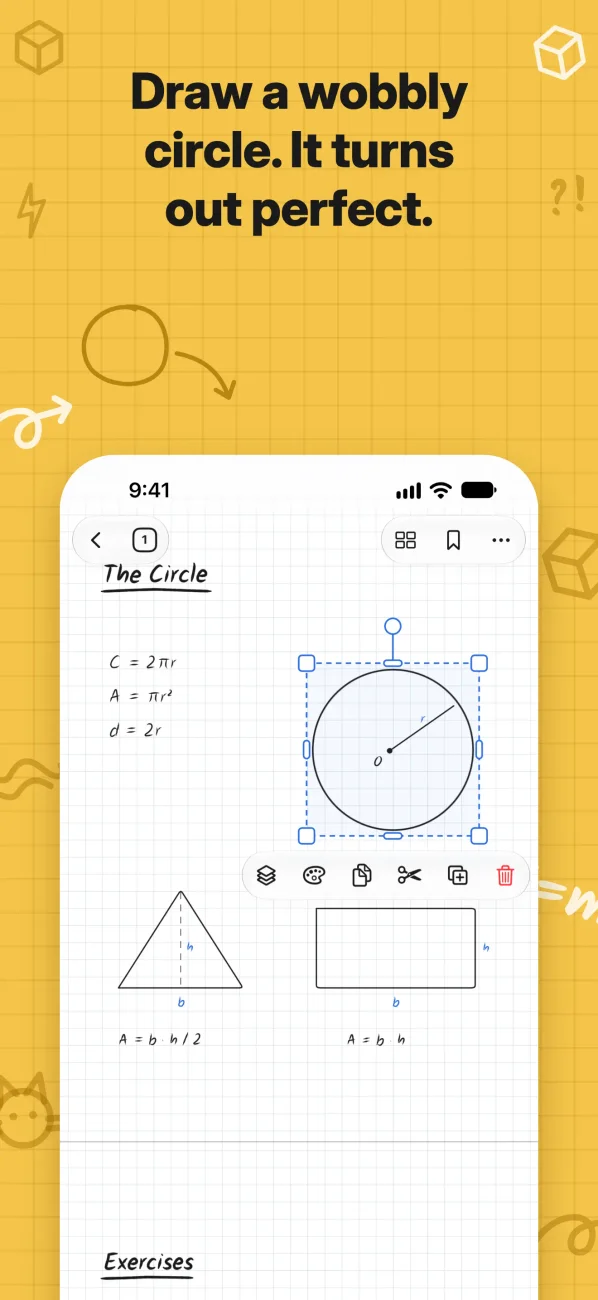
Draw a wobbly circle, hold the tip still, and it comes out round, in the same stroke as your pen.
You don't need an account. Your notes stay on your device and in your iCloud, and nobody else reads them.
01 Write
Blank or grid A4 pages. The pen follows Apple Pencil pressure, and a wobbly circle straightens out if you hold the tip still.
• Pen, highlighter, eraser, lasso, ruler, and a laser pointer for when you're presenting.
• Lines, triangles and rectangles straighten out too.
• Up to 6 tools of your own, each with a name, color and width, the same in every note.
• Text boxes and photos, wherever you want them on the page.
• On iPhone you write with your finger. On iPad you can too, if you turn it on in Settings.
• It saves as you go. When you write at the bottom of the last page, a new one appears below.
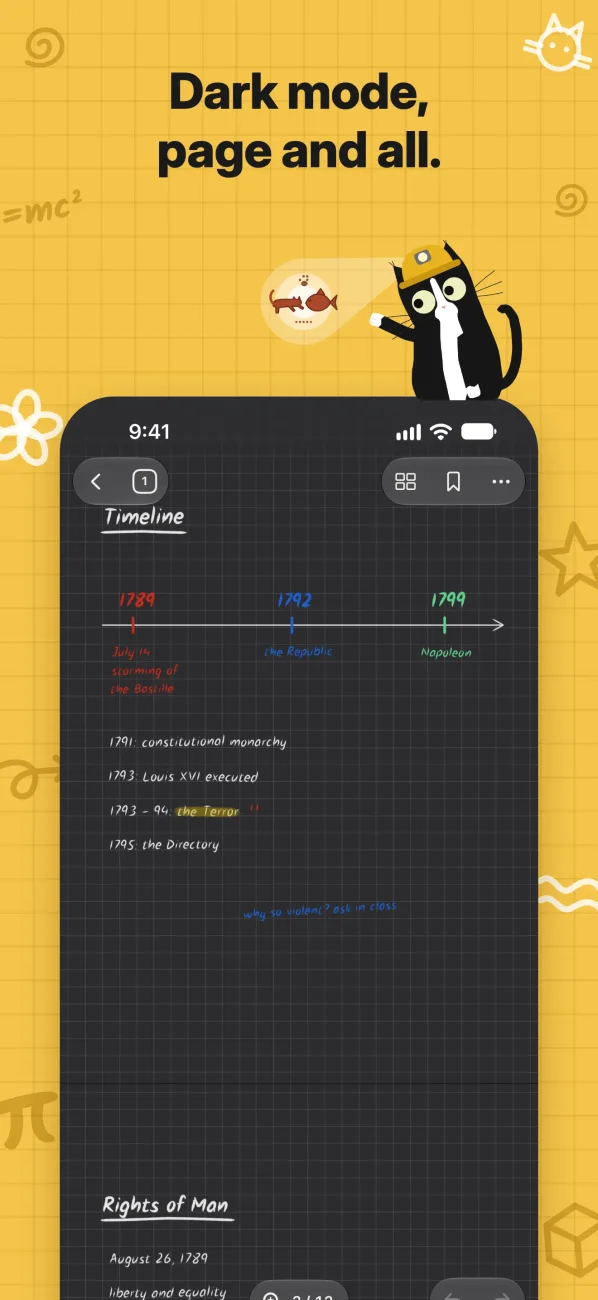
• In dark mode, the page goes dark too.
02 Mark up PDFs
Open a handout from Files and write on it as if it were paper. On iPad, keep it on the left and your notes on the right.
• Got a PDF by email or in a chat? Open it in Chicca and it becomes a note. The original file stays as it is.
• You can add the pages of another PDF to the end of a note you already have.
• Handout pages stay sharp when you zoom in.
• With your iPad in landscape, put any two notes side by side, each with its own undo.
03 Find
Colored folders, favorites and search. In long notes, a ribbon takes you back to the right page.
• A tab on the edge of the sheet marks an exact spot, not just the page.
• Search finds titles and text boxes, not handwriting.
• Keep several notes open in tabs and switch between them.
• With the same iCloud, the same notes show up on iPad and iPhone.
• Deleted notes stay in “Recently Deleted” for 30 days.
04 Export
To PDF or images, even just the pages you pick, to print them or send them to whoever missed class.
• The PDF is A4, ready to print, with sharp text.
• Images come out as one file per page.
• A whole folder becomes a single PDF.
• Even if you write in dark mode, you export and print on a white page.
Things I left out.
Some features look great on a list and then nobody uses them. Chicca doesn't have them.
• An AI assistant. Notes are useful because you write them yourself.
• An infinite canvas. Pages are A4, because sooner or later they get printed.
• An account. You don't sign up to open a notebook.
• A template and sticker shop. Blank and grid pages are enough.
If something's missing that you'd actually use, tell me from Settings.
The trial
Your first 3 notes are free, with as many pages as you like. The notes you write stay yours and editable, even if you never unlock Chicca.
Chicca is Italian for “a little gem”, and it's also the name of the cat you'll meet on empty screens. With Reduce Motion on, she sits still too.
Có gì mới
Phiên bản 1.6.0 · 13/11/2026
You can now unlock Chicca forever right from its App Store page.
On iPhone, the line under the pen thickness now talks about your finger instead of Apple Pencil, which iPhone doesn't support.
Quyền riêng tư của ứng dụng
Những gì Robert Hoanca khai báo trên App Store về cách ứng dụng này xử lý dữ liệu.
-
Dữ liệu không được thu thập
Nhà phát triển không thu thập bất kỳ dữ liệu nào từ ứng dụng này.
Phương thức đảm bảo quyền riêng tư có thể khác nhau, chẳng hạn như tuỳ theo các tính năng bạn sử dụng hoặc độ tuổi của bạn.
Thông tin
- Người bán
- Robert Hoanca
- Danh mục
- Hiệu Suất
- Phiên bản
- 1.6.0
- Cập nhật
- 13/11/2026
- Phát hành
- 07/11/2026
- Kích thước
- 12,1 MB
- Yêu cầu
- iOS 26.2 trở lên
- Độ tuổi
- 4+
- Giá
- Miễn phí
- Mua hàng trong ứng dụng
- Có
- Ngôn ngữ
- Tiếng Anh, Tiếng Ý
- Bản quyền
- © 2026 Robert Hoanca
Có thể bạn cũng thích
-
 Note Prime: Ghi chú & PDFViết tay & Quét tài liệu
-
 mimosa: Notes, PDF & ScannerHiệu Suất
-
 NoteDive: Infinite CanvasHiệu Suất
-
 Amazing Notes: Lecture & PDFHiệu Suất
-
 Notelet: Ghi chú viết taySổ tay nhật ký, vẽ tranh
-
 PDF Editor & Scanner Tài LiệuScan, Quét, Chỉnh Sửa & Chữ Ký
-
 UnivNote: Ghi chú PDF mượtViết tay, ghi âm, che đáp án
-
 Simplify Notes: PDF NotebookHiệu Suất
-
 Journal: Nhật ký, Ghi chú, PDFSổ tay & Sổ ghi chép kế hoạch
-
 MathWrite NotesHiệu Suất