Clipick: Clipboard Manager
Copy History, Keyboard & Sync
Dirancang untuk iPhone, iPad, Mac
Gratis · Pembelian dalam aplikasi
- Batasan usia4+
- KategoriProduktivitas
- Pengembang朋 彭
- BahasaInggris+ 9 lainnya
- Ukuran40,9 MB
Tertaut ke halaman resmi App Store
Download.org tidak menyimpan file Clipick: Clipboard Manager apa pun. Tombol ini membuka halaman aplikasi di App Store, tempat 朋 彭 menerbitkannya. Halaman terakhir diperiksa pada 24/11/2026.
Tangkapan layar
Tentang
Pengembang belum menyediakan teks ini dalam bahasa Anda.
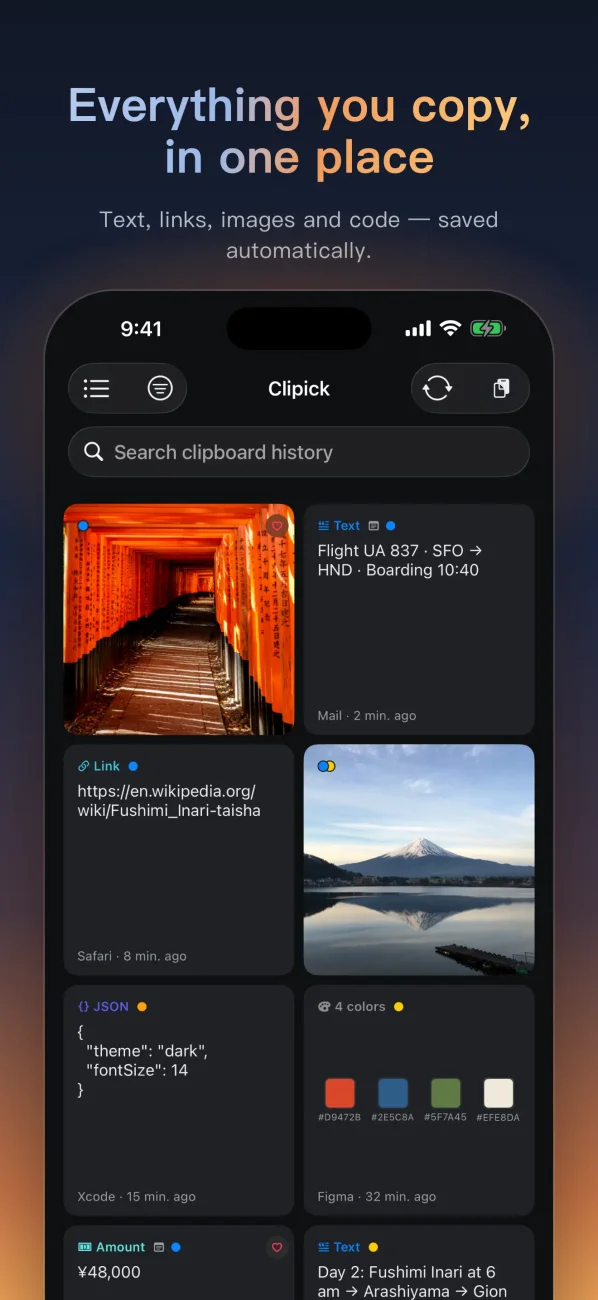
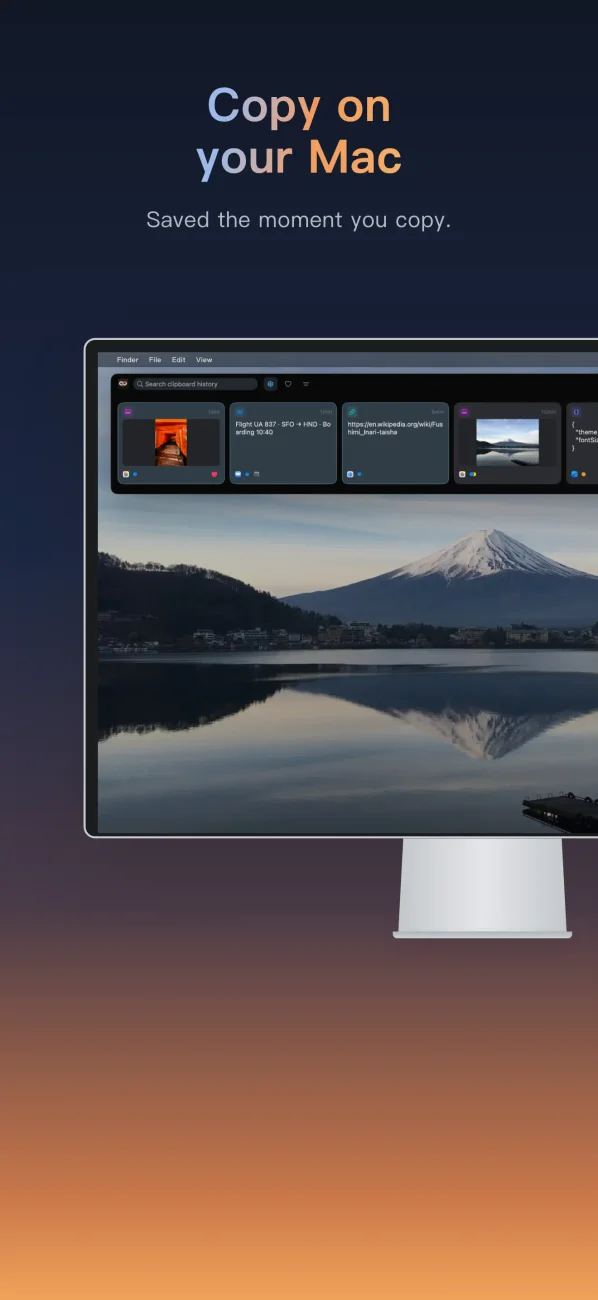
Clipick keeps everything you copy on your Mac, finds it in seconds, even text inside images, and brings it to your iPhone and iPad through your own iCloud.
EVERY COPY, ONE KEYSTROKE AWAY
Press ⇧⌘V in any app and your history opens right where you are. Pick an item and Clipick pastes it into the app you were using.
SAVE FROM ANY APP, PASTE ANYWHERE
• On iPhone and iPad, tap Share in any app to save text, links and images to Clipick.
• Clipick Keyboard (Pro): paste recent, favorite and tagged items in any app.
• Shortcuts and Siri: save text to Clipick, or use your latest copies in Shortcuts, Spotlight and Siri (Pro).
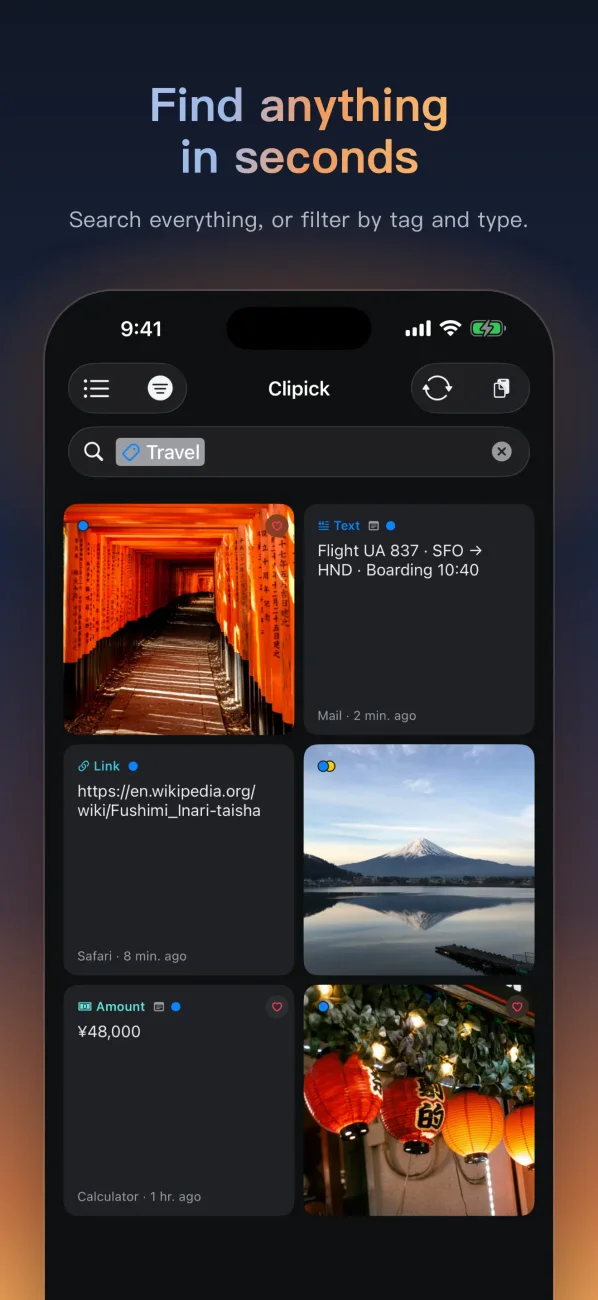
FIND ANYTHING IN SECONDS
• Search everything you've copied, including words inside screenshots and photos, recognized on your device.
• Filter by tag, favorites or type: text, links, images, colors, files and more.
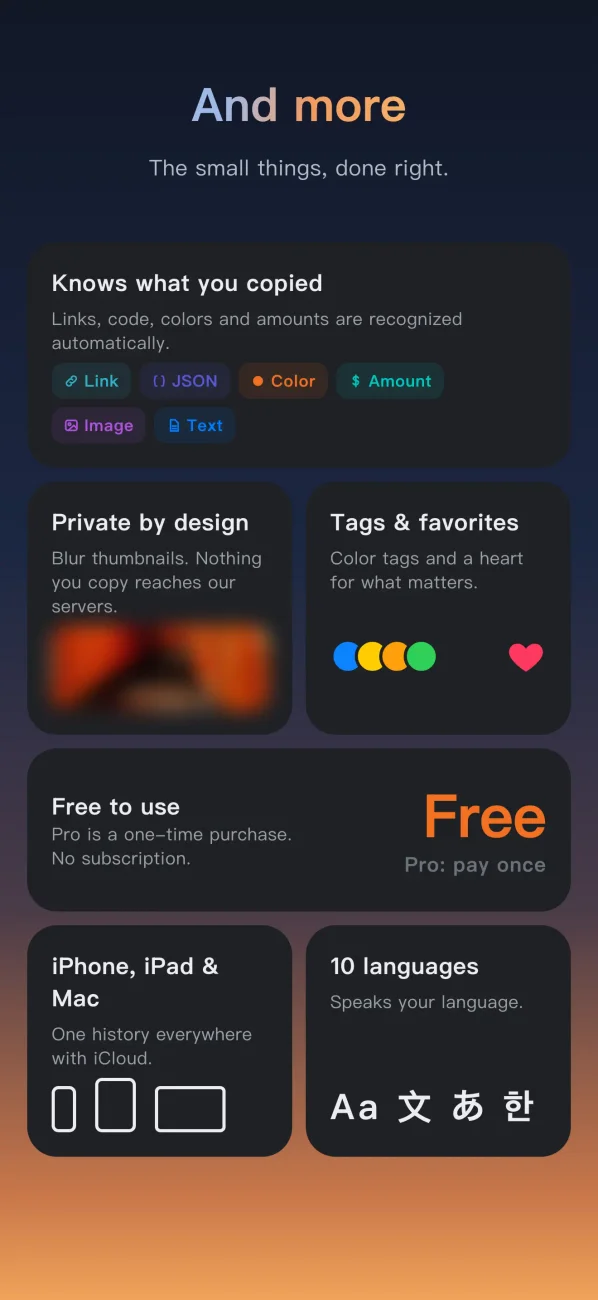
• Links, colors, QR codes and amounts are detected automatically.
• Add tags and notes to keep things organized.
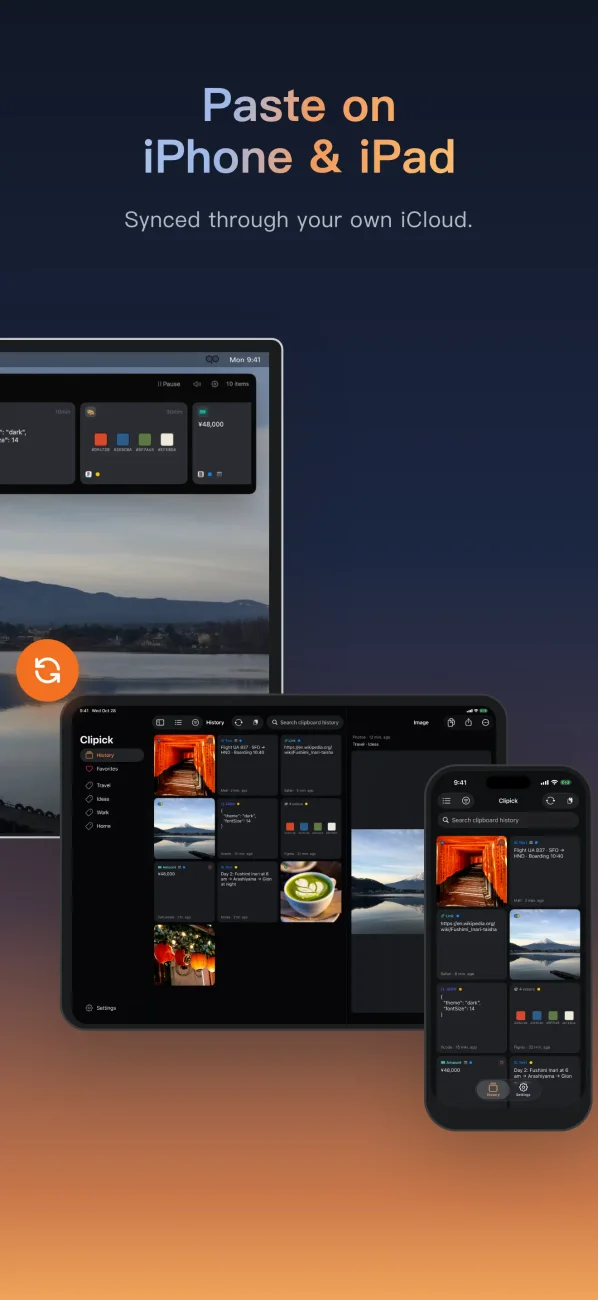
COPY ON MAC, PASTE ON IPHONE & IPAD
With Clipick Pro, your history follows you to iPhone and iPad through your own private iCloud account. Nothing you copy reaches our servers. We don't have any.
PRIVATE BY DESIGN
• No accounts, no ads, no tracking.
• Common password managers are excluded by default, and you can exclude any other app.
• Blur images and mask phone numbers in your history.
• Pause capture at any time.
AND MORE
• Screenshots on Mac: capture an area straight into your history.
• Recently Deleted: restore anything for 30 days.
• Keep history as long as you like, or let older items clear themselves.
• Light and dark appearance, in 10 languages.
FREE TO USE, PAY ONCE FOR PRO
Clipick is free on Mac, iPhone and iPad, and your history and saving stay free. Clipick Pro adds iCloud sync across your devices, the Clipick Keyboard and Shortcuts that use your copies. It's a one-time purchase, no subscription, and you can try it free for 14 days.
Privacy Policy: https://getclipick.app/en/privacy
Terms of Use: https://www.apple.com/legal/internet-services/itunes/dev/stdeula/
Yang baru
Versi 1.1.0 · 23/11/2026
• Save to Clipick from any app on iPhone and iPad: share text, links or images, and add a heart, tags or a note.
• Clipick Keyboard (Pro): paste recent, favorite and tagged items in any app on iPhone and iPad.
• Shortcuts on iPhone, iPad and Mac: save text to Clipick, or get your latest texts (Pro).
• Images copied in a web browser are kept as images.
• Fixes for sync and reliability.
Privasi aplikasi
Yang dinyatakan 朋 彭 di App Store tentang cara aplikasi ini menangani data.
-
Data yang tidak ditautkan dengan Anda
Dapat dikumpulkan, tetapi tidak ditautkan dengan identitas Anda.
- Pembelian
- Pengenal
- Data penggunaan
- Diagnostik
Praktik privasi dapat bervariasi, misalnya berdasarkan fitur yang Anda gunakan atau usia Anda.
Informasi
- Penjual
- 朋 彭
- Kategori
- Produktivitas
- Versi
- 1.1.0
- Diperbarui
- 23/11/2026
- Dirilis
- 10/11/2026
- Ukuran
- 40,9 MB
- Memerlukan
- iOS 17.0 atau yang lebih baru
- Batasan usia
- 4+
- Harga
- Gratis
- Pembelian dalam aplikasi
- Ya
- Bahasa
- Inggris, Arab, Prancis, Jerman, Jepang, Korea, Portugis, Tionghoa Sederhana, Spanyol, Tionghoa Tradisional
- Hak cipta
- © 2026 Clipick