Clipick: Clipboard Manager
Copy History, Keyboard & Sync
Được thiết kế cho iPhone, iPad, Mac
Miễn phí · Mua hàng trong ứng dụng
- Độ tuổi4+
- Danh mụcHiệu Suất
- Nhà phát triển朋 彭
- Ngôn ngữTiếng Anh+ 9 ngôn ngữ khác
- Kích thước40,9 MB
Liên kết đến trang App Store chính thức
Download.org không lưu trữ tệp nào của Clipick: Clipboard Manager. Nút này mở trang ứng dụng trên App Store, nơi 朋 彭 phát hành ứng dụng. Trang được kiểm tra lần cuối: 24/11/2026.
Ảnh chụp màn hình
Giới thiệu
Nhà phát triển chưa cung cấp nội dung này bằng ngôn ngữ của bạn.
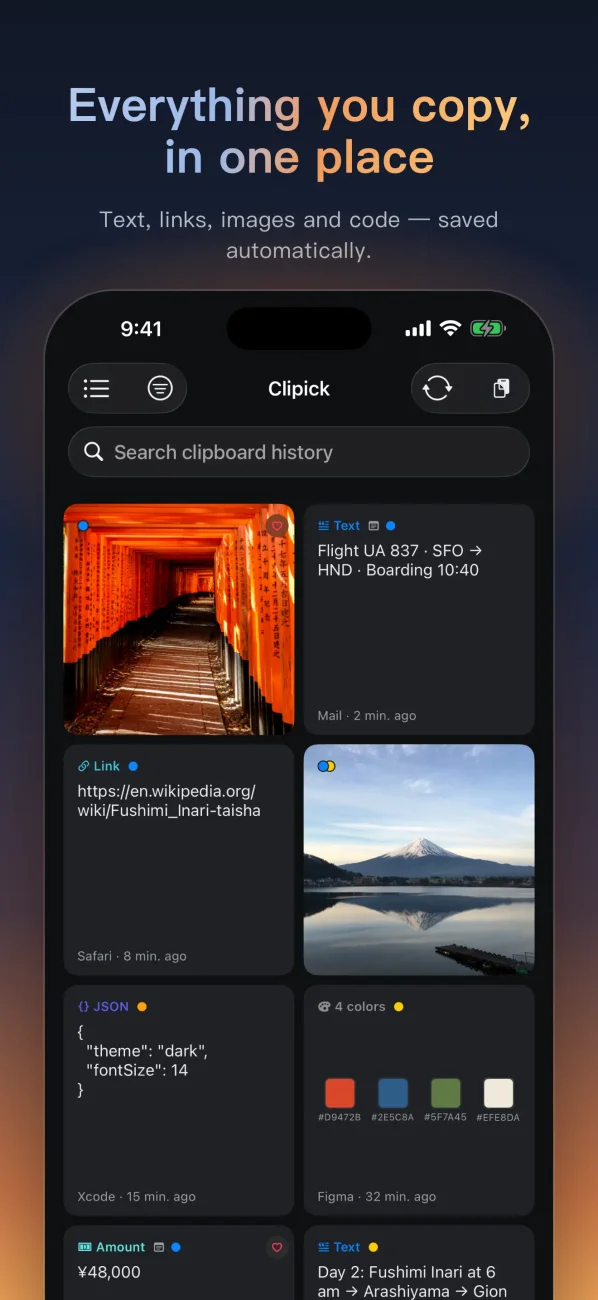
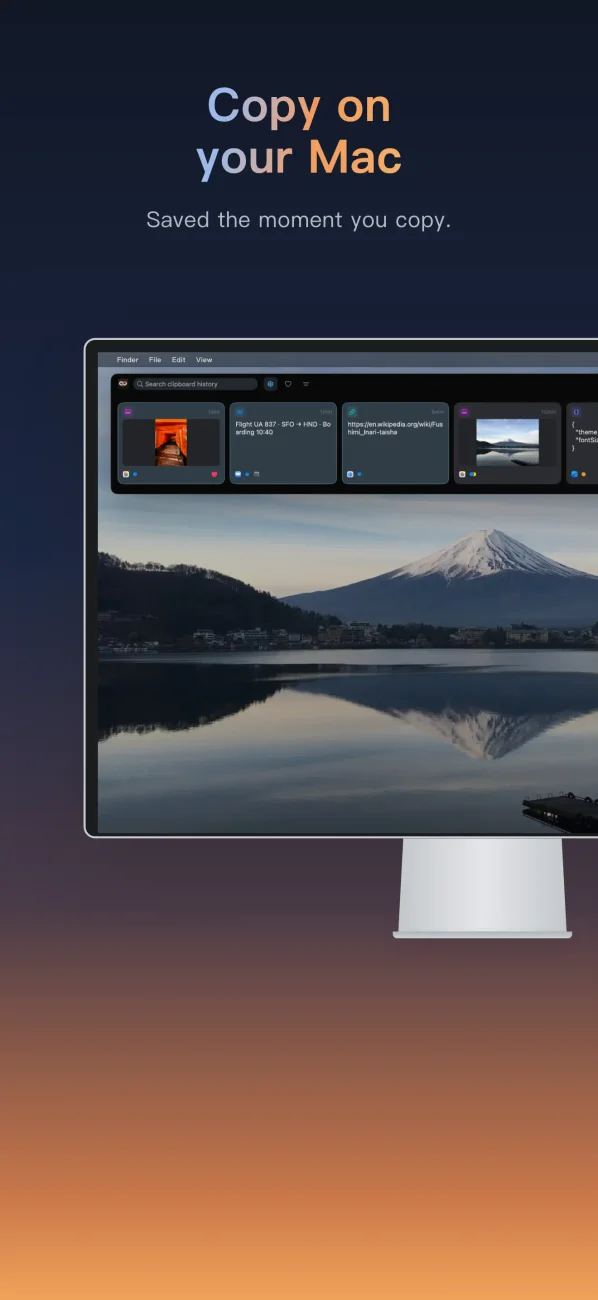
Clipick keeps everything you copy on your Mac, finds it in seconds, even text inside images, and brings it to your iPhone and iPad through your own iCloud.
EVERY COPY, ONE KEYSTROKE AWAY
Press ⇧⌘V in any app and your history opens right where you are. Pick an item and Clipick pastes it into the app you were using.
SAVE FROM ANY APP, PASTE ANYWHERE
• On iPhone and iPad, tap Share in any app to save text, links and images to Clipick.
• Clipick Keyboard (Pro): paste recent, favorite and tagged items in any app.
• Shortcuts and Siri: save text to Clipick, or use your latest copies in Shortcuts, Spotlight and Siri (Pro).
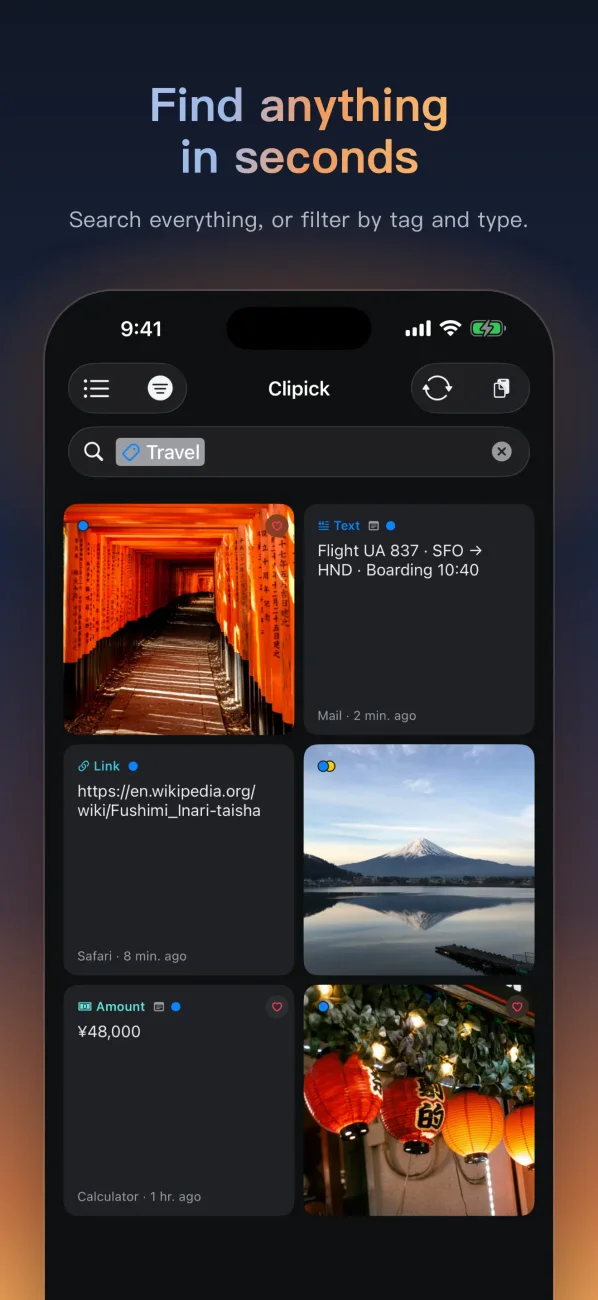
FIND ANYTHING IN SECONDS
• Search everything you've copied, including words inside screenshots and photos, recognized on your device.
• Filter by tag, favorites or type: text, links, images, colors, files and more.
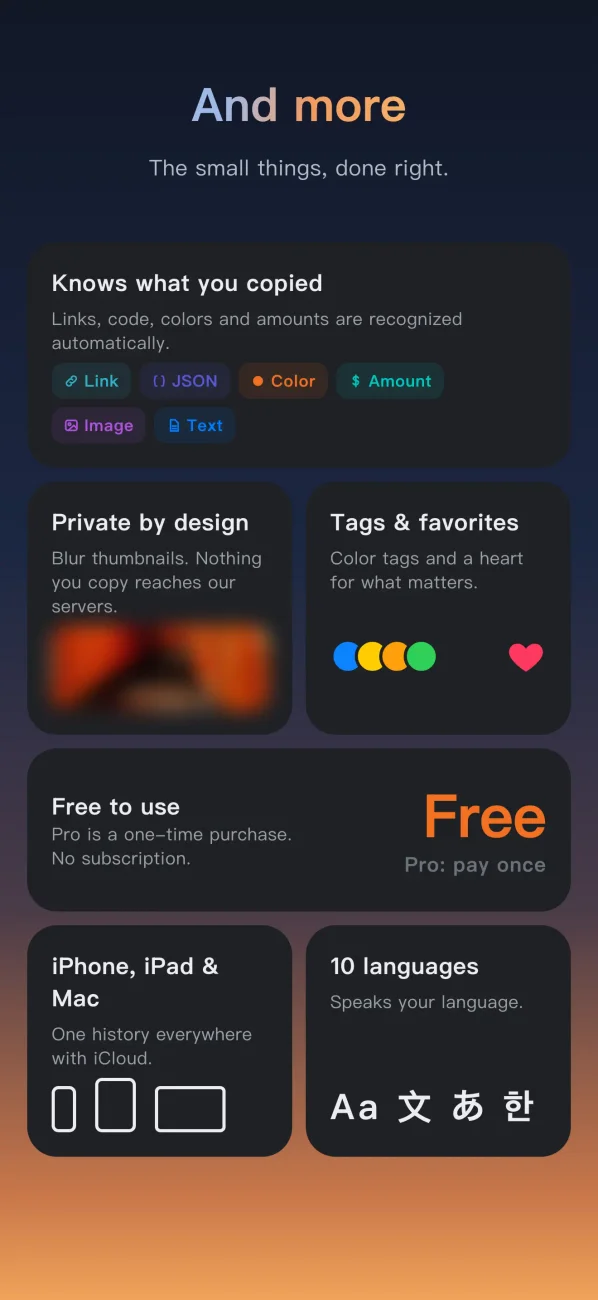
• Links, colors, QR codes and amounts are detected automatically.
• Add tags and notes to keep things organized.
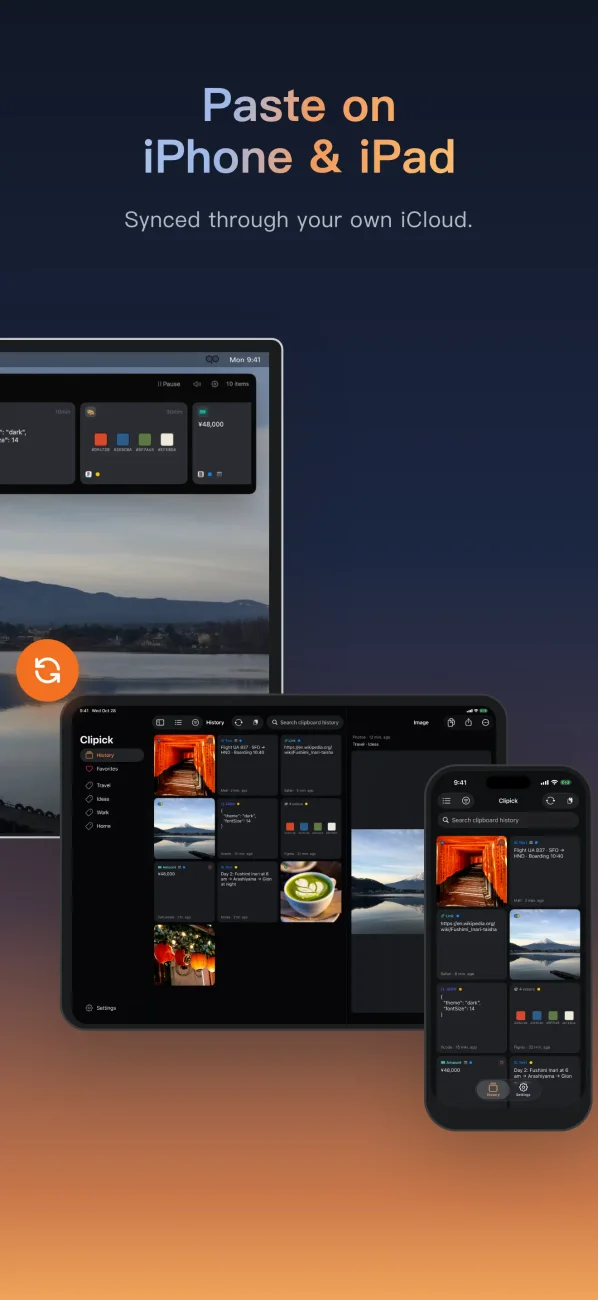
COPY ON MAC, PASTE ON IPHONE & IPAD
With Clipick Pro, your history follows you to iPhone and iPad through your own private iCloud account. Nothing you copy reaches our servers. We don't have any.
PRIVATE BY DESIGN
• No accounts, no ads, no tracking.
• Common password managers are excluded by default, and you can exclude any other app.
• Blur images and mask phone numbers in your history.
• Pause capture at any time.
AND MORE
• Screenshots on Mac: capture an area straight into your history.
• Recently Deleted: restore anything for 30 days.
• Keep history as long as you like, or let older items clear themselves.
• Light and dark appearance, in 10 languages.
FREE TO USE, PAY ONCE FOR PRO
Clipick is free on Mac, iPhone and iPad, and your history and saving stay free. Clipick Pro adds iCloud sync across your devices, the Clipick Keyboard and Shortcuts that use your copies. It's a one-time purchase, no subscription, and you can try it free for 14 days.
Privacy Policy: https://getclipick.app/en/privacy
Terms of Use: https://www.apple.com/legal/internet-services/itunes/dev/stdeula/
Có gì mới
Phiên bản 1.1.0 · 23/11/2026
• Save to Clipick from any app on iPhone and iPad: share text, links or images, and add a heart, tags or a note.
• Clipick Keyboard (Pro): paste recent, favorite and tagged items in any app on iPhone and iPad.
• Shortcuts on iPhone, iPad and Mac: save text to Clipick, or get your latest texts (Pro).
• Images copied in a web browser are kept as images.
• Fixes for sync and reliability.
Quyền riêng tư của ứng dụng
Những gì 朋 彭 khai báo trên App Store về cách ứng dụng này xử lý dữ liệu.
-
Dữ liệu không liên kết với bạn
Có thể được thu thập nhưng không liên kết với danh tính của bạn.
- Mục mua
- Mã định danh
- Dữ liệu sử dụng
- Chẩn đoán
Phương thức đảm bảo quyền riêng tư có thể khác nhau, chẳng hạn như tuỳ theo các tính năng bạn sử dụng hoặc độ tuổi của bạn.
Thông tin
- Người bán
- 朋 彭
- Danh mục
- Hiệu Suất
- Phiên bản
- 1.1.0
- Cập nhật
- 23/11/2026
- Phát hành
- 10/11/2026
- Kích thước
- 40,9 MB
- Yêu cầu
- iOS 17.0 trở lên
- Độ tuổi
- 4+
- Giá
- Miễn phí
- Mua hàng trong ứng dụng
- Có
- Ngôn ngữ
- Tiếng Anh, Tiếng Ả Rập, Tiếng Pháp, Tiếng Đức, Tiếng Nhật, Tiếng Hàn, Tiếng Bồ Đào Nha, Tiếng Trung Giản thể, Tiếng Tây Ban Nha, Tiếng Trung Phồn thể
- Bản quyền
- © 2026 Clipick