- Batasan usia4+
- KategoriProduktivitas
- PengembangLunaweb GmbH
- BahasaInggris
- Ukuran22,3 MB
Tertaut ke halaman resmi App Store
Download.org tidak menyimpan file CloudConvert apa pun. Tombol ini membuka halaman aplikasi di App Store, tempat Lunaweb GmbH menerbitkannya. Halaman terakhir diperiksa pada 17/11/2026.
Tangkapan layar

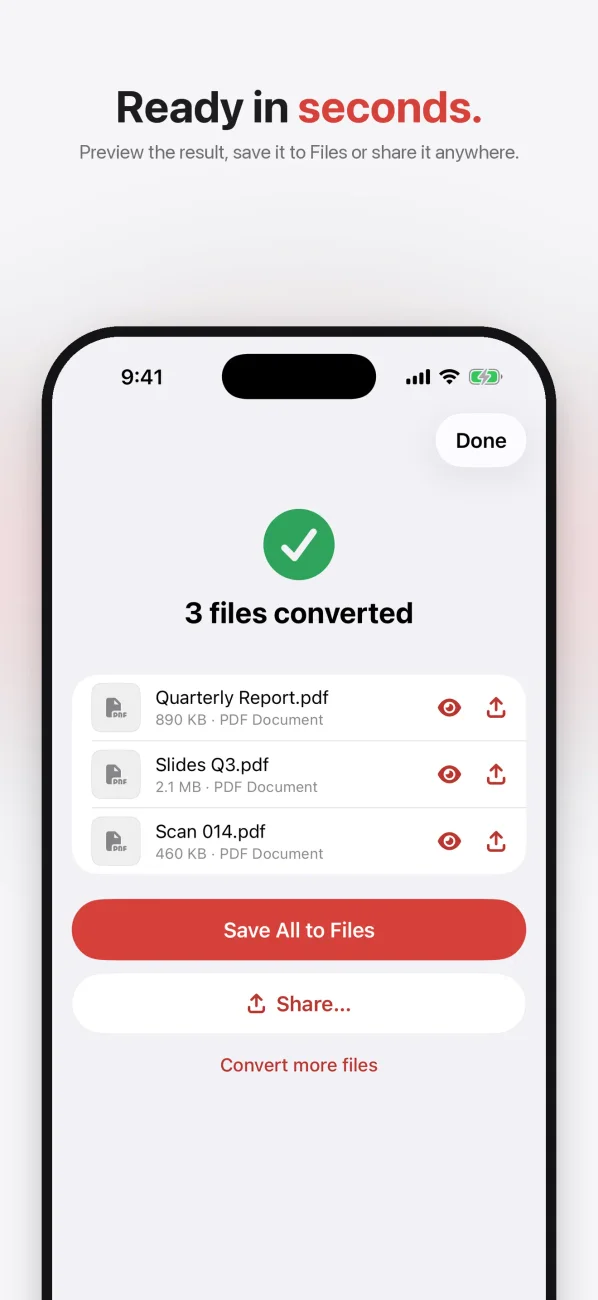
Tentang
Pengembang belum menyediakan teks ini dalam bahasa Anda.
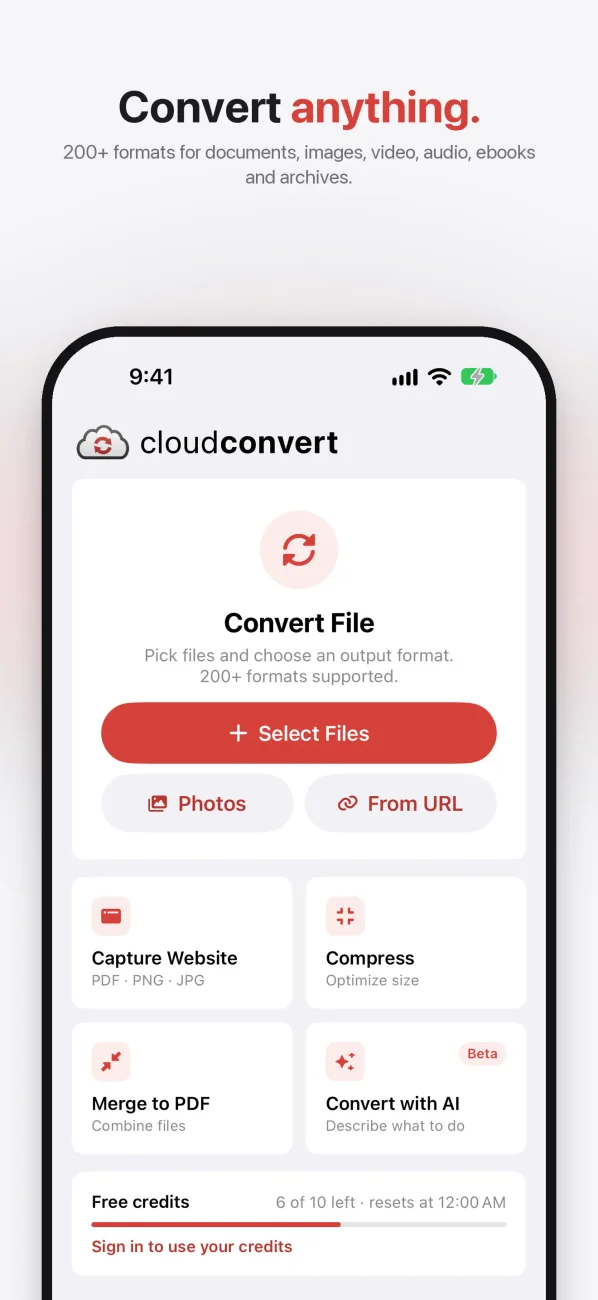
CloudConvert is the file conversion utility for iPhone and iPad. Version 2.0 has been rebuilt from the ground up as a native app and gives you five tools in one place:
CONVERT
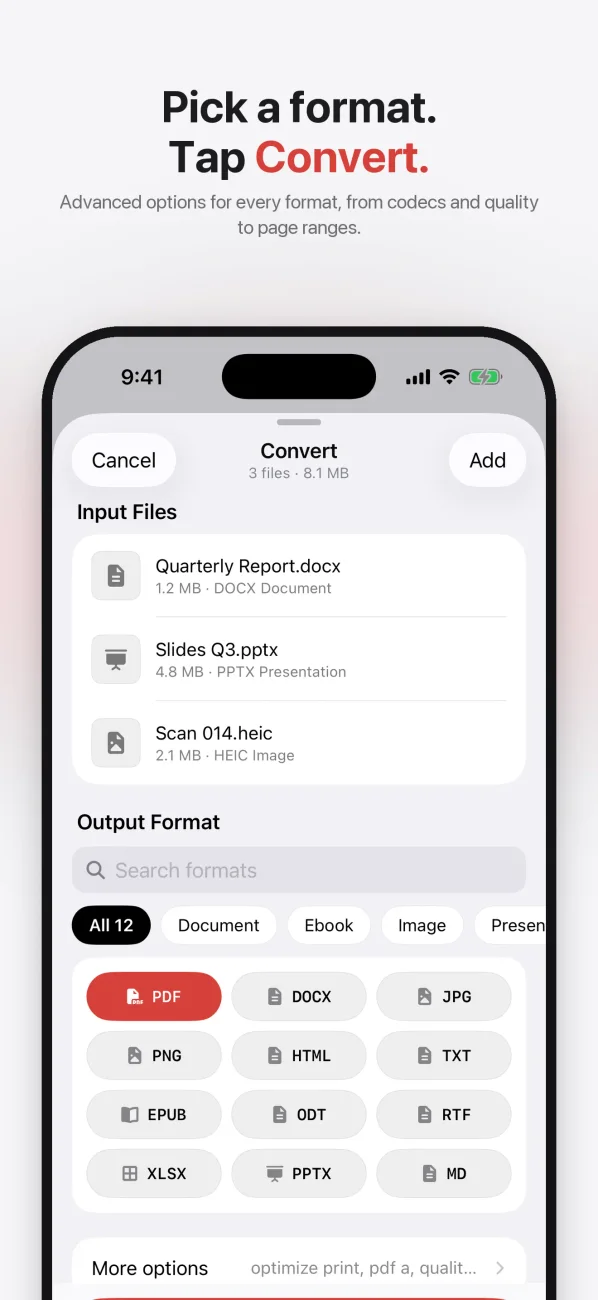
Convert files between more than 200 formats:
- documents (PDF, DOC, DOCX, ODT, RTF, TXT, HTML, ...)
- images (PNG, JPG, HEIC, SVG, WEBP, TIFF, RAW, ...)
- videos (MP4, MOV, MKV, AVI, WEBM, GIF, ...)
- audio (MP3, AAC, M4A, FLAC, WAV, OGG, ...)
- ebooks (EPUB, MOBI, AZW3, ...)
- archives (ZIP, RAR, 7Z, TAR, ...)
- spreadsheets (XLS, XLSX, ODS, CSV, ...)
- presentations (PPT, PPTX, ODP, ...)
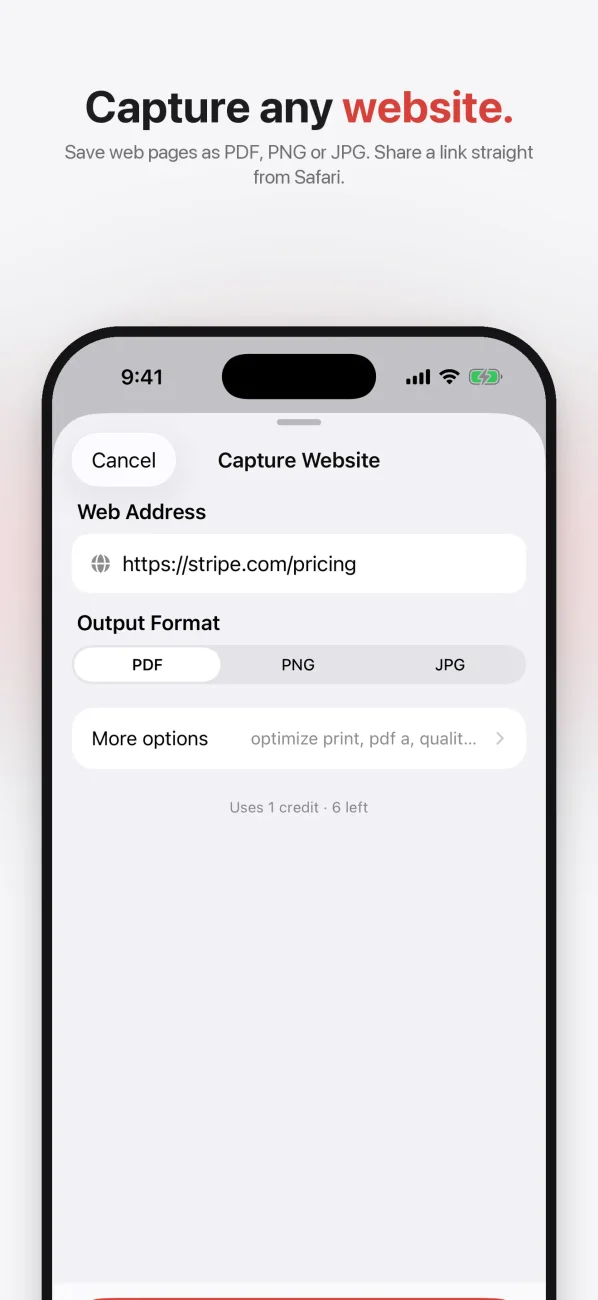
CAPTURE WEBSITE
Turn any web page into a PDF, PNG or JPG. Share a link from Safari straight into the app.
COMPRESS
Shrink PDFs, images and videos while keeping them looking good.
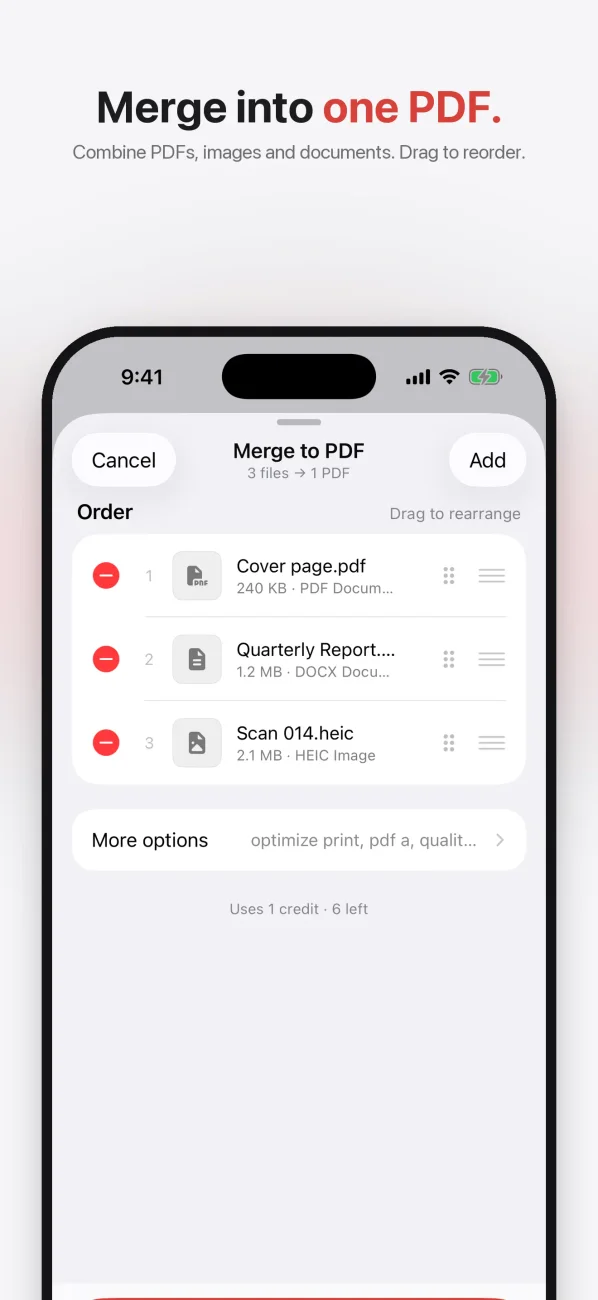
MERGE TO PDF
Combine multiple PDFs, images and documents into a single PDF.
PDF/A
Convert PDFs into the PDF/A format for long-term archiving.
More features:
- Advanced options for every format: codecs, quality, resolution, page ranges and much more
- Pick files from Files, Photos or any other app via the share sheet
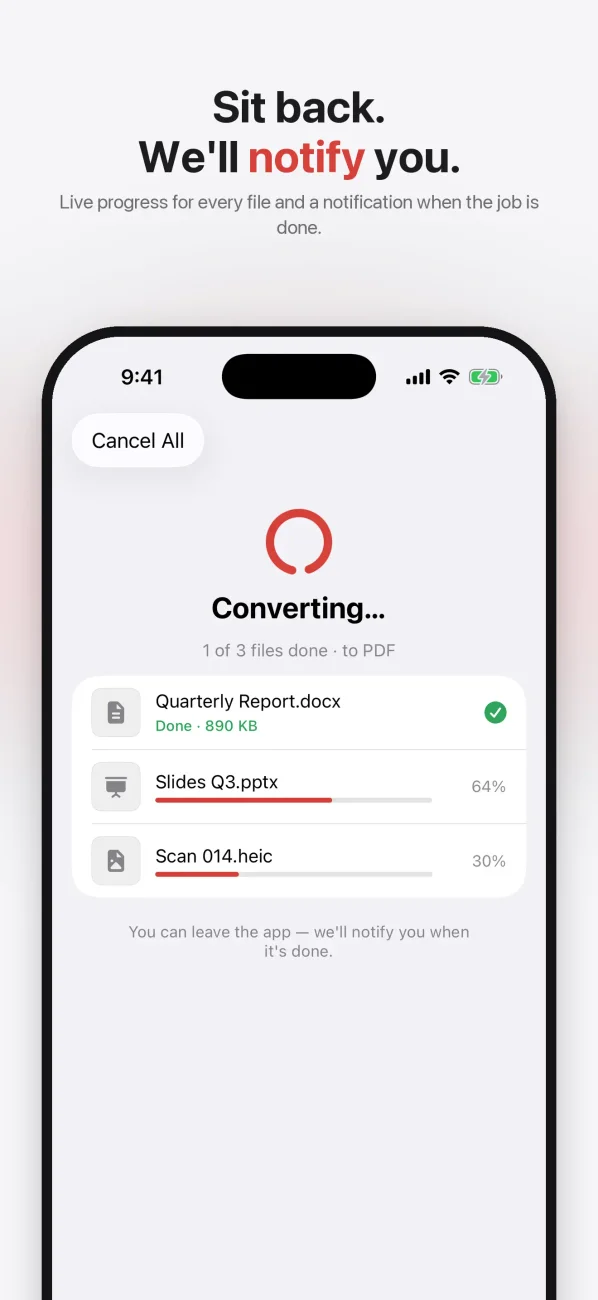
- Live progress and a notification when your file is ready
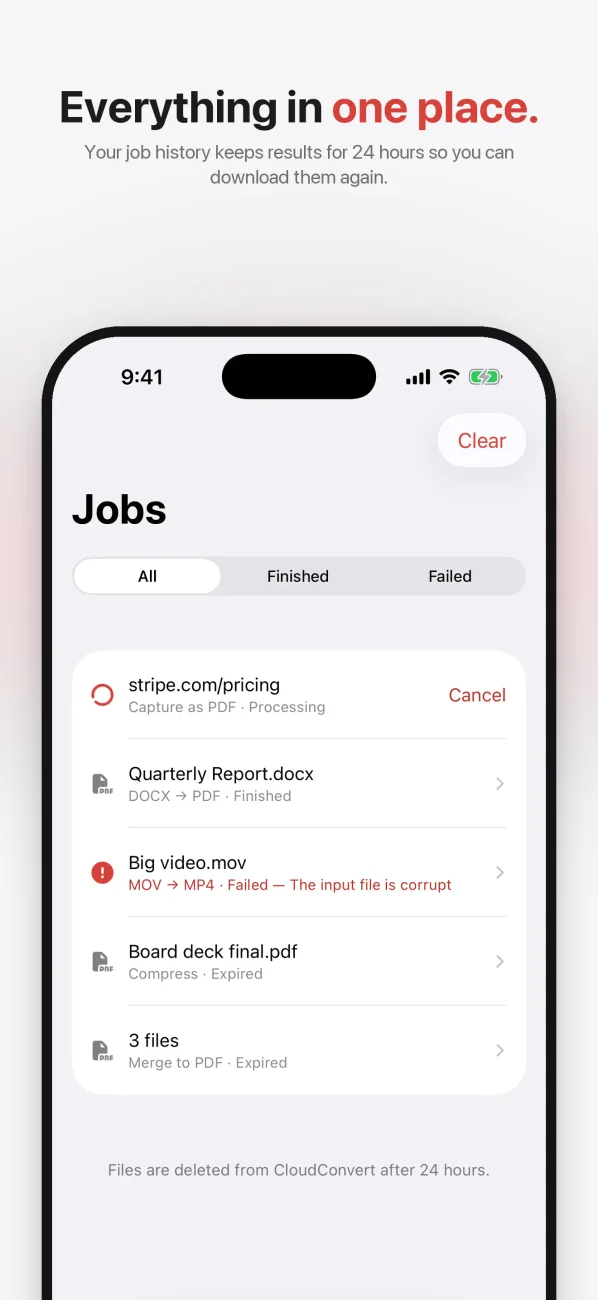
- Job history to find and download previous results
- Siri and Shortcuts support for all tools, so you can automate your conversions
- Designed for iOS 18 with full iPad support
FREE TO USE
No account is required. You can convert up to 10 files per day for free. CloudConvert customers can sign in with their account to use their existing plan without a daily limit.
The conversions are done by the CloudConvert service (https://cloudconvert.com). Your files are transferred securely, processed on our servers and deleted automatically once you have downloaded the result.
If you have any issues or feedback, contact us at https://cloudconvert.com/contact. Thank you!
Yang baru
Versi 2.1.0 · 23/10/2026
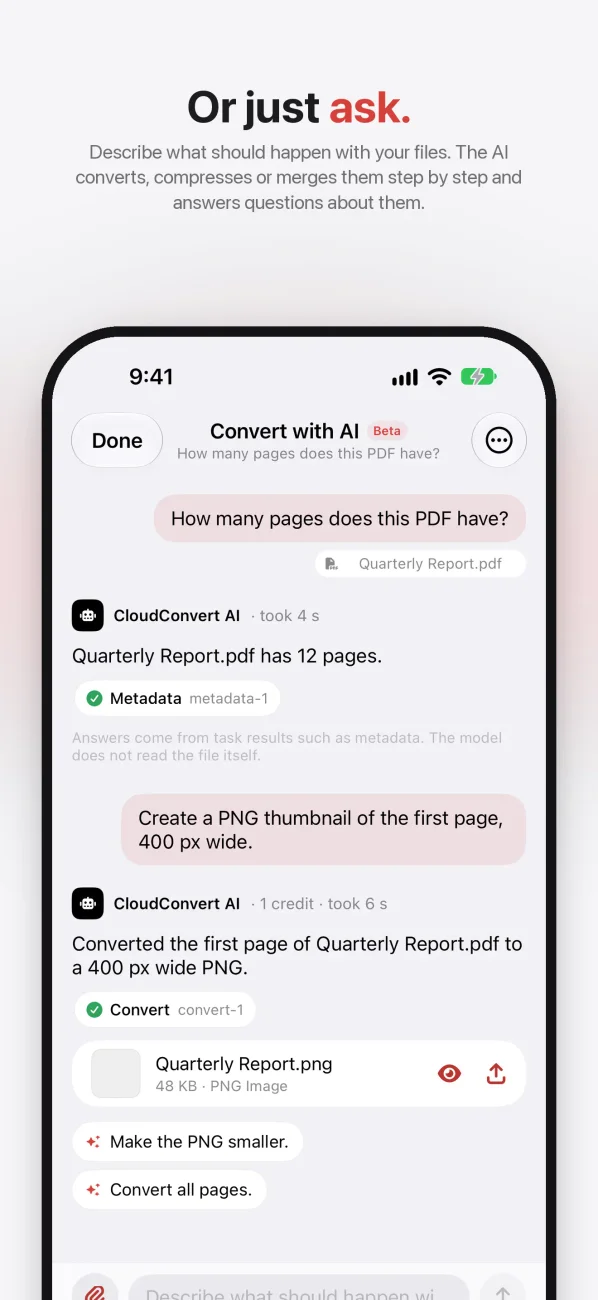
Describe what should happen with your files and the AI takes care of it: "Convert to PDF/A-2b",
"Make this video smaller, at most 30 MB", "Create a PNG thumbnail of the first page" or "How many
pages does this PDF have?". The AI picks the right conversions step by step, shows what it did and
hands you the result files. Ask follow-up questions in the same chat; your chats are kept for 24 hours.
Your file contents are not sent to the AI model and not used for training.
Privasi aplikasi
Yang dinyatakan Lunaweb GmbH di App Store tentang cara aplikasi ini menangani data.
-
Data tidak dikumpulkan
Pengembang tidak mengumpulkan data apa pun dari aplikasi ini.
Praktik privasi dapat bervariasi, misalnya berdasarkan fitur yang Anda gunakan atau usia Anda.
Informasi
- Penjual
- Lunaweb GmbH
- Kategori
- Produktivitas
- Versi
- 2.1.0
- Diperbarui
- 23/10/2026
- Dirilis
- 20/4/2014
- Ukuran
- 22,3 MB
- Memerlukan
- iOS 18.0 atau yang lebih baru
- Batasan usia
- 4+
- Harga
- Gratis
- Bahasa
- Inggris
- Hak cipta
- © Lunaweb GmbH
Mungkin Anda juga suka
-
 File Converter, Online-ConvertProduktivitas
-
 HappyScribe: AI NotetakerProduktivitas
-
 MP4 Maker - Convert to MP4Produktivitas
-
 Audio Converter: convert mp3Produktivitas
-
 ILoveIMG: Compress & ResizeProduktivitas
-
 Audio Converter: MP3, WAV, OGGProduktivitas
-
 Fish: Text to Speech AI AudioProduktivitas
-
 Link to GooglebookProduktivitas
-
 Filen - Cloud StorageProduktivitas
-
 Linus: Learn Lines & Self TapeProduktivitas