- 対象年齢4+
- カテゴリ仕事効率化
- 開発元Lunaweb GmbH
- 言語英語
- サイズ22.3 MB
App Storeの公式ページにリンクしています
Download.orgはCloudConvertのファイルを一切ホストしていません。ボタンを押すと、Lunaweb GmbHが公開しているApp Storeのアプリページが開きます。ページの最終確認:2026/11/17。
スクリーンショット

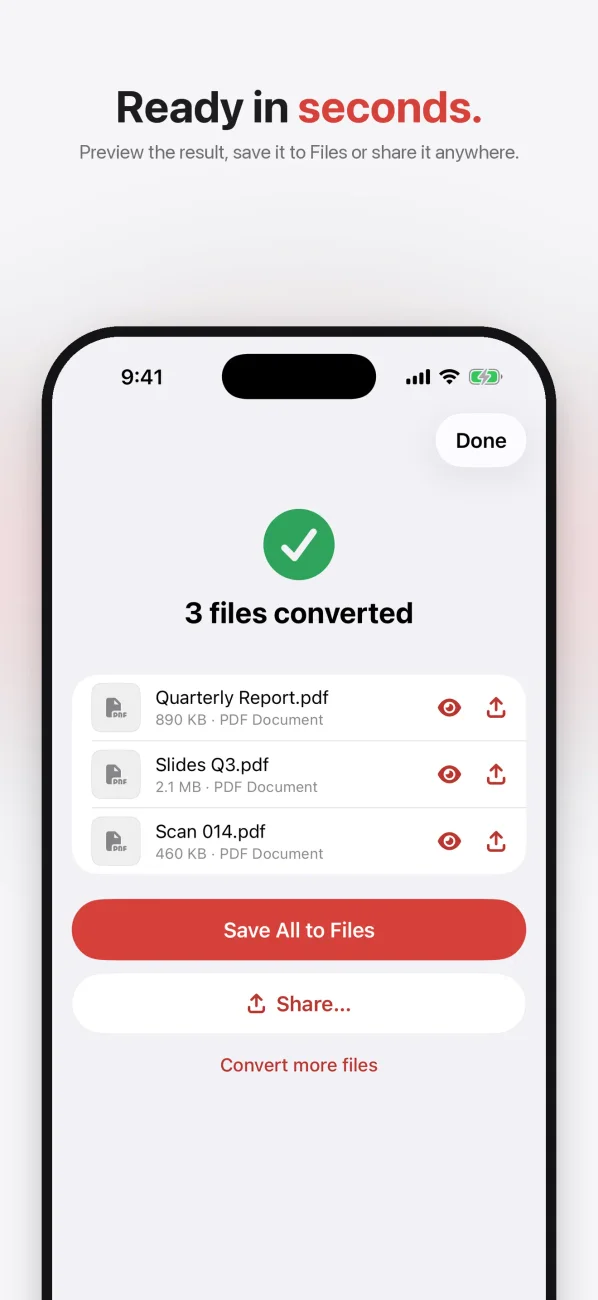
概要
開発元はこのテキストをお使いの言語で提供していません。
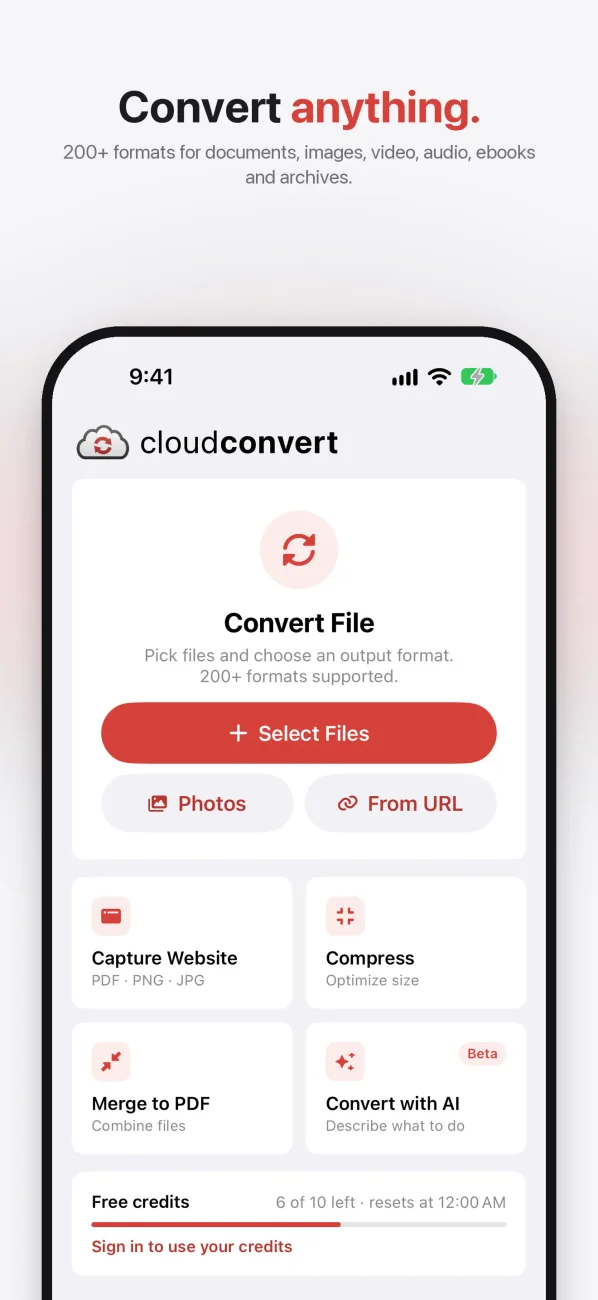
CloudConvert is the file conversion utility for iPhone and iPad. Version 2.0 has been rebuilt from the ground up as a native app and gives you five tools in one place:
CONVERT
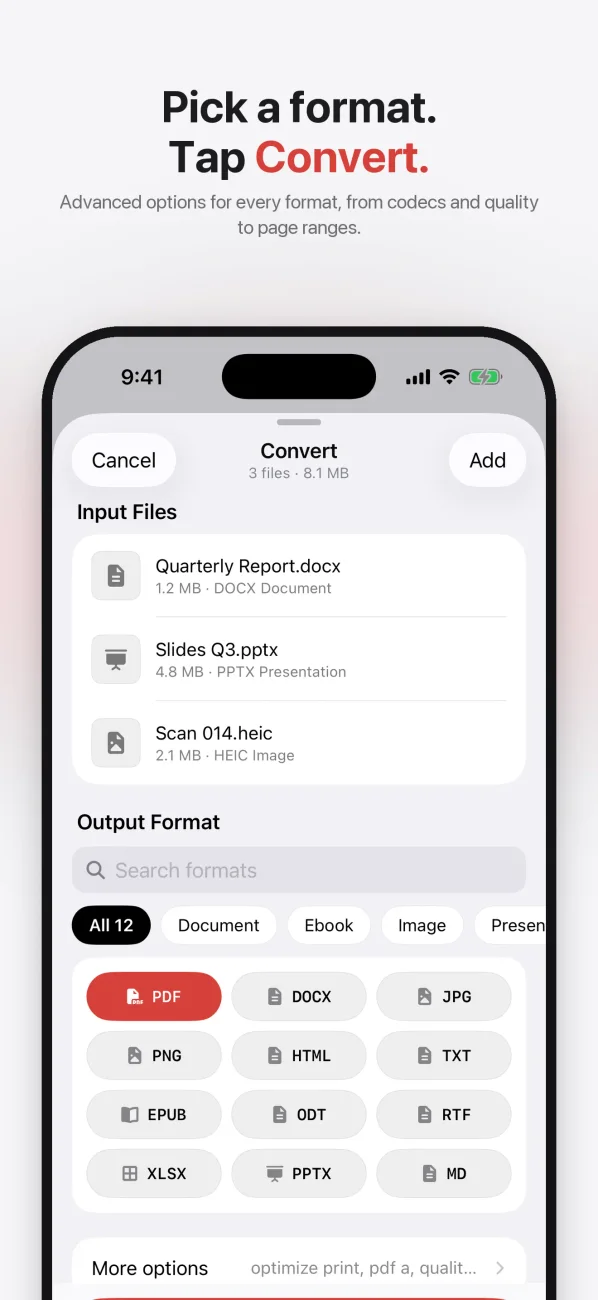
Convert files between more than 200 formats:
- documents (PDF, DOC, DOCX, ODT, RTF, TXT, HTML, ...)
- images (PNG, JPG, HEIC, SVG, WEBP, TIFF, RAW, ...)
- videos (MP4, MOV, MKV, AVI, WEBM, GIF, ...)
- audio (MP3, AAC, M4A, FLAC, WAV, OGG, ...)
- ebooks (EPUB, MOBI, AZW3, ...)
- archives (ZIP, RAR, 7Z, TAR, ...)
- spreadsheets (XLS, XLSX, ODS, CSV, ...)
- presentations (PPT, PPTX, ODP, ...)
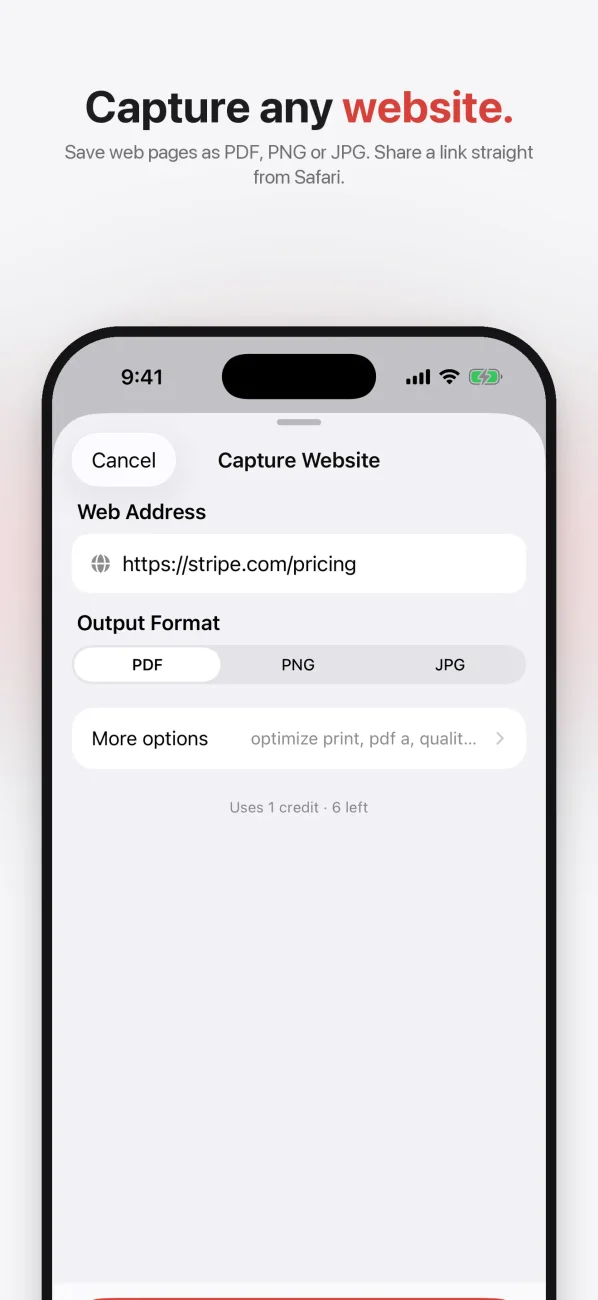
CAPTURE WEBSITE
Turn any web page into a PDF, PNG or JPG. Share a link from Safari straight into the app.
COMPRESS
Shrink PDFs, images and videos while keeping them looking good.
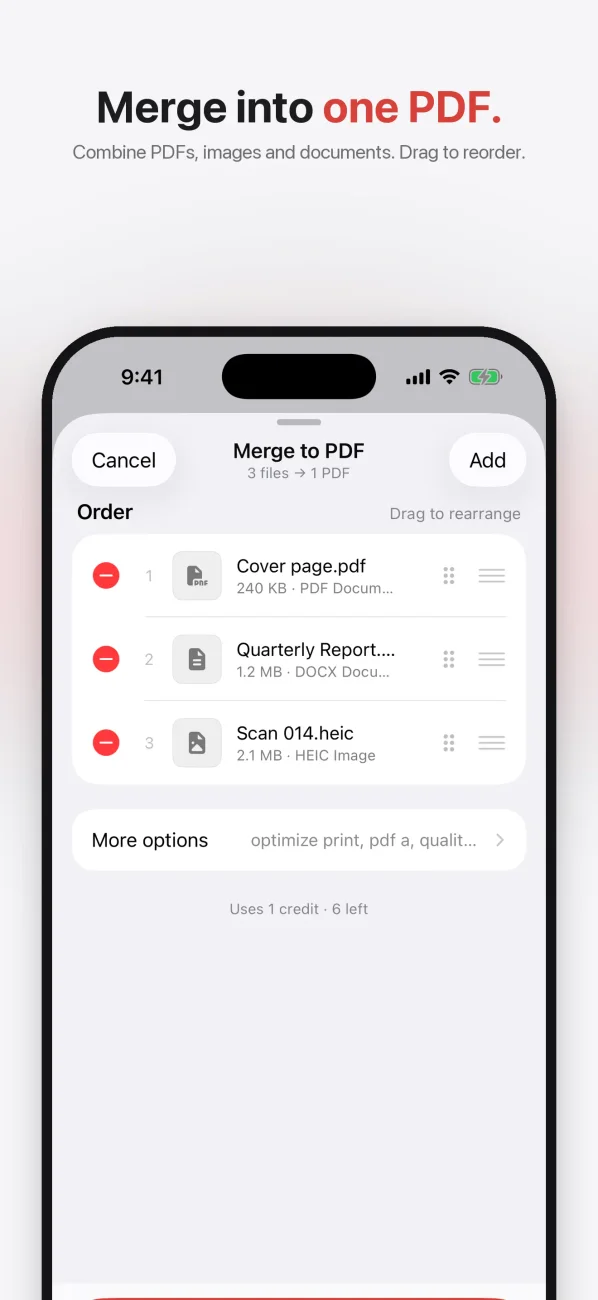
MERGE TO PDF
Combine multiple PDFs, images and documents into a single PDF.
PDF/A
Convert PDFs into the PDF/A format for long-term archiving.
More features:
- Advanced options for every format: codecs, quality, resolution, page ranges and much more
- Pick files from Files, Photos or any other app via the share sheet
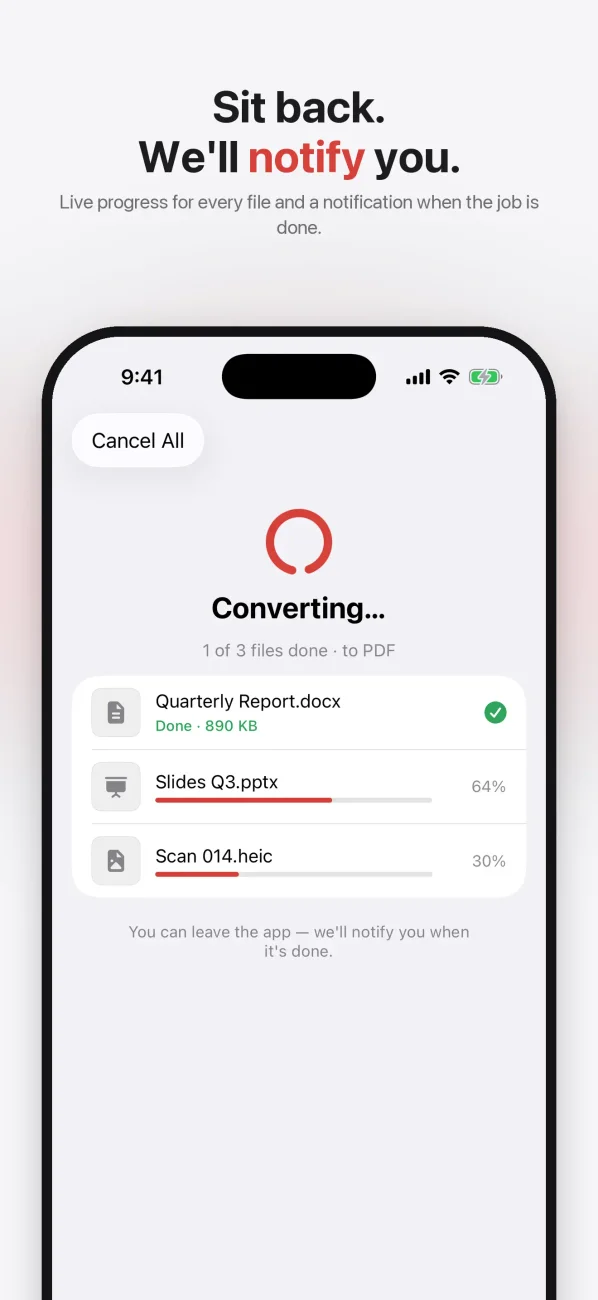
- Live progress and a notification when your file is ready
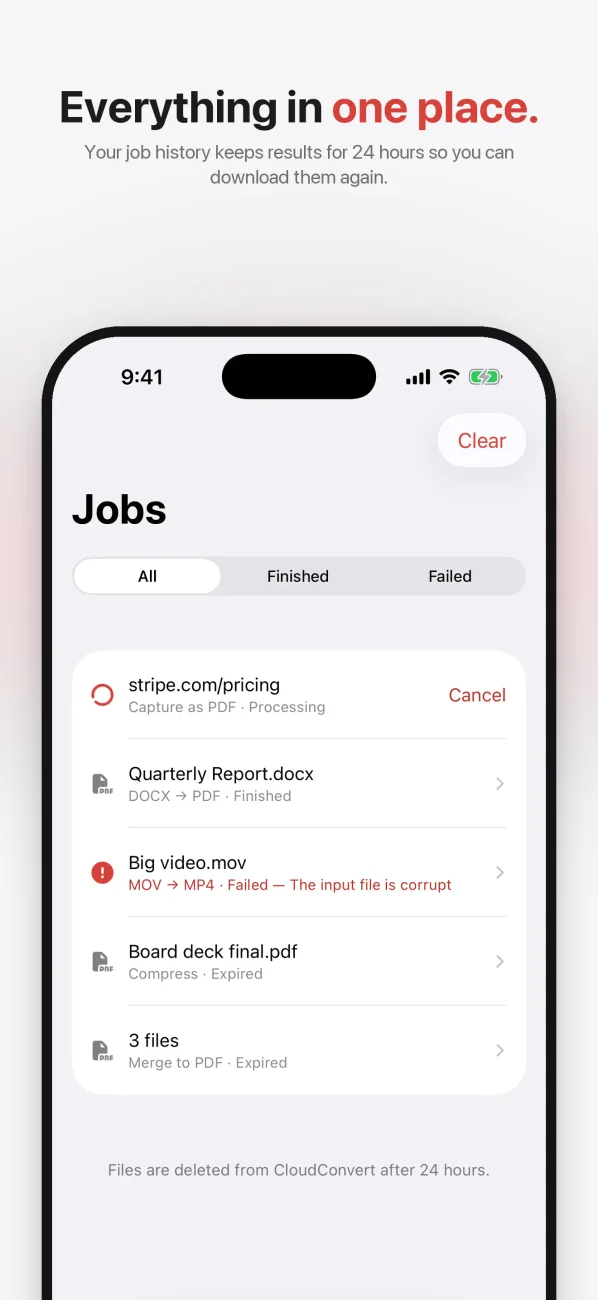
- Job history to find and download previous results
- Siri and Shortcuts support for all tools, so you can automate your conversions
- Designed for iOS 18 with full iPad support
FREE TO USE
No account is required. You can convert up to 10 files per day for free. CloudConvert customers can sign in with their account to use their existing plan without a daily limit.
The conversions are done by the CloudConvert service (https://cloudconvert.com). Your files are transferred securely, processed on our servers and deleted automatically once you have downloaded the result.
If you have any issues or feedback, contact us at https://cloudconvert.com/contact. Thank you!
新機能
バージョン 2.1.0 · 2026/10/23
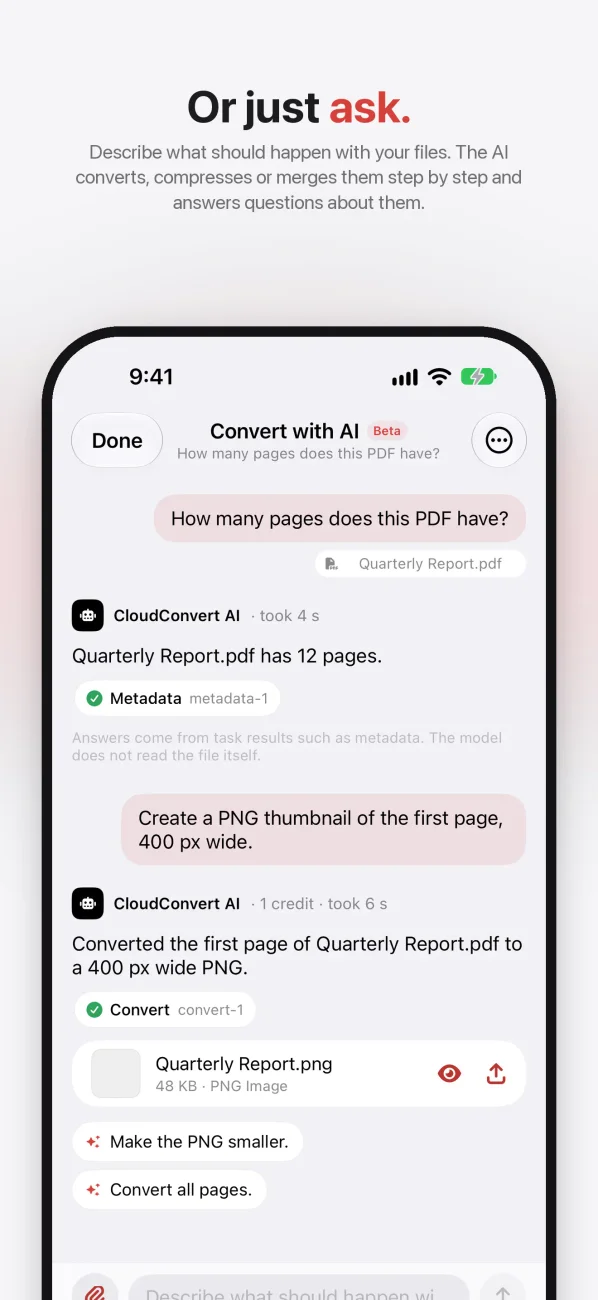
Describe what should happen with your files and the AI takes care of it: "Convert to PDF/A-2b",
"Make this video smaller, at most 30 MB", "Create a PNG thumbnail of the first page" or "How many
pages does this PDF have?". The AI picks the right conversions step by step, shows what it did and
hands you the result files. Ask follow-up questions in the same chat; your chats are kept for 24 hours.
Your file contents are not sent to the AI model and not used for training.
アプリのプライバシー
このアプリのデータの取り扱いについて、Lunaweb GmbHがApp Storeで申告している内容です。
-
データの収集なし
開発元はこのアプリからデータを収集しません。
プライバシーの取り扱いは、ご利用の機能やお客様の年齢などに応じて異なる場合があります。
情報
- 販売元
- Lunaweb GmbH
- カテゴリ
- 仕事効率化
- バージョン
- 2.1.0
- 更新日
- 2026/10/23
- リリース
- 2014/4/20
- サイズ
- 22.3 MB
- 必要条件
- iOS 18.0以降
- 対象年齢
- 4+
- 価格
- 無料
- 言語
- 英語
- 著作権
- © Lunaweb GmbH
こちらもおすすめ
-
 File Converter, Online-Convert仕事効率化
-
 HappyScribe: AI Notetaker仕事効率化
-
 MP4 Maker - Convert to MP4仕事効率化
-
 Audio Converter: convert mp3仕事効率化
-
 ILoveIMG: Compress & Resize仕事効率化
-
 Audio Converter: MP3, WAV, OGG仕事効率化
-
 Fish: Text to Speech AI Audio声をクローンしてナレーション
-
 Link to Googlebook仕事効率化
-
 Filen - Cloud Storage仕事効率化
-
 Linus: Learn Lines & Self Tape仕事効率化