Compass - Professional
Safe and easy navigation
Dirancang untuk iPhone, iPad, iPod touch
Gratis · Pembelian dalam aplikasi
- Batasan usia4+
- KategoriNavigasi
- PengembangPeter Bohl
- BahasaInggris+ 8 lainnya
- Ukuran12,0 MB
Tertaut ke halaman resmi App Store
Download.org tidak menyimpan file Compass - Professional apa pun. Tombol ini membuka halaman aplikasi di App Store, tempat Peter Bohl menerbitkannya. Halaman terakhir diperiksa pada 24/11/2026.
Tangkapan layar
Tentang
Pengembang belum menyediakan teks ini dalam bahasa Anda.
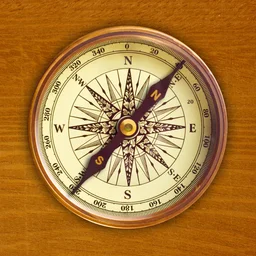
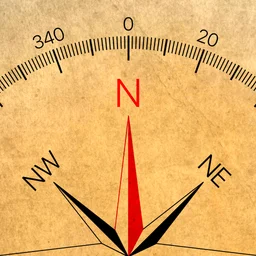
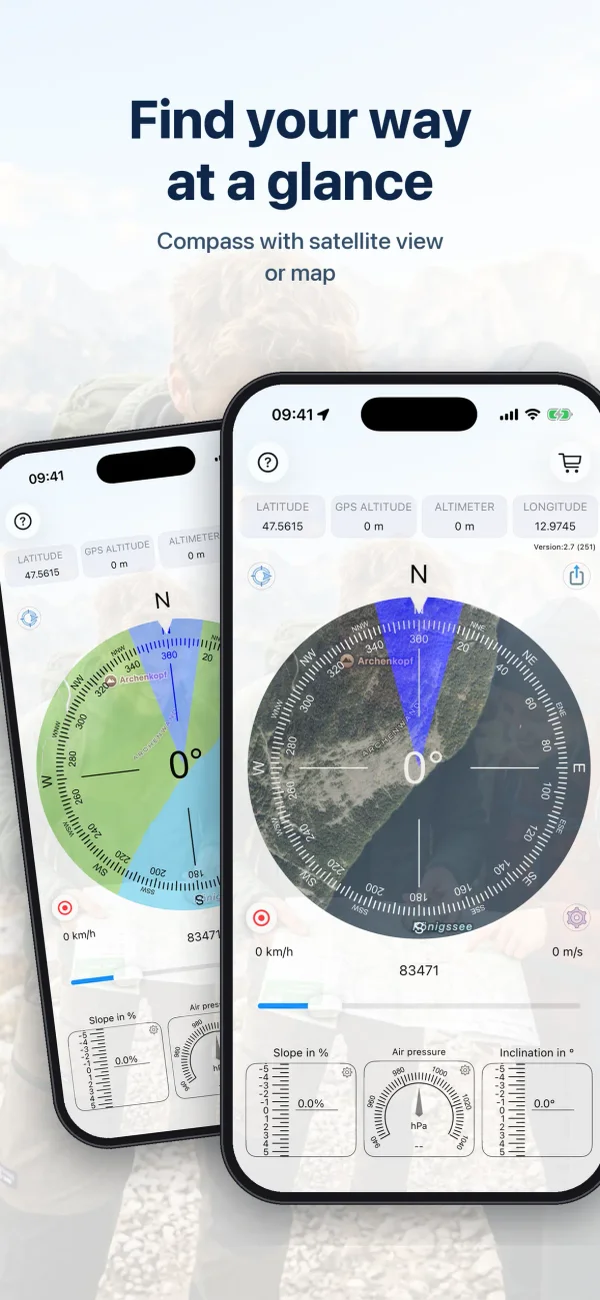
Never get lost again: Compass Pro is your reliable companion for hiking, mountain tours, geocaching and every trip into the outdoors. A precise compass with satellite view or map, bearing to your target and track recording – clear, modern and easy to use.
COMPASS WITH SATELLITE VIEW AND MAP
• Precise compass with degree display and cardinal direction
• Satellite view or map right inside the compass dial – switch with one tap
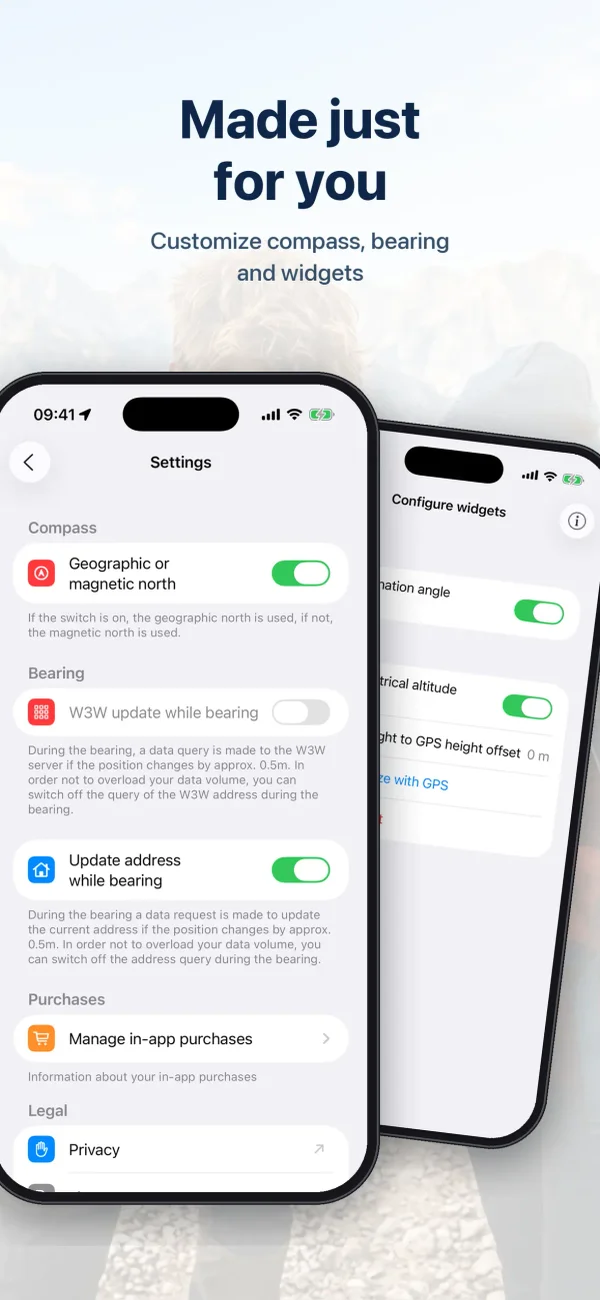
• Choose true north or magnetic north
• Zoom from detail view to overview
YOUR LOCATION AT A GLANCE
• Exact GPS coordinates in decimal degrees, degrees/minutes/seconds or degrees/minutes
• Current street address and What3Words address
• GPS altitude and barometric altitude
• Speed in km/h and m/s
• Share your position with one tap
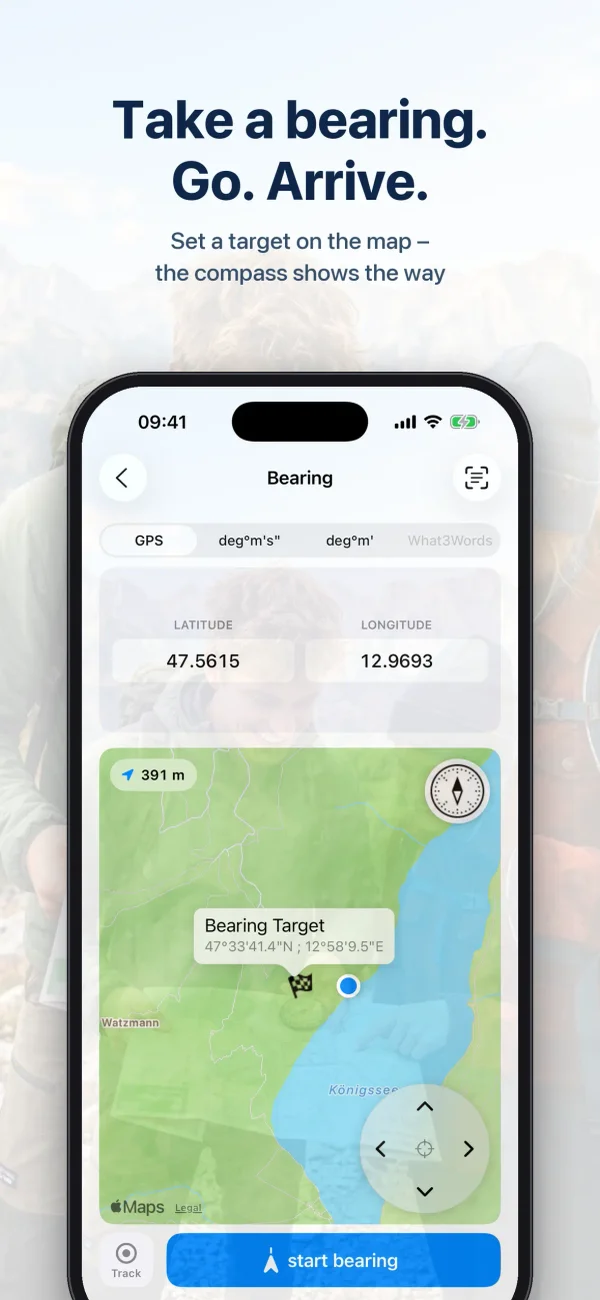
BEARING TO YOUR TARGET
• Set a target by coordinates, What3Words or directly on the map
• Fine-tune with the direction pad
• Direction arrow in the compass and distance to the target
• Bearing keeps running in the background
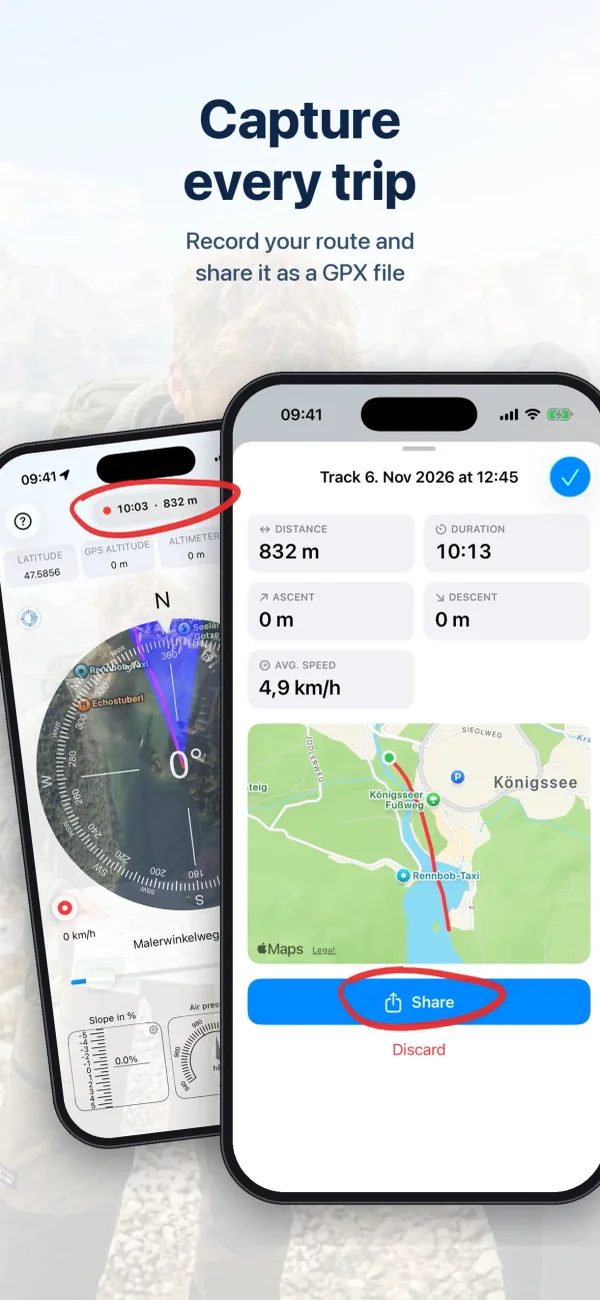
TRACK RECORDING (PRO)
• Record your trips with one tap – on its own or while taking a bearing
• Time and distance always in view, your track right in the compass
• Summary with distance, duration, ascent, descent, speed and map
• Share the track as a GPX file, e.g. with other apps or friends
IMPORT TARGET (PRO)
• Set a bearing target from a QR code, a photo or the clipboard
• Recognizes all common coordinate formats as well as links from Apple Maps, Google Maps and OpenStreetMap
• Recognition runs entirely on your device
SPECIAL WIDGETS (PRO)
• Altimeter based on air pressure
• Slope meter in percent – via GPS or inclination
• Air pressure in hPa
• Device inclination in degrees
COMPASS PRO
With a subscription or a one-time purchase you can use Compass Pro without ads and with all Pro features: track recording, target import and special widgets.
Subscriptions renew automatically unless cancelled at least 24 hours before the end of the current period. Payment is charged to your Apple ID. You can manage and cancel subscriptions in your App Store account settings.
Note: Continued use of GPS in the background can reduce battery life.
Privacy policy: https://www.exultation.de/datenschutz.html
Terms of use: https://www.apple.com/legal/internet-services/itunes/dev/stdeula
Yang baru
Versi 2.8 · 23/11/2026
Compass 2.8 – freshly redesigned
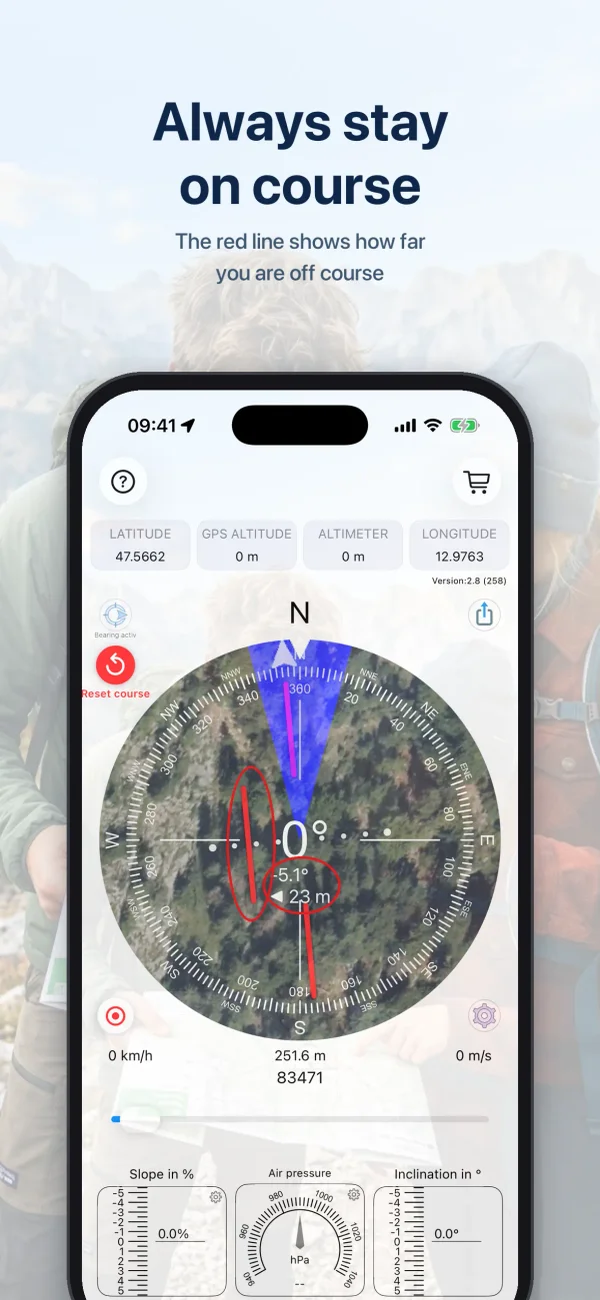
NEW: Course deviation (Pro)
While taking a bearing, a red line in the compass points to the target. If you drift off course, its middle part moves sideways and shows on a scale how far you are off – along with the sideways distance in meters. After a detour, “Reset course here” restarts the course line at your current position. You choose whether course deviation is shown with the “Course” switch when you start the bearing.
NEW: Track recording (Pro)
Record your trips with a single tap. While recording, you see time and distance right on the main screen and your track in the compass. At the end you get a summary with distance, duration, ascent, descent, speed and a map. You can share the track as a GPX file.
NEW: Import target (Pro)
Set a bearing target from a QR code, a photo or the clipboard. Coordinates in all common formats are recognized, as well as links from Apple Maps, Google Maps and OpenStreetMap. Recognition runs entirely on your device.
Modern design
• New bearing screen with a large map and direction pad
• Settings and widget settings in iOS style
• New purchases page that clearly shows your active purchase
• Direct access to purchases from the main screen
Help right in the app
Help and widget info now open in the app, with pictures and in all languages.
Improvements
• The compass direction is shown above the compass right away
• Translations corrected in several languages
• Minor bug fixes and stability improvements
Privasi aplikasi
Yang dinyatakan Peter Bohl di App Store tentang cara aplikasi ini menangani data.
-
Data yang digunakan untuk melacak Anda
Dapat digunakan untuk melacak Anda di aplikasi dan situs web milik perusahaan lain.
- Lokasi
-
Data yang tidak ditautkan dengan Anda
Dapat dikumpulkan, tetapi tidak ditautkan dengan identitas Anda.
- Lokasi
- Data penggunaan
Praktik privasi dapat bervariasi, misalnya berdasarkan fitur yang Anda gunakan atau usia Anda.
Informasi
- Penjual
- Peter Bohl
- Kategori
- Navigasi
- Versi
- 2.8
- Diperbarui
- 23/11/2026
- Dirilis
- 27/9/2017
- Ukuran
- 12,0 MB
- Memerlukan
- iOS 15.6 atau yang lebih baru
- Batasan usia
- 4+
- Harga
- Gratis
- Pembelian dalam aplikasi
- Ya
- Bahasa
- Inggris, Prancis, Jerman, Italia, Jepang, Portugis, Rusia, Tionghoa Sederhana, Spanyol
- Hak cipta
- © exultation.de