Connect My Computer
Designed for Mac computers
Dirancang untuk iPhone, iPad, iPod touch
Gratis · Pembelian dalam aplikasi
- Batasan usia4+
- KategoriProduktivitas
- PengembangHana Mobile
- BahasaInggris+ 12 lainnya
- Ukuran6,6 MB
Tertaut ke halaman resmi App Store
Download.org tidak menyimpan file Connect My Computer apa pun. Tombol ini membuka halaman aplikasi di App Store, tempat Hana Mobile menerbitkannya. Halaman terakhir diperiksa pada 12/11/2026.
Tangkapan layar


Tentang
Pengembang belum menyediakan teks ini dalam bahasa Anda.
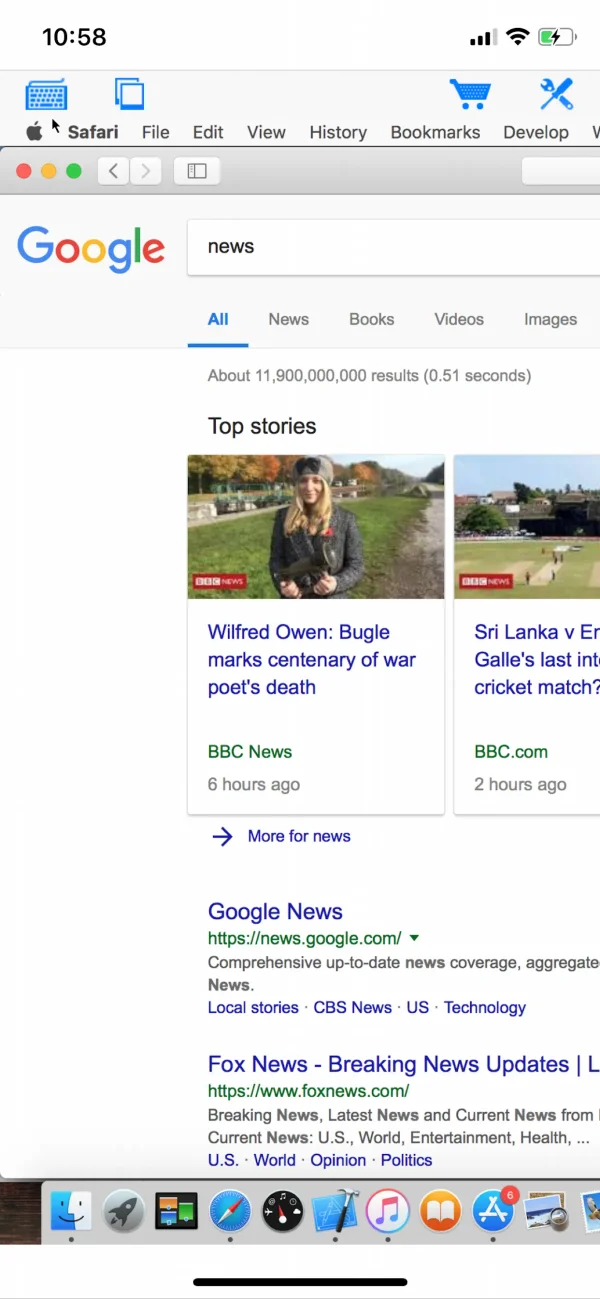
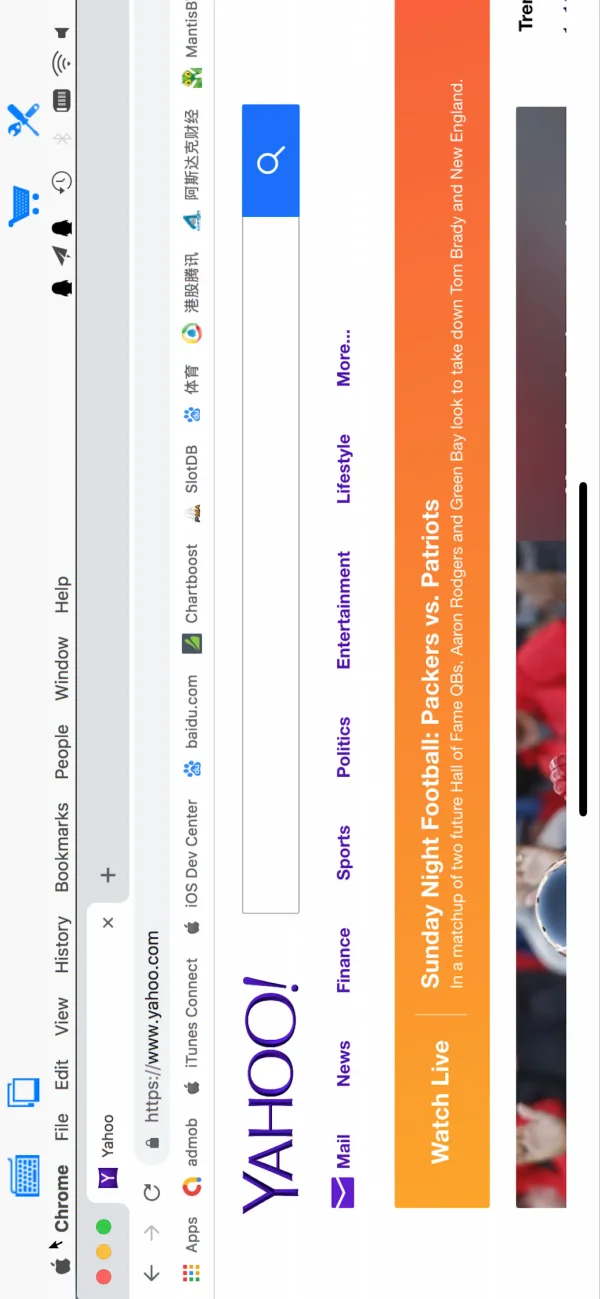
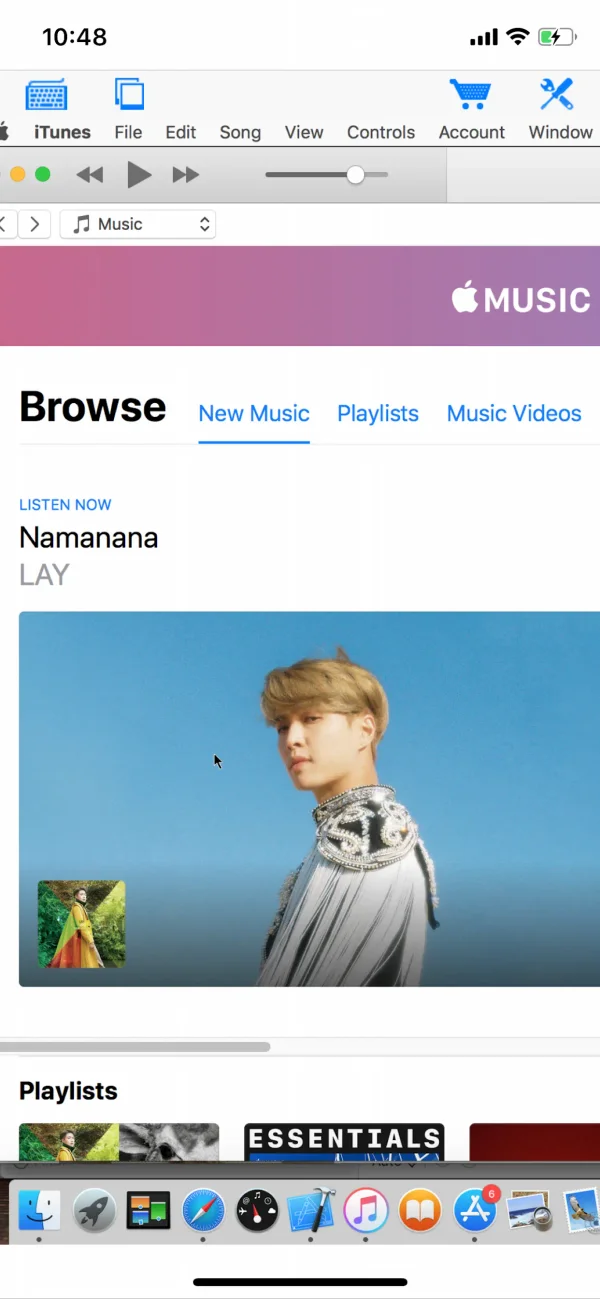
Connect to your Mac computers from iPad/iPhone/iPod Touch at anytime! Great functionalities and It's FREE! Support Retina display for the new iPad and iPhone XS Max!
Compared with this free version, the Pro version has more features:
- Multiple connections
- Trackpad to move mouse cursor (also support click) and do mouse wheel scroll
- Mouse right click, hover and mouse drag
- Modifier keypad including Shift, Ctrl and Alt which enables you to press almost any key combinations.
- A cool functional keyboard: Cut, copy & paste and other shortcuts keypad, including HOME, END, PAGE UP, PAGE DOWN, Arrow keys, etc.
- Virtual left button and right mouse button
- Easy dragging and resizing using virtual mousepad
- Support video output (need iPad or iOS4 and output connector)
Features:
- Specifically designed for both iPad and iPhone
- Support Retina display for the new iPad and iPhone 4/4S
- Take advantage of iPad's big screen
- Portrait and landscape mode
- Support various resolutions and colors
- Tap to do click, double tap to double click, and all easy to use features
- Pinch to zoom in and out. Choose the zoom scale you like
- International keyboard support for many languages, including French, German, Italian, Korean, Russian, Swedish, Spanish, Portuguese etc.
- Mac OS X Login
- Easy to use design
Supported Platform:
- Mac OS X Mountain Lion
- Mac OS X Lion
- Mac OS X Snow Leopard
- Mac OS X Leopard
- Mac OS X Tiger
- Windows with VNC server installed
Note: This is also a full VNC client. Thus you can also use it to connect to Windows with VNC server installed.
Brief install instructions (Use it if you do not need step-by-step instructions):
How to configure my Mac?
- Mac OS Tiger: http://www.macminicolo.net/Mac_VNC_tutor.html
- Leopard or Snow Leopard: http://reviews.cnet.com/8301-13727_7-10329122-263.html
For detailed setup instructions and more information, see
http://www.hanajobs.com/mobile/forums/show/13.page
Send your comments/suggestions to hanamobiles@gmail.com or visit our website.
Yang baru
Versi 1.4.1 · 21/3/2025
- Bug fixes
Privasi aplikasi
Yang dinyatakan Hana Mobile di App Store tentang cara aplikasi ini menangani data.
-
Data tidak dikumpulkan
Pengembang tidak mengumpulkan data apa pun dari aplikasi ini.
Praktik privasi dapat bervariasi, misalnya berdasarkan fitur yang Anda gunakan atau usia Anda.
Informasi
- Penjual
- Hana Mobile LLC
- Kategori
- Produktivitas
- Versi
- 1.4.1
- Diperbarui
- 21/3/2025
- Dirilis
- 1/10/2010
- Ukuran
- 6,6 MB
- Memerlukan
- iOS 12.0 atau yang lebih baru
- Batasan usia
- 4+
- Harga
- Gratis
- Pembelian dalam aplikasi
- Ya
- Bahasa
- Inggris, Belanda, Prancis, Jerman, Italia, Jepang, Korea, Portugis, Rusia, Tionghoa Sederhana, Spanyol, Swensk (Swedia) + 1 lainnya
- Hak cipta
- © 2010-2025 Hana Mobile LLC
Mungkin Anda juga suka
-
 Duet Air - Remote DesktopProduktivitas
-
 UTM Remote Virtual MachinesProduktivitas
-
 NoMachineProduktivitas
-
 RemotePC Remote DesktopProduktivitas
-
 VMouse - VNC Remote MouseProduktivitas
-
 Tikus · Papan Ketikuntuk Mac atau PC
-
 RealVNC Viewer: Remote DesktopProduktivitas
-
 Avica Remote DesktopProduktivitas
-
 Shadow PCProduktivitas
-
 Halo OSProduktivitas