- Batasan usia17+
- KategoriKegunaan
- PengembangPaul Davis
- BahasaInggris+ 1 lainnya
- Ukuran93,1 MB
Tertaut ke halaman resmi App Store
Download.org tidak menyimpan file Crest Browser apa pun. Tombol ini membuka halaman aplikasi di App Store, tempat Paul Davis menerbitkannya. Halaman terakhir diperiksa pada 25/11/2026.
Tangkapan layar


Tentang
Pengembang belum menyediakan teks ini dalam bahasa Anda.
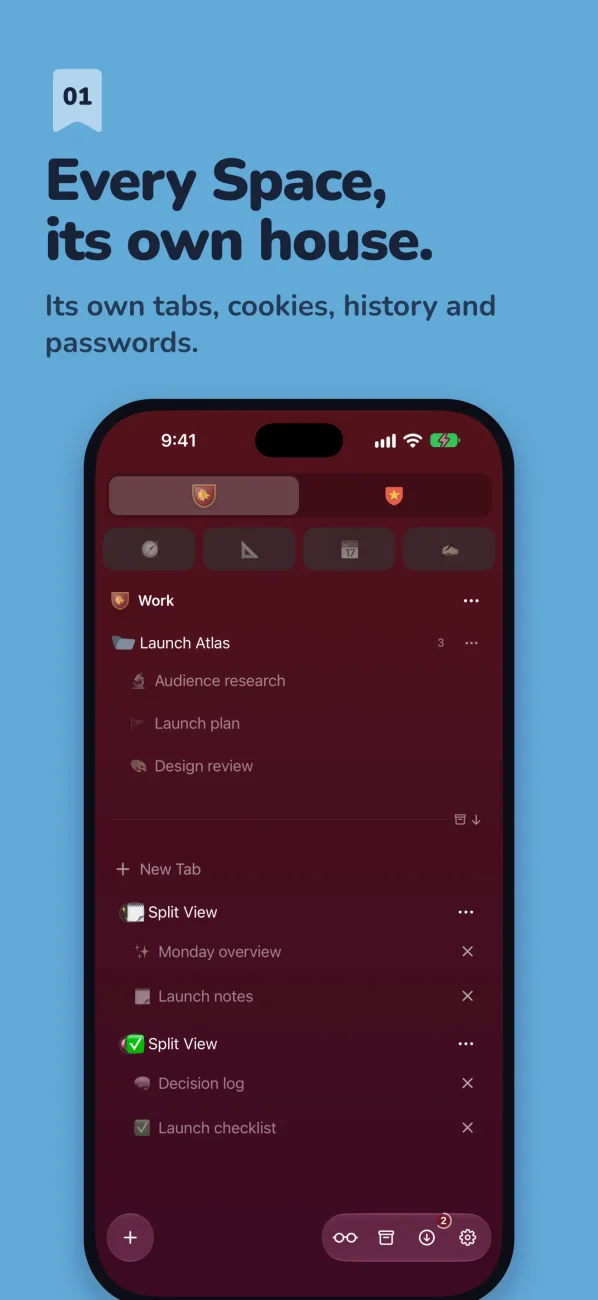
Work, personal life, and everything between deserve their own Space. Crest is a native browser for iPhone and iPad that keeps your accounts separate, your tabs organized, and your browsing distinctly yours.
KEEP YOUR ACCOUNTS SEPARATE
Each Space has its own tabs, cookies, website data, history, passwords, and site permissions. Stay signed in to different accounts on the same website. Switch from work to personal browsing without carrying the wrong session with you. When several Spaces should share one set of sign-ins, make them Sub-Spaces: they share cookies, history and passwords, and each keeps its own tabs and look.
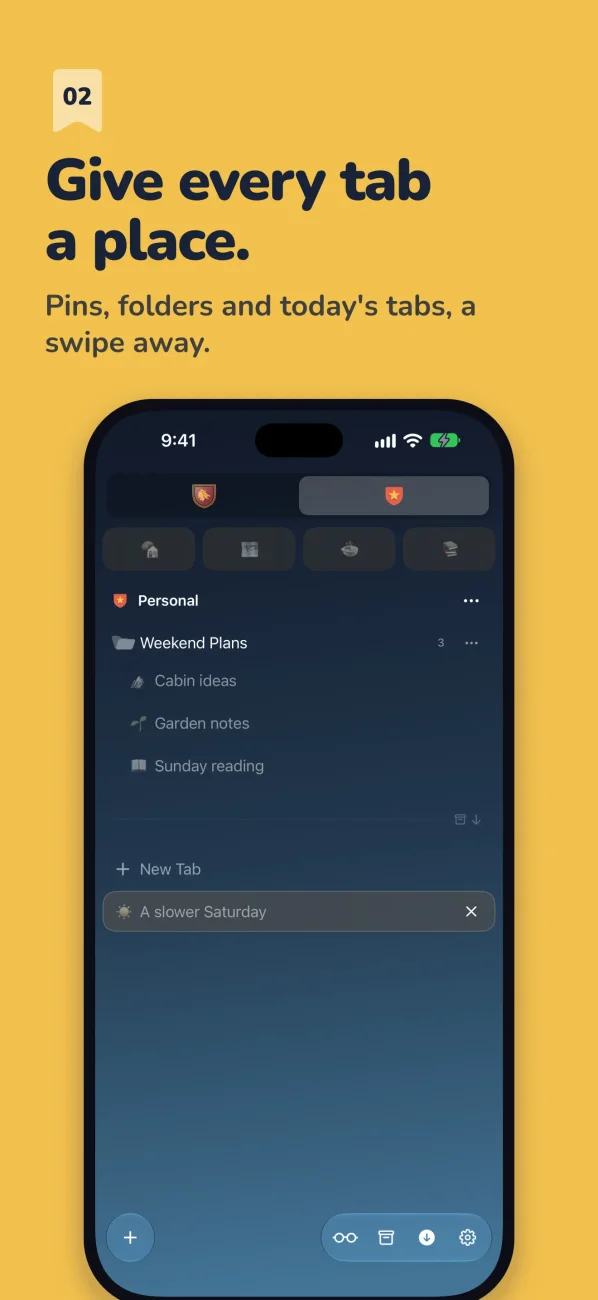
GIVE EVERY TAB A PLACE
Pin the sites you use every day. Save pages in folders. Keep today's tabs close and completed work in the archive. Select and move tabs, folders, and Split View groups together. On iPhone, bring in the sidebar with a gesture; on iPad, keep it beside your page.
MAKE IT YOUR OWN
Give every Space a Background and an Accent in Crest Studio, from a color set or a color wheel, each one color or a gradient of up to three. Then choose a crest, a symbol, or an emoji. Appearance settings adjust the window border, sidebar material, tab corners, borders, and default page zoom.
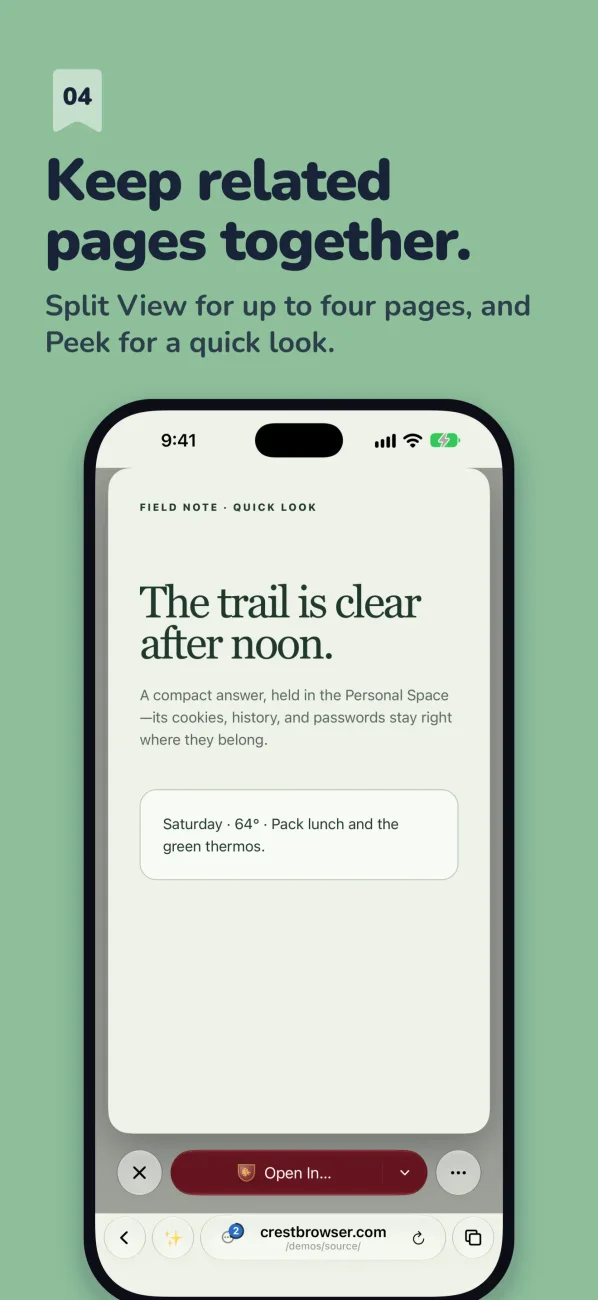
KEEP RELATED PAGES TOGETHER
Group two to four pages in Split View. On iPad, browse them side by side and resize the columns. On iPhone, swipe across the compact toolbar to move between pages in the group. Peek lets you check supported links without losing your place, then keep the page as a tab when you need it.
TOOLS FOR EVERYDAY BROWSING
Choose one default search for every Space and another for Private Browsing, or pick one for a single Space. Search from a new tab to find the pages and tabs you use most. Translate webpages on device with Apple's Translation framework. Read supported articles in Reader, find text on a page, adjust zoom, share links, and export pages. Ad and tracker blocking, at Balanced or Strict, and site permissions give you control over each Space. Language availability varies, and translation may require a language download.
PRIVATE WHEN YOU NEED IT
Private Browsing uses temporary website storage. Private tabs stay out of saved history, restoration, archive, and sync. Crest does not run an advertising SDK, collect browsing analytics, or require a Crest account.
PICK UP ON ANOTHER DEVICE
Optional iCloud sync keeps supported Space and tab organization available across your Apple devices through your private iCloud database. Crest is also available for Mac.
Crest is free and open source, built with Apple's WebKit. Requires iOS 26.1 or iPadOS 26.1 or later. Some website features and integrations vary by device.
Yang baru
Versi 0.11 · 24/11/2026
Crest 0.11 has a fresh look and a new way to set up.
• A new three-banner mark and app icon, warm paper surfaces, Crest blue for actions, and bold rounded headings. The app icon and each alternative icon follow your light, dark, tinted and clear icon style.
• Setup is now a short walkthrough beside a live preview of Crest: bring your tabs over, name your first Space and choose its colors and icon, add more Spaces and Sub-Spaces, then make Crest your default browser and choose its search and ad blocking. Tabs and folders you close, move or file in the preview stay that way when you start browsing.
• A Space's look is now a Background and an Accent, each one color or a gradient of up to three, chosen on a color wheel or taken from a color set. They replace the Heraldic, Modern and Simple styles.
• New Simple crests (Crest, Moon, Summit, Lens, Spark and Grove) sit beside the Heraldic ones, and crests and sidebar patterns are under More Customization.
• Clear keeps the tab you're on and archives your other open tabs. Clear All Tabs is in the Space's ••• menu, beside the new Collapse All Folders.
• Choose separately what pinned tabs and saved tabs do after you close them, in Settings › Tabs.
• Large folders open about twice as fast.
• When you type a site without https://, Crest tries HTTPS first and opens it over HTTP if it has to. Local addresses open over HTTP right away.
Fixes
• Tapping a folder opens or closes it again; hold it to see its preview.
• Folder icons wider than a folder now show whole.
• Saved, pinned and reopened tabs whose address holds characters such as { or [ return to the exact page they were saved at.
Privasi aplikasi
Yang dinyatakan Paul Davis di App Store tentang cara aplikasi ini menangani data.
-
Data tidak dikumpulkan
Pengembang tidak mengumpulkan data apa pun dari aplikasi ini.
Praktik privasi dapat bervariasi, misalnya berdasarkan fitur yang Anda gunakan atau usia Anda.
Informasi
- Penjual
- Paul Davis
- Kategori
- Kegunaan
- Versi
- 0.11
- Diperbarui
- 24/11/2026
- Dirilis
- 2/9/2026
- Ukuran
- 93,1 MB
- Memerlukan
- iOS 26.1 atau yang lebih baru
- Batasan usia
- 17+
- Harga
- Gratis
- Bahasa
- Inggris, Arab
- Hak cipta
- © 2026 Paul Davis
Mungkin Anda juga suka
-
 Lens: Simple, Private BrowserKegunaan
-
 Balance BrowserKegunaan
-
 Akari: Browser with Ad BlockerKegunaan
-
 Emerald BrowserKegunaan
-
 Blank BrowserKegunaan
-
 MarsBrowserKegunaan
-
 Vanilla - Private BrowserDesain simpel, pencarian cepat
-
 Vee BrowserKegunaan
-
 Private Browser: Web IncognitoKegunaan
-
 tabbrowser: Ad Blocker BrowserKegunaan