Data Display
All Your Data, At a Glance
Dirancang untuk iPhone, iPad
Pembelian dalam aplikasi
- Batasan usia4+
- KategoriKegunaan
- Pengembangmasaki individual
- BahasaInggris+ 1 lainnya
- Ukuran6,1 MB
Data Display mungkin sedang tidak tersedia di App Store
Halaman di toko tidak dapat dijangkau saat terakhir kami periksa. Tautan tetap mengarah ke halaman resmi App Store.
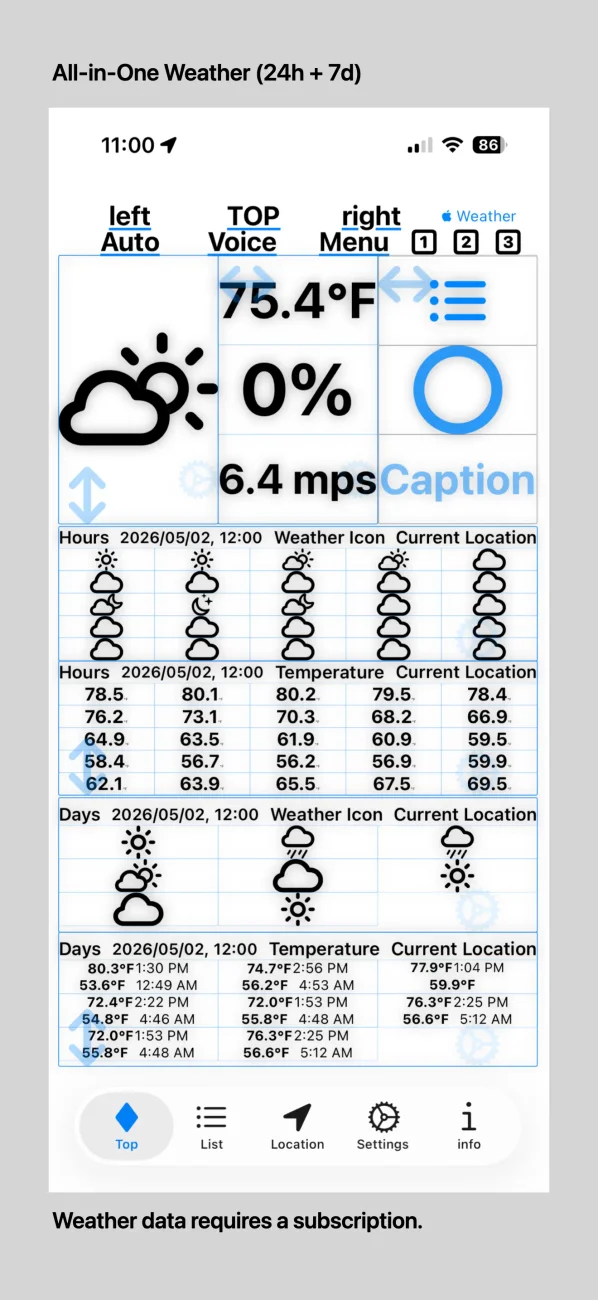
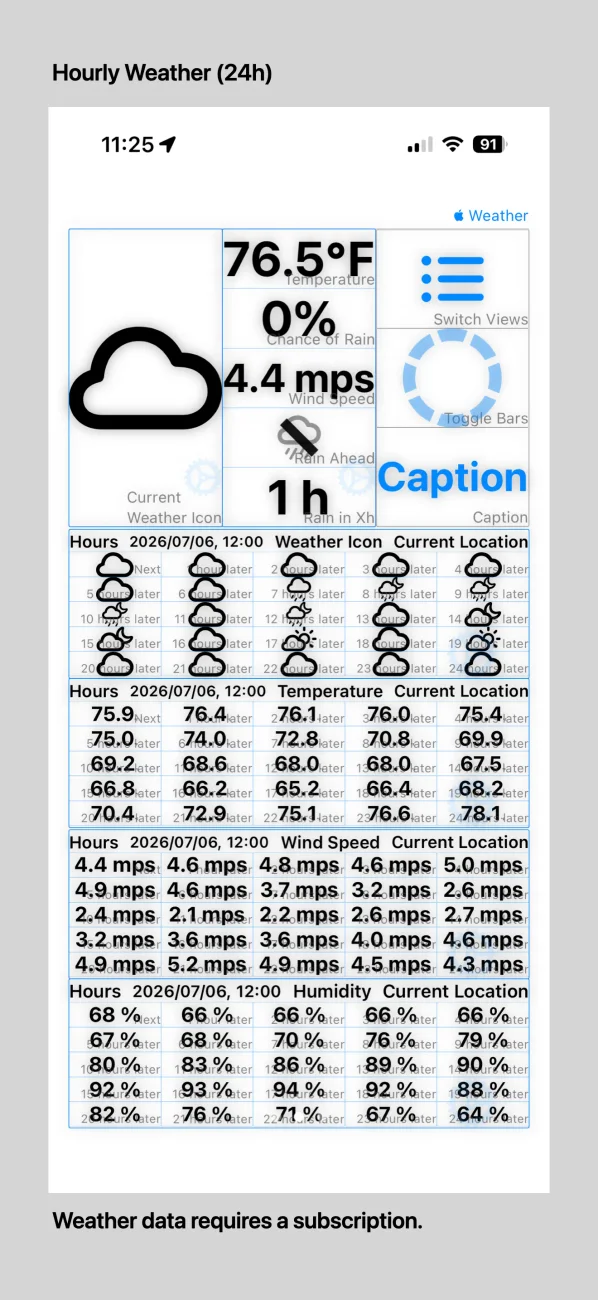
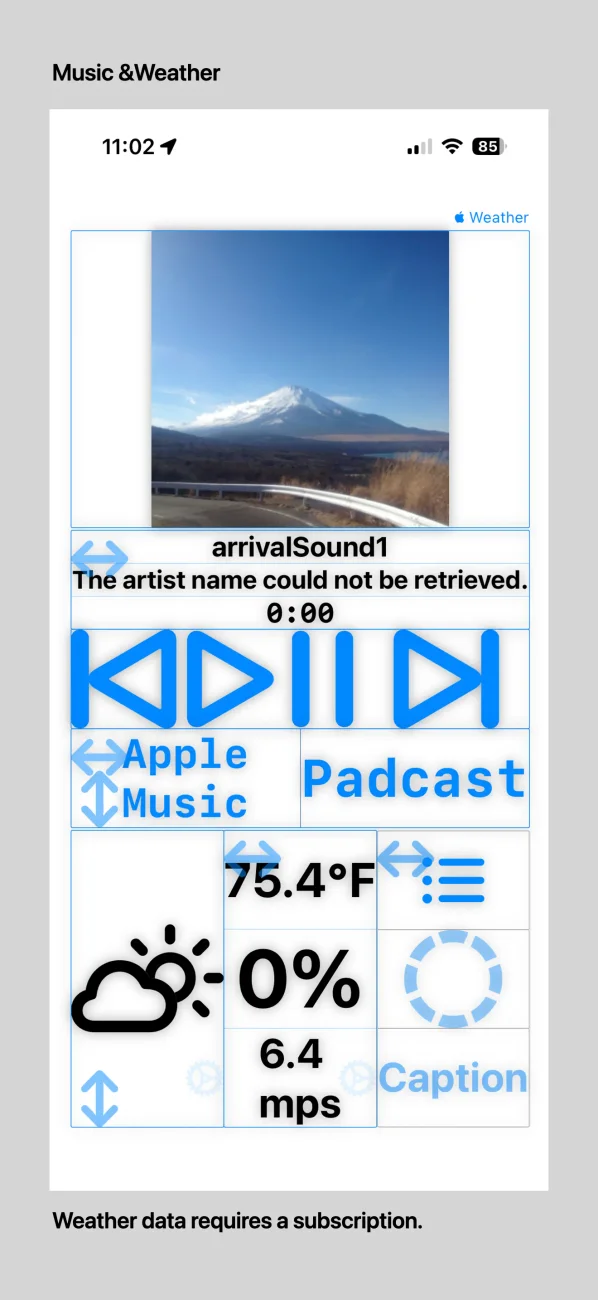
Tangkapan layar
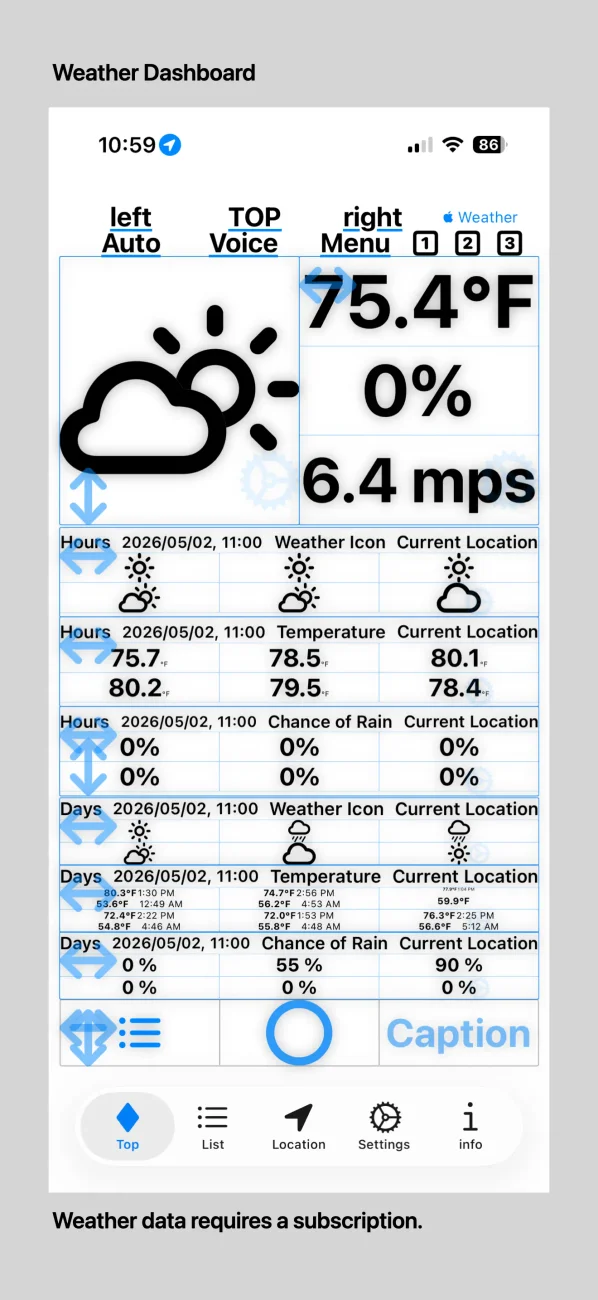
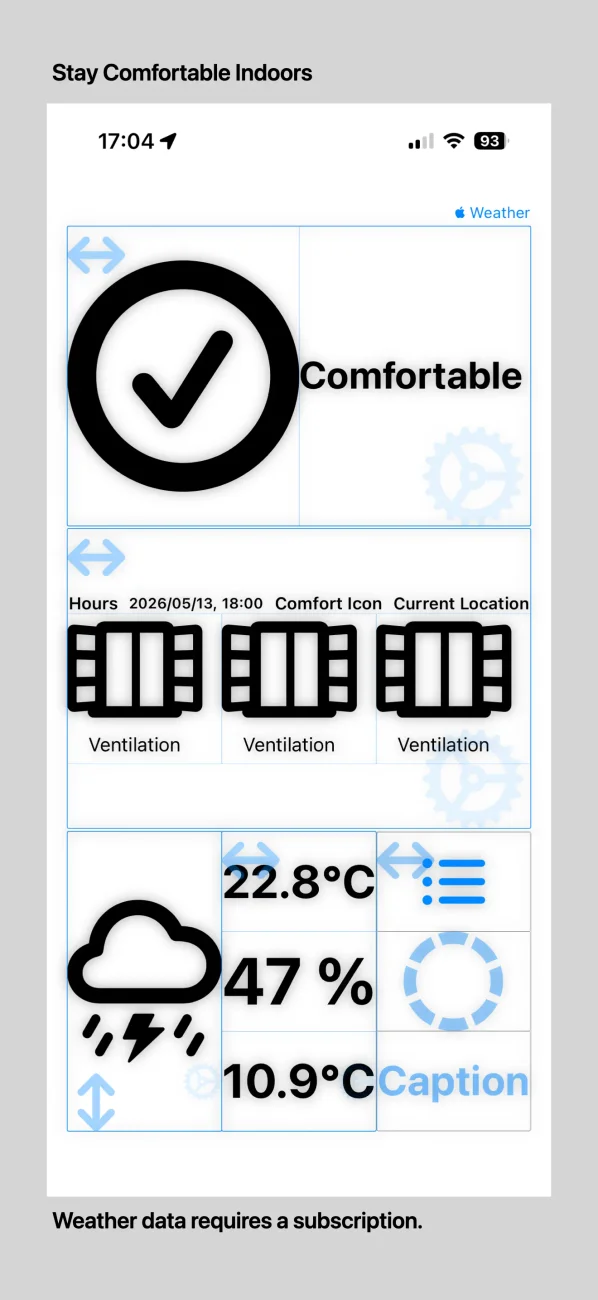
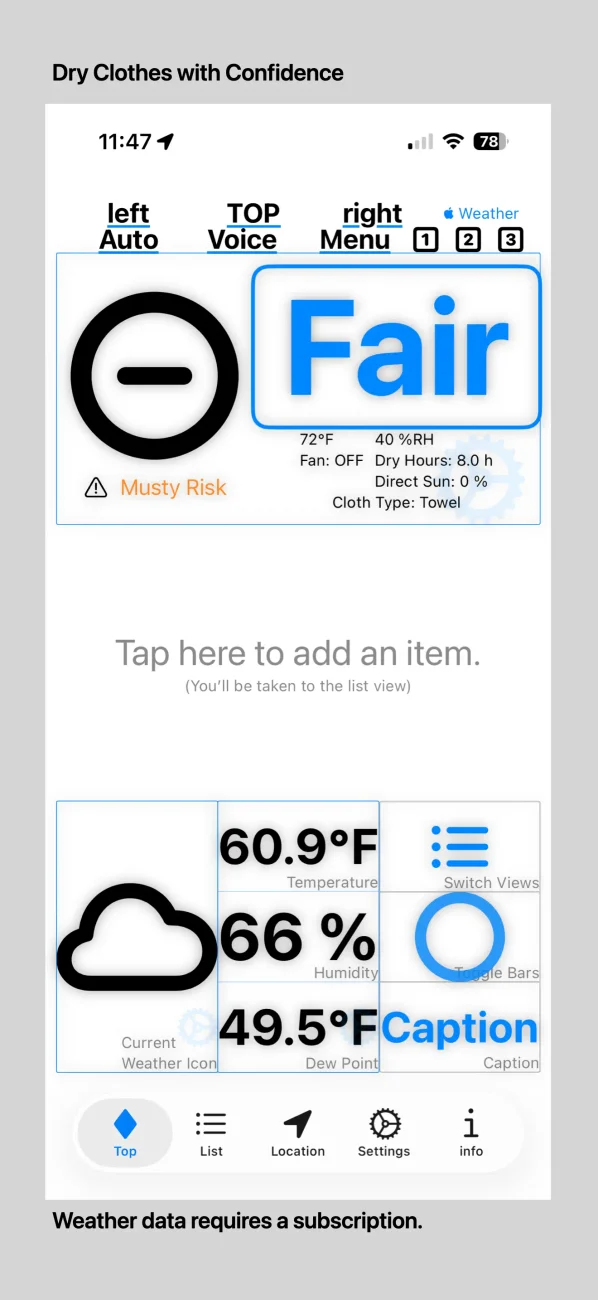
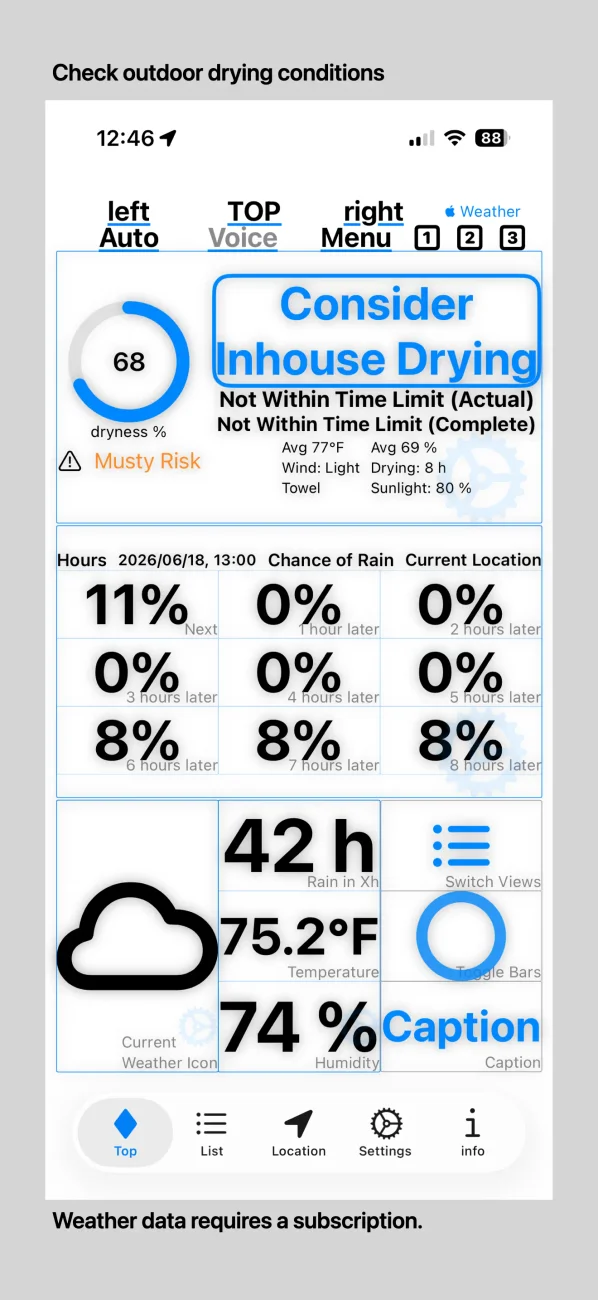
Tentang
Pengembang belum menyediakan teks ini dalam bahasa Anda.
Data Display
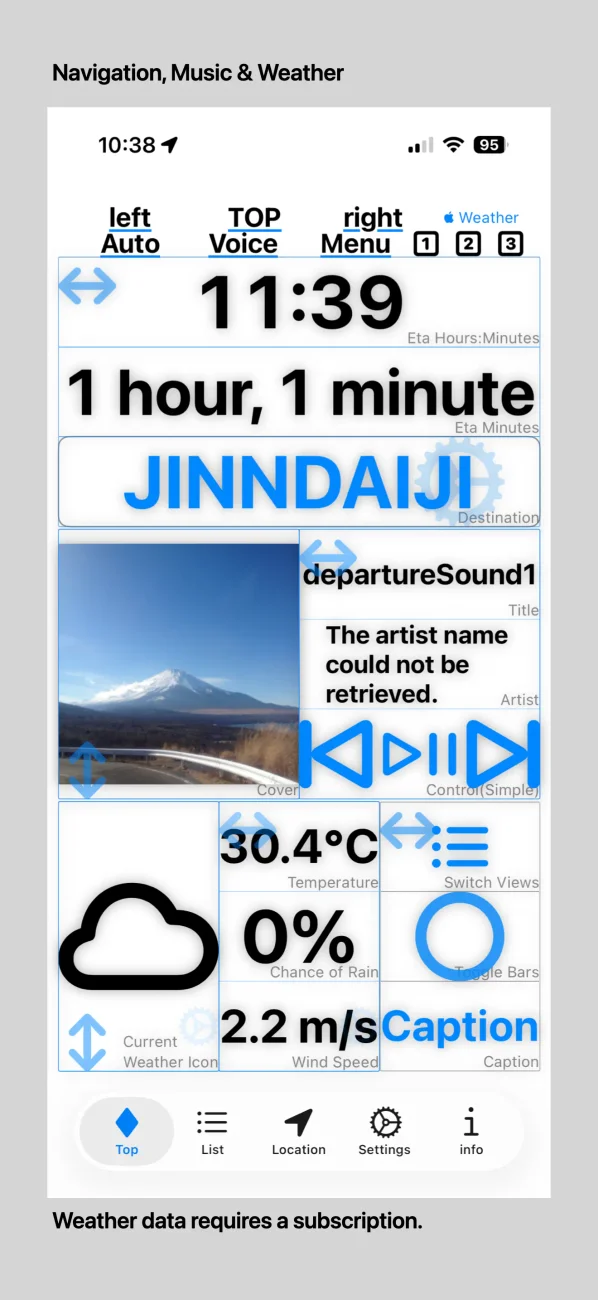
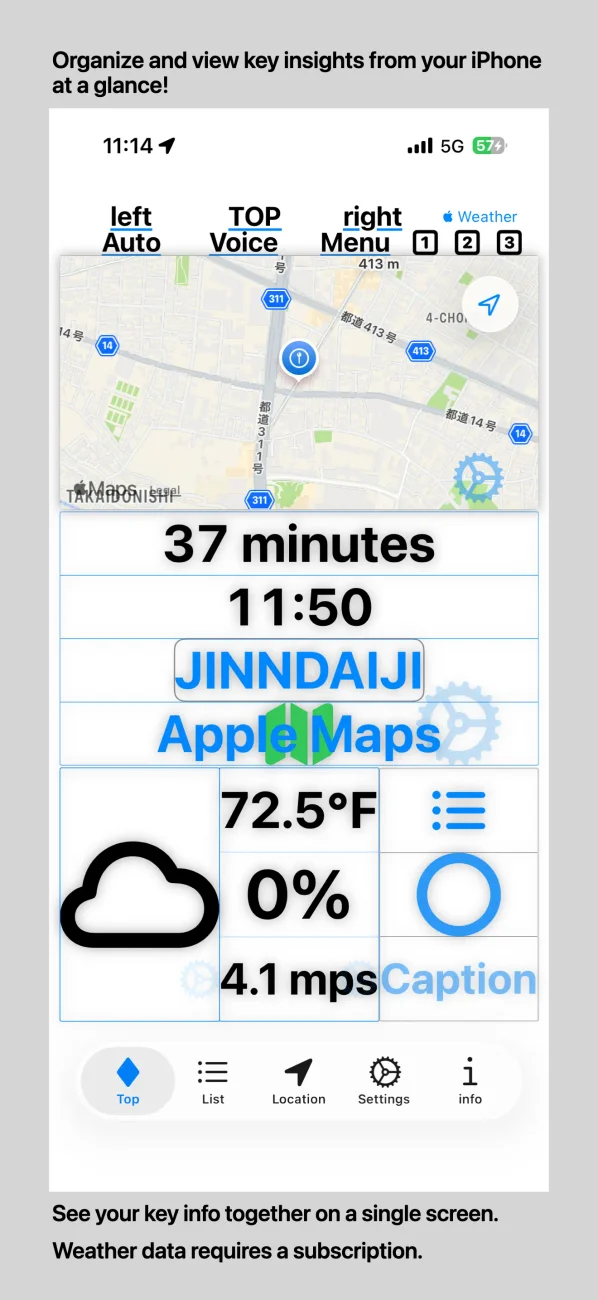
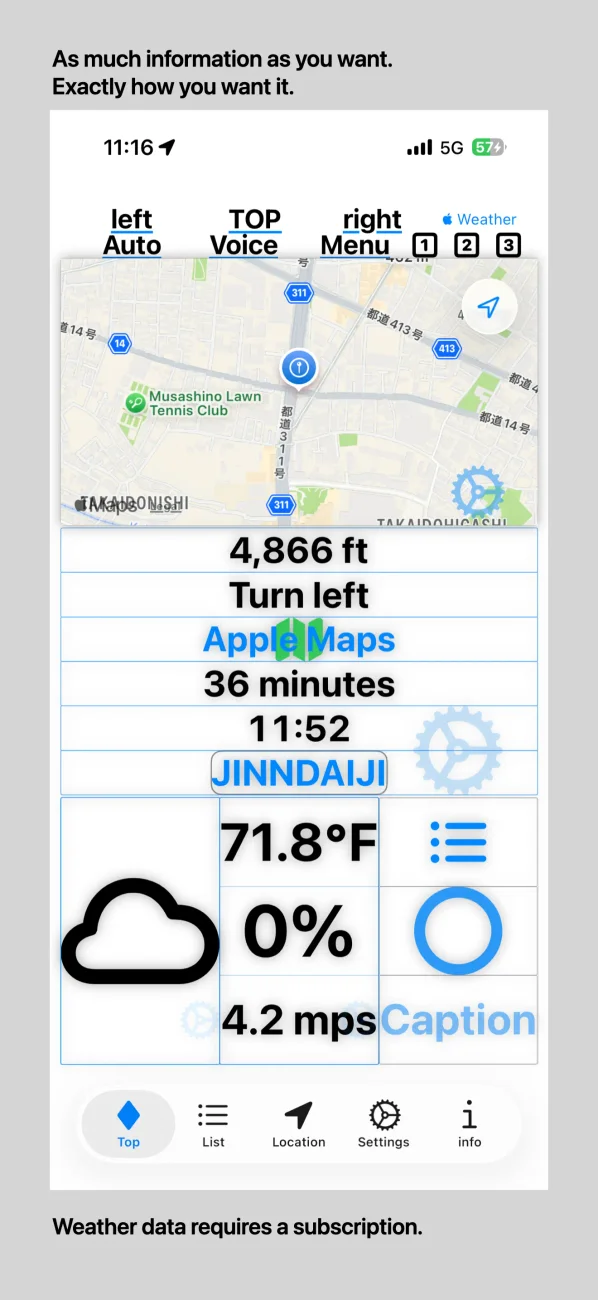
Organize and view all kinds of data from your iPhone or iPad at a glance!
The core features are free to use, and with a subscription or an Apple Music account, you can also display weather and music information directly on the screen.
Key Features
• Create multiple screens and switch between them with a simple tap
• Automatically adjusts the display for portrait and landscape orientations
• Show or hide items on each screen for a personalized layout
• Sensor and location data are regularly updated to provide the latest information
• Quickly switch screens to access the data you need
• Weather information is available with an in-app subscription
• Music information requires an active Apple Music subscription
Basic Usage
• Tap the “List” tab
• Tap the “+” button to add a new item, or tap an existing item to edit
• Set the name and icon on the item’s detail screen
• Choose the number of rows and columns to display on “Main1–3” screens
• Select which items to show from the category list and turn off the ones you don’t want
• Changes are automatically saved when you return to the main screen
Main Data You Can Display
• System Information: Battery level, date/time, display mode (Light/Dark/Auto), device orientation, voice guidance, network status, brightness, memory usage, etc.
• Location Information: Latitude/longitude, speed, altitude, heading, reverse geocoding, GPS elapsed time, graph display, etc.
• Weather Information (subscription required): Temperature, humidity, rainfall, sunrise/sunset times, forecast, wind speed/direction, sunlight level, etc.
• Route Guidance: Multiple destinations, estimated arrival times, route selection, highways/toll roads, Apple Maps integration, voice guidance, etc.
• Map Display: Current or custom location maps, standard/satellite/hybrid views, zoom, north-fixed orientation, route target display, etc.
• Music Information (Apple Music required): Title, album, artist, playback status, cover art, play/pause/skip controls, shuffle registration from recently added Apple Music tracks, etc.
Recommended For
• Users who want to organize all their iPhone/iPad data on a single screen
• Users who need to view multiple types of data simultaneously
• Users who want a fully customizable information display
• Users who want to combine weather or music information with other data
Note: If you upgrade to a higher subscription plan, any requests you have already used during the current month will count toward the new plan's monthly limit.
Requires iOS 17.6 or later.
Terms of Use (EULA):
https://masakiapp.seesaa.net/article/EULA.html
Yang baru
Versi 2.010 · 11/11/2026
Function addition and function improvement
- Fixed minor issues and improved stability.
- Added the ability to filter randomized song selections in the Music category based on ratings stored in the music library.
Privasi aplikasi
Yang dinyatakan masaki individual di App Store tentang cara aplikasi ini menangani data.
-
Data tidak dikumpulkan
Pengembang tidak mengumpulkan data apa pun dari aplikasi ini.
Praktik privasi dapat bervariasi, misalnya berdasarkan fitur yang Anda gunakan atau usia Anda.
Informasi
- Penjual
- Osamu Masaki
- Kategori
- Kegunaan
- Versi
- 2.010
- Diperbarui
- 11/11/2026
- Dirilis
- 11/4/2026
- Ukuran
- 6,1 MB
- Memerlukan
- iOS 18.6 atau yang lebih baru
- Batasan usia
- 4+
- Pembelian dalam aplikasi
- Ya
- Bahasa
- Inggris, Jepang
- Hak cipta
- © Osamu Masaki (Masaki application laboratory) 2024-2026