
Data Display
All Your Data, At a Glance
Designed for iPhone, iPad
Free · In-app purchases
- Age rating4+
- CategoryUtilities
- Developermasaki individual
- LanguagesEnglish+ 1 more
- Size6.1 MB
Links to the official App Store page
Download.org hosts no file of Data Display. The button opens its official App Store page, published by masaki individual. Listing last checked on Nov 18, 2026.
Screenshots
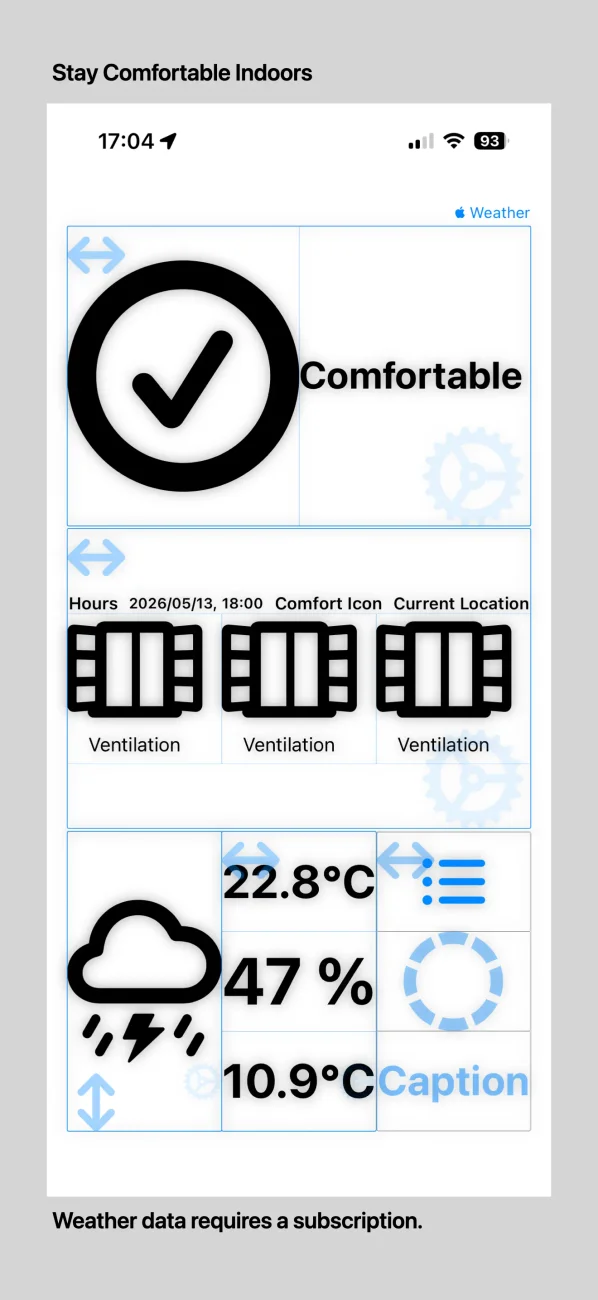
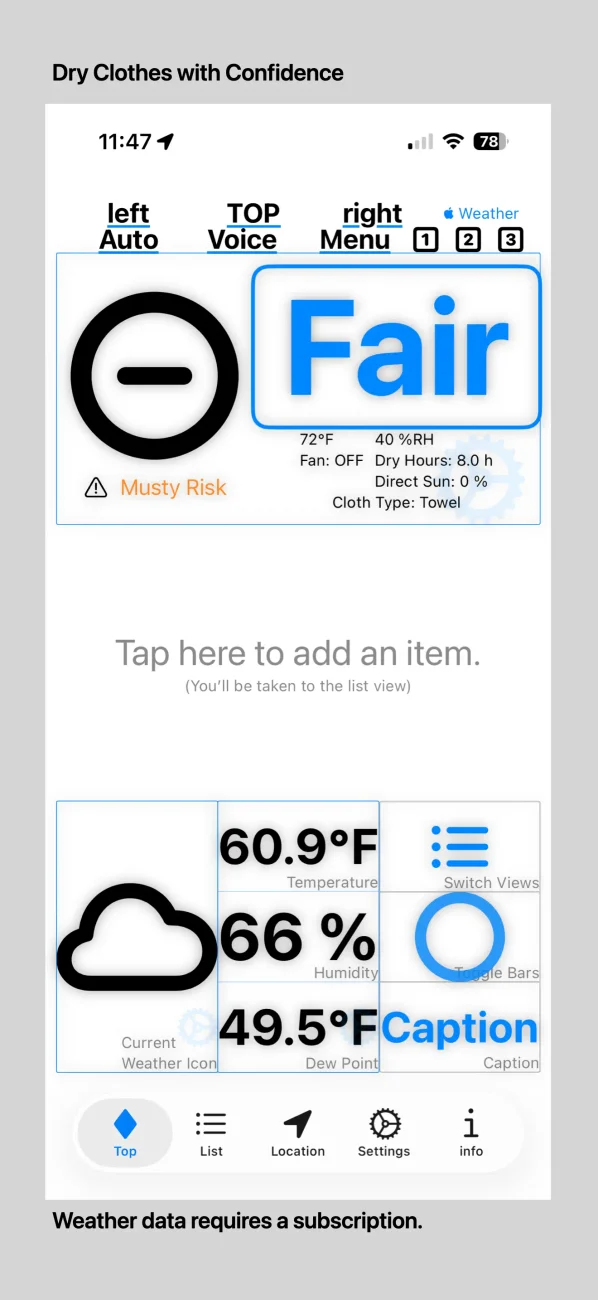
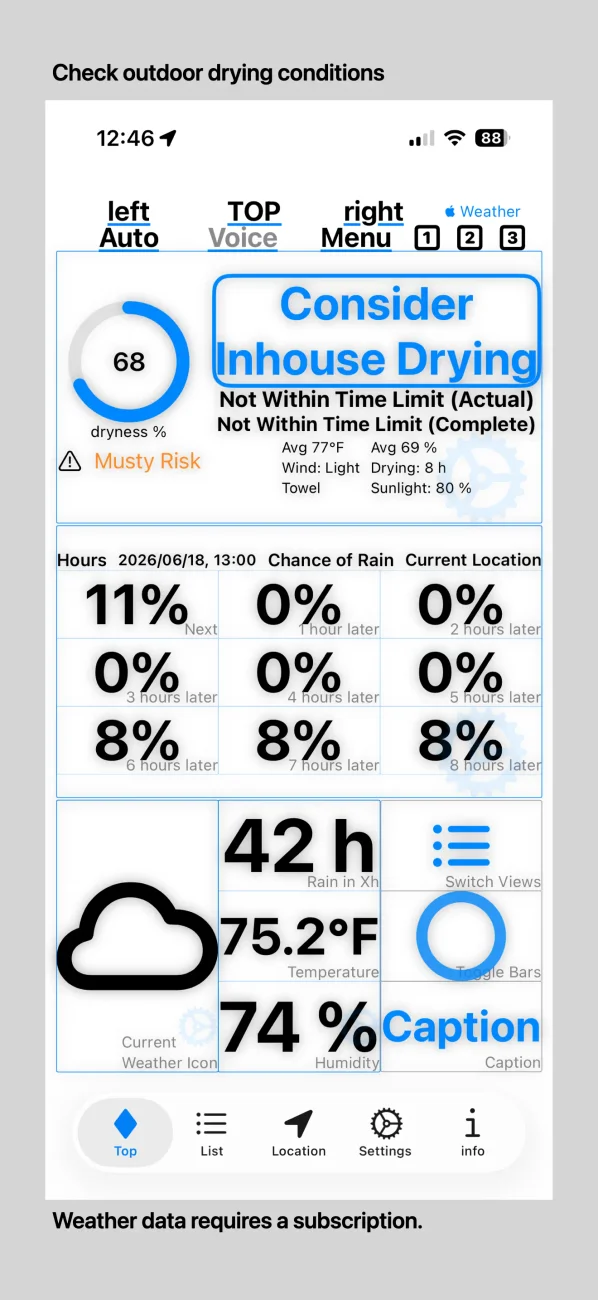
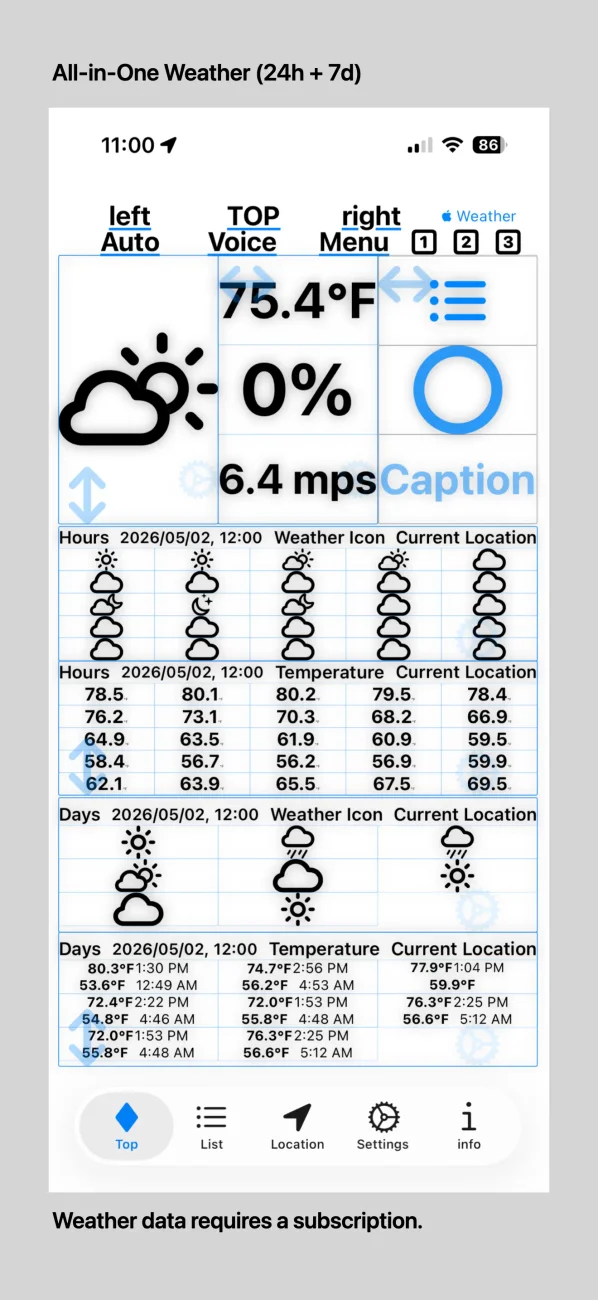
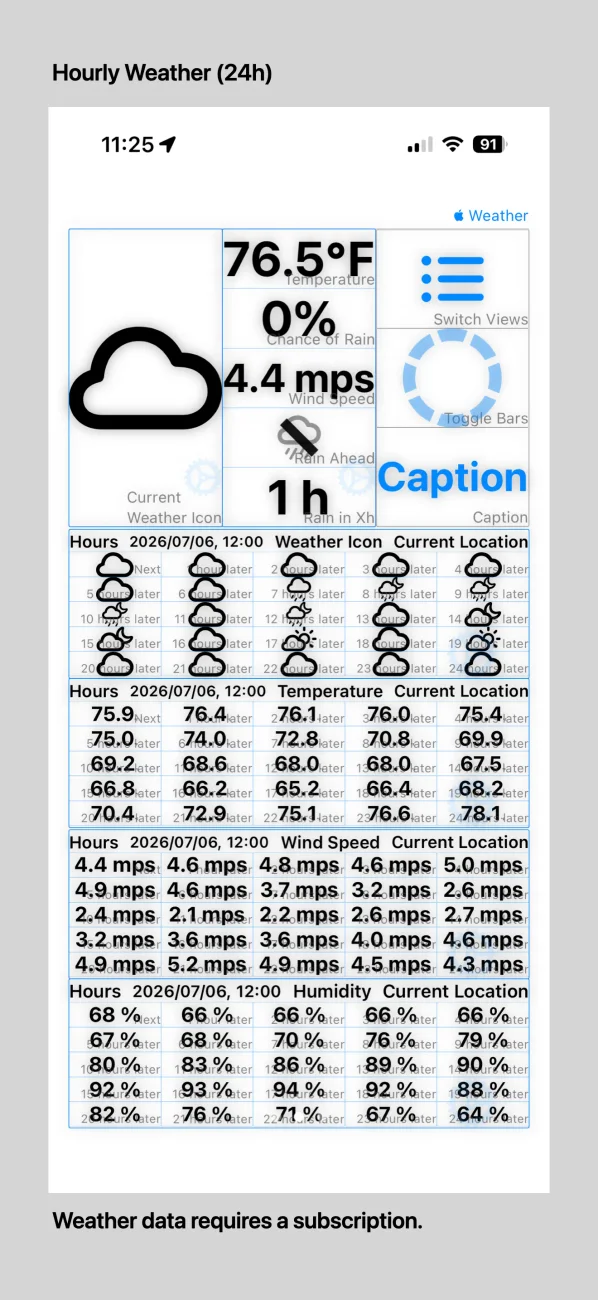
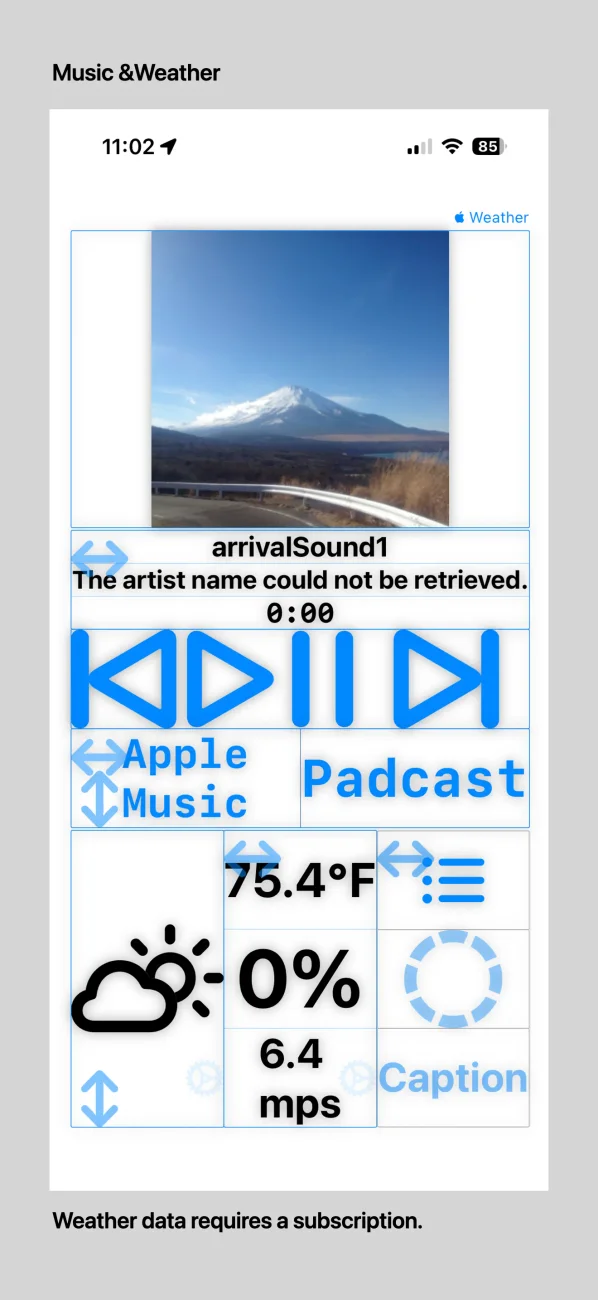
About
Data Display
Organize and view all kinds of data from your iPhone or iPad at a glance!
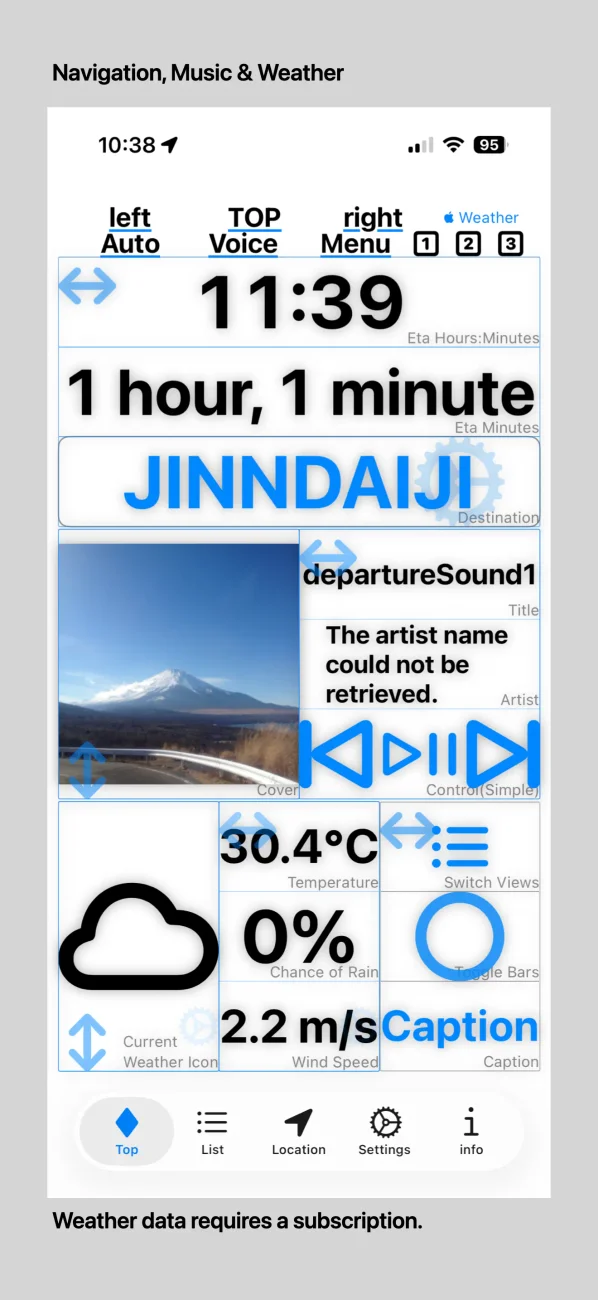
The core features are free to use, and with a subscription or an Apple Music account, you can also display weather and music information directly on the screen.
Key Features
• Create multiple screens and switch between them with a simple tap
• Automatically adjusts the display for portrait and landscape orientations
• Show or hide items on each screen for a personalized layout
• Sensor and location data are regularly updated to provide the latest information
• Quickly switch screens to access the data you need
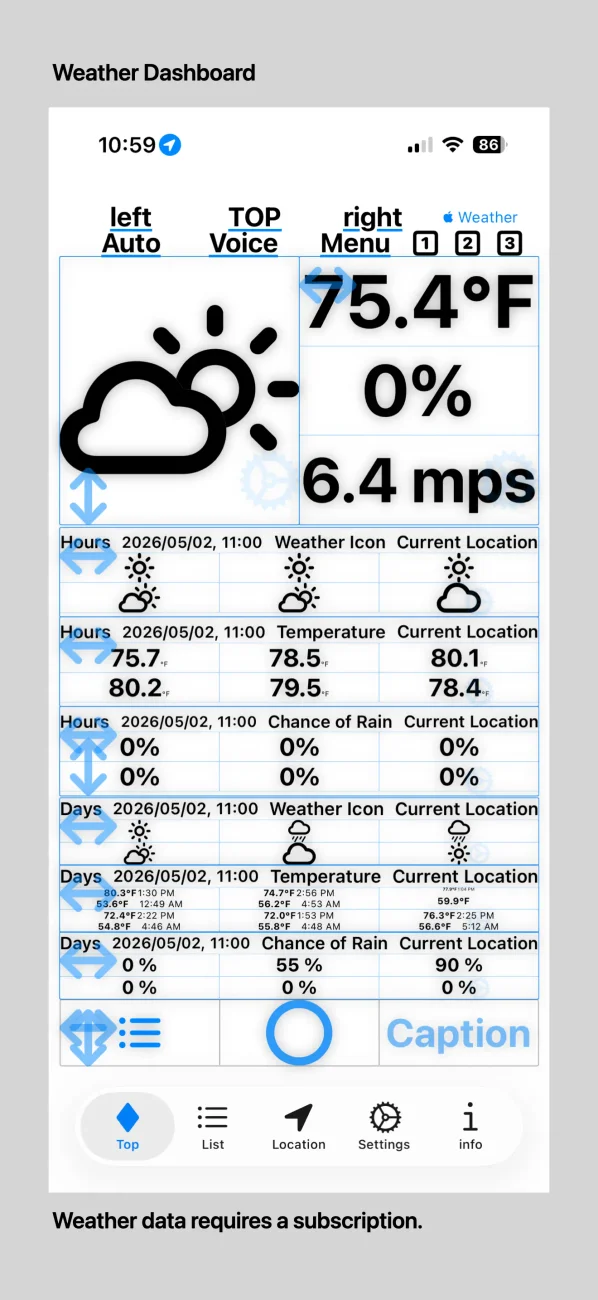
• Weather information is available with an in-app subscription
• Music information requires an active Apple Music subscription
Basic Usage
• Tap the “List” tab
• Tap the “+” button to add a new item, or tap an existing item to edit
• Set the name and icon on the item’s detail screen
• Choose the number of rows and columns to display on “Main1–3” screens
• Select which items to show from the category list and turn off the ones you don’t want
• Changes are automatically saved when you return to the main screen
Main Data You Can Display
• System Information: Battery level, date/time, display mode (Light/Dark/Auto), device orientation, voice guidance, network status, brightness, memory usage, etc.
• Location Information: Latitude/longitude, speed, altitude, heading, reverse geocoding, GPS elapsed time, graph display, etc.
• Weather Information (subscription required): Temperature, humidity, rainfall, sunrise/sunset times, forecast, wind speed/direction, sunlight level, etc.
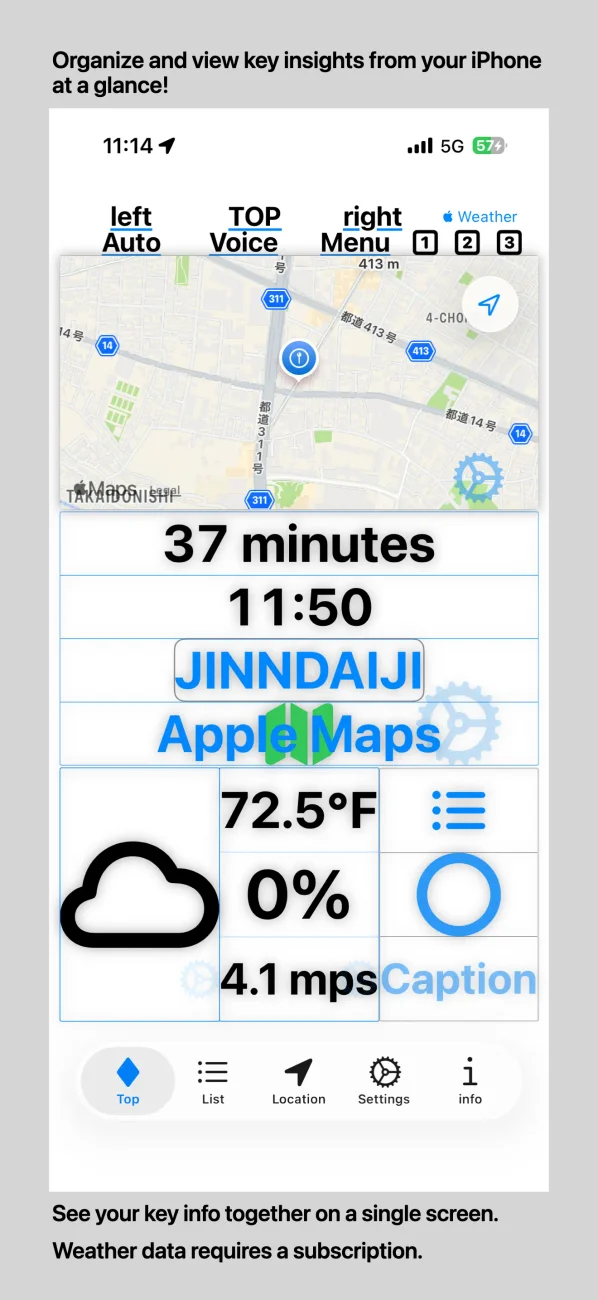
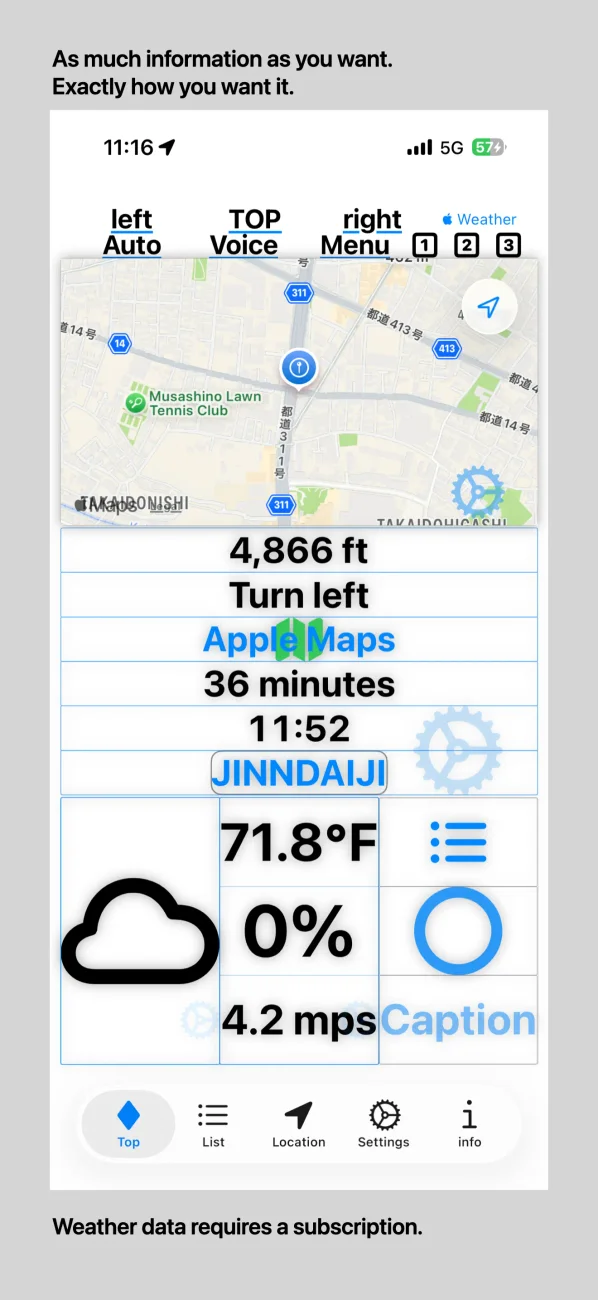
• Route Guidance: Multiple destinations, estimated arrival times, route selection, highways/toll roads, Apple Maps integration, voice guidance, etc.
• Map Display: Current or custom location maps, standard/satellite/hybrid views, zoom, north-fixed orientation, route target display, etc.
• Music Information (Apple Music required): Title, album, artist, playback status, cover art, play/pause/skip controls, shuffle registration from recently added Apple Music tracks, etc.
Recommended For
• Users who want to organize all their iPhone/iPad data on a single screen
• Users who need to view multiple types of data simultaneously
• Users who want a fully customizable information display
• Users who want to combine weather or music information with other data
Note: If you upgrade to a higher subscription plan, any requests you have already used during the current month will count toward the new plan's monthly limit.
Requires iOS 17.6 or later.
Terms of Use (EULA):
https://masakiapp.seesaa.net/article/EULA.html
What’s new
Version 2.010 · Nov 11, 2026
Function addition and function improvement
- Fixed minor issues and improved stability.
- Added the ability to filter randomized song selections in the Music category based on ratings stored in the music library.
App privacy
What masaki individual declares on the App Store about how this app handles data.
-
Data not collected
The developer does not collect any data from this app.
Privacy practices may vary, for example with the features you use or your age.
Information
- Seller
- Osamu Masaki
- Category
- Utilities
- Version
- 2.010
- Updated
- Nov 11, 2026
- Released
- Apr 11, 2026
- Size
- 6.1 MB
- Requires
- iOS 18.6 or later
- Age rating
- 4+
- Price
- Free
- In-app purchases
- Yes
- Languages
- English, Japanese
- Copyright
- © Osamu Masaki (Masaki application laboratory) 2024-2026
You might also like
-
 やさしいバッテリーUtilities
-
 SafePlus - Local VaultUtilities
-
 ShortMemo - Idea, Draft, etc.Jot down daily information.
-
 Bullet BookMarkWorld's fastest bookmarker
-
 車のメンテナンス記録Utilities
-
 QR Code: Fast Scan/GenerateQR Code Scanner/Generator
-
 Photo Cleaner - Photos StorageCleaner kit
-
 Battery Alarm & Runtimes AppCharge Alert, Widget & Watch
-
 Disk Space Visualize & CleanerVisualize your disk usage
-
 +wattUtilities