
DecHex - Programmer Calculator
Hex and decimal, side by side
Dirancang untuk iPhone, iPad, iPod touch
Rp 19ribu
- Batasan usia4+
- KategoriAlat Pengembang
- Pengembang正川 江
- BahasaInggris+ 5 lainnya
- Ukuran3,9 MB
Tertaut ke halaman resmi App Store
Download.org tidak menyimpan file DecHex - Programmer Calculator apa pun. Tombol ini membuka halaman aplikasi di App Store, tempat 正川 江 menerbitkannya. Halaman terakhir diperiksa pada 20/11/2026.
Tangkapan layar

Tentang
Pengembang belum menyediakan teks ini dalam bahasa Anda.
Stop choosing a number base.
Most programmer calculators make you tap HEX or DEC before typing, and picking the wrong one means starting over. DecHex removes that step: whatever you type is shown in two cards at once.
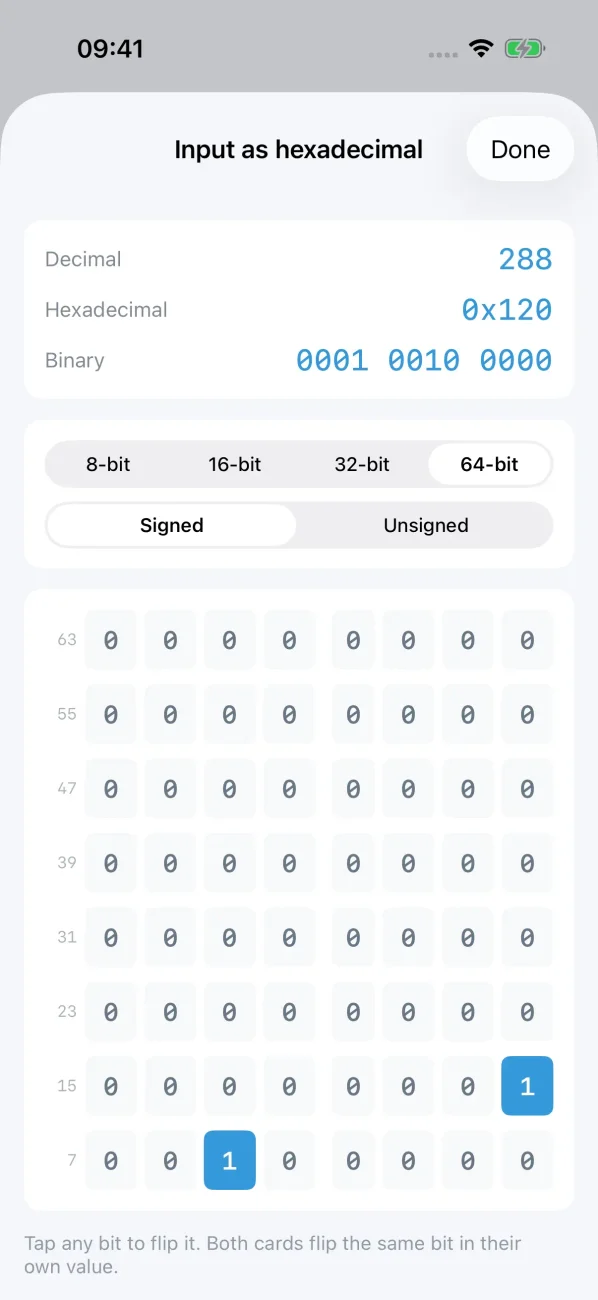
Input as hexadecimal: your input taken as hex, with decimal and hex results.
Input as decimal: the same input taken as decimal, with decimal and hex results.
Just read the card you need. No switching, no guessing, no recalculating.
PROGRAMMER CALCULATOR
- Type 1A and the top card tells you it is 26 in decimal. Type 13 and the bottom card tells you it is 0xD
- Arbitrary precision: add, subtract, multiply and divide beyond 64 bits without overflow
- Word size 8, 16, 32 or 64 bits, signed or unsigned. Bitwise operations and the binary view follow the selected two's complement width
- Live binary display. Tap the binary row to flip individual bits
- Full keypad: A to F, AND, OR, XOR, NOT, shift left, shift right, sign, chained operations
- Backspace removes anything you typed, operators included. Two-step CLR
- A simple layout hides the bitwise column for bigger keys
- Paste understands 0x1F, 0b1010, 0o17, #FF8800, 1Fh and more
BASIC CALCULATOR WITH SCIENTIFIC MODE
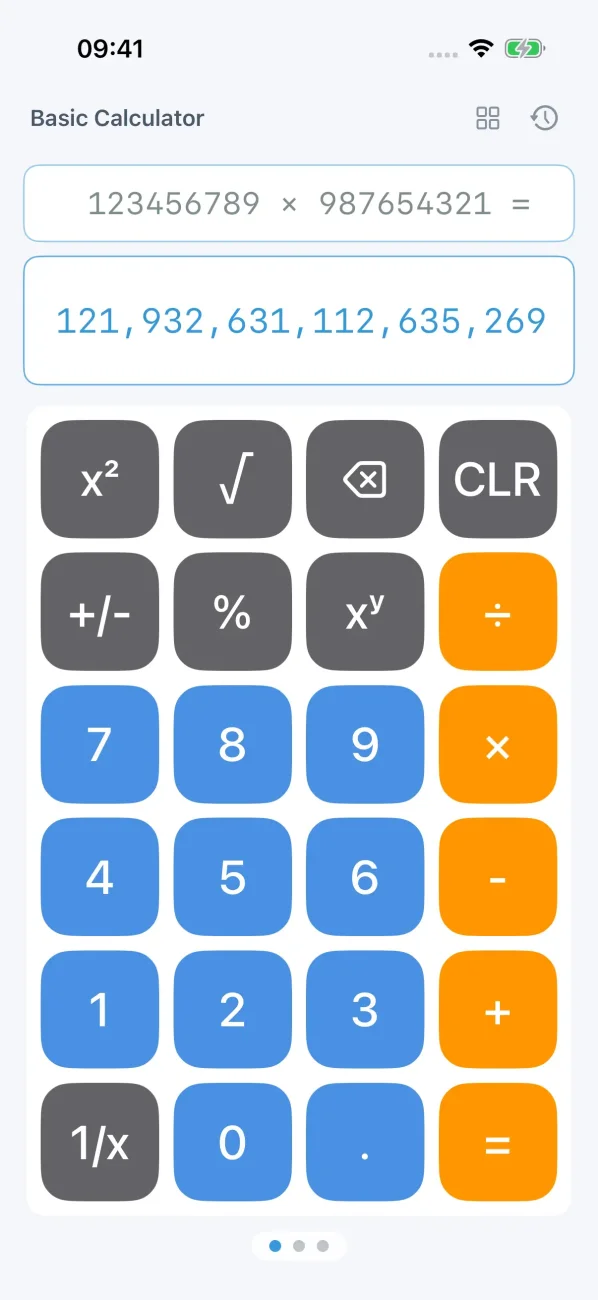
- Simple mode: add, subtract, multiply, divide, percent, reciprocal, square, square root, power
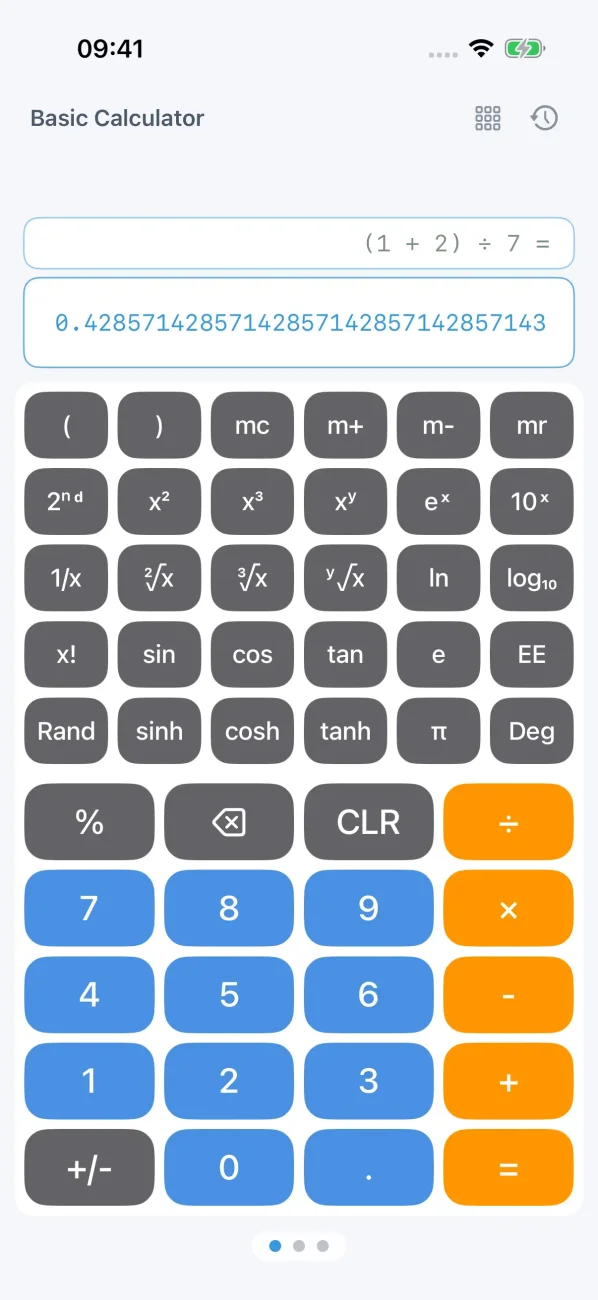
- Scientific mode: parentheses, memory keys, trigonometric and inverse functions, hyperbolic functions, logarithms, exponentials, factorial, roots, pi, e, scientific notation, random numbers, degrees and radians
- Exact results: 0.1 + 0.2 is 0.3 and 1 / 3 x 3 is 1. Addition, subtraction, multiplication and integer powers are exact; division and square roots keep 32 significant digits
- Long numbers that do not fit can be tapped to view and copy in full
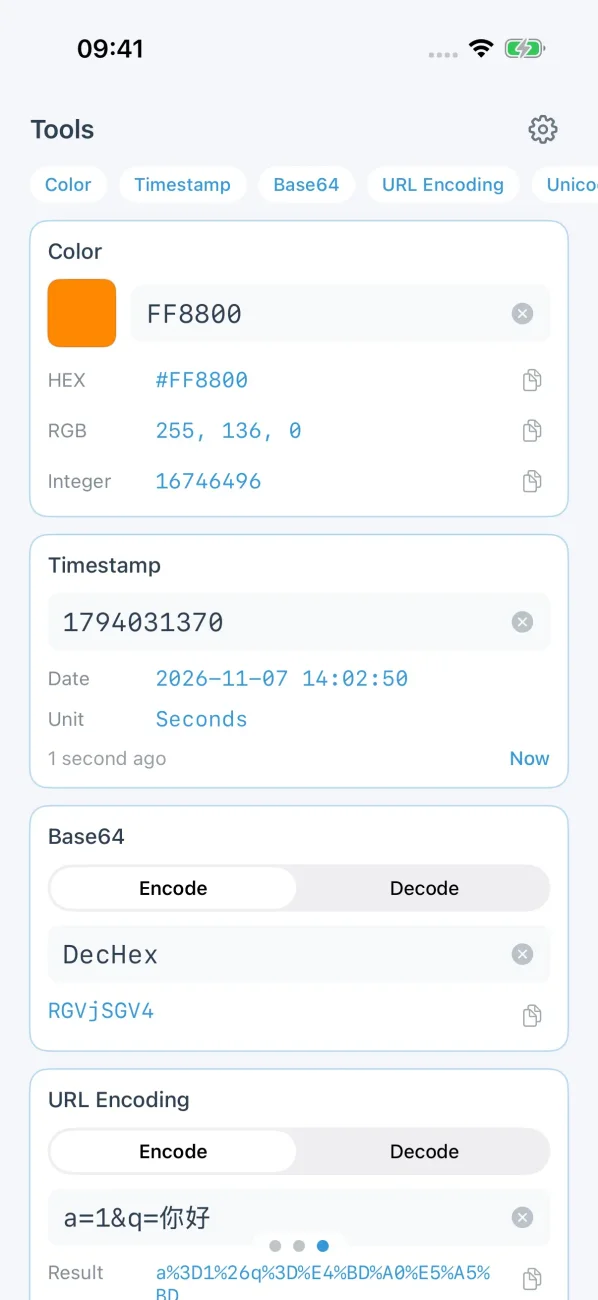
10 DEVELOPER TOOLS
Color values, timestamps (seconds, milliseconds, microseconds and nanoseconds detected automatically), Base64, URL encoding, Unicode, hashes (MD5, SHA-1, SHA-256), UUID, JWT decoding, IPv4 subnets and byte units. Results update as you type, and every value can be copied with one tap.
BUILT INTO YOUR DEVICE
- Home Screen and Lock Screen widgets plus a Control Center button (iOS 18 or later) that open any page and match your theme
- Siri and Shortcuts (iOS 16 or later): just say the number to convert or the expression to calculate
- Hardware keyboard input, Return to calculate, Delete to backspace (iOS 17 or later)
- Layouts designed for iPad, with Split View, Stage Manager and trackpad pointer support
- Made for iPhone Duo: inner display layouts, with your history next to the basic calculator in landscape. The tabletop posture puts results on top and keys below, the book posture splits the pages along the fold, titles and buttons live in the system side toolbar, and you can open another page in a new window side by side
- Also runs on Mac with Apple silicon, with direct keyboard input
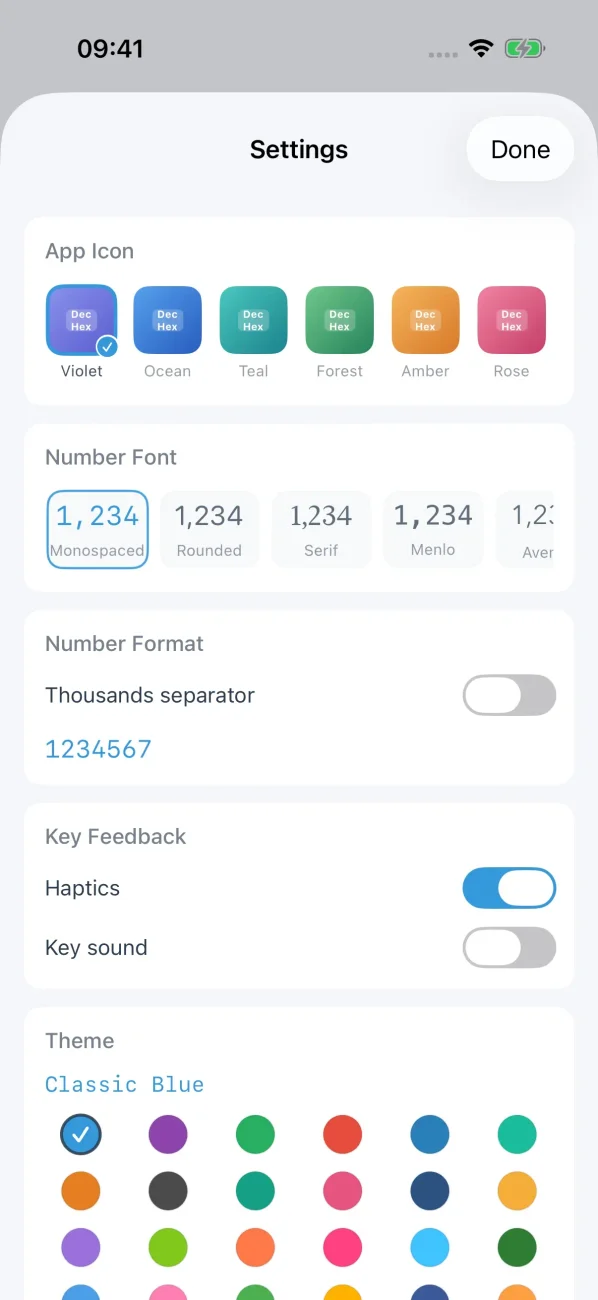
MAKE IT YOURS
- 42 color themes, each tuned for light and dark mode. Long press the shift keys to switch
- 8 number fonts and an optional thousands separator
- 7 app icon colors
- Separate switches for key haptics and key sounds
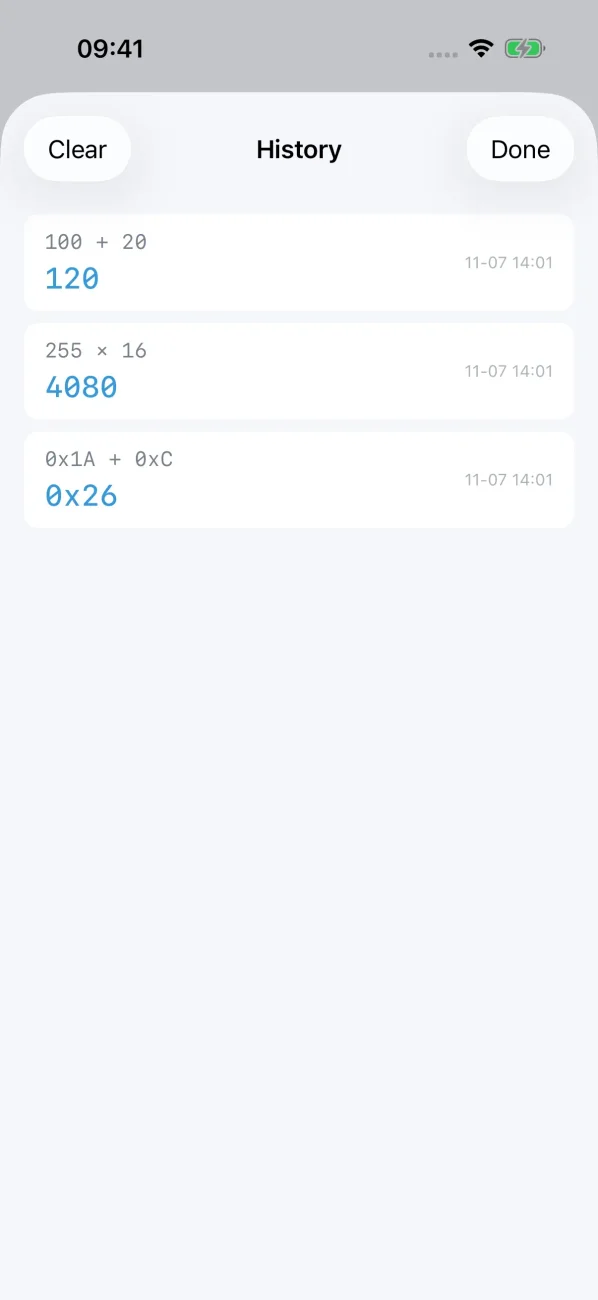
- Each calculator keeps its own history. Tap an entry to reuse the result
- Available in English, Simplified Chinese, Traditional Chinese, Japanese, Korean and Russian
PRIVACY
No network access, no data collection, no account, no ads and no third-party SDKs. Every calculation and setting stays on your device and is removed when you delete the app.
Made for developers who work with registers, memory addresses, color values and bit masks every day, embedded and low-level engineers who convert between decimal and hex all the time, and students learning number bases and two's complement.
Yang baru
Versi 1.1 · 12/11/2026
Version 1.1 is made for iPhone Duo and improves the Mac experience.
iPhone Duo
- Inner display layouts: results on the left and keys on the right in the programmer calculator. In landscape, the basic calculator keeps your history next to it; tap an entry to reuse it
- Tabletop posture: half fold it on a desk to read results on the top half and type on the bottom half
- Book posture: the two pages split along the fold and no key sits on the crease. Scientific mode spreads across both pages
- A soft shadow along the fold follows the hinge angle
- Titles and buttons move into the system side toolbar
- Open another page in a new window and use both side by side on the inner display
- Redesigned outer display layouts with bigger keys
Mac
- Fixed keyboard input on Mac: digits, operators, Return and Delete now work directly
Other improvements
- The Tools page now switches between light and dark appearance right away
- The page dots no longer cover content on the Tools page
- Header buttons are easier to tap
Privasi aplikasi
Yang dinyatakan 正川 江 di App Store tentang cara aplikasi ini menangani data.
-
Data tidak dikumpulkan
Pengembang tidak mengumpulkan data apa pun dari aplikasi ini.
Praktik privasi dapat bervariasi, misalnya berdasarkan fitur yang Anda gunakan atau usia Anda.
Informasi
- Penjual
- 正川 江
- Kategori
- Alat Pengembang
- Versi
- 1.1
- Diperbarui
- 12/11/2026
- Dirilis
- 5/11/2026
- Ukuran
- 3,9 MB
- Memerlukan
- iOS 15.6 atau yang lebih baru
- Batasan usia
- 4+
- Harga
- Rp 19ribu
- Bahasa
- Inggris, Jepang, Korea, Rusia, Tionghoa Sederhana, Tionghoa Tradisional
- Hak cipta
- © 2026 Troy Jiang
Mungkin Anda juga suka
-
 Push PreviewAlat Pengembang
-
 OctrixAlat Pengembang
-
 WarpeerAlat Pengembang
-
 RegExpressAlat Pengembang
-
 Mono Dash - Made for 1PanelAlat Pengembang
-
 QuickTUI: AI Agent TerminalAlat Pengembang
-
 ServerCC - Claude Code & CodexAlat Pengembang
-
 HTTPS Capture Traffic DecryptAlat Pengembang
-
 FlareKit for CloudflareAlat Pengembang
-
 图标帝Alat Pengembang