
DeftPDF PDF Edit, Annotate
edit,convert,sign,ocr,split
Dirancang untuk iPhone, iPad, iPod touch
Gratis · Pembelian dalam aplikasi
- Batasan usia4+
- KategoriProduktivitas
- PengembangSictec Infotech
- BahasaInggris+ 40 lainnya
- Ukuran104,2 MB
Tertaut ke halaman resmi App Store
Download.org tidak menyimpan file DeftPDF PDF Edit, Annotate apa pun. Tombol ini membuka halaman aplikasi di App Store, tempat Sictec Infotech menerbitkannya. Halaman terakhir diperiksa pada 26/11/2026.
Tangkapan layar
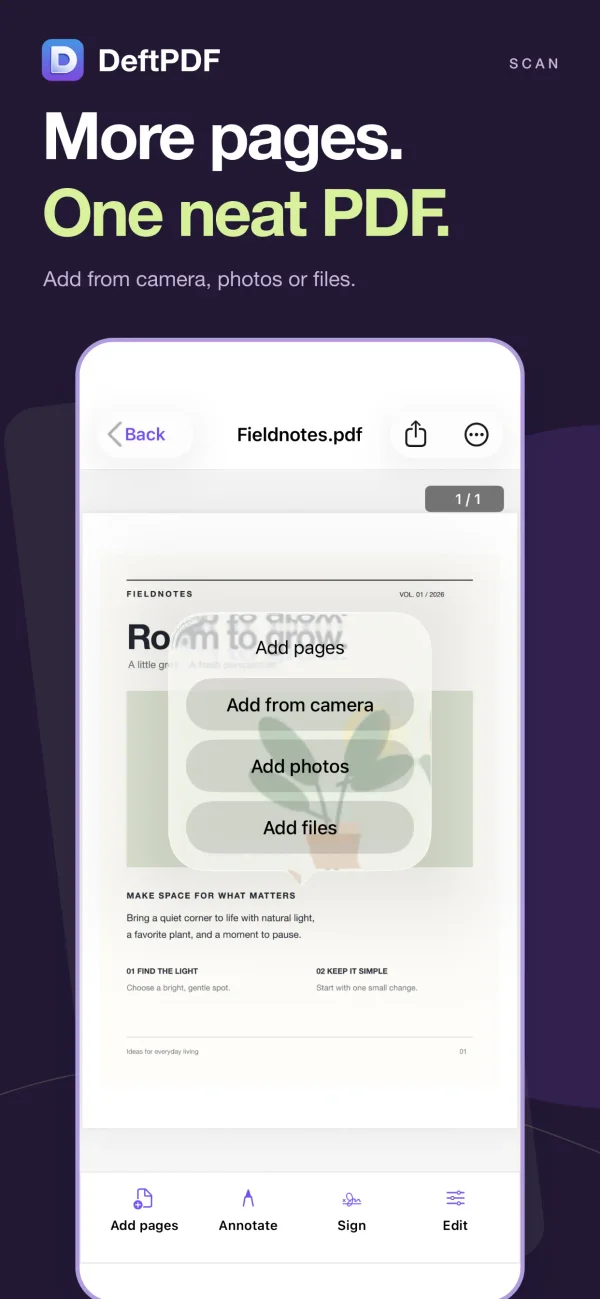
Tentang
Pengembang belum menyediakan teks ini dalam bahasa Anda.
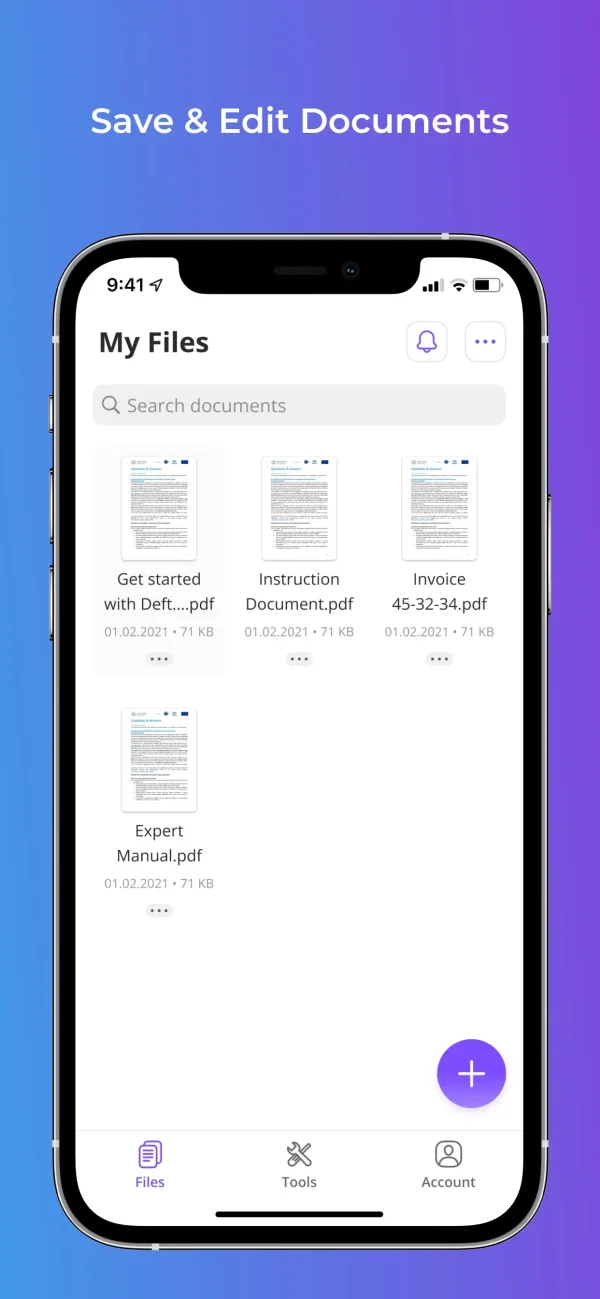
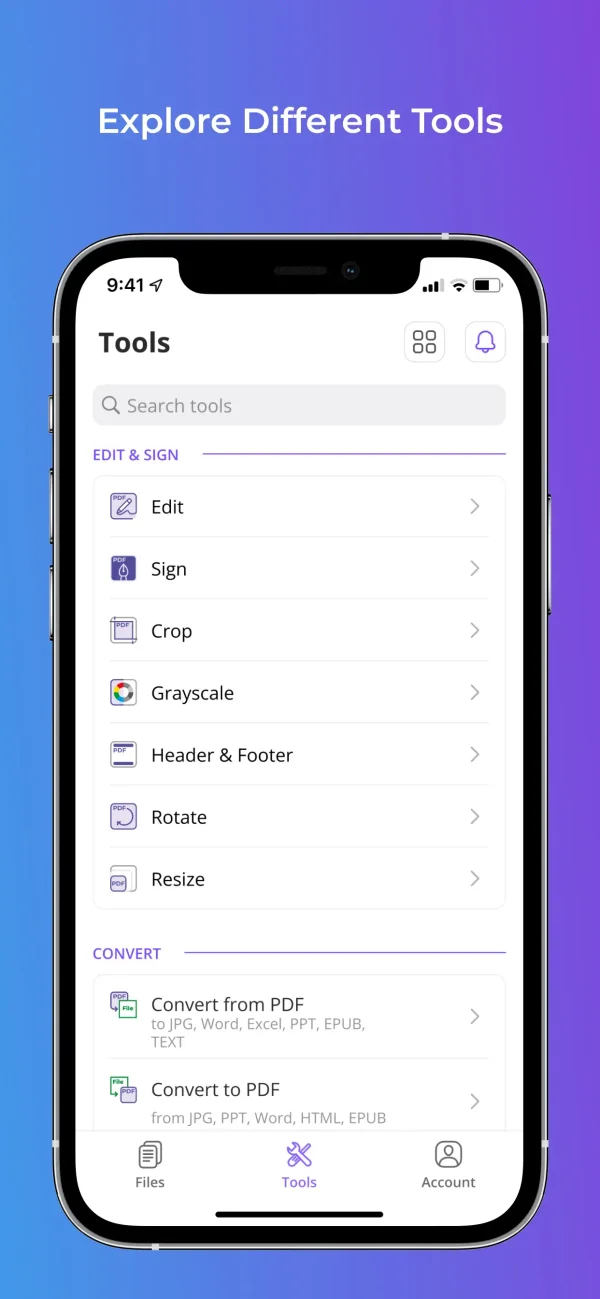
All-in-one PDF tools - A reliable, intuitive and productive PDF Software, get 40+ PDF tools, such as
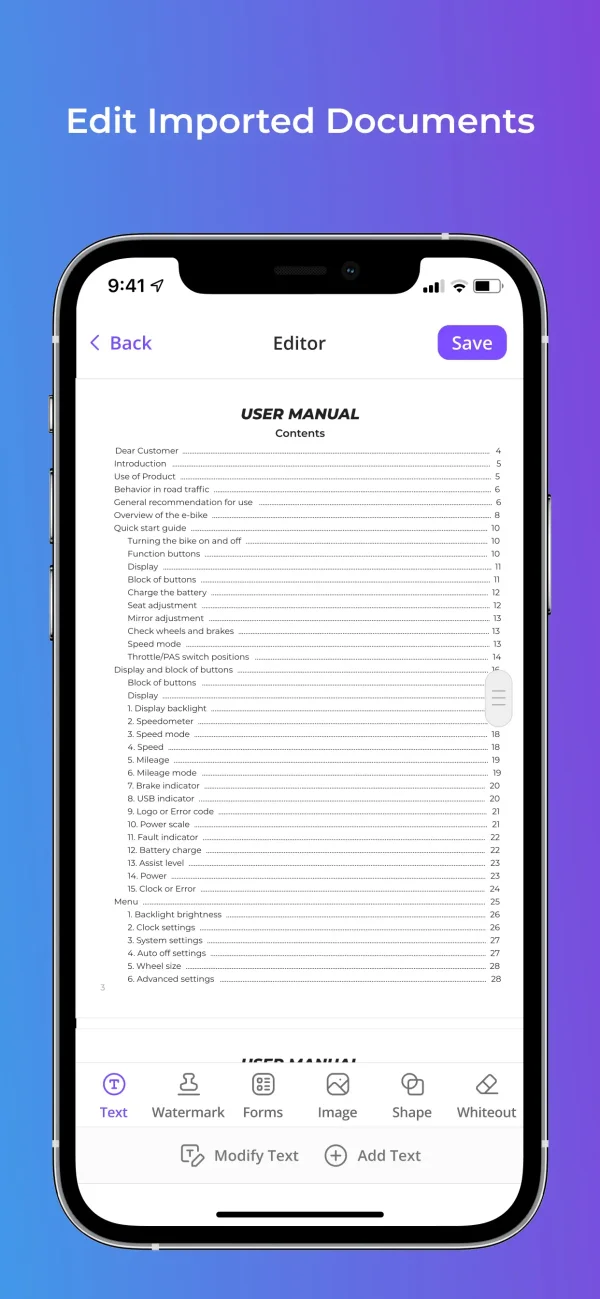
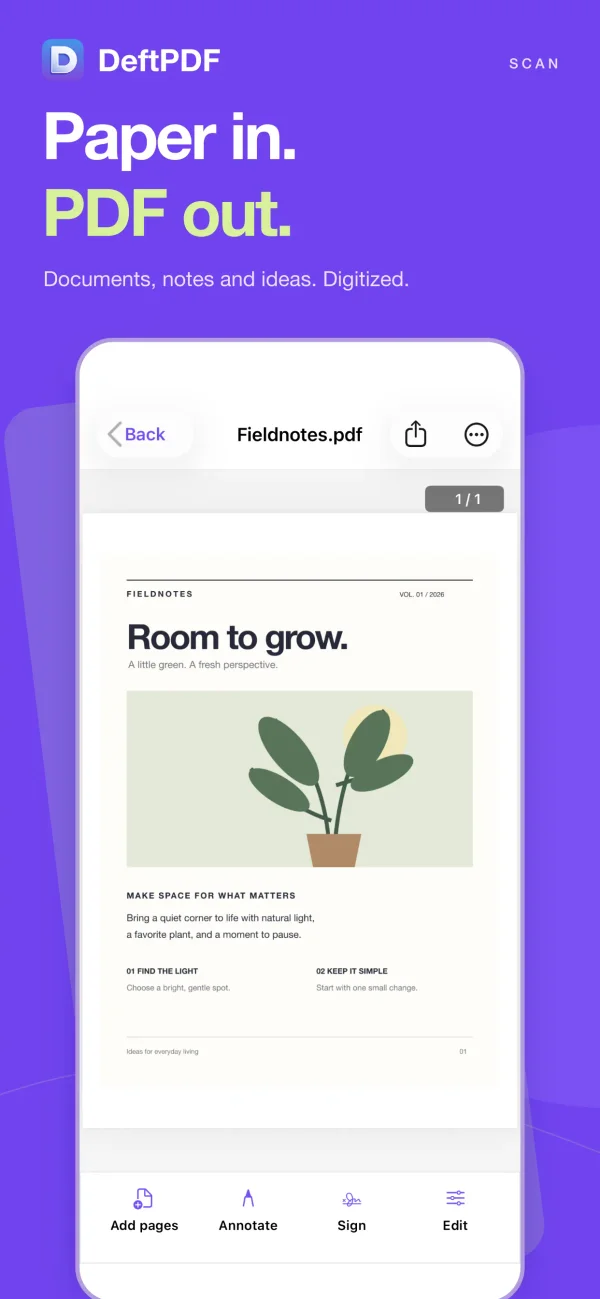
EDIT: With this tool you can edit existing PDF text, add image, form, whiteout, shape and more with ease, you can even do “freestyle” on your PDF.
Merge: Simply open your document in Merge PDF and combine as many PDF files as you want.
Combine & Reorder,
Compress: Reduce the file size of your document while keeping visual quality.
Alternate & Mix,
Bates Numbering,
Delete Pages: With this tool you can rearrange, rotate or remove one or several pages with ease.
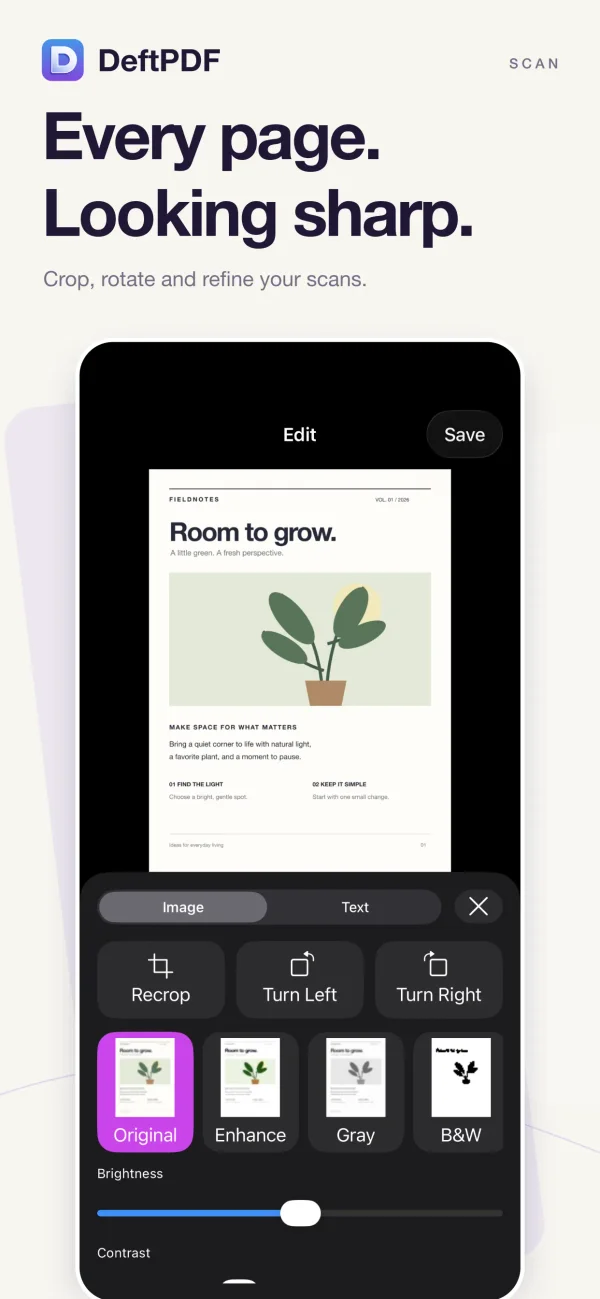
Crop: Crop white margins or preview PDF pages and select crop areas
Sign: need to sign document on the go? No problem, sign document right on your phone anytime, anywhere.
Grayscale,
Header & Footer,
N-Up, N-up & PDF Imposition. Print multiple pages per sheet per paper.
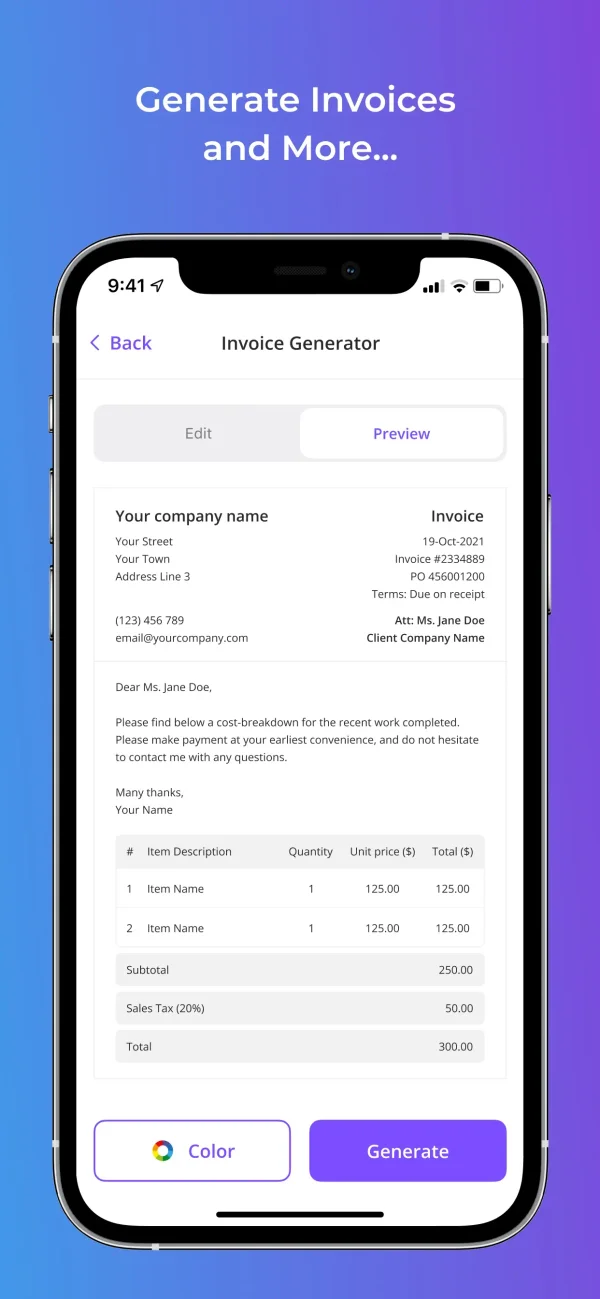
Invoice Generator,
Protect, Secure PDF files for free by adding a password that will prevent people from being able to copy or print
Rotate: Rotate your PDF files as you want. Rotate multiple PDF at same time defining degrees.
Repair,
Resize,
Unlock, Remove PDF password security, giving you the freedom to use your PDFs as you want.
Watermark, Choose an image or a text and add it to your PDF document. Select position, transparency or typography for the best result.
Translate: Instantly translate and preserve the layout of any document format into any language. FREE up to 5 pages!
CONVERT:
Convert PDF to JPG, PDF to Word, PDF to Excel, PDF to PPT, PDF to EPUB, PDF to Text, JPG to PDF, PPT to PDF, Word to PDF, HTML to PDF, EPUB to PDF.
PDF to PDF/A: Convert PDF documents to PDF/A for archiving and long-term preservation.
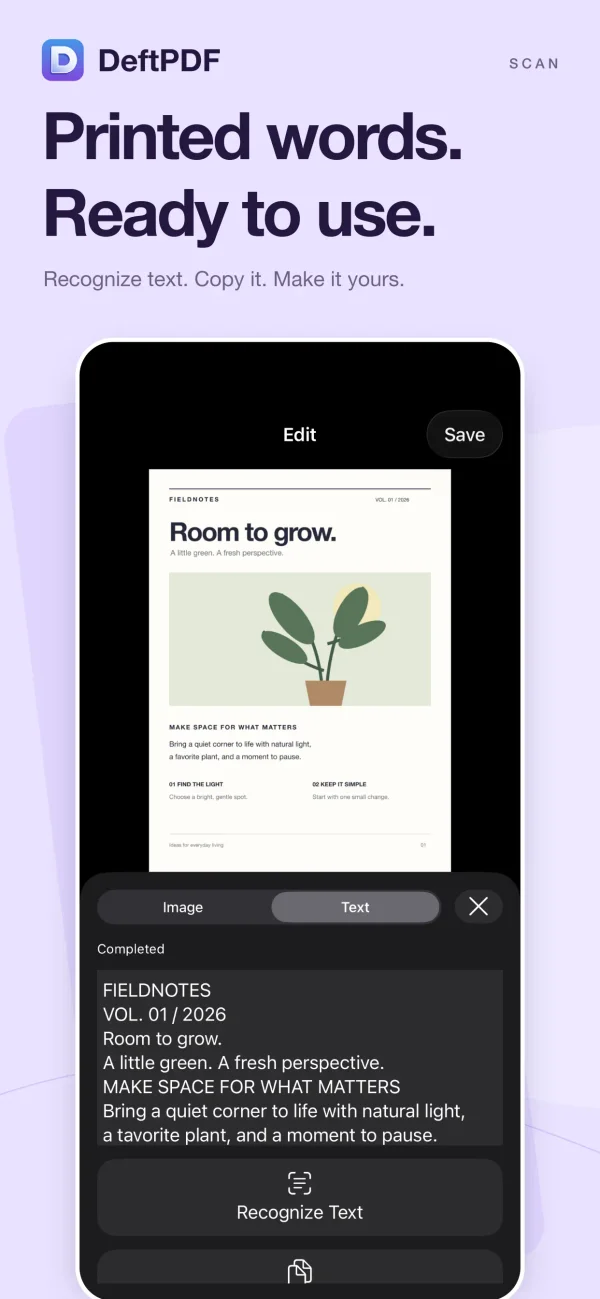
OCR PDF: Turn any scanned PDF into searchable PDF with high accuracy.
Extract Pages, Extract pages from your PDF document with high quality.
Split Split PDF pages or extract pages to multiple PDF documents with high quality. You can Split in half, by size or by pages!
User Privacy Policy https://deftpdf.com/policy
App Terms of Use (EULA) https://deftpdf.com/terms
Yang baru
Versi 2.1.20 · 25/11/2026
Restored HTML file conversion to PDF for guest users.
Privasi aplikasi
Yang dinyatakan Sictec Infotech di App Store tentang cara aplikasi ini menangani data.
-
Data tidak dikumpulkan
Pengembang tidak mengumpulkan data apa pun dari aplikasi ini.
Praktik privasi dapat bervariasi, misalnya berdasarkan fitur yang Anda gunakan atau usia Anda.
Informasi
- Penjual
- Sictec Infotech, Inc.
- Kategori
- Produktivitas
- Versi
- 2.1.20
- Diperbarui
- 25/11/2026
- Dirilis
- 1/12/2022
- Ukuran
- 104,2 MB
- Memerlukan
- iOS 15.0 atau yang lebih baru
- Batasan usia
- 4+
- Harga
- Gratis
- Pembelian dalam aplikasi
- Ya
- Bahasa
- Inggris, Afrikaans, Amharic, Arab, Bulgarian, Cheska (Republik Cheska), Dansk (Denmark), Belanda, Esti (Estonia), Suomi (Finlandia), Prancis, Jerman + 29 lainnya
- Hak cipta
- © DeftPDF
Mungkin Anda juga suka
-
 PDF Max - Edit, Sign PDFsProduktivitas
-
 PDFGeniusProduktivitas
-
 Notator | Annotate DocumentsProduktivitas
-
 PDF Splitter + PDF MergeProduktivitas
-
 PDF Editor : PDF Reader,SignerProduktivitas
-
 PDF Merge X: PDF MergerProduktivitas
-
 PDF NOW: editor & pemindai PDFKonversi, pindai, tanda tangan
-
 PDF CabinetProduktivitas
-
 PDF File Translator AppProduktivitas
-
 Penerjemah PDF & Wordmengedit,file,foto,edit