
DeftPDF PDF Edit, Annotate
edit,convert,sign,ocr,split
Designed for iPhone, iPad, iPod touch
Free · In-app purchases
- Age rating4+
- CategoryProductivity
- DeveloperSictec Infotech
- LanguagesEnglish+ 40 more
- Size104.2 MB
Links to the official App Store page
Download.org hosts no file of DeftPDF PDF Edit, Annotate. The button opens its official App Store page, published by Sictec Infotech. Listing last checked on Nov 23, 2026.
Screenshots
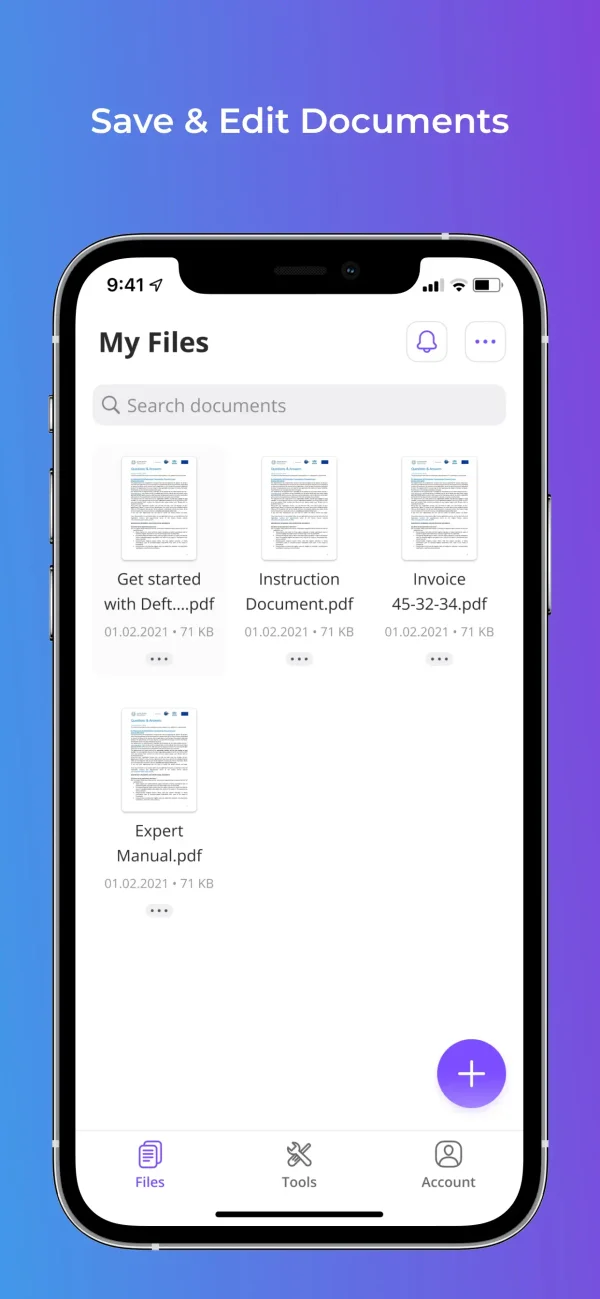


About
All-in-one PDF tools - A reliable, intuitive and productive PDF Software, get 40+ PDF tools, such as
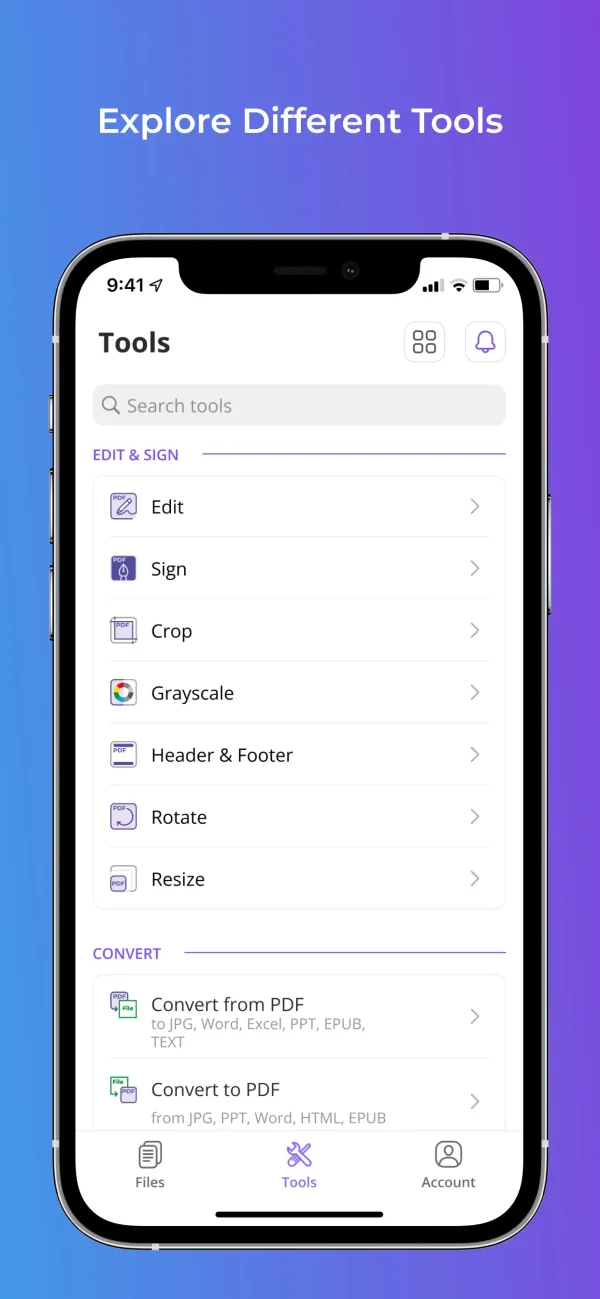
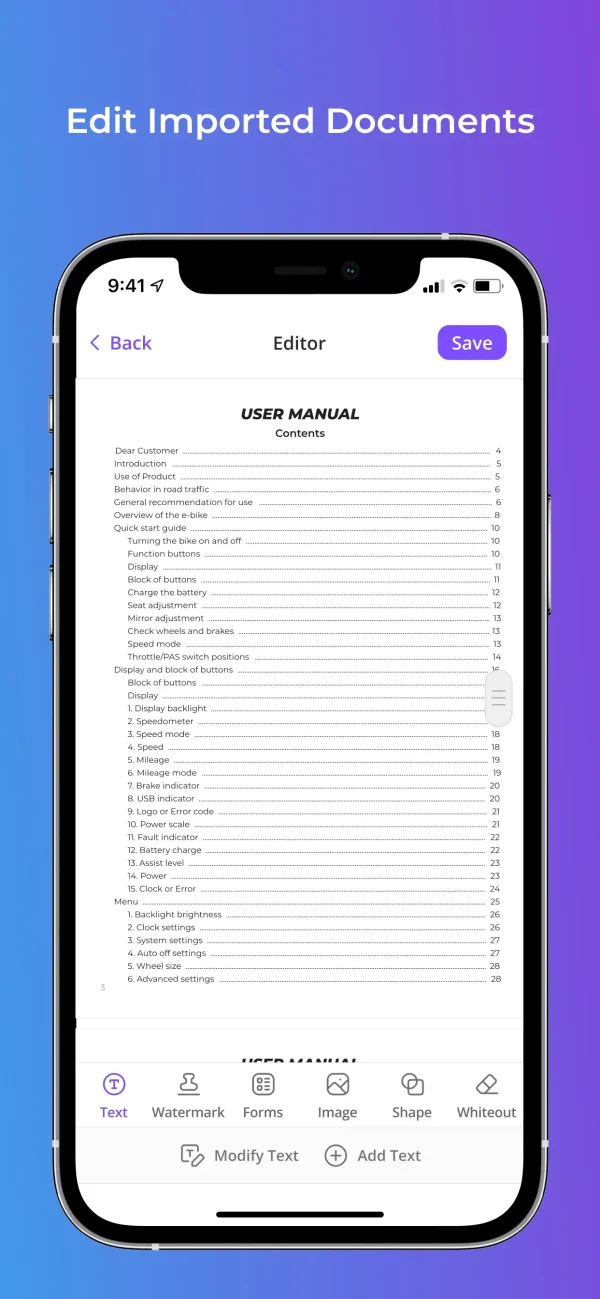
EDIT: With this tool you can edit existing PDF text, add image, form, whiteout, shape and more with ease, you can even do “freestyle” on your PDF.
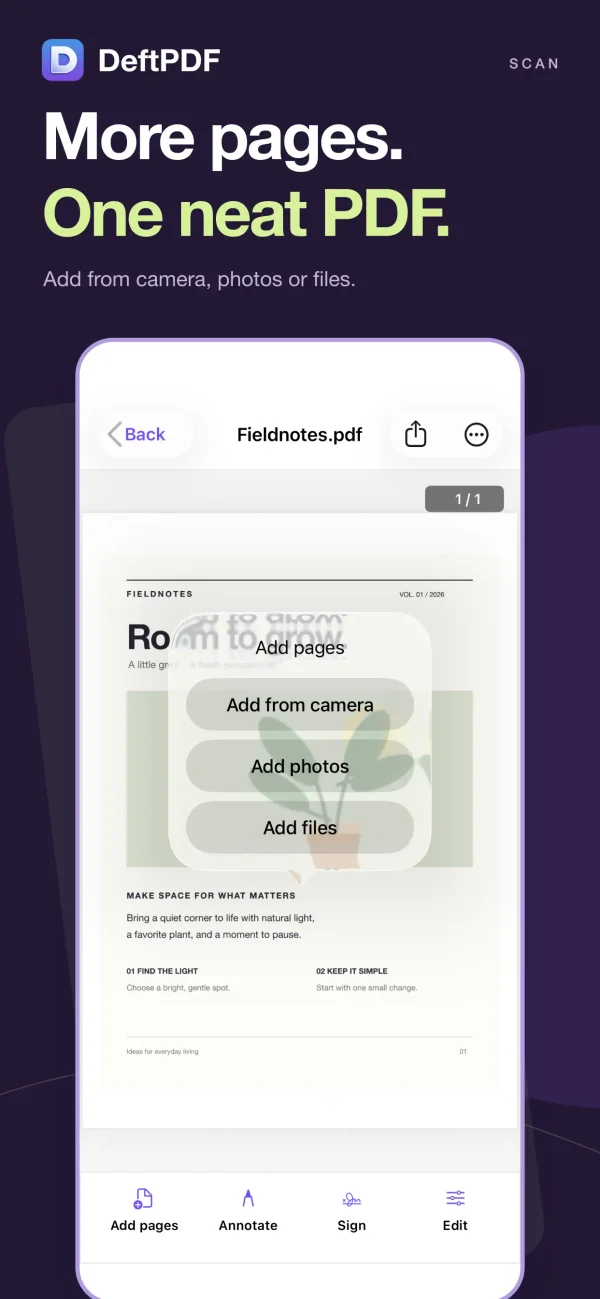
Merge: Simply open your document in Merge PDF and combine as many PDF files as you want.
Combine & Reorder,
Compress: Reduce the file size of your document while keeping visual quality.
Alternate & Mix,
Bates Numbering,
Delete Pages: With this tool you can rearrange, rotate or remove one or several pages with ease.
Crop: Crop white margins or preview PDF pages and select crop areas
Sign: need to sign document on the go? No problem, sign document right on your phone anytime, anywhere.
Grayscale,
Header & Footer,
N-Up, N-up & PDF Imposition. Print multiple pages per sheet per paper.
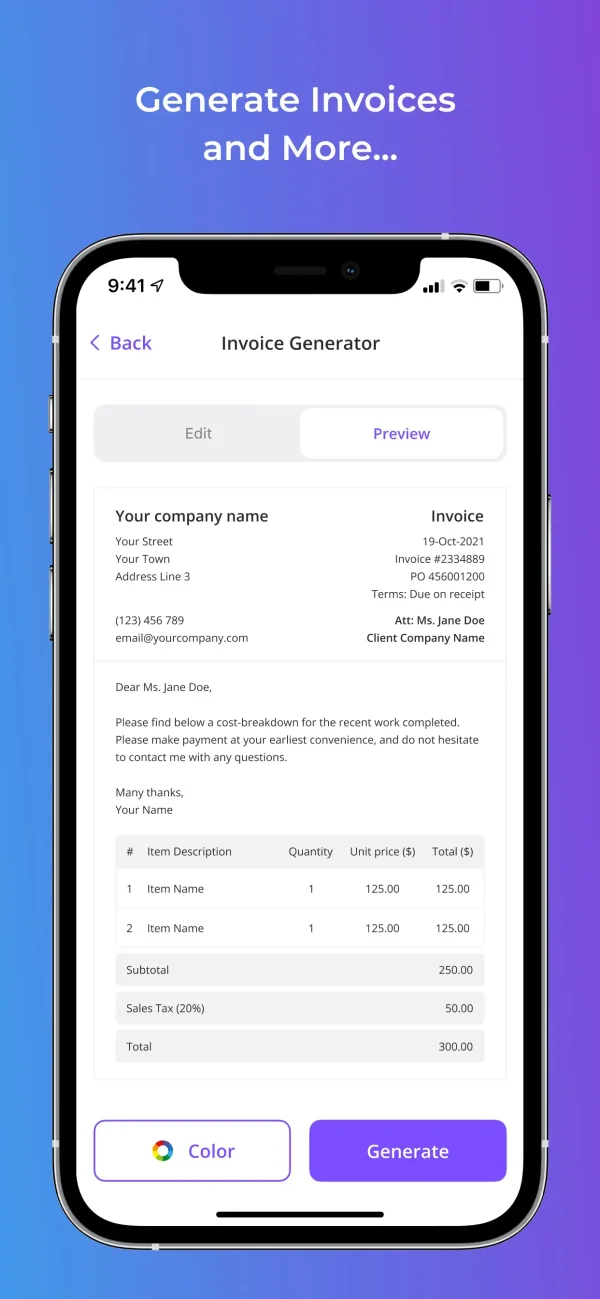
Invoice Generator,
Protect, Secure PDF files for free by adding a password that will prevent people from being able to copy or print
Rotate: Rotate your PDF files as you want. Rotate multiple PDF at same time defining degrees.
Repair,
Resize,
Unlock, Remove PDF password security, giving you the freedom to use your PDFs as you want.
Watermark, Choose an image or a text and add it to your PDF document. Select position, transparency or typography for the best result.
Translate: Instantly translate and preserve the layout of any document format into any language. FREE up to 5 pages!
CONVERT:
Convert PDF to JPG, PDF to Word, PDF to Excel, PDF to PPT, PDF to EPUB, PDF to Text, JPG to PDF, PPT to PDF, Word to PDF, HTML to PDF, EPUB to PDF.
PDF to PDF/A: Convert PDF documents to PDF/A for archiving and long-term preservation.
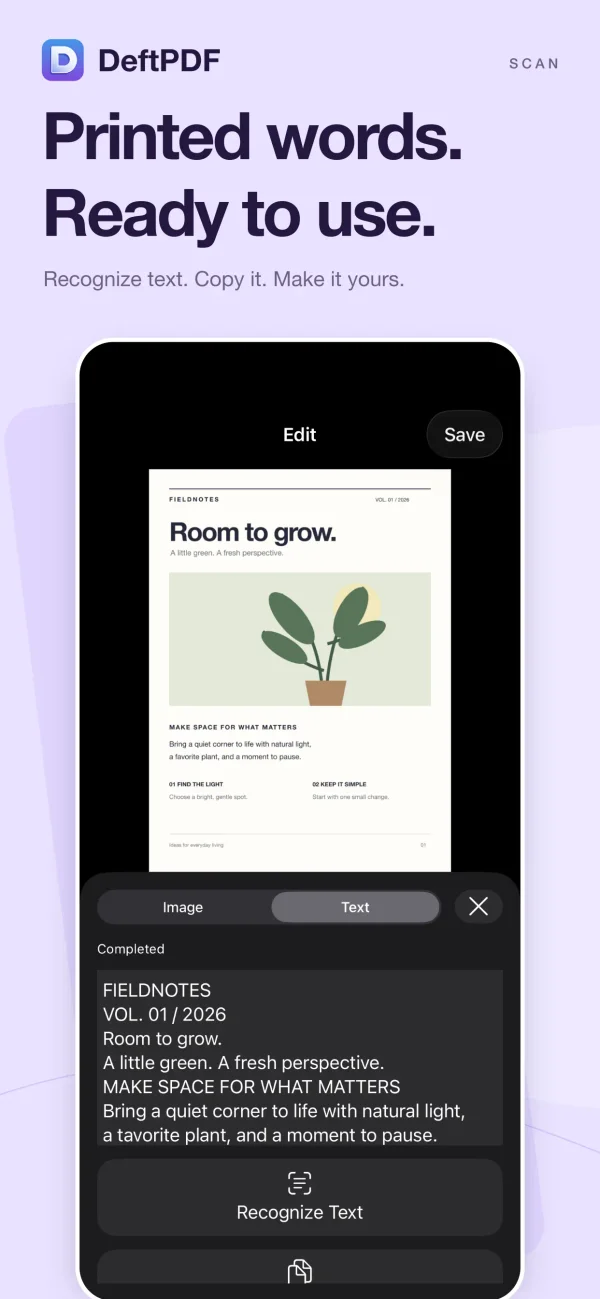
OCR PDF: Turn any scanned PDF into searchable PDF with high accuracy.
Extract Pages, Extract pages from your PDF document with high quality.
Split Split PDF pages or extract pages to multiple PDF documents with high quality. You can Split in half, by size or by pages!
User Privacy Policy https://deftpdf.com/policy
App Terms of Use (EULA) https://deftpdf.com/terms
What’s new
Version 2.1.18 · Nov 20, 2026
Track translations, compression and other background document tasks from one notification center. Open results with clear file-type icons and preview cards. Includes translation purchase recovery and compact-screen improvements.
App privacy
What Sictec Infotech declares on the App Store about how this app handles data.
-
Data not collected
The developer does not collect any data from this app.
Privacy practices may vary, for example with the features you use or your age.
Information
- Seller
- Sictec Infotech, Inc.
- Category
- Productivity
- Version
- 2.1.18
- Updated
- Nov 20, 2026
- Released
- Dec 1, 2022
- Size
- 104.2 MB
- Requires
- iOS 15.0 or later
- Age rating
- 4+
- Price
- Free
- In-app purchases
- Yes
- Languages
- English, Afrikaans, Amharic, Arabic, Bulgarian, Czech, Danish, Dutch, Estonian, Finnish, French, German + 29 more
- Copyright
- © DeftPDF
You might also like
-
 PDF Max - Edit, Sign PDFsScan, OCR, Research & Study
-
 PDFGeniusThe PDF Manipulation Toolkit
-
 Notator | Annotate DocumentsTaking notes, annotating PDFs
-
 PDF Splitter + PDF Mergesplit pdf & merge pdf
-
 PDF Editor : PDF Reader,SignerEdit Text, Sign PDF,Fill Forms
-
 PDF Merge X: PDF MergerMerge, Rotate & Organize PDF
-
 PDF NOW: PDF Editor & ScanPDF converter, scan & sign
-
 PDF CabinetRead, Annotate, Collaborate
-
 PDF File Translator AppPdf Translation
-
 PDF & Word Translatorfiles,photo,edit