Doumen - Bead Pattern Maker
AI Import, Export & Inventory
Dirancang untuk iPhone, iPad
Gratis · Pembelian dalam aplikasi
- Batasan usia4+
- KategoriKegunaan
- Pengembang旭 张
- BahasaInggris+ 1 lainnya
- Ukuran86,7 MB
Tertaut ke halaman resmi App Store
Download.org tidak menyimpan file Doumen - Bead Pattern Maker apa pun. Tombol ini membuka halaman aplikasi di App Store, tempat 旭 张 menerbitkannya. Halaman terakhir diperiksa pada 24/11/2026.
Tangkapan layar
Tentang
Pengembang belum menyediakan teks ini dalam bahasa Anda.
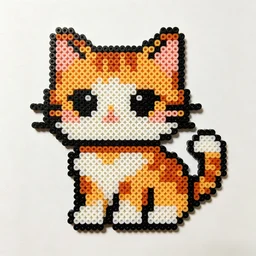
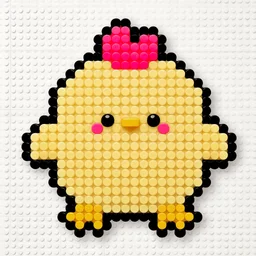
Doumen is a free, ad-free tool for recognizing, designing, and making fuse bead patterns. No sign-up required. Available on iPhone and iPad.
From images to patterns
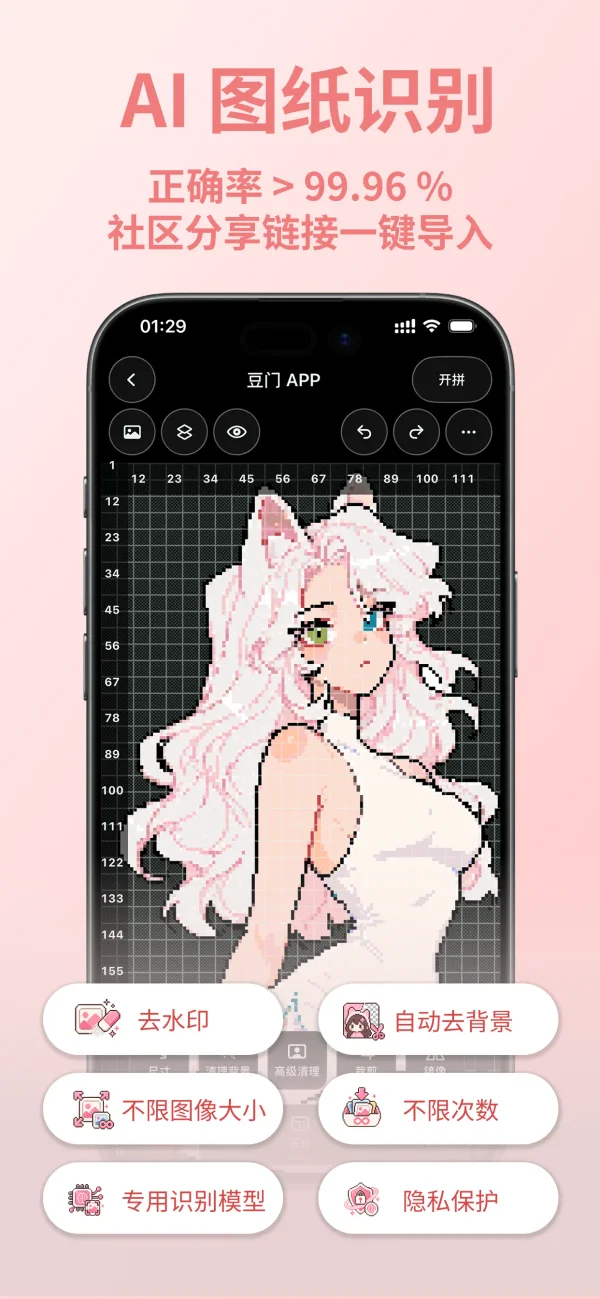
- Pattern recognition: Use on-device AI to recognize grids and color codes and create editable bead patterns.
- Image to pattern: Convert photos and illustrations into bead patterns, match color palettes, and adjust colors.
- Shared link import: Retrieve images from supported shared links, then recognize and edit them.
Edit and export
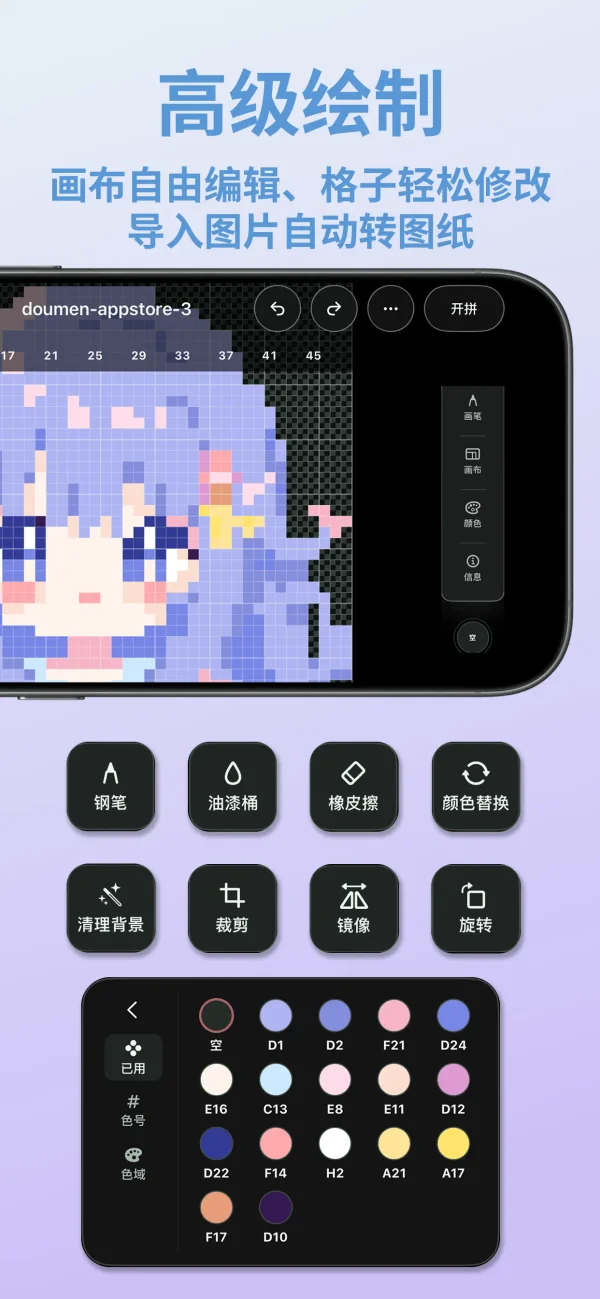
- Draw, crop, rotate, mirror, and replace colors in bulk.
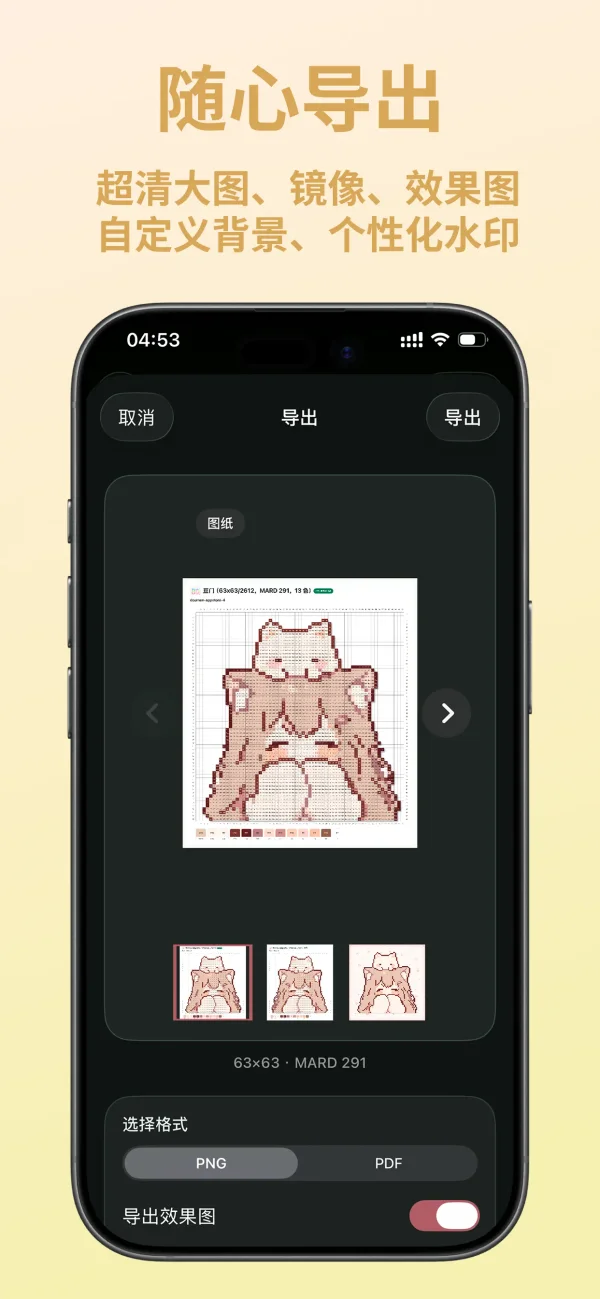
- Export PNG, PDF, mirrored patterns, and rendered previews. Customize watermarks and preview backgrounds.
Inventory and making
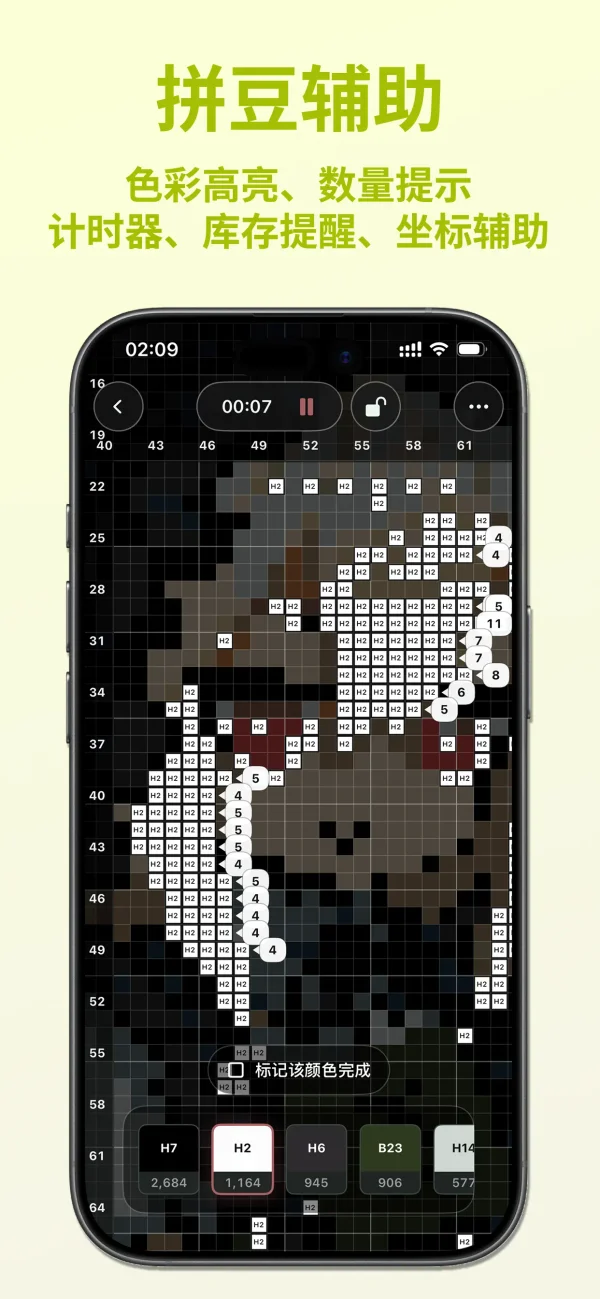
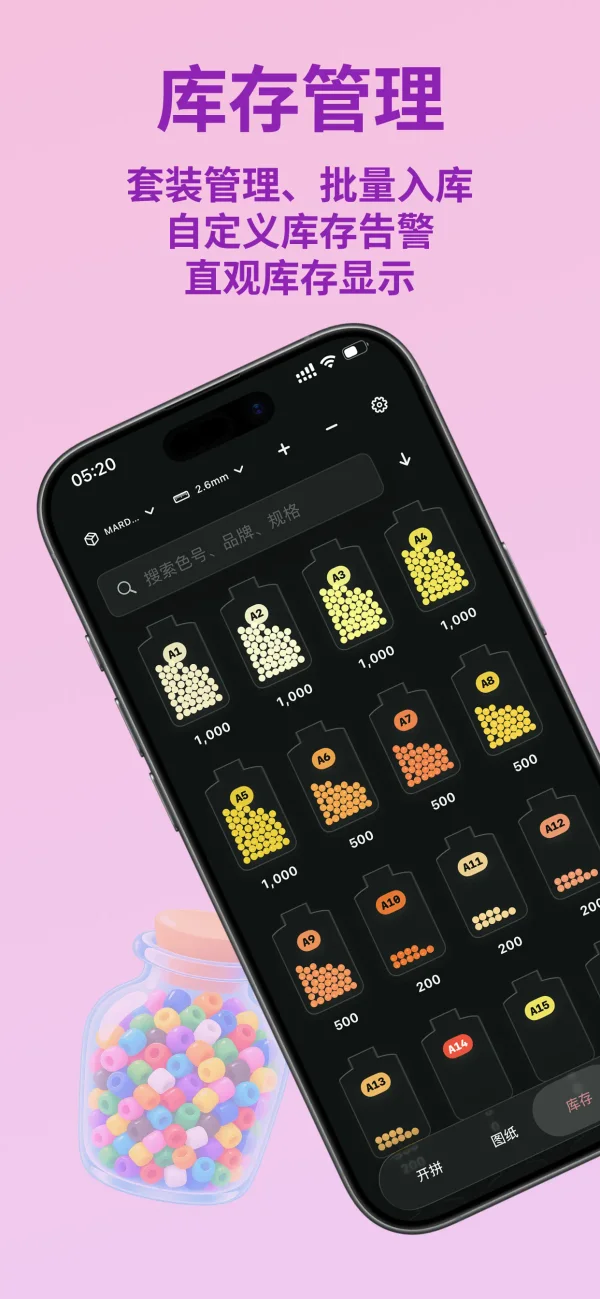
- Manage bead stock and check pattern quantities and material lists.
- Use color highlights, coordinate guides, count hints, timers, and progress records while making.
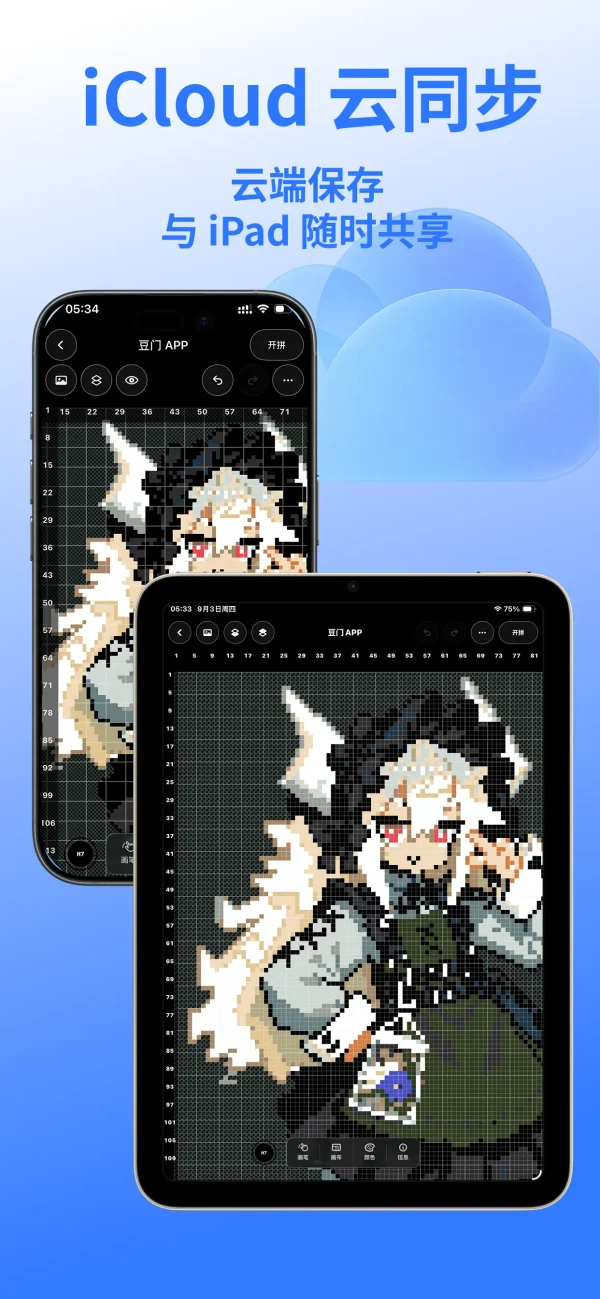
- Sync projects between iPhone and iPad with iCloud.
On-device recognition, offline creation
AI pattern recognition runs on your device. Local imports, editing, and making tools work offline. Shared link imports and iCloud sync require an internet connection.
Recognition results depend on image clarity, grid alignment, and readable color codes. Check the results before making. Only import and use images and patterns you own or have permission to use.
Get more support on our website: www.doumen.work
Yang baru
Versi 1.5.4 · 23/11/2026
- Check your bead stock before you start. See how many beads each color needs and how many you’re short.
- Drag across the color palette to switch colors quickly. With both row and column bubbles enabled, tap a cell to mark a whole run complete in your chosen direction.
- Connect a Songshu smart pegboard to light up the positions for your selected color.
- Select multiple patterns and move them into a folder in one step.
- Fixed unexpected canvas expansion when drawing near an edge and an extra second appearing when reopening a paused project. Also improved iCloud sync and local backup restoration.
Privasi aplikasi
Yang dinyatakan 旭 张 di App Store tentang cara aplikasi ini menangani data.
-
Data yang ditautkan dengan Anda
Dapat dikumpulkan dan ditautkan dengan identitas Anda.
- Pengenal
- Data penggunaan
- Diagnostik
Praktik privasi dapat bervariasi, misalnya berdasarkan fitur yang Anda gunakan atau usia Anda.
Informasi
- Penjual
- 旭 张
- Kategori
- Kegunaan
- Versi
- 1.5.4
- Diperbarui
- 23/11/2026
- Dirilis
- 30/6/2026
- Ukuran
- 86,7 MB
- Memerlukan
- iOS 17.0 atau yang lebih baru
- Batasan usia
- 4+
- Harga
- Gratis
- Pembelian dalam aplikasi
- Ya
- Bahasa
- Inggris, Tionghoa Sederhana
- Hak cipta
- © 2026 Xu Zhang