Doumen - Bead Pattern Maker
AI Import, Export & Inventory
iPhone, iPad向けに設計
無料 · アプリ内課金
- 対象年齢4+
- カテゴリユーティリティ
- 開発元旭 张
- 言語英語ほか1言語
- サイズ86.7 MB
App Storeの公式ページにリンクしています
Download.orgはDoumen - Bead Pattern Makerのファイルを一切ホストしていません。ボタンを押すと、旭 张が公開しているApp Storeのアプリページが開きます。ページの最終確認:2026/11/24。
スクリーンショット
概要
開発元はこのテキストをお使いの言語で提供していません。
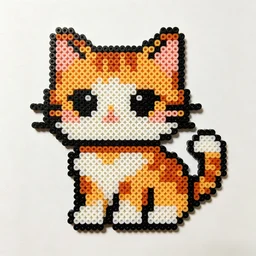
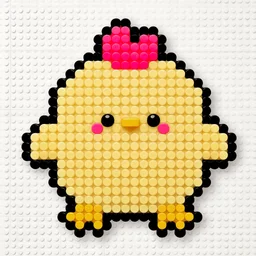
Doumen is a free, ad-free tool for recognizing, designing, and making fuse bead patterns. No sign-up required. Available on iPhone and iPad.
From images to patterns
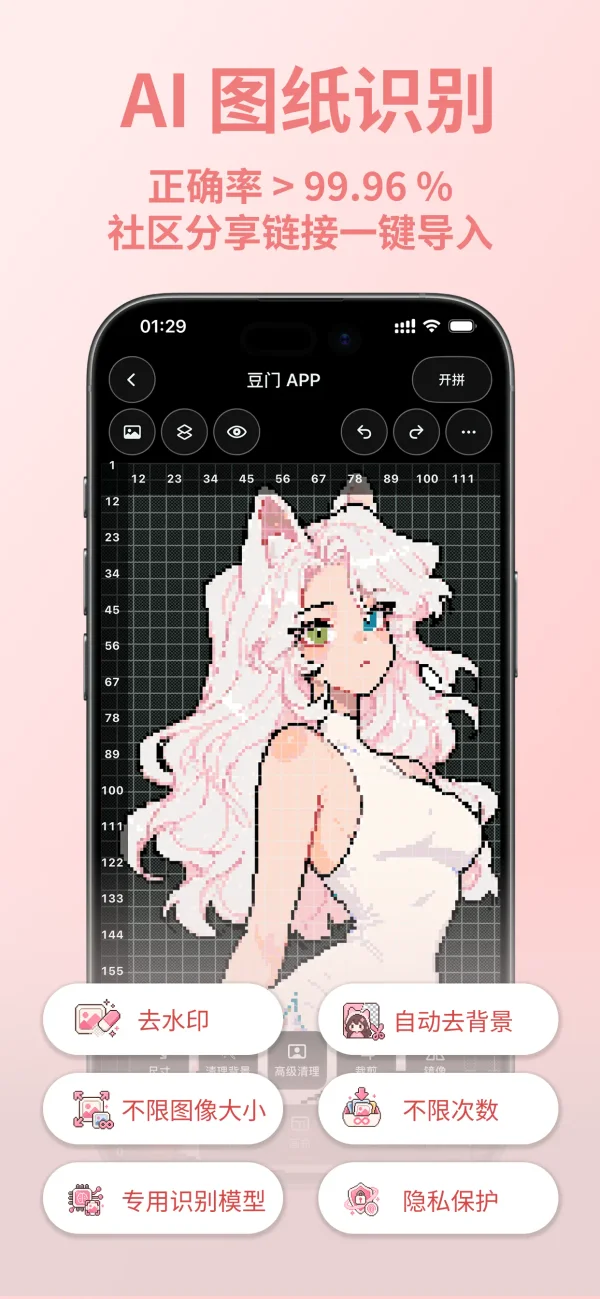
- Pattern recognition: Use on-device AI to recognize grids and color codes and create editable bead patterns.
- Image to pattern: Convert photos and illustrations into bead patterns, match color palettes, and adjust colors.
- Shared link import: Retrieve images from supported shared links, then recognize and edit them.
Edit and export
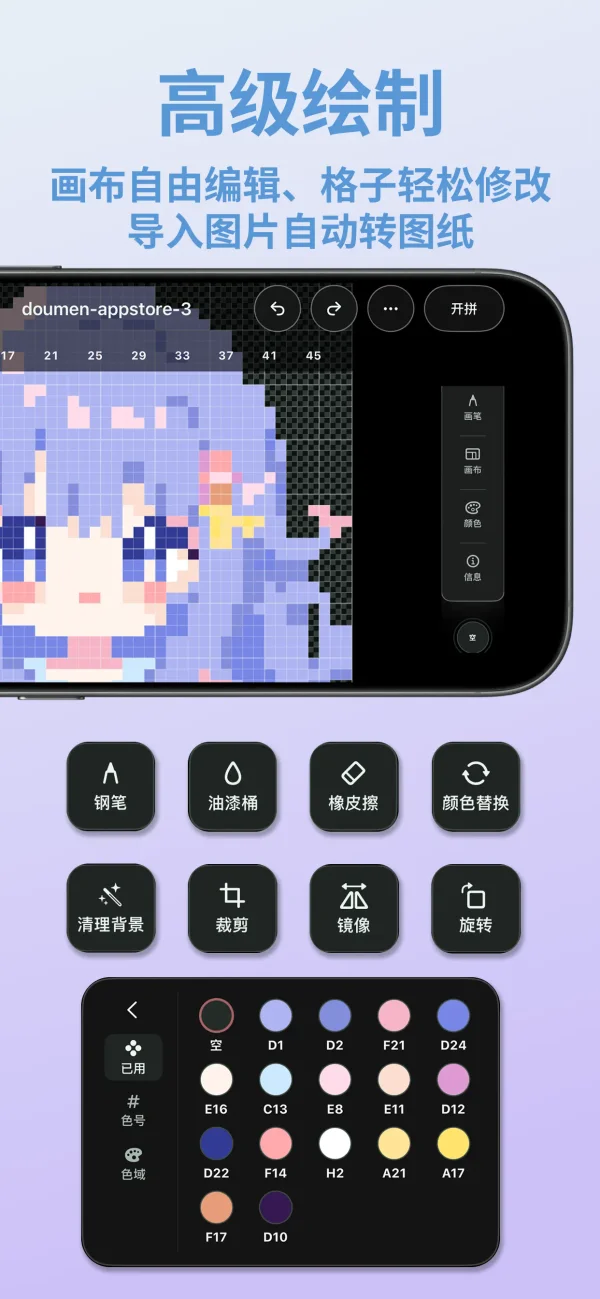
- Draw, crop, rotate, mirror, and replace colors in bulk.
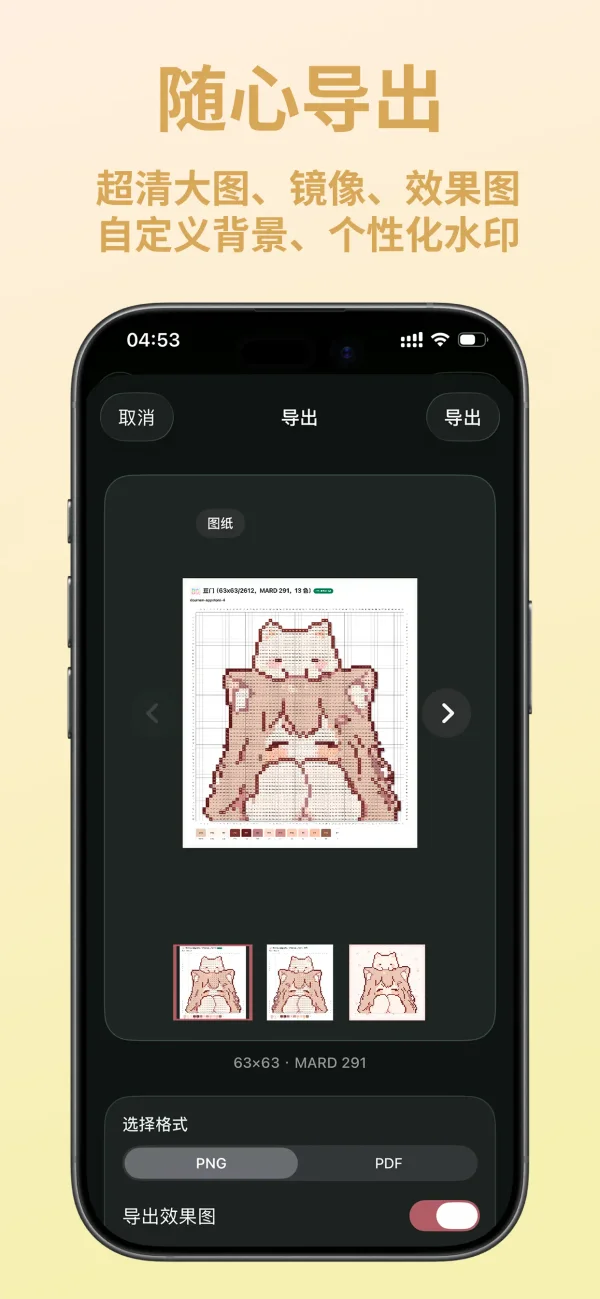
- Export PNG, PDF, mirrored patterns, and rendered previews. Customize watermarks and preview backgrounds.
Inventory and making
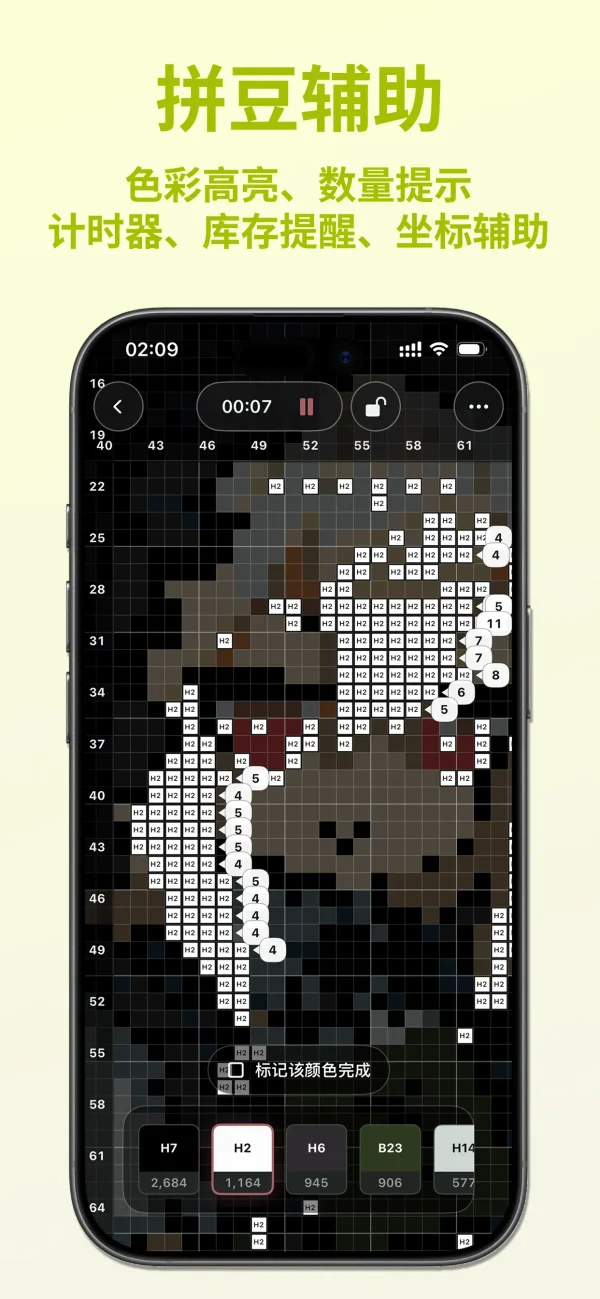
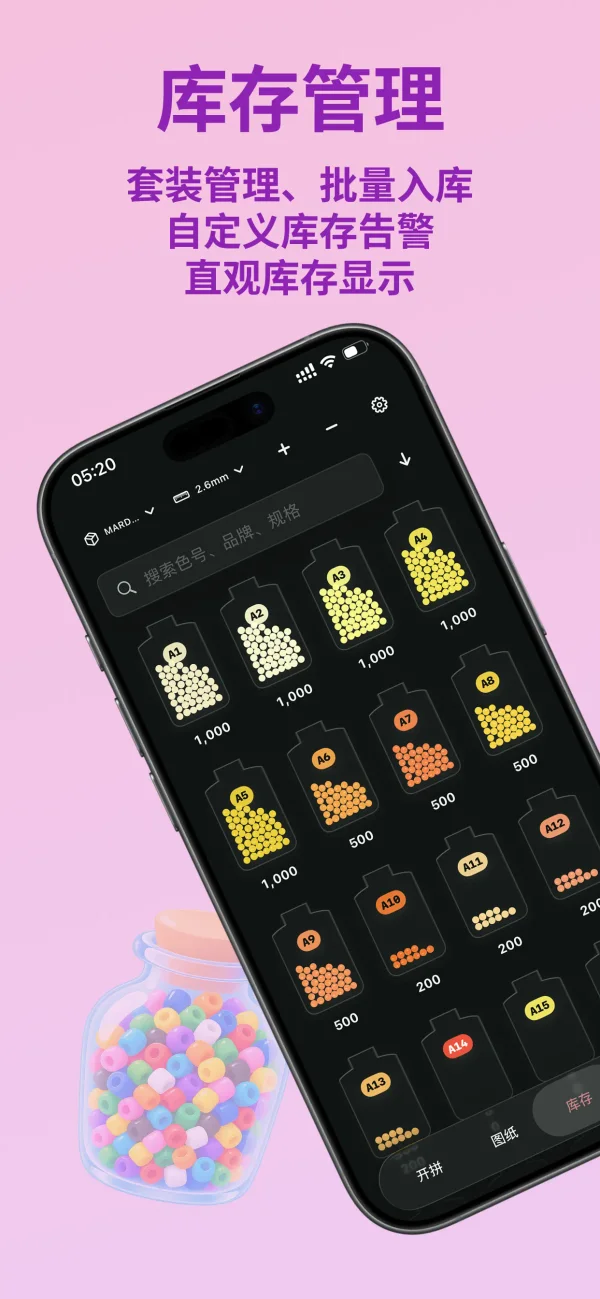
- Manage bead stock and check pattern quantities and material lists.
- Use color highlights, coordinate guides, count hints, timers, and progress records while making.
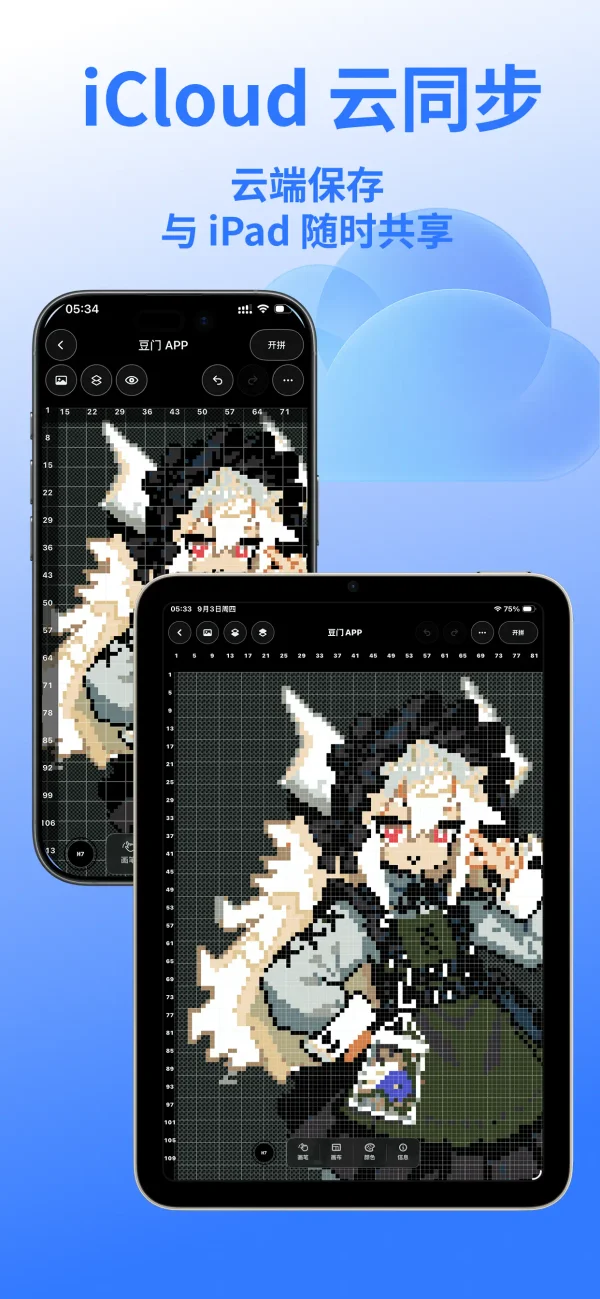
- Sync projects between iPhone and iPad with iCloud.
On-device recognition, offline creation
AI pattern recognition runs on your device. Local imports, editing, and making tools work offline. Shared link imports and iCloud sync require an internet connection.
Recognition results depend on image clarity, grid alignment, and readable color codes. Check the results before making. Only import and use images and patterns you own or have permission to use.
Get more support on our website: www.doumen.work
新機能
バージョン 1.5.4 · 2026/11/23
- Check your bead stock before you start. See how many beads each color needs and how many you’re short.
- Drag across the color palette to switch colors quickly. With both row and column bubbles enabled, tap a cell to mark a whole run complete in your chosen direction.
- Connect a Songshu smart pegboard to light up the positions for your selected color.
- Select multiple patterns and move them into a folder in one step.
- Fixed unexpected canvas expansion when drawing near an edge and an extra second appearing when reopening a paused project. Also improved iCloud sync and local backup restoration.
アプリのプライバシー
このアプリのデータの取り扱いについて、旭 张がApp Storeで申告している内容です。
-
ユーザーに関連付けられたデータ
収集され、ユーザーの識別情報に関連付けられる場合があります。
- ID
- 使用状況データ
- 診断
プライバシーの取り扱いは、ご利用の機能やお客様の年齢などに応じて異なる場合があります。
情報
- 販売元
- 旭 张
- カテゴリ
- ユーティリティ
- バージョン
- 1.5.4
- 更新日
- 2026/11/23
- リリース
- 2026/6/30
- サイズ
- 86.7 MB
- 必要条件
- iOS 17.0以降
- 対象年齢
- 4+
- 価格
- 無料
- アプリ内課金
- あり
- 言語
- 英語, 簡体字中国語
- 著作権
- © 2026 Xu Zhang