enhanceAl
AI Powered Photography
Dirancang untuk iPhone, iPad
Rp 39ribu · Pembelian dalam aplikasi
- Batasan usia4+
- KategoriFoto & Video
- Pengembang3DTOPO Inc.
- BahasaInggris
- Ukuran72,8 MB
Tertaut ke halaman resmi App Store
Download.org tidak menyimpan file enhanceAl apa pun. Tombol ini membuka halaman aplikasi di App Store, tempat 3DTOPO Inc. menerbitkannya. Halaman terakhir diperiksa pada 7/11/2026.
Tangkapan layar


Tentang
Pengembang belum menyediakan teks ini dalam bahasa Anda.
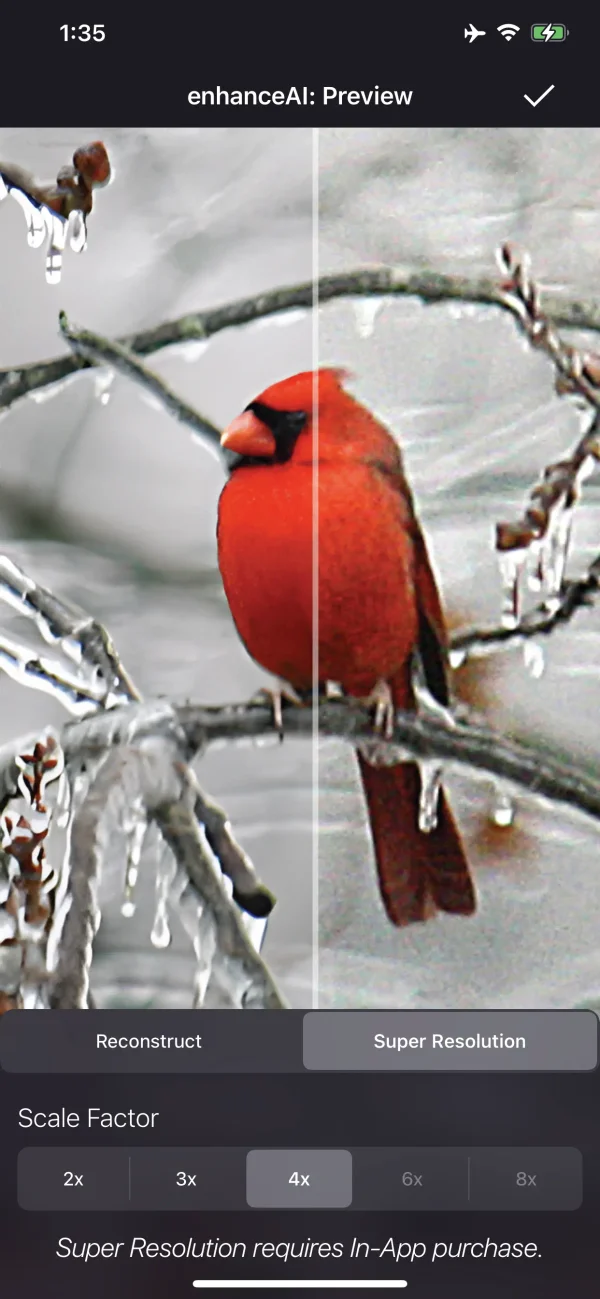
enhanceAI can vastly improve less-than-ideal images and add incredible detail with our optional Super Resolution.
Automatically remove blur and noise, improve images, and add up to 8x detail with enhanceAI. Don't worry about the details. Just give enhanceAI a less-than-perfect shot, and enhanceAI will do the rest.
Generally, the less perfect or lower resolution an image is, the more dramatic the improvement will be, but enhanceAI can add a neat touch to photos that aren't damaged.
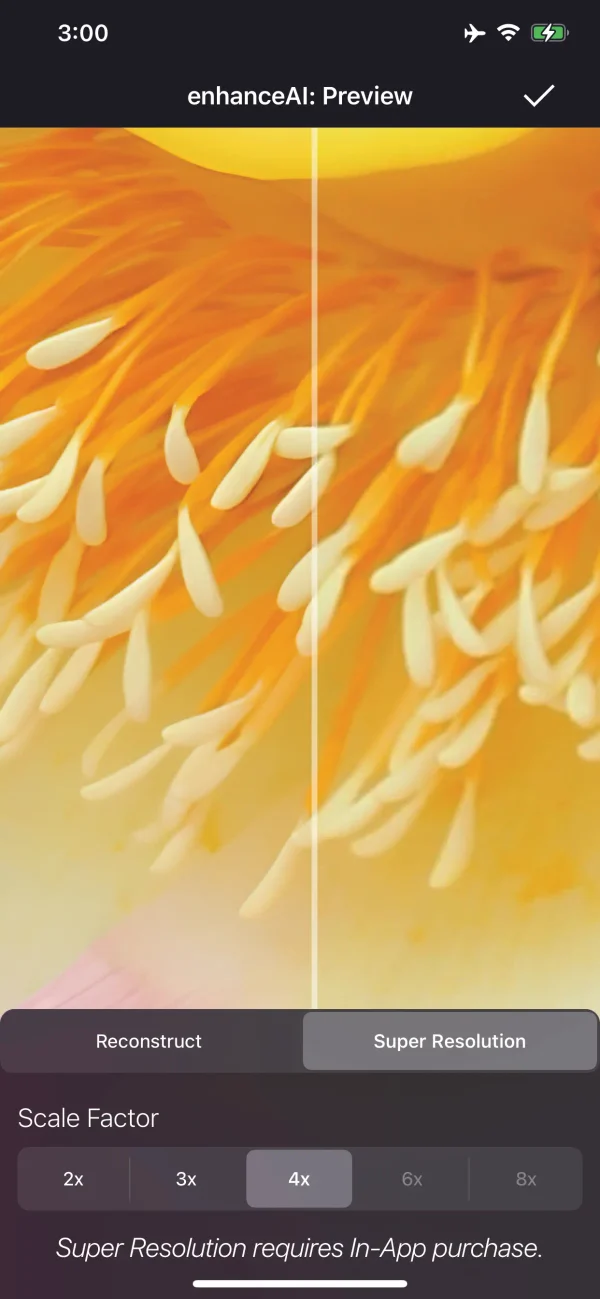
Our optional Super Resolution can add a jaw-dropping 8x detail to portions of images or enlarge entire images up to gigapixels (billions of pixels).
Whether you want to print your photos in high resolution or make them look their best, enhanceAI is the app for you.
About Image Reconstruction
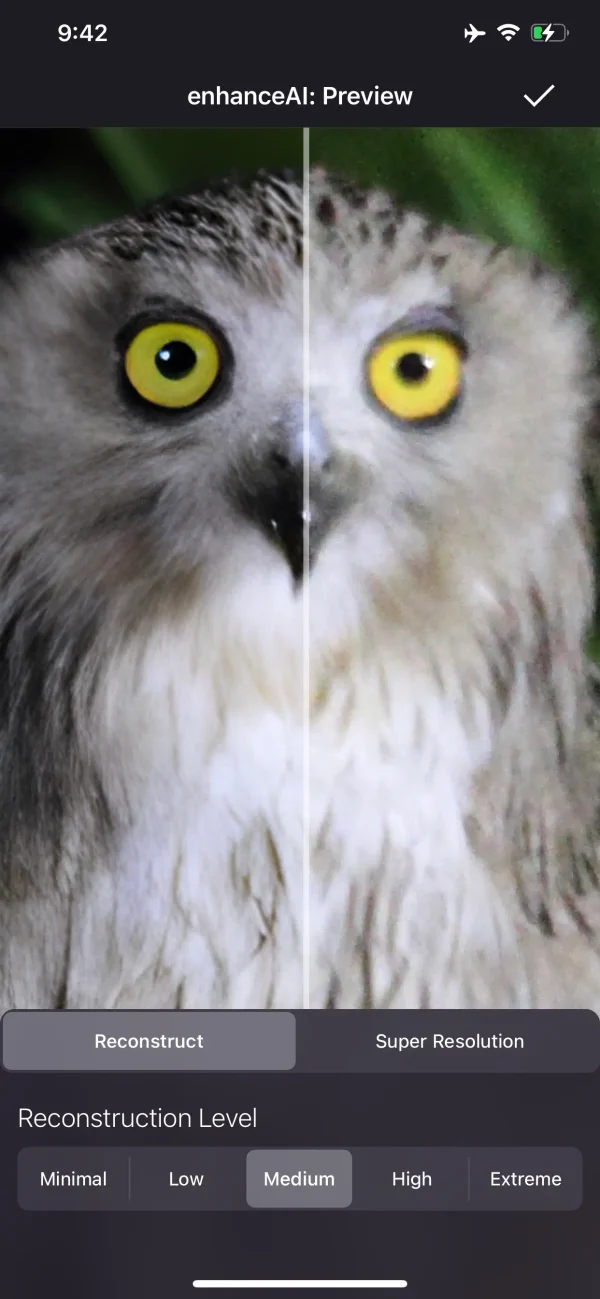
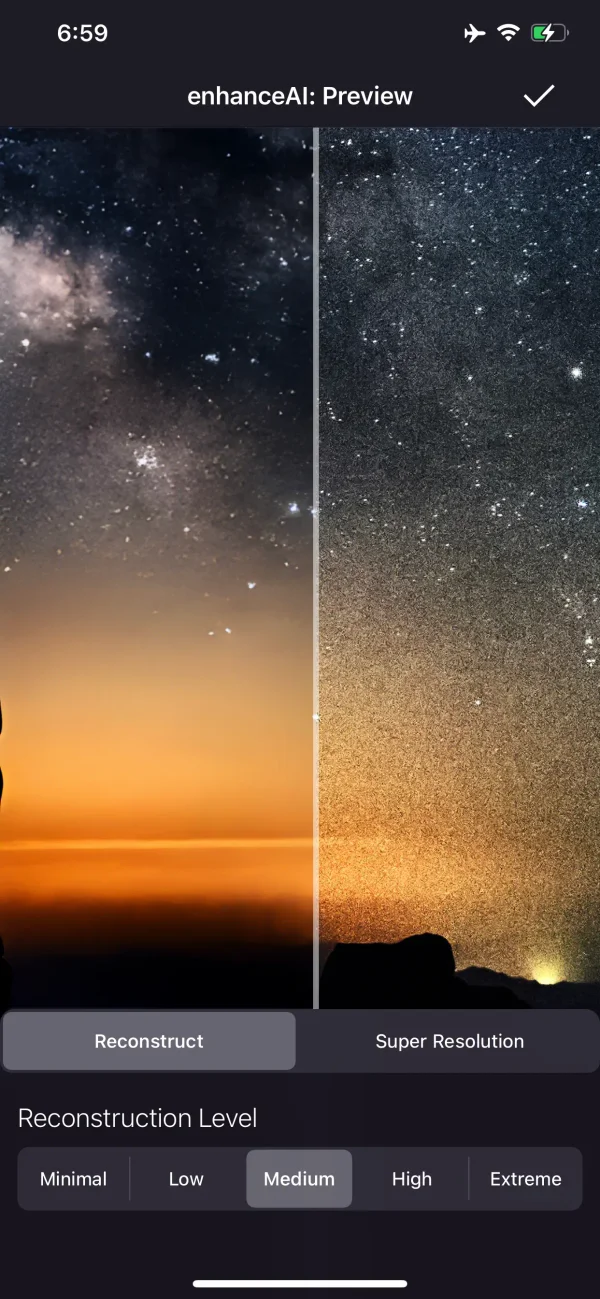
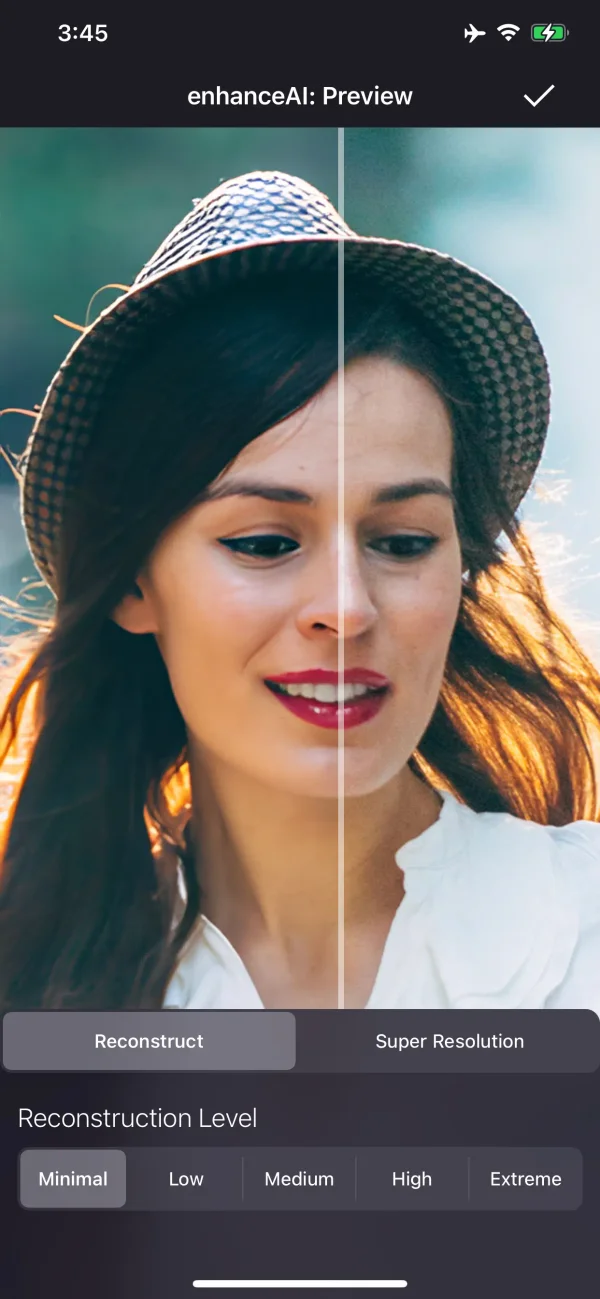
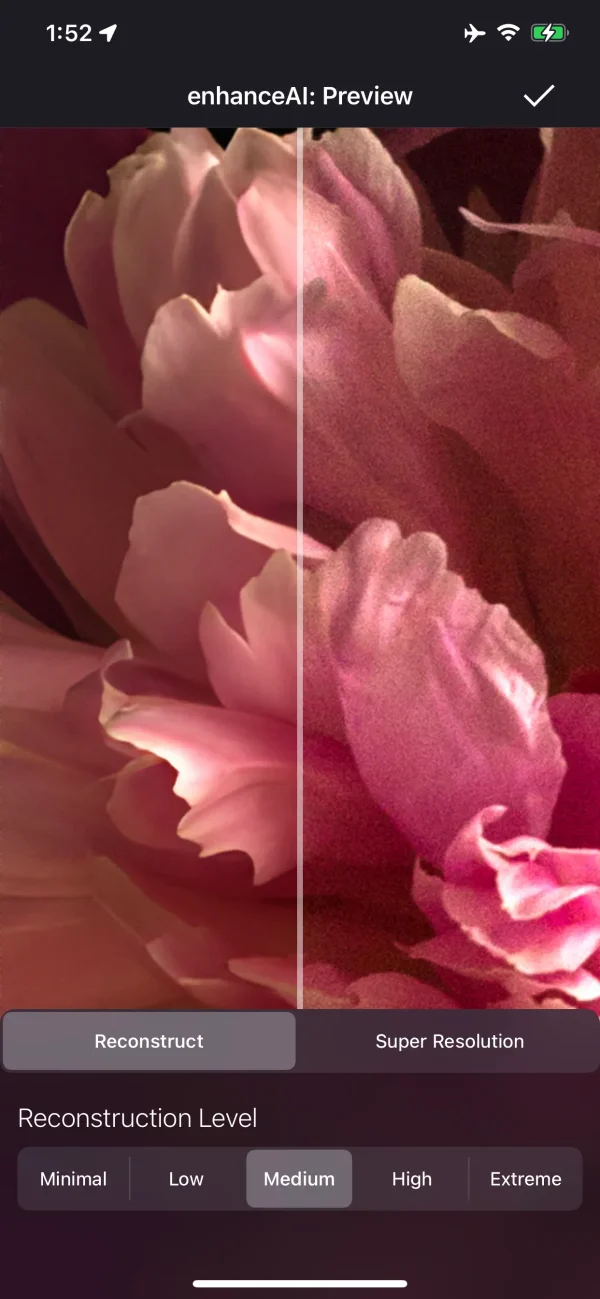
Our Reconstruction mode destroys part of the image and rebuilds it using our neural network trained from millions of examples of high-quality photos.
Practically all less-than-ideal images are likely to gain a noticeable improvement - automatically! For instance: blurry, soft, low-resolution and noisy images are often significantly improved. enhanceAI will breathe new life into old photos.
Depending on the strength and image, it is also possible to get a hyper-realism effect for images that don't require Reconstruction.
The higher the Reconstruction setting, the more the original image is destroyed and rebuilt. The lower the strength, the more detail preserved. Unless an image is severely damaged, higher quality output often results from using the lower settings at the expense of taking longer.
Severely damaged images can benefit from multiple passes of Reconstruction. When using Reconstruction, there is a re-enhance option in the More options menu.
About Super Resolution
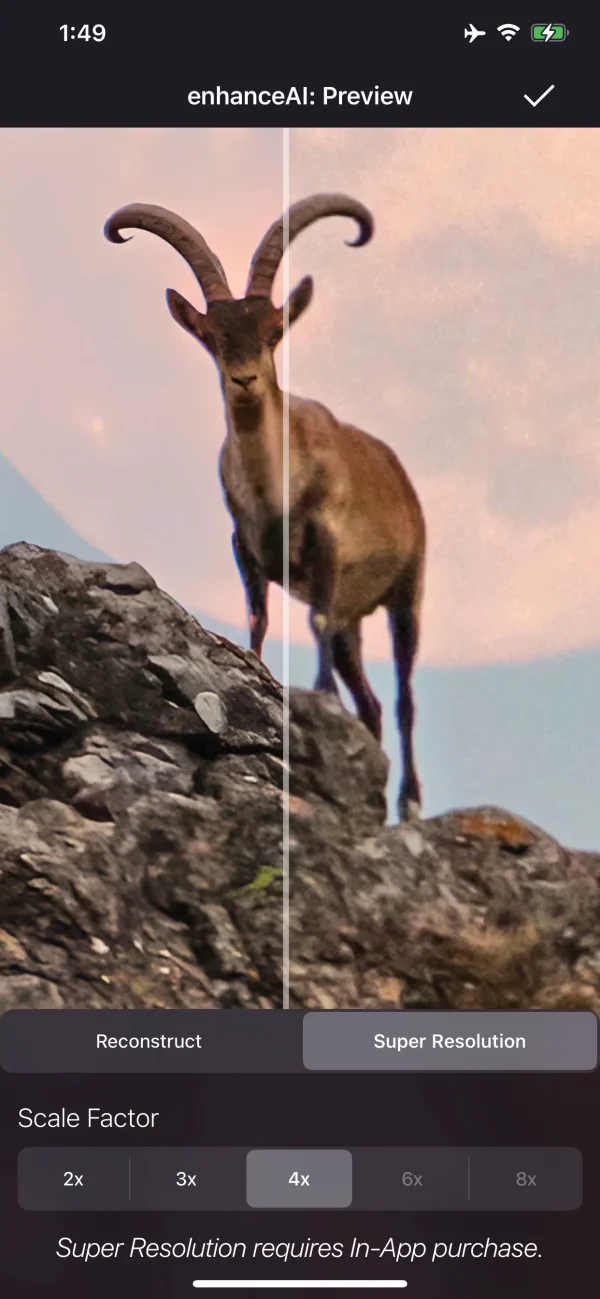
Unlike traditional image enlargement that produces undesirable pixelization and artifacts, Super Resolution uses neural networks trained from millions of examples on the difference between low and high-resolution images. Then, when our neural network sees low-resolution images, it can make highly accurate predictions of high-resolution versions. In other words, it's trained to "imagine" detail that is non-existent in the original image and works exceedingly well compared to traditional image enlargement.
We offer Super Resolution as an in-app purchase with AI trained at 4x and 8x (available as 2x through 8x). We're confident you'll be amazed by it, so we are happy to offer a free 3-day trial.
Note that 6x-8x requires an iPhone with an A15 or better processor, an iPad with M1 chips or better, with 5 GB or more RAM. At the time of writing, that means 6-8x runs on iPhone 12 and 13 Pros, all iPhone 14's, and iPad Pros with M1 or M2 processors.
Processing Time
enhanceAI is capable of creating huge images with more than a billion pixels. Creating and writing huge images is time-consuming on practically any device or computer.
For Reconstruction and particularly Super Resolution, we strongly advise cropping the image on our optional crop screen to only the section of an image needed. Unless starting with a low-resolution image, we only recommend running Super Resolution on the entire picture when using it for a print or other specific purpose. Generally, there isn't a need for 1/4 billion or more pixel images, but enhanceAI will create them if you command it and give it enough time.
Please share your #enhanceAI creations.
Reach us @3DTOPO
Terms of Use (EULA): https://www.apple.com/legal/internet-services/itunes/dev/stdeula/
Yang baru
Versi 2.1.0 · 23/4/2024
Big user request: can now process in the background!
Resolves a potential issue that could cause tile seams to be evident.
Fixes several possible bugs and crashes.
Privasi aplikasi
Yang dinyatakan 3DTOPO Inc. di App Store tentang cara aplikasi ini menangani data.
-
Data yang tidak ditautkan dengan Anda
Dapat dikumpulkan, tetapi tidak ditautkan dengan identitas Anda.
- Data penggunaan
- Diagnostik
Praktik privasi dapat bervariasi, misalnya berdasarkan fitur yang Anda gunakan atau usia Anda.
Informasi
- Penjual
- 3DTOPO Inc.
- Kategori
- Foto & Video
- Versi
- 2.1.0
- Diperbarui
- 23/4/2024
- Dirilis
- 13/10/2022
- Ukuran
- 72,8 MB
- Memerlukan
- iOS 16.0 atau yang lebih baru
- Batasan usia
- 4+
- Harga
- Rp 39ribu
- Pembelian dalam aplikasi
- Ya
- Bahasa
- Inggris
- Hak cipta
- enhanceAI ©2023 3DTOPO Inc., All Rights Reserved; Music in Super Resolution video by Broke for Free
Mungkin Anda juga suka
-
 SCameraFoto & Video
-
 FaceMo-Protect facial privacyFoto & Video
-
 Fliq: Photo and Video FeedFoto & Video
-
 @picn2k cameraFoto & Video
-
 backAR Green ScreenFoto & Video
-
 WiFiPhotoFoto & Video
-
 Screen Mirroring • Alfacast XFoto & Video
-
 Stellar – Timelapse CameraFoto & Video
-
 Minky's Pastel RainbowFoto & Video
-
 Modipix: Film Lab & 3D LUTFilm Camera & Color Grading