EnterTimement
Countdown for Talks & Speeches
Dirancang untuk iPhone, iPad
Gratis
- Batasan usia4+
- KategoriHiburan
- Pengembangkenta isomi
- BahasaKorea+ 8 lainnya
- Ukuran7,5 MB
Tertaut ke halaman resmi App Store
Download.org tidak menyimpan file EnterTimement apa pun. Tombol ini membuka halaman aplikasi di App Store, tempat kenta isomi menerbitkannya. Halaman terakhir diperiksa pada 13/11/2026.
Tangkapan layar


Tentang
Pengembang belum menyediakan teks ini dalam bahasa Anda.
Entertimement is a countdown timer built to show the remaining time to a speaker on stage — in talks, presentations, speech contests and school reports.
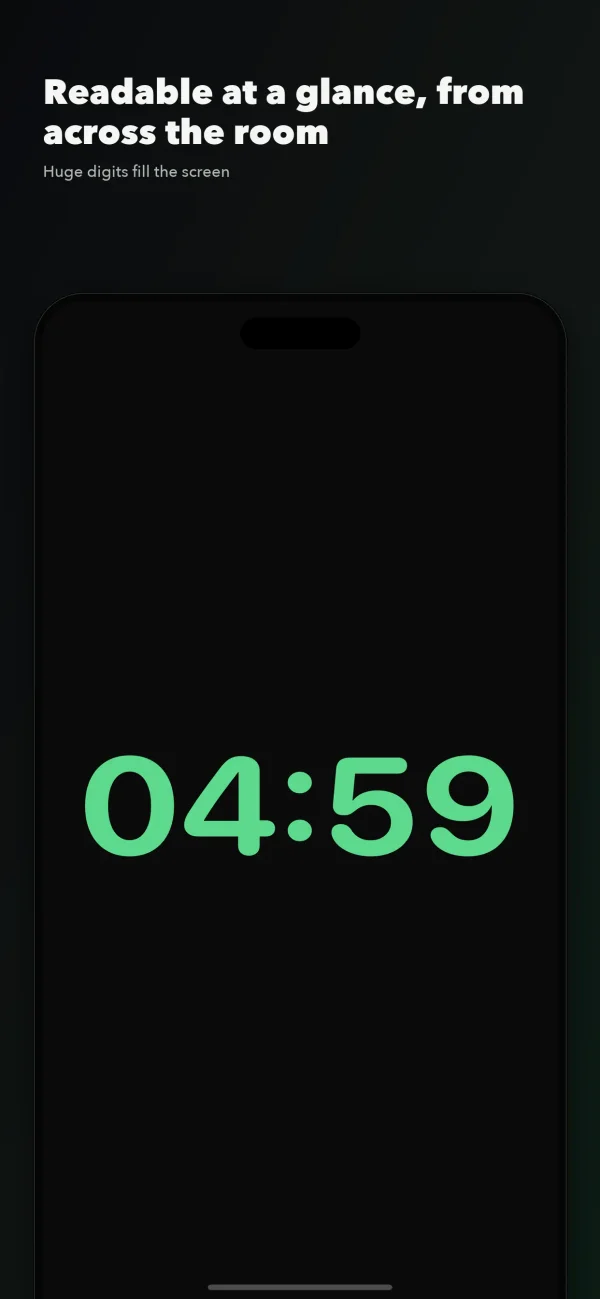
Most timers assume you check the time in your hand. Entertimement does the opposite: the top priority is that the remaining time is readable at a glance from across the room. Beyond just reading the digits, it combines color, shape, progress and animation to signal "plenty of time / caution / danger" intuitively.
■ Made for
• Showing a speaker how much time is left during a talk or seminar
• Managing time slots for presentations and lightning talks
• Displaying the limit in speech contests and competitions
• Timing workshops and reports at school or in training
• Event staff operating a timer for the person on stage
■ Five display styles
• Digital: huge digits filling the screen — built for readability at a distance
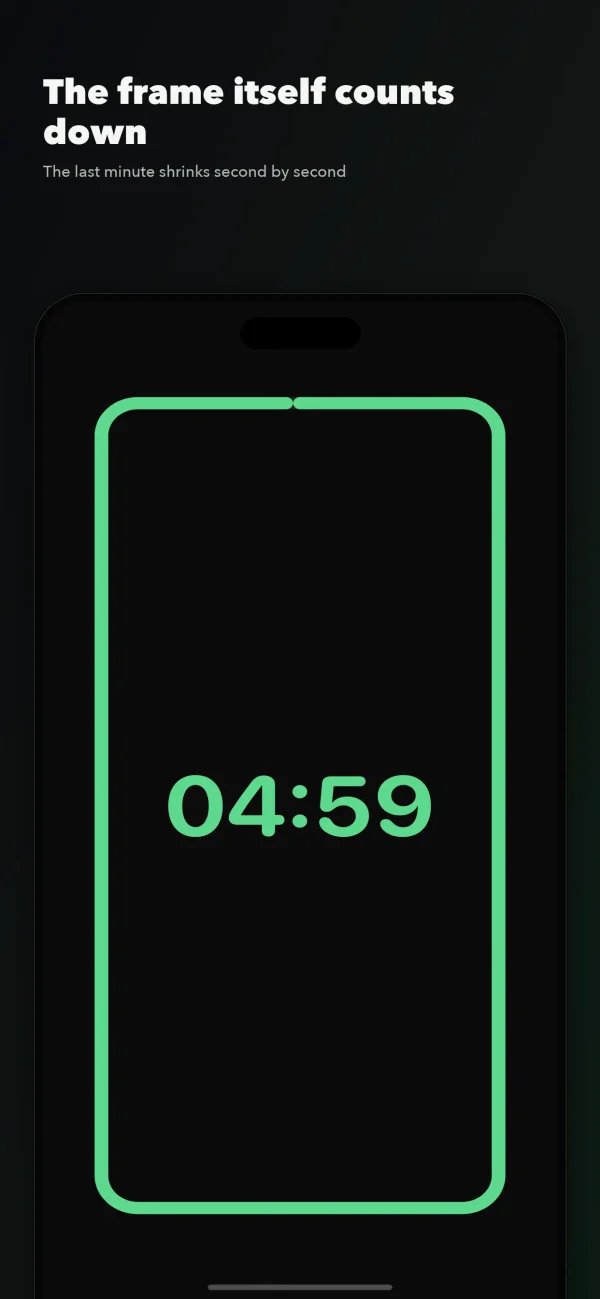
• Square: the rectangular frame is the progress bar; the last minute reads second by second
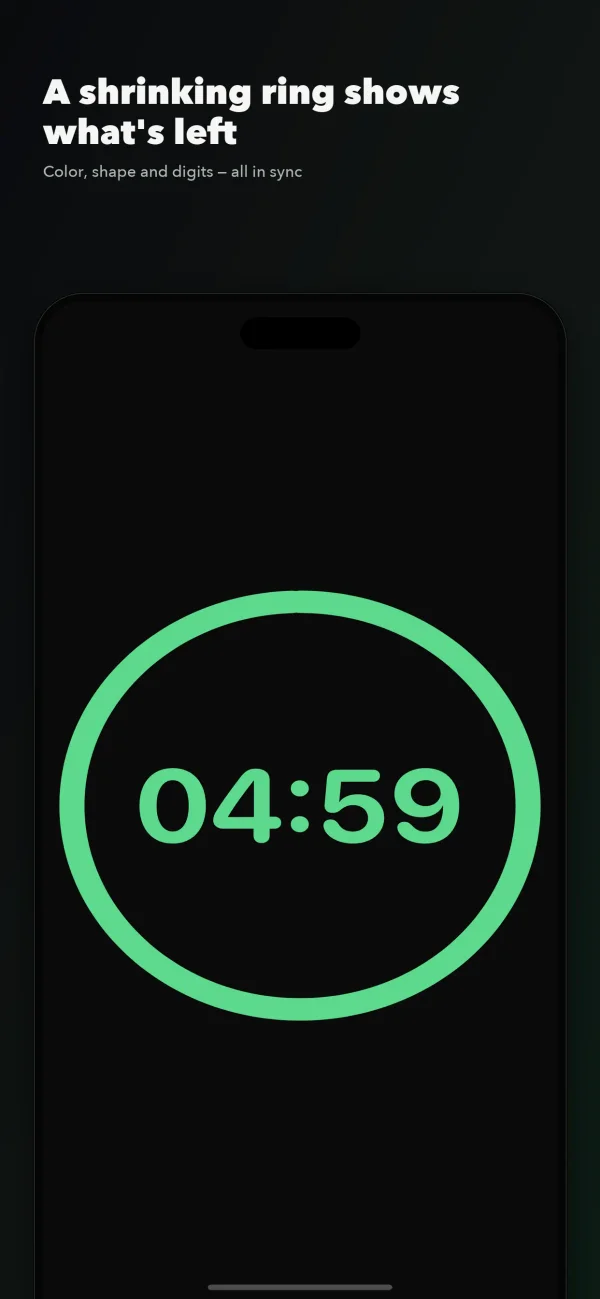
• Circle: the shrinking ring shows what's left at a glance
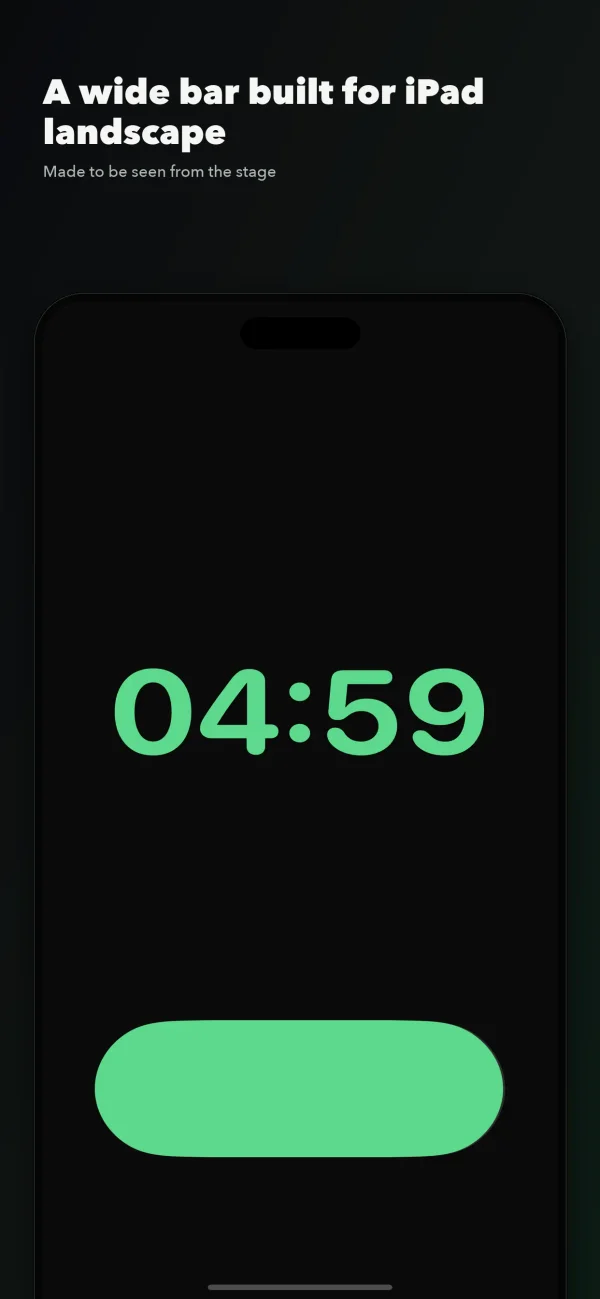
• Bar: a wide bar — great for iPad in landscape
• Progress: emphasizes the percentage left — good for pacing
Pick a style with a live preview in Settings.
■ Set your own colors, in three zones
The remaining time is split into three zones — Safe, Warning and Danger — and you choose the color for each. Tune them for the room lighting, the projector or color vision. Color is never the only cue: it works together with digits, border and animation.
■ Choose the alert style
• Color change
• Pulsing digits (scale and beat)
• Screen-border emphasis
• Blink
• Sound (choose from sounds built into iOS, with a preview for the end sound)
Display style and alert style combine independently.
■ Built-in presets plus your own
One tap applies the presets for Lecture, Speech contest, Class presentation and Simple. Save the setups you use often with a name — up to 10.
■ Show it big on an external display
Show the timer on a TV or projector via HDMI or AirPlay. The external display shows only the countdown — controls and notifications stay on your iPhone or iPad.
■ See overtime at a glance
When time is up, the timer counts up the overtime, like "+00:12". Tap "Stop" and the overtime stays on screen labeled "Overtime" — handy for timing and recording speech contests (you can turn this off in Settings).
■ Accurate countdown
Rather than "subtract one second at a time," the remaining time is computed from the scheduled end time. Timekeeping is separated from the display, so it stays accurate over long durations and after pause and resume.
■ Stage-ready
• Full-screen display; controls hide automatically while running and reappear on a tap
• Mis-tap protection: reset needs a confirmation dialog or a long press
• Time adjustments: +1 min / −1 min / +10 s / −10 s
• Auto-lock (sleep) is prevented while running
• iPhone and iPad, portrait and landscape (iPad landscape especially)
■ Accessibility
• Respects the system "Reduce Motion" setting
• State is never conveyed by color alone
• VoiceOver reads out the remaining time
• Ample contrast
■ Languages
English, Japanese, German, Spanish, French, Italian, Korean, Chinese (Simplified), Chinese (Traditional)
* This app shows an ad (a banner at the bottom of the screen).
Yang baru
Versi 1.0.6 · 21/10/2026
・External display support: show the timer large on a TV or projector via HDMI or AirPlay, and control it from your iPhone or iPad.
・After time is up, the timer now counts up the overtime (e.g. +00:12). Tap "Stop" to lock in the overtime, which stays on screen labeled "Overtime". You can turn this off in Settings.
・Cleaner display during the countdown.
Privasi aplikasi
Yang dinyatakan kenta isomi di App Store tentang cara aplikasi ini menangani data.
-
Data yang tidak ditautkan dengan Anda
Dapat dikumpulkan, tetapi tidak ditautkan dengan identitas Anda.
- Diagnostik
Praktik privasi dapat bervariasi, misalnya berdasarkan fitur yang Anda gunakan atau usia Anda.
Informasi
- Penjual
- kenta isomi
- Kategori
- Hiburan
- Versi
- 1.0.6
- Diperbarui
- 21/10/2026
- Dirilis
- 12/9/2026
- Ukuran
- 7,5 MB
- Memerlukan
- iOS 17.0 atau yang lebih baru
- Batasan usia
- 4+
- Harga
- Gratis
- Bahasa
- Korea, Jerman, Spanyol, Inggris, Italia, Jepang, Tionghoa Sederhana, Tionghoa Tradisional, Prancis
- Hak cipta
- © kenta.isomi