EnterTimement
Countdown for Talks & Speeches
Được thiết kế cho iPhone, iPad
Miễn phí
- Độ tuổi4+
- Danh mụcGiải Trí
- Nhà phát triểnkenta isomi
- Ngôn ngữTiếng Hàn+ 8 ngôn ngữ khác
- Kích thước7,5 MB
Liên kết đến trang App Store chính thức
Download.org không lưu trữ tệp nào của EnterTimement. Nút này mở trang ứng dụng trên App Store, nơi kenta isomi phát hành ứng dụng. Trang được kiểm tra lần cuối: 13/11/2026.
Ảnh chụp màn hình


Giới thiệu
Nhà phát triển chưa cung cấp nội dung này bằng ngôn ngữ của bạn.
Entertimement is a countdown timer built to show the remaining time to a speaker on stage — in talks, presentations, speech contests and school reports.
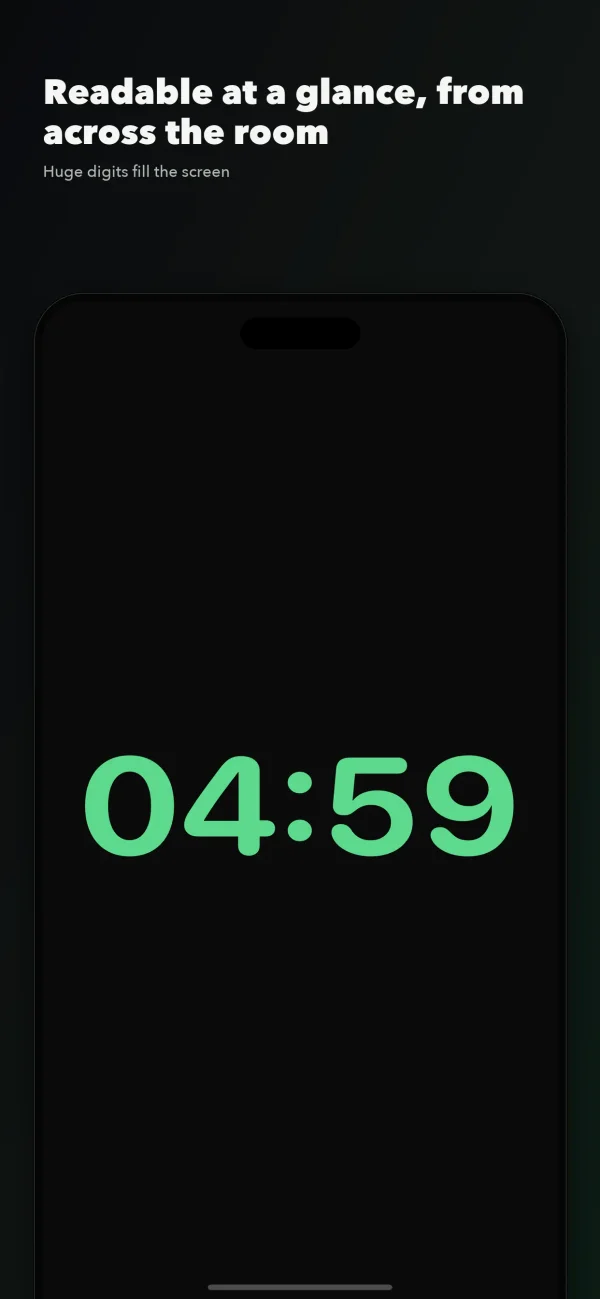
Most timers assume you check the time in your hand. Entertimement does the opposite: the top priority is that the remaining time is readable at a glance from across the room. Beyond just reading the digits, it combines color, shape, progress and animation to signal "plenty of time / caution / danger" intuitively.
■ Made for
• Showing a speaker how much time is left during a talk or seminar
• Managing time slots for presentations and lightning talks
• Displaying the limit in speech contests and competitions
• Timing workshops and reports at school or in training
• Event staff operating a timer for the person on stage
■ Five display styles
• Digital: huge digits filling the screen — built for readability at a distance
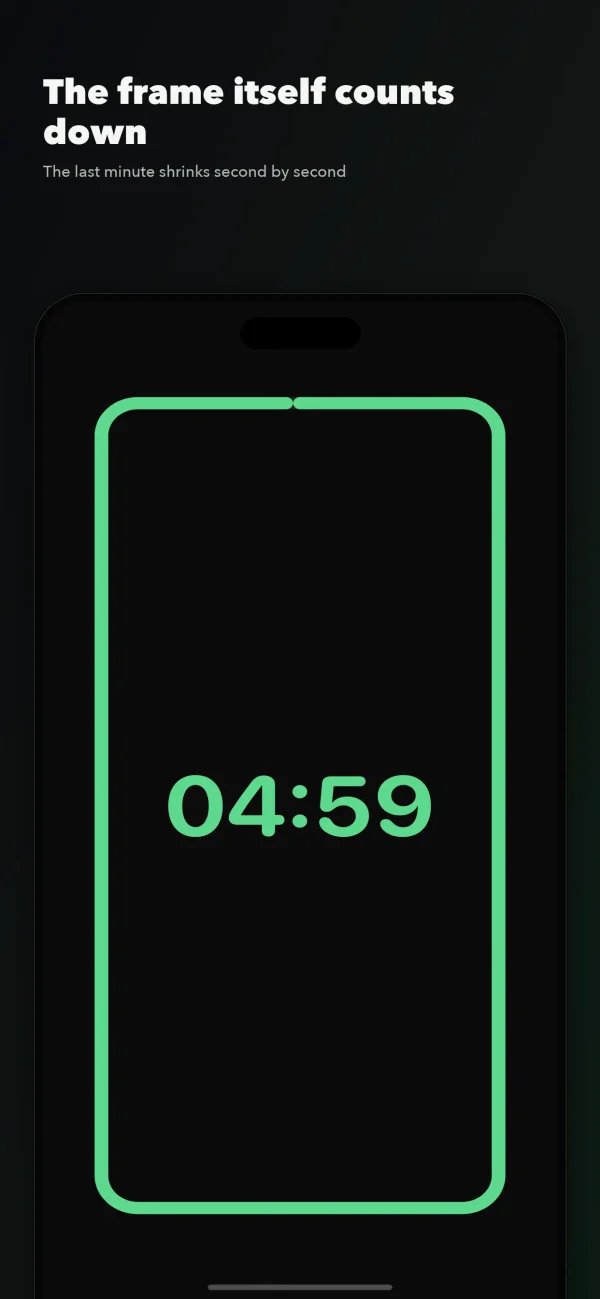
• Square: the rectangular frame is the progress bar; the last minute reads second by second
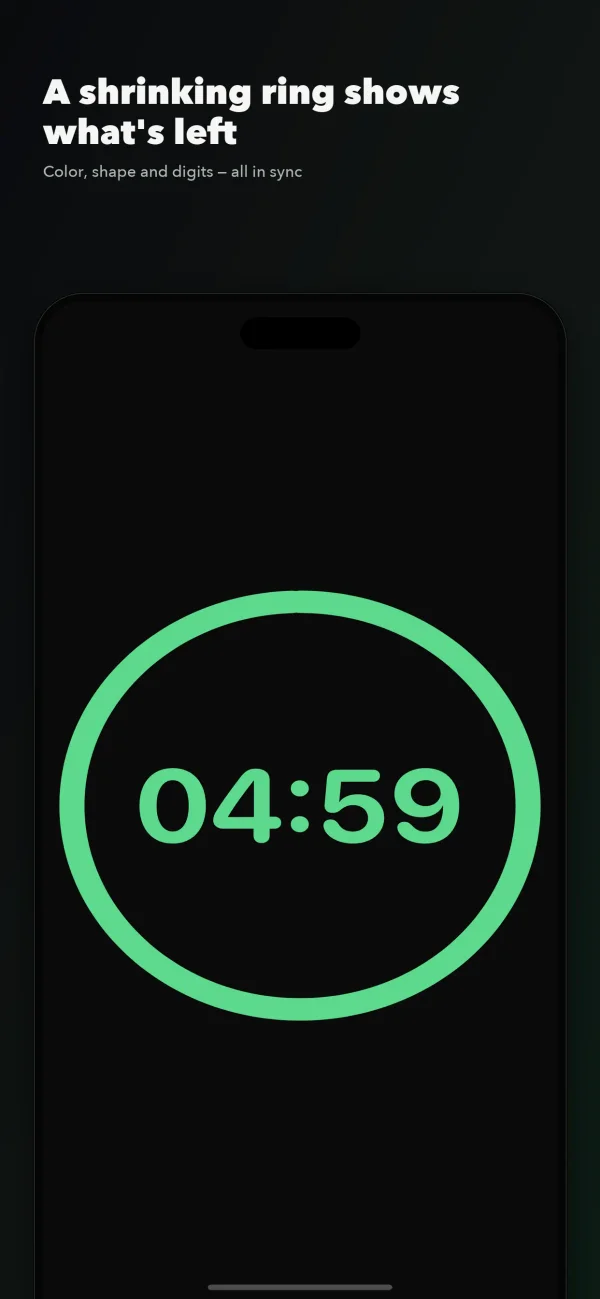
• Circle: the shrinking ring shows what's left at a glance
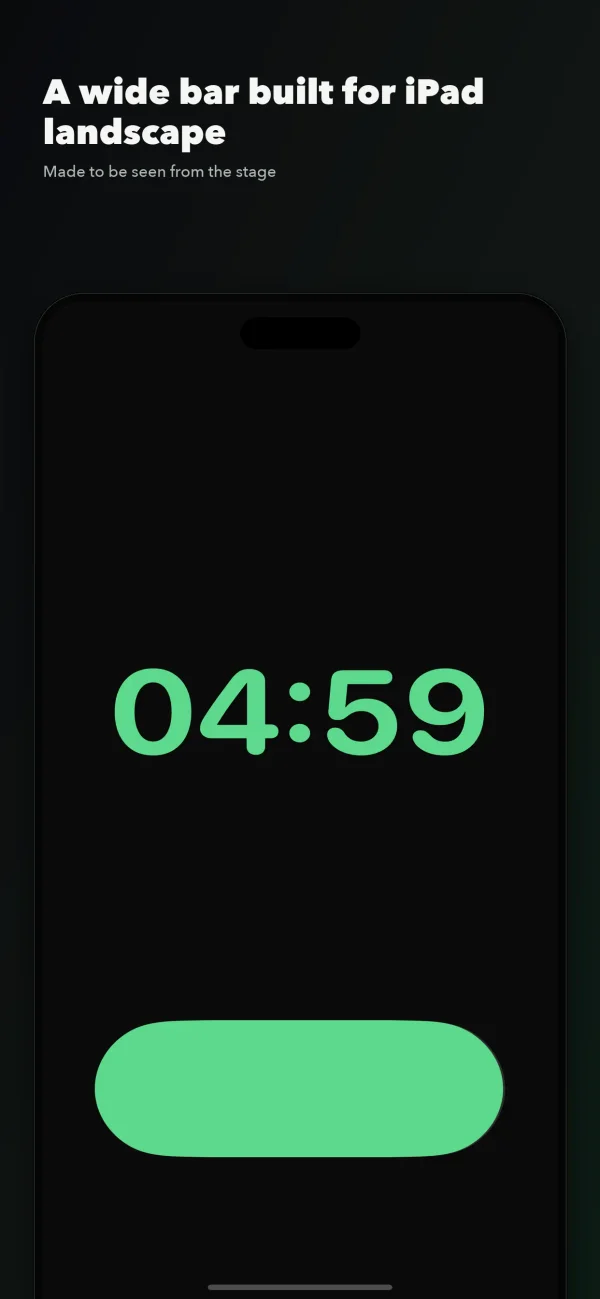
• Bar: a wide bar — great for iPad in landscape
• Progress: emphasizes the percentage left — good for pacing
Pick a style with a live preview in Settings.
■ Set your own colors, in three zones
The remaining time is split into three zones — Safe, Warning and Danger — and you choose the color for each. Tune them for the room lighting, the projector or color vision. Color is never the only cue: it works together with digits, border and animation.
■ Choose the alert style
• Color change
• Pulsing digits (scale and beat)
• Screen-border emphasis
• Blink
• Sound (choose from sounds built into iOS, with a preview for the end sound)
Display style and alert style combine independently.
■ Built-in presets plus your own
One tap applies the presets for Lecture, Speech contest, Class presentation and Simple. Save the setups you use often with a name — up to 10.
■ Show it big on an external display
Show the timer on a TV or projector via HDMI or AirPlay. The external display shows only the countdown — controls and notifications stay on your iPhone or iPad.
■ See overtime at a glance
When time is up, the timer counts up the overtime, like "+00:12". Tap "Stop" and the overtime stays on screen labeled "Overtime" — handy for timing and recording speech contests (you can turn this off in Settings).
■ Accurate countdown
Rather than "subtract one second at a time," the remaining time is computed from the scheduled end time. Timekeeping is separated from the display, so it stays accurate over long durations and after pause and resume.
■ Stage-ready
• Full-screen display; controls hide automatically while running and reappear on a tap
• Mis-tap protection: reset needs a confirmation dialog or a long press
• Time adjustments: +1 min / −1 min / +10 s / −10 s
• Auto-lock (sleep) is prevented while running
• iPhone and iPad, portrait and landscape (iPad landscape especially)
■ Accessibility
• Respects the system "Reduce Motion" setting
• State is never conveyed by color alone
• VoiceOver reads out the remaining time
• Ample contrast
■ Languages
English, Japanese, German, Spanish, French, Italian, Korean, Chinese (Simplified), Chinese (Traditional)
* This app shows an ad (a banner at the bottom of the screen).
Có gì mới
Phiên bản 1.0.6 · 21/10/2026
・External display support: show the timer large on a TV or projector via HDMI or AirPlay, and control it from your iPhone or iPad.
・After time is up, the timer now counts up the overtime (e.g. +00:12). Tap "Stop" to lock in the overtime, which stays on screen labeled "Overtime". You can turn this off in Settings.
・Cleaner display during the countdown.
Quyền riêng tư của ứng dụng
Những gì kenta isomi khai báo trên App Store về cách ứng dụng này xử lý dữ liệu.
-
Dữ liệu không liên kết với bạn
Có thể được thu thập nhưng không liên kết với danh tính của bạn.
- Chẩn đoán
Phương thức đảm bảo quyền riêng tư có thể khác nhau, chẳng hạn như tuỳ theo các tính năng bạn sử dụng hoặc độ tuổi của bạn.
Thông tin
- Người bán
- kenta isomi
- Danh mục
- Giải Trí
- Phiên bản
- 1.0.6
- Cập nhật
- 21/10/2026
- Phát hành
- 12/09/2026
- Kích thước
- 7,5 MB
- Yêu cầu
- iOS 17.0 trở lên
- Độ tuổi
- 4+
- Giá
- Miễn phí
- Ngôn ngữ
- Tiếng Hàn, Tiếng Đức, Tiếng Tây Ban Nha, Tiếng Anh, Tiếng Ý, Tiếng Nhật, Tiếng Trung Giản thể, Tiếng Trung Phồn thể, Tiếng Pháp
- Bản quyền
- © kenta.isomi