
Exporty - Batch Photo Export
White Borders, No Crop, TIFF
Dirancang untuk iPhone, iPad
Gratis · Pembelian dalam aplikasi
- Batasan usia4+
- KategoriFoto & Video
- PengembangOzgur Odabasi
- BahasaInggris+ 28 lainnya
- Ukuran8,7 MB
Tertaut ke halaman resmi App Store
Download.org tidak menyimpan file Exporty - Batch Photo Export apa pun. Tombol ini membuka halaman aplikasi di App Store, tempat Ozgur Odabasi menerbitkannya. Halaman terakhir diperiksa pada 22/11/2026.
Tangkapan layar
Tentang
Pengembang belum menyediakan teks ini dalam bahasa Anda.
Your Photos. Beautifully Framed.
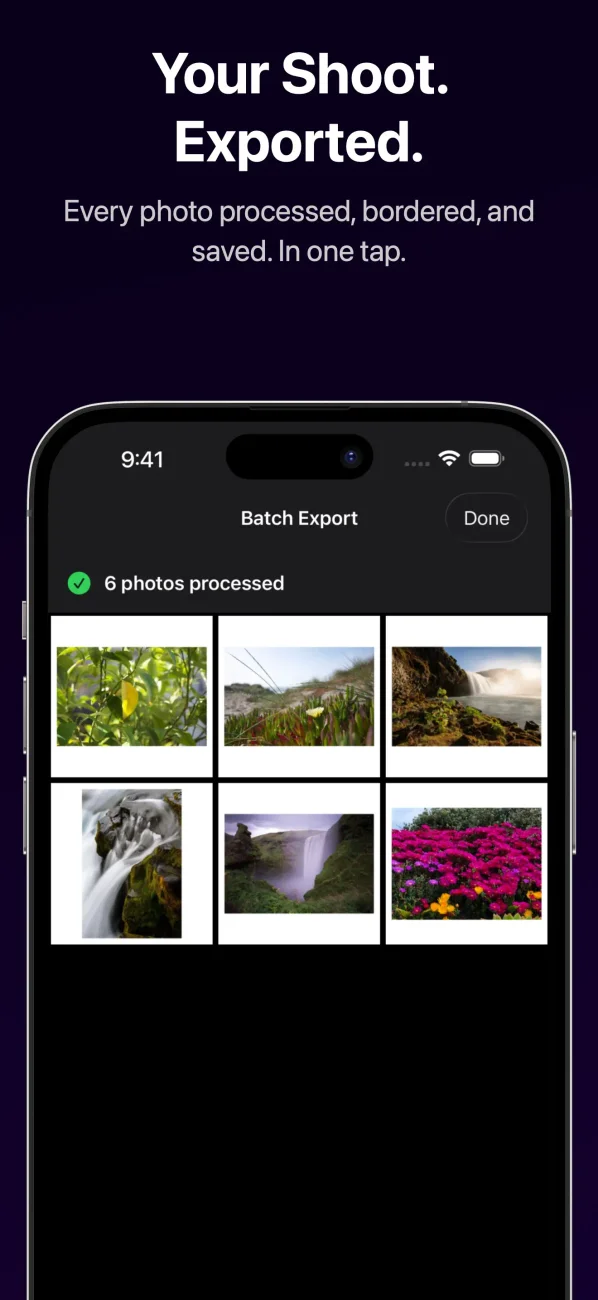
Add borders and batch export your photos, JPEG, HEIC, RAW and more, with the same settings for every photo. Post the full photo with no cropping, ever. Built for photographers who want a clean, consistent look without the workflow hassle.
Key Features
Batch Export & Convert
• Batch convert: HEIC → JPEG, RAW → TIFF and more
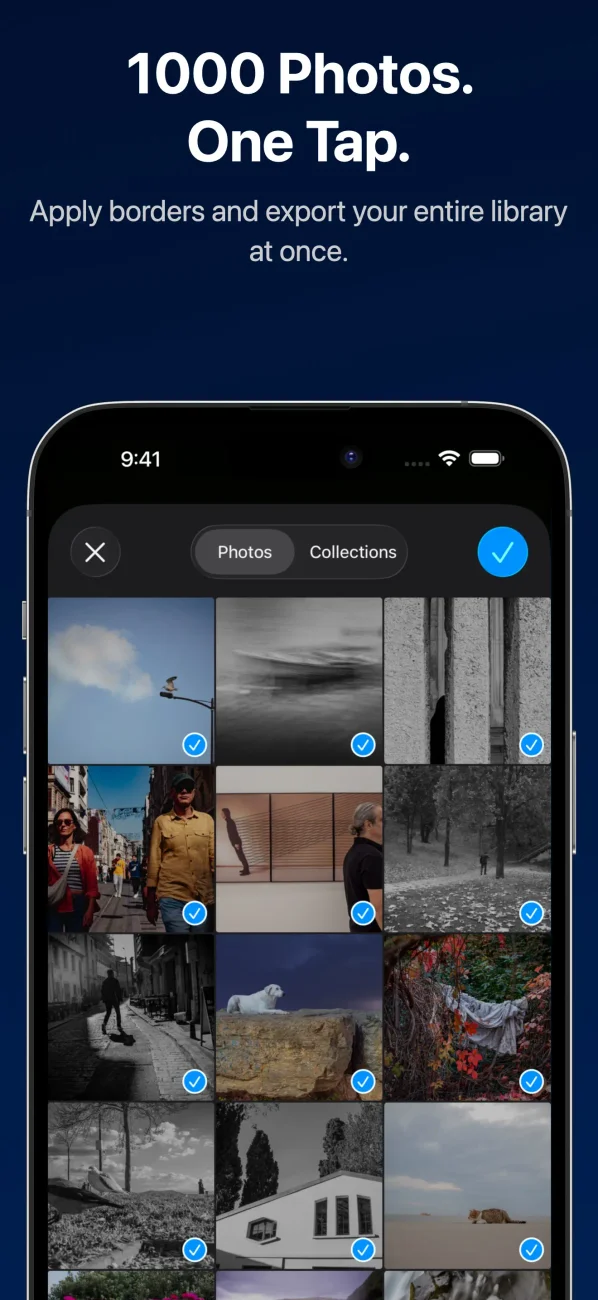
• Apply the same border, size and format to every photo in a batch
• Save them all to Photos or share the files
Add Border & Frame
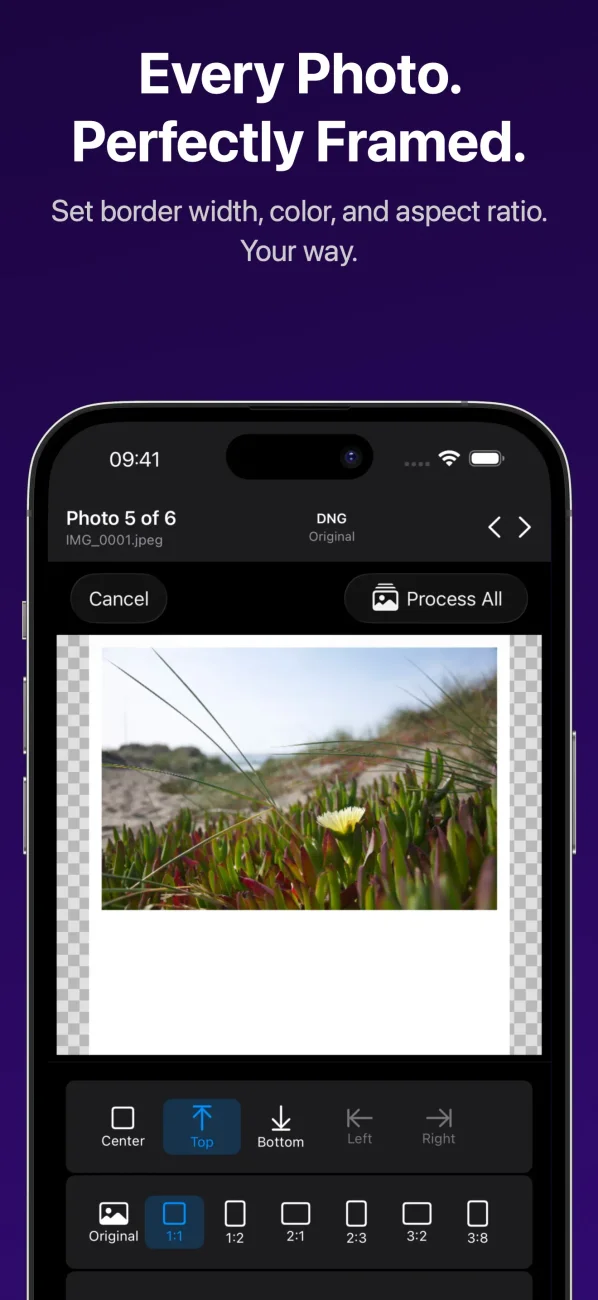
• Set border width, color, and aspect ratio precisely
• No cropping, add a white border and post the full image
• Live preview before you export
• Perfect for prints, galleries, and social media
Formats & Quality
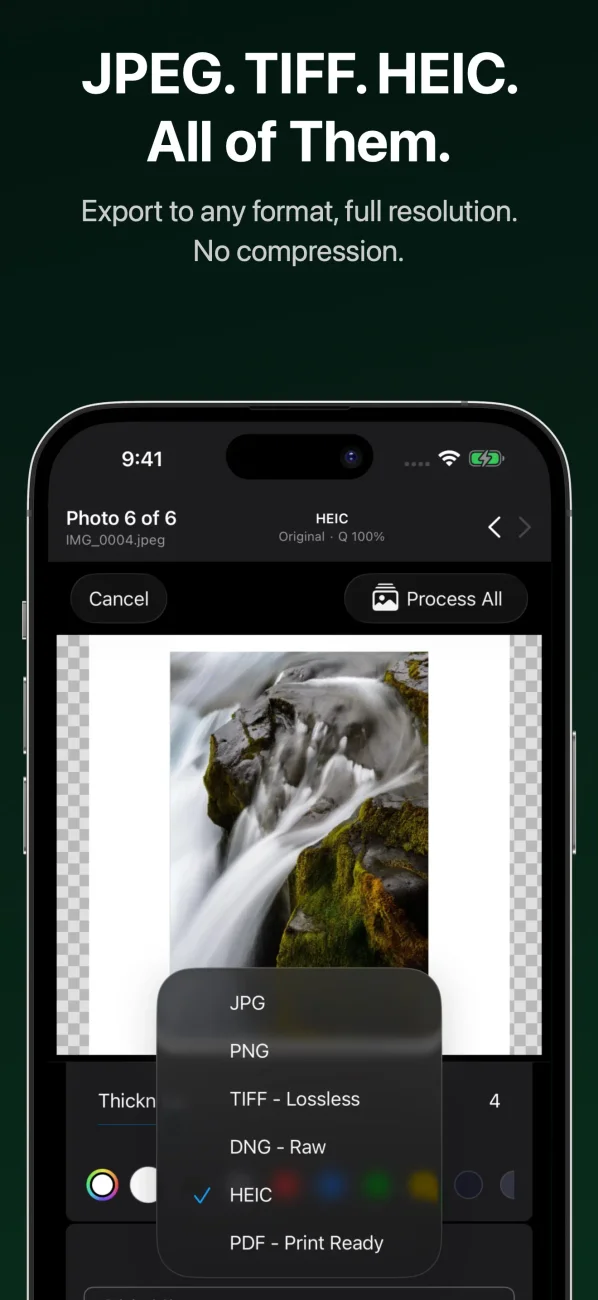
• Export to JPEG, PNG, HEIC, TIFF, or PDF
• RAW import: ProRAW, DNG, CR3, NEF, ARW, RAF and more
• Export at full resolution or pick a smaller size
• Lossless PNG and TIFF, adjustable quality for JPEG and HEIC
Quick Access from Anywhere
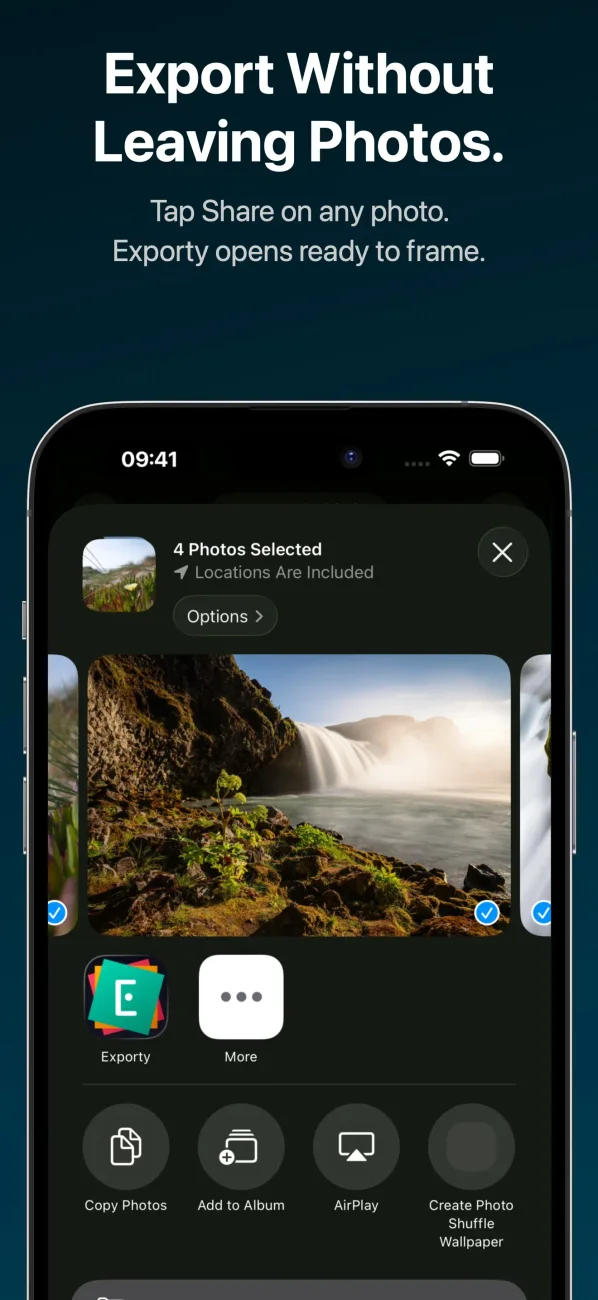
• Share Extension: batch export directly from the Photos app
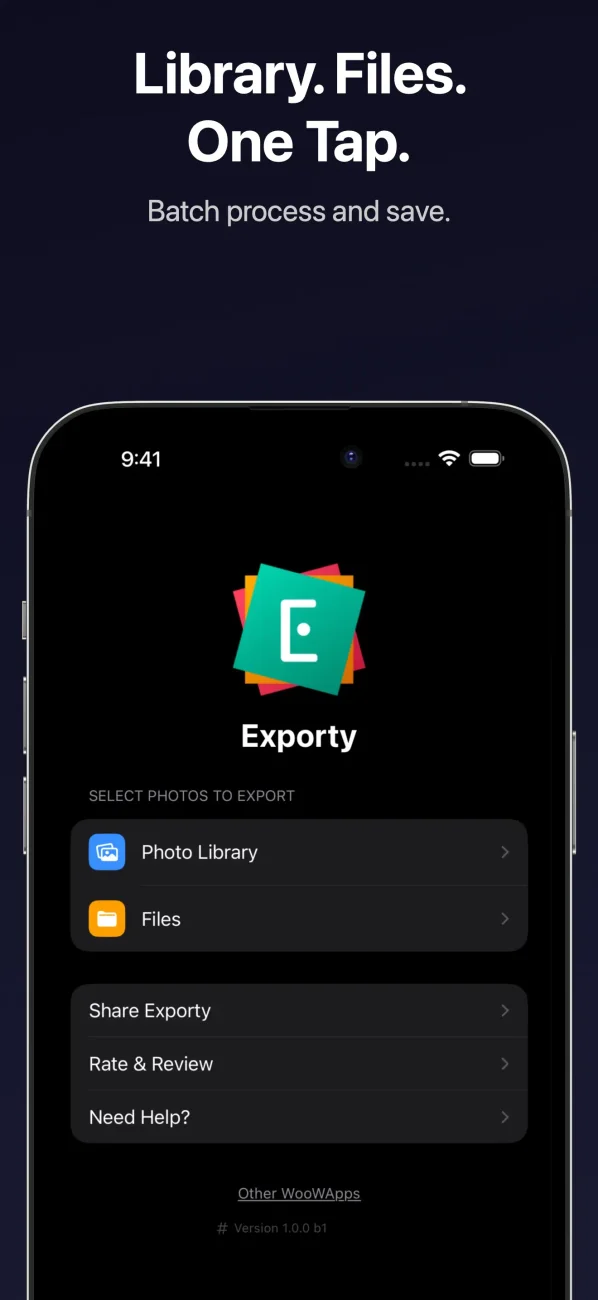
• Import from Photo Library, Files, or iCloud
• Save to Camera Roll or export to Files
Free and Exporty Pro
• Free: single photo export and batches of up to 5 photos in JPEG, PNG or HEIC, with every border, aspect ratio and size option
• Exporty Pro, a one-time purchase with no subscription: unlimited photos per batch, plus TIFF and PDF export
Privacy
• Your photos stay on your device
• Pick photos without giving Exporty access to your library
• Usage statistics and crash reports only if you allow them
Who's it for?
• Photographers preparing portfolios and prints
• Content creators who need consistent photo formatting
• Anyone who wants clean white borders without complex editing
Privacy Policy: https://voidstd.io/privacy
Terms of Use: https://www.apple.com/legal/internet-services/itunes/dev/stdeula/
Yang baru
Versi 1.2.6 · 18/11/2026
What's New in Exporty 1.2.6
Clearer Exporty Pro
The Exporty Pro screen now lists exactly what Pro unlocks: unlimited photos per batch, plus TIFF and PDF export. JPEG, PNG and HEIC are free.
Export Formats
The DNG export option is gone. It saved a TIFF file with a .dng name, so use TIFF instead. DNG files are still accepted as input.
Rate Exporty
If Exporty is useful to you, you may be asked once for a rating after a few exports.
Privasi aplikasi
Yang dinyatakan Ozgur Odabasi di App Store tentang cara aplikasi ini menangani data.
-
Data yang tidak ditautkan dengan Anda
Dapat dikumpulkan, tetapi tidak ditautkan dengan identitas Anda.
- Lokasi
- Pengenal
- Data penggunaan
- Diagnostik
Praktik privasi dapat bervariasi, misalnya berdasarkan fitur yang Anda gunakan atau usia Anda.
Informasi
- Penjual
- Ozgur Odabasi
- Kategori
- Foto & Video
- Versi
- 1.2.6
- Diperbarui
- 18/11/2026
- Dirilis
- 19/3/2026
- Ukuran
- 8,7 MB
- Memerlukan
- iOS 17.6 atau yang lebih baru
- Batasan usia
- 4+
- Harga
- Gratis
- Pembelian dalam aplikasi
- Ya
- Bahasa
- Inggris, Arab, Kroat (Kroasia), Cheska (Republik Cheska), Dansk (Denmark), Belanda, Suomi (Finlandia), Prancis, Jerman, Yunani, Ibrani, Magyar (Hungaria) + 17 lainnya
- Hak cipta
- © VOID STD
Mungkin Anda juga suka
-
 Pixzool: Photo ConverterFoto & Video
-
 Keepsake - Memory StickersFoto & Video
-
 Album Foto: Pengatur KenanganAtur Foto Otomatis & Privat
-
 Scatto - Retro Film CameraFoto & Video
-
 Photo Collage Maker – PicframeFoto & Video
-
 Shotly - Screenshot EditorFoto & Video
-
 Edit Foto: Retouch & BlurEdit Badan, Hapus Background
-
 Edit Video: Musik & EfekReels, TikTok Video Kreator
-
 Camera Organizer: Photos VideoFoto & Video
-
 Glimmer: AI Photo Video MakerFoto & Video