
Exporty - Batch Photo Export
White Borders, No Crop, TIFF
Designed for iPhone, iPad
Free · In-app purchases
- Age rating4+
- CategoryPhoto & Video
- DeveloperOzgur Odabasi
- LanguagesEnglish+ 28 more
- Size8.7 MB
Links to the official App Store page
Download.org hosts no file of Exporty - Batch Photo Export. The button opens its official App Store page, published by Ozgur Odabasi. Listing last checked on Nov 22, 2026.
Screenshots


About
Your Photos. Beautifully Framed.
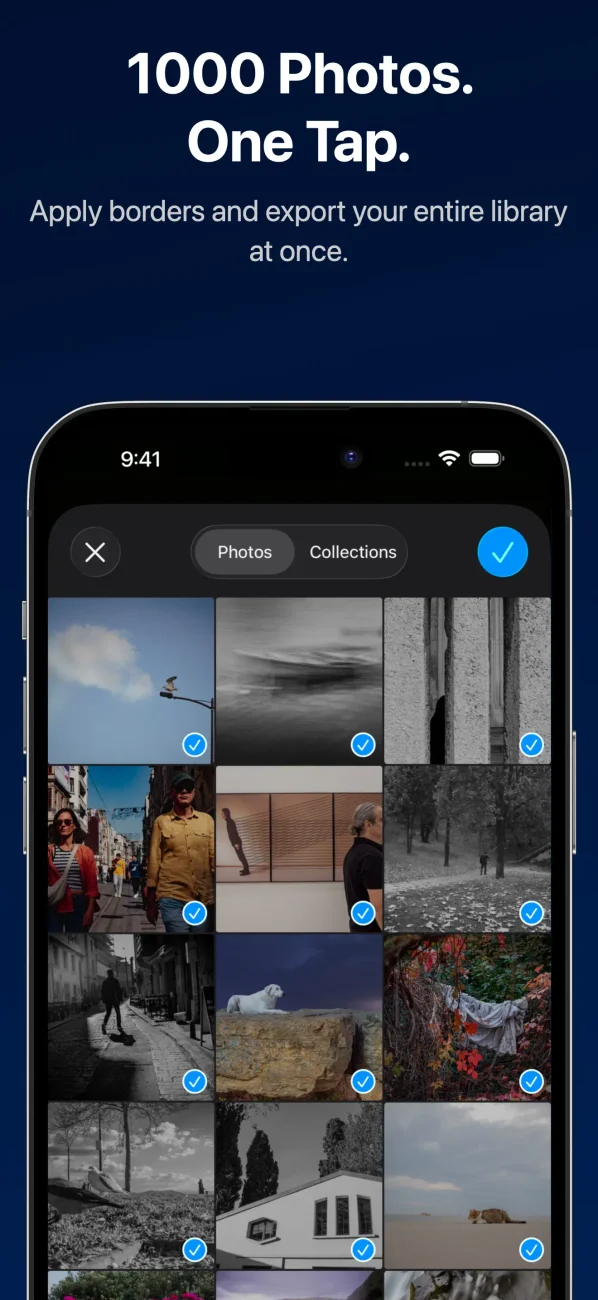
Add borders and batch export your photos, JPEG, HEIC, RAW and more, with the same settings for every photo. Post the full photo with no cropping, ever. Built for photographers who want a clean, consistent look without the workflow hassle.
Key Features
Batch Export & Convert
• Batch convert: HEIC → JPEG, RAW → TIFF and more
• Apply the same border, size and format to every photo in a batch
• Save them all to Photos or share the files
Add Border & Frame
• Set border width, color, and aspect ratio precisely
• No cropping, add a white border and post the full image
• Live preview before you export
• Perfect for prints, galleries, and social media
Formats & Quality
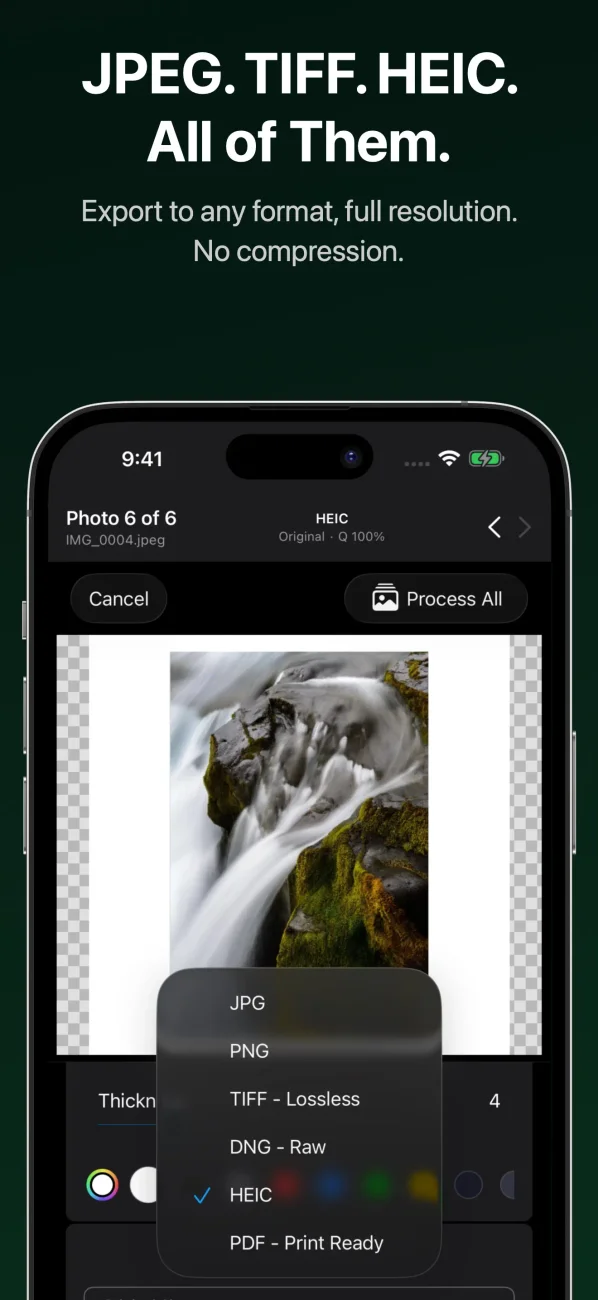
• Export to JPEG, PNG, HEIC, TIFF, or PDF
• RAW import: ProRAW, DNG, CR3, NEF, ARW, RAF and more
• Export at full resolution or pick a smaller size
• Lossless PNG and TIFF, adjustable quality for JPEG and HEIC
Quick Access from Anywhere
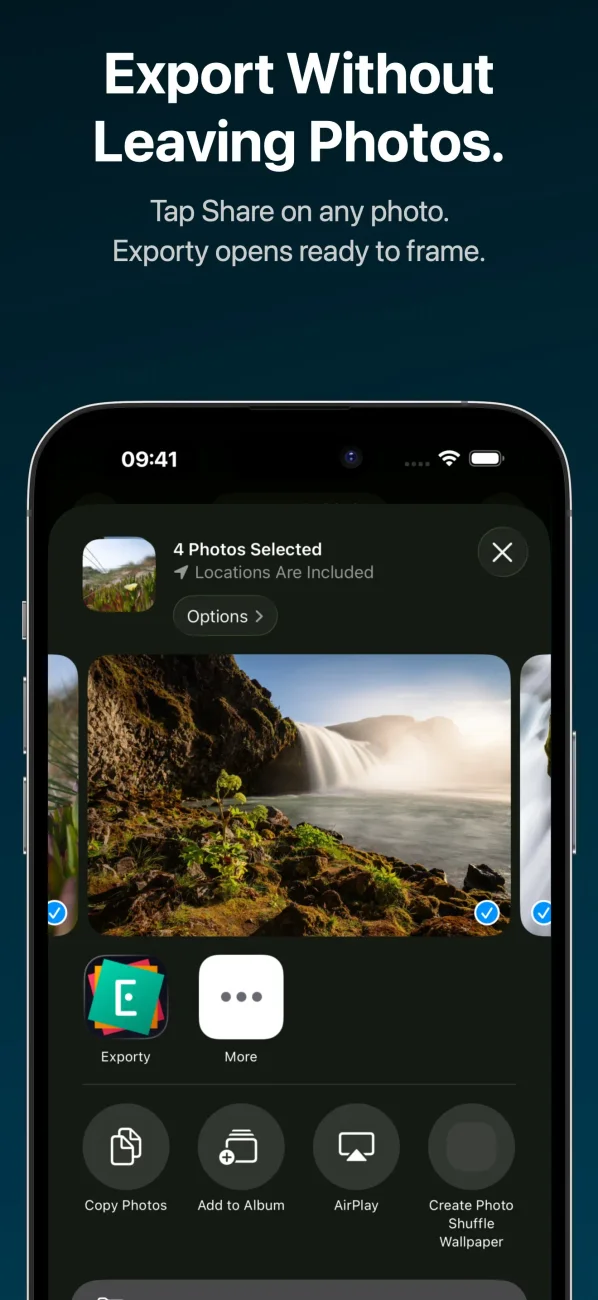
• Share Extension: batch export directly from the Photos app
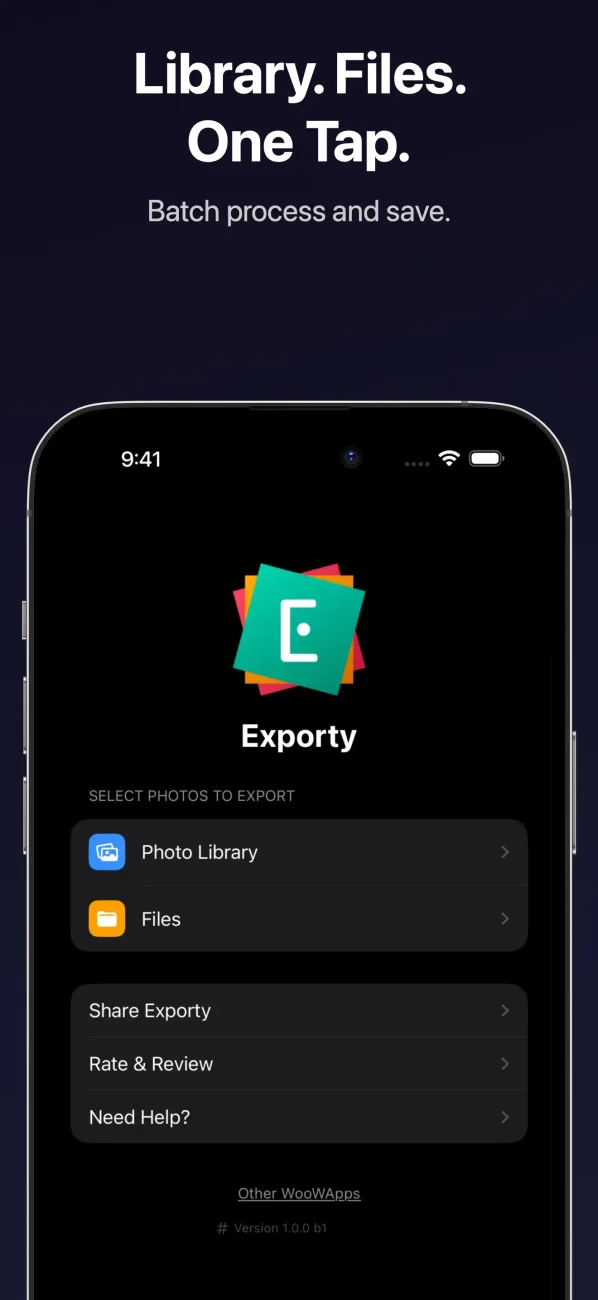
• Import from Photo Library, Files, or iCloud
• Save to Camera Roll or export to Files
Free and Exporty Pro
• Free: single photo export and batches of up to 5 photos in JPEG, PNG or HEIC, with every border, aspect ratio and size option
• Exporty Pro, a one-time purchase with no subscription: unlimited photos per batch, plus TIFF and PDF export
Privacy
• Your photos stay on your device
• Pick photos without giving Exporty access to your library
• Usage statistics and crash reports only if you allow them
Who's it for?
• Photographers preparing portfolios and prints
• Content creators who need consistent photo formatting
• Anyone who wants clean white borders without complex editing
Privacy Policy: https://voidstd.io/privacy
Terms of Use: https://www.apple.com/legal/internet-services/itunes/dev/stdeula/
What’s new
Version 1.2.6 · Nov 18, 2026
What's New in Exporty 1.2.6
Clearer Exporty Pro
The Exporty Pro screen now lists exactly what Pro unlocks: unlimited photos per batch, plus TIFF and PDF export. JPEG, PNG and HEIC are free.
Export Formats
The DNG export option is gone. It saved a TIFF file with a .dng name, so use TIFF instead. DNG files are still accepted as input.
Rate Exporty
If Exporty is useful to you, you may be asked once for a rating after a few exports.
App privacy
What Ozgur Odabasi declares on the App Store about how this app handles data.
-
Data not linked to you
May be collected but is not linked to your identity.
- Location
- Identifiers
- Usage data
- Diagnostics
Privacy practices may vary, for example with the features you use or your age.
Information
- Seller
- Ozgur Odabasi
- Category
- Photo & Video
- Version
- 1.2.6
- Updated
- Nov 18, 2026
- Released
- Mar 19, 2026
- Size
- 8.7 MB
- Requires
- iOS 17.6 or later
- Age rating
- 4+
- Price
- Free
- In-app purchases
- Yes
- Languages
- English, Arabic, Croatian, Czech, Danish, Dutch, Finnish, French, German, Greek, Hebrew, Hungarian + 17 more
- Copyright
- © VOID STD
You might also like
-
 Pixzool: Photo ConverterPNG JPEG HEIC TIFF PS COMPRESS
-
 Keepsake - Memory StickersRecord moments worth keeping
-
 Photo Organizer: Memory AIOrganize Photos Automatically
-
 Scatto - Retro Film CameraVintage film looks in one tap
-
 Photo Collage Maker – PicframePhoto Grid & Collage Layouts
-
 Shotly - Screenshot EditorScreenshots & Video for Posts
-
 Photo Editor: Retouch & BlurBody Edit, Remove BG, Filters
-
 Video Editor & Maker: VibeCutEdit Clip with Effects & Music
-
 Camera Organizer: Photos VideoOrganize Media While Shooting
-
 Glimmer: AI Photo Video MakerAI Gallery:One-Tap Video Maker