- Batasan usia4+
- KategoriKesehatan & Kebugaran
- PengembangKuan Hsiung Chen
- BahasaInggris+ 1 lainnya
- Ukuran4,6 MB
Tertaut ke halaman resmi App Store
Download.org tidak menyimpan file EyeCares apa pun. Tombol ini membuka halaman aplikasi di App Store, tempat Kuan Hsiung Chen menerbitkannya. Halaman terakhir diperiksa pada 6/11/2026.
Tangkapan layar
Tentang
Pengembang belum menyediakan teks ini dalam bahasa Anda.
Key Features:
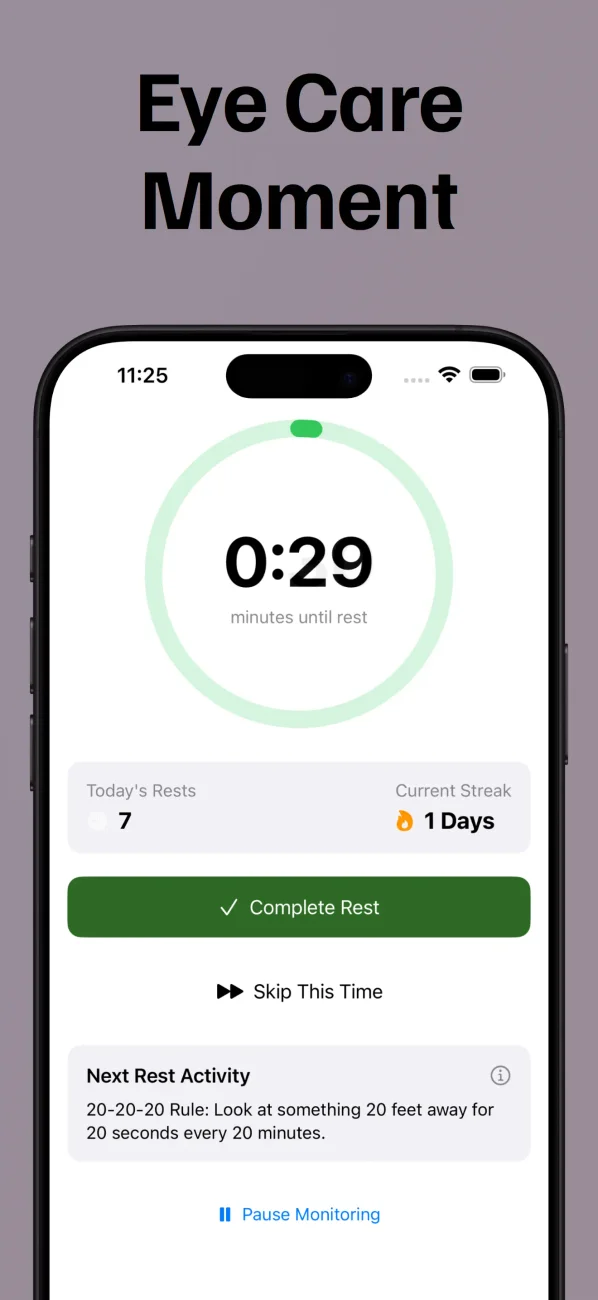
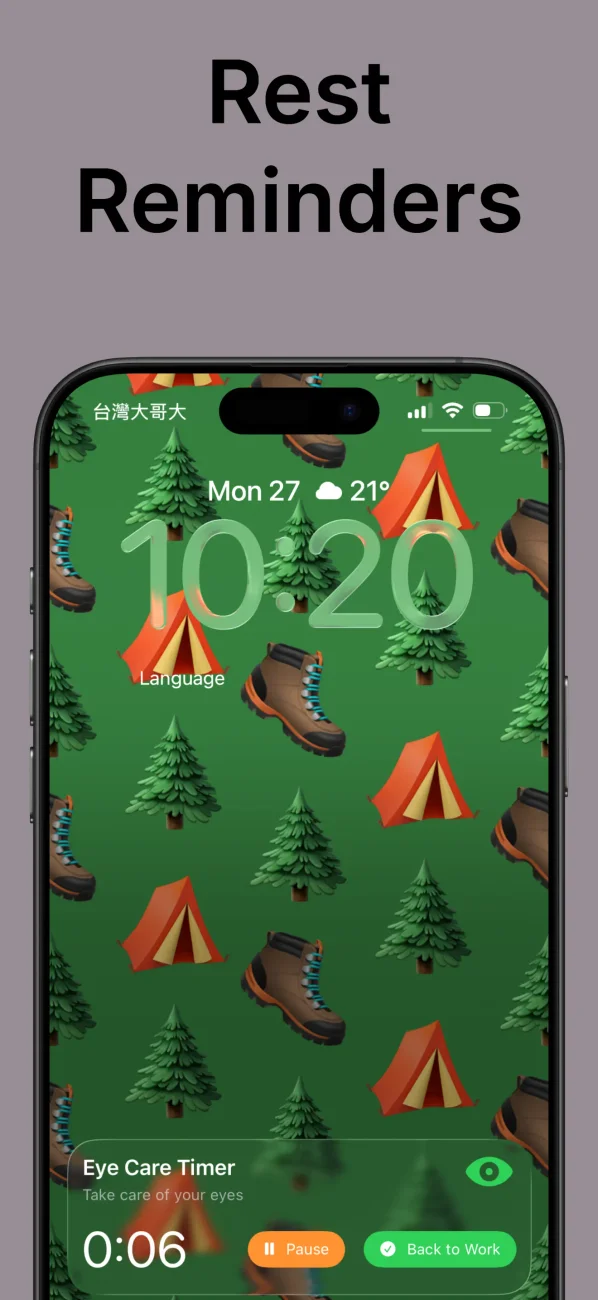
Smart Alarm Reminders: Fully integrates with iOS 26's smart alarm system. The app automatically sets up eye break reminders for you - as simple and reliable as setting your morning alarm.
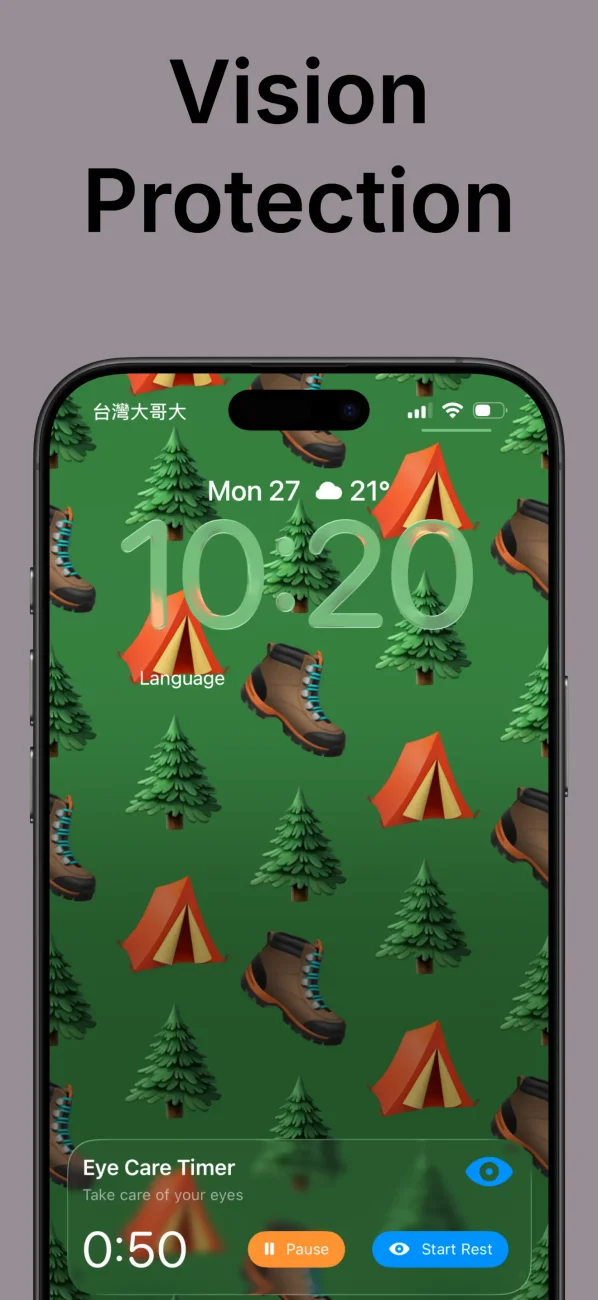
Dynamic Widget Updates: Just tap the Live Activity widget to refresh your timing cycle - no need to open the app.
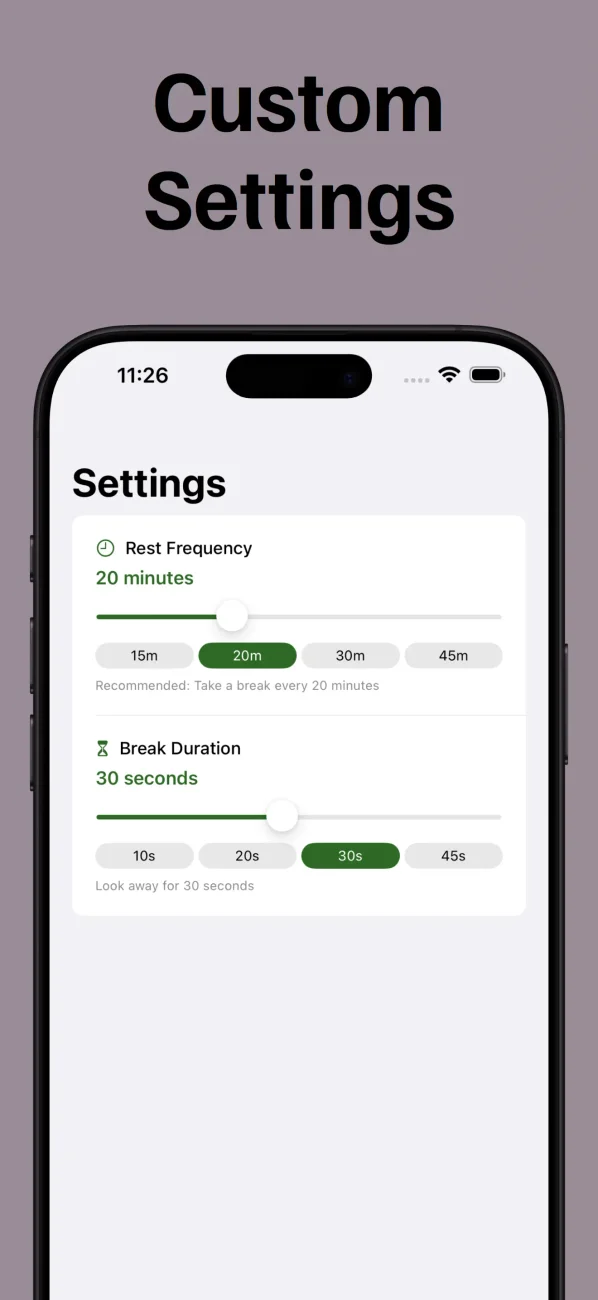
Personalized Rest Settings: Customize your eye break duration based on your personal needs for a tailored eye care experience.
How It Works:
Protecting your vision has never been easier! After you hit "Start Monitoring," the timer kicks in automatically. When it's break time, you'll get a gentle notification. When your rest period wraps up, a work reminder helps you ease back into things.
Thanks to iOS 26's system alarm integration, the app automatically sets alarm reminders for your eye breaks, so you won't miss a single one. You can tweak the break frequency and duration in settings whenever you want, fully customizing it to match your personal work rhythm.
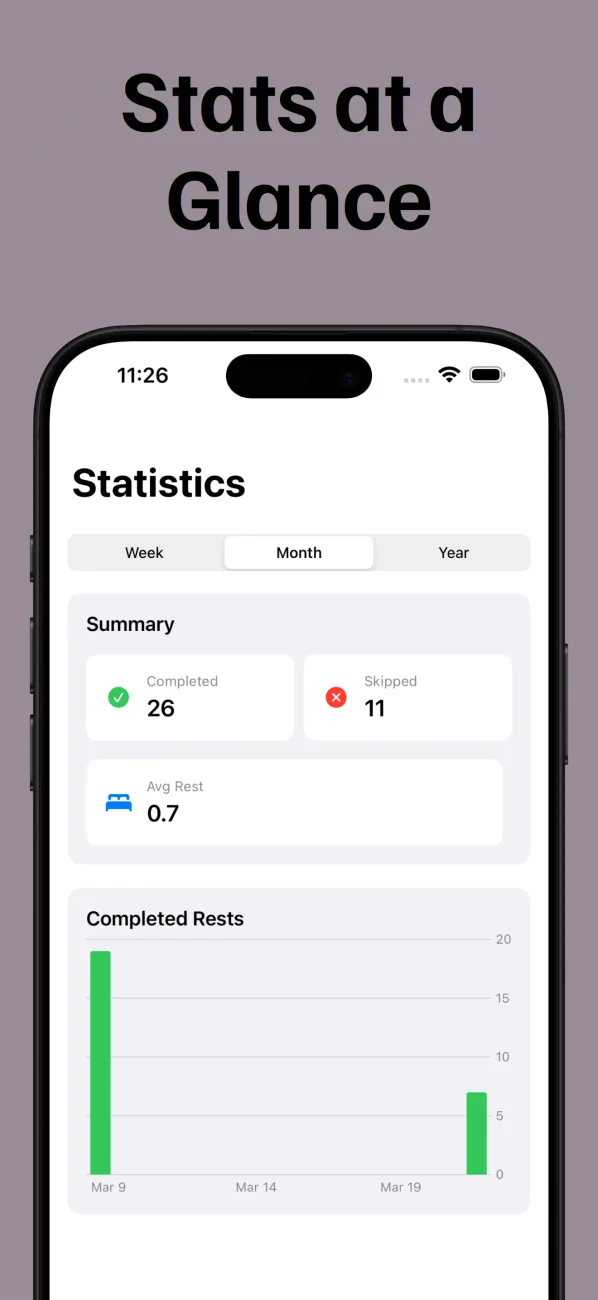
On the stats page, you can check out your long-term trend analysis to get clear insights into your eye care habits and how well they're working. Add EyeBreak to your home screen widget to instantly see when your next break is coming up, making eye care a natural part of your daily routine!
Yang baru
Versi 2.02 · 23/9/2026
・Siri support
Say "Start EyesCare," "Rest my eyes with EyesCare," or
"Show my EyesCare stats" to control your eye care timer
without opening the app.
・Shortcuts & Spotlight
Four actions — start monitoring, stop monitoring,
start a rest, and today's stats — are now available in
the Shortcuts app for your own automations.
・Control Center toggle
Add EyesCare to Control Center or your Lock Screen to
pause and resume monitoring with one tap.
・Fixed: rests completed by tapping "Back to Work" on the
Live Activity now count toward your daily stats.
Privasi aplikasi
Yang dinyatakan Kuan Hsiung Chen di App Store tentang cara aplikasi ini menangani data.
-
Data tidak dikumpulkan
Pengembang tidak mengumpulkan data apa pun dari aplikasi ini.
Praktik privasi dapat bervariasi, misalnya berdasarkan fitur yang Anda gunakan atau usia Anda.
Informasi
- Penjual
- Kuan Hsiung Chen
- Kategori
- Kesehatan & Kebugaran
- Versi
- 2.02
- Diperbarui
- 23/9/2026
- Dirilis
- 29/10/2026
- Ukuran
- 4,6 MB
- Memerlukan
- iOS 26.0 atau yang lebih baru
- Batasan usia
- 4+
- Harga
- Rp 79ribu
- Bahasa
- Inggris, Tionghoa Tradisional
- Hak cipta
- © 2025 Rex Chen
Mungkin Anda juga suka
-
 EyeMinute: 20-20-20 Eye CareKesehatan & Kebugaran
-
 Tweny: Eye Break & Focus TimerKesehatan & Kebugaran
-
 20.20.20: Eye Care & TrackerKesehatan & Kebugaran
-
 Pawssport — Senior Pet TrackerKesehatan & Kebugaran
-
 Herbar 喝吧Kesehatan & Kebugaran
-
 Eye Break Timer: GlanceAwayKesehatan & Kebugaran
-
 20s Vision BreakKesehatan & Kebugaran
-
 Dream Power FitnessKesehatan & Kebugaran
-
 iCare - Eye Break RemindersKesehatan & Kebugaran