
- Batasan usia4+
- KategoriFoto & Video
- PengembangNgai Fung Chan
- BahasaTionghoa Tradisional+ 1 lainnya
- Ukuran3,2 MB
Tertaut ke halaman resmi App Store
Download.org tidak menyimpan file EzCamShot apa pun. Tombol ini membuka halaman aplikasi di App Store, tempat Ngai Fung Chan menerbitkannya. Halaman terakhir diperiksa pada 12/11/2026.
Tangkapan layar
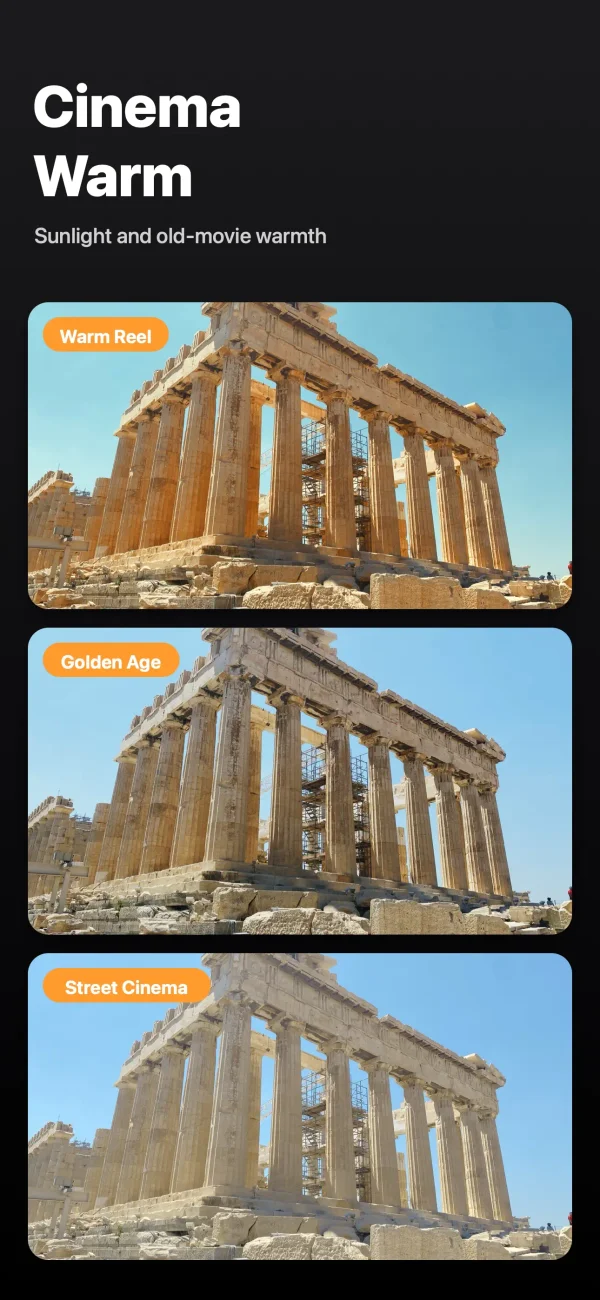

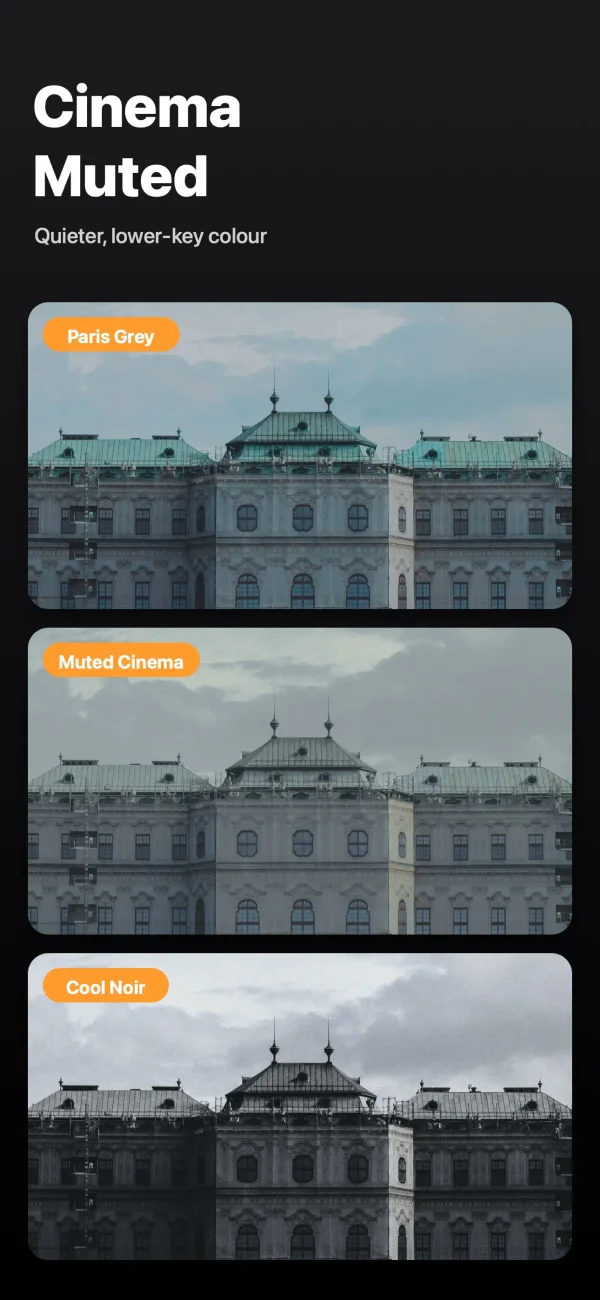


Tentang
Pengembang belum menyediakan teks ini dalam bahasa Anda.
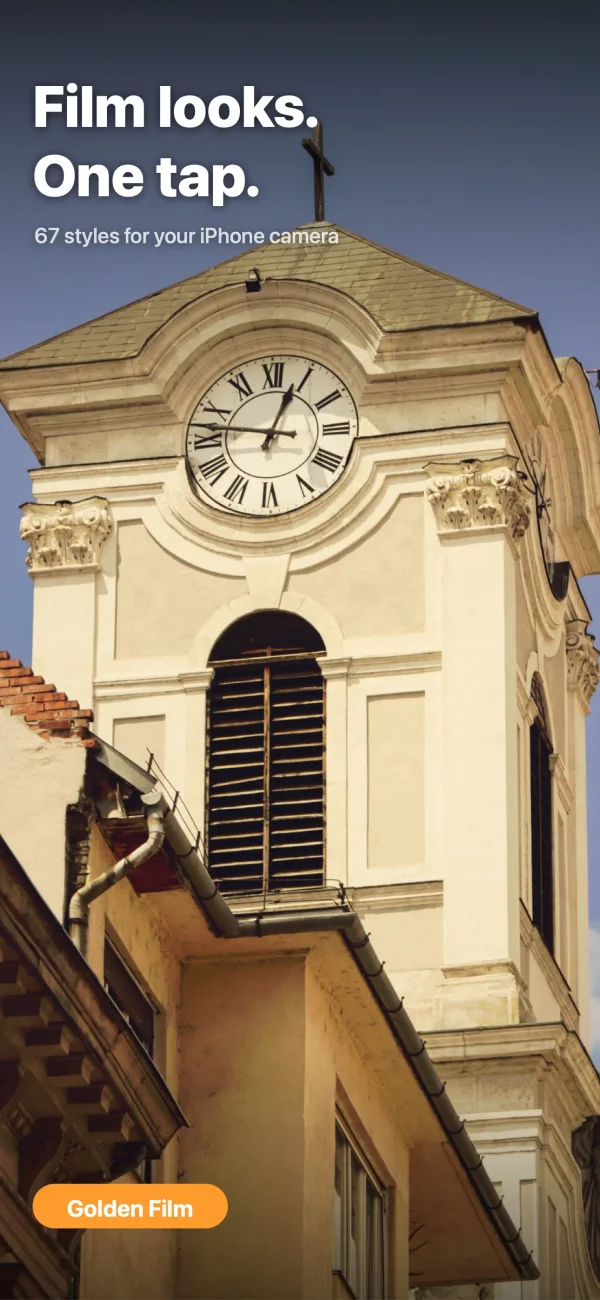
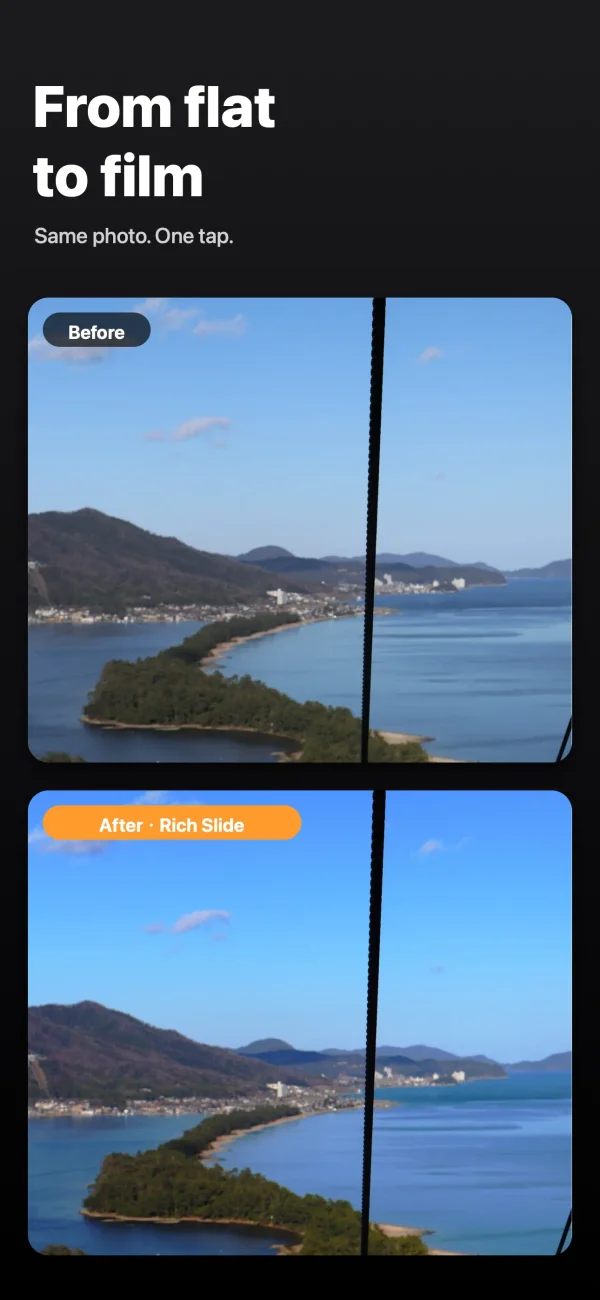
Turn everyday iPhone shots into film photos in one tap.
EzCamShot is a film-look camera and photo editor for iPhone. See the finished look before you shoot — no ads, no account, no data collection.
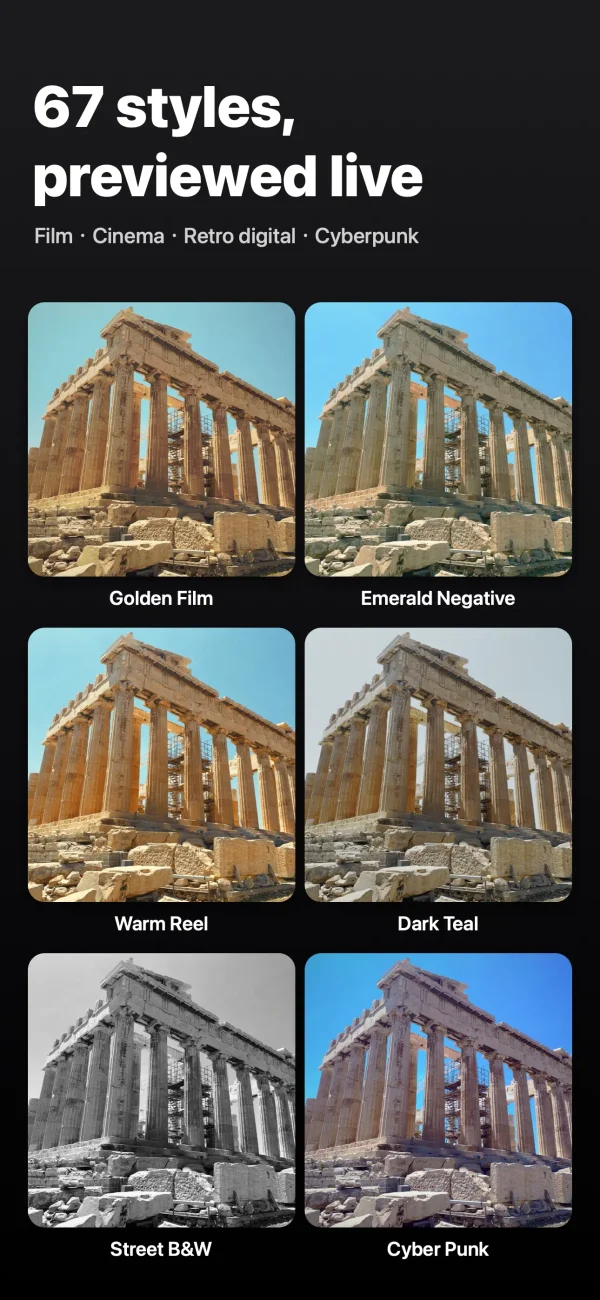
67 LIVE STYLES
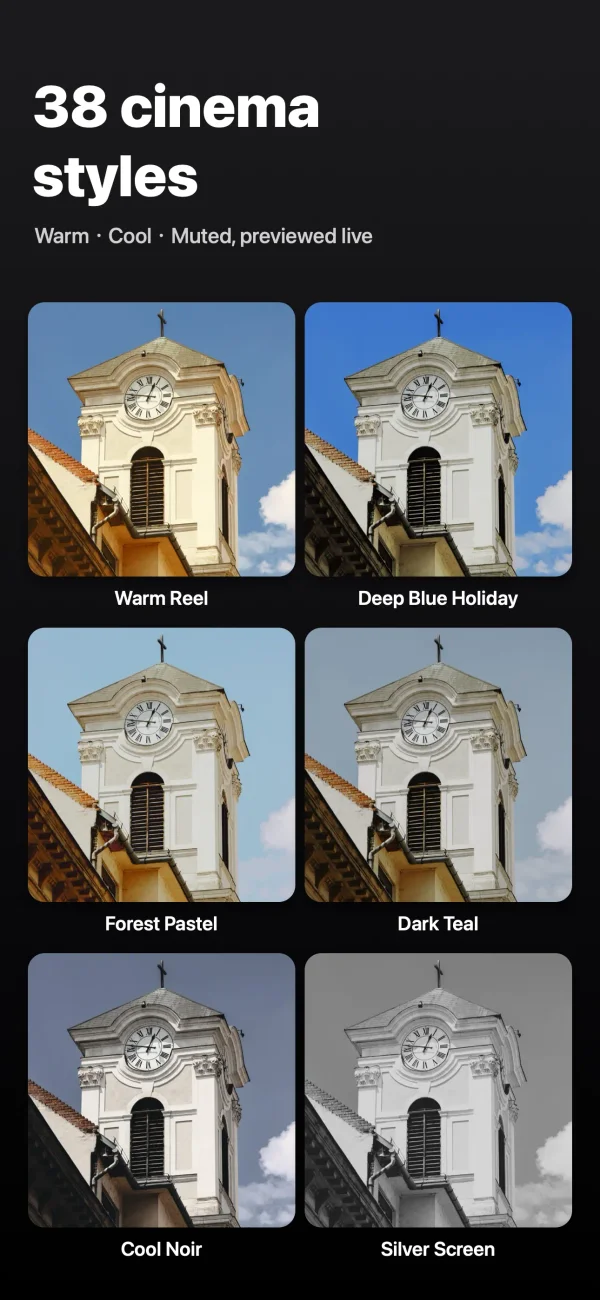
• 38 new cinema looks in warm, cool and muted sets
• Film, retro digital (CCD, Y2K flash, camcorder), instant, Japanese looks, Hong Kong neon & cinema, city night, cyberpunk, and gentle everyday styles
• Style bubbles show a live thumbnail of your scene
• Long-press to favourite a style; favourites and recent styles come first
TUNE IT YOURSELF
• Saturation, temperature, tint, hue, exposure, contrast, highlights, shadows, sharpness, vignette, grain
• Save your settings as a personal style; import .cube LUT files
PRO CAPTURE
• RAW (DNG) or RAW+HEIC, Live Photo, burst
• Natural mode skips iPhone's heavy processing
• Manual ISO, shutter, focus, white balance
• Shoot with the volume buttons or the iPhone 16 Camera Control
• 13/26/35/50/75mm framing (RAW always keeps the full frame)
ON-DEVICE AI COMPOSITION & SCENE TIPS
• Recognises what you’re shooting (portrait, person + background, landscape, food, animal, vehicle, architecture, artwork) and tells you how to frame it — or lets you choose
• Composition guides: grid, golden ratio, centre, diagonal, triangle
• Detects portraits, food, landscapes, night scenes and recommends a style, with live light and exposure tips
SMART LIBRARY (NEW IN 1.1)
• Auto-filter your photos by content — portraits, travel, animals, food, plants, night, city — and by format: RAW / HEIC / JPEG / Live
• Tap a photo to open it in the editor. Analysis runs on-device; nothing is uploaded
EDITOR
• RAW develop, crop & straighten, one-tap auto enhance, compare with original, full-resolution export
Available in English and Traditional Chinese (follows your iPhone's language).
Everything runs on your iPhone. No account, no network, no tracking.
Yang baru
Versi 1.10 · 6/11/2026
• New Simple Mode (on by default): a cleaner camera with 14 hand-picked styles and an easier-to-reach shutter
• Step-by-step tips the first time you use the app. Show them again from the ⋯ menu
• Edit now opens on Styles, so you can pick a look first and fine-tune after
Privasi aplikasi
Yang dinyatakan Ngai Fung Chan di App Store tentang cara aplikasi ini menangani data.
-
Data tidak dikumpulkan
Pengembang tidak mengumpulkan data apa pun dari aplikasi ini.
Praktik privasi dapat bervariasi, misalnya berdasarkan fitur yang Anda gunakan atau usia Anda.
Informasi
- Penjual
- Ngai Fung Chan
- Kategori
- Foto & Video
- Versi
- 1.10
- Diperbarui
- 6/11/2026
- Dirilis
- 5/10/2026
- Ukuran
- 3,2 MB
- Memerlukan
- iOS 17.0 atau yang lebih baru
- Batasan usia
- 4+
- Harga
- Gratis
- Bahasa
- Tionghoa Tradisional, Inggris
- Hak cipta
- © 2026 Ngai Fung Chan
Mungkin Anda juga suka
-
 PhotosOneFoto & Video
-
 Grain - Pro Film CameraFoto & Video
-
 XstreamifyFoto & Video
-
 Entropix: AI Photography CoachFoto & Video
-
 AI Video Generator: ViDCFoto & Video
-
 Loopix: Analog Film CameraFoto & Video
-
 ObscuraFlexFoto & Video
-
 PoLabFoto & Video
-
 Camera - Simple Low-ResaaaFoto & Video
-
 Stellar – Timelapse CameraFoto & Video