
- Age rating4+
- CategoryPhoto & Video
- DeveloperNgai Fung Chan
- LanguagesTraditional Chinese+ 1 more
- Size3.2 MB
Links to the official App Store page
Download.org hosts no file of EzCamShot. The button opens its official App Store page, published by Ngai Fung Chan. Listing last checked on Nov 12, 2026.
Screenshots



About
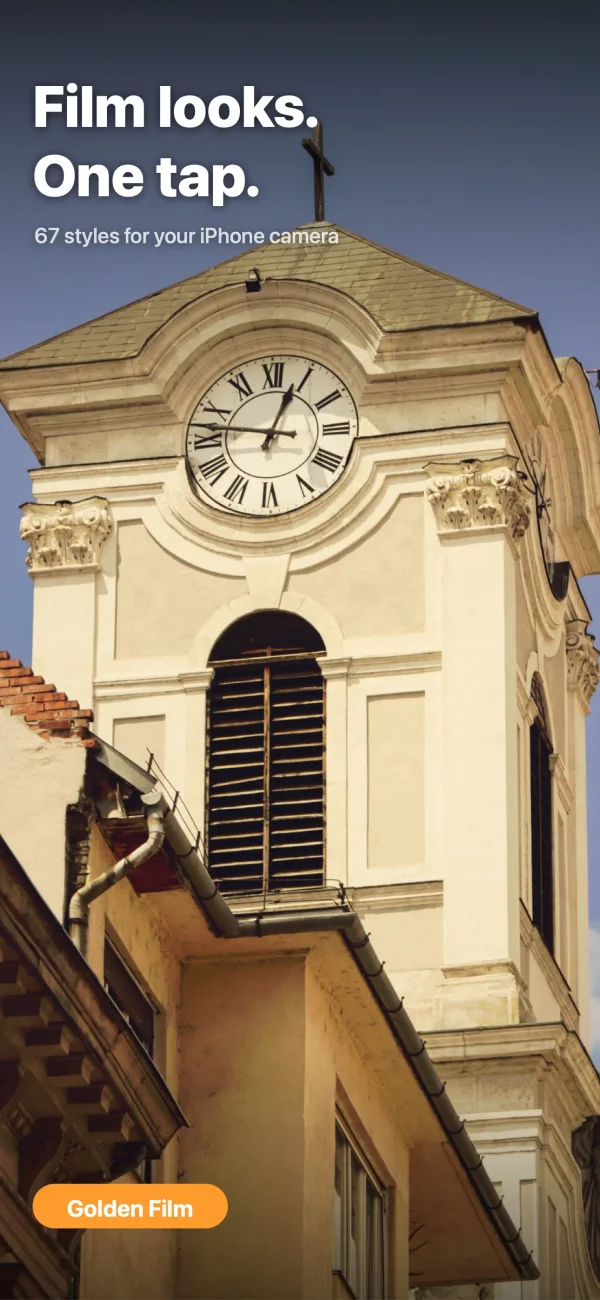
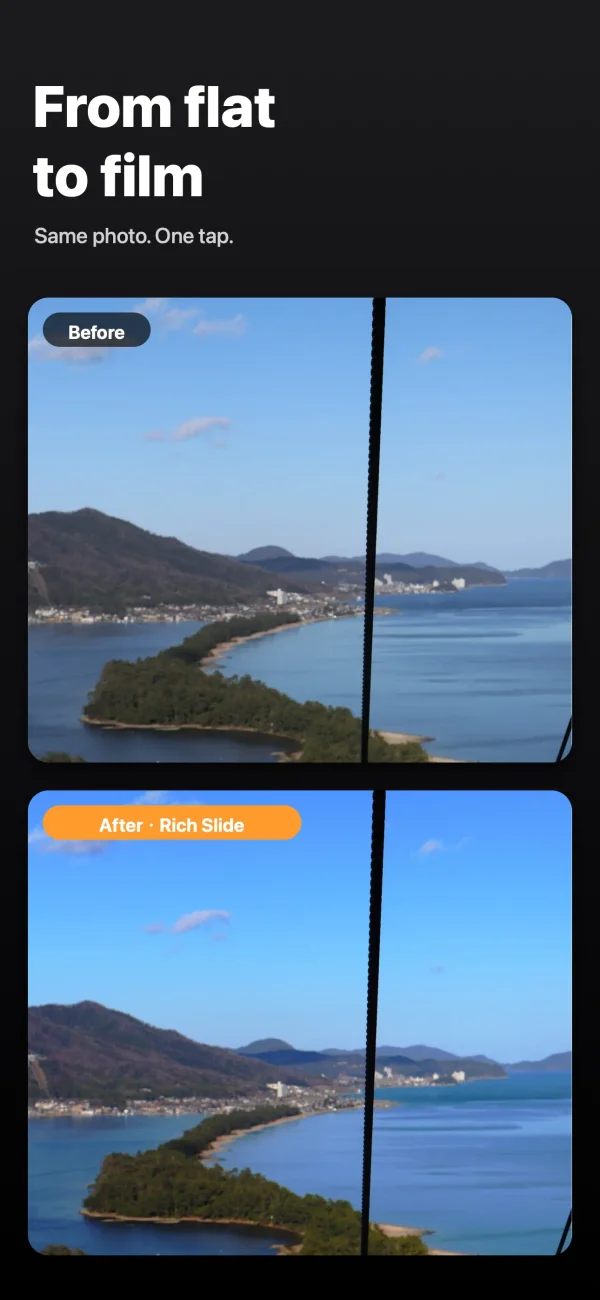
Turn everyday iPhone shots into film photos in one tap.
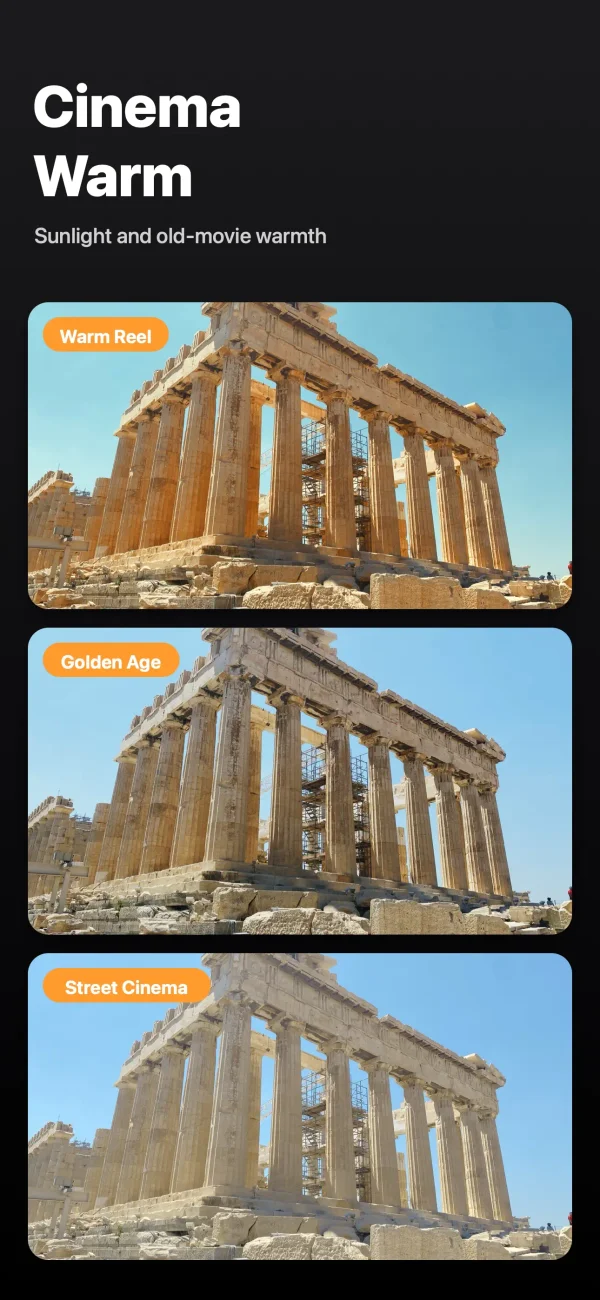
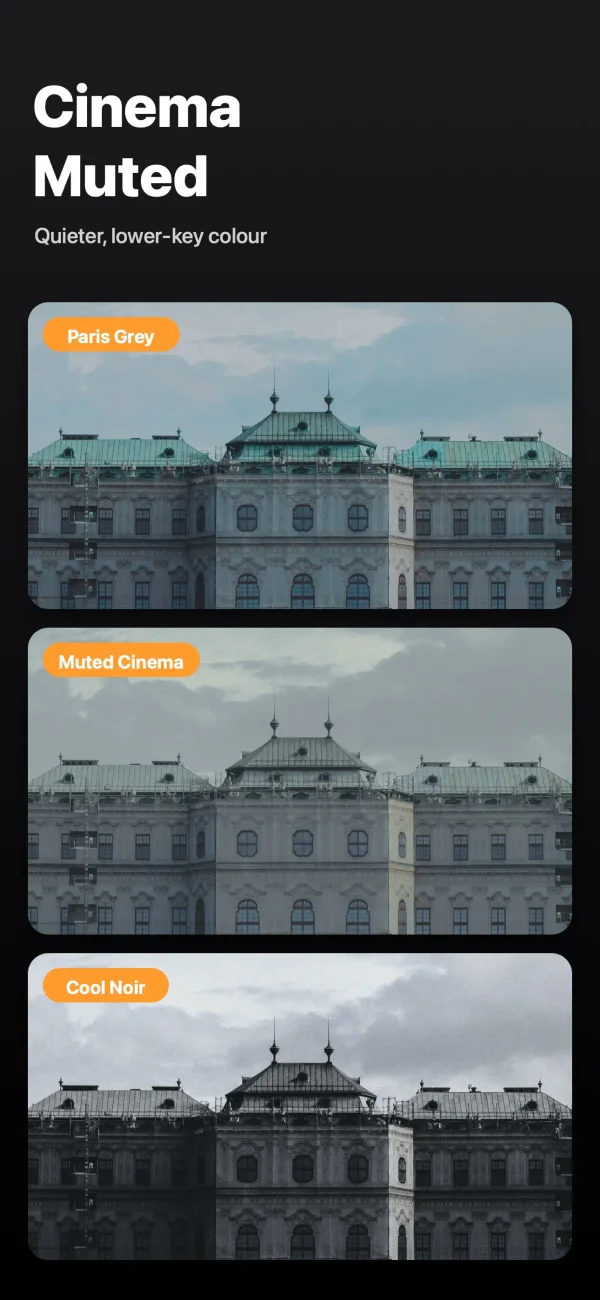
EzCamShot is a film-look camera and photo editor for iPhone. See the finished look before you shoot — no ads, no account, no data collection.
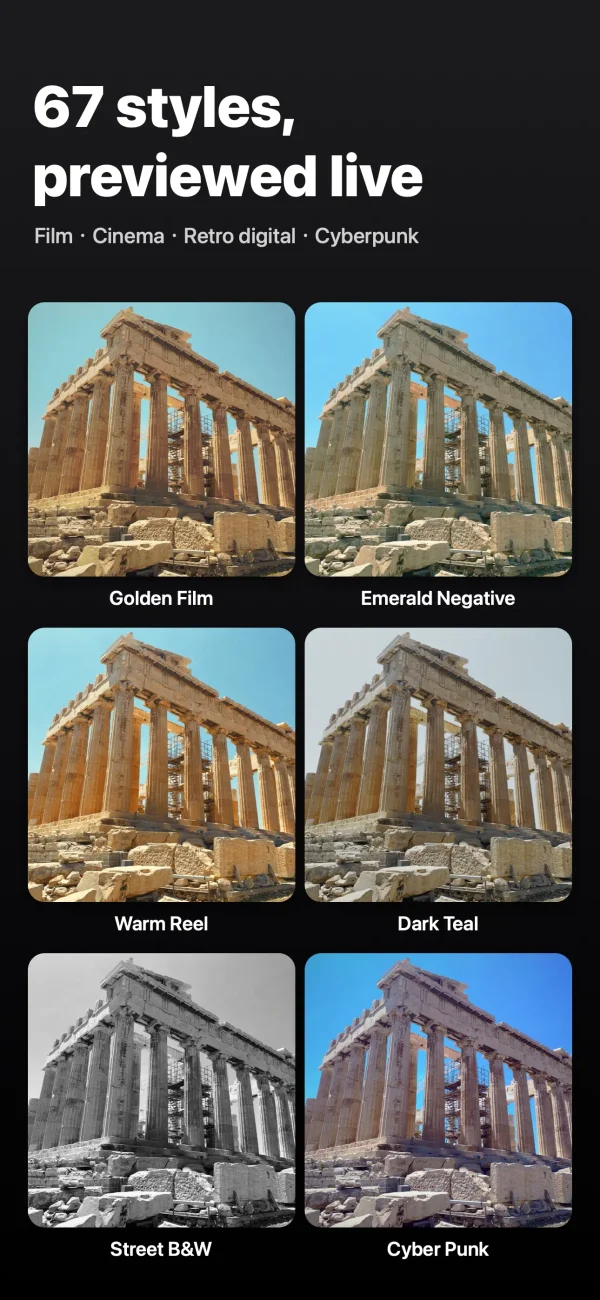
67 LIVE STYLES
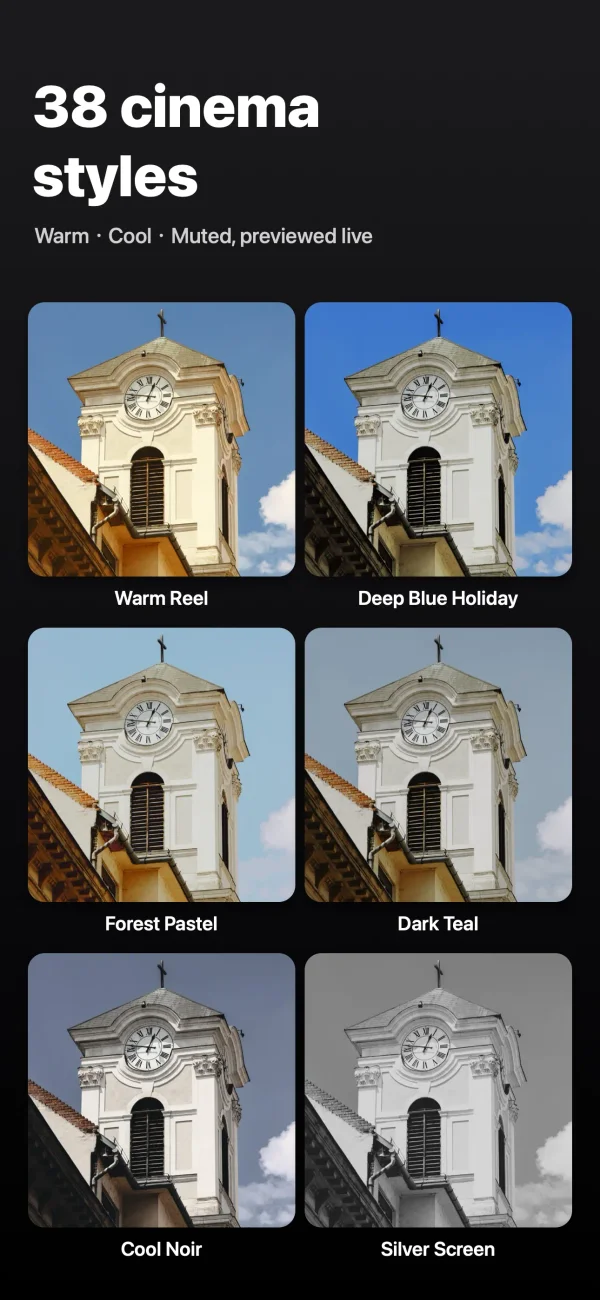
• 38 new cinema looks in warm, cool and muted sets
• Film, retro digital (CCD, Y2K flash, camcorder), instant, Japanese looks, Hong Kong neon & cinema, city night, cyberpunk, and gentle everyday styles
• Style bubbles show a live thumbnail of your scene
• Long-press to favourite a style; favourites and recent styles come first
TUNE IT YOURSELF
• Saturation, temperature, tint, hue, exposure, contrast, highlights, shadows, sharpness, vignette, grain
• Save your settings as a personal style; import .cube LUT files
PRO CAPTURE
• RAW (DNG) or RAW+HEIC, Live Photo, burst
• Natural mode skips iPhone's heavy processing
• Manual ISO, shutter, focus, white balance
• Shoot with the volume buttons or the iPhone 16 Camera Control
• 13/26/35/50/75mm framing (RAW always keeps the full frame)
ON-DEVICE AI COMPOSITION & SCENE TIPS
• Recognises what you’re shooting (portrait, person + background, landscape, food, animal, vehicle, architecture, artwork) and tells you how to frame it — or lets you choose
• Composition guides: grid, golden ratio, centre, diagonal, triangle
• Detects portraits, food, landscapes, night scenes and recommends a style, with live light and exposure tips
SMART LIBRARY (NEW IN 1.1)
• Auto-filter your photos by content — portraits, travel, animals, food, plants, night, city — and by format: RAW / HEIC / JPEG / Live
• Tap a photo to open it in the editor. Analysis runs on-device; nothing is uploaded
EDITOR
• RAW develop, crop & straighten, one-tap auto enhance, compare with original, full-resolution export
Available in English and Traditional Chinese (follows your iPhone's language).
Everything runs on your iPhone. No account, no network, no tracking.
What’s new
Version 1.10 · Nov 6, 2026
• New Simple Mode (on by default): a cleaner camera with 14 hand-picked styles and an easier-to-reach shutter
• Step-by-step tips the first time you use the app. Show them again from the ⋯ menu
• Edit now opens on Styles, so you can pick a look first and fine-tune after
App privacy
What Ngai Fung Chan declares on the App Store about how this app handles data.
-
Data not collected
The developer does not collect any data from this app.
Privacy practices may vary, for example with the features you use or your age.
Information
- Seller
- Ngai Fung Chan
- Category
- Photo & Video
- Version
- 1.10
- Updated
- Nov 6, 2026
- Released
- Oct 5, 2026
- Size
- 3.2 MB
- Requires
- iOS 17.0 or later
- Age rating
- 4+
- Languages
- Traditional Chinese, English
- Copyright
- © 2026 Ngai Fung Chan
You might also like
-
 PhotosOneSimple.Modern.Personal.
-
 Grain - Pro Film CameraNo AI. Just RAW and real film.
-
 XstreamifyYour family's private vault
-
 Entropix: AI Photography CoachNailed shots. Way less stress
-
 AI Video Generator: ViDC#1 Image Clip Movie Cinematic
-
 Loopix: Analog Film CameraVintage Filters, Live Grain
-
 ObscuraFlexLarge Format Camera Accessory
-
 PoLabScan & Organize Instant Photos
-
 Camera - Simple Low-ResaaaSimple, easy-to-use camera
-
 Stellar – Timelapse CameraRAW, Dual Camera & Remote