
Flashdrive Pro
Dirancang untuk iPhone, iPod touch
Gratis · Pembelian dalam aplikasi
- Batasan usia17+
- KategoriProduktivitas
- PengembangOmar M Abu sharifa
- BahasaInggris
- Ukuran37,1 MB
Tertaut ke halaman resmi App Store
Download.org tidak menyimpan file Flashdrive Pro apa pun. Tombol ini membuka halaman aplikasi di App Store, tempat Omar M Abu sharifa menerbitkannya. Halaman terakhir diperiksa pada 12/11/2026.
Tangkapan layar


Tentang
Pengembang belum menyediakan teks ini dalam bahasa Anda.
FlashDrive Pro turns your phone into a powerful wireless file server. Share files instantly with any computer on the same network using just a web browser.
No internet. No cloud. No app installation needed on the other device.
How It Works
Open FlashDrive Pro on your phone.
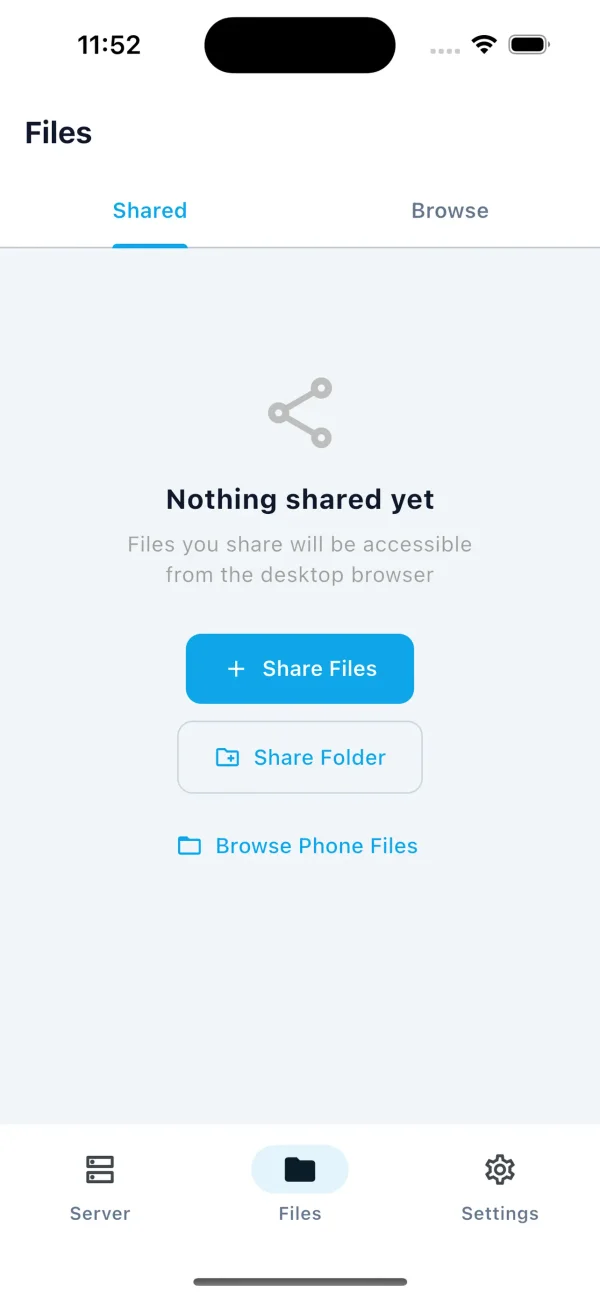
Share files or folders from the Files tab.
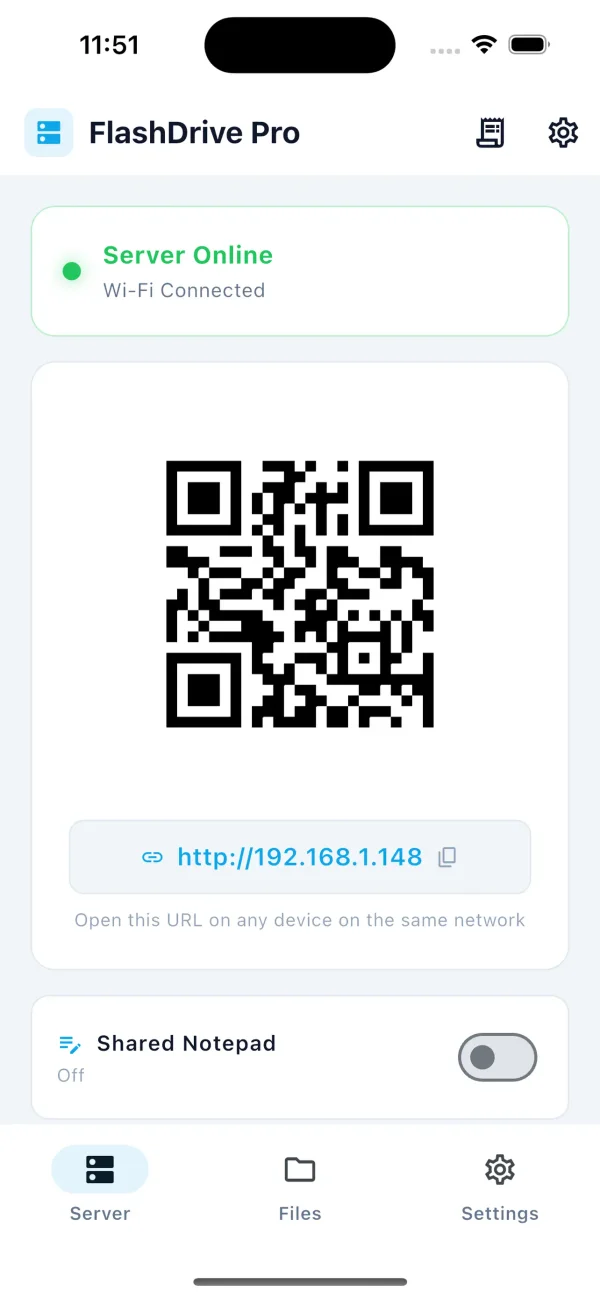
Scan the QR code or enter the URL on any computer.
Browse, upload, download, and manage files directly from the browser.
Works over Wi-Fi or Personal Hotspot. No router required.
Free Features
• Share any file or folder from your phone to any browser
• Upload files from your computer with drag and drop
• Download individual files or all files as a ZIP archive
• Create folders, rename files, and delete files from the browser
• Connect instantly with a QR code
• Works over Wi-Fi or Personal Hotspot
Pro Features
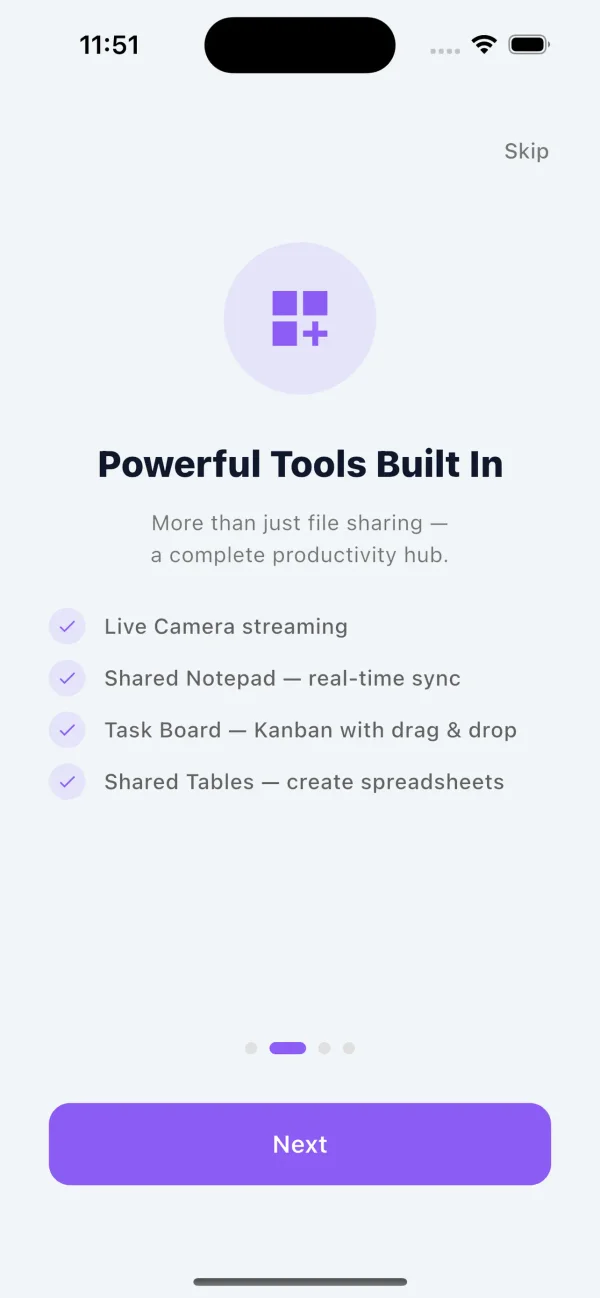
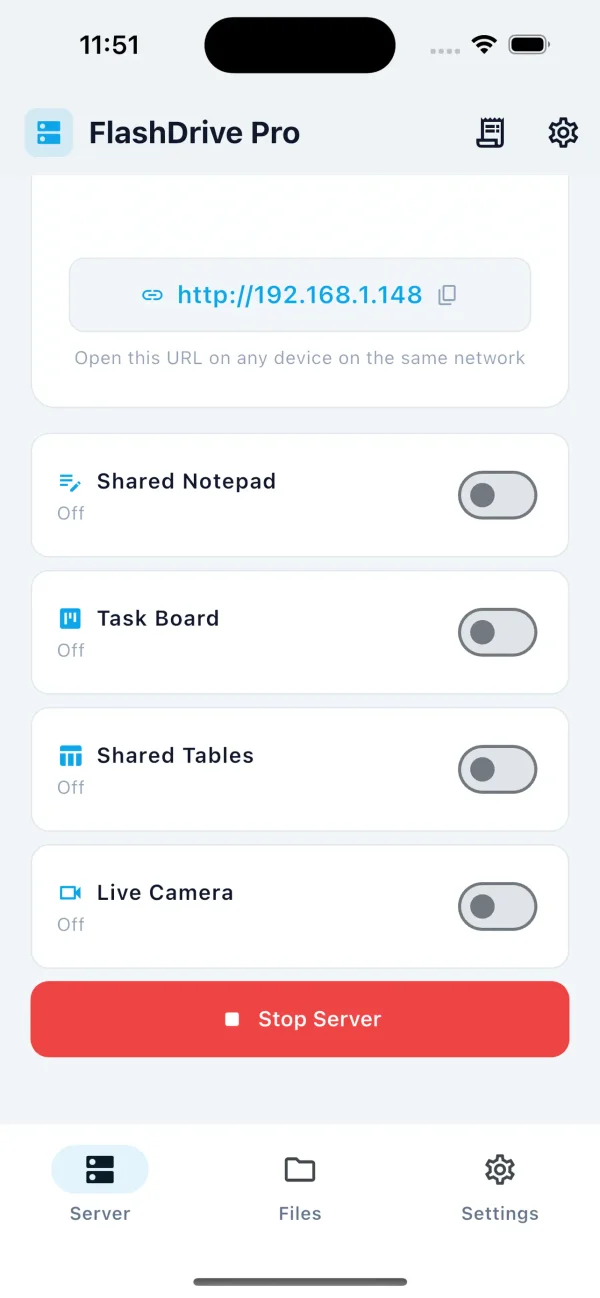
• Shared Notepad — a real-time collaborative editor synced between phone and browser
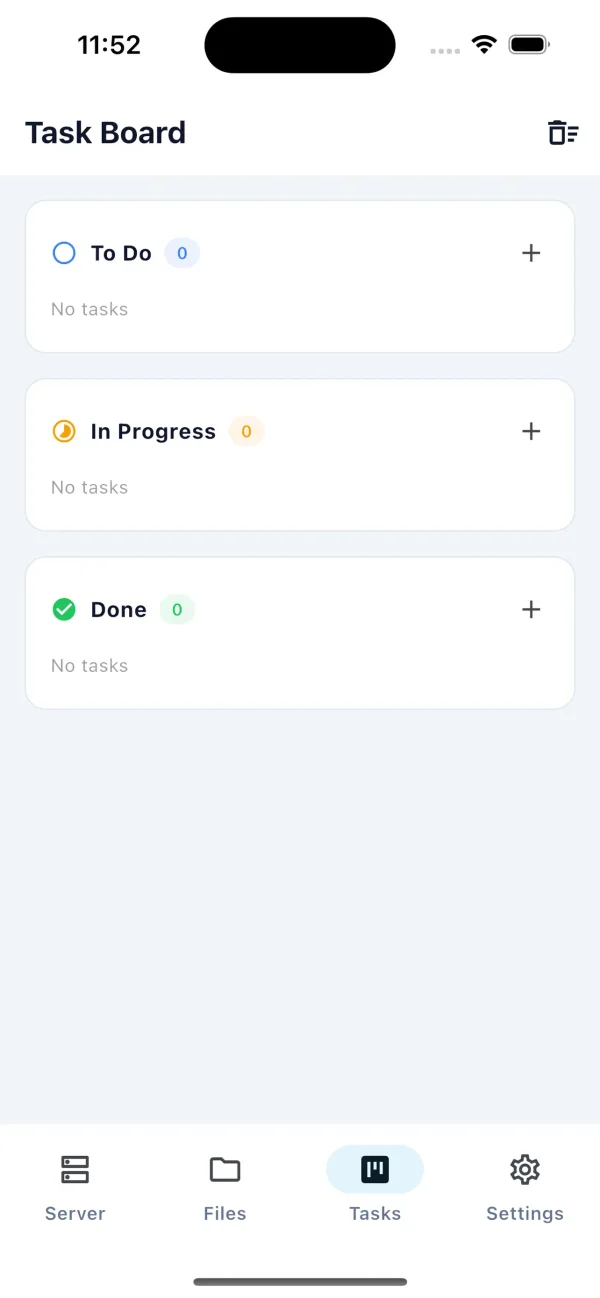
• Task Board (Kanban) — manage tasks with To Do, In Progress, and Done columns
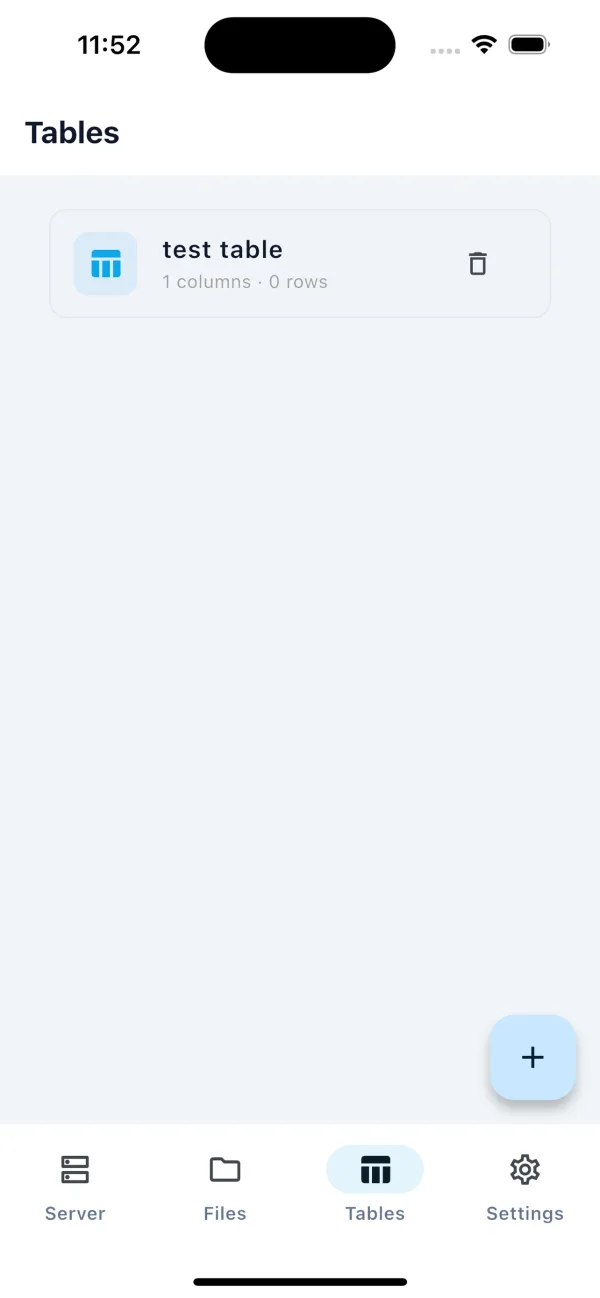
• Shared Tables — create spreadsheet-like tables with CSV export
• Live Camera — stream your phone camera to any browser
• Cloud Sharing — upload files and share them with anyone using a link
• Nearby Transfer — direct device-to-device file sharing
• Send Files — share through AirDrop, WhatsApp, Email, and more
• QR Download Links — generate QR codes for instant file access
• Clipboard Sync — copy on your phone and paste in the browser
• Instant Drop Transfer — send files between connected browsers
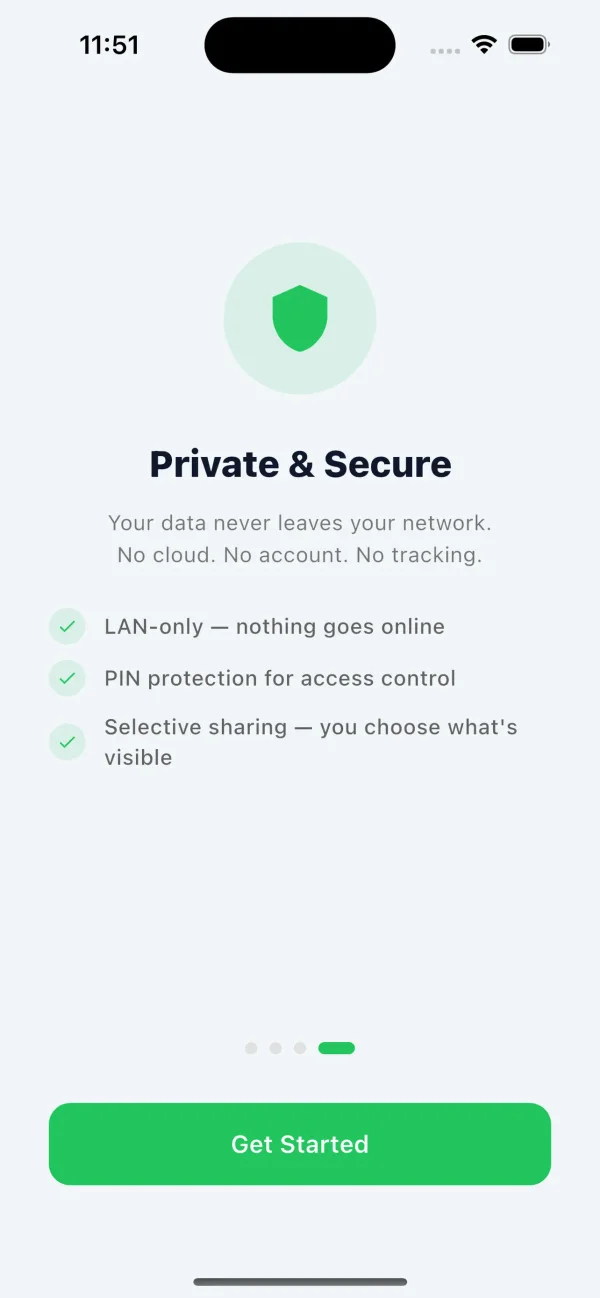
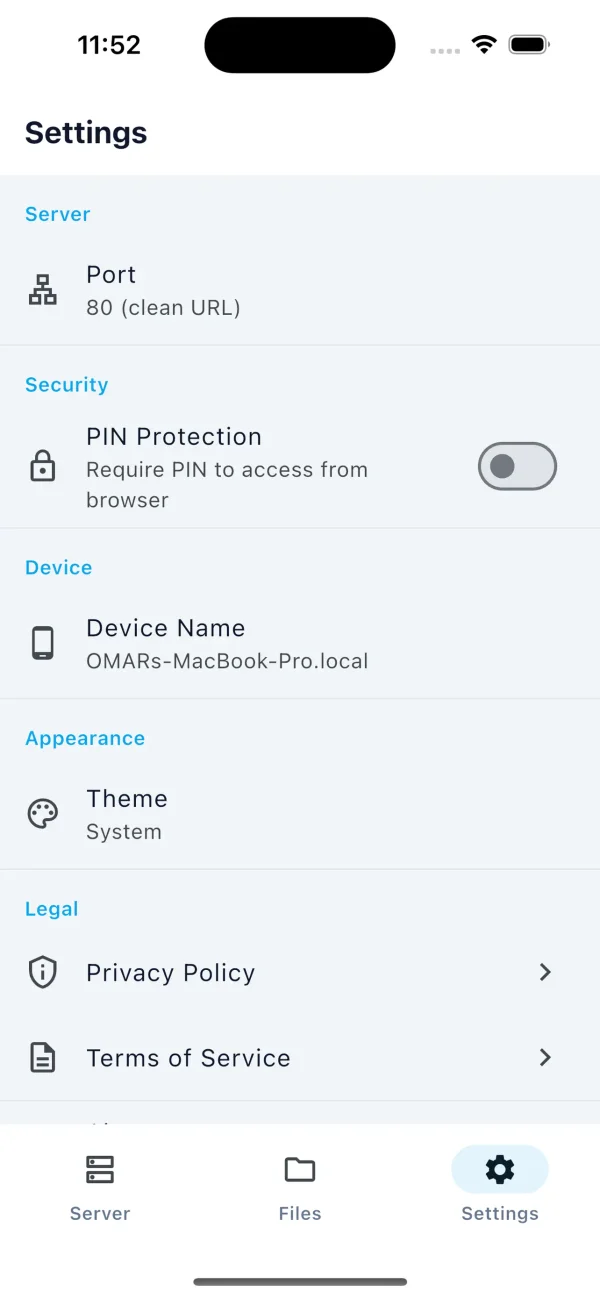
• PIN Protection — secure access with a 4 to 6 digit PIN
Privacy & Security
• Local-first — your files stay on your network by default
• No accounts or sign-up required
• Cloud-shared files expire automatically after 7 days
• PIN protection for server access
• Selective sharing — only the files you choose are visible
Works Everywhere
• Wi-Fi — connect both devices to the same network
• Hotspot — use your phone’s Personal Hotspot when Wi-Fi is unavailable
• Any browser — Chrome, Safari, Firefox, Edge on Mac, Windows, or Linux
• No app needed on the receiving device
Subscription Information
FlashDrive Pro is free to download with basic file sharing features. Unlock all features with Pro:
• FlashDrive Pro Monthly: $4.99/month
• FlashDrive Pro Yearly: $39.99/year (save 33%)
• Payment will be charged to your Apple ID account at confirmation of purchase
• Subscription renews automatically unless cancelled at least 24 hours before the end of the current billing period
• You can manage subscriptions in Settings > Apple ID > Subscriptions
Terms of Use: https://flashdrive.pro/terms.html
Privacy Policy: https://flashdrive.pro/privacy.html
Yang baru
Versi 1.0.1 · 25/3/2026
Online Mode (Pro)
Access your FlashDrive server from anywhere — not just your local network. Enable Online Mode to get a public URL that works on any device, from any network, anywhere in the world. Share the link so others can browse, upload, and download files just like they would on your local Wi-Fi.
Send Files to Users (Pro)
Send files directly to another FlashDrive user using their User ID. Simply choose a file, enter their ID, and it will be delivered to their inbox — no shared network required. You can find your own ID in the Send & Receive screen and share it with others to receive files.
Nearby Devices Toggle
Control nearby device discovery with a simple toggle. Turn it on or off from the Server tab to keep your dashboard clean and save battery when it’s not needed.
Improved Device Name
Your custom device name now updates instantly in the browser — no server restart required.
Bug Fixes & Improvements
Fixed web UI paths for better tunnel compatibility
Added chunked uploads for large files in Online Mode
Improved reconnection handling for tunnel connections
Privasi aplikasi
Yang dinyatakan Omar M Abu sharifa di App Store tentang cara aplikasi ini menangani data.
-
Data tidak dikumpulkan
Pengembang tidak mengumpulkan data apa pun dari aplikasi ini.
Praktik privasi dapat bervariasi, misalnya berdasarkan fitur yang Anda gunakan atau usia Anda.
Informasi
- Penjual
- Omar M Abu sharifa
- Kategori
- Produktivitas
- Versi
- 1.0.1
- Diperbarui
- 25/3/2026
- Dirilis
- 16/3/2026
- Ukuran
- 37,1 MB
- Memerlukan
- iOS 13.0 atau yang lebih baru
- Batasan usia
- 17+
- Harga
- Gratis
- Pembelian dalam aplikasi
- Ya
- Bahasa
- Inggris
- Hak cipta
- © 2026
Mungkin Anda juga suka
-
 DriveFlashProduktivitas
-
 SEEDSCAPEProduktivitas
-
 Filory – PDF Edit & ScanProduktivitas
-
 SSHPanel: SSH & Server AdminProduktivitas
-
 ReachbeamProduktivitas
-
 AI Email - Smart Email WriterProduktivitas
-
 UGM MachinesProduktivitas
-
 WriteFlow: Keyboard AITata bahasa, Tulis ulang
-
 Total Torque Job CardProduktivitas