- 対象年齢17+
- カテゴリ仕事効率化
- 開発元Omar M Abu sharifa
- 言語英語
- サイズ37.1 MB
App Storeの公式ページにリンクしています
Download.orgはFlashdrive Proのファイルを一切ホストしていません。ボタンを押すと、Omar M Abu sharifaが公開しているApp Storeのアプリページが開きます。ページの最終確認:2026/11/12。
スクリーンショット


概要
開発元はこのテキストをお使いの言語で提供していません。
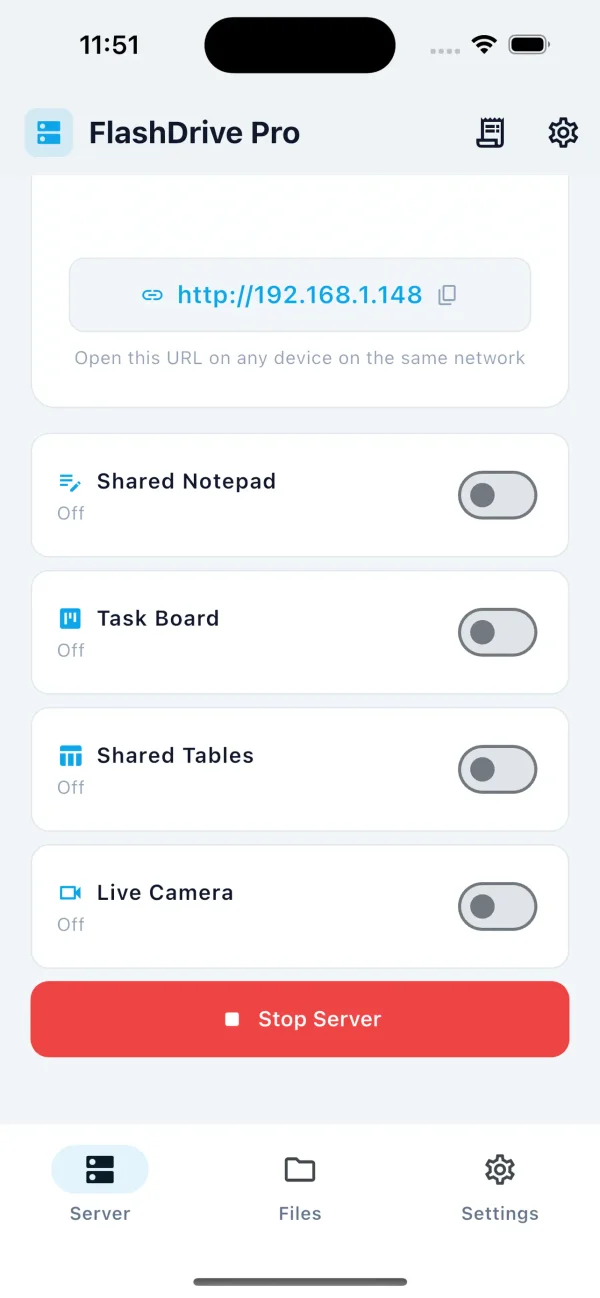
FlashDrive Pro turns your phone into a powerful wireless file server. Share files instantly with any computer on the same network using just a web browser.
No internet. No cloud. No app installation needed on the other device.
How It Works
Open FlashDrive Pro on your phone.
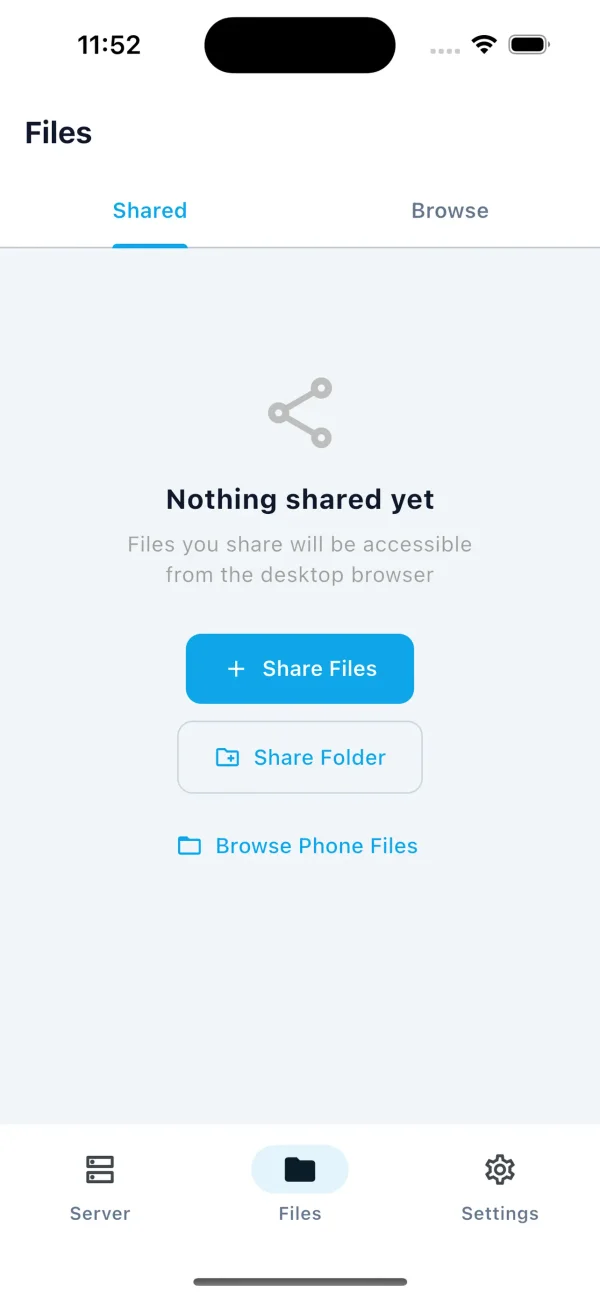
Share files or folders from the Files tab.
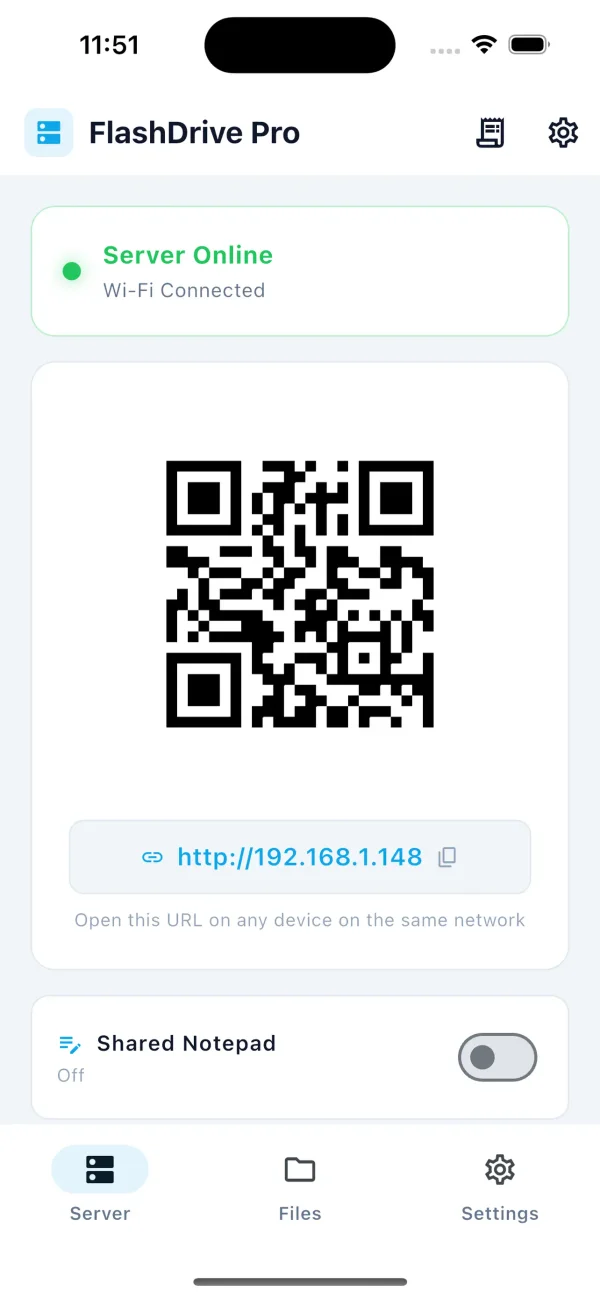
Scan the QR code or enter the URL on any computer.
Browse, upload, download, and manage files directly from the browser.
Works over Wi-Fi or Personal Hotspot. No router required.
Free Features
• Share any file or folder from your phone to any browser
• Upload files from your computer with drag and drop
• Download individual files or all files as a ZIP archive
• Create folders, rename files, and delete files from the browser
• Connect instantly with a QR code
• Works over Wi-Fi or Personal Hotspot
Pro Features
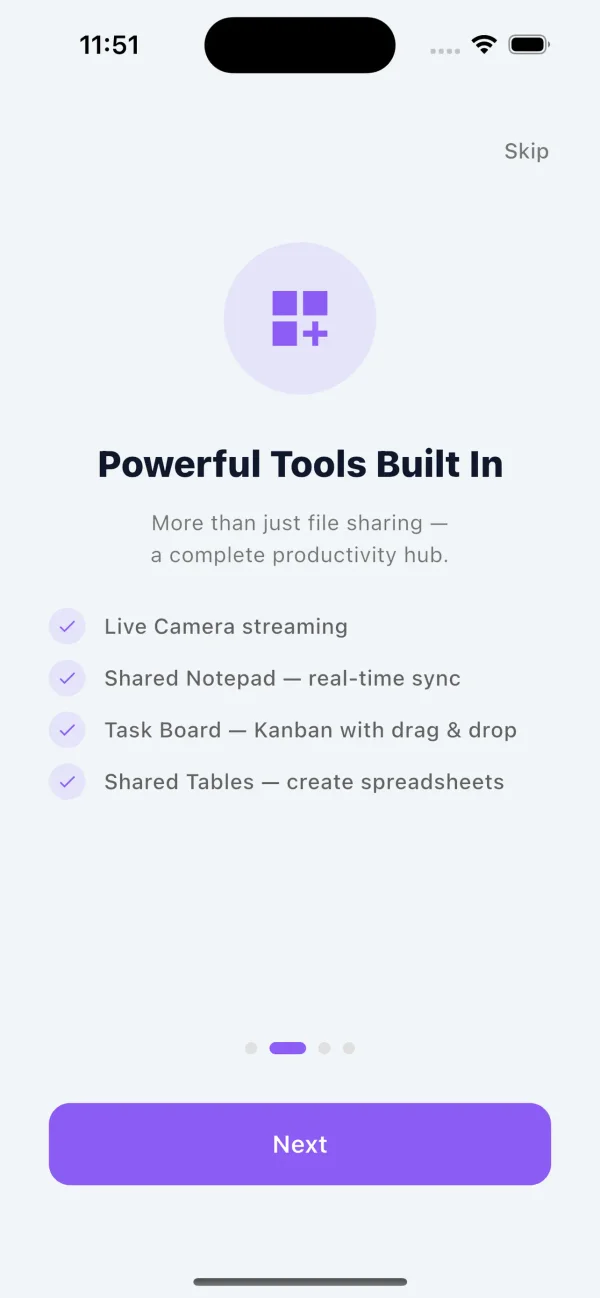
• Shared Notepad — a real-time collaborative editor synced between phone and browser
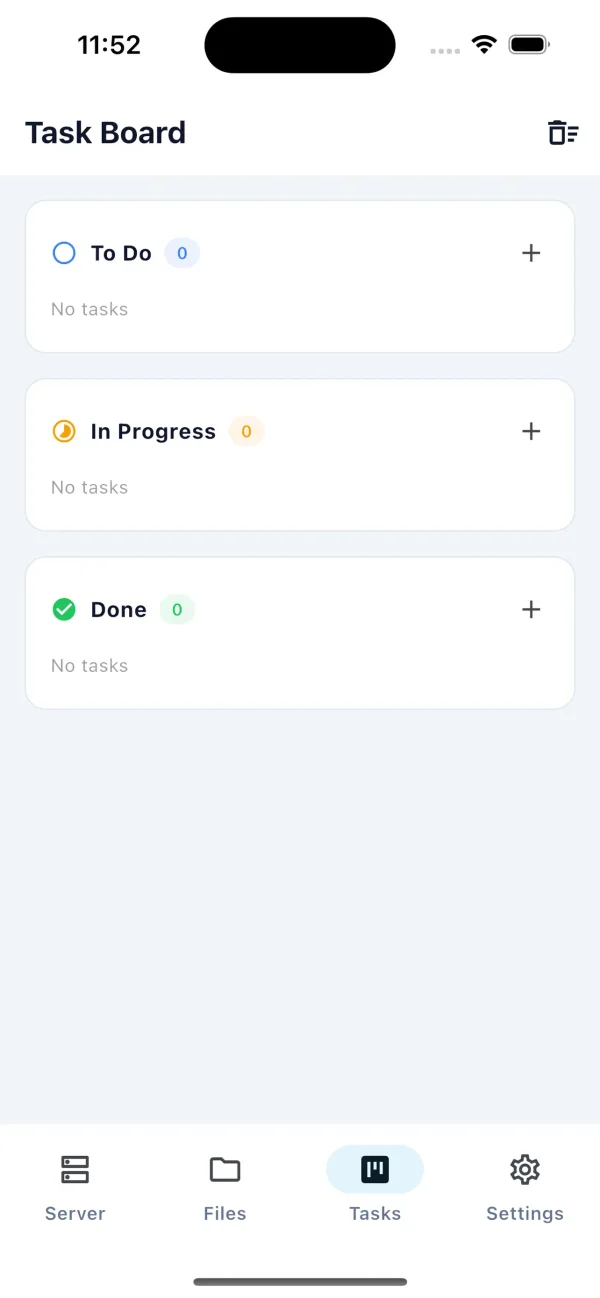
• Task Board (Kanban) — manage tasks with To Do, In Progress, and Done columns
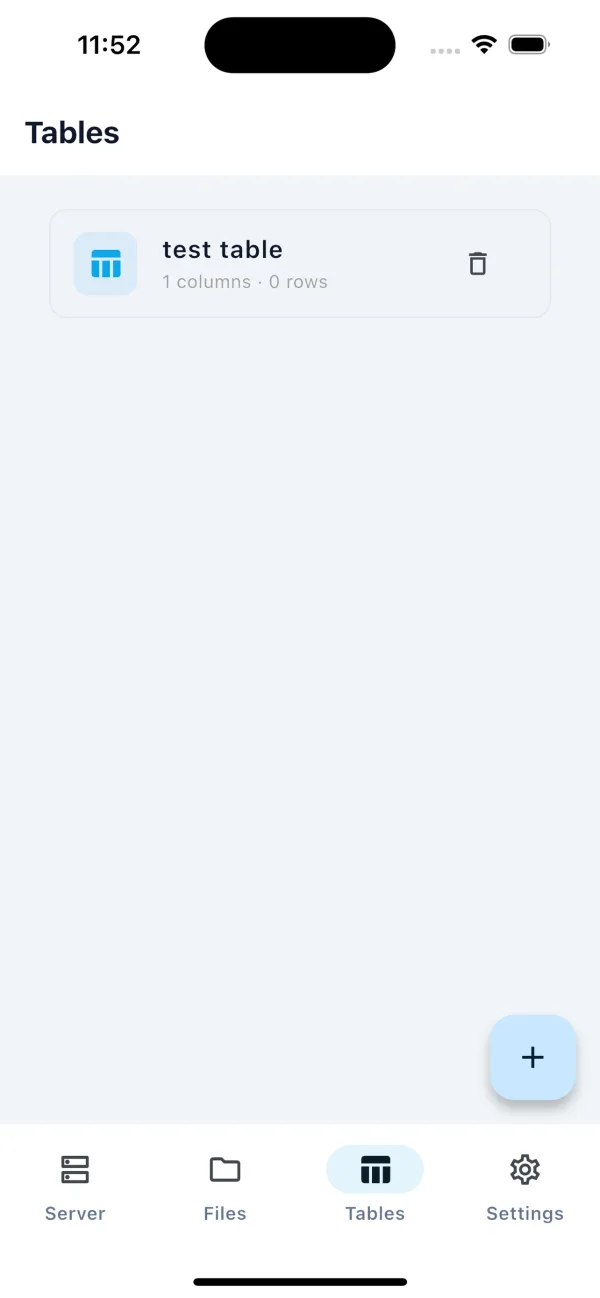
• Shared Tables — create spreadsheet-like tables with CSV export
• Live Camera — stream your phone camera to any browser
• Cloud Sharing — upload files and share them with anyone using a link
• Nearby Transfer — direct device-to-device file sharing
• Send Files — share through AirDrop, WhatsApp, Email, and more
• QR Download Links — generate QR codes for instant file access
• Clipboard Sync — copy on your phone and paste in the browser
• Instant Drop Transfer — send files between connected browsers
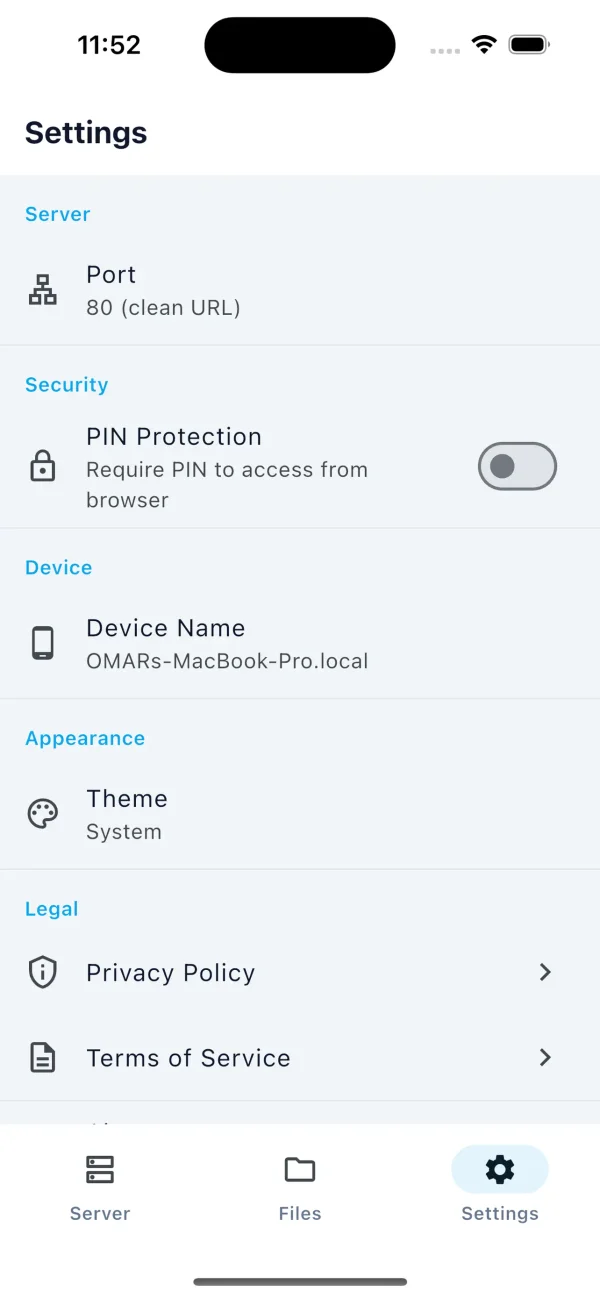
• PIN Protection — secure access with a 4 to 6 digit PIN
Privacy & Security
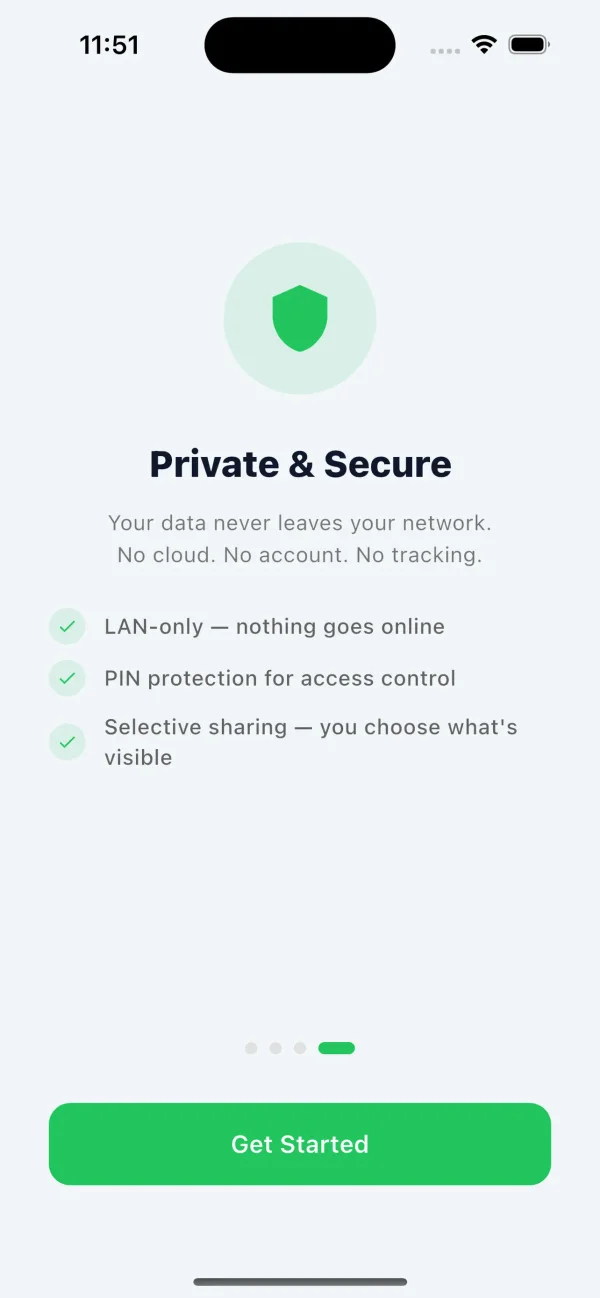
• Local-first — your files stay on your network by default
• No accounts or sign-up required
• Cloud-shared files expire automatically after 7 days
• PIN protection for server access
• Selective sharing — only the files you choose are visible
Works Everywhere
• Wi-Fi — connect both devices to the same network
• Hotspot — use your phone’s Personal Hotspot when Wi-Fi is unavailable
• Any browser — Chrome, Safari, Firefox, Edge on Mac, Windows, or Linux
• No app needed on the receiving device
Subscription Information
FlashDrive Pro is free to download with basic file sharing features. Unlock all features with Pro:
• FlashDrive Pro Monthly: $4.99/month
• FlashDrive Pro Yearly: $39.99/year (save 33%)
• Payment will be charged to your Apple ID account at confirmation of purchase
• Subscription renews automatically unless cancelled at least 24 hours before the end of the current billing period
• You can manage subscriptions in Settings > Apple ID > Subscriptions
Terms of Use: https://flashdrive.pro/terms.html
Privacy Policy: https://flashdrive.pro/privacy.html
新機能
バージョン 1.0.1 · 2026/3/25
Online Mode (Pro)
Access your FlashDrive server from anywhere — not just your local network. Enable Online Mode to get a public URL that works on any device, from any network, anywhere in the world. Share the link so others can browse, upload, and download files just like they would on your local Wi-Fi.
Send Files to Users (Pro)
Send files directly to another FlashDrive user using their User ID. Simply choose a file, enter their ID, and it will be delivered to their inbox — no shared network required. You can find your own ID in the Send & Receive screen and share it with others to receive files.
Nearby Devices Toggle
Control nearby device discovery with a simple toggle. Turn it on or off from the Server tab to keep your dashboard clean and save battery when it’s not needed.
Improved Device Name
Your custom device name now updates instantly in the browser — no server restart required.
Bug Fixes & Improvements
Fixed web UI paths for better tunnel compatibility
Added chunked uploads for large files in Online Mode
Improved reconnection handling for tunnel connections
アプリのプライバシー
このアプリのデータの取り扱いについて、Omar M Abu sharifaがApp Storeで申告している内容です。
-
データの収集なし
開発元はこのアプリからデータを収集しません。
プライバシーの取り扱いは、ご利用の機能やお客様の年齢などに応じて異なる場合があります。
情報
- 販売元
- Omar M Abu sharifa
- カテゴリ
- 仕事効率化
- バージョン
- 1.0.1
- 更新日
- 2026/3/25
- リリース
- 2026/3/16
- サイズ
- 37.1 MB
- 必要条件
- iOS 13.0以降
- 対象年齢
- 17+
- 価格
- 無料
- アプリ内課金
- あり
- 言語
- 英語
- 著作権
- © 2026