
FlightLogStats
Sync & Review Garmin 1000 logs
Dirancang untuk iPhone, iPad, Mac
Gratis
- Batasan usia4+
- KategoriNavigasi
- PengembangBrice Rosenzweig
- BahasaInggris
- Ukuran16,8 MB
Tertaut ke halaman resmi App Store
Download.org tidak menyimpan file FlightLogStats apa pun. Tombol ini membuka halaman aplikasi di App Store, tempat Brice Rosenzweig menerbitkannya. Halaman terakhir diperiksa pada 15/11/2026.
Tangkapan layar
Tentang
Pengembang belum menyediakan teks ini dalam bahasa Anda.
This app is intended to simplify the workflow of synchronising garmin G1000 and perspective flight log from the cockpit to different devices.
It also helps do a quick review from your ipad of the file before you get to a computer or network and uploaded to different online services for analysis.
# Intended Usage and Workflow
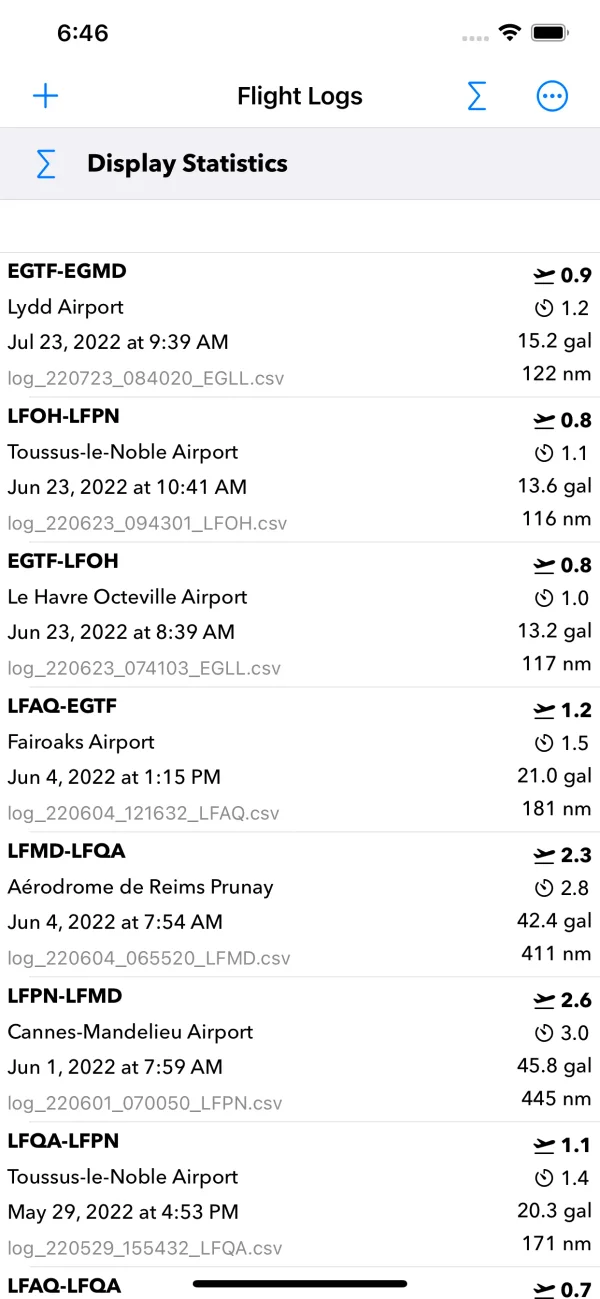
- Using a USB SD Card reader, plugin the SD Card containing the logs to your iPad or device and from the list of flight logs on the app press the plus button, navigate to the simcard from the file selection page. The app should discover automatically the log files on the sim card and import them into the app and your iCloud drive. It may take a bit of file to process the files if your simcard contains many logs. After the first use only new log files will be discovered and imported, you do not need to individually select the missing file, the app will find what it is missing.
Once the files have been imported, you can
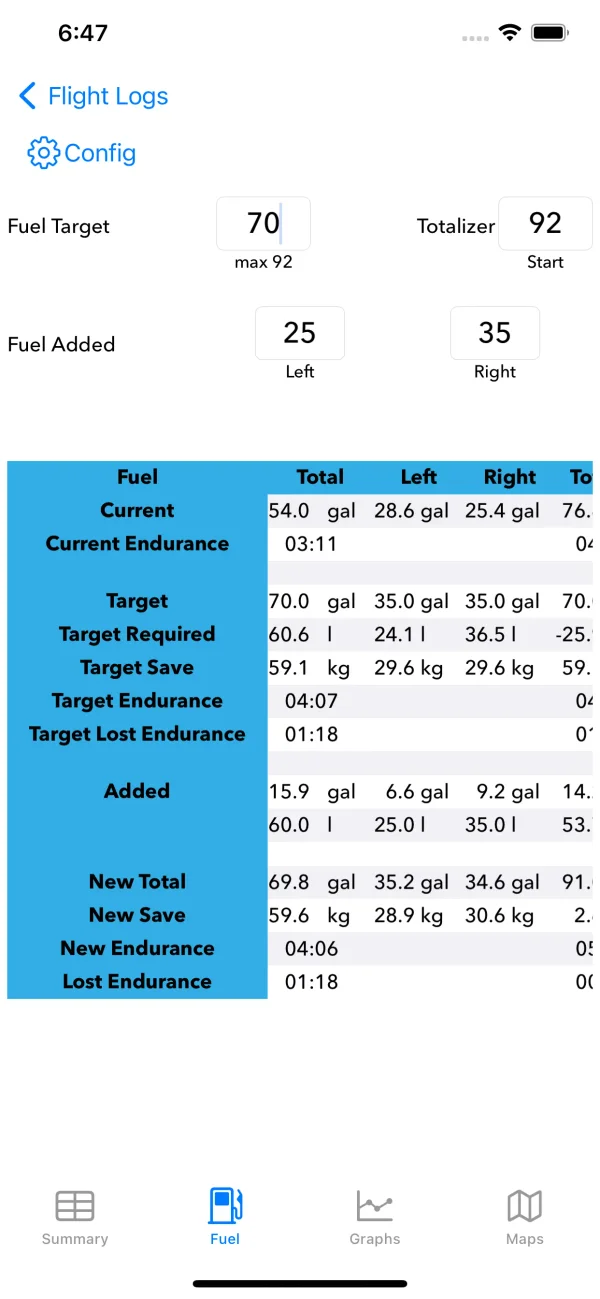
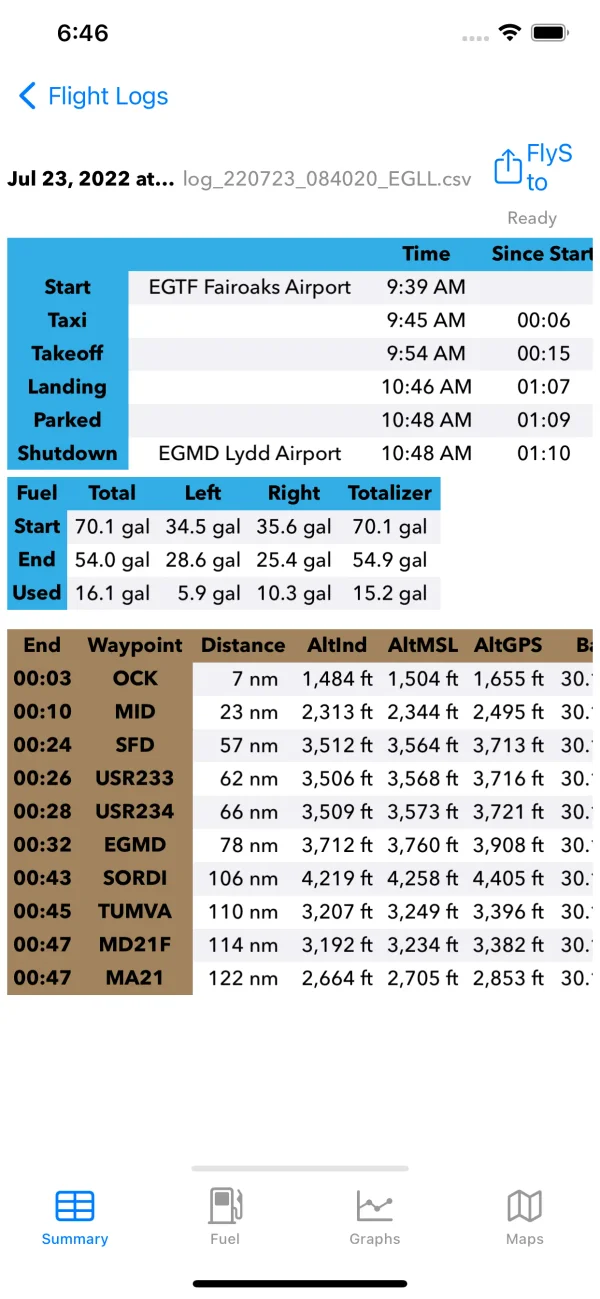
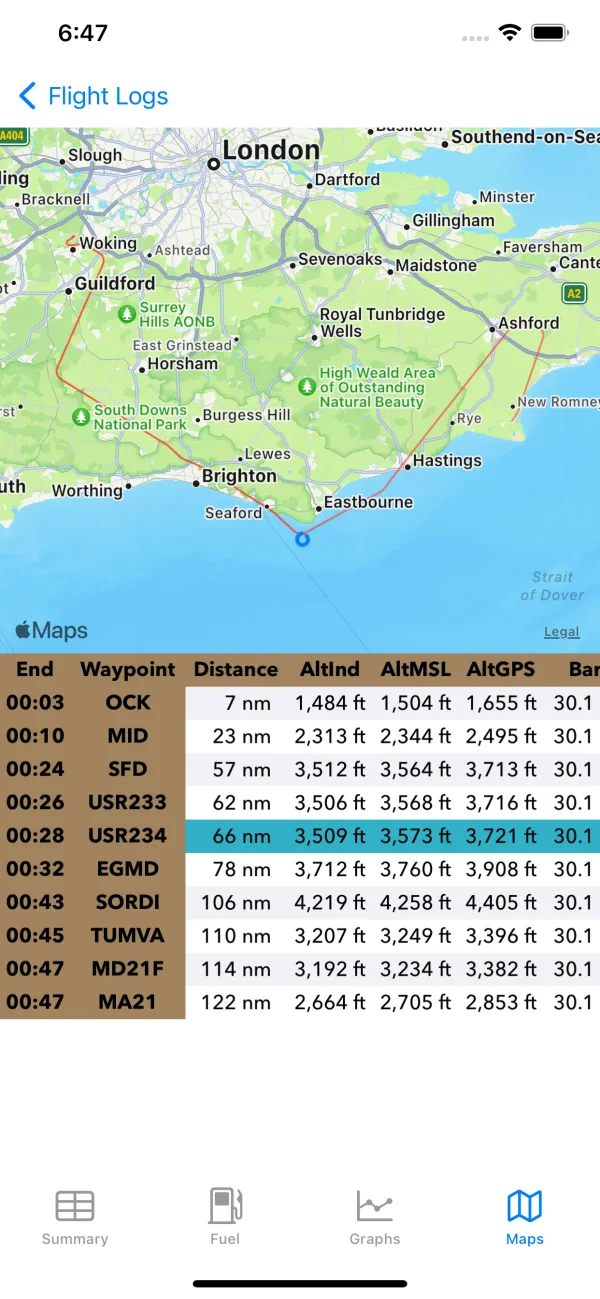
- review the information on a specific file, which can give you quick access to timings or fuel used while still in the cockpit
- review some statistics over time, the app will group flight and summarize trips away from base.
- the files will be synchronised on your iCloud Drive, so you can access them from other devices seeemlessly, for example after importing from your ipad, you can review the files et export them from your macos computer if you installed the macos version of the app. If you start the app on another device with the iCloud Drive synchronised the flights will be also available to browse from the app.
- upload a file to FlySto.net. Note this app is independent of FlySto, but only provide connectivity to their upload API to simplify workflow.
You can check the support website for example of uses.
# Limitation
This is a first version of the app, it is open source, and if people find it useful, some of these limitations will be worked on.
This has only been tested with garmin log from from garmin perspective plus device.
This currently only process information from one device/plane.
The app is open source, submit issues on github if you have find a problem, please be tolerant on your reviews as this is free and just an attempt to help.
# Disclaimer
This app and its information should not be used for primary decision making related to flight planning and all estimations should be independently validated.
Yang baru
Versi 3.0 · 2/1/2024
Bug fix for importing large number of files
Privasi aplikasi
Yang dinyatakan Brice Rosenzweig di App Store tentang cara aplikasi ini menangani data.
-
Data tidak dikumpulkan
Pengembang tidak mengumpulkan data apa pun dari aplikasi ini.
Praktik privasi dapat bervariasi, misalnya berdasarkan fitur yang Anda gunakan atau usia Anda.
Informasi
- Penjual
- Brice Rosenzweig
- Kategori
- Navigasi
- Versi
- 3.0
- Diperbarui
- 2/1/2024
- Dirilis
- 21/10/2022
- Ukuran
- 16,8 MB
- Memerlukan
- iOS 16.0 atau yang lebih baru
- Batasan usia
- 4+
- Harga
- Gratis
- Bahasa
- Inggris
- Hak cipta
- © Brice Rosenzweig