FlightLynk
Schiphol flights & airport map
Dirancang untuk iPhone, iPad, iPod touch
- Batasan usia4+
- KategoriProduktivitas
- PengembangPointiful
- BahasaInggris
- Ukuran27,4 MB
FlightLynk mungkin sedang tidak tersedia di App Store
Halaman di toko tidak dapat dijangkau saat terakhir kami periksa. Tautan tetap mengarah ke halaman resmi App Store.
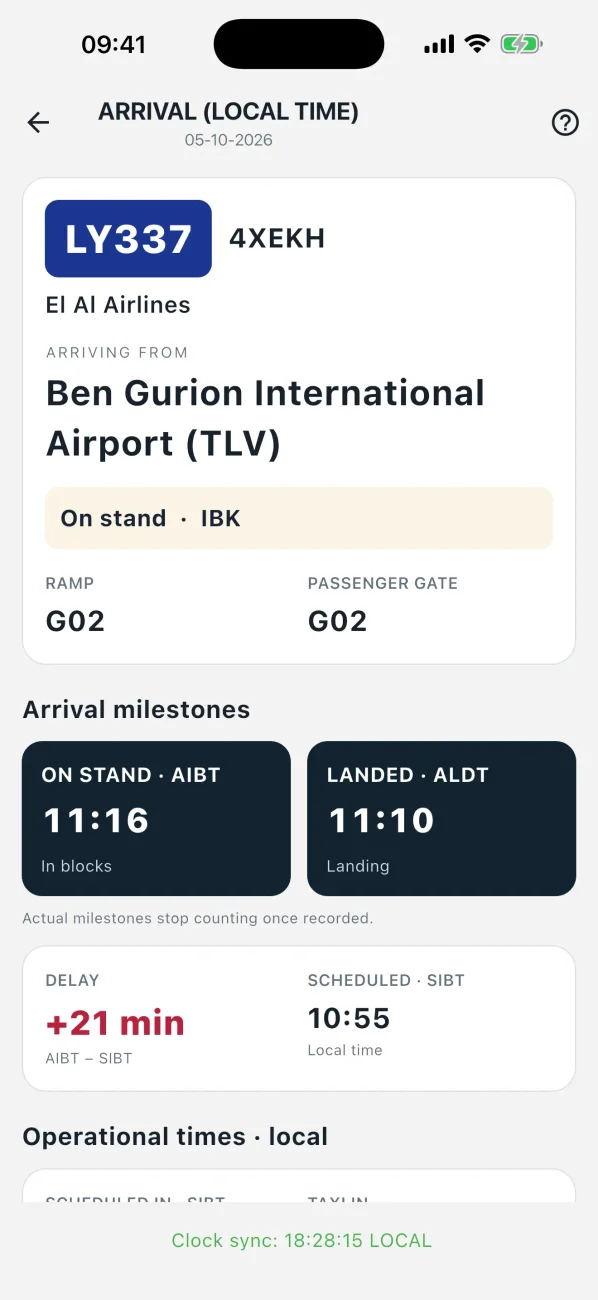
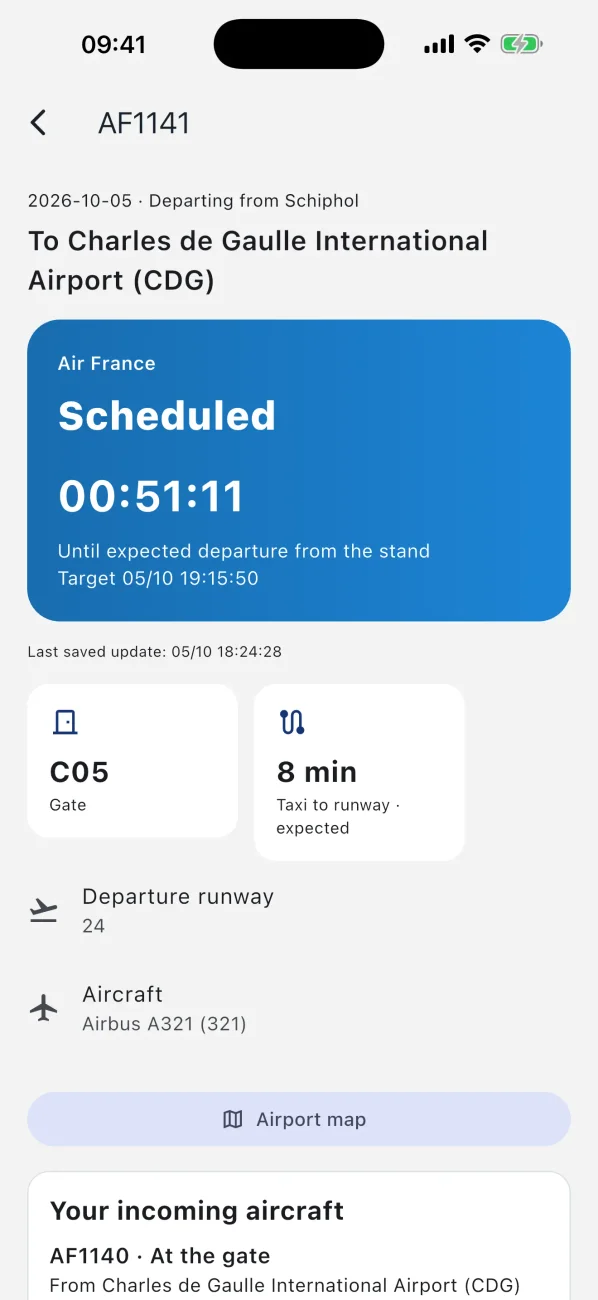
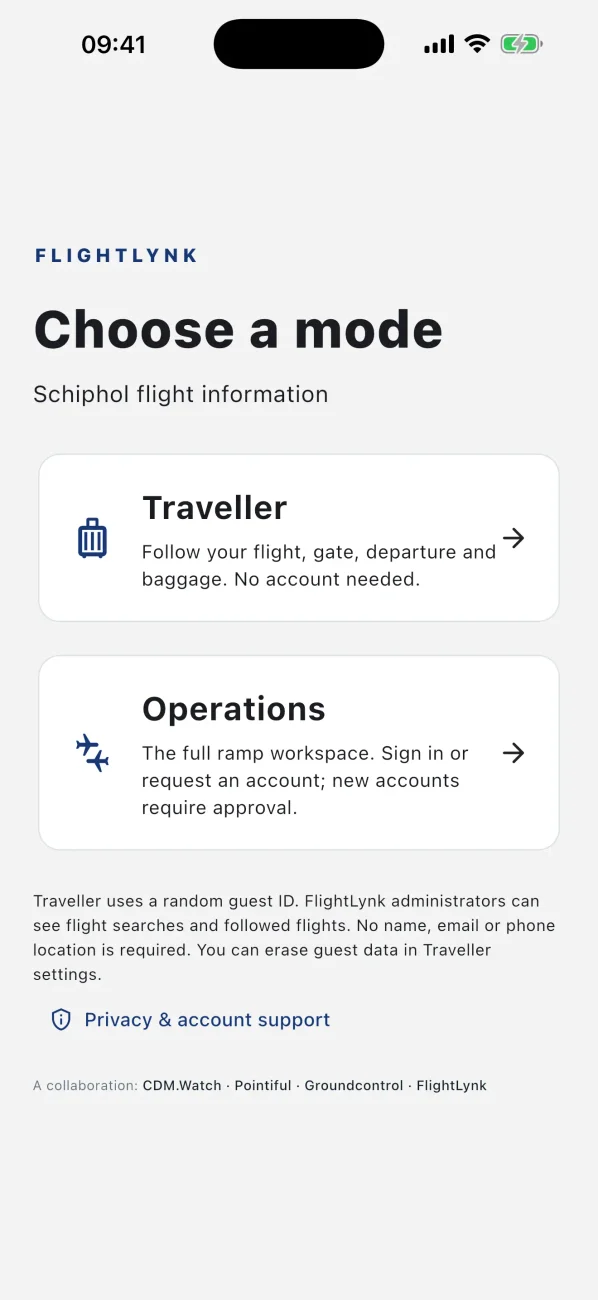
Tangkapan layar


Tentang
Pengembang belum menyediakan teks ini dalam bahasa Anda.
FlightLynk brings Schiphol flight information together for travellers and airport operations teams.
TRAVELLER MODE
Follow an arriving or departing flight without creating an account. See its status, gate, expected departure time, taxi information and baggage belt when available. Explore typical taxi and First Bag / Last Bag timings using a clear timeline. Followed flights and their last received details stay in your device's history until you remove them.
OPERATIONS MODE
Use a compact ramp overview with arrivals, departures and followed flights. Search by flight, route or stand, and combine filters for airline, day, aircraft type, gate and mapped flights. See TOBT and TSAT countdowns, turnaround progress, aircraft registration, runway details and linked inbound or outbound flights. Gate Mode provides a large landscape display for focused flight monitoring.
SCHIPHOL AIRPORT MAP
Explore a detailed airport map with piers, gates, stands and aircraft silhouettes. Confirmed stand positions and available live aircraft observations connect to flight details. Zoom in for more detail and follow an aircraft on the map. Estimated positions are identified; coverage varies and not every aircraft is visible.
PERFORMANCE AND HISTORY
Explore punctuality, delays, taxi times and baggage measurements for available dates. View hourly performance for a single day, airline comparisons, distribution charts and tables of cancelled or heavily delayed flights. Sample sizes and data availability help explain what each result represents.
PERSONAL DISPLAY
Choose light or dark mode, local or UTC time, full airport and aircraft names or short codes, and runway names or numbers. Airline colours and clear status indicators make flights easier to recognise.
Traveller Mode requires no account. Operations accounts require email verification and administrator approval. Flight data and estimates may be delayed or incomplete. FlightLynk is an information tool, not a source of operational clearances or navigation guidance.
A collaboration between CDM.Watch, Pointiful, Groundcontrol and FlightLynk.
Support: stijn.devreede@groundcontrol.aero
Yang baru
Versi 3.0.1 · 8/10/2026
You can now reset your Operations password directly from the sign-in screen. Tap “Forgot password?”, enter your email address and follow the reset link sent by messages@pointiful.com.
The reset screen includes clearer email validation, retry guidance and protection against repeated requests.
Privasi aplikasi
Yang dinyatakan Pointiful di App Store tentang cara aplikasi ini menangani data.
-
Data yang ditautkan dengan Anda
Dapat dikumpulkan dan ditautkan dengan identitas Anda.
- Info kontak
- Riwayat pencarian
- Pengenal
- Data penggunaan
-
Data yang tidak ditautkan dengan Anda
Dapat dikumpulkan, tetapi tidak ditautkan dengan identitas Anda.
- Data penggunaan
Praktik privasi dapat bervariasi, misalnya berdasarkan fitur yang Anda gunakan atau usia Anda.
Informasi
- Penjual
- Pointiful
- Kategori
- Produktivitas
- Versi
- 3.0.1
- Diperbarui
- 8/10/2026
- Dirilis
- 21/4/2025
- Ukuran
- 27,4 MB
- Memerlukan
- iOS 15.0 atau yang lebih baru
- Batasan usia
- 4+
- Bahasa
- Inggris
- Hak cipta
- © FlightLynk