
- Age rating4+
- CategoryProductivity
- DeveloperPointiful
- LanguagesEnglish
- Size27.4 MB
Links to the official App Store page
Download.org hosts no file of FlightLynk. The button opens its official App Store page, published by Pointiful. Listing last checked on Nov 12, 2026.
Screenshots


About
FlightLynk brings Schiphol flight information together for travellers and airport operations teams.
TRAVELLER MODE
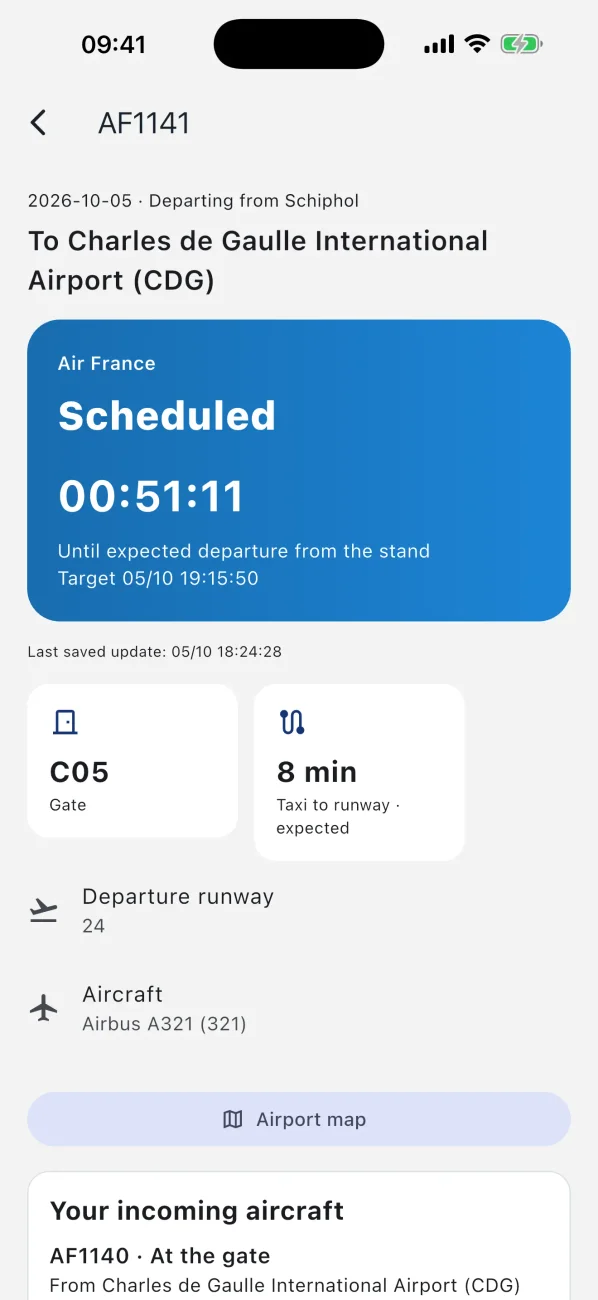
Follow an arriving or departing flight without creating an account. See its status, gate, expected departure time, taxi information and baggage belt when available. Explore typical taxi and First Bag / Last Bag timings using a clear timeline. Followed flights and their last received details stay in your device's history until you remove them.
OPERATIONS MODE
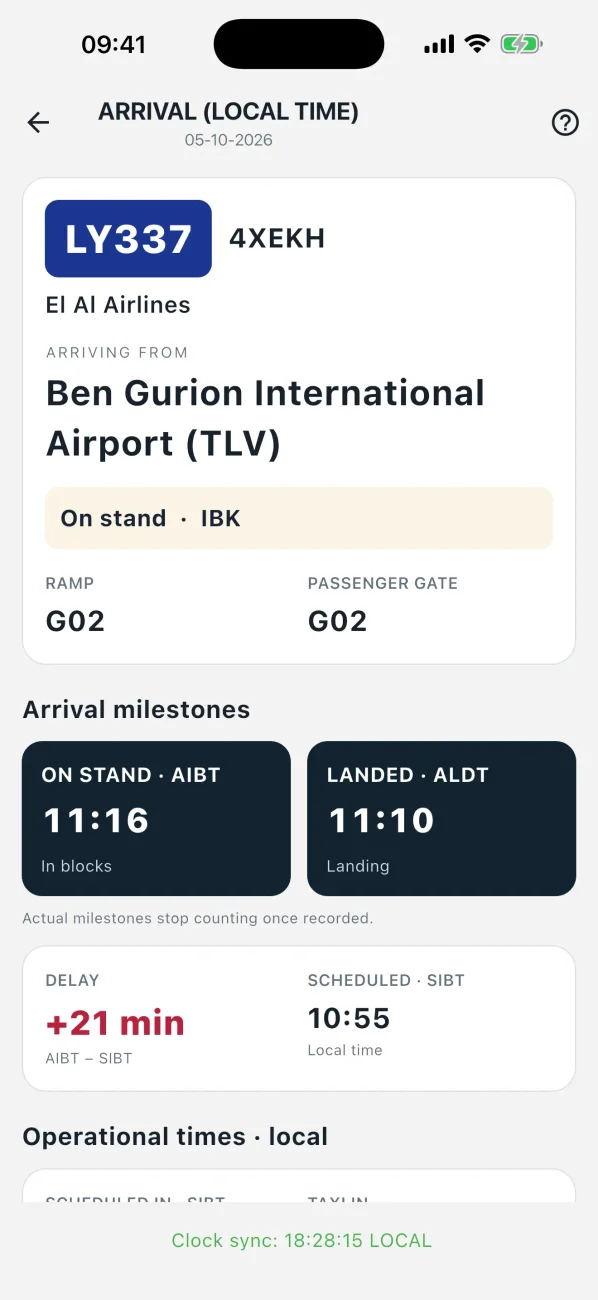
Use a compact ramp overview with arrivals, departures and followed flights. Search by flight, route or stand, and combine filters for airline, day, aircraft type, gate and mapped flights. See TOBT and TSAT countdowns, turnaround progress, aircraft registration, runway details and linked inbound or outbound flights. Gate Mode provides a large landscape display for focused flight monitoring.
SCHIPHOL AIRPORT MAP
Explore a detailed airport map with piers, gates, stands and aircraft silhouettes. Confirmed stand positions and available live aircraft observations connect to flight details. Zoom in for more detail and follow an aircraft on the map. Estimated positions are identified; coverage varies and not every aircraft is visible.
PERFORMANCE AND HISTORY
Explore punctuality, delays, taxi times and baggage measurements for available dates. View hourly performance for a single day, airline comparisons, distribution charts and tables of cancelled or heavily delayed flights. Sample sizes and data availability help explain what each result represents.
PERSONAL DISPLAY
Choose light or dark mode, local or UTC time, full airport and aircraft names or short codes, and runway names or numbers. Airline colours and clear status indicators make flights easier to recognise.
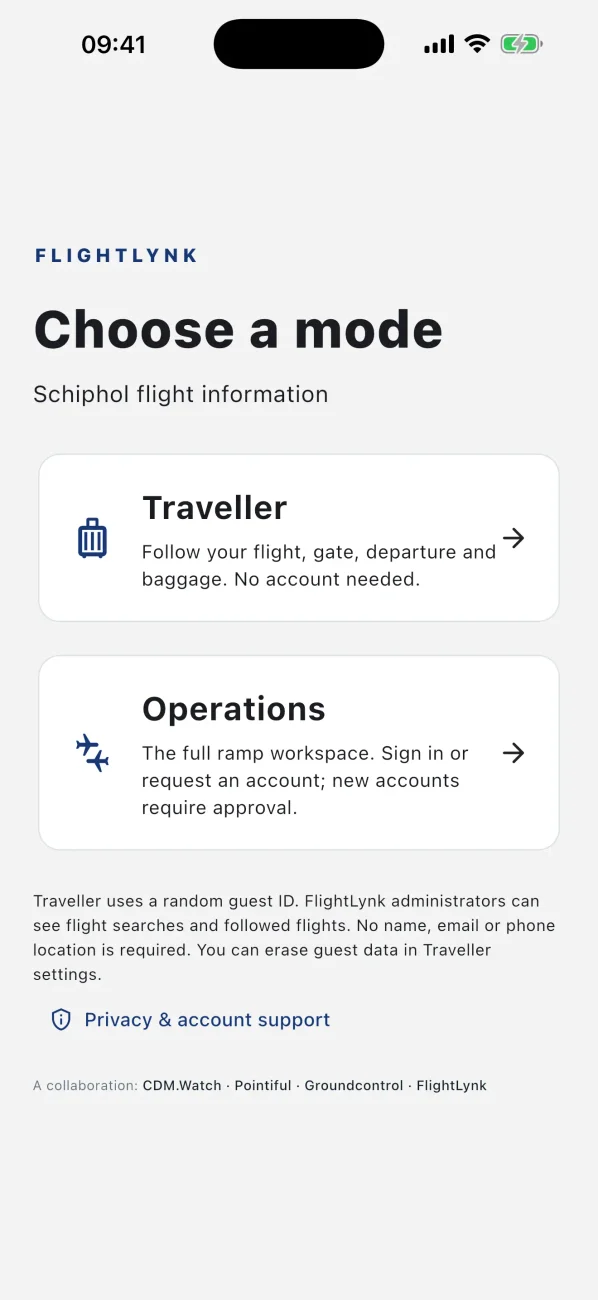
Traveller Mode requires no account. Operations accounts require email verification and administrator approval. Flight data and estimates may be delayed or incomplete. FlightLynk is an information tool, not a source of operational clearances or navigation guidance.
A collaboration between CDM.Watch, Pointiful, Groundcontrol and FlightLynk.
Support: stijn.devreede@groundcontrol.aero
What’s new
Version 3.0.1 · Oct 8, 2026
You can now reset your Operations password directly from the sign-in screen. Tap “Forgot password?”, enter your email address and follow the reset link sent by messages@pointiful.com.
The reset screen includes clearer email validation, retry guidance and protection against repeated requests.
App privacy
What Pointiful declares on the App Store about how this app handles data.
-
Data linked to you
May be collected and linked to your identity.
- Contact info
- Search history
- Identifiers
- Usage data
-
Data not linked to you
May be collected but is not linked to your identity.
- Usage data
Privacy practices may vary, for example with the features you use or your age.
Information
- Seller
- Pointiful
- Category
- Productivity
- Version
- 3.0.1
- Updated
- Oct 8, 2026
- Released
- Apr 21, 2025
- Size
- 27.4 MB
- Requires
- iOS 15.0 or later
- Age rating
- 4+
- Languages
- English
- Copyright
- © FlightLynk
You might also like
-
 Airport CDM-Flight informationCollaborative Decision Making
-
 ContactMe - Alerts for VATSIMAlerts for VATSIM messages
-
 simREFQuick sim checklists & data
-
 iReFormProductivity
-
 smartOFPProductivity
-
 SIGMOProductivity
-
 O-PrognoseProductivity
-
 EASA vs Airline FTLProductivity
-
 EFBOneThe new Electronic flight bag
-
 Pilot Logbook - AirlogDigital Flight Log