
Focus Easy
Minimal home screen launcher
Dirancang untuk iPhone, iPad
Gratis · Pembelian dalam aplikasi
- Batasan usia4+
- KategoriProduktivitas
- PengembangMatthew Strickland
- BahasaInggris
- Ukuran4,1 MB
Tertaut ke halaman resmi App Store
Download.org tidak menyimpan file Focus Easy apa pun. Tombol ini membuka halaman aplikasi di App Store, tempat Matthew Strickland menerbitkannya. Halaman terakhir diperiksa pada 23/11/2026.
Tangkapan layar


Tentang
Pengembang belum menyediakan teks ini dalam bahasa Anda.
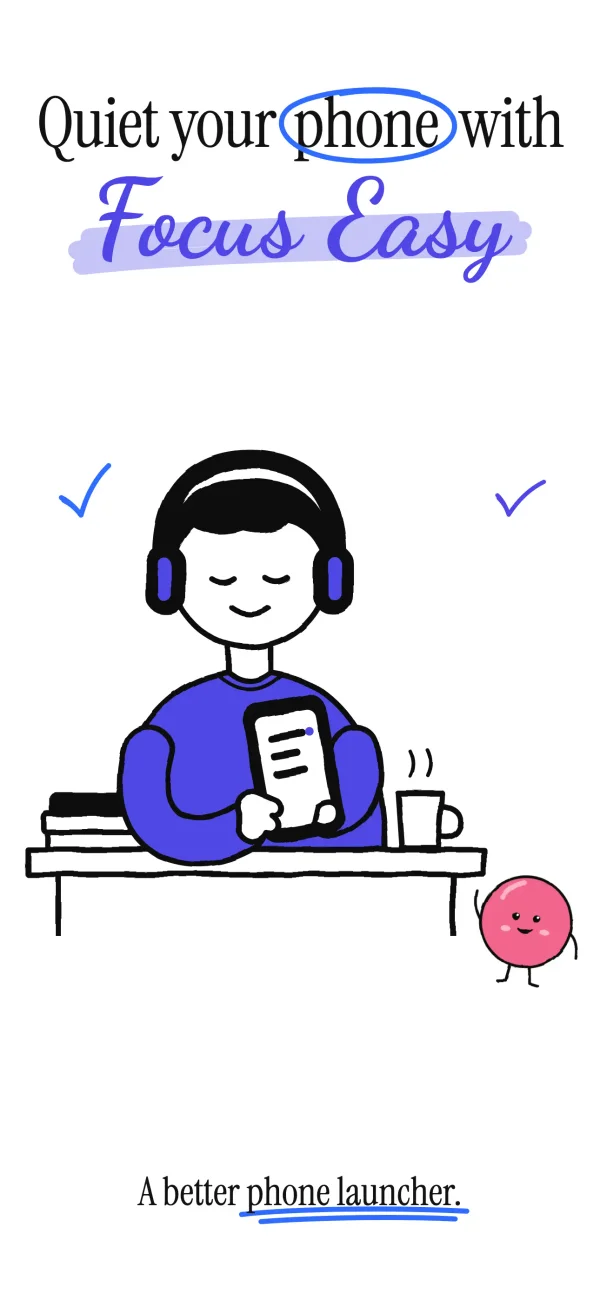
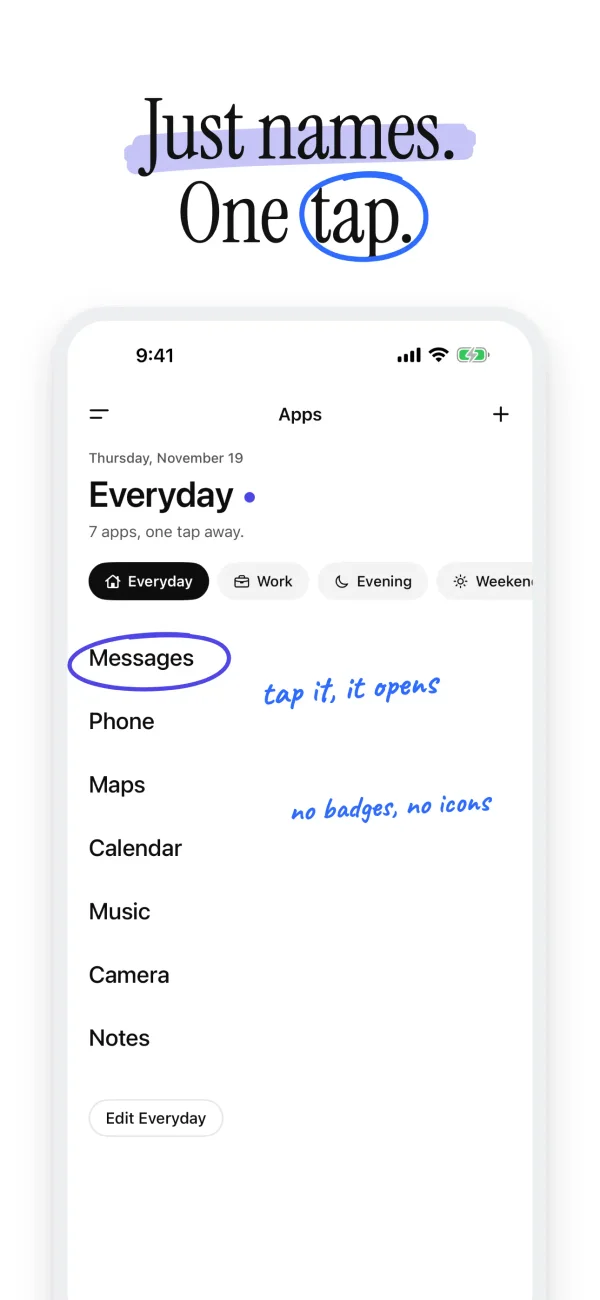
Focus Easy is a quiet launcher for iPhone and iPad. Pick the few apps you need, give them a page of their own, and open each with one tap. No badges, no icons calling for you, no account.
Your apps in plain type
The launcher shows your apps as big, plain names. Tap one and it opens. That's the whole idea.
Contexts for your day
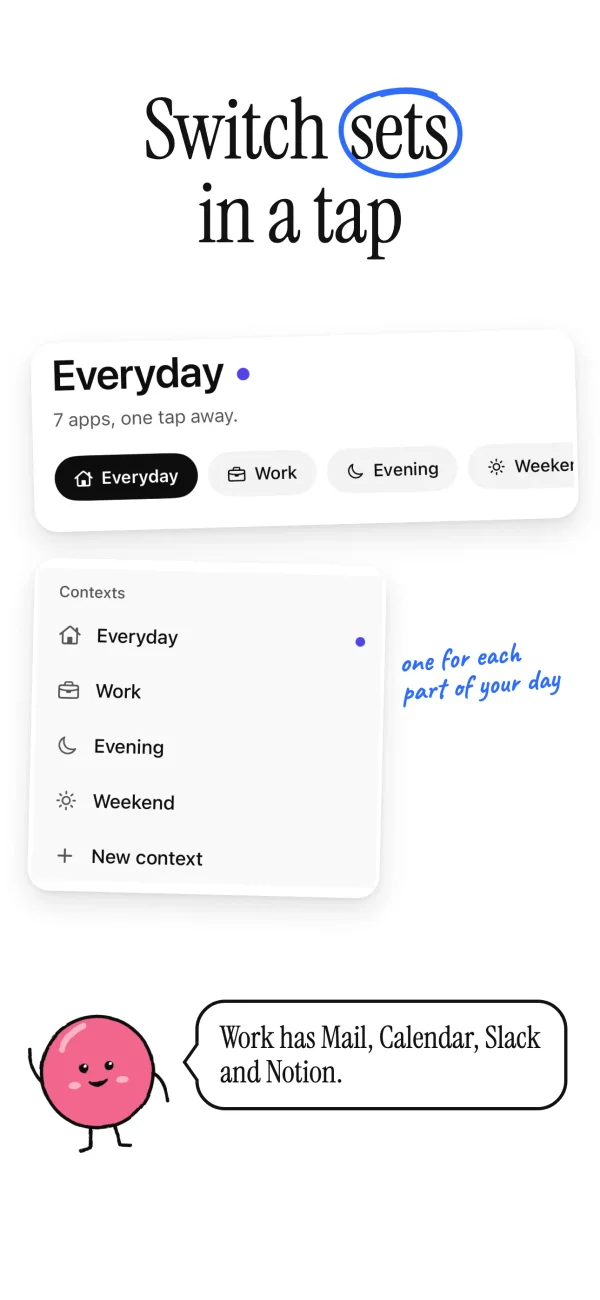
Make a set of apps for each part of your day, such as Everyday, Work and Evening, and switch between them in a tap. Focus Easy can suggest the one that fits the time of day.
A widget for a quieter Home Screen
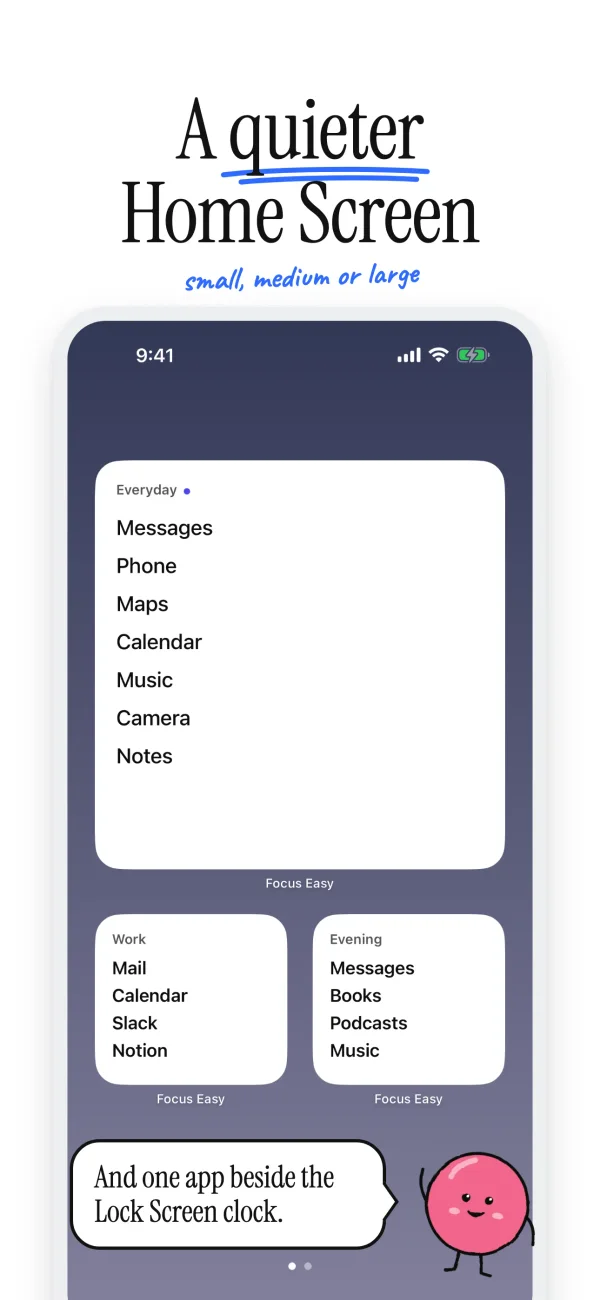
Put the Focus Easy widget on a Home Screen page of its own, in small, medium or large, or extra large on iPad. Each widget follows your current context or shows one you pick.
One app on the Lock Screen
Add the One app widget beside the clock and reach the app you use most without hunting for it. Pick the app, or let it follow the first app of your current context.
Works with Focus and Siri
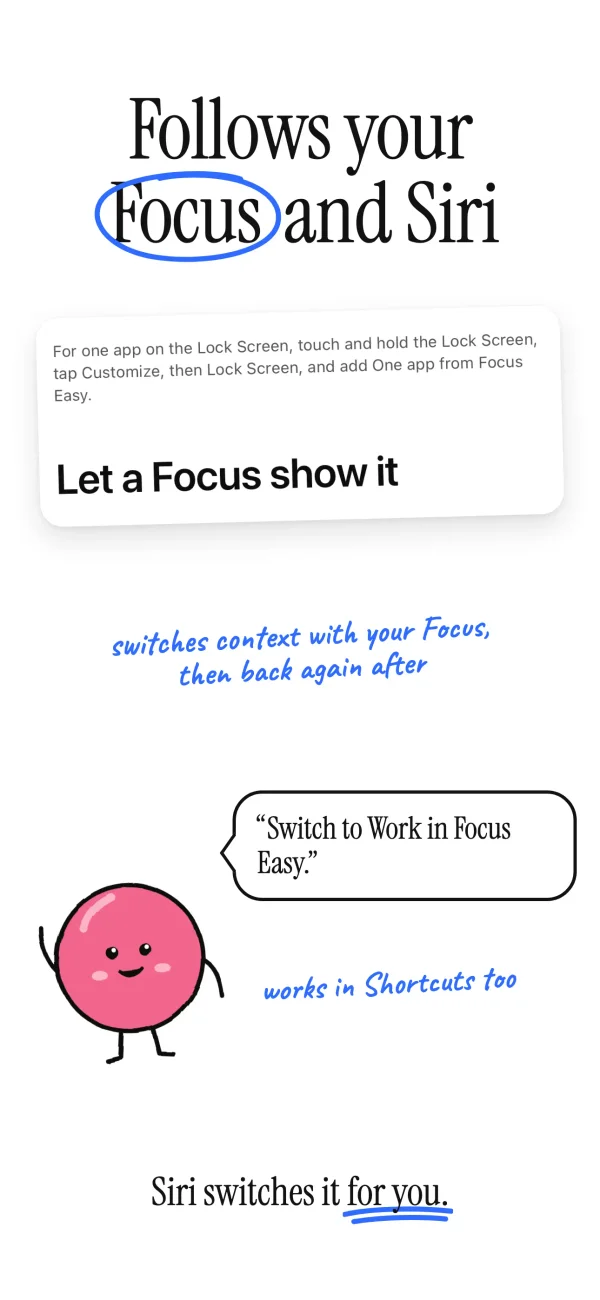
Pair the widget's page with an iOS Focus, and it's the only page you see while that Focus is on. Add the Focus Easy filter to a Focus, and Focus Easy switches to the right context, then back again after. Or say "Switch to Work in Focus Easy", and use the same action in Shortcuts automations.
Any app
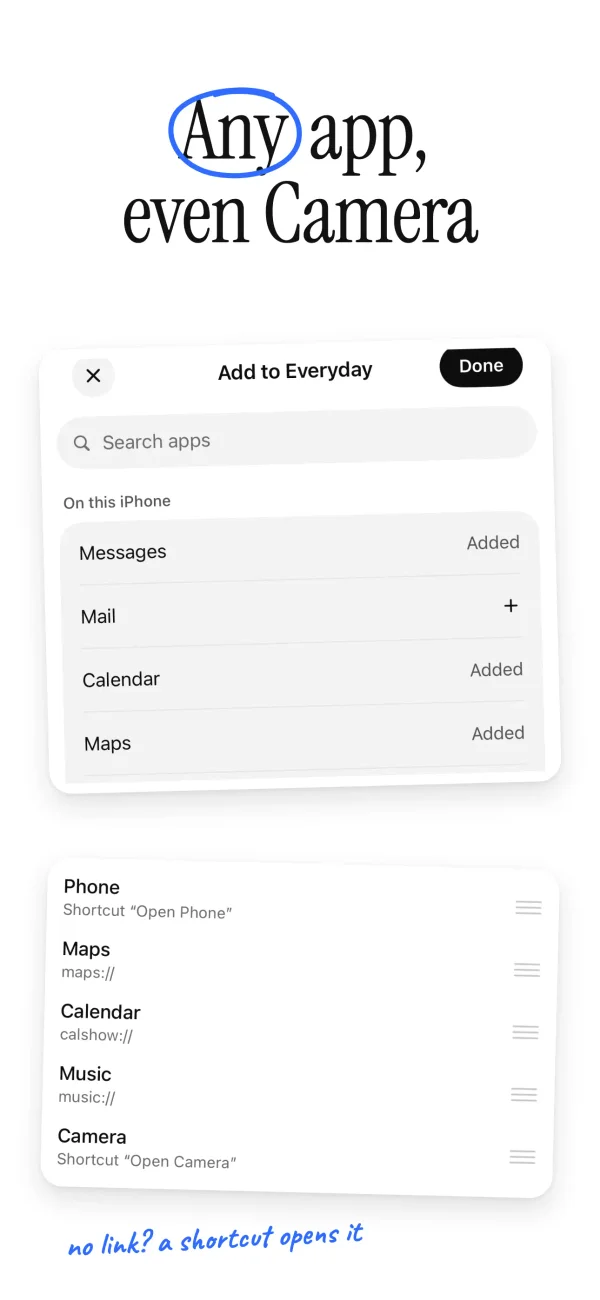
Add the apps on your iPhone or iPad in a tap. Apps with no link, such as Camera or Clock, open through a shortcut you make once in the Shortcuts app, and Focus Easy shows you how.
On iPad
Your menu of contexts stays beside your apps. On a larger iPad, the launcher sits beside this week's opens for the current context and a preview of its widget, and Usage puts the week's chart beside what you opened most. Works in Split View and Stage Manager, in any orientation, and with a keyboard.
See what you reach for
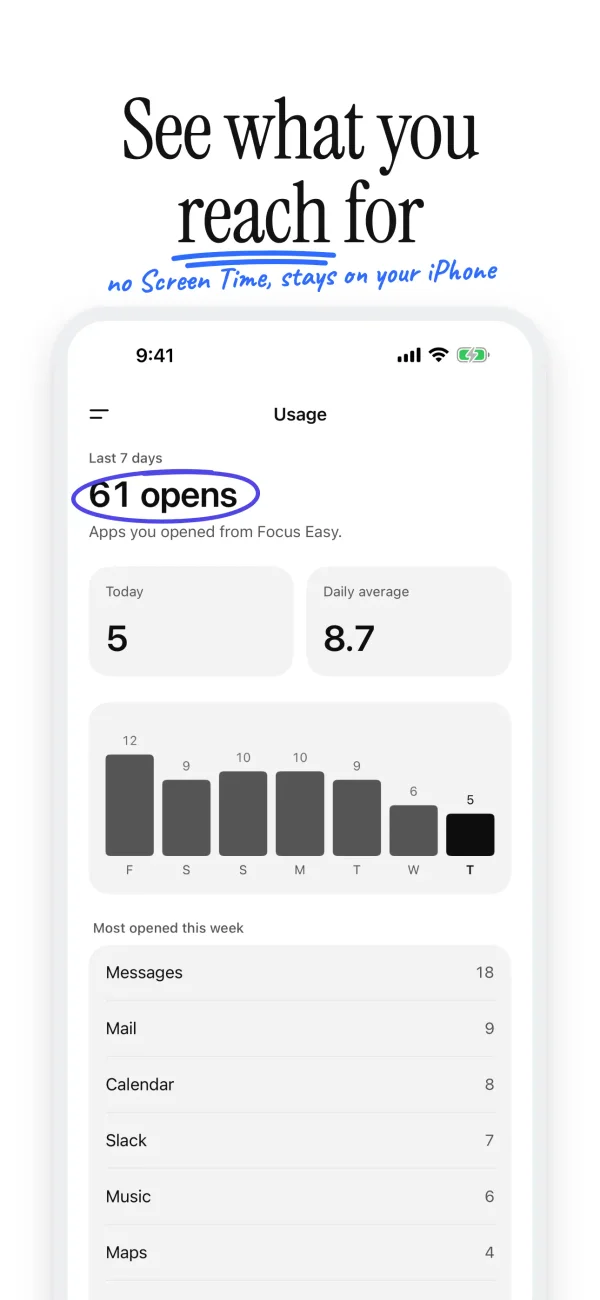
Usage counts the apps you open through Focus Easy over the last week. It doesn't read Screen Time, and the counts stay on your device.
Plain to look at
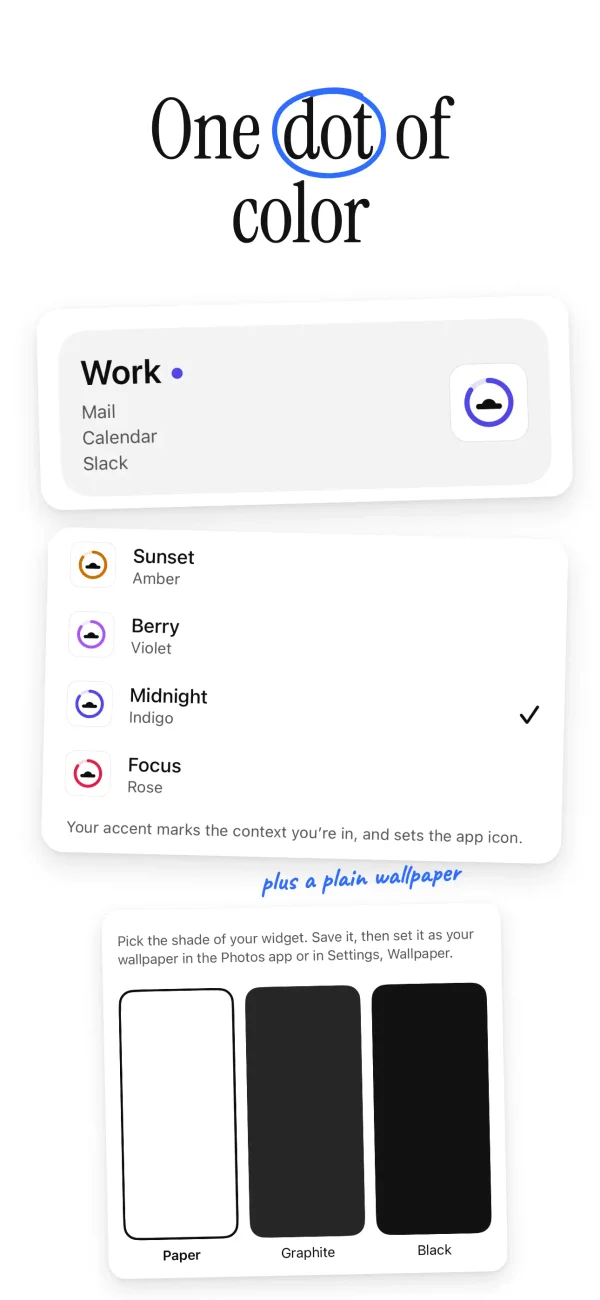
Black type on a pale page, or pale type in Graphite or Black after dark. A single colored dot marks the context you're in, and the icon on your Home Screen takes the same color. A plain wallpaper in the widget's shade lets the list sit straight on the page.
Private
No account and no ads. Your apps, contexts and counts stay on your device. To help fix problems, Focus Easy sends anonymous diagnostics, like crash reports and which screens you open. They never include your apps, contexts or counts, and you can turn them off in Settings.
A tip, if you like
Focus Easy is free and has nothing to unlock. If it helps you keep your Home Screen quiet, you can leave a one-time tip in Settings: a Dawn, a Morning, a Noon or a Summer. A tip is paid through the App Store and leaves the launcher exactly as it was.
Yang baru
Versi 1.6 · 20/11/2026
Now on iPad, with layouts made for it: your contexts stay in the menu beside your apps, and on a larger iPad the launcher sits beside this week's opens for the current context and a preview of its widget. Usage puts the week's chart beside what you opened most, and by context.
• An extra large widget for the iPad Home Screen.
• Add apps knows what iPad has: no Phone or Wallet, and Camera, Clock or FaceTime through a shortcut.
• Works in Split View and Stage Manager, in any orientation, and with a keyboard: ⌘N adds an app, ⇧⌘N makes a context, ⌘S saves.
Privasi aplikasi
Yang dinyatakan Matthew Strickland di App Store tentang cara aplikasi ini menangani data.
-
Data yang tidak ditautkan dengan Anda
Dapat dikumpulkan, tetapi tidak ditautkan dengan identitas Anda.
- Data penggunaan
- Diagnostik
Praktik privasi dapat bervariasi, misalnya berdasarkan fitur yang Anda gunakan atau usia Anda.
Informasi
- Penjual
- Matthew Strickland
- Kategori
- Produktivitas
- Versi
- 1.6
- Diperbarui
- 20/11/2026
- Dirilis
- 19/2/2026
- Ukuran
- 4,1 MB
- Memerlukan
- iOS 17.0 atau yang lebih baru
- Batasan usia
- 4+
- Harga
- Gratis
- Pembelian dalam aplikasi
- Ya
- Bahasa
- Inggris
- Hak cipta
- © 2026 Idle Fusion
Mungkin Anda juga suka
-
 Focus Fence: App BlockerProduktivitas
-
 Quiet: App BlockerProduktivitas
-
 Lusco ®Produktivitas
-
 Bare Phone: Peluncur simpelPengalaman Ponsel Sederhana
-
 Focus HomeProduktivitas
-
 Scribe Note · Voice to TextSuara ke teks · Transcribe
-
 ClearScan by ZeroDriftProduktivitas
-
 LogMyLifeProduktivitas
-
 seed: Notes, Tasks & AI AgentProduktivitas
-
 Rowtr - AI Model PlaygroundProduktivitas