FoldDeck: Macro Control Deck
Stream, record & PC shortcuts
Dirancang untuk iPhone, iPad
Gratis
- Batasan usia4+
- KategoriKegunaan
- PengembangRANRAN Solutions
- BahasaInggris+ 1 lainnya
- Ukuran4,3 MB
Tertaut ke halaman resmi App Store
Download.org tidak menyimpan file FoldDeck: Macro Control Deck apa pun. Tombol ini membuka halaman aplikasi di App Store, tempat RANRAN Solutions menerbitkannya. Halaman terakhir diperiksa pada 12/11/2026.
Tangkapan layar
Tentang
Pengembang belum menyediakan teks ini dalam bahasa Anda.
Turn your iPhone into a control deck for streaming and everyday PC tasks.
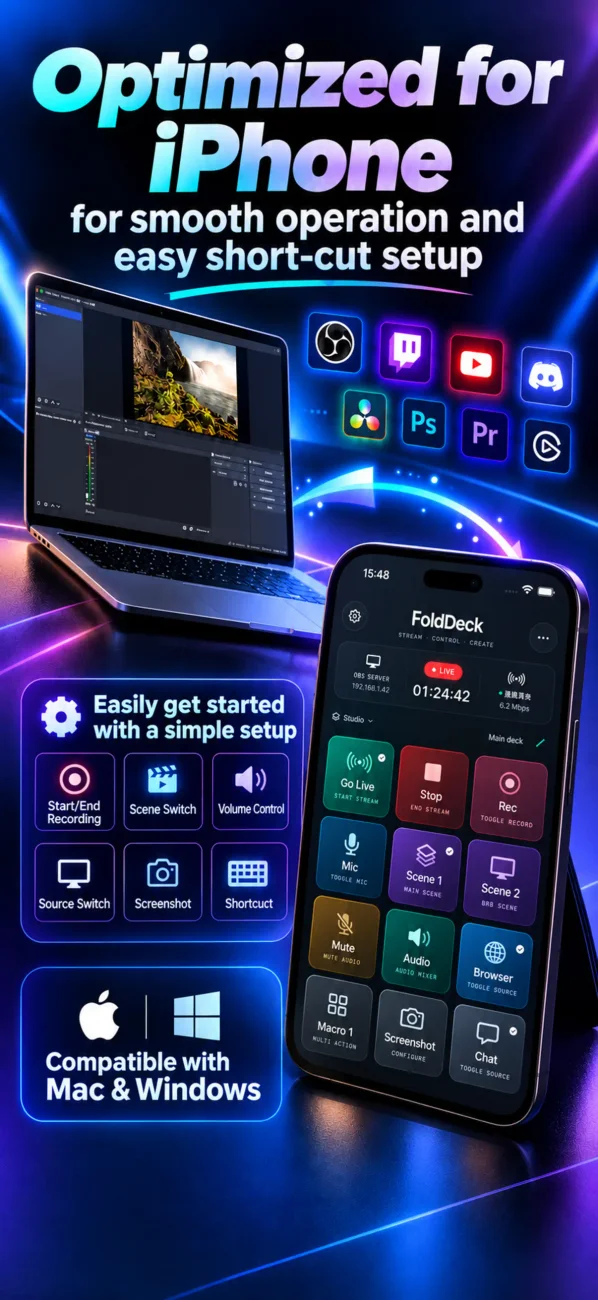
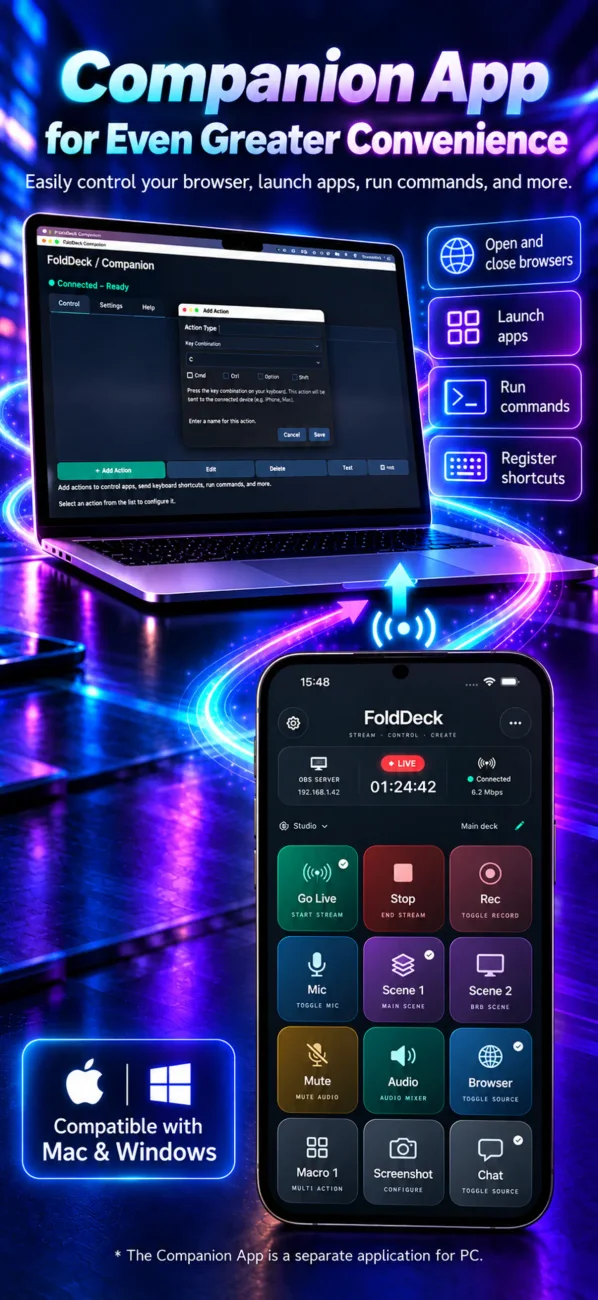
Switch OBS Studio scenes, control recording, mute your microphone and adjust audio from buttons within reach. Pair with FoldDeck Companion to run computer shortcuts and launch apps with a tap.
STREAMING CONTROLS AT YOUR FINGERTIPS
• Start and stop OBS streaming; toggle recording.
• Switch scenes and toggle source visibility.
• Mute inputs and adjust levels in the audio mixer.
• Monitor stream status, frame rate, CPU usage and audio levels.
• Save source or scene screenshots on your OBS computer.
BUILD YOUR OWN DECK
Customize button names, colors, icons and images. Press and drag to rearrange controls, then organize your workflows into pages and profiles. Combine actions and delays into a macro to run a sequence from one button.
COMPUTER SHORTCUTS AND APP LAUNCHES
Register allowed actions in FoldDeck Companion for Mac or Windows and assign them to your iPhone buttons. Scan the pairing QR code and control your computer over the same local network.
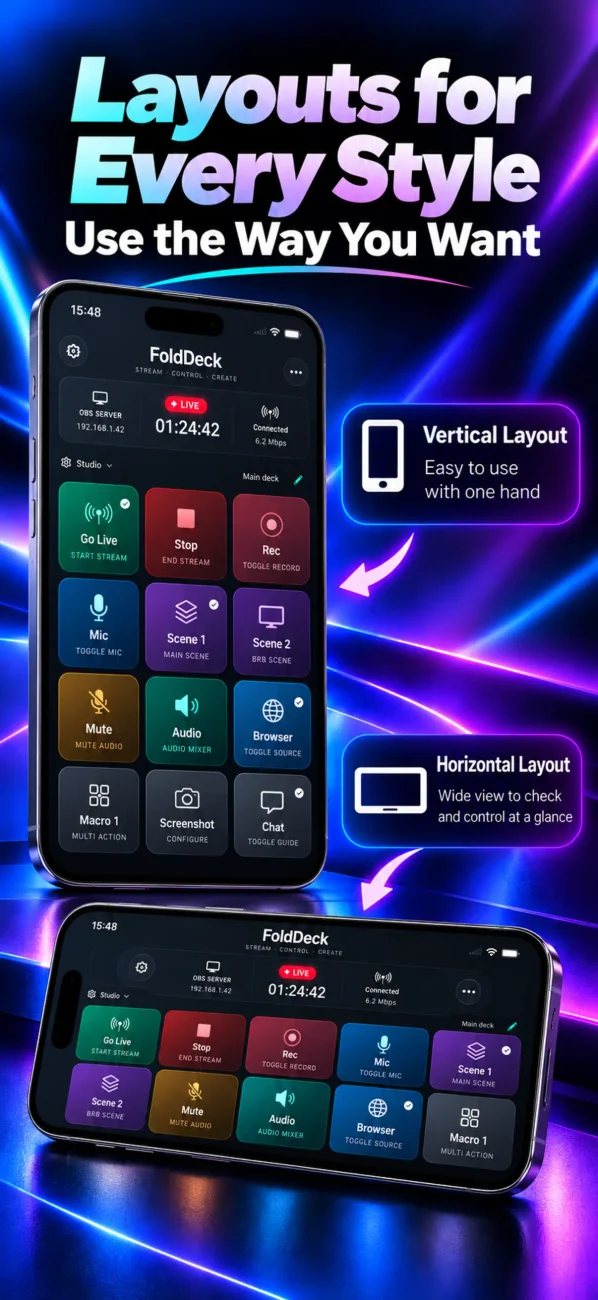
LAYOUTS OPTIMIZED FOR IPHONE DUO
Choose the layout that fits your setup. FoldDeck adapts to available screen space and folding state, with Book and Tabletop layout options. It also works on a regular iPhone.
A NEW FILE FOR EVERY SCREENSHOT
Choose a save folder on your OBS computer. FoldDeck automatically generates PNG filenames using the capture date, time and a unique ID.
LOCAL CONNECTIONS, SIMPLE SETUP
No FoldDeck cloud account is required. OBS passwords and Companion tokens are stored in the iPhone Keychain. The app contains no advertising or usage analytics SDKs. Available in English and Japanese.
REQUIREMENTS
• OBS controls require OBS Studio running on your computer with an obs-websocket 5.x-compatible server enabled.
• Computer shortcuts and app launches require the separate FoldDeck Companion app. Visit the official website for supported operating systems and requirements.(https://folddeck-official.ranranweb.com/en/#download)
• Connect your iPhone and computer to the same local network and grant the required permissions.
• Screenshots are saved on the OBS computer, not in your iPhone photo library.
FoldDeck is an independent app and is not an official OBS Project product.
Privasi aplikasi
Yang dinyatakan RANRAN Solutions di App Store tentang cara aplikasi ini menangani data.
-
Data tidak dikumpulkan
Pengembang tidak mengumpulkan data apa pun dari aplikasi ini.
Praktik privasi dapat bervariasi, misalnya berdasarkan fitur yang Anda gunakan atau usia Anda.
Informasi
- Penjual
- RANRAN Solutions
- Kategori
- Kegunaan
- Versi
- 1.0
- Diperbarui
- 2/11/2026
- Dirilis
- 1/11/2026
- Ukuran
- 4,3 MB
- Memerlukan
- iOS 18.0 atau yang lebih baru
- Batasan usia
- 4+
- Harga
- Gratis
- Bahasa
- Inggris, Jepang
- Hak cipta
- © 2026 RANRAN Solutions