Forms for Google Forms & Doc
Create Form & Collect Response
Dirancang untuk iPhone, iPad, iPod touch
Gratis · Pembelian dalam aplikasi
- Batasan usia4+
- KategoriProduktivitas
- PengembangCLOSER INNOVATION LABS CORP.
- BahasaInggris
- Ukuran53,5 MB
Tertaut ke halaman resmi App Store
Download.org tidak menyimpan file Forms for Google Forms & Doc apa pun. Tombol ini membuka halaman aplikasi di App Store, tempat CLOSER INNOVATION LABS CORP. menerbitkannya. Halaman terakhir diperiksa pada 15/11/2026.
Tangkapan layar


Tentang
Pengembang belum menyediakan teks ini dalam bahasa Anda.
Forms for Google Forms & Docs
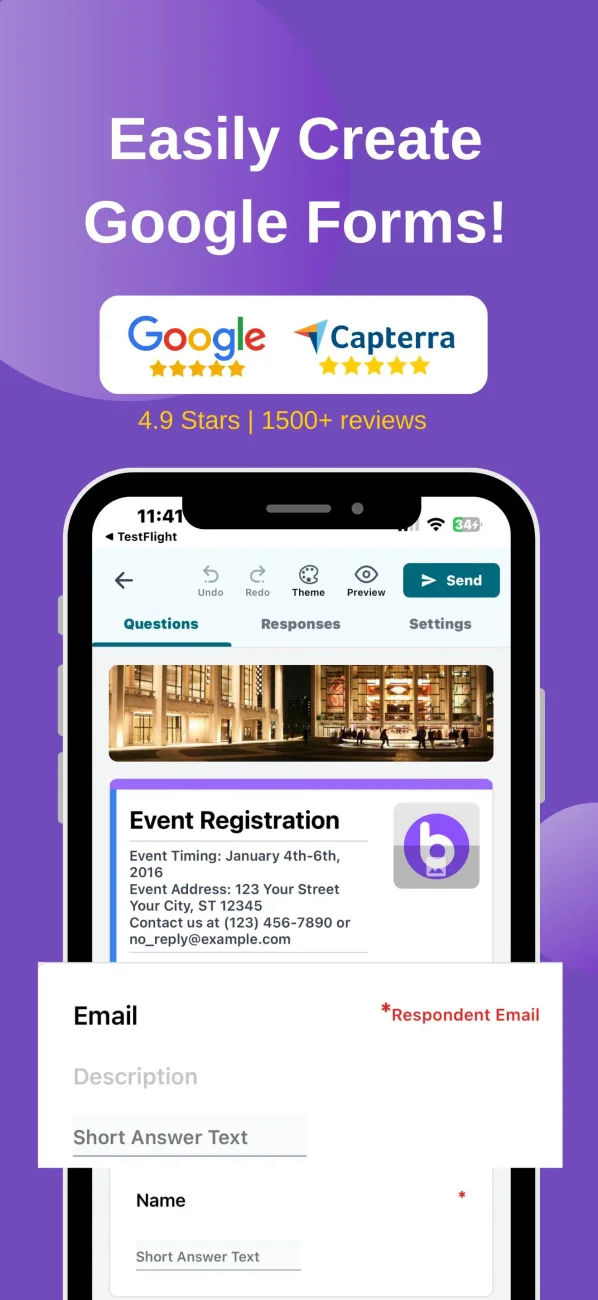
"Create Forms, Collect Responses, and Add E-Signatures Seamlessly!"
Looking for a smarter way to create, manage, and sign Google Forms and Docs? Forms for Google Forms & Docs is your all-in-one solution for making forms more interactive and accessible. Perfect for individuals, businesses, and educators, this app simplifies the entire process—from form creation to collecting e-signatures.
### Key Features
1. Create and Customize Forms:
Effortlessly make professional forms using Google Forms templates and tailor them to your needs. Whether you're creating a survey, application form, or feedback request, our app has you covered.
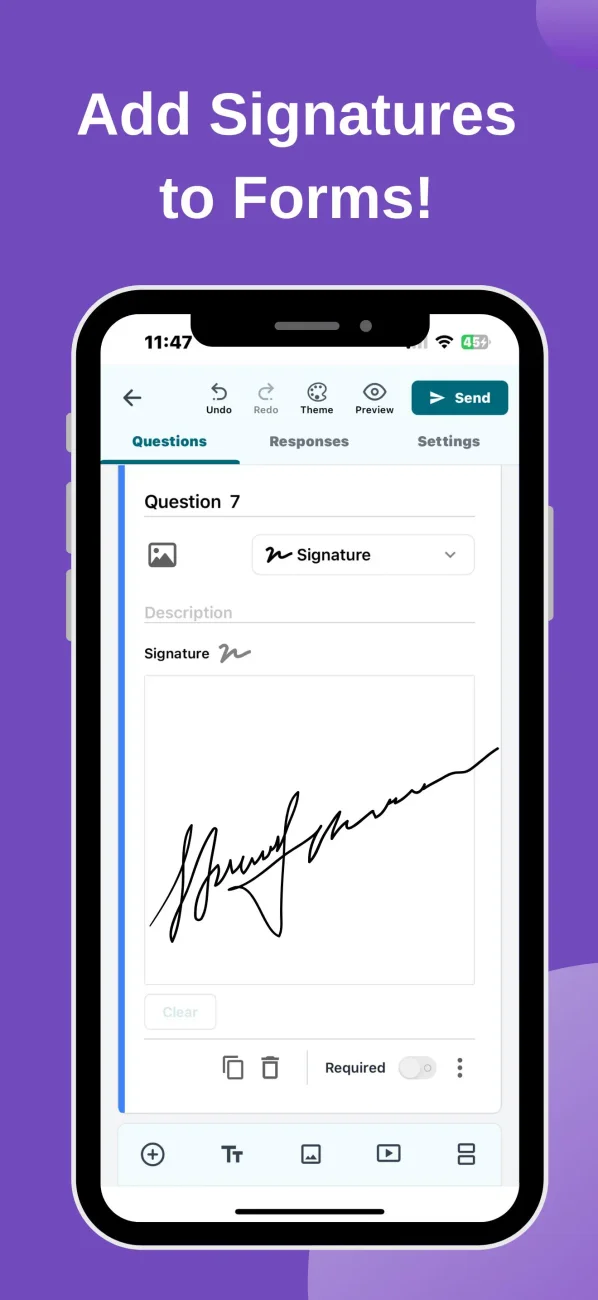
2. Add E-Signatures to Google Forms:
Easily add a signature to your Google Forms for contracts, agreements, or applications with our integrated e-signature feature. Your forms can now be signed online, securely, and legally.
3. Seamless Google Integration:
Access your forms anytime, anywhere, with built-in Google Forms and Google Docs support. Our Google Workspace Add-on allows you to add signature fields directly to your forms. [Try it on web](https://www.boloforms.com/signature/gsuite).
4. Track and View Responses:
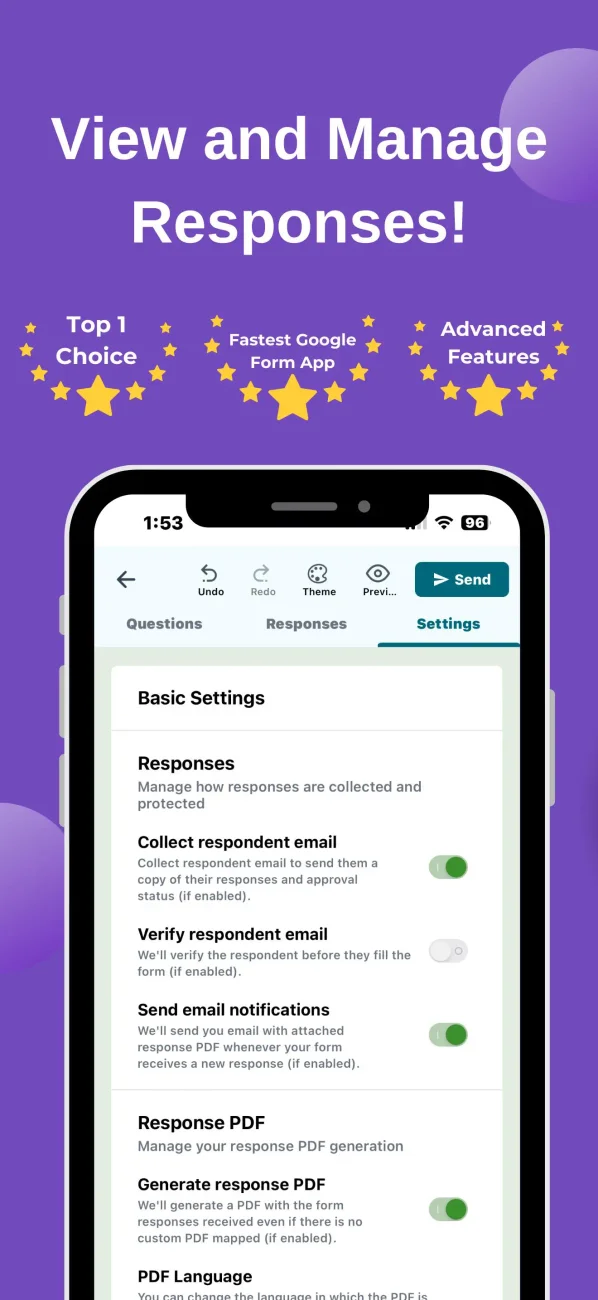
Stay organized with real-time access to form submissions. View and manage responses directly within the app for better efficiency.
5. Accessible on Web and Mobile:
Work on your forms seamlessly across devices. Use the app on mobile or switch to the web version for a larger workspace. Access more tools like PDF and Templates to further simplify your workflows. [Visit BoloSign](https://www.boloforms.com/signature).
### Use Cases
- Google Forms for Applications: Simplify job applications, registrations, or event sign-ups with forms that include signatures.
- Google Forms Surveys: Create and share surveys using Google Forms templates, and collect data effortlessly.
- Sign Online Forms: Add e-signatures to Google Forms and finalize agreements directly online.
- Forms for Businesses: Enhance workflows with forms and signatures for approvals, contracts, and HR needs.
### Why Choose Us?
- Create Google Forms quickly and customize them.
- Add a signature to Google Forms without extra steps.
- Access your surveys and applications from anywhere.
- Enjoy the convenience of Google Forms on mobile.
Start making smarter, more efficient forms today with Forms for Google Forms & Docs. Sign forms, track responses, and stay organized—all in one app!
Yang baru
Versi 2.0.7 · 7/5/2026
Experience the latest updates to make form creation and signing easier than ever!
- Generate PDF Documents: Convert form responses into professional PDF files for sharing or record-keeping.
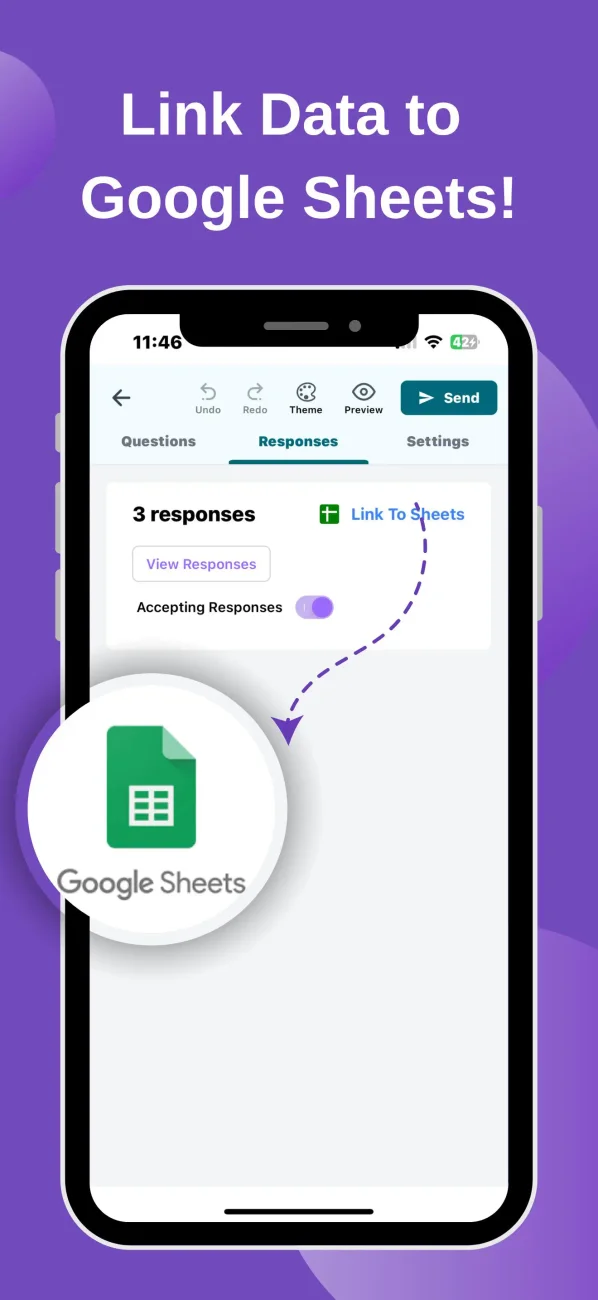
- Save to Google Drive and Sheets: Automatically store your responses in Google Sheets or Google Drive for easy access and management.
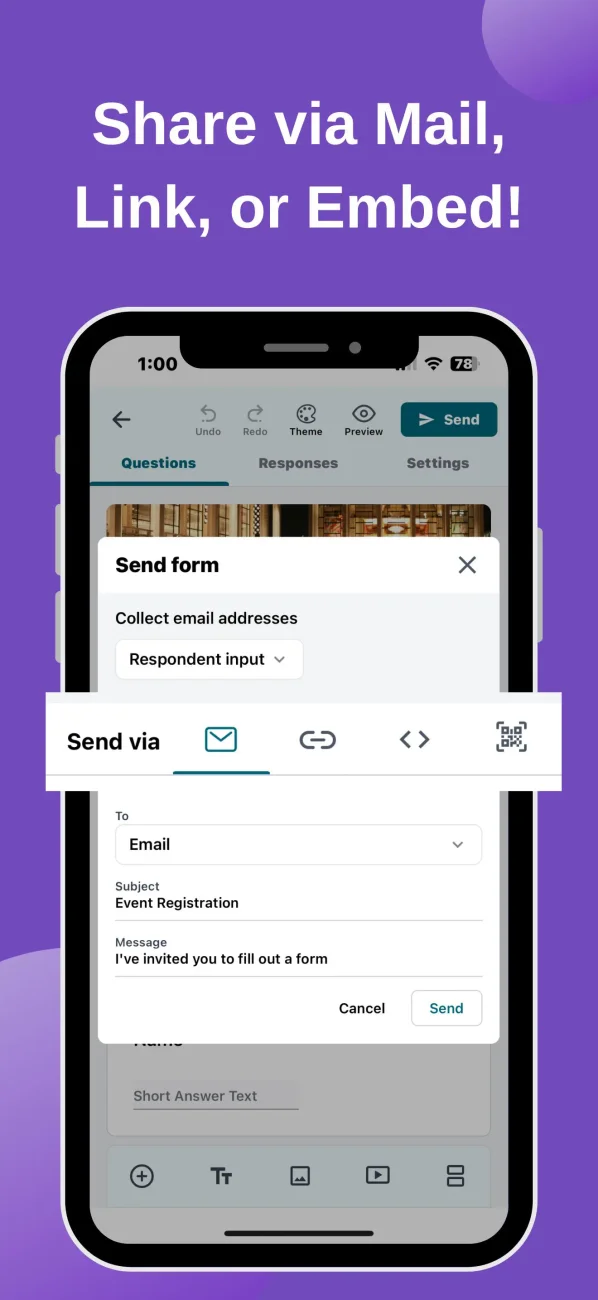
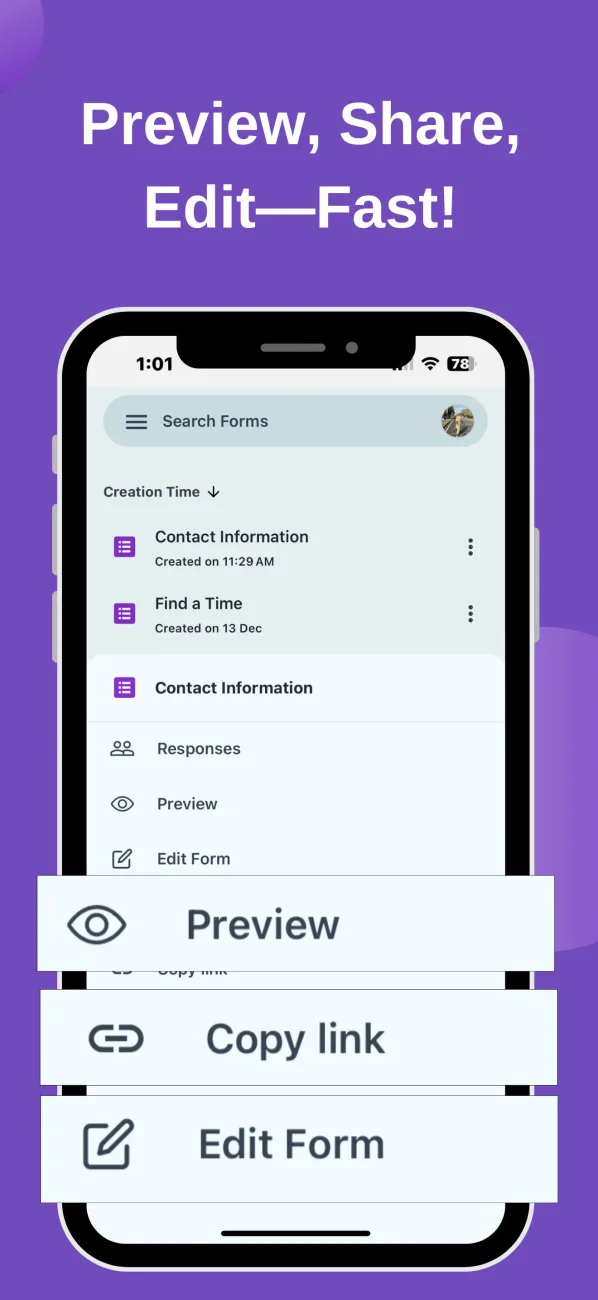
- Share Forms Instantly: Create and share forms using QR codes or direct links for quick and convenient distribution.
- Enhanced Question Types: Add advanced question types to customize your surveys and data collection forms.
- E-Signature Capability: Collect secure digital signatures directly within your forms, making them perfect for agreements or approvals.
- Website Integration: Embed your forms directly into your website for a professional and cohesive experience.
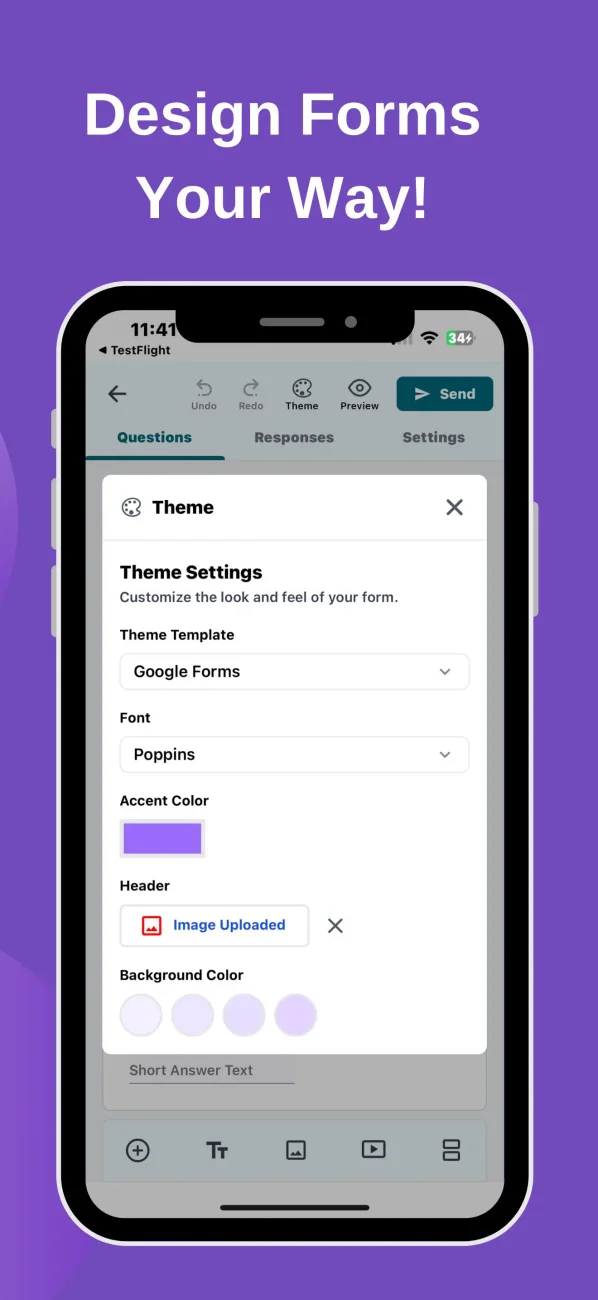
- Improved Theming Options: Choose from a variety of themes to give your forms a polished and professional look.
Update now and take your form creation, data collection, and e-signature workflows to the next level!
Privasi aplikasi
Yang dinyatakan CLOSER INNOVATION LABS CORP. di App Store tentang cara aplikasi ini menangani data.
-
Data tidak dikumpulkan
Pengembang tidak mengumpulkan data apa pun dari aplikasi ini.
Praktik privasi dapat bervariasi, misalnya berdasarkan fitur yang Anda gunakan atau usia Anda.
Informasi
- Penjual
- CLOSER INNOVATION LABS CORP.
- Kategori
- Produktivitas
- Versi
- 2.0.7
- Diperbarui
- 7/5/2026
- Dirilis
- 27/11/2024
- Ukuran
- 53,5 MB
- Memerlukan
- iOS 15.1 atau yang lebih baru
- Batasan usia
- 4+
- Harga
- Gratis
- Pembelian dalam aplikasi
- Ya
- Bahasa
- Inggris
- Hak cipta
- © 2024 Closer Innovation Labs Corp.
Mungkin Anda juga suka
-
 Cash Copilot: Smart FinanceProduktivitas
-
 Smart Printer & Scanner MobileProduktivitas
-
 AI Email Writer: Letter WriterProduktivitas
-
 Text to Speech Voice Over AppProduktivitas
-
 Habit Tracker: Atomic HabitsDaily Productivity Planner App
-
 Transcribe Voice to Text NotesProduktivitas
-
 Scarlet AI – Chatbot AssistantProduktivitas
-
 Remote for Samsung Smart TV*Produktivitas
-
 Secure Authenticator: OTP, MFAProduktivitas
-
 Pelacak uang. Kasir. KeuanganPendapatan Biaya Anggaran Kas