Forms for Google Forms & Doc
Create Form & Collect Response
Được thiết kế cho iPhone, iPad, iPod touch
Miễn phí · Mua hàng trong ứng dụng
- Độ tuổi4+
- Danh mụcHiệu Suất
- Nhà phát triểnCLOSER INNOVATION LABS CORP.
- Ngôn ngữTiếng Anh
- Kích thước53,5 MB
Liên kết đến trang App Store chính thức
Download.org không lưu trữ tệp nào của Forms for Google Forms & Doc. Nút này mở trang ứng dụng trên App Store, nơi CLOSER INNOVATION LABS CORP. phát hành ứng dụng. Trang được kiểm tra lần cuối: 15/11/2026.
Ảnh chụp màn hình


Giới thiệu
Nhà phát triển chưa cung cấp nội dung này bằng ngôn ngữ của bạn.
Forms for Google Forms & Docs
"Create Forms, Collect Responses, and Add E-Signatures Seamlessly!"
Looking for a smarter way to create, manage, and sign Google Forms and Docs? Forms for Google Forms & Docs is your all-in-one solution for making forms more interactive and accessible. Perfect for individuals, businesses, and educators, this app simplifies the entire process—from form creation to collecting e-signatures.
### Key Features
1. Create and Customize Forms:
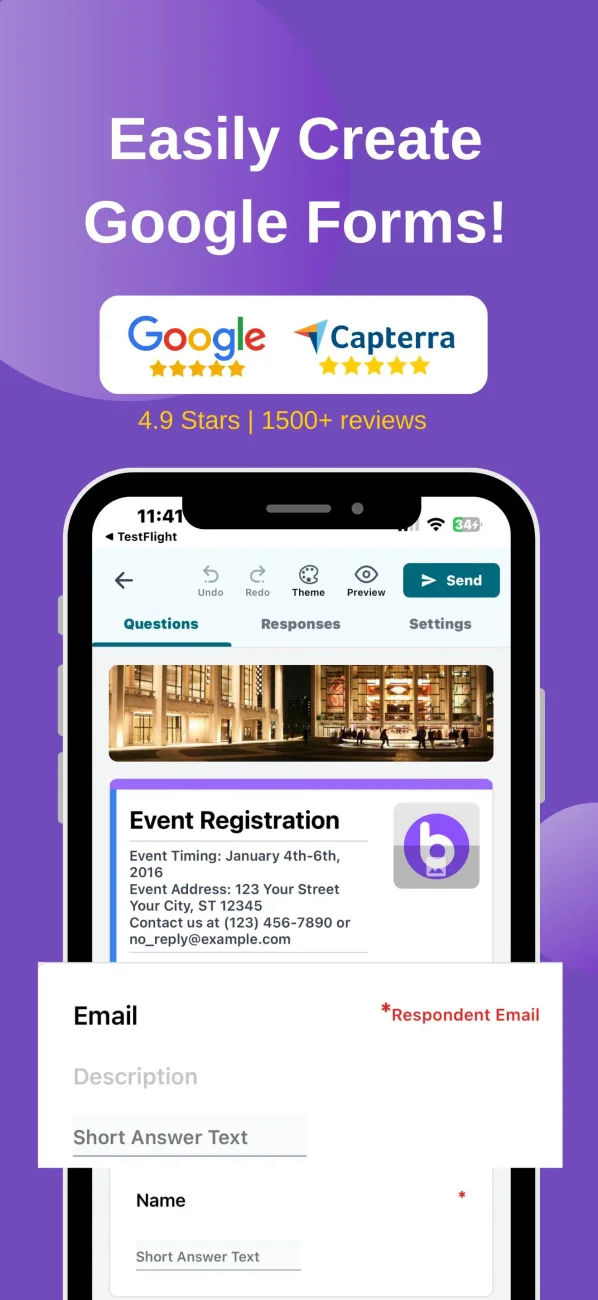
Effortlessly make professional forms using Google Forms templates and tailor them to your needs. Whether you're creating a survey, application form, or feedback request, our app has you covered.
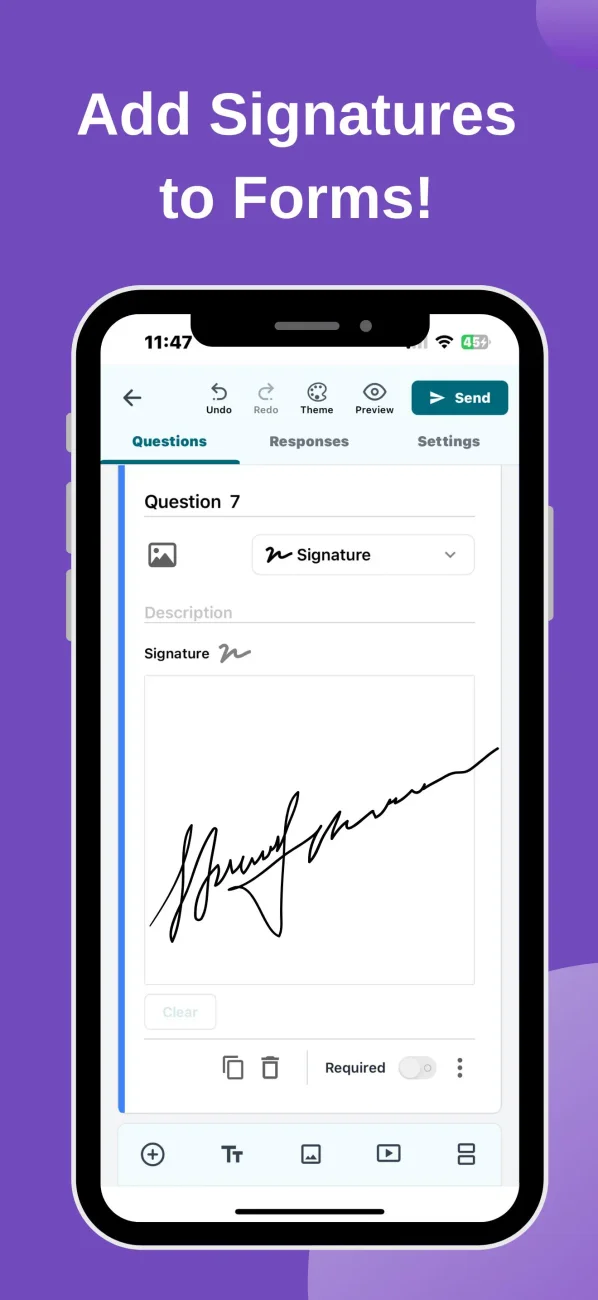
2. Add E-Signatures to Google Forms:
Easily add a signature to your Google Forms for contracts, agreements, or applications with our integrated e-signature feature. Your forms can now be signed online, securely, and legally.
3. Seamless Google Integration:
Access your forms anytime, anywhere, with built-in Google Forms and Google Docs support. Our Google Workspace Add-on allows you to add signature fields directly to your forms. [Try it on web](https://www.boloforms.com/signature/gsuite).
4. Track and View Responses:
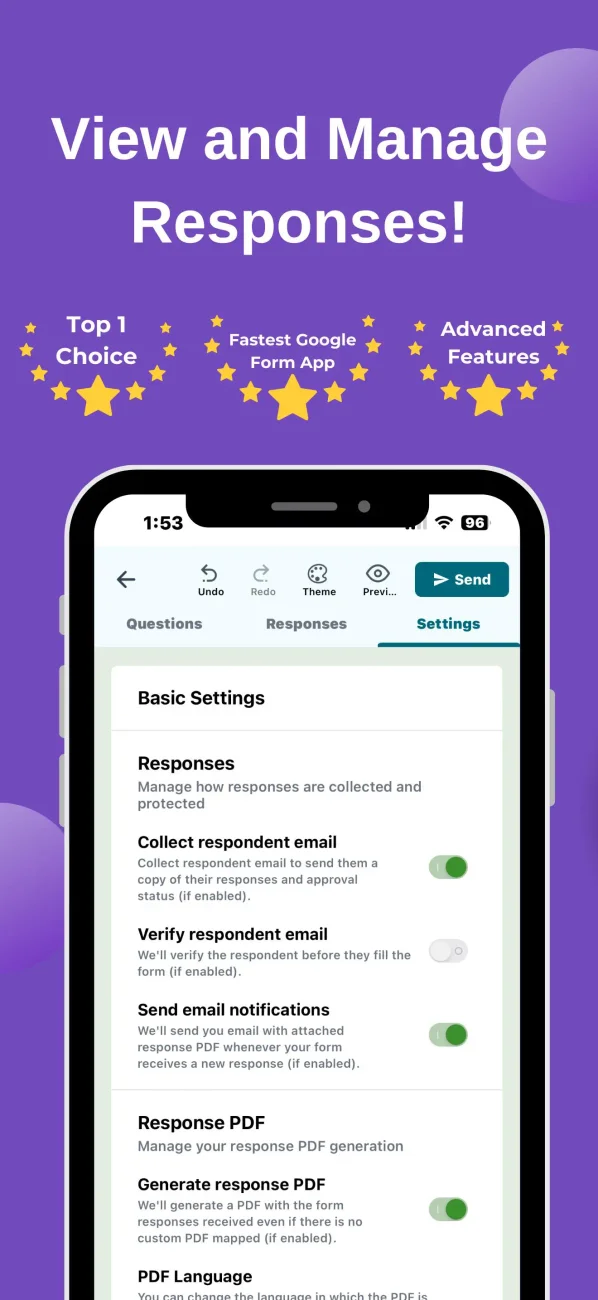
Stay organized with real-time access to form submissions. View and manage responses directly within the app for better efficiency.
5. Accessible on Web and Mobile:
Work on your forms seamlessly across devices. Use the app on mobile or switch to the web version for a larger workspace. Access more tools like PDF and Templates to further simplify your workflows. [Visit BoloSign](https://www.boloforms.com/signature).
### Use Cases
- Google Forms for Applications: Simplify job applications, registrations, or event sign-ups with forms that include signatures.
- Google Forms Surveys: Create and share surveys using Google Forms templates, and collect data effortlessly.
- Sign Online Forms: Add e-signatures to Google Forms and finalize agreements directly online.
- Forms for Businesses: Enhance workflows with forms and signatures for approvals, contracts, and HR needs.
### Why Choose Us?
- Create Google Forms quickly and customize them.
- Add a signature to Google Forms without extra steps.
- Access your surveys and applications from anywhere.
- Enjoy the convenience of Google Forms on mobile.
Start making smarter, more efficient forms today with Forms for Google Forms & Docs. Sign forms, track responses, and stay organized—all in one app!
Có gì mới
Phiên bản 2.0.7 · 07/05/2026
Experience the latest updates to make form creation and signing easier than ever!
- Generate PDF Documents: Convert form responses into professional PDF files for sharing or record-keeping.
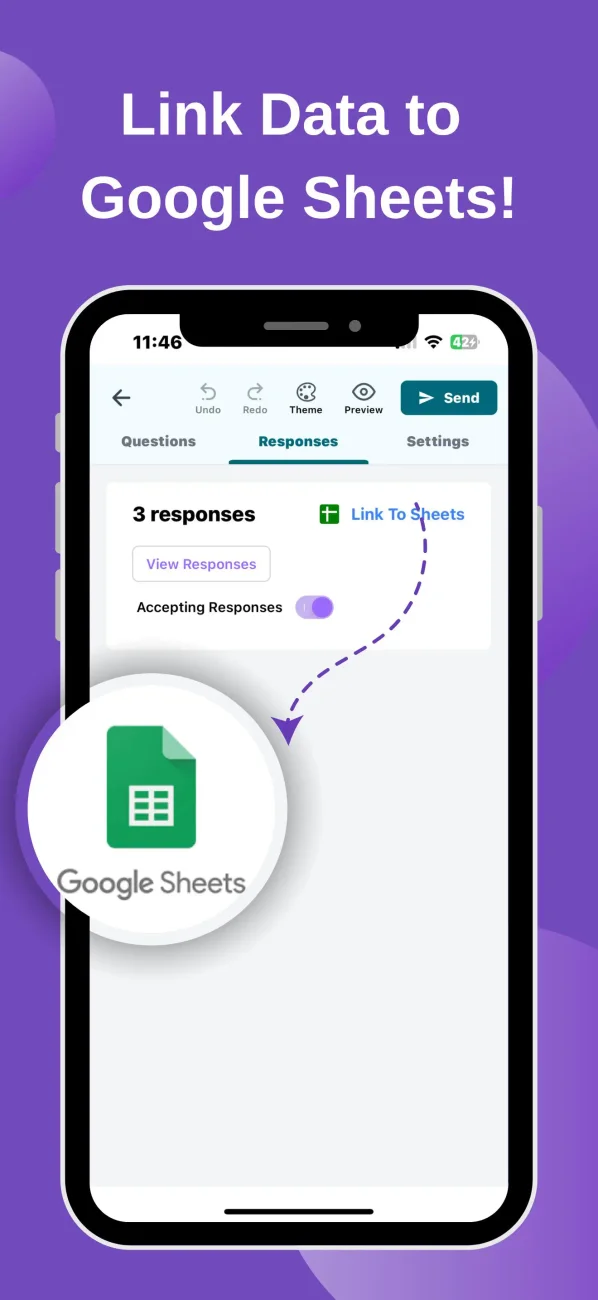
- Save to Google Drive and Sheets: Automatically store your responses in Google Sheets or Google Drive for easy access and management.
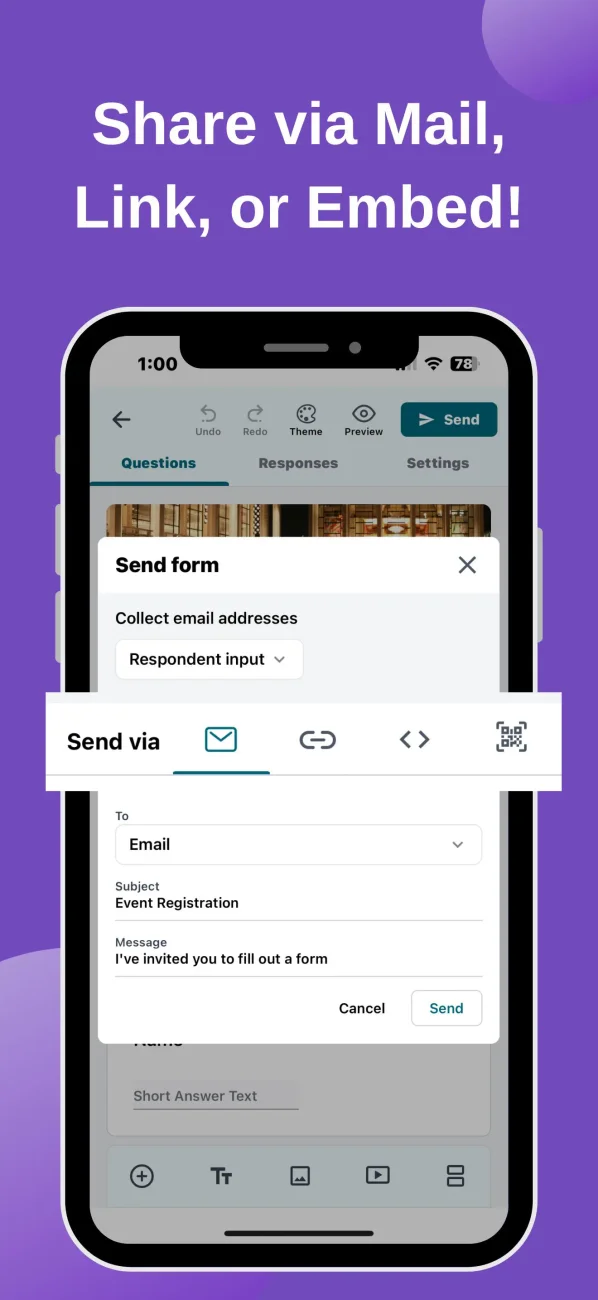
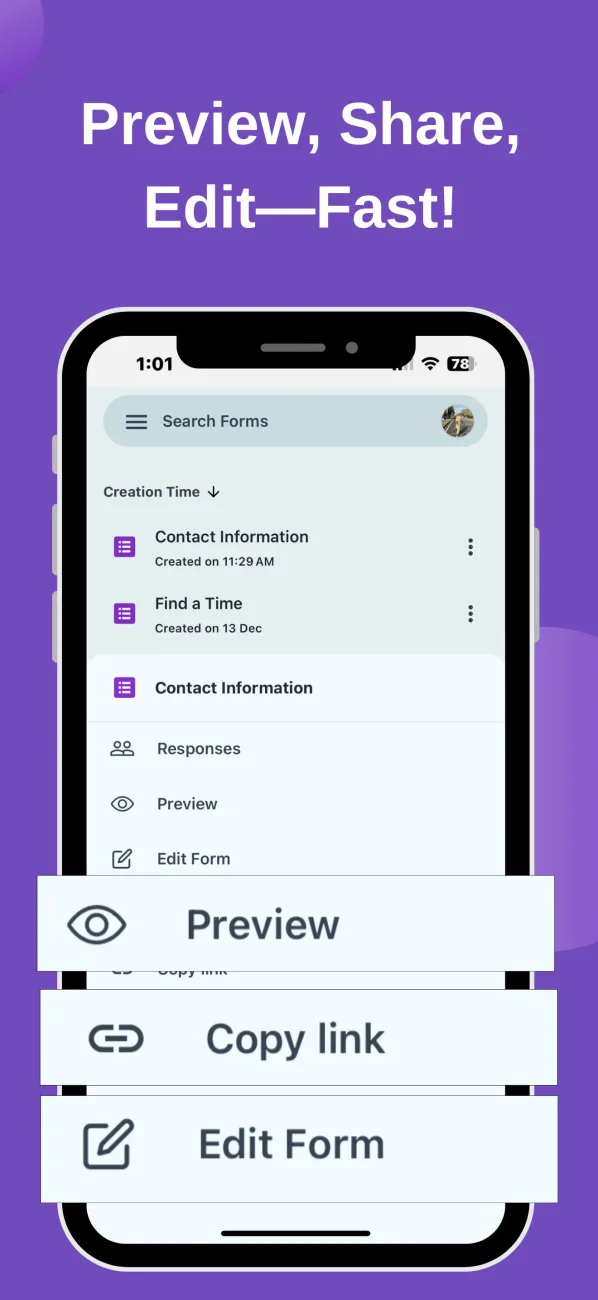
- Share Forms Instantly: Create and share forms using QR codes or direct links for quick and convenient distribution.
- Enhanced Question Types: Add advanced question types to customize your surveys and data collection forms.
- E-Signature Capability: Collect secure digital signatures directly within your forms, making them perfect for agreements or approvals.
- Website Integration: Embed your forms directly into your website for a professional and cohesive experience.
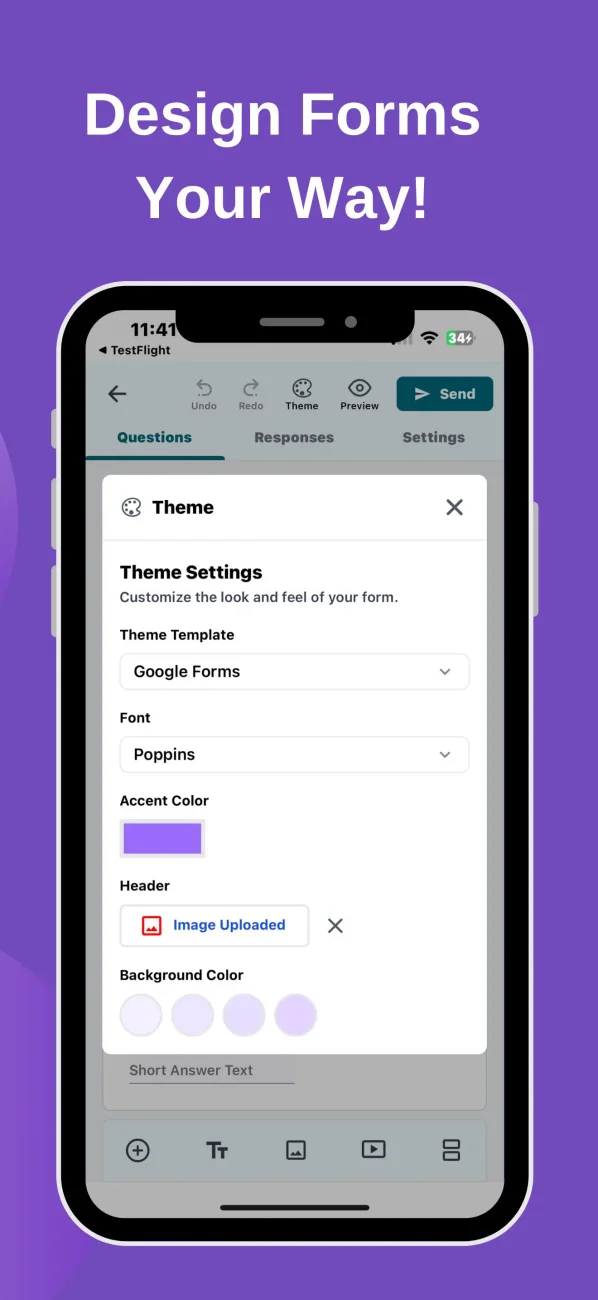
- Improved Theming Options: Choose from a variety of themes to give your forms a polished and professional look.
Update now and take your form creation, data collection, and e-signature workflows to the next level!
Quyền riêng tư của ứng dụng
Những gì CLOSER INNOVATION LABS CORP. khai báo trên App Store về cách ứng dụng này xử lý dữ liệu.
-
Dữ liệu không được thu thập
Nhà phát triển không thu thập bất kỳ dữ liệu nào từ ứng dụng này.
Phương thức đảm bảo quyền riêng tư có thể khác nhau, chẳng hạn như tuỳ theo các tính năng bạn sử dụng hoặc độ tuổi của bạn.
Thông tin
- Người bán
- CLOSER INNOVATION LABS CORP.
- Danh mục
- Hiệu Suất
- Phiên bản
- 2.0.7
- Cập nhật
- 07/05/2026
- Phát hành
- 27/11/2024
- Kích thước
- 53,5 MB
- Yêu cầu
- iOS 15.1 trở lên
- Độ tuổi
- 4+
- Giá
- Miễn phí
- Mua hàng trong ứng dụng
- Có
- Ngôn ngữ
- Tiếng Anh
- Bản quyền
- © 2024 Closer Innovation Labs Corp.
Có thể bạn cũng thích
-
 Cash Copilot: Smart FinanceHiệu Suất
-
 Smart Printer & Scanner MobileHiệu Suất
-
 AI Email Writer: Letter WriterHiệu Suất
-
 Text to Speech Voice Over AppHiệu Suất
-
 Habit Tracker: Atomic HabitsDaily Productivity Planner App
-
 Transcribe Voice to Text NotesHiệu Suất
-
 Scarlet AI – Chatbot AssistantHiệu Suất
-
 Remote for Samsung Smart TV*Hiệu Suất
-
 Secure Authenticator: OTP, MFAHiệu Suất
-
 Theo dõi tiền Kế toán Tiền mặtThu nhập Chi phí Ngân sách