Frametify
Make beautiful mockup
Dirancang untuk iPhone, iPad
Gratis · Pembelian dalam aplikasi
- Batasan usia9+
- KategoriFoto & Video
- PengembangTRAN VAN MANH
- BahasaInggris
- Ukuran73,3 MB
Tertaut ke halaman resmi App Store
Download.org tidak menyimpan file Frametify apa pun. Tombol ini membuka halaman aplikasi di App Store, tempat TRAN VAN MANH menerbitkannya. Halaman terakhir diperiksa pada 17/11/2026.
Tangkapan layar



Tentang
Pengembang belum menyediakan teks ini dalam bahasa Anda.
Frametify helps you turn app screenshots into beautiful, share-ready iPhone mockups without opening a design tool.
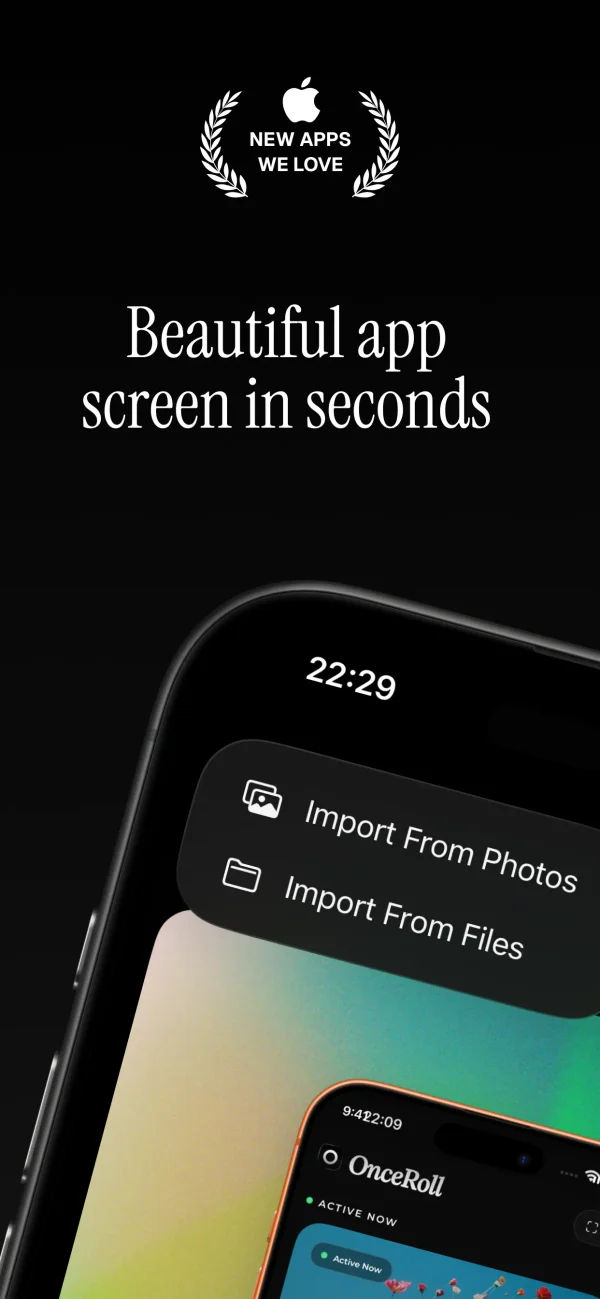
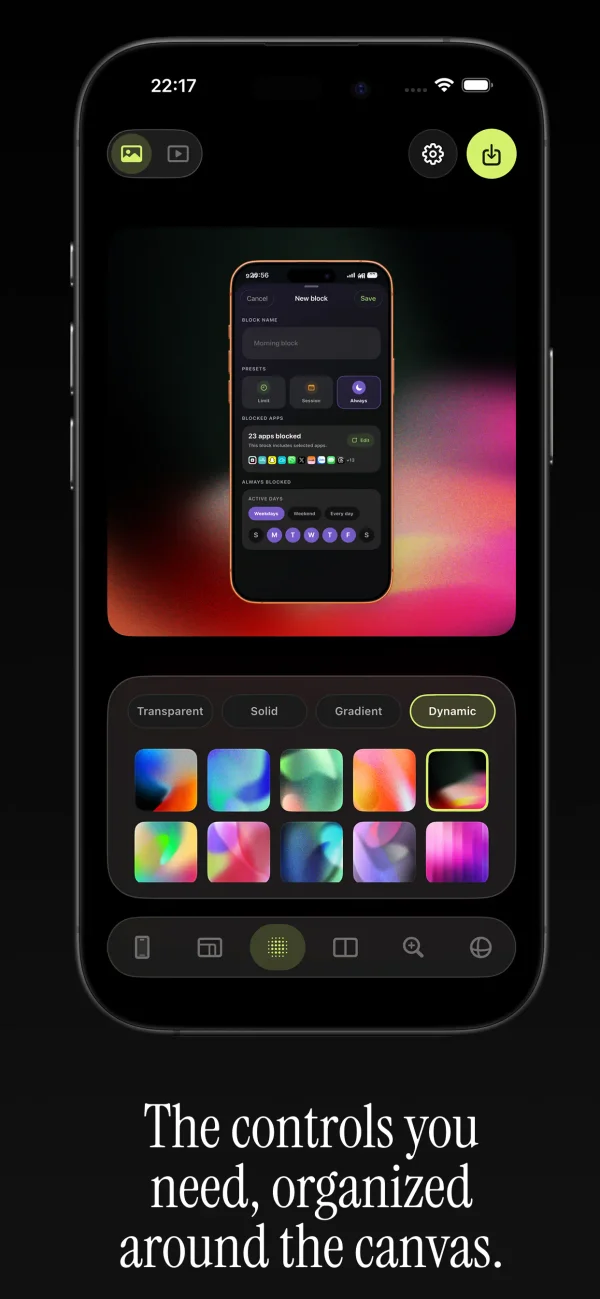
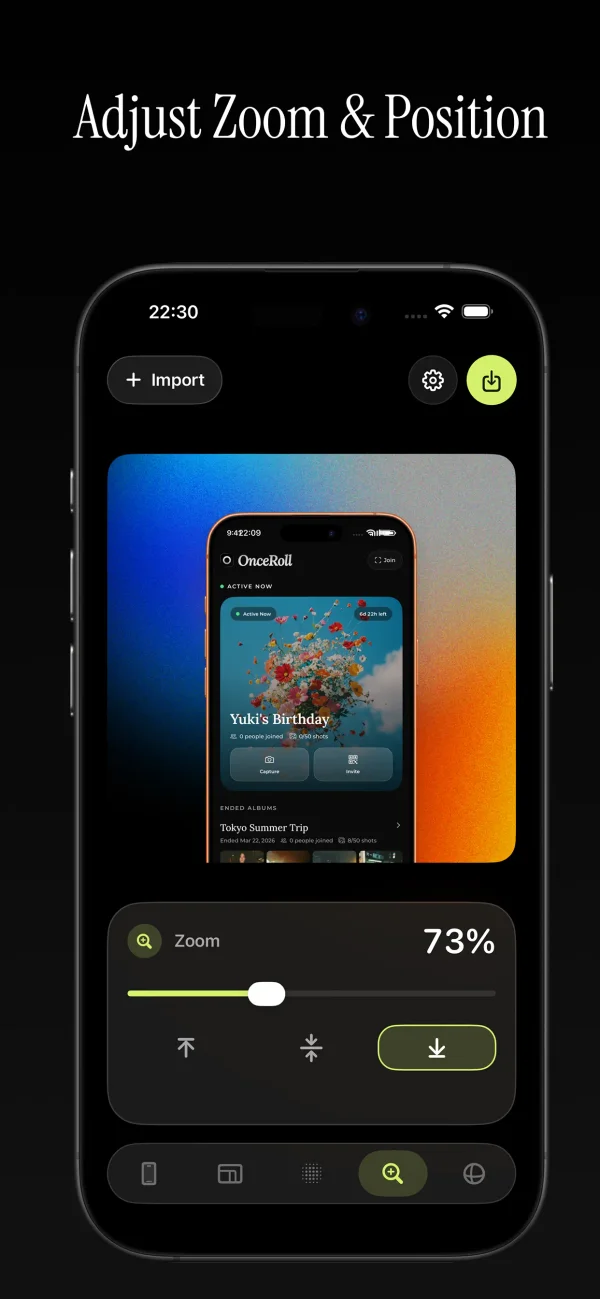
Import screenshots or videos, choose a polished device frame, add vibrant backgrounds, arrange up to three screens side by side, fine-tune spacing, zoom, rotation, and alignment, then export high-quality visuals for App Store updates, product pages, social posts, pitch decks, and launch announcements.
Built for makers, designers, founders, and developers, Frametify keeps the workflow fast and focused: bring in your app screen, style it beautifully, and export a professional mockup in a few taps.
Features:
Import screenshots and videos from Photos or Files
Create single-screen or side-by-side mockups with up to three frames
Choose clean iPhone device mockup styles
Customize backgrounds with colors, gradients, and visual presets
Fine-tune spacing, zoom, padding, rotation, and alignment
Create smooth animated mockups for more engaging posts
Export polished PNG, JPG, MP4, or GIF visuals
Save reusable presets for faster repeat work
Create marketing assets directly on your iPhone
Frametify Pro unlocks unlimited exports, high-resolution output, animations, and all current and future Pro presets.
Whether you are preparing an App Store update, showing a new feature, sharing product progress, or building launch assets, Frametify helps you present your app screens in a clean, beautiful, and professional way.
Terms of Service:
https://www.apple.com/legal/internet-services/itunes/dev/stdeula
Yang baru
Versi 1.3.4 · 15/6/2026
Frametify 1.3.4 delivers higher-quality exports, real-time progress tracking, and improved shadow rendering for crisper, more polished mockups.
- Exports now render at up to 1080p (up from 720p) for sharper MP4 output
- Frame rate increased to 15fps for MP4 and 10fps for GIF
- Real-time export progress bar with percentage instead of a spinner
- Export success confirmation shown after saving or sharing
- Shadow direction control now reflected in canvas preview and export
- Improved background clipping for more accurate canvas preview
- Rendering made more resilient, bad video frames no longer abort the entire export
Privasi aplikasi
Yang dinyatakan TRAN VAN MANH di App Store tentang cara aplikasi ini menangani data.
-
Data tidak dikumpulkan
Pengembang tidak mengumpulkan data apa pun dari aplikasi ini.
Praktik privasi dapat bervariasi, misalnya berdasarkan fitur yang Anda gunakan atau usia Anda.
Informasi
- Penjual
- TRAN VAN MANH
- Kategori
- Foto & Video
- Versi
- 1.3.4
- Diperbarui
- 15/6/2026
- Dirilis
- 4/5/2026
- Ukuran
- 73,3 MB
- Memerlukan
- iOS 18.6 atau yang lebih baru
- Batasan usia
- 9+
- Harga
- Gratis
- Pembelian dalam aplikasi
- Ya
- Bahasa
- Inggris
- Hak cipta
- © 2026 Frametify. All rights reserved.
Mungkin Anda juga suka
-
 RetinlyFoto & Video
-
 Mockify App Photo Video MockupFoto & Video
-
 MemoryPlaces AppFoto & Video
-
 DummoFoto & Video
-
 SnapFrame: App Mockup MakerFoto & Video
-
 Pucam - Photo & Video AlbumsFoto & Video
-
 Kliptra: Screen RecorderFoto & Video
-
 Thumbs: Still from VideoFoto & Video
-
 KeyFramifyFoto & Video
-
 Screeny: Screenshot EditorFoto & Video