Fullscreen Timelapse Clock
Ad-free clock for creators
Dirancang untuk iPhone, iPad, iPod touch
Gratis
- Batasan usia4+
- KategoriKegunaan
- PengembangGroundcode
- BahasaJepang+ 3 lainnya
- Ukuran18,3 MB
Tertaut ke halaman resmi App Store
Download.org tidak menyimpan file Fullscreen Timelapse Clock apa pun. Tombol ini membuka halaman aplikasi di App Store, tempat Groundcode menerbitkannya. Halaman terakhir diperiksa pada 12/11/2026.
Tangkapan layar
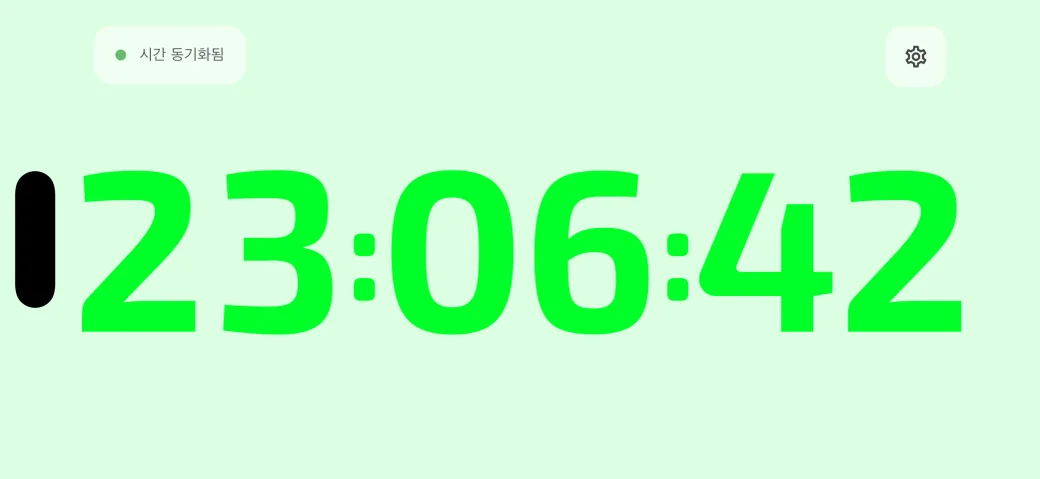
Tentang
Pengembang belum menyediakan teks ini dalam bahasa Anda.
Are you recording your work, study, or creative process?
Meet Timelapse Clock, the most perfect clock for timelapse filming.
Have you ever been distracted by unnecessary ads, the screen turning off during filming, or accidental touches breaking your focus?
Timelapse Clock was created to solve all of those inconveniences.
This app is not just a simple clock—it's a filming-dedicated tool designed to ensure your valuable recordings are never disturbed.
- Highly recommended for:
* Creators, developers, and designers who record their work process such as coding, drawing, or assembling as timelapse videos
* Students, exam takers, and study groups who want to boost motivation and concentration by filming their study sessions
* Anyone who needs a clean and beautiful digital desk clock without complicated features
- Core features designed solely for focus
[1. 100% ad-free clean environment]
No ads, banners, or pop-ups. From launch to the end of recording, only the time is displayed. Your focus is our top priority.
[2. Prevents the screen from turning off during filming]
The screen stays awake until recording is finished. Even long sessions will not be interrupted.
[3. OLED burn-in prevention]
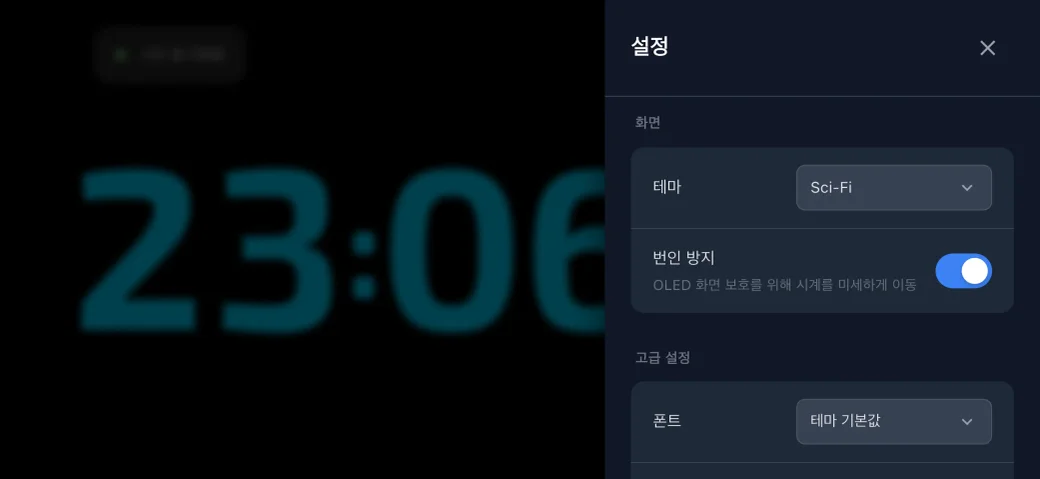
To minimize burn-in from long static display, the clock digits move subtly and continuously. Protect your device during extended use.
[4. Design optimized for filming]
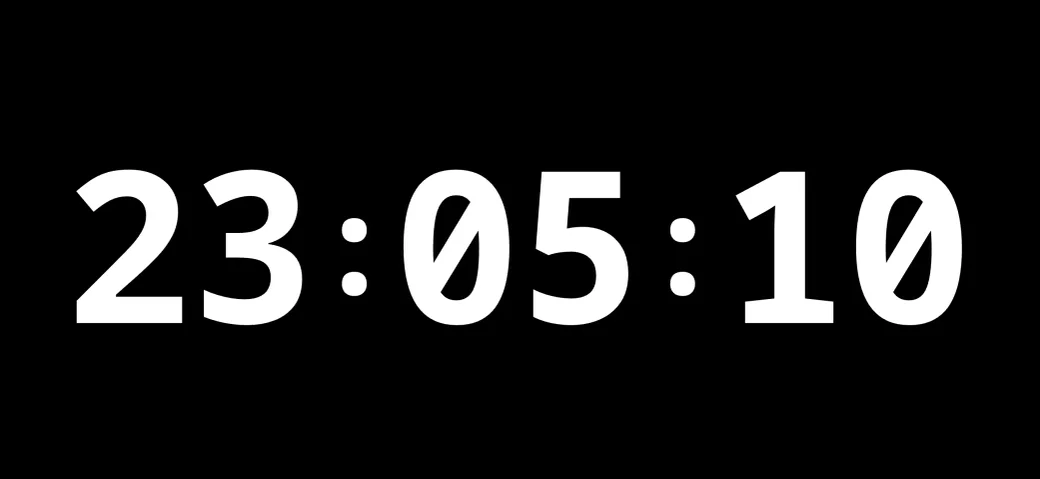
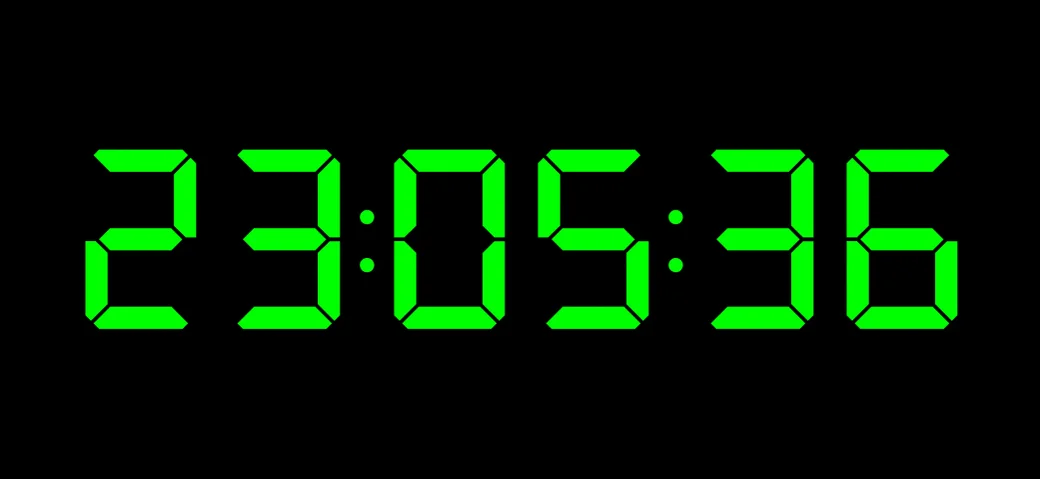
Fonts, colors, and layouts are tuned to stay clear from any angle and on any device. Supports both dark mode and light mode.
[5. Free customization]
Choose whether to show seconds, switch between 12/24-hour formats, and select various date formats such as YYYY.MM.DD or M/D (ddd).
- Our promise
Timelapse Clock prioritizes your focus and the value of your recordings. We do not add unnecessary features, track personal data, or monetize through ads.
We provide a pure tool dedicated to your purpose.
Download Timelapse Clock now and record every precious moment without interruption.
Yang baru
Versi 1.0.2 · 12/12/2025
- We've improved overall app stability and internal performance
- We've also fixed several minor bugs
Privasi aplikasi
Yang dinyatakan Groundcode di App Store tentang cara aplikasi ini menangani data.
-
Data tidak dikumpulkan
Pengembang tidak mengumpulkan data apa pun dari aplikasi ini.
Praktik privasi dapat bervariasi, misalnya berdasarkan fitur yang Anda gunakan atau usia Anda.
Informasi
- Penjual
- Groundcode
- Kategori
- Kegunaan
- Versi
- 1.0.2
- Diperbarui
- 12/12/2025
- Dirilis
- 8/12/2025
- Ukuran
- 18,3 MB
- Memerlukan
- iOS 13.0 atau yang lebih baru
- Batasan usia
- 4+
- Harga
- Gratis
- Bahasa
- Jepang, Tionghoa Sederhana, Inggris, Korea
- Hak cipta
- © Groundcode
Mungkin Anda juga suka
-
 Flux Clock - Nikmati PerubahanJam Minimalis & Timer Fokus
-
 WorkLapseKegunaan
-
 Flip Clock - Timer & FocusKegunaan
-
 Desket -Weather Calendar ClockKegunaan
-
 Mooas LEDKegunaan
-
 CHALLNA: Precise Server ClockKegunaan
-
 RetroClock-desktop time dialKegunaan
-
 Super Simple Timer - No AdsKegunaan
-
 큰 시계Kegunaan
-
 SimpleStopWatchKegunaan