Fullscreen Timelapse Clock
Ad-free clock for creators
Designed for iPhone, iPad, iPod touch
- Age rating4+
- CategoryUtilities
- DeveloperGroundcode
- LanguagesJapanese+ 3 more
- Size18.3 MB
Links to the official App Store page
Download.org hosts no file of Fullscreen Timelapse Clock. The button opens its official App Store page, published by Groundcode. Listing last checked on Nov 12, 2026.
Screenshots


About
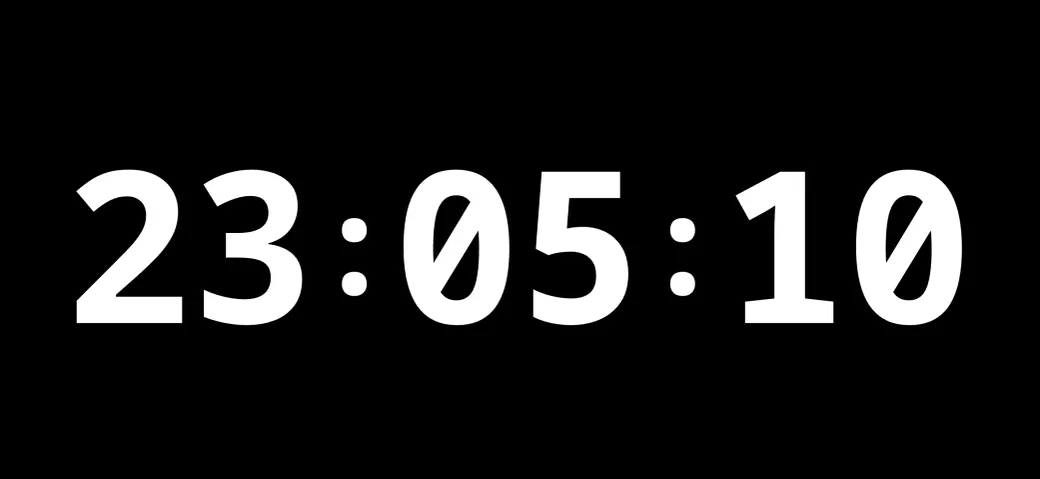
Are you recording your work, study, or creative process?
Meet Timelapse Clock, the most perfect clock for timelapse filming.
Have you ever been distracted by unnecessary ads, the screen turning off during filming, or accidental touches breaking your focus?
Timelapse Clock was created to solve all of those inconveniences.
This app is not just a simple clock—it's a filming-dedicated tool designed to ensure your valuable recordings are never disturbed.
- Highly recommended for:
* Creators, developers, and designers who record their work process such as coding, drawing, or assembling as timelapse videos
* Students, exam takers, and study groups who want to boost motivation and concentration by filming their study sessions
* Anyone who needs a clean and beautiful digital desk clock without complicated features
- Core features designed solely for focus
[1. 100% ad-free clean environment]
No ads, banners, or pop-ups. From launch to the end of recording, only the time is displayed. Your focus is our top priority.
[2. Prevents the screen from turning off during filming]
The screen stays awake until recording is finished. Even long sessions will not be interrupted.
[3. OLED burn-in prevention]
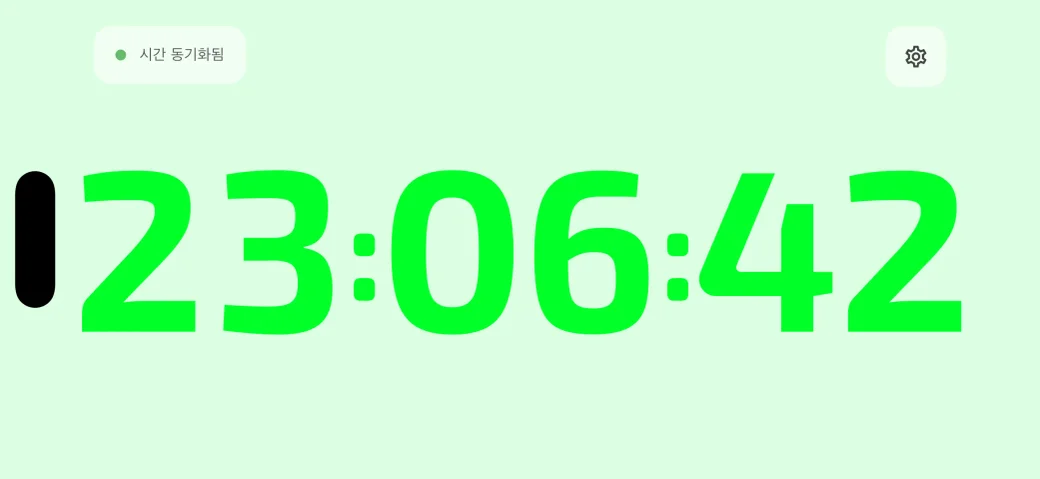
To minimize burn-in from long static display, the clock digits move subtly and continuously. Protect your device during extended use.
[4. Design optimized for filming]
Fonts, colors, and layouts are tuned to stay clear from any angle and on any device. Supports both dark mode and light mode.
[5. Free customization]
Choose whether to show seconds, switch between 12/24-hour formats, and select various date formats such as YYYY.MM.DD or M/D (ddd).
- Our promise
Timelapse Clock prioritizes your focus and the value of your recordings. We do not add unnecessary features, track personal data, or monetize through ads.
We provide a pure tool dedicated to your purpose.
Download Timelapse Clock now and record every precious moment without interruption.
What’s new
Version 1.0.2 · Dec 12, 2025
- We've improved overall app stability and internal performance
- We've also fixed several minor bugs
App privacy
What Groundcode declares on the App Store about how this app handles data.
-
Data not collected
The developer does not collect any data from this app.
Privacy practices may vary, for example with the features you use or your age.
Information
- Seller
- Groundcode
- Category
- Utilities
- Version
- 1.0.2
- Updated
- Dec 12, 2025
- Released
- Dec 8, 2025
- Size
- 18.3 MB
- Requires
- iOS 13.0 or later
- Age rating
- 4+
- Languages
- Japanese, Simplified Chinese, English, Korean
- Copyright
- © Groundcode
You might also like
-
 Flux Clock - Beauty in FluxMinimalist Clock & Focus Timer
-
 WorkLapseUtilities
-
 Flip Clock - Timer & FocusPomodoro·Stopwatch·Alarm·Focus
-
 Desket -Weather Calendar ClockPerfect desk mate time weather
-
 Mooas LEDUtilities
-
 CHALLNA: Precise Server ClockZero Lag, Perfect Timing
-
 RetroClock-desktop time dialdigital led display
-
 Super Simple Timer - No AdsNo Setup, Quick Count Up
-
 큰 시계Utilities
-
 SimpleStopWatchUtilities