
- Batasan usia4+
- KategoriMedis
- PengembangLinsay Associates, LLC
- BahasaInggris
- Ukuran1,3 MB
Tertaut ke halaman resmi App Store
Download.org tidak menyimpan file HemiStim apa pun. Tombol ini membuka halaman aplikasi di App Store, tempat Linsay Associates, LLC menerbitkannya. Halaman terakhir diperiksa pada 15/11/2026.
Tangkapan layar

Tentang
Pengembang belum menyediakan teks ini dalam bahasa Anda.
Hemistim can be used as a visual stimulation of areas of the frontal, parietal, occipital, and temporal lobes hemispherically. It is a specific brain stimulation which is rarely used in conjunction with other treatments but can be used as a portion of a home-based program or an office-based program. Such usage may lead to improved hemispheric connectivity specific, targeted areas of the brain and its connections to the parietal/temporal or frontal cortices.
Hemistim provides a visual stimulation through utilizing color patterns and eye tracking that can be used for specific left or right visual exercise. The stimulus is recognized and interpreted by the contralateral (opposite) occipital lobe. Pursuit and saccadic eye movements are created by targeting on the moving object. Pursuit away from and saccade towards the alternating squares are initiated by the ipsilateral (same side) parietal and frontal cortex, respectively. This gives the doctor the ability to work the frontal, parietal, occipital, and temporal lobes hemispherically.
HemStim is easy to use.
Swipe left or right to select a different colored pattern. Multiple patterns are available.
Tap a pattern to make it begin blinking. The pattern will blink until the timer stops it.
Double tapping the pattern will also make it stop.
The blink rate and timer can be changed using the sliders.
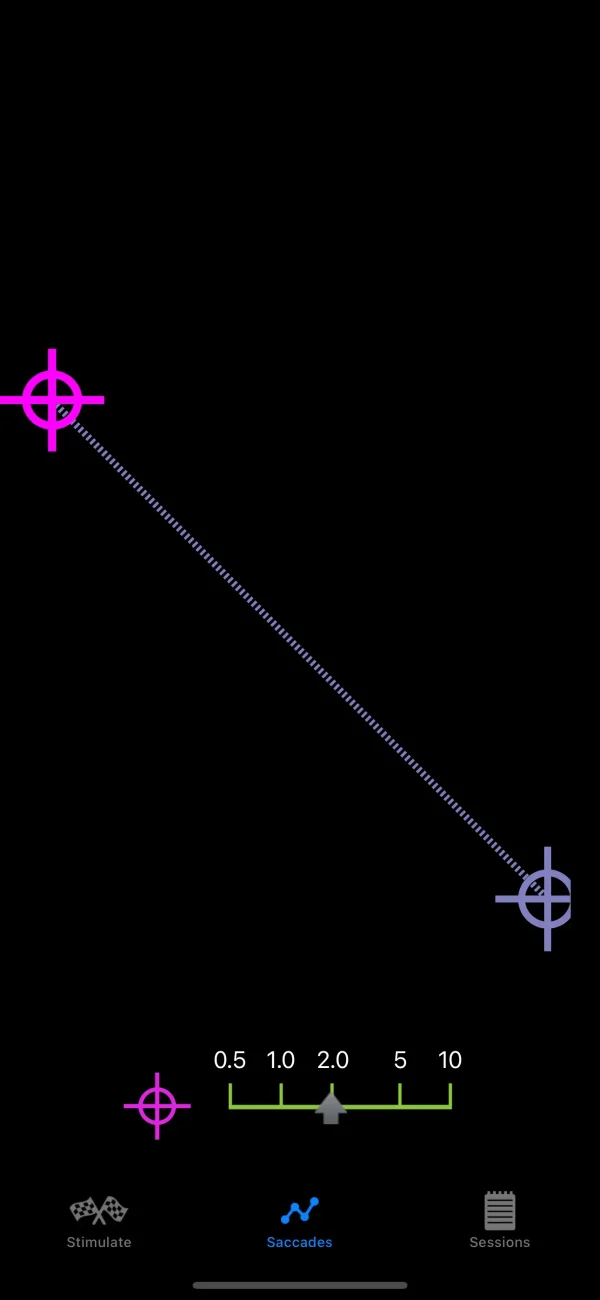
Target motion is controlled by the tapping the small target to the right of the speed control. Choose among no motion, saccade, and pursuit by successive taps on the small target. Exterior motion is indicated by purple arrows on the target and interior motion by white arrows.
The new Saccades screen only displays target motion.
Drag the purple target with one finger to set the direction and length of its motion.
Tap the screen once simultaneously with two fingers to switch between saccades, a dashed line, and pursuits, a solid line.
Tap the screen once with one finger to start the saccades or pursuits.
Double tap the screen with one finger to stop the target motion.
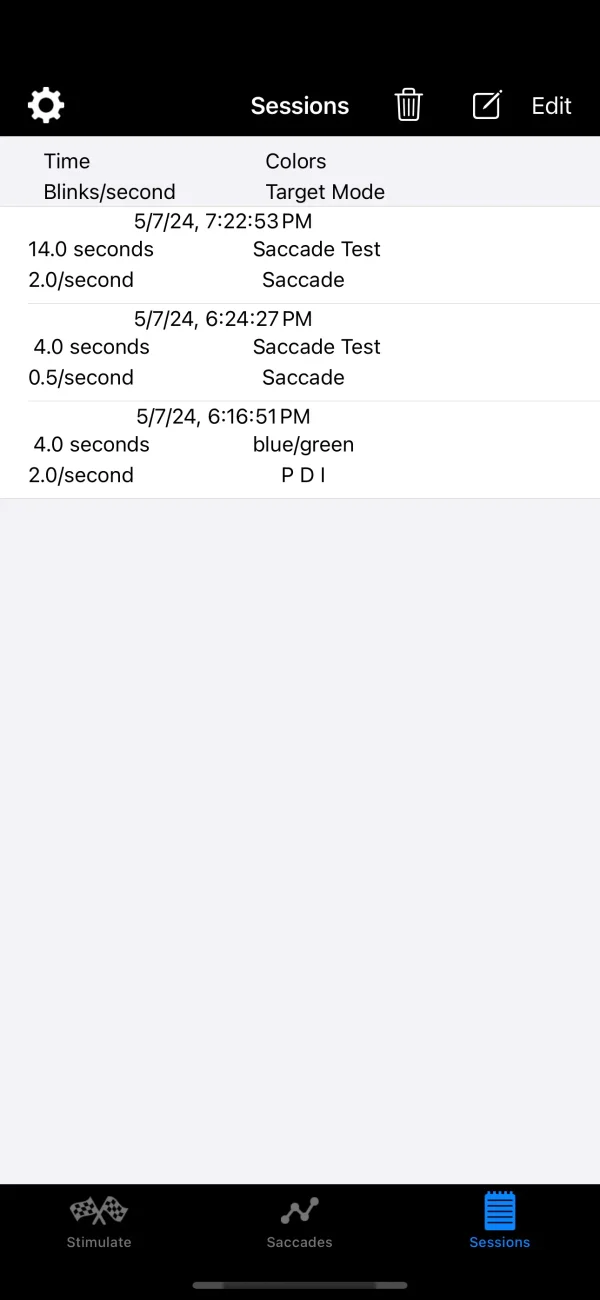
HemiStim automatically tracks therapy sessions, recording all pertinent information about each one. Maintain close communication between clinician and patient via email.
Yang baru
Versi 1.4.4 · 8/5/2024
HemiStim has been updated to work with iOS 17
Privasi aplikasi
Yang dinyatakan Linsay Associates, LLC di App Store tentang cara aplikasi ini menangani data.
-
Data tidak dikumpulkan
Pengembang tidak mengumpulkan data apa pun dari aplikasi ini.
Praktik privasi dapat bervariasi, misalnya berdasarkan fitur yang Anda gunakan atau usia Anda.
Informasi
- Penjual
- Linsay Associates, LLC
- Kategori
- Medis
- Versi
- 1.4.4
- Diperbarui
- 8/5/2024
- Dirilis
- 28/4/2012
- Ukuran
- 1,3 MB
- Memerlukan
- iOS 12.0 atau yang lebih baru
- Batasan usia
- 4+
- Harga
- Rp 199ribu
- Bahasa
- Inggris
- Hak cipta
- © 2012- Linsay Associates, LLC
Mungkin Anda juga suka
-
 Focus Builder ProMedis
-
 OKN Drum: OptokineticNystagmus gerakan mata
-
 Visual Attention TherapyMedis
-
 OmnipemfKesehatan & Kebugaran
-
 Visual Attention Therapy LiteMedis
-
 Optics Trainer: Mata & OtakLatihan Visual & Game Otak
-
 Vision Workout : Eye TrainingMedis
-
 SwitchedOn - Reaction TrainingKesehatan & Kebugaran
-
 BlazePodKesehatan & Kebugaran
-
 BrainHQKesehatan & Kebugaran