
- 対象年齢4+
- カテゴリメディカル
- 開発元Linsay Associates, LLC
- 言語英語
- サイズ1.3 MB
App Storeの公式ページにリンクしています
Download.orgはHemiStimのファイルを一切ホストしていません。ボタンを押すと、Linsay Associates, LLCが公開しているApp Storeのアプリページが開きます。ページの最終確認:2026/11/15。
スクリーンショット

概要
開発元はこのテキストをお使いの言語で提供していません。
Hemistim can be used as a visual stimulation of areas of the frontal, parietal, occipital, and temporal lobes hemispherically. It is a specific brain stimulation which is rarely used in conjunction with other treatments but can be used as a portion of a home-based program or an office-based program. Such usage may lead to improved hemispheric connectivity specific, targeted areas of the brain and its connections to the parietal/temporal or frontal cortices.
Hemistim provides a visual stimulation through utilizing color patterns and eye tracking that can be used for specific left or right visual exercise. The stimulus is recognized and interpreted by the contralateral (opposite) occipital lobe. Pursuit and saccadic eye movements are created by targeting on the moving object. Pursuit away from and saccade towards the alternating squares are initiated by the ipsilateral (same side) parietal and frontal cortex, respectively. This gives the doctor the ability to work the frontal, parietal, occipital, and temporal lobes hemispherically.
HemStim is easy to use.
Swipe left or right to select a different colored pattern. Multiple patterns are available.
Tap a pattern to make it begin blinking. The pattern will blink until the timer stops it.
Double tapping the pattern will also make it stop.
The blink rate and timer can be changed using the sliders.
Target motion is controlled by the tapping the small target to the right of the speed control. Choose among no motion, saccade, and pursuit by successive taps on the small target. Exterior motion is indicated by purple arrows on the target and interior motion by white arrows.
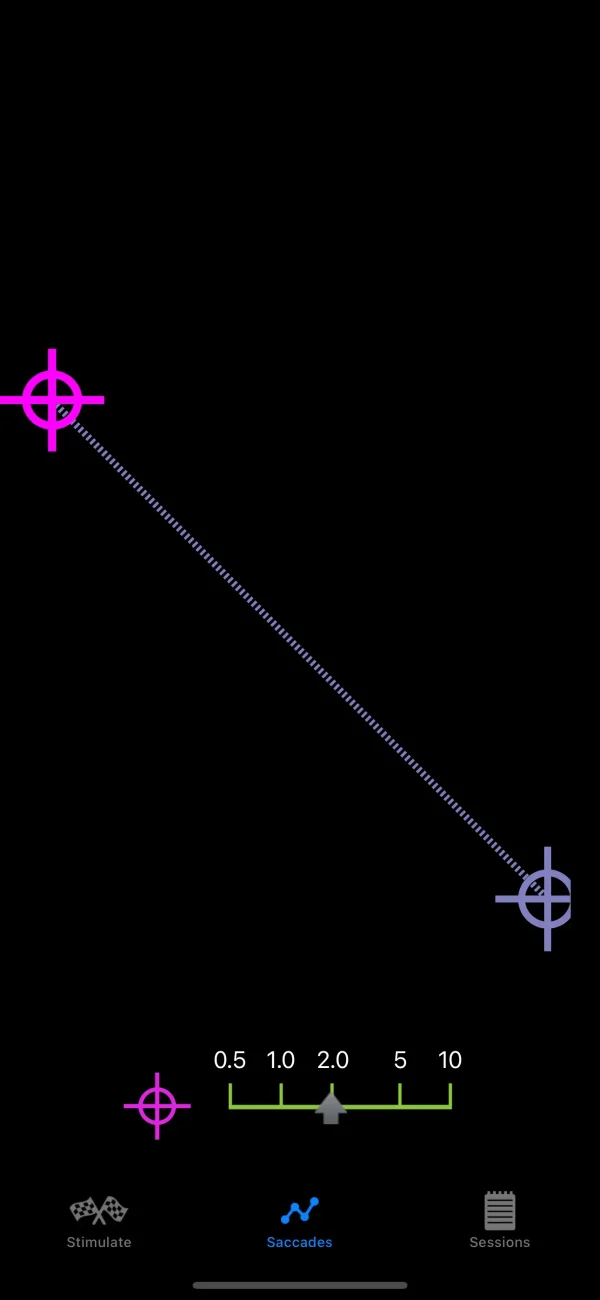
The new Saccades screen only displays target motion.
Drag the purple target with one finger to set the direction and length of its motion.
Tap the screen once simultaneously with two fingers to switch between saccades, a dashed line, and pursuits, a solid line.
Tap the screen once with one finger to start the saccades or pursuits.
Double tap the screen with one finger to stop the target motion.
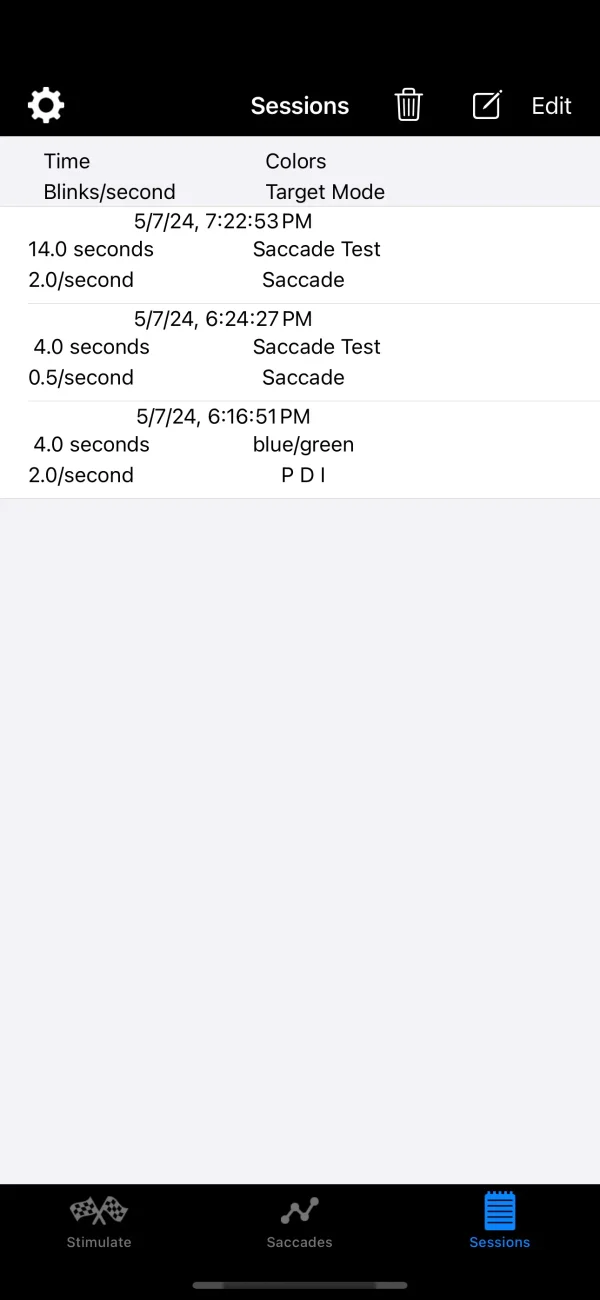
HemiStim automatically tracks therapy sessions, recording all pertinent information about each one. Maintain close communication between clinician and patient via email.
新機能
バージョン 1.4.4 · 2024/5/8
HemiStim has been updated to work with iOS 17
アプリのプライバシー
このアプリのデータの取り扱いについて、Linsay Associates, LLCがApp Storeで申告している内容です。
-
データの収集なし
開発元はこのアプリからデータを収集しません。
プライバシーの取り扱いは、ご利用の機能やお客様の年齢などに応じて異なる場合があります。
情報
- 販売元
- Linsay Associates, LLC
- カテゴリ
- メディカル
- バージョン
- 1.4.4
- 更新日
- 2024/5/8
- リリース
- 2012/4/28
- サイズ
- 1.3 MB
- 必要条件
- iOS 12.0以降
- 対象年齢
- 4+
- 価格
- ¥1,500
- 言語
- 英語
- 著作権
- © 2012- Linsay Associates, LLC
こちらもおすすめ
-
 Focus Builder Proメディカル
-
 OKN Drum: OptokineticNystagmus 眼振 視運動性
-
 Visual Attention Therapyメディカル
-
 Omnipemfヘルスケア/フィットネス
-
 Visual Attention Therapy Liteメディカル
-
 Optics Trainer: 視覚と脳のトレーニングビジョントレーニング&脳トレ
-
 THE眼球トレーニング〜見るだけ動体視力アップ〜動体視力、反射神経、エイムを鍛えるトレーニング
-
 SwitchedOn - Reaction Trainingヘルスケア/フィットネス
-
 BlazePodヘルスケア/フィットネス
-
 ブレインHQヘルスケア/フィットネス