
HTML Editor: Code & Preview
CSS, JavaScript & Web Lessons
Dirancang untuk iPhone, iPad, iPod touch
Gratis · Pembelian dalam aplikasi
- Batasan usia4+
- KategoriPendidikan
- PengembangMerbin Joe
- BahasaInggris
- Ukuran31,0 MB
Tertaut ke halaman resmi App Store
Download.org tidak menyimpan file HTML Editor: Code & Preview apa pun. Tombol ini membuka halaman aplikasi di App Store, tempat Merbin Joe menerbitkannya. Halaman terakhir diperiksa pada 17/11/2026.
Tangkapan layar

Tentang
Pengembang belum menyediakan teks ini dalam bahasa Anda.
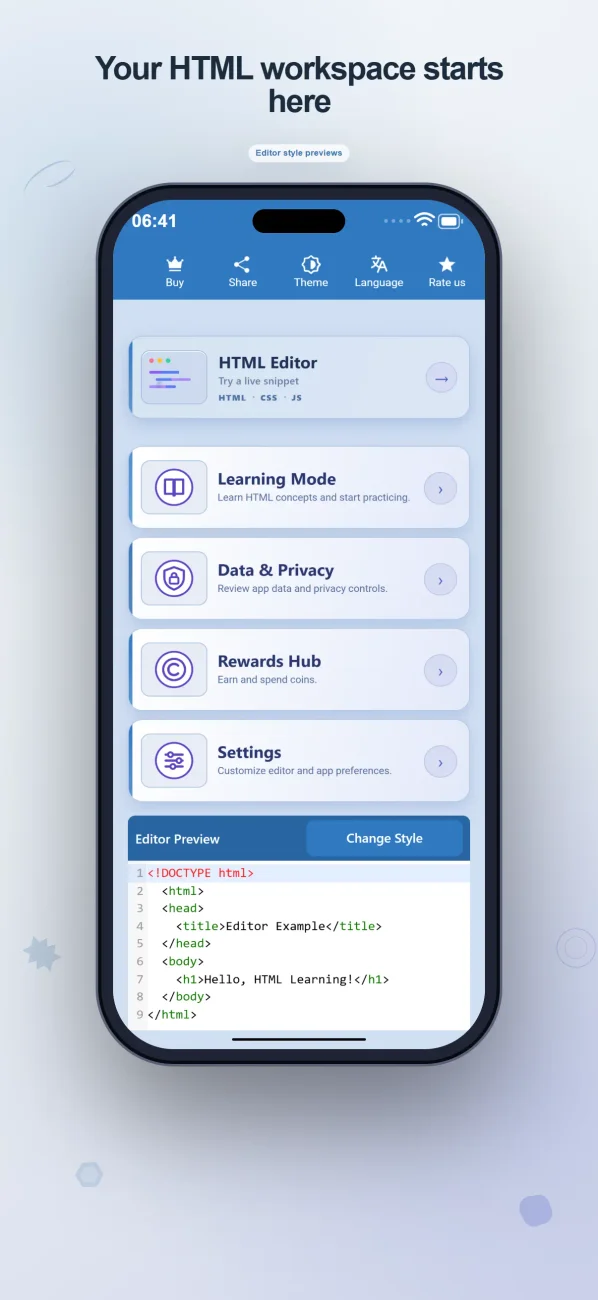
Build understanding while you build a page. HTML Editor combines a mobile coding workspace, an in-app result view, and short web-development lessons, so you can move from an explanation to an experiment without losing your place.
Start with an HTML document and include CSS styles or JavaScript in the same page. Use it to explore a layout, test a small interaction, or revisit a concept from a class. The app is designed around editing and trying snippets rather than asking you to set up a separate development environment.
SEE WHAT YOUR CHANGES DO
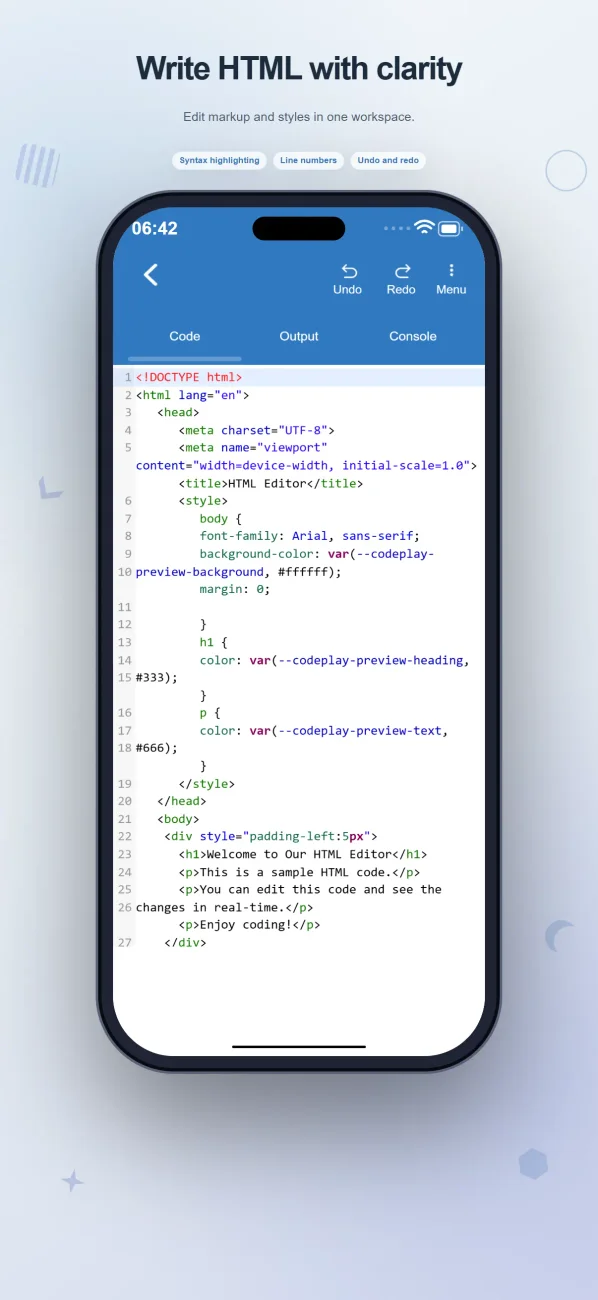
Switch from Code to Output to render the current document. Automatic refresh can update the preview as you edit; you can disable it when that better suits your workflow. Select a phone, tablet, or desktop preview width to examine how the content fits. The Console tab displays messages from the page's scripts, giving you another way to understand the result.
EDIT WITH PRACTICAL TOOLS
Syntax highlighting and bracket matching make code easier to follow. Automatic closing helps with paired characters, while undo and redo let you revisit edits. Find text or go to a line to navigate a longer document. A coding symbol toolbar provides quick access to punctuation used in tags and expressions. Adjust the font size and choose whether to display line numbers.
FOLLOW A LEARNING PATH THAT FITS YOUR QUESTION
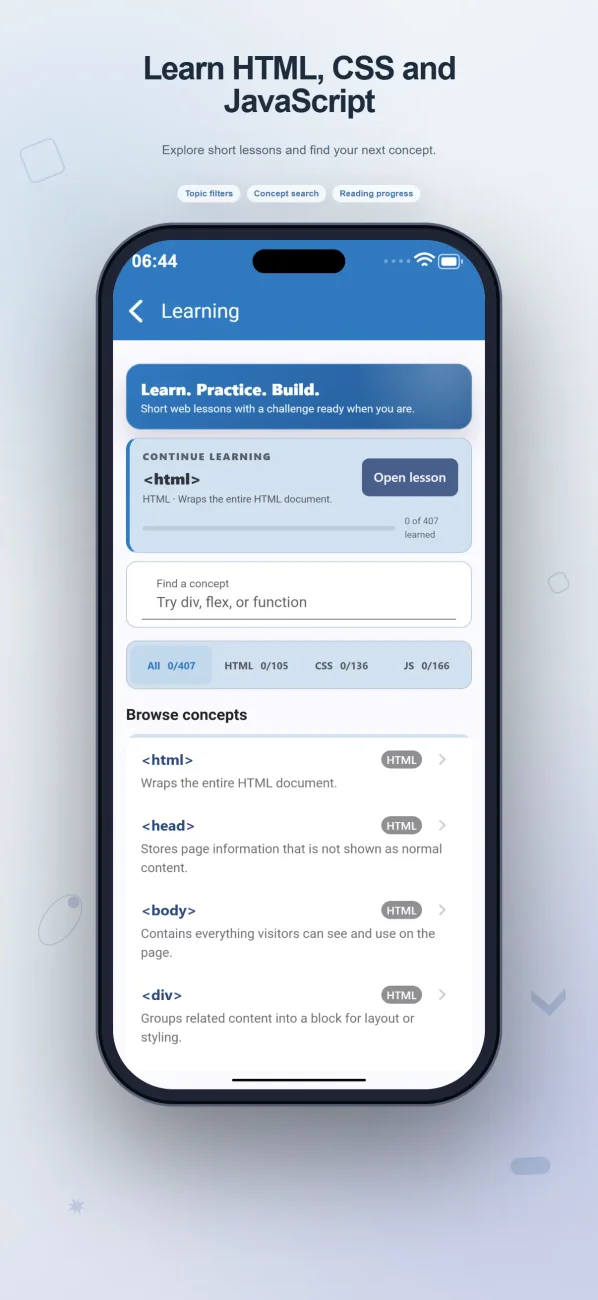
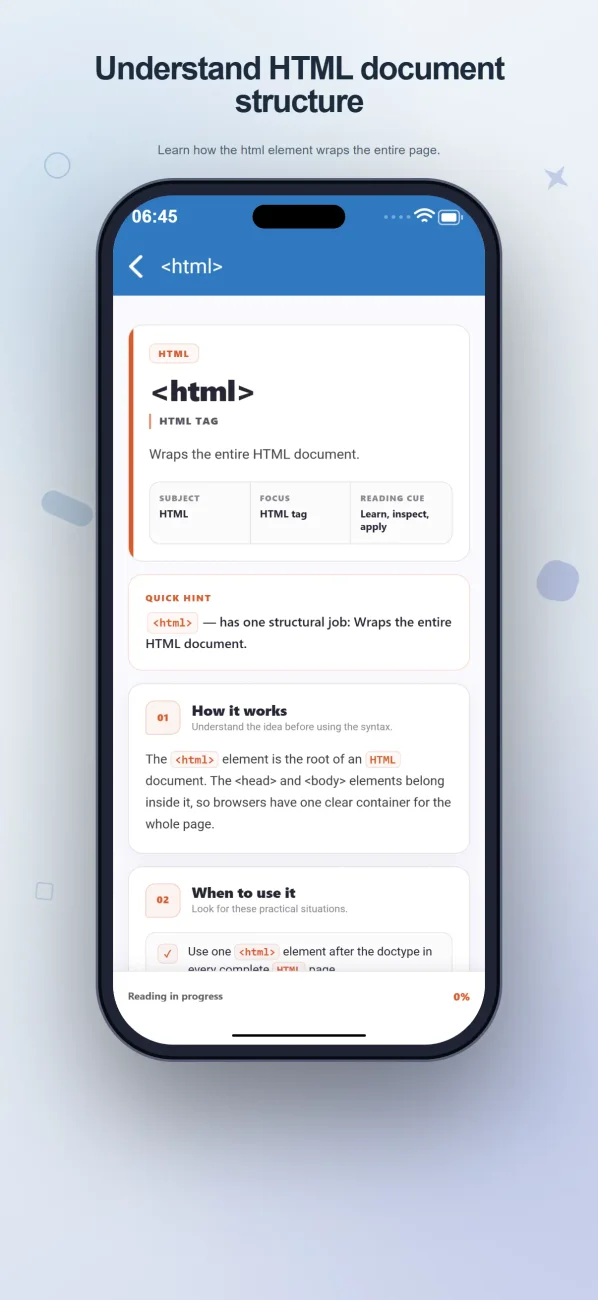
Learning Mode contains HTML, CSS, and JavaScript concepts. Search for a topic or narrow the list by subject. Open a lesson to read how the concept works, when to use it, and which common pitfalls to watch for. A quick hint, code example, and walkthrough support the explanation.
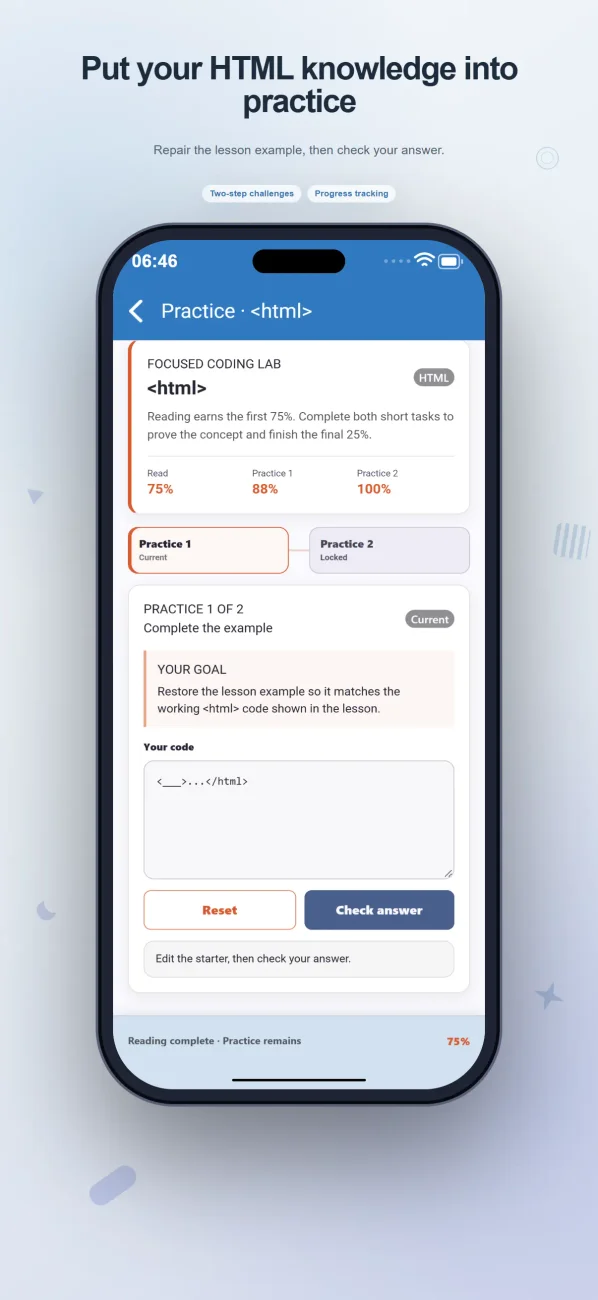
Practice turns reading into a small task. First complete the lesson example, then write another snippet that applies the idea. Check your answer for feedback and use Reset to restore the starter. Completing the first task unlocks the second. Your reading and practice progress are stored locally, helping you choose what to revisit next.
SAVE A DOCUMENT OR HAND OFF A SNIPPET
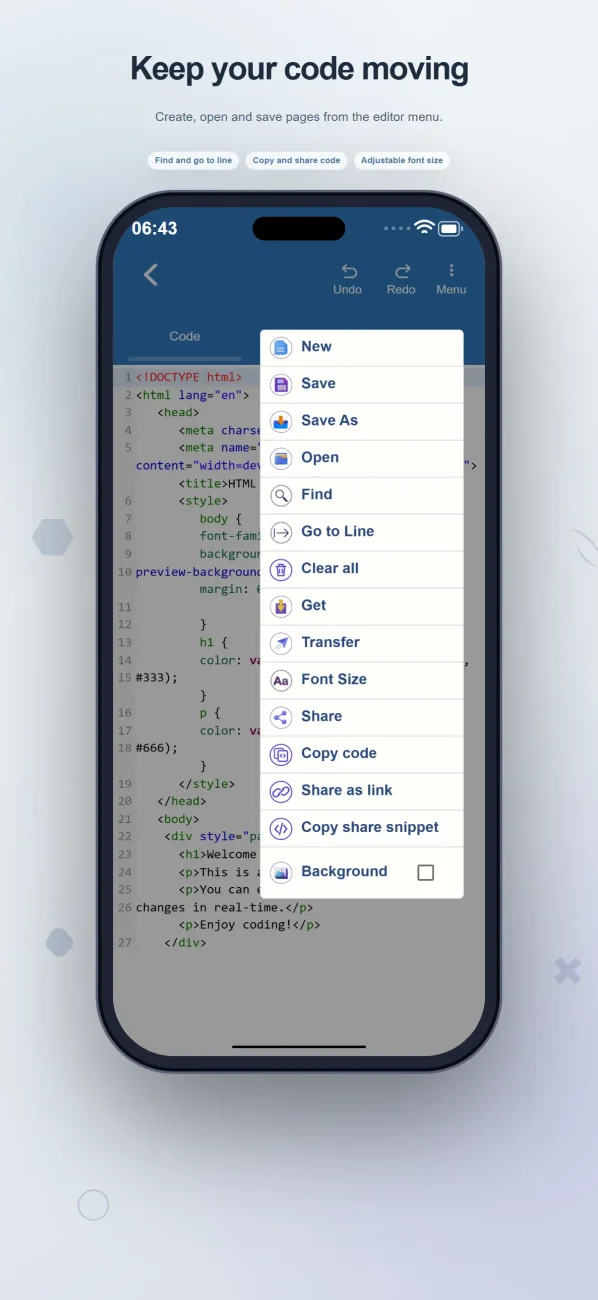
Create a new file, reopen saved HTML, and use Save or Save As to keep a document. File sharing lets you pass the HTML to another destination. Online transfer provides a code for the companion web editor, and the sharing tools can generate a link or copy transfer instructions. These online actions upload the current snippet and require connectivity.
YOUR WORKSPACE PREFERENCES
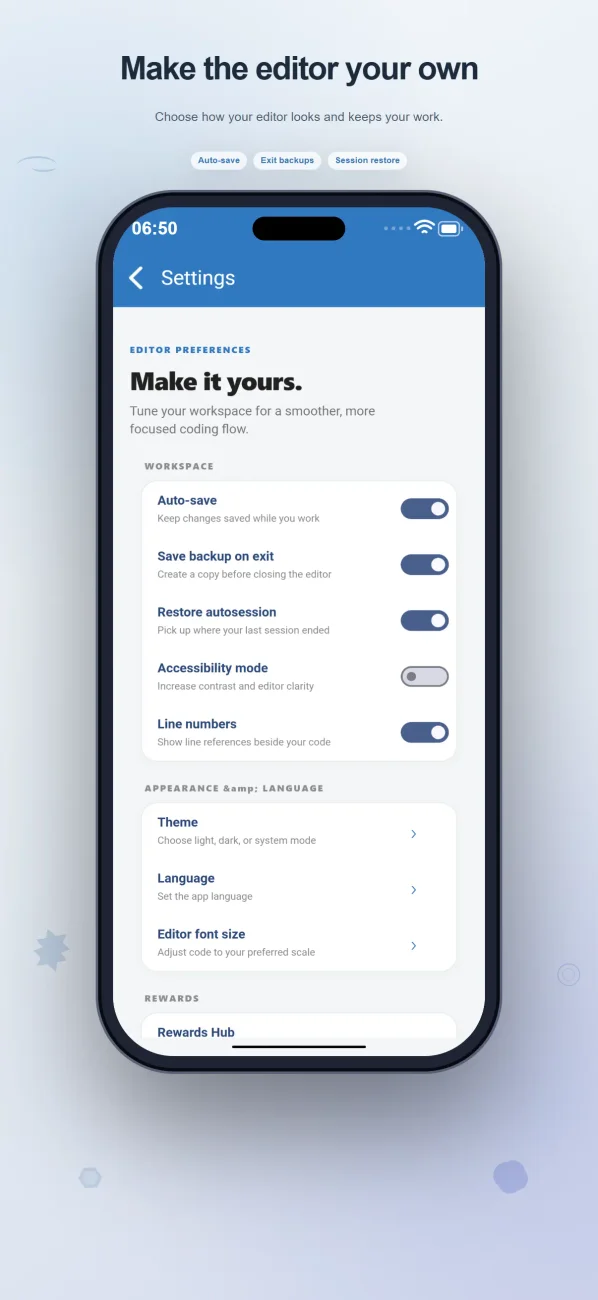
Choose light, dark, or system appearance and select an app language. Auto-save, backup on exit, session restoration, line numbers, and accessibility mode can be controlled in Settings. These options support the way you work, whether you are writing a short example or reviewing a saved page.
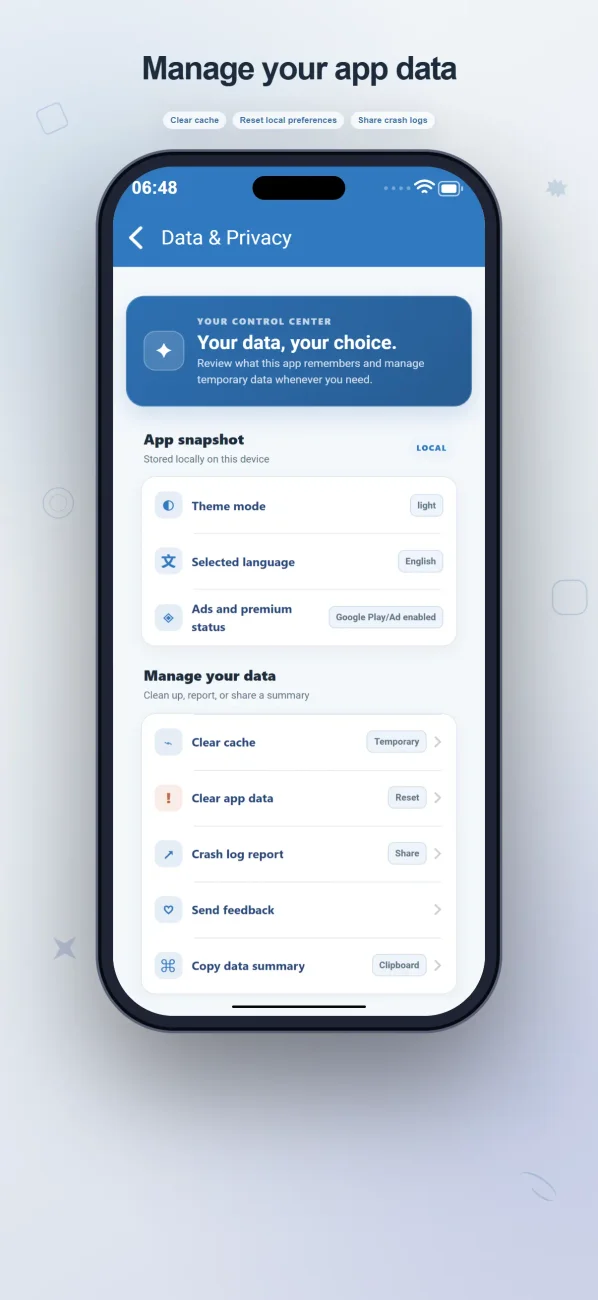
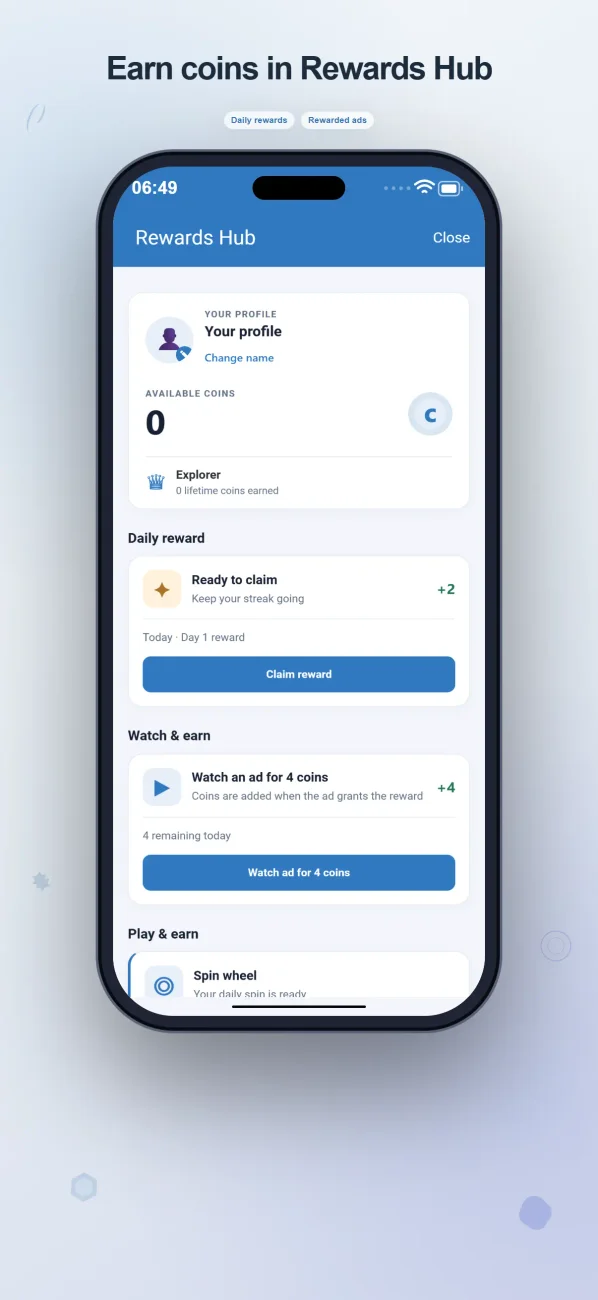
Drafts, progress, and workspace copies are local app data. Save valuable code to a file because clearing app data removes local state. Data & Privacy offers controls for temporary data and a full local reset. Optional Rewards Hub activities include daily claims and ad-based rewards; its coins are in-app items and have no cash value.
Self-contained code and bundled lessons can be used without an online service. Pages that reference remote resources, online transfers, and advertising need an internet connection. Optional in-app purchases are available.
Learn one idea, test it in a page, and keep the result for your next coding session.
Terms of Use
https://www.apple.com/legal/internet-services/itunes/dev/stdeula/
Yang baru
Versi 5.6 · 15/10/2026
Redesigned the entire app with a fresh look and improved navigation.
Added many new HTML, CSS, and JavaScript tutorials.
Added hands-on practice examples to help you learn by coding.
Privasi aplikasi
Yang dinyatakan Merbin Joe di App Store tentang cara aplikasi ini menangani data.
-
Data yang digunakan untuk melacak Anda
Dapat digunakan untuk melacak Anda di aplikasi dan situs web milik perusahaan lain.
- Pengenal
- Data penggunaan
-
Data yang tidak ditautkan dengan Anda
Dapat dikumpulkan, tetapi tidak ditautkan dengan identitas Anda.
- Pengenal
- Data penggunaan
Praktik privasi dapat bervariasi, misalnya berdasarkan fitur yang Anda gunakan atau usia Anda.
Informasi
- Penjual
- Merbin Joe
- Kategori
- Pendidikan
- Versi
- 5.6
- Diperbarui
- 15/10/2026
- Dirilis
- 21/1/2020
- Ukuran
- 31,0 MB
- Memerlukan
- iOS 15.0 atau yang lebih baru
- Batasan usia
- 4+
- Harga
- Gratis
- Pembelian dalam aplikasi
- Ya
- Bahasa
- Inggris
- Hak cipta
- © Codeplay
Mungkin Anda juga suka
-
 HTML Master: Code EditorPendidikan
-
 HTML CreatorPendidikan
-
 Visual Basic (VB.NET) CompilerPendidikan
-
 HTML5 BuilderPendidikan
-
 Jedona - Compiler for JavaPendidikan
-
 C/C++ Programming CompilerPendidikan
-
 Python Programming InterpreterPendidikan
-
 Python CompilerPendidikan
-
 Sedona - Compile Swift ProgramPendidikan
-
 C CompilerPendidikan