
HTML Editor: Code & Preview
CSS, JavaScript & Web Lessons
iPhone, iPad, iPod touch向けに設計
無料 · アプリ内課金
- 対象年齢4+
- カテゴリ教育
- 開発元Merbin Joe
- 言語英語
- サイズ31.0 MB
App Storeの公式ページにリンクしています
Download.orgはHTML Editor: Code & Previewのファイルを一切ホストしていません。ボタンを押すと、Merbin Joeが公開しているApp Storeのアプリページが開きます。ページの最終確認:2026/11/17。
スクリーンショット

概要
開発元はこのテキストをお使いの言語で提供していません。
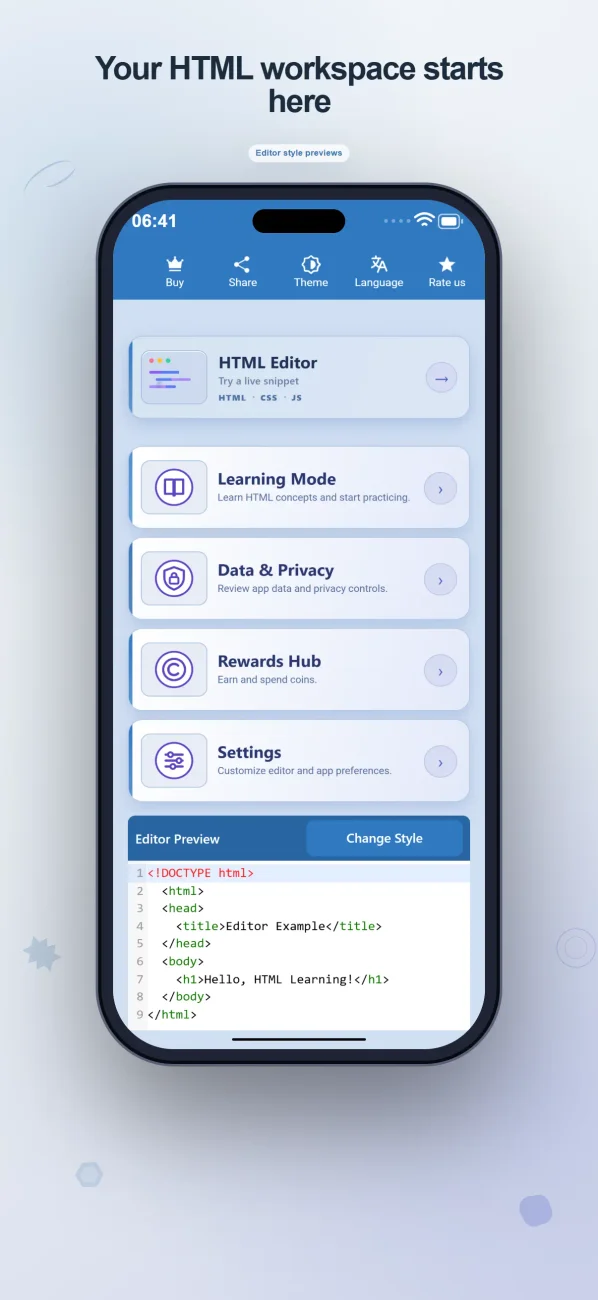
Build understanding while you build a page. HTML Editor combines a mobile coding workspace, an in-app result view, and short web-development lessons, so you can move from an explanation to an experiment without losing your place.
Start with an HTML document and include CSS styles or JavaScript in the same page. Use it to explore a layout, test a small interaction, or revisit a concept from a class. The app is designed around editing and trying snippets rather than asking you to set up a separate development environment.
SEE WHAT YOUR CHANGES DO
Switch from Code to Output to render the current document. Automatic refresh can update the preview as you edit; you can disable it when that better suits your workflow. Select a phone, tablet, or desktop preview width to examine how the content fits. The Console tab displays messages from the page's scripts, giving you another way to understand the result.
EDIT WITH PRACTICAL TOOLS
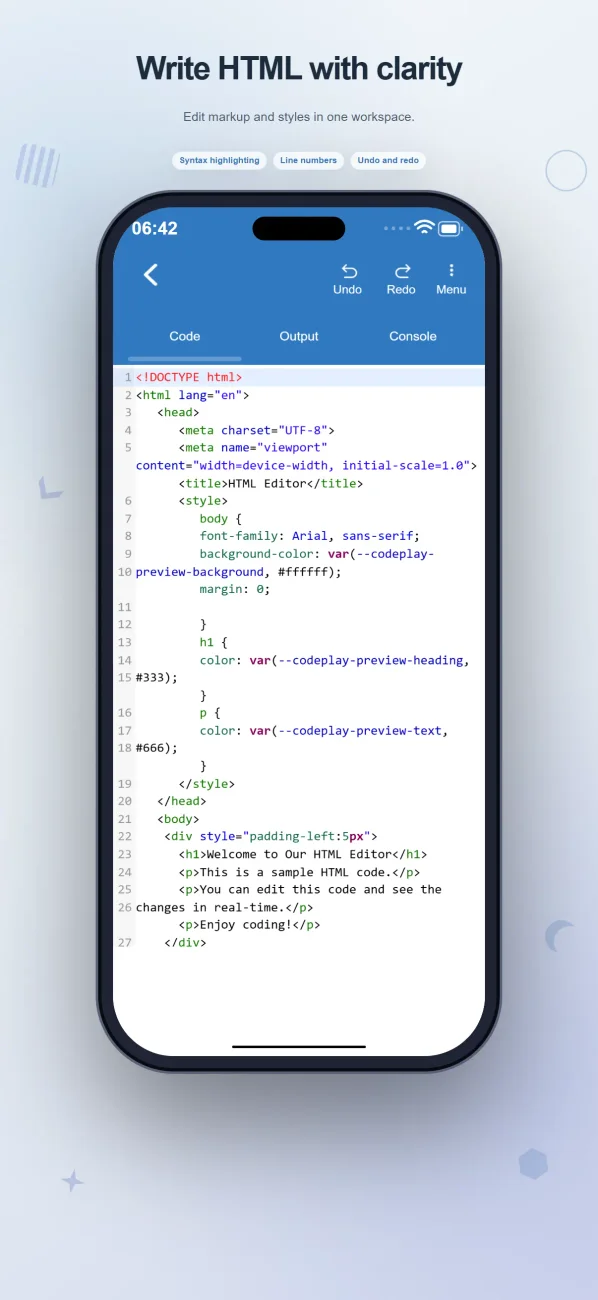
Syntax highlighting and bracket matching make code easier to follow. Automatic closing helps with paired characters, while undo and redo let you revisit edits. Find text or go to a line to navigate a longer document. A coding symbol toolbar provides quick access to punctuation used in tags and expressions. Adjust the font size and choose whether to display line numbers.
FOLLOW A LEARNING PATH THAT FITS YOUR QUESTION
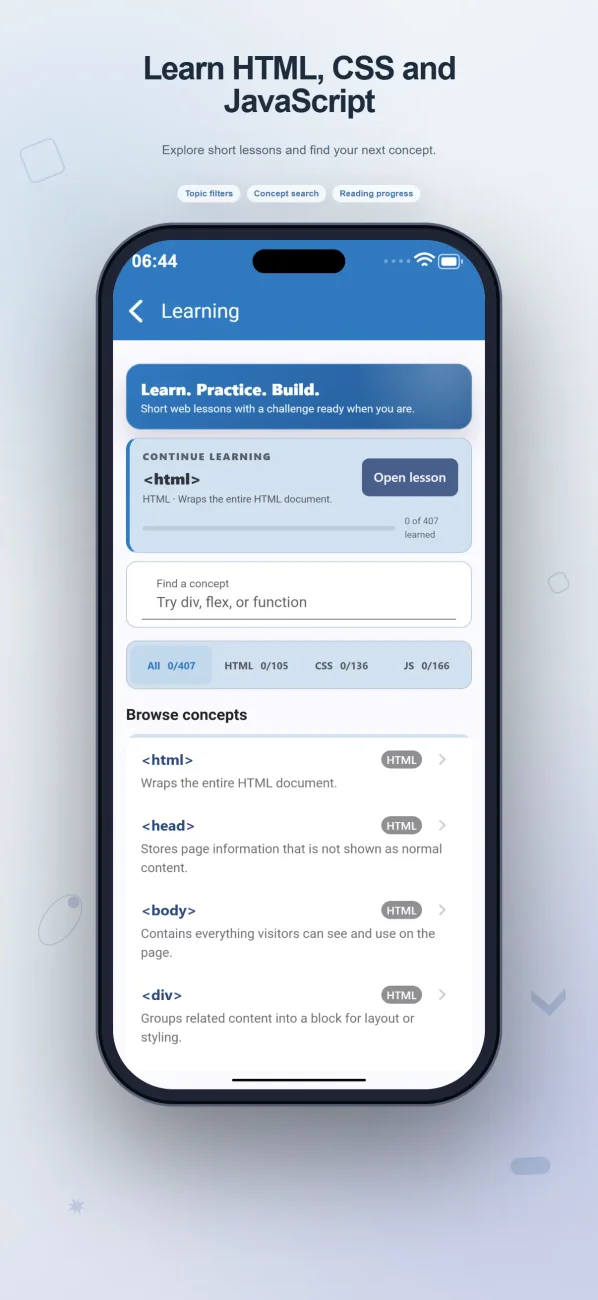
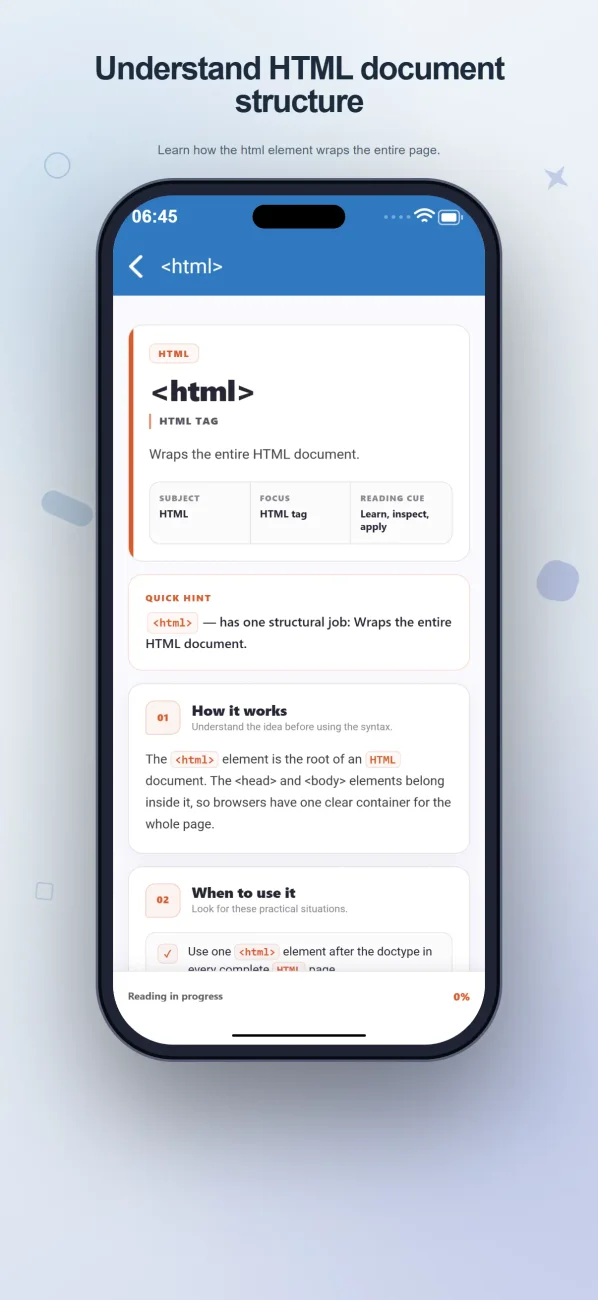
Learning Mode contains HTML, CSS, and JavaScript concepts. Search for a topic or narrow the list by subject. Open a lesson to read how the concept works, when to use it, and which common pitfalls to watch for. A quick hint, code example, and walkthrough support the explanation.
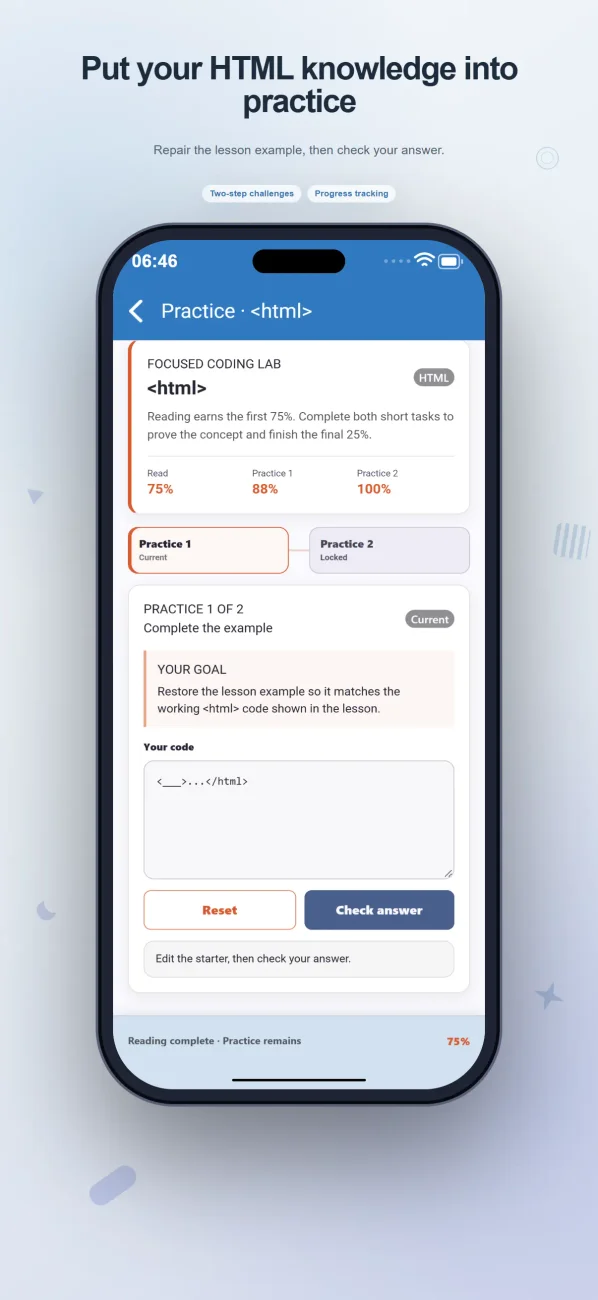
Practice turns reading into a small task. First complete the lesson example, then write another snippet that applies the idea. Check your answer for feedback and use Reset to restore the starter. Completing the first task unlocks the second. Your reading and practice progress are stored locally, helping you choose what to revisit next.
SAVE A DOCUMENT OR HAND OFF A SNIPPET
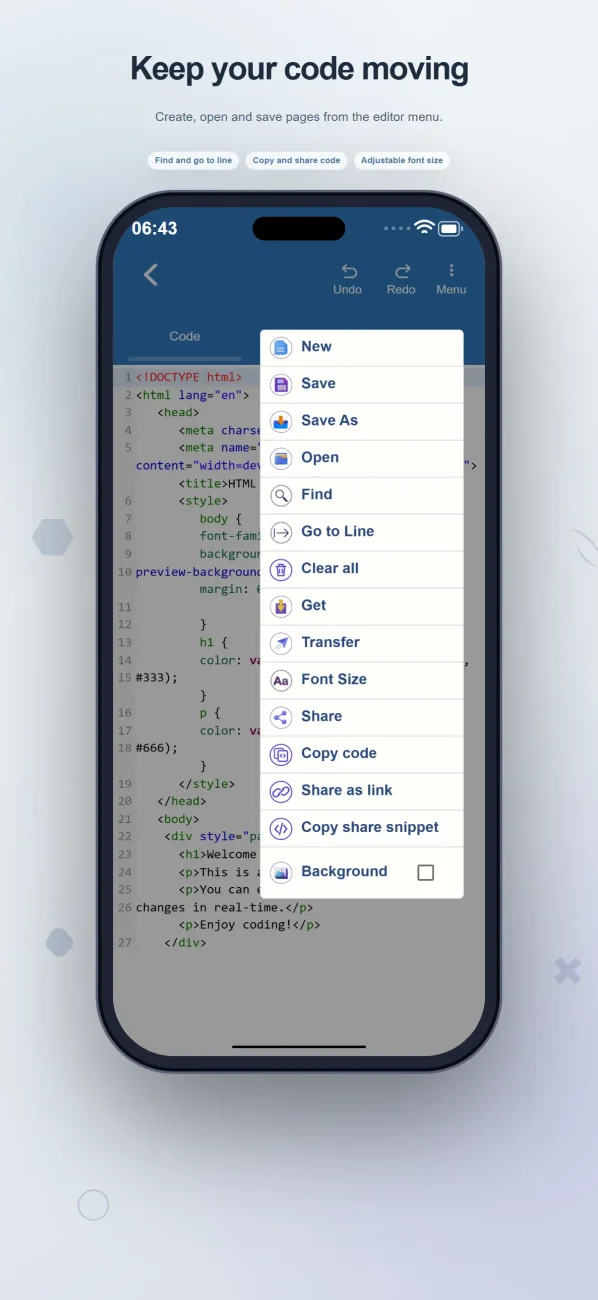
Create a new file, reopen saved HTML, and use Save or Save As to keep a document. File sharing lets you pass the HTML to another destination. Online transfer provides a code for the companion web editor, and the sharing tools can generate a link or copy transfer instructions. These online actions upload the current snippet and require connectivity.
YOUR WORKSPACE PREFERENCES
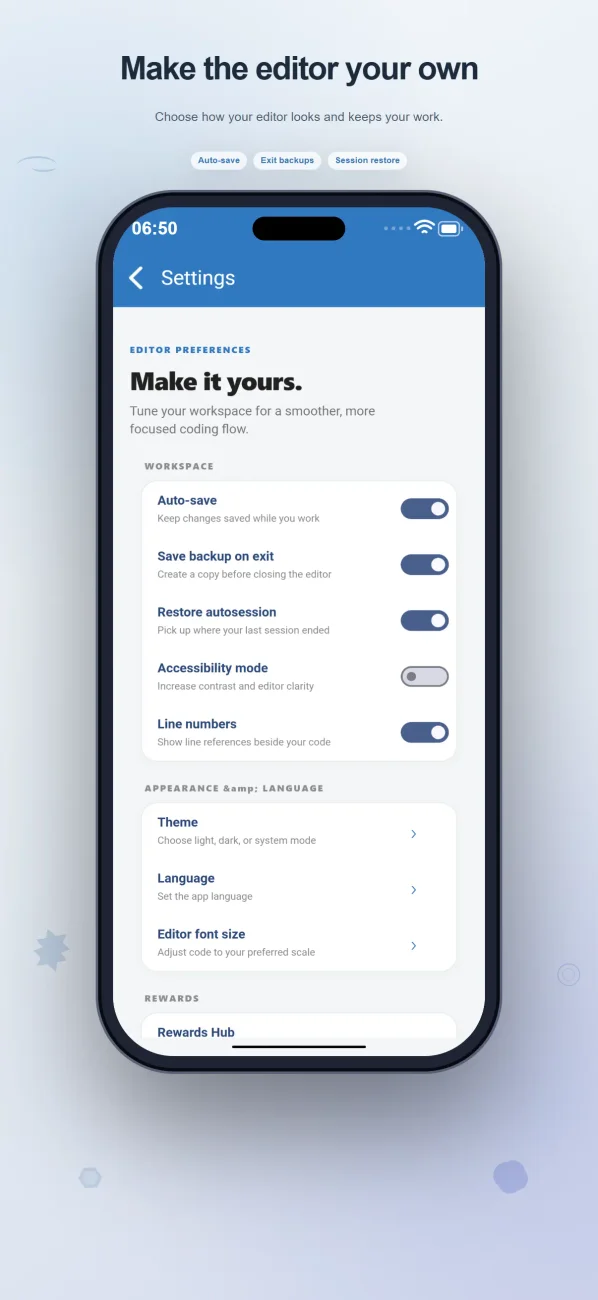
Choose light, dark, or system appearance and select an app language. Auto-save, backup on exit, session restoration, line numbers, and accessibility mode can be controlled in Settings. These options support the way you work, whether you are writing a short example or reviewing a saved page.
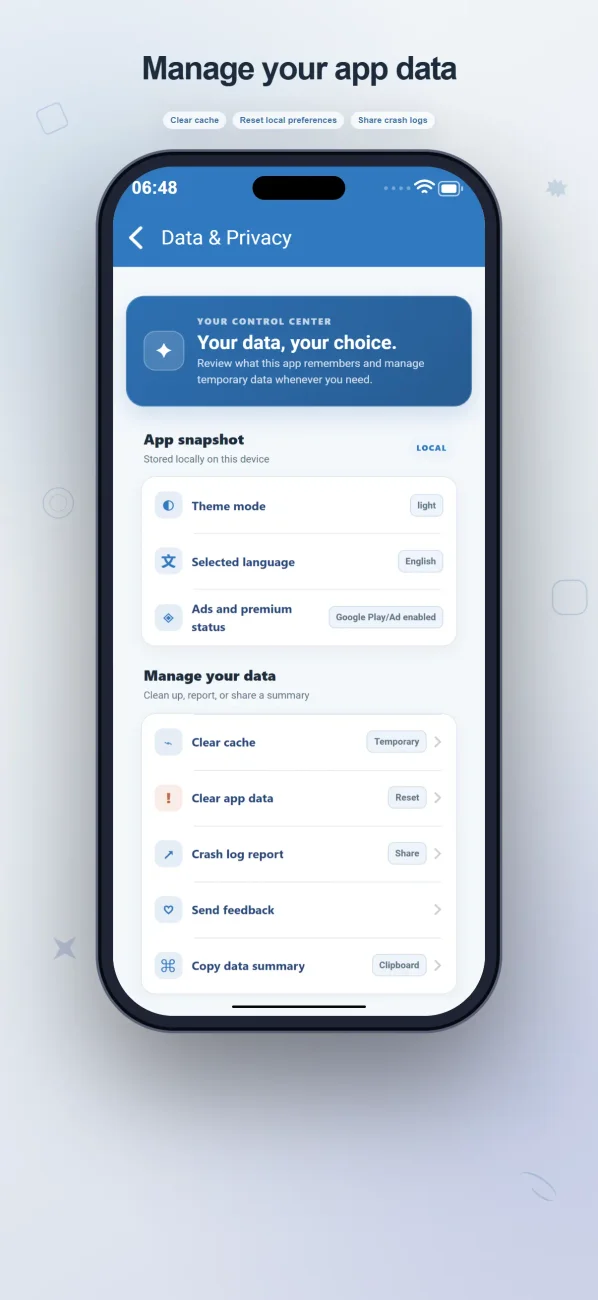
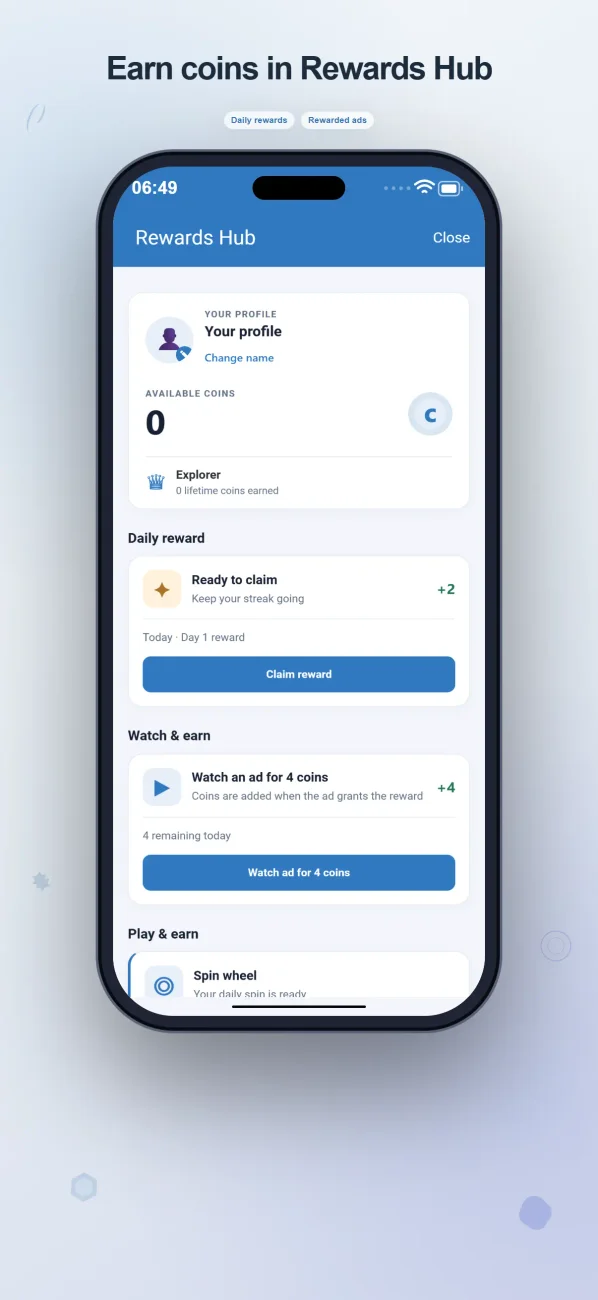
Drafts, progress, and workspace copies are local app data. Save valuable code to a file because clearing app data removes local state. Data & Privacy offers controls for temporary data and a full local reset. Optional Rewards Hub activities include daily claims and ad-based rewards; its coins are in-app items and have no cash value.
Self-contained code and bundled lessons can be used without an online service. Pages that reference remote resources, online transfers, and advertising need an internet connection. Optional in-app purchases are available.
Learn one idea, test it in a page, and keep the result for your next coding session.
Terms of Use
https://www.apple.com/legal/internet-services/itunes/dev/stdeula/
新機能
バージョン 5.6 · 2026/10/15
Redesigned the entire app with a fresh look and improved navigation.
Added many new HTML, CSS, and JavaScript tutorials.
Added hands-on practice examples to help you learn by coding.
アプリのプライバシー
このアプリのデータの取り扱いについて、Merbin JoeがApp Storeで申告している内容です。
-
ユーザーのトラッキングに使用されるデータ
他社のアプリやウェブサイトを横断してユーザーをトラッキングする目的で使用される場合があります。
- ID
- 使用状況データ
-
ユーザーに関連付けられないデータ
収集される場合がありますが、ユーザーの識別情報には関連付けられません。
- ID
- 使用状況データ
プライバシーの取り扱いは、ご利用の機能やお客様の年齢などに応じて異なる場合があります。
情報
- 販売元
- Merbin Joe
- カテゴリ
- 教育
- バージョン
- 5.6
- 更新日
- 2026/10/15
- リリース
- 2020/1/21
- サイズ
- 31.0 MB
- 必要条件
- iOS 15.0以降
- 対象年齢
- 4+
- 価格
- 無料
- アプリ内課金
- あり
- 言語
- 英語
- 著作権
- © Codeplay