
- Batasan usia4+
- KategoriProduktivitas
- PengembangEstalia
- BahasaInggris+ 3 lainnya
- Ukuran49,9 MB
Ikaro mungkin sedang tidak tersedia di App Store
Halaman di toko tidak dapat dijangkau saat terakhir kami periksa. Tautan tetap mengarah ke halaman resmi App Store.
Tangkapan layar


Tentang
Pengembang belum menyediakan teks ini dalam bahasa Anda.
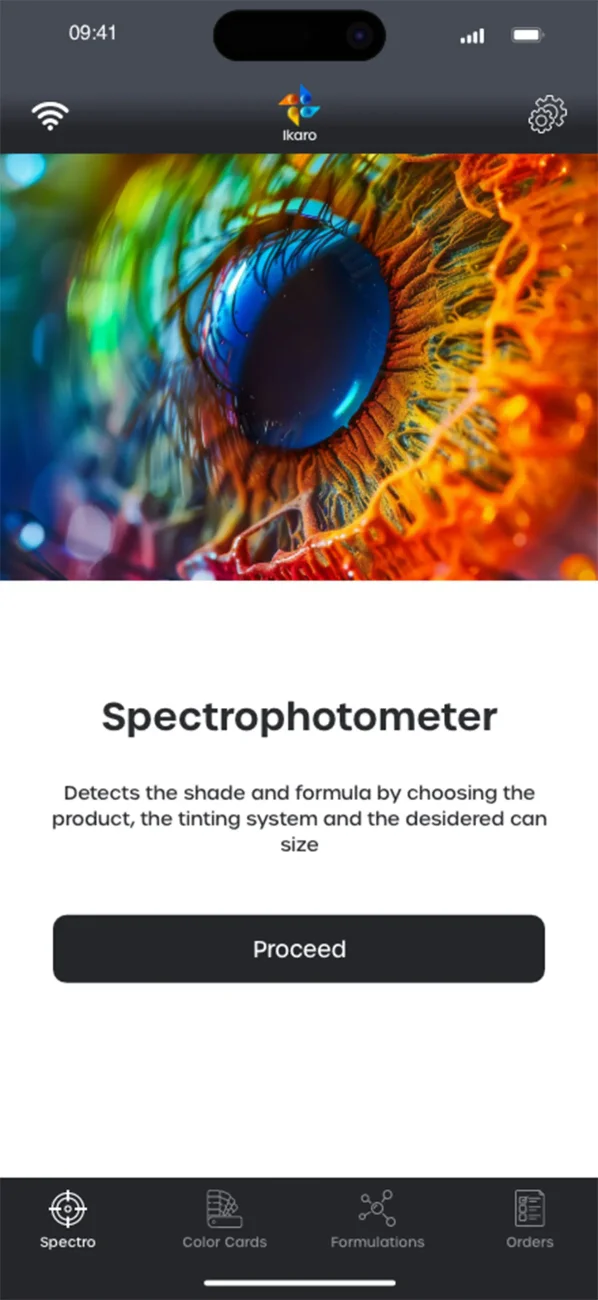
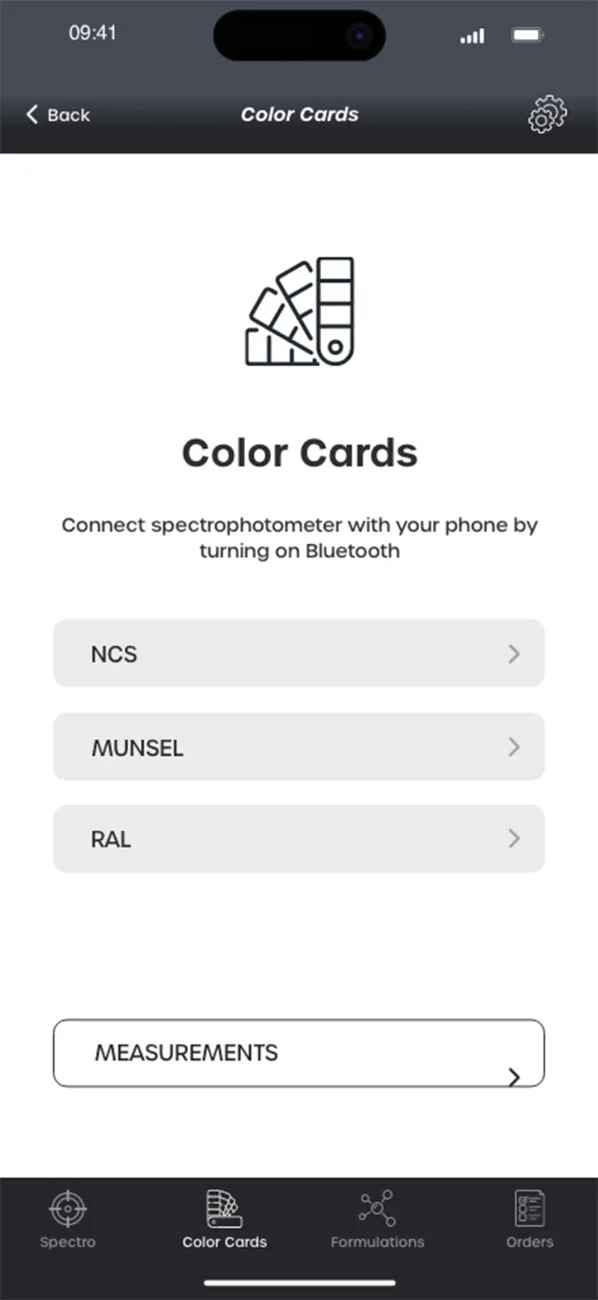
Ikaro App is distributed in association with Ikaro Spectro (digital spectrophotometer) and can therefore only be used if you have the physical instrument for color detection.
The Ikaro system consists of 4 interconnected pillars:
1) Application for mobile devices
App for smartphones: Ikaro App
2) Spectrophorometer
Sphere spectrophotometer diameter 40 mm: Ikaro Spectro
3) Software desktop
Optional desktop module to manage orders from the app: Ikaro Order Sender
4) Cloud server
Server for managing all connectable devices for color formulation: Ikaro Server
By connecting these elements it is possible to formulate and correct the shades quickly and easily and it is also possible to manage the end customer's color production order.
________
THE 4 STEPS OF USE:
STEP 1 - COLOR READING
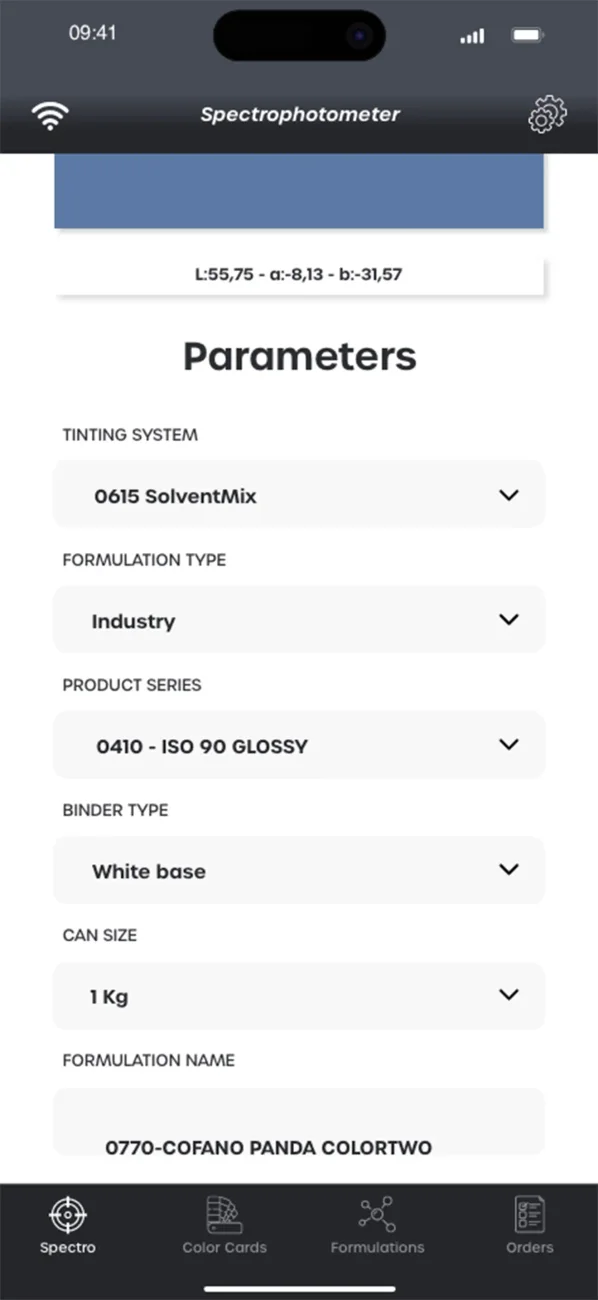
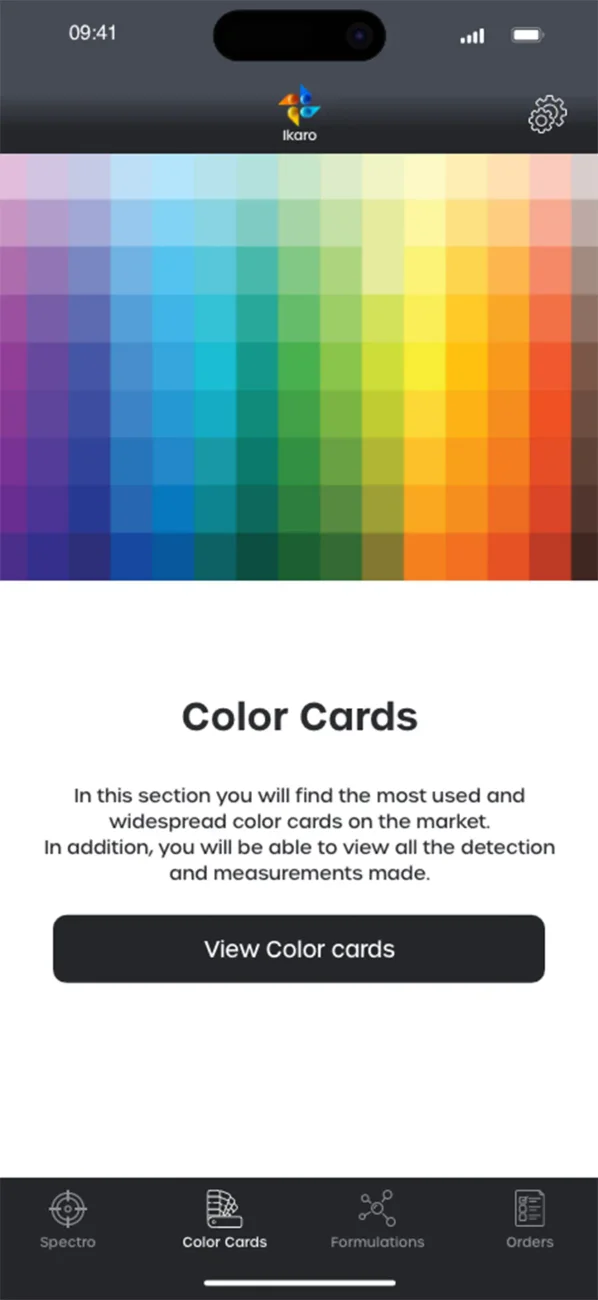
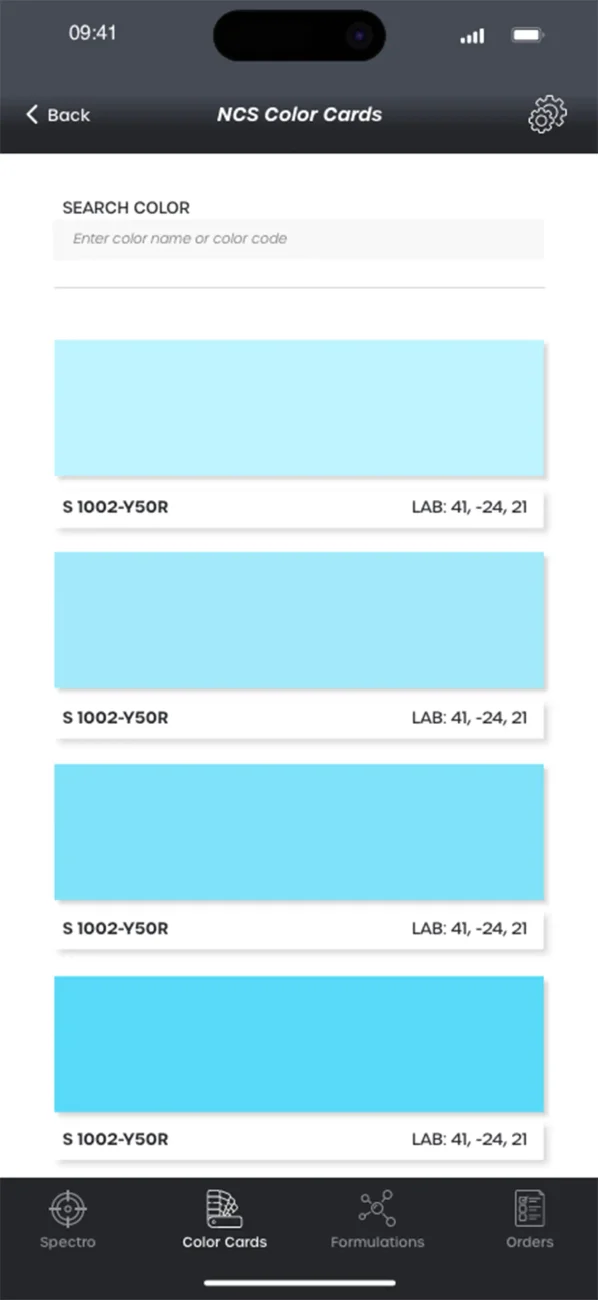
After connecting the spectrophotometer to the Ikaro app via Bluetooth, it is possible to "read" the shade of the sample to be reproduced or choose a shade from the color charts present.
The app manages, thanks to a smart interface and through guided paths, all the operations of: color reading, choice of the product to be formulated and data sending.
STEP 2 - READING FORMULATION
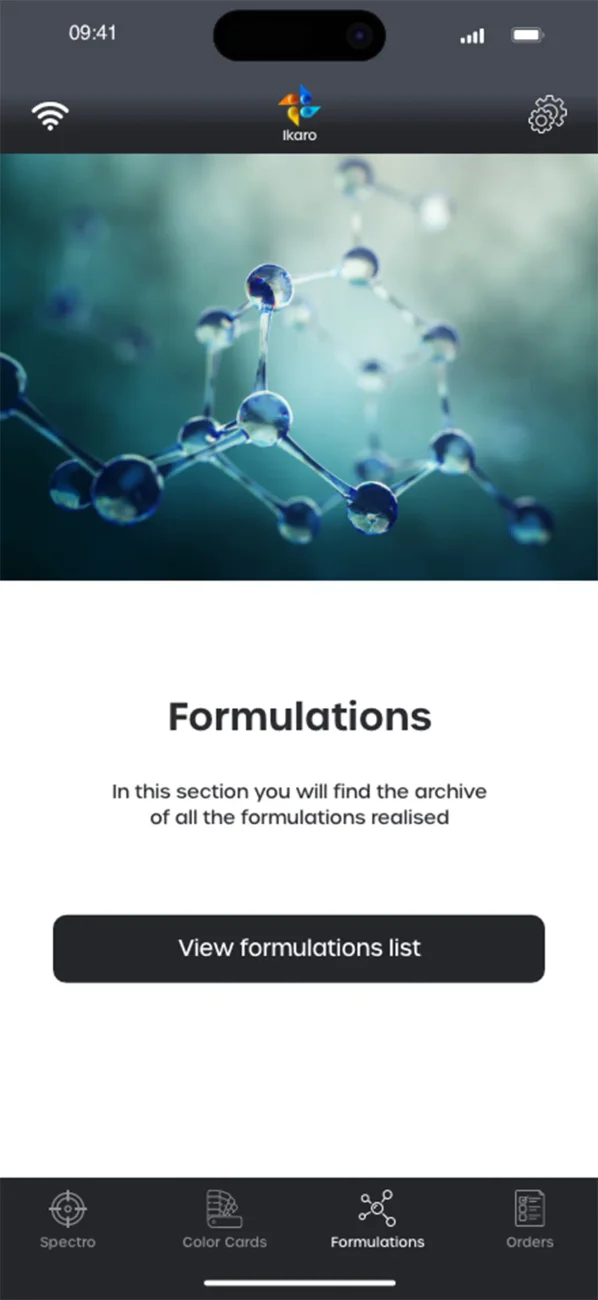
All the cloud servers, through specific algorithms, perform all the calculations and return the formula for the color of the desired product and for the requested quantity.
STEP 3 - PRODUCTION AND/OR CORRECTION OF THE FORMULATION
The color shade correction step to perform quality controls on color productions.
By producing a sample of the previously formulated color, the app manages a possible correction of the same through a rereading of the sample produced with the spectrophotometer.
STEP 4 – ORDER
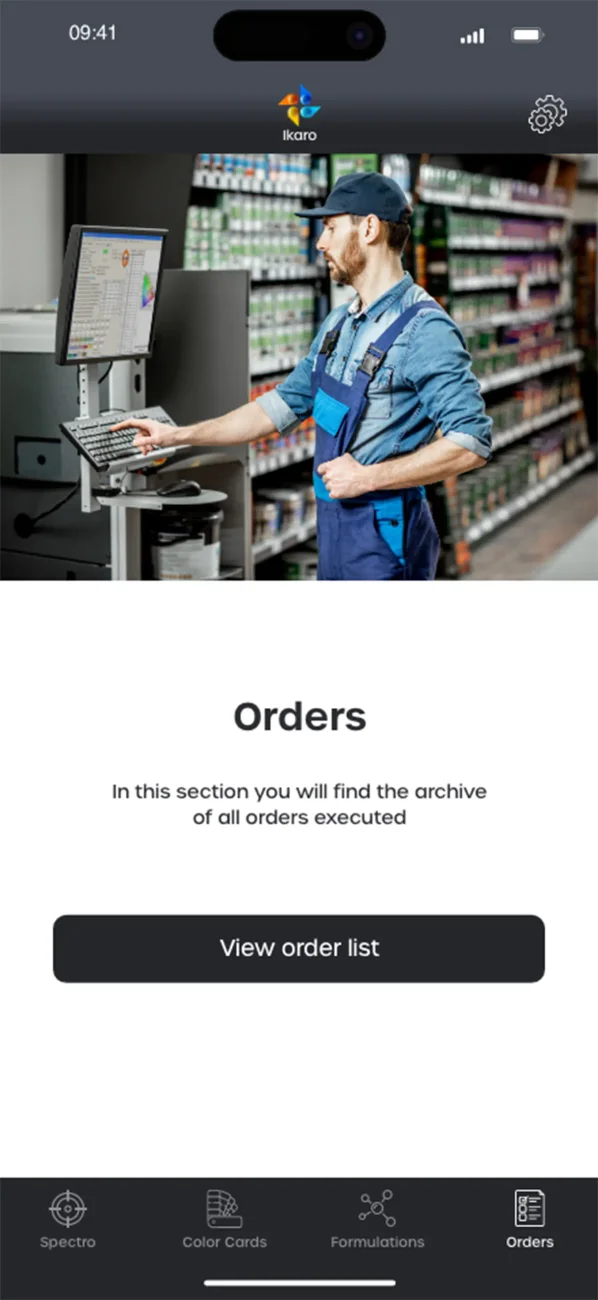
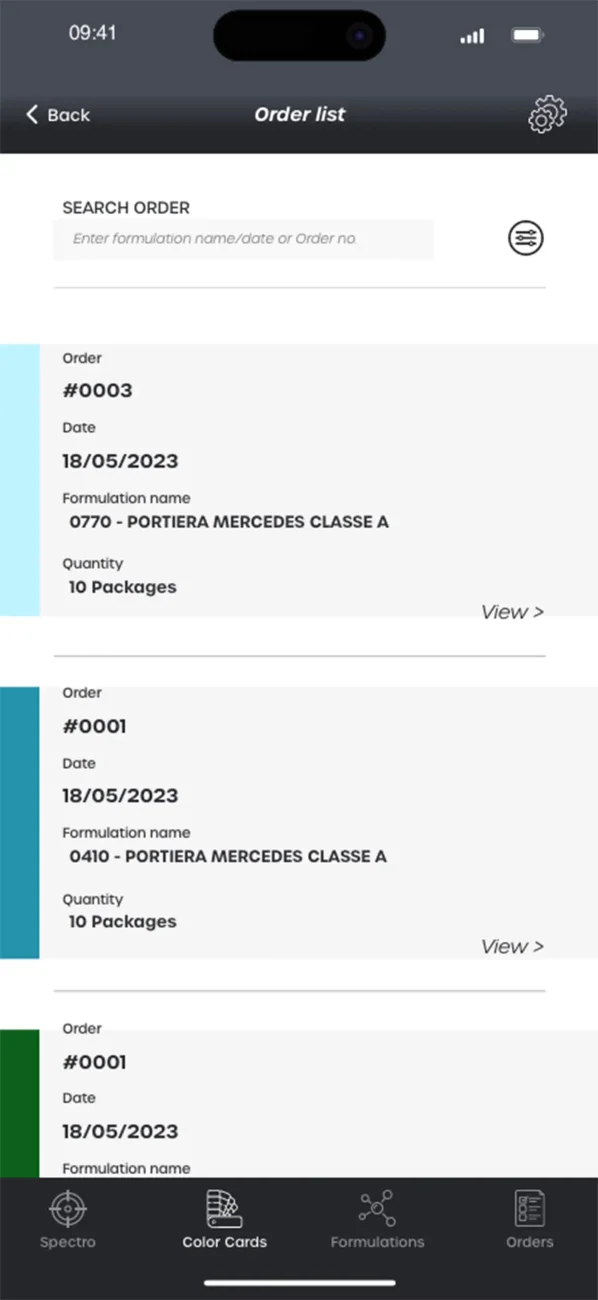
As an additional module, you can send the formulation to a dealer's PC who can produce the requested order on their desktop PC.
Yang baru
Versi 2.0.5 · 3/4/2026
New configurations upgrade
Privasi aplikasi
Yang dinyatakan Estalia di App Store tentang cara aplikasi ini menangani data.
-
Data yang ditautkan dengan Anda
Dapat dikumpulkan dan ditautkan dengan identitas Anda.
- Info kontak
- Data lainnya
-
Data yang tidak ditautkan dengan Anda
Dapat dikumpulkan, tetapi tidak ditautkan dengan identitas Anda.
- Diagnostik
Praktik privasi dapat bervariasi, misalnya berdasarkan fitur yang Anda gunakan atau usia Anda.
Informasi
- Penjual
- Estalia Performance Coatings SpA
- Kategori
- Produktivitas
- Versi
- 2.0.5
- Diperbarui
- 3/4/2026
- Dirilis
- 19/3/2024
- Ukuran
- 49,9 MB
- Memerlukan
- iOS 16.0 atau yang lebih baru
- Batasan usia
- 4+
- Bahasa
- Inggris, Prancis, Italia, Spanyol
- Hak cipta
- © 2025 Ikaro