- Độ tuổi4+
- Danh mụcHiệu Suất
- Nhà phát triểnEstalia
- Ngôn ngữTiếng Anh+ 3 ngôn ngữ khác
- Kích thước49,9 MB
Ikaro hiện có thể không có trên App Store
Ở lần kiểm tra gần nhất, chúng tôi không truy cập được trang trên cửa hàng. Liên kết vẫn dẫn đến trang App Store chính thức.
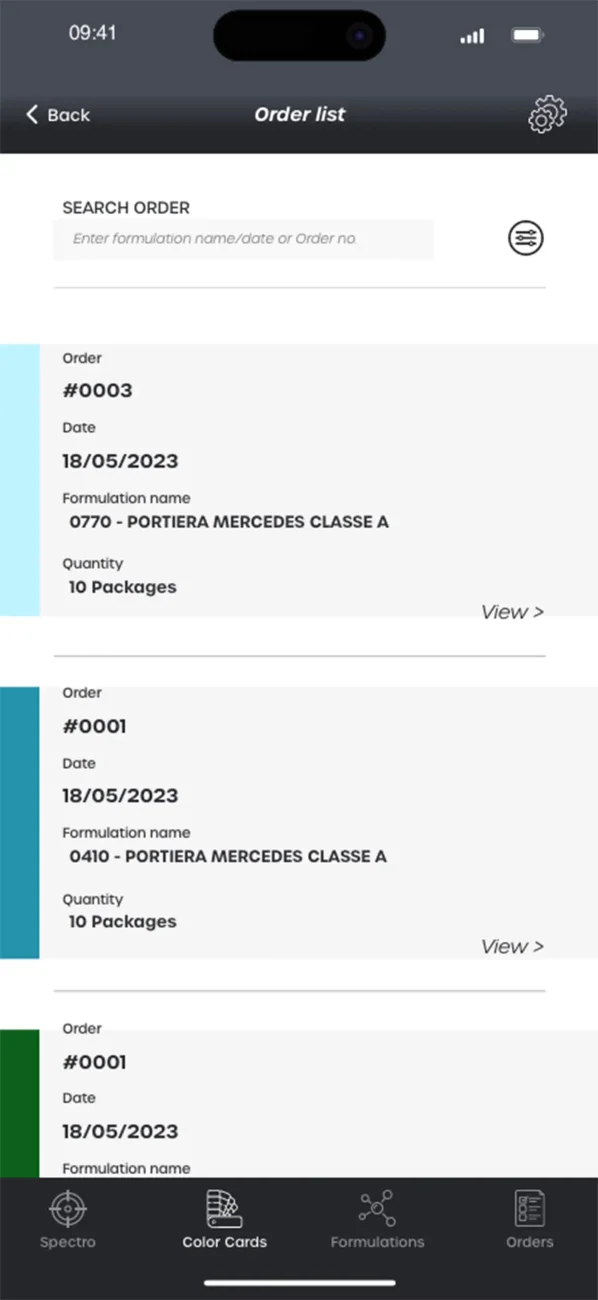
Ảnh chụp màn hình


Giới thiệu
Nhà phát triển chưa cung cấp nội dung này bằng ngôn ngữ của bạn.
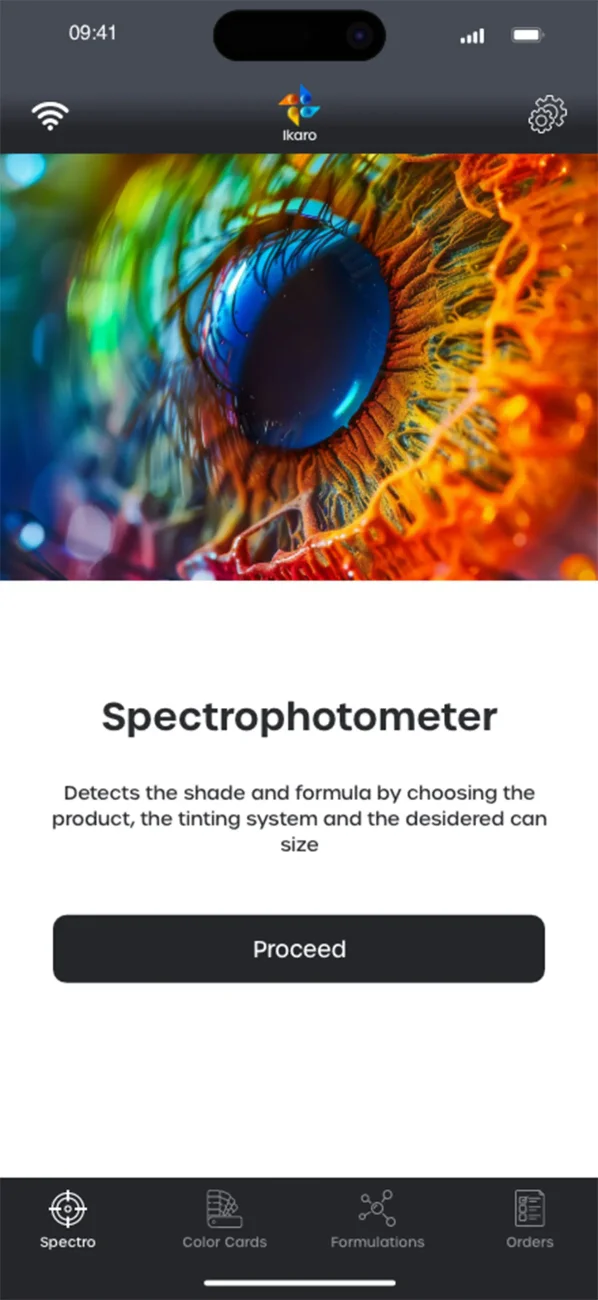
Ikaro App is distributed in association with Ikaro Spectro (digital spectrophotometer) and can therefore only be used if you have the physical instrument for color detection.
The Ikaro system consists of 4 interconnected pillars:
1) Application for mobile devices
App for smartphones: Ikaro App
2) Spectrophorometer
Sphere spectrophotometer diameter 40 mm: Ikaro Spectro
3) Software desktop
Optional desktop module to manage orders from the app: Ikaro Order Sender
4) Cloud server
Server for managing all connectable devices for color formulation: Ikaro Server
By connecting these elements it is possible to formulate and correct the shades quickly and easily and it is also possible to manage the end customer's color production order.
________
THE 4 STEPS OF USE:
STEP 1 - COLOR READING
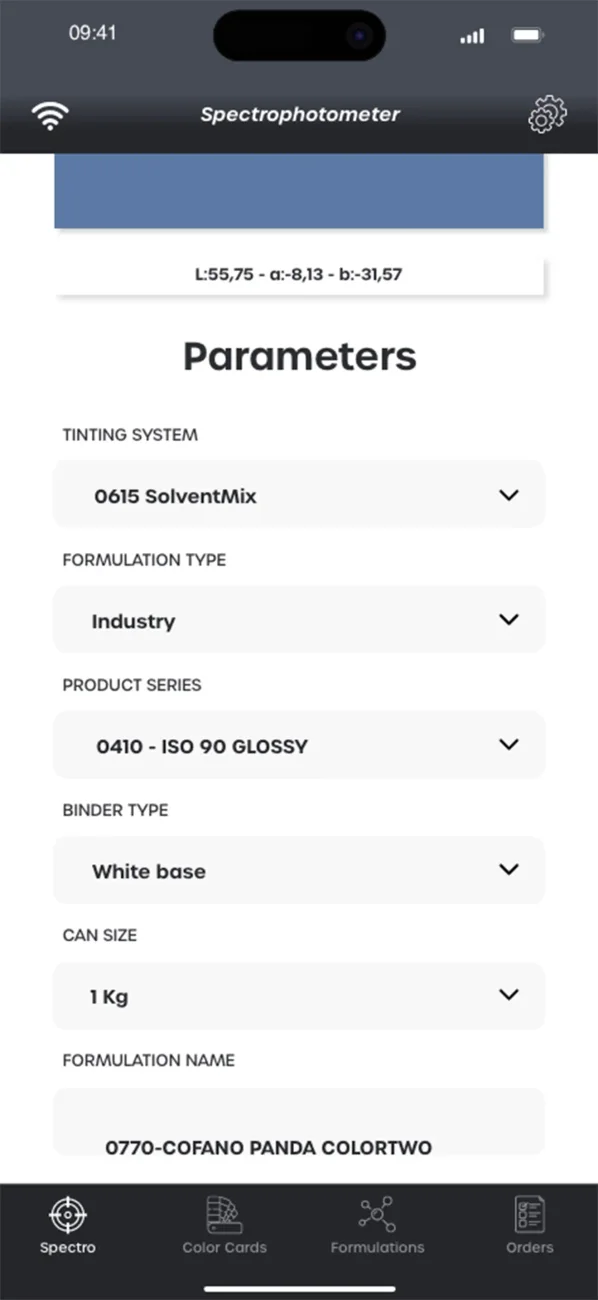
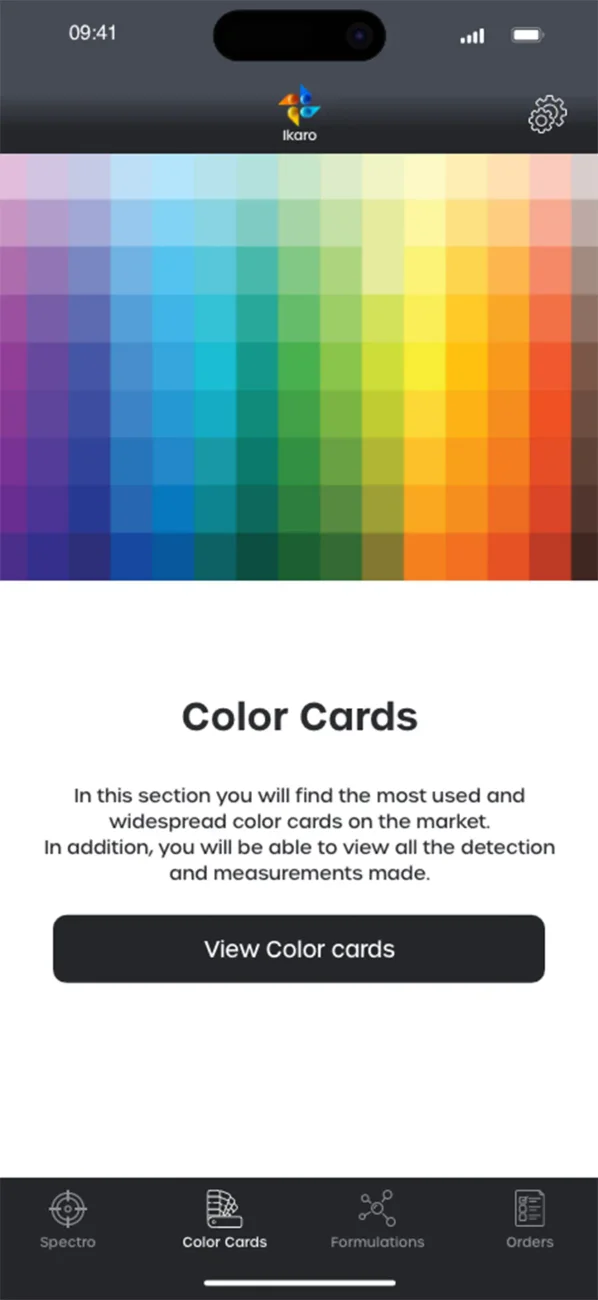
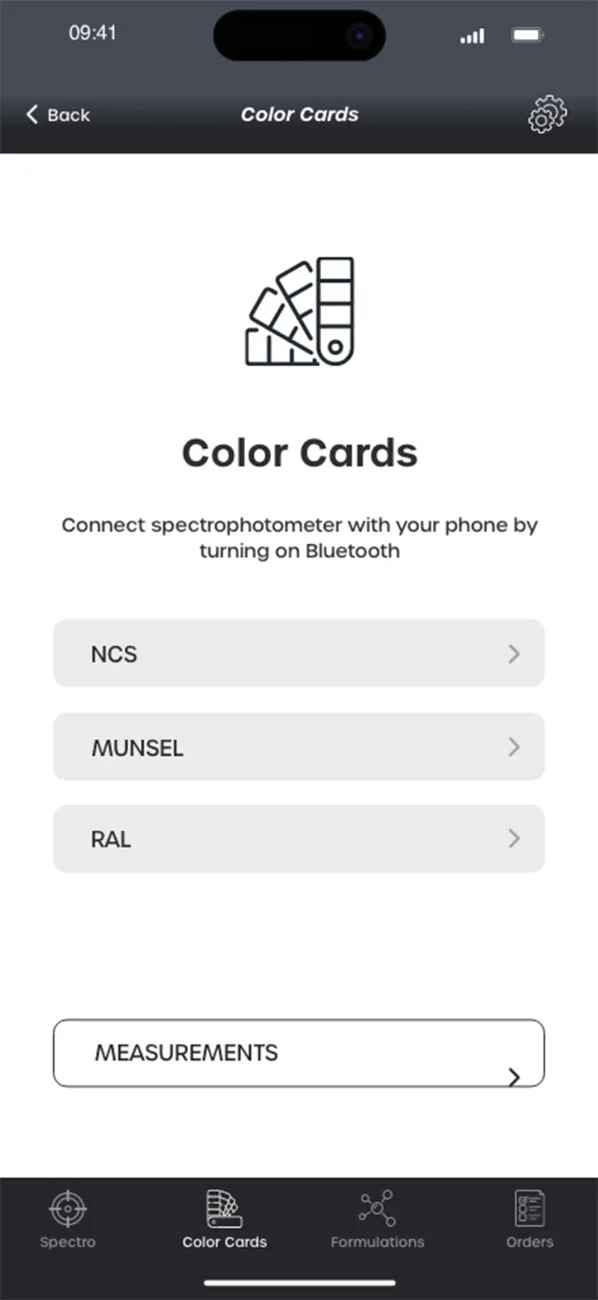
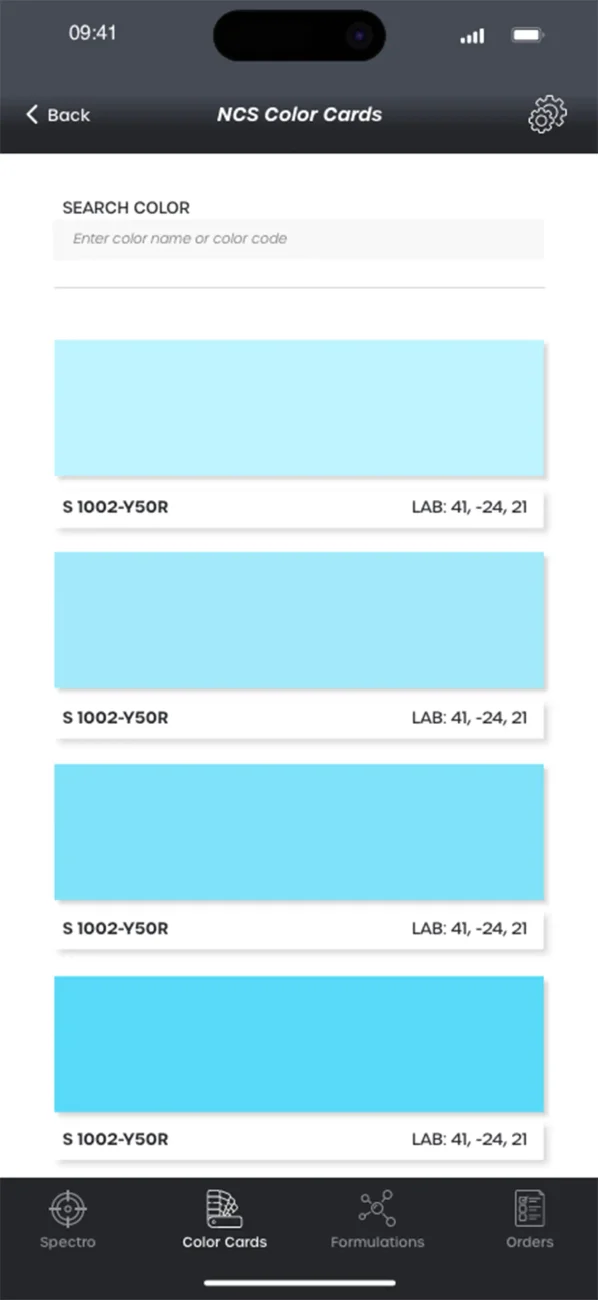
After connecting the spectrophotometer to the Ikaro app via Bluetooth, it is possible to "read" the shade of the sample to be reproduced or choose a shade from the color charts present.
The app manages, thanks to a smart interface and through guided paths, all the operations of: color reading, choice of the product to be formulated and data sending.
STEP 2 - READING FORMULATION
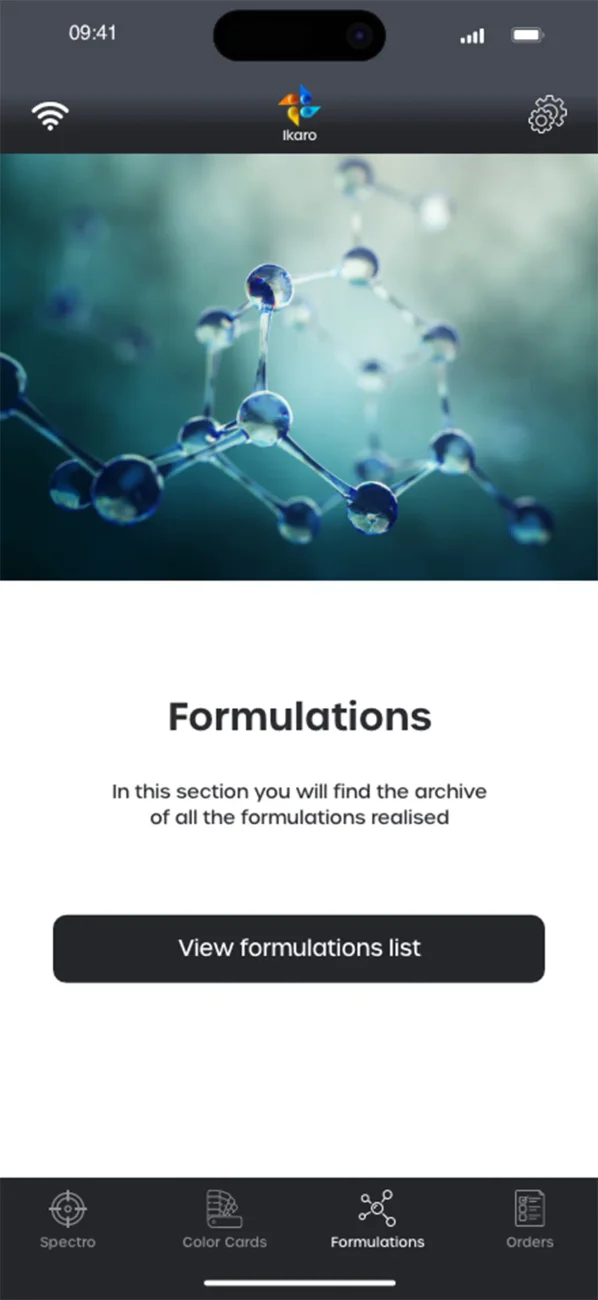
All the cloud servers, through specific algorithms, perform all the calculations and return the formula for the color of the desired product and for the requested quantity.
STEP 3 - PRODUCTION AND/OR CORRECTION OF THE FORMULATION
The color shade correction step to perform quality controls on color productions.
By producing a sample of the previously formulated color, the app manages a possible correction of the same through a rereading of the sample produced with the spectrophotometer.
STEP 4 – ORDER
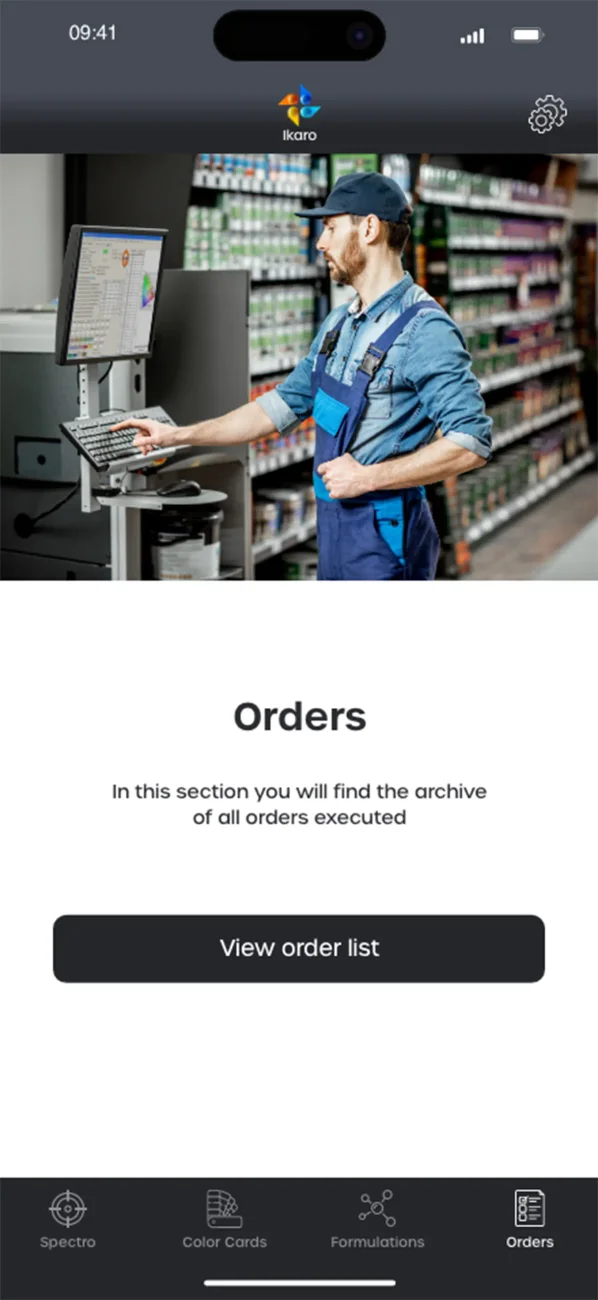
As an additional module, you can send the formulation to a dealer's PC who can produce the requested order on their desktop PC.
Có gì mới
Phiên bản 2.0.5 · 03/04/2026
New configurations upgrade
Quyền riêng tư của ứng dụng
Những gì Estalia khai báo trên App Store về cách ứng dụng này xử lý dữ liệu.
-
Dữ liệu liên kết với bạn
Có thể được thu thập và liên kết với danh tính của bạn.
- Thông tin liên hệ
- Dữ liệu khác
-
Dữ liệu không liên kết với bạn
Có thể được thu thập nhưng không liên kết với danh tính của bạn.
- Chẩn đoán
Phương thức đảm bảo quyền riêng tư có thể khác nhau, chẳng hạn như tuỳ theo các tính năng bạn sử dụng hoặc độ tuổi của bạn.
Thông tin
- Người bán
- Estalia Performance Coatings SpA
- Danh mục
- Hiệu Suất
- Phiên bản
- 2.0.5
- Cập nhật
- 03/04/2026
- Phát hành
- 19/03/2024
- Kích thước
- 49,9 MB
- Yêu cầu
- iOS 16.0 trở lên
- Độ tuổi
- 4+
- Ngôn ngữ
- Tiếng Anh, Tiếng Pháp, Tiếng Ý, Tiếng Tây Ban Nha
- Bản quyền
- © 2025 Ikaro