- Batasan usia4+
- KategoriKegunaan
- PengembangAlphanums
- BahasaInggris+ 5 lainnya
- Ukuran15,5 MB
In Folio mungkin sedang tidak tersedia di App Store
Halaman di toko tidak dapat dijangkau saat terakhir kami periksa. Tautan tetap mengarah ke halaman resmi App Store.
Tangkapan layar

Tentang
Pengembang belum menyediakan teks ini dalam bahasa Anda.
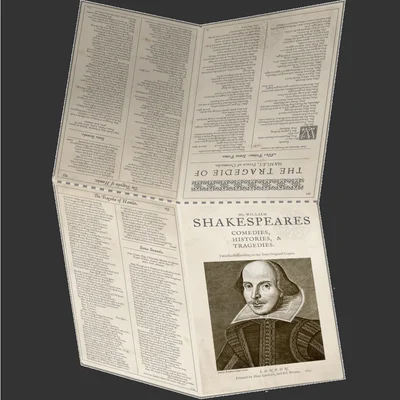
Have you ever struggled at home or at the office to print a user manual such as a booklet, folded in 2 or 4 or more, and give your publication a professional look?
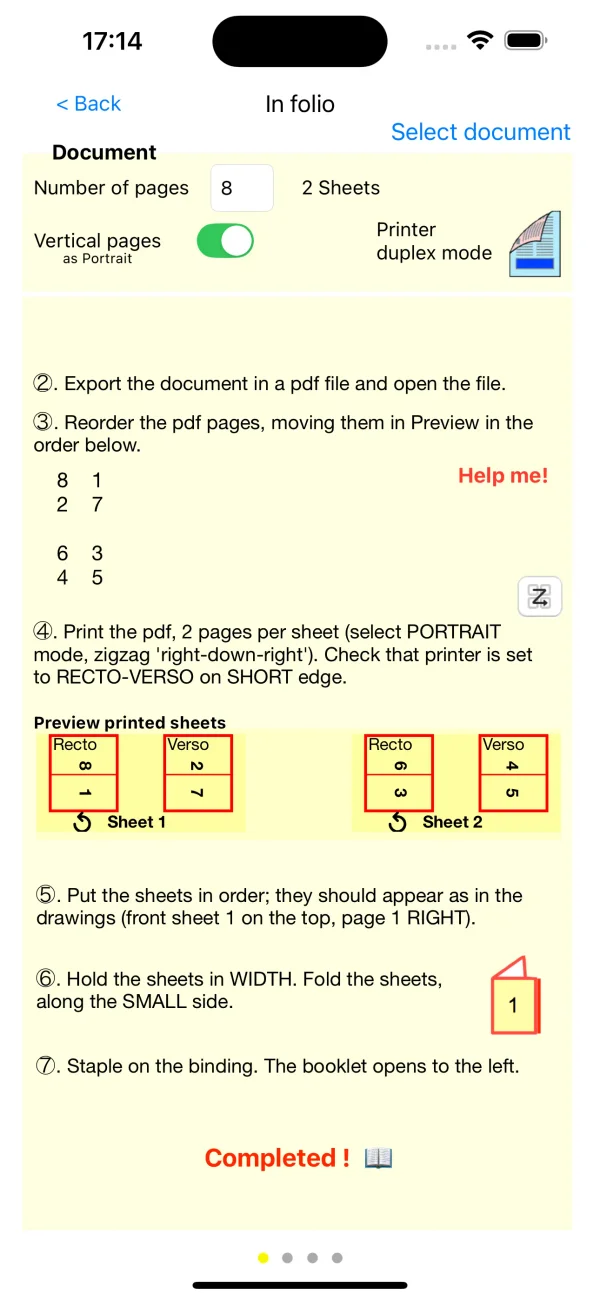
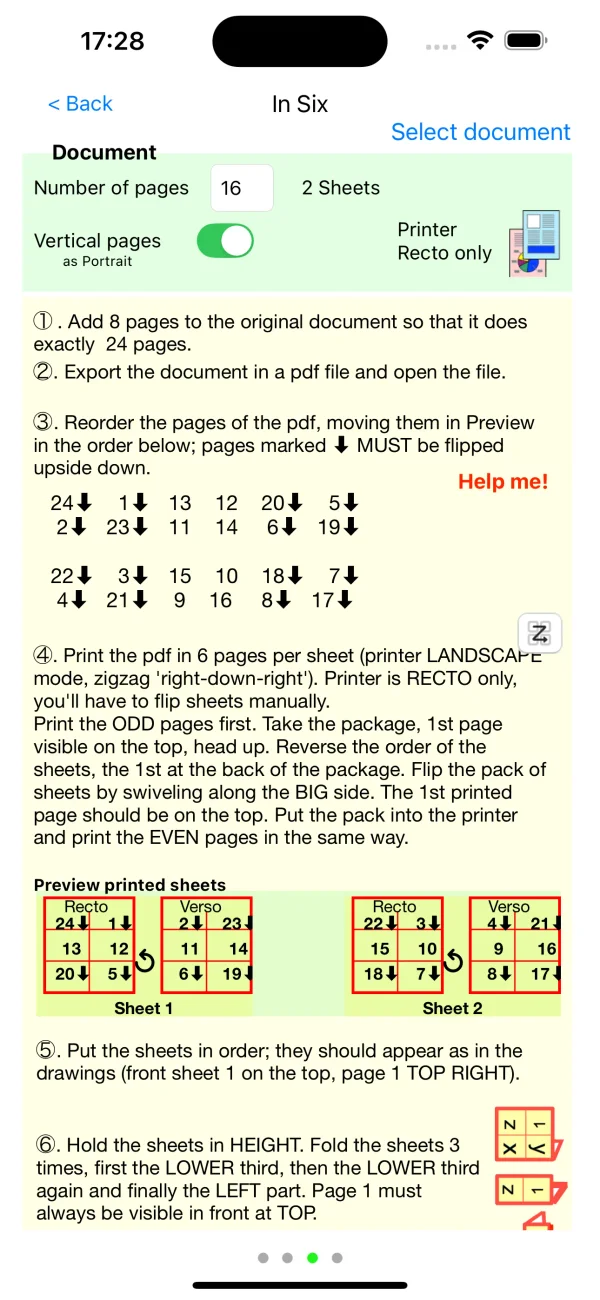
In Folio assists you in the preparation and execution of your impressions, to create booklets assembled, folded, stapled like a real book.
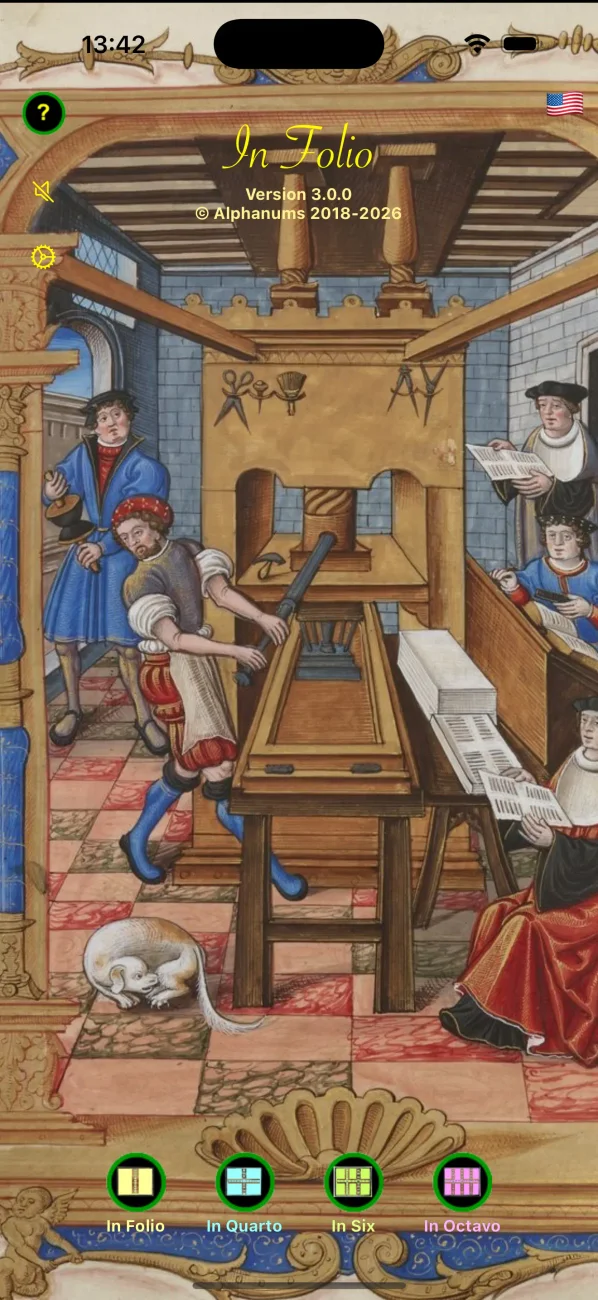
You can now create booklets or books:
- folio, pages folded in 2
- in quarto, pages folded in 4
- in six, pages folded in 6
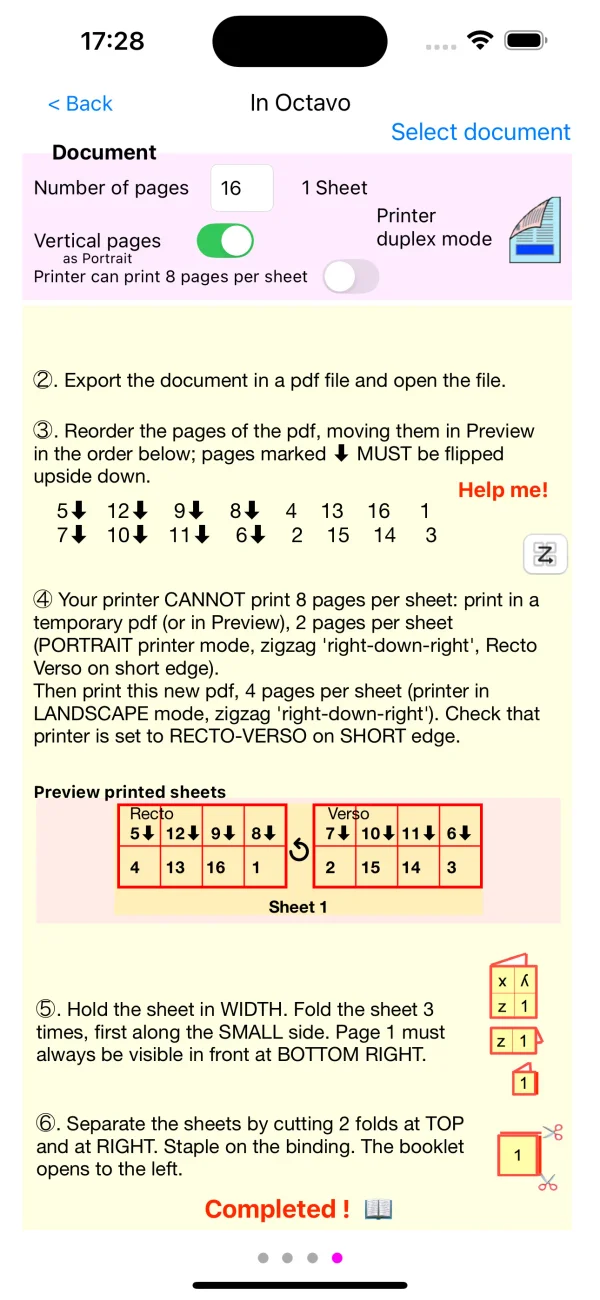
- in octavo, pages folded in 8.
Whole pdf file preparation can be automated. In Folio works on Mac, allowing you to do everything directly on your Mac, without needing an iPhone or iPad.
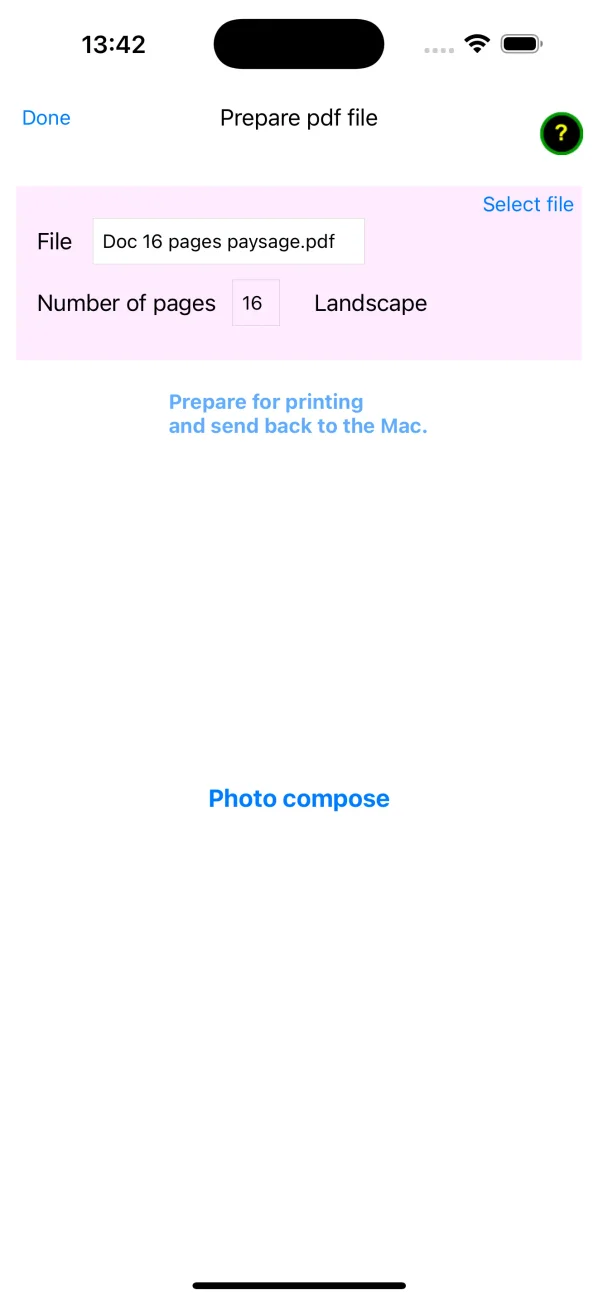
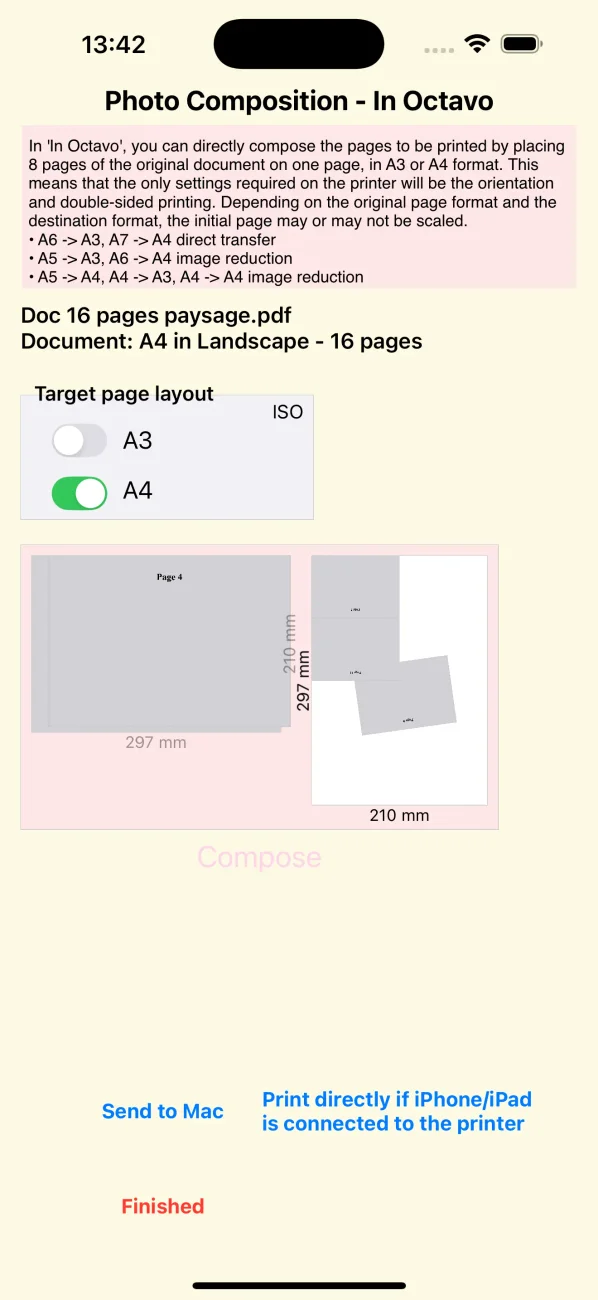
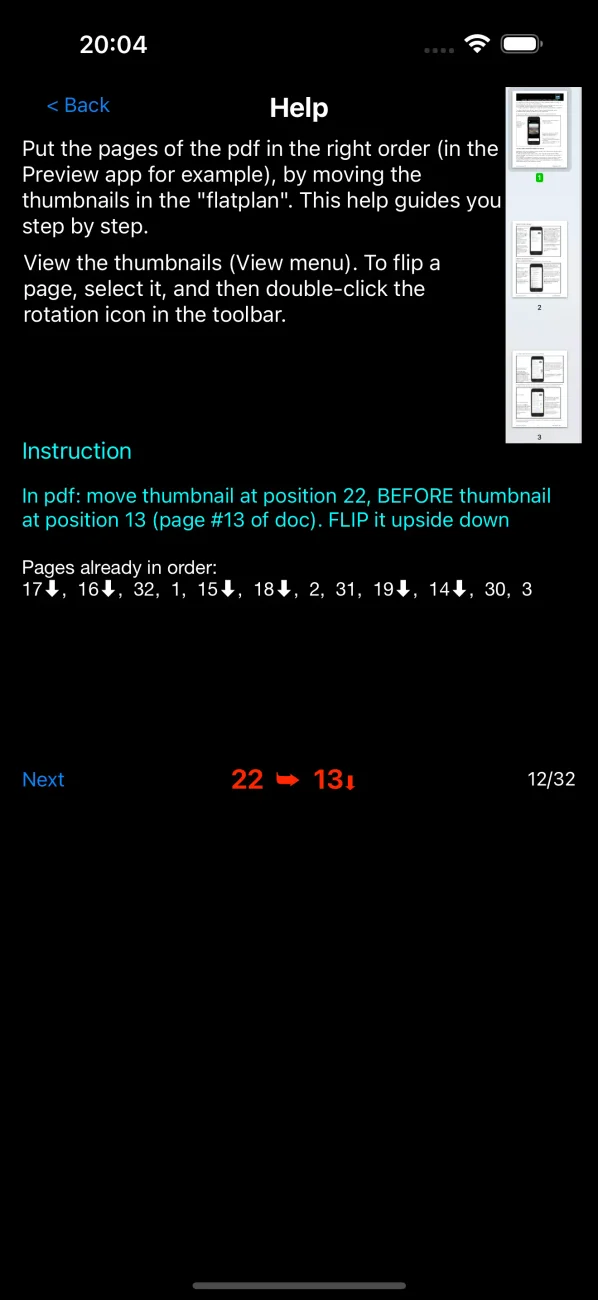
With photocomposition capability, the process is fully automated:
- Copy the PDF file, in A4, A5, A6, or A7 format, ISO or US, into the 'In Folio' app documents.
- On a Mac, you can copy the file by dragging and dropping its icon onto the “In Folio” icon
- Select the print paper format (A4 or A3, ISO or US).
- Request “PhotoComposer.”
- Print the file without having to do anything other than check the double-sided mode and print orientation.
Printing is performed without any loss of resolution from the original document.
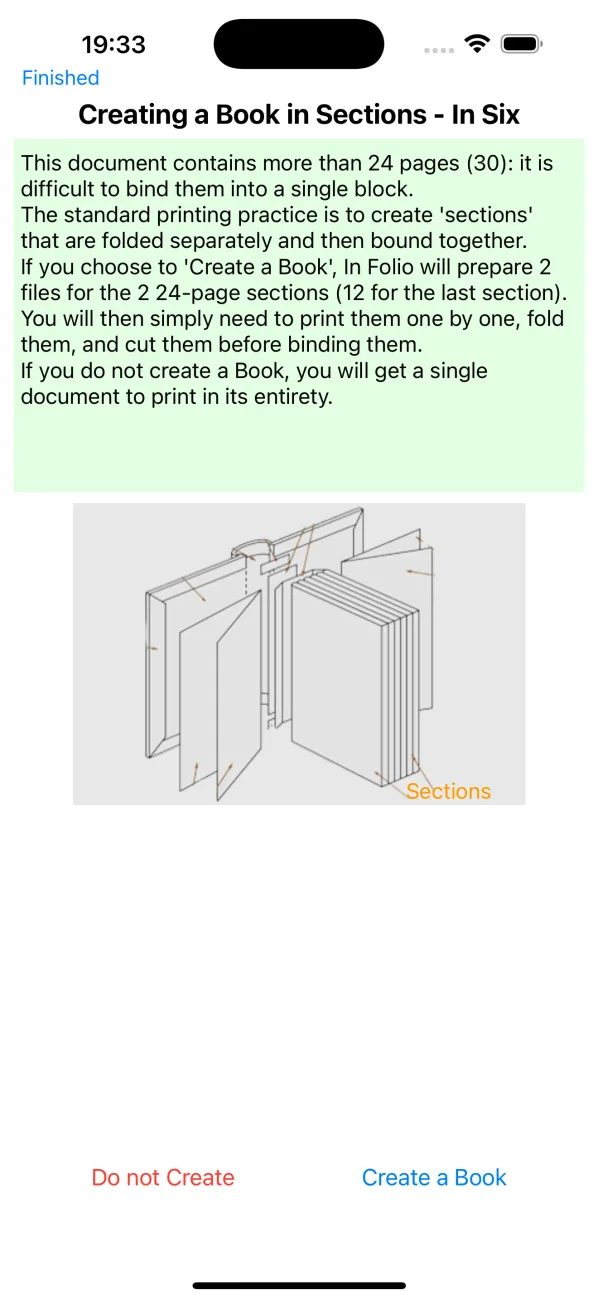
You can also print large documents (more than 16 pages) in Book mode: the layout is divided into sections, which are easier to fold. These sections are then assembled into a book that can be bound.
A complete user manual is available on our website:https://alphanumsapps.com
In Folio is available in 6 languages: English, French, German, Spanish, Italian, Greek.
In Folio works on IOS 13 and higher on iPhone or iPad or macOS 14 or higher.
Note: Even if your high-end printer handles layouts in quarto, in Six, 'In Folio' offers you unprecedented ease in creating any type of book or booklet, from in folio to in octavo.
Yang baru
Versi 3.2.0 · 25/5/2026
On Mac, drag-and-drop on the app icon checks document is PDF.
Checks the pages format consistency of the document being used.
Option to choose between ISO (A4–A3) or US page sizes for the composite photo page.
Privasi aplikasi
Yang dinyatakan Alphanums di App Store tentang cara aplikasi ini menangani data.
-
Data tidak dikumpulkan
Pengembang tidak mengumpulkan data apa pun dari aplikasi ini.
Praktik privasi dapat bervariasi, misalnya berdasarkan fitur yang Anda gunakan atau usia Anda.
Informasi
- Penjual
- ALPHANUMS
- Kategori
- Kegunaan
- Versi
- 3.2.0
- Diperbarui
- 25/5/2026
- Dirilis
- 19/10/2019
- Ukuran
- 15,5 MB
- Memerlukan
- iOS 13.0 atau yang lebih baru
- Batasan usia
- 4+
- Bahasa
- Inggris, Prancis, Jerman, Yunani, Italia, Spanyol
- Hak cipta
- © Alphanums 2018-2026