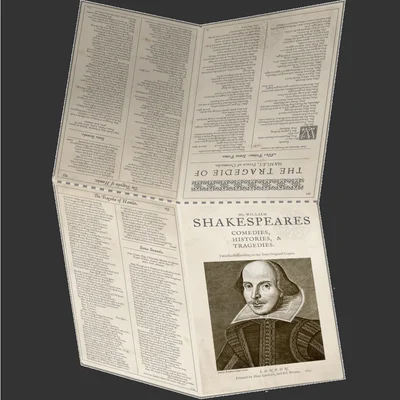
In Folio
Helps printing booklets
Được thiết kế cho iPhone, iPad, iPod touch
49.000đ
- Độ tuổi4+
- Danh mụcTiện Ích
- Nhà phát triểnAlphanums
- Ngôn ngữTiếng Anh+ 5 ngôn ngữ khác
- Kích thước15,5 MB
Liên kết đến trang App Store chính thức
Download.org không lưu trữ tệp nào của In Folio. Nút này mở trang ứng dụng trên App Store, nơi Alphanums phát hành ứng dụng. Trang được kiểm tra lần cuối: 18/11/2026.
Ảnh chụp màn hình
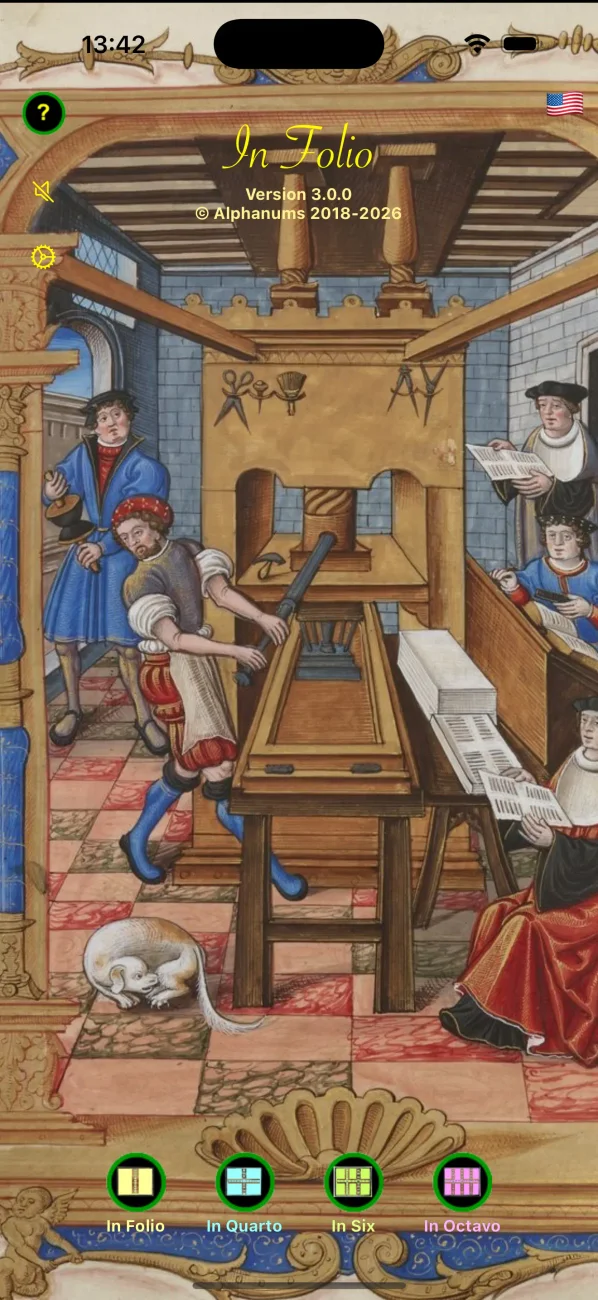
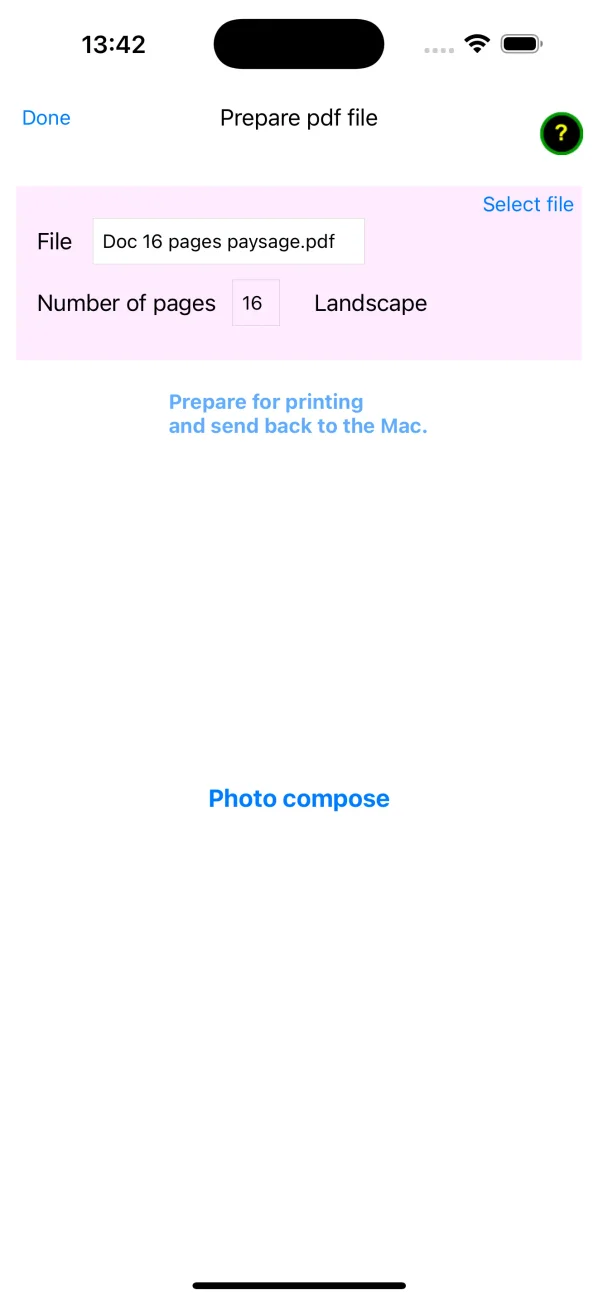
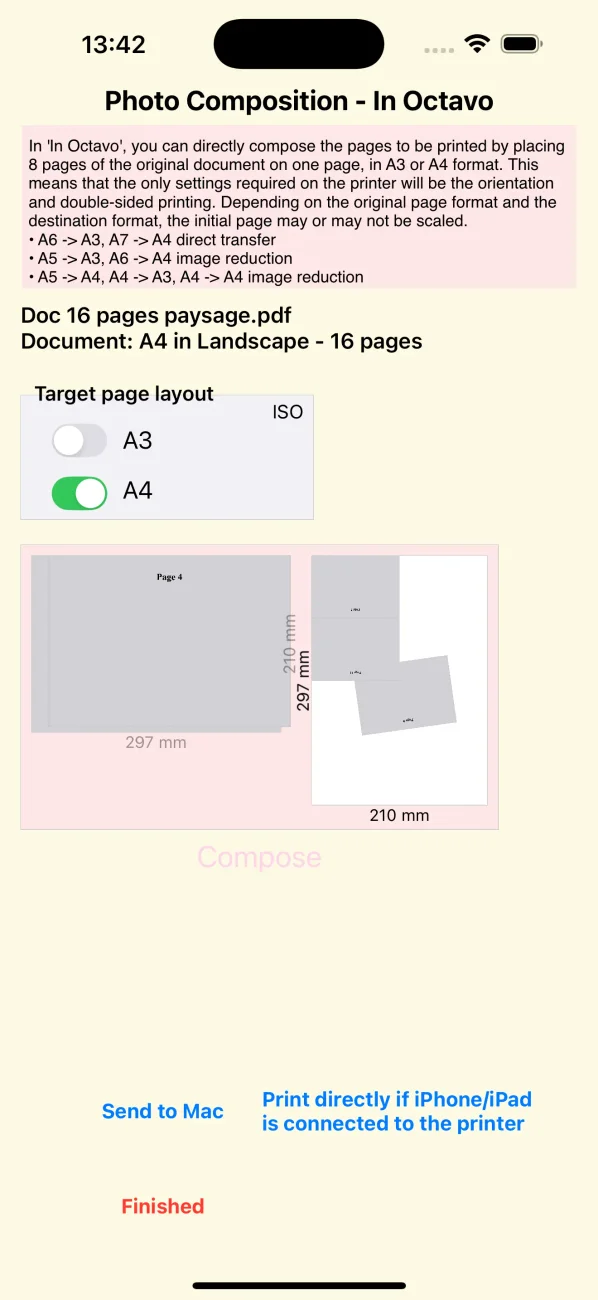
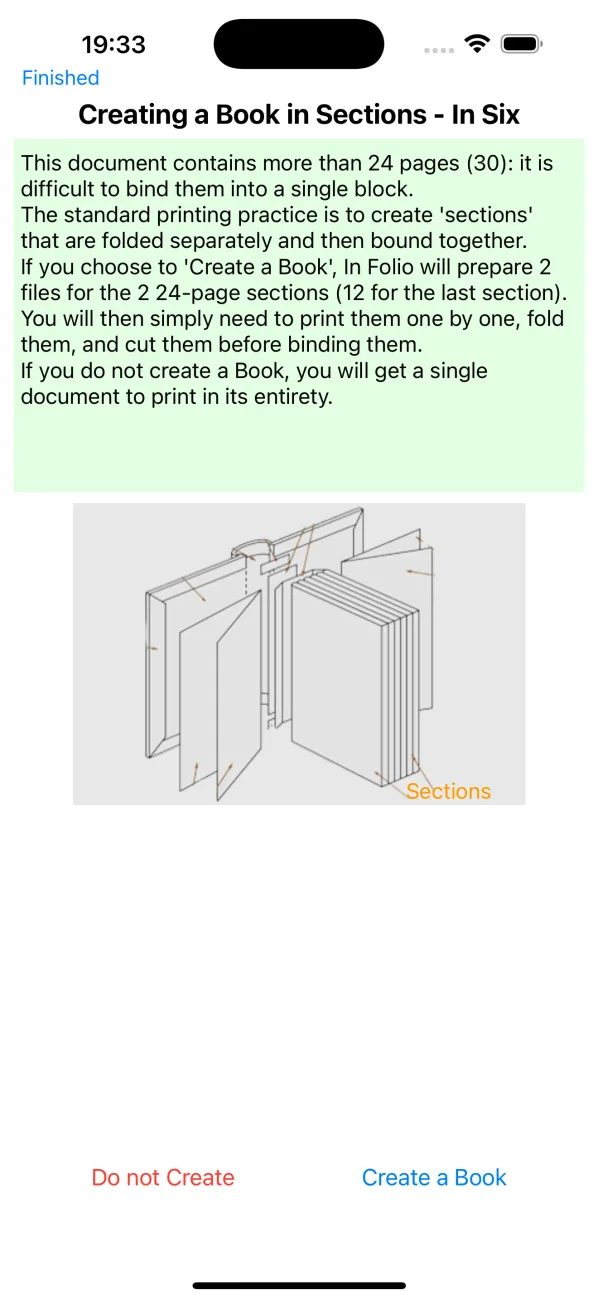
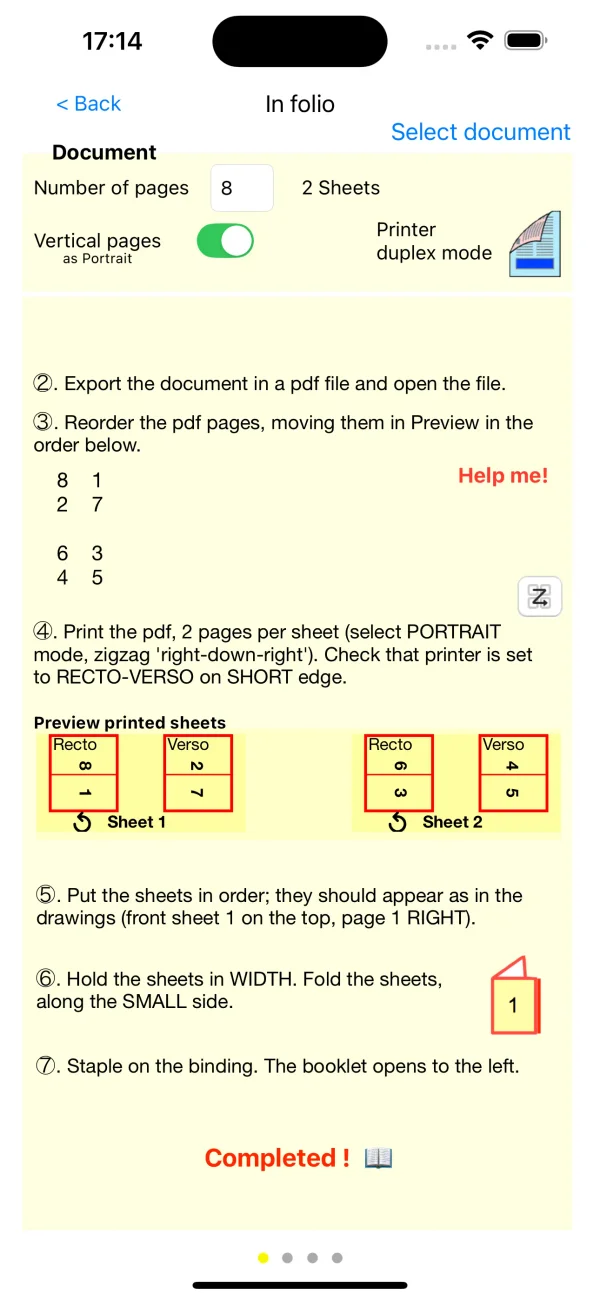

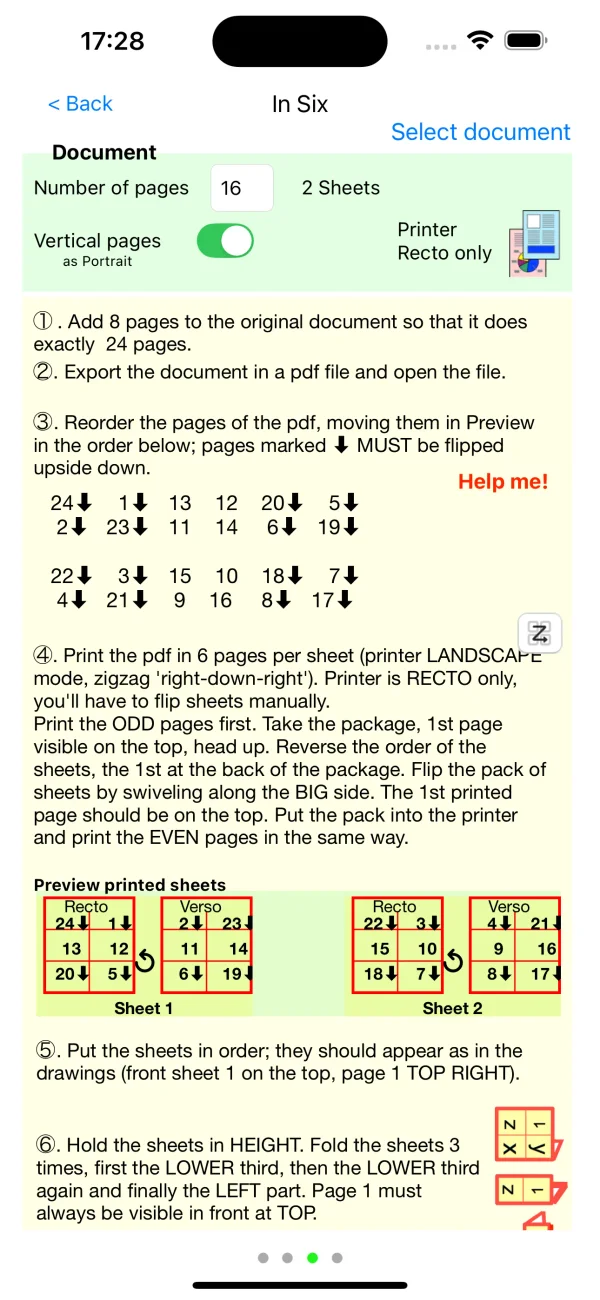
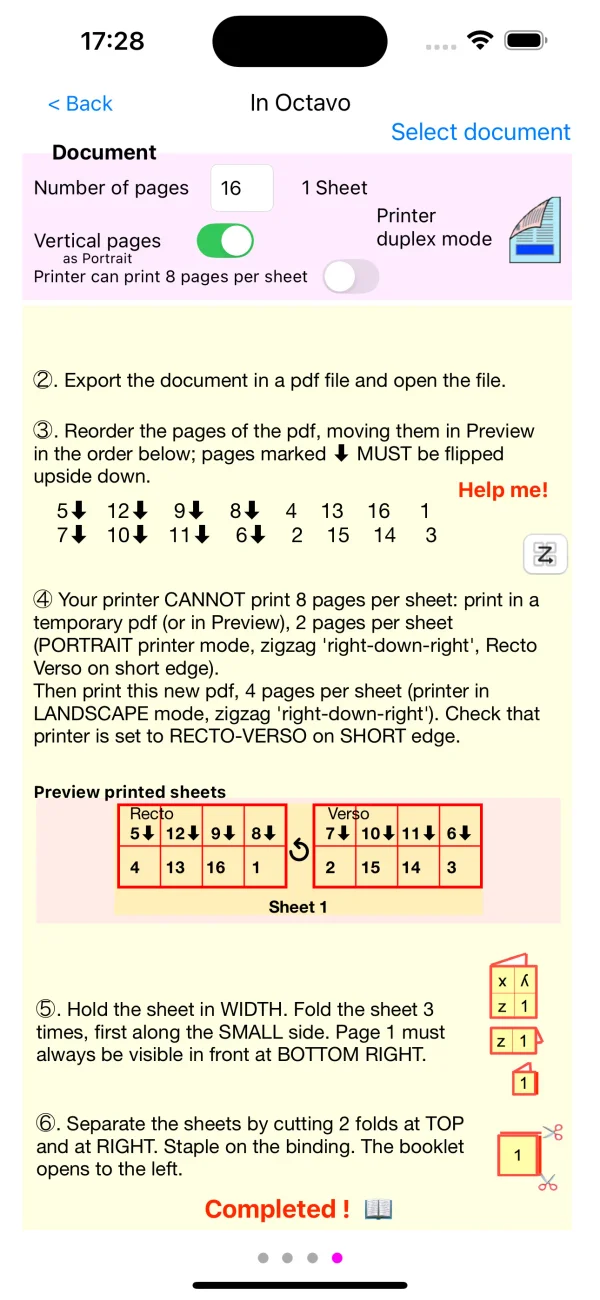
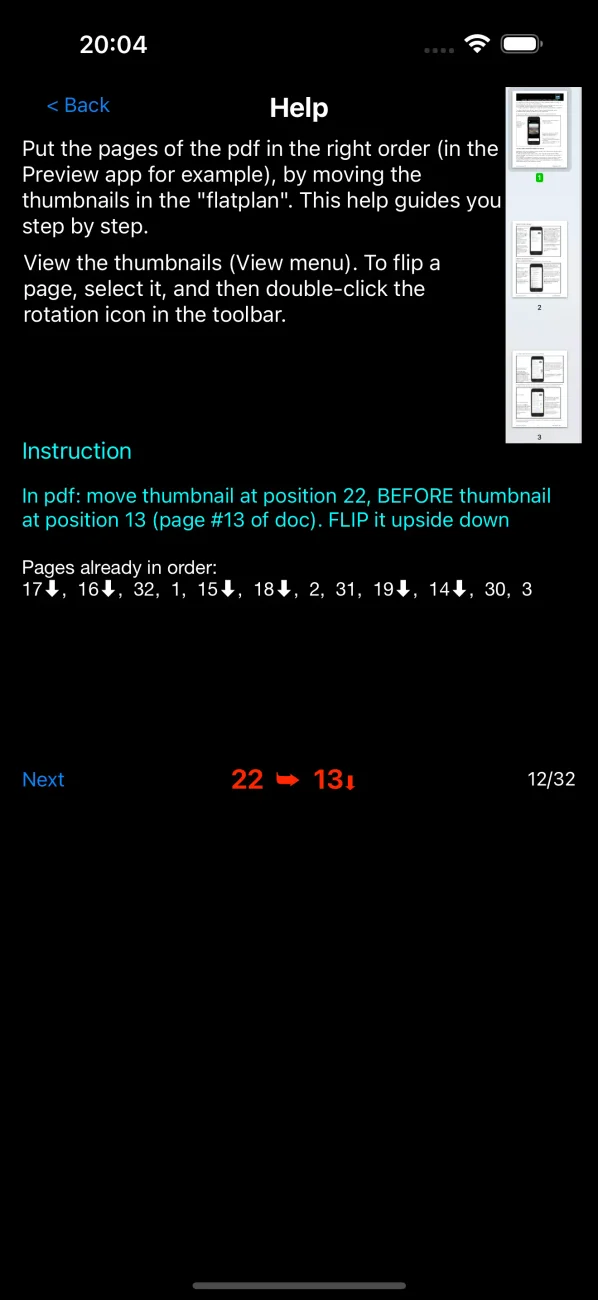
Giới thiệu
Nhà phát triển chưa cung cấp nội dung này bằng ngôn ngữ của bạn.
Have you ever struggled at home or at the office to print a user manual such as a booklet, folded in 2 or 4 or more, and give your publication a professional look?
In Folio assists you in the preparation and execution of your impressions, to create booklets assembled, folded, stapled like a real book.
You can now create booklets or books:
- folio, pages folded in 2
- in quarto, pages folded in 4
- in six, pages folded in 6
- in octavo, pages folded in 8.
Whole pdf file preparation can be automated. In Folio works on Mac, allowing you to do everything directly on your Mac, without needing an iPhone or iPad.
With photocomposition capability, the process is fully automated:
- Copy the PDF file, in A4, A5, A6, or A7 format, ISO or US, into the 'In Folio' app documents.
- On a Mac, you can copy the file by dragging and dropping its icon onto the “In Folio” icon
- Select the print paper format (A4 or A3, ISO or US).
- Request “PhotoComposer.”
- Print the file without having to do anything other than check the double-sided mode and print orientation.
Printing is performed without any loss of resolution from the original document.
You can also print large documents (more than 16 pages) in Book mode: the layout is divided into sections, which are easier to fold. These sections are then assembled into a book that can be bound.
A complete user manual is available on our website:https://alphanumsapps.com
In Folio is available in 6 languages: English, French, German, Spanish, Italian, Greek.
In Folio works on IOS 13 and higher on iPhone or iPad or macOS 14 or higher.
Note: Even if your high-end printer handles layouts in quarto, in Six, 'In Folio' offers you unprecedented ease in creating any type of book or booklet, from in folio to in octavo.
Có gì mới
Phiên bản 3.2.0 · 25/05/2026
On Mac, drag-and-drop on the app icon checks document is PDF.
Checks the pages format consistency of the document being used.
Option to choose between ISO (A4–A3) or US page sizes for the composite photo page.
Quyền riêng tư của ứng dụng
Những gì Alphanums khai báo trên App Store về cách ứng dụng này xử lý dữ liệu.
-
Dữ liệu không được thu thập
Nhà phát triển không thu thập bất kỳ dữ liệu nào từ ứng dụng này.
Phương thức đảm bảo quyền riêng tư có thể khác nhau, chẳng hạn như tuỳ theo các tính năng bạn sử dụng hoặc độ tuổi của bạn.
Thông tin
- Người bán
- ALPHANUMS
- Danh mục
- Tiện Ích
- Phiên bản
- 3.2.0
- Cập nhật
- 25/05/2026
- Phát hành
- 19/10/2019
- Kích thước
- 15,5 MB
- Yêu cầu
- iOS 13.0 trở lên
- Độ tuổi
- 4+
- Giá
- 49.000đ
- Ngôn ngữ
- Tiếng Anh, Tiếng Pháp, Tiếng Đức, Tiếng Hy Lạp, Tiếng Ý, Tiếng Tây Ban Nha
- Bản quyền
- © Alphanums 2018-2026