InnoClock -Screen Clock Widget
Aesthetic screen clock widget
Dirancang untuk iPhone, iPad
Gratis · Pembelian dalam aplikasi
- Batasan usia4+
- KategoriKegunaan
- Pengembang成东 胡
- BahasaInggris+ 42 lainnya
- Ukuran22,0 MB
Tertaut ke halaman resmi App Store
Download.org tidak menyimpan file InnoClock -Screen Clock Widget apa pun. Tombol ini membuka halaman aplikasi di App Store, tempat 成东 胡 menerbitkannya. Halaman terakhir diperiksa pada 27/11/2026.
Tangkapan layar
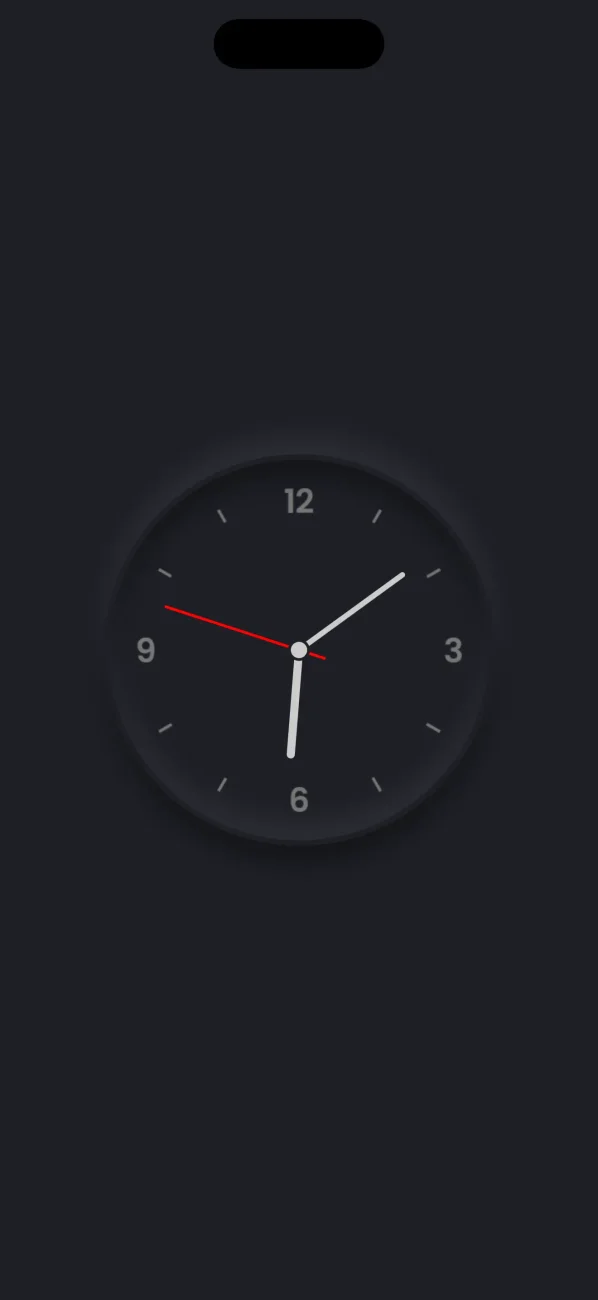
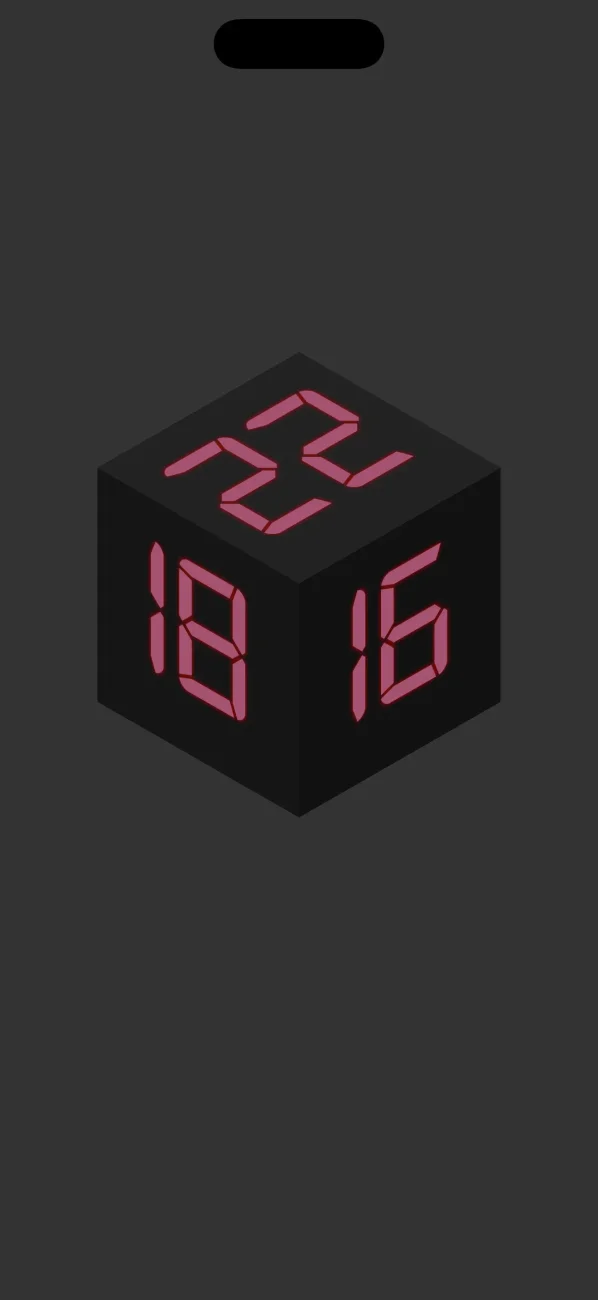
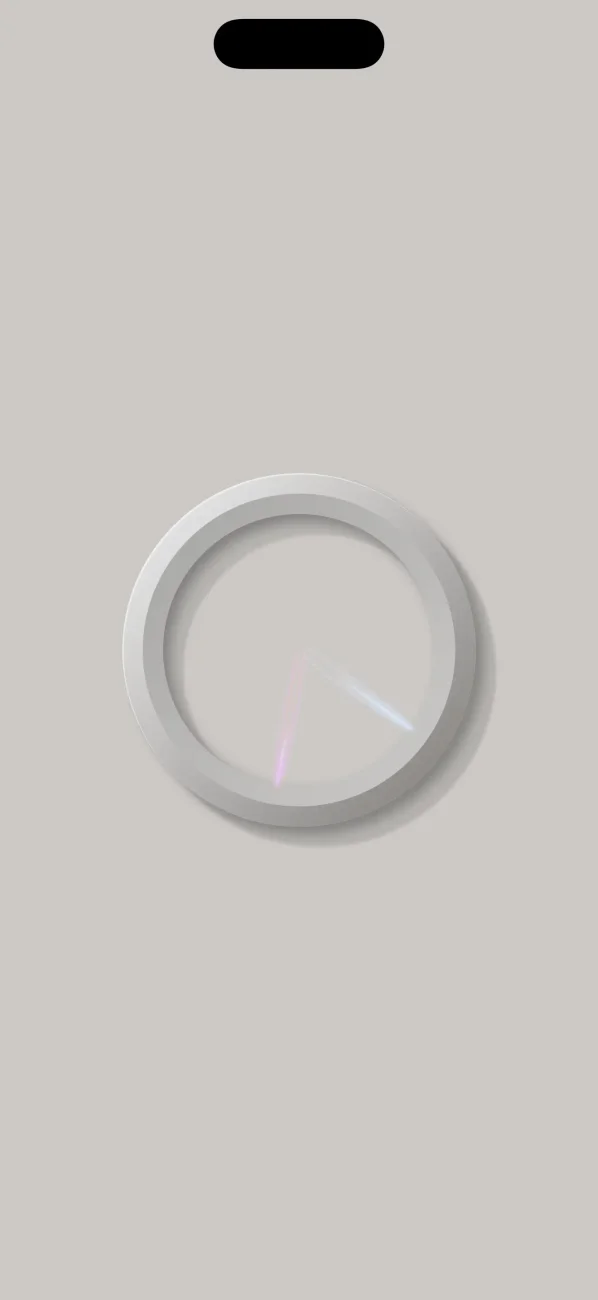
Tentang
Pengembang belum menyediakan teks ini dalam bahasa Anda.
InnoClock – Where Time Meets Art
Tired of the same boring digital numbers staring back at you every time you check your phone? InnoClock is here to change that.
Transform your home screen into a gallery of time.
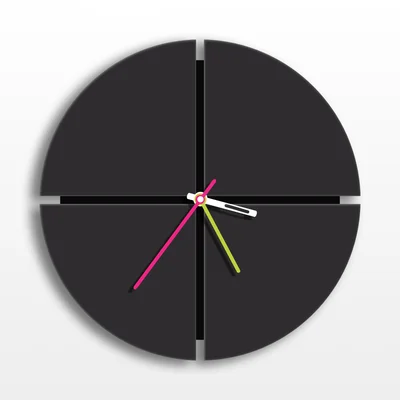
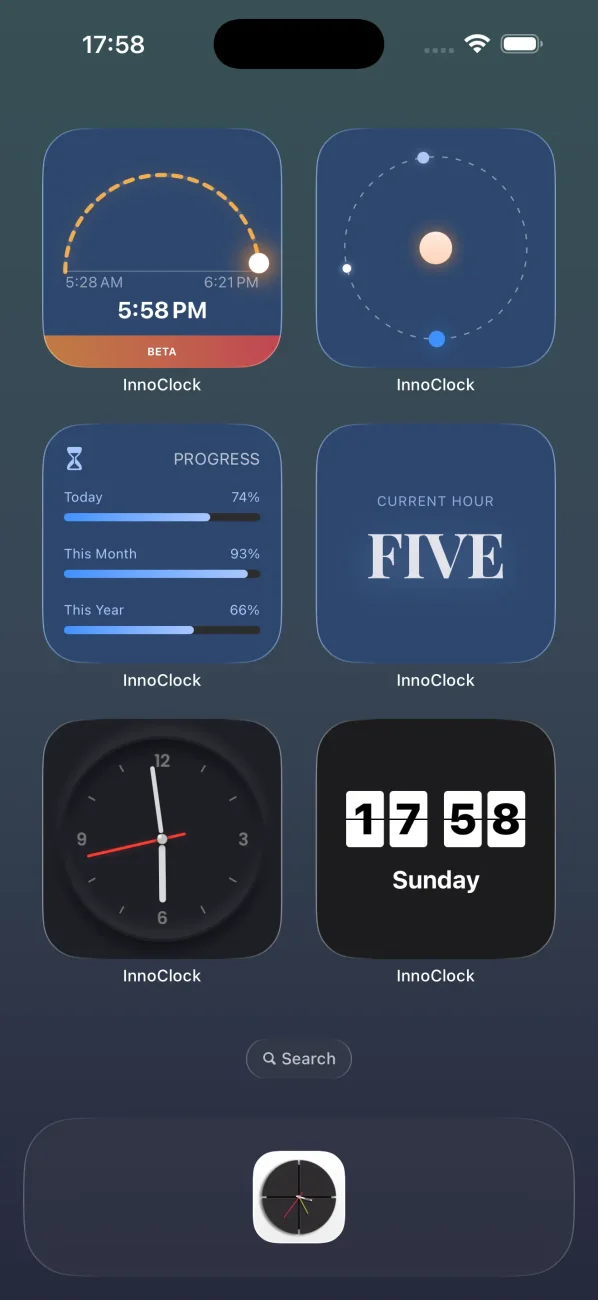
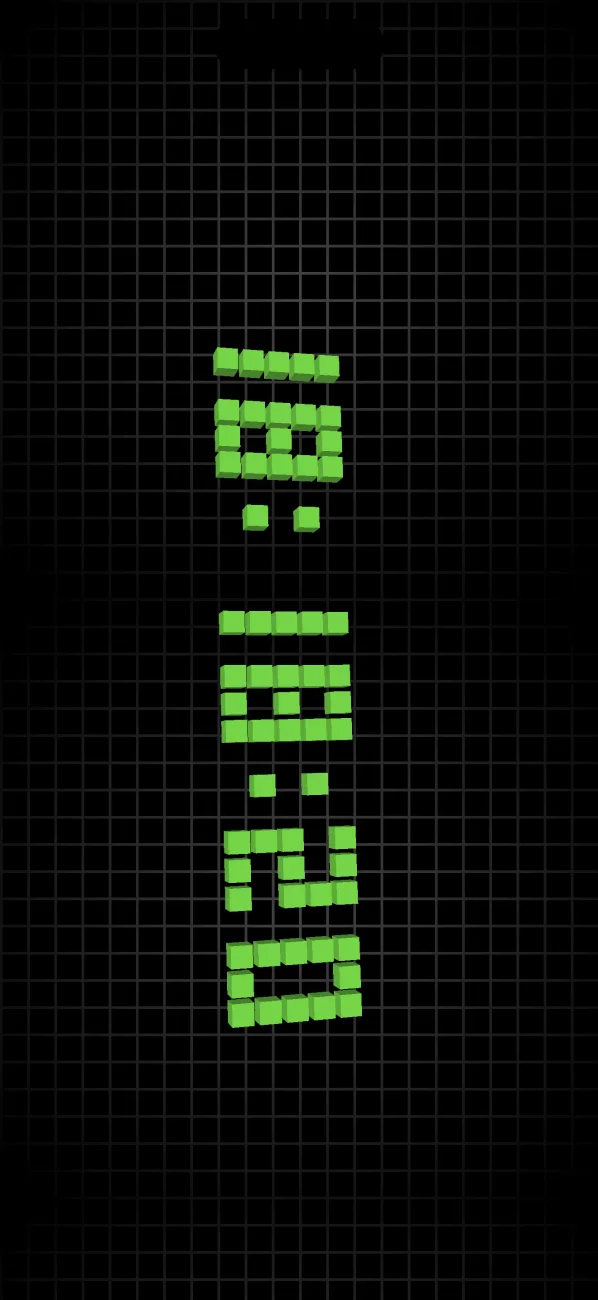
With dozens of meticulously crafted clock styles—from the nostalgic flip clock that feels like a retro train station, to sleek analog hands that echo classic watchmaking, to futuristic roulette wheels that spin with every second—InnoClock turns a mundane utility into a daily source of joy.
20+ stunning styles, one app.
Flip Clock: Vintage charm with a satisfying flip animation
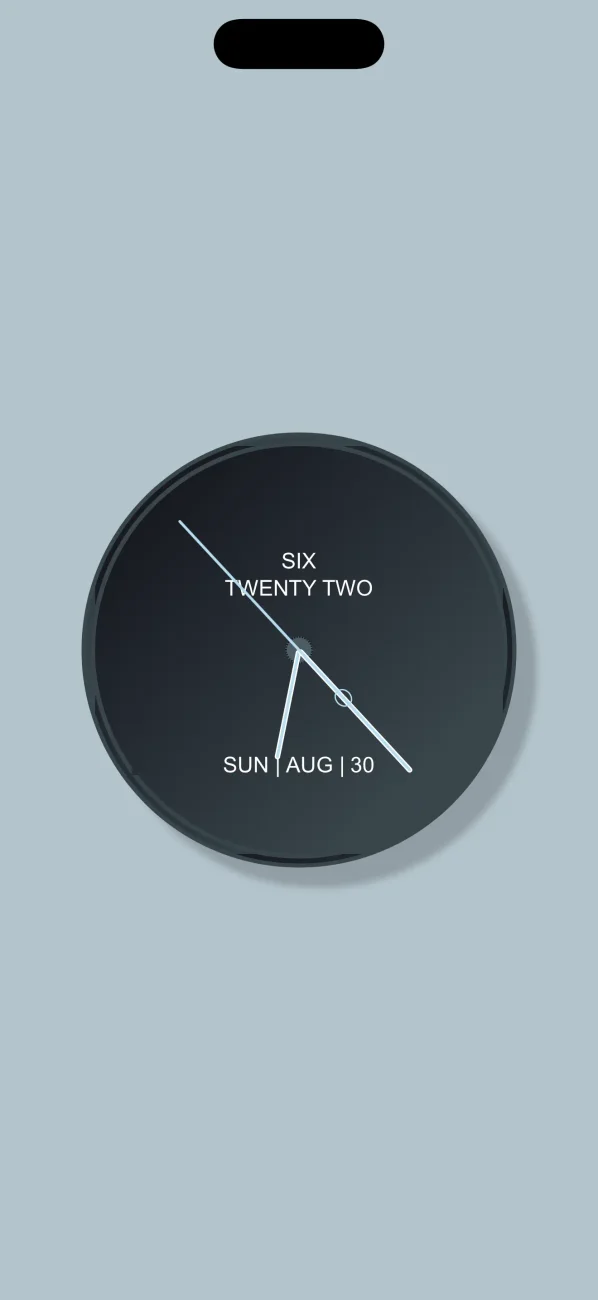
Analog Clock: Classic elegance with customizable hands and dials
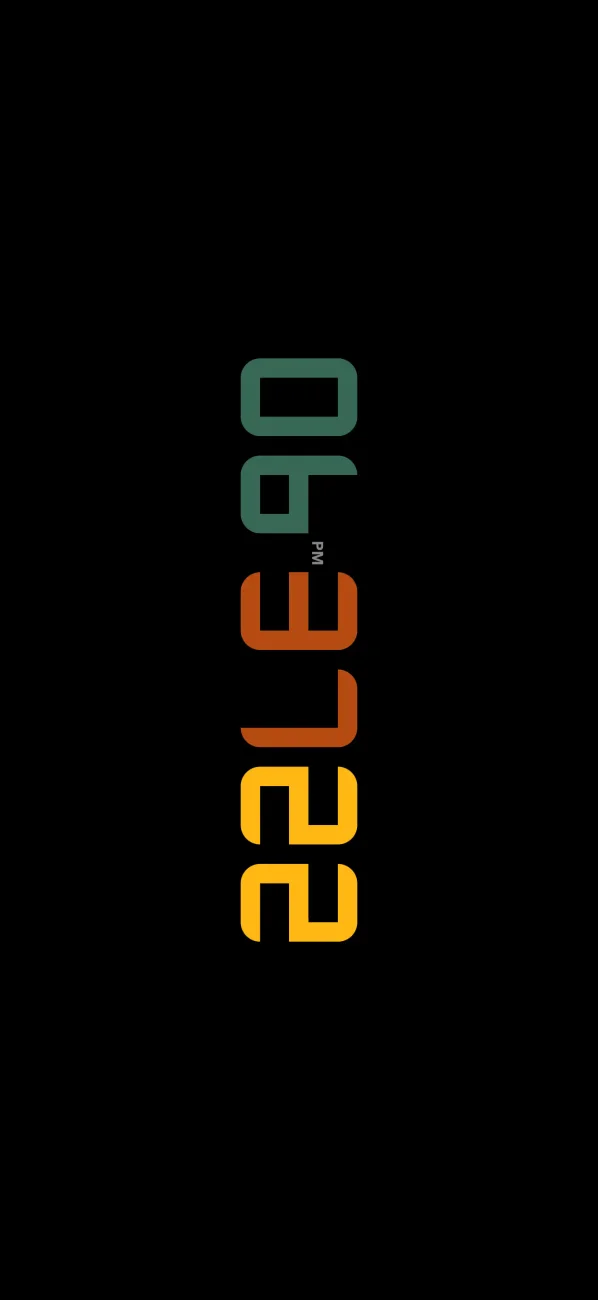
Digital Clock: Clean, modern, and readable at a glance
Roulette Clock: A bold, playful take on time-telling
And many more: Minimalist, Neon, Transparent, Gradient, and more
Widgets that make your home screen pop.
Place InnoClock widgets on your home screen and enjoy beautiful timekeeping at a glance. Choose from multiple widget sizes and styles to match your aesthetic—whether you love clean minimalism, vibrant neon, or soft pastels.
Set it as your charging screensaver.
Turn your idle charging screen into a captivating timepiece. Every time you plug in, your phone becomes a beautiful desk clock that draws compliments.
【How to set as Charging Screensaver:】
1. Open the Shortcuts app
2. Tap on "Automation"
3. Create a personal automation
4. Scroll down and select "Charger"
5. Choose "Connected", then tap Next
6. Select "Open App", choose InnoClock, and tap Next
7. Turn off "Ask Before Running" and tap Done
We're here for you.
Love the app? A 5-star rating means the world to us—it fuels our passion to keep creating beautiful updates. Have questions or suggestions? Reach out anytime.
EULA: https://www.apple.com/legal/internet-services/itunes/dev/stdeula/
Email: hucdmail@gmail.com
Discord: https://discord.gg/TjNUaNNhp
Download InnoClock today and fall in love with time all over again.
Yang baru
Versi 2.1.3 · 17/9/2026
Added extensive language support and improved localization quality, privacy controls, and overall stability.
Privasi aplikasi
Yang dinyatakan 成东 胡 di App Store tentang cara aplikasi ini menangani data.
-
Data tidak dikumpulkan
Pengembang tidak mengumpulkan data apa pun dari aplikasi ini.
Praktik privasi dapat bervariasi, misalnya berdasarkan fitur yang Anda gunakan atau usia Anda.
Informasi
- Penjual
- 成东 胡
- Kategori
- Kegunaan
- Versi
- 2.1.3
- Diperbarui
- 17/9/2026
- Dirilis
- 11/9/2022
- Ukuran
- 22,0 MB
- Memerlukan
- iOS 17 atau yang lebih baru
- Batasan usia
- 4+
- Harga
- Gratis
- Pembelian dalam aplikasi
- Ya
- Bahasa
- Inggris, Albanian, Arab, Belarusian, Bosnian, Bulgarian, Katalan, Kroat (Kroasia), Cheska (Republik Cheska), Dansk (Denmark), Belanda, Esti (Estonia) + 31 lainnya
- Hak cipta
- © 2026 hxr