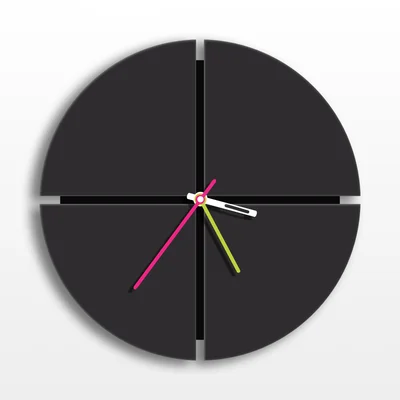
InnoClock -Screen Clock Widget
Aesthetic screen clock widget
Designed for iPhone, iPad
Free · In-app purchases
- Age rating4+
- CategoryUtilities
- Developer成东 胡
- LanguagesEnglish+ 42 more
- Size22.0 MB
Links to the official App Store page
Download.org hosts no file of InnoClock -Screen Clock Widget. The button opens its official App Store page, published by 成东 胡. Listing last checked on Nov 20, 2026.
Screenshots



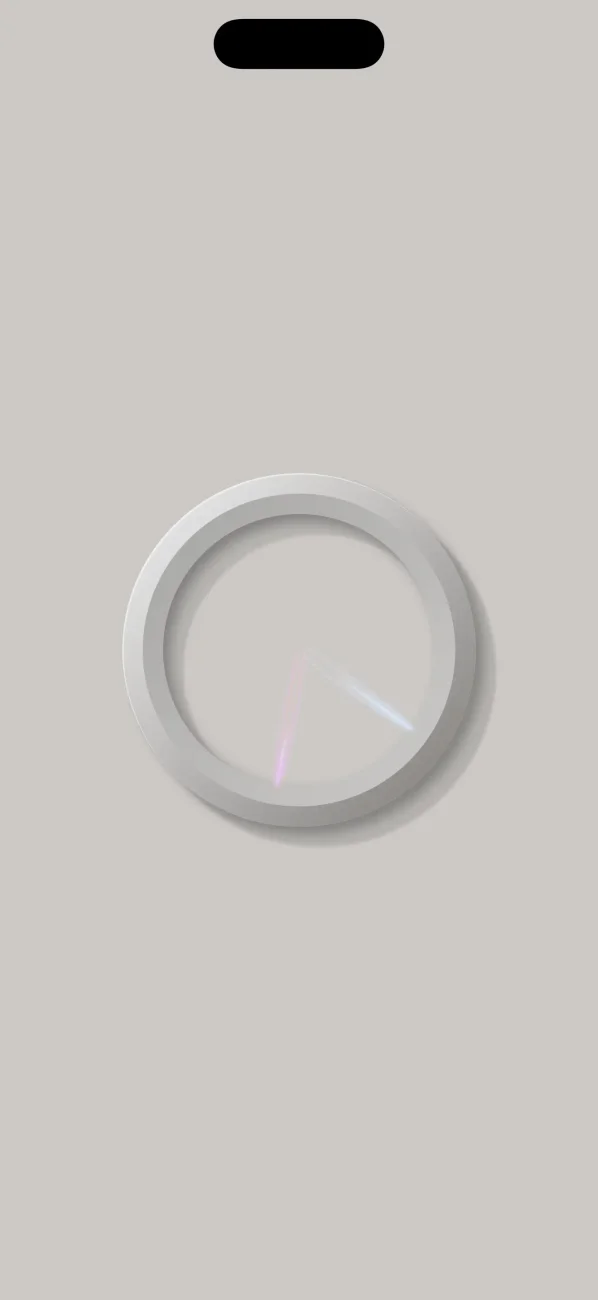
About
InnoClock – Where Time Meets Art
Tired of the same boring digital numbers staring back at you every time you check your phone? InnoClock is here to change that.
Transform your home screen into a gallery of time.
With dozens of meticulously crafted clock styles—from the nostalgic flip clock that feels like a retro train station, to sleek analog hands that echo classic watchmaking, to futuristic roulette wheels that spin with every second—InnoClock turns a mundane utility into a daily source of joy.
20+ stunning styles, one app.
Flip Clock: Vintage charm with a satisfying flip animation
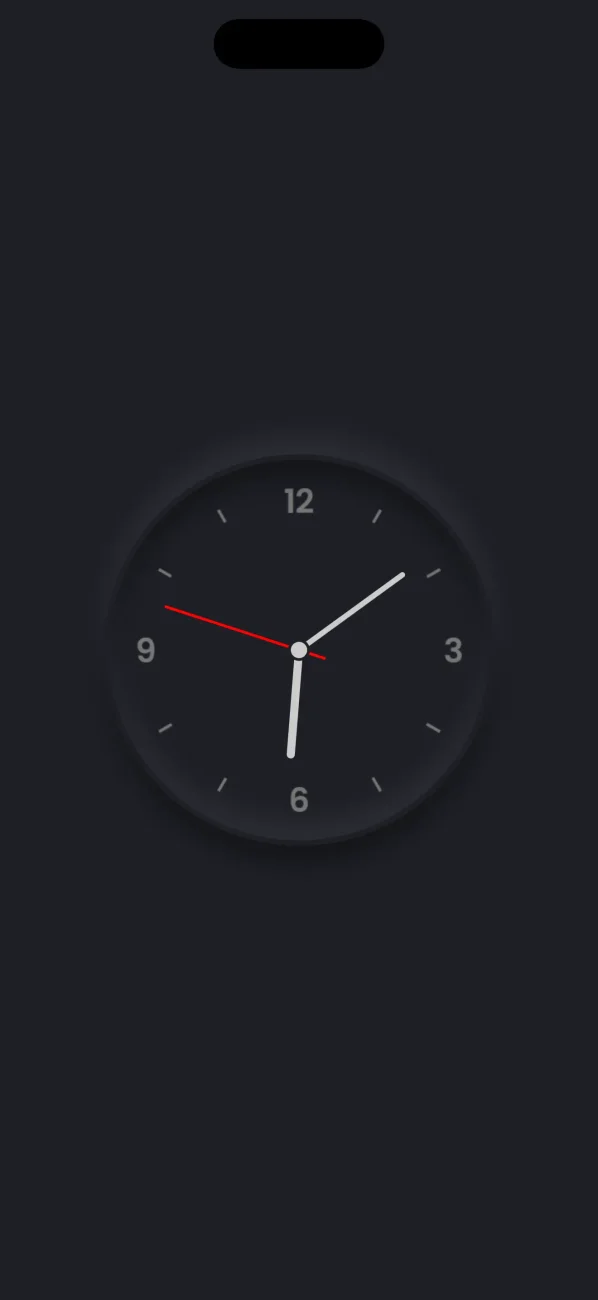
Analog Clock: Classic elegance with customizable hands and dials
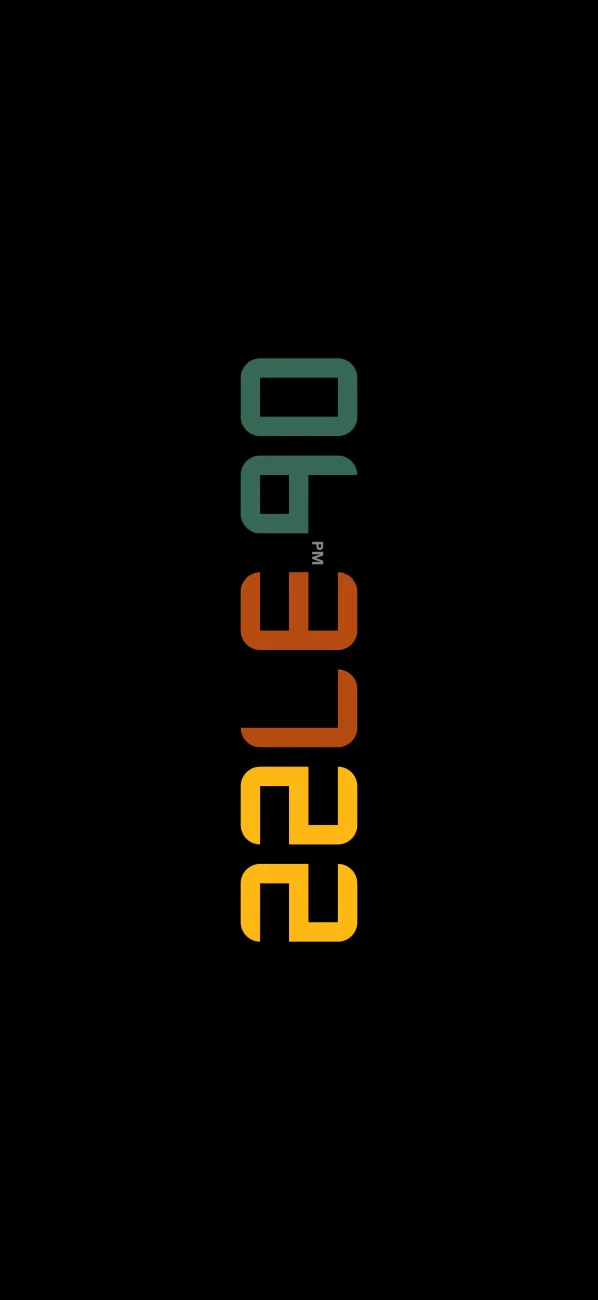
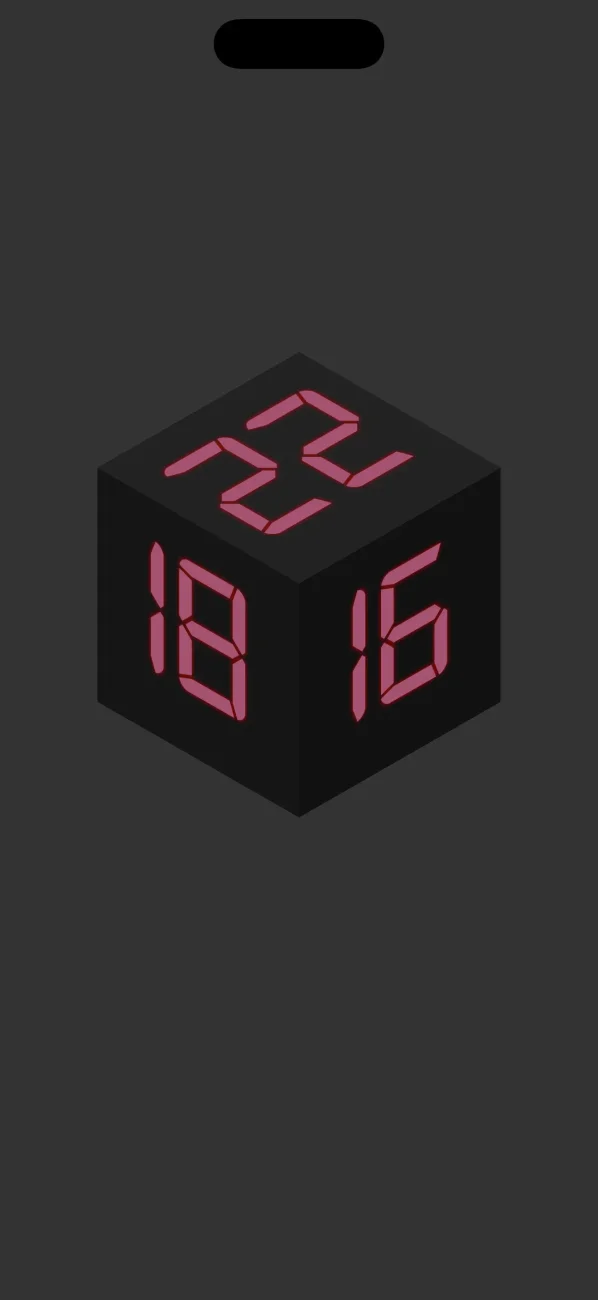
Digital Clock: Clean, modern, and readable at a glance
Roulette Clock: A bold, playful take on time-telling
And many more: Minimalist, Neon, Transparent, Gradient, and more
Widgets that make your home screen pop.
Place InnoClock widgets on your home screen and enjoy beautiful timekeeping at a glance. Choose from multiple widget sizes and styles to match your aesthetic—whether you love clean minimalism, vibrant neon, or soft pastels.
Set it as your charging screensaver.
Turn your idle charging screen into a captivating timepiece. Every time you plug in, your phone becomes a beautiful desk clock that draws compliments.
【How to set as Charging Screensaver:】
1. Open the Shortcuts app
2. Tap on "Automation"
3. Create a personal automation
4. Scroll down and select "Charger"
5. Choose "Connected", then tap Next
6. Select "Open App", choose InnoClock, and tap Next
7. Turn off "Ask Before Running" and tap Done
We're here for you.
Love the app? A 5-star rating means the world to us—it fuels our passion to keep creating beautiful updates. Have questions or suggestions? Reach out anytime.
EULA: https://www.apple.com/legal/internet-services/itunes/dev/stdeula/
Email: hucdmail@gmail.com
Discord: https://discord.gg/TjNUaNNhp
Download InnoClock today and fall in love with time all over again.
What’s new
Version 2.1.3 · Sep 17, 2026
Added extensive language support and improved localization quality, privacy controls, and overall stability.
App privacy
What 成东 胡 declares on the App Store about how this app handles data.
-
Data not collected
The developer does not collect any data from this app.
Privacy practices may vary, for example with the features you use or your age.
Information
- Seller
- 成东 胡
- Category
- Utilities
- Version
- 2.1.3
- Updated
- Sep 17, 2026
- Released
- Sep 11, 2022
- Size
- 22.0 MB
- Requires
- iOS 17 or later
- Age rating
- 4+
- Price
- Free
- In-app purchases
- Yes
- Languages
- English, Albanian, Arabic, Belarusian, Bosnian, Bulgarian, Catalan, Croatian, Czech, Danish, Dutch, Estonian + 31 more
- Copyright
- © 2026 hxr
You might also like
-
 MomentMark CameraTimestamp & location camera
-
 Photo Cleaner: Phone StorageDelete Duplicates & Free Space
-
 ChartesOffline Image to PDF Scanner
-
 Memory RouletteRediscover Your Past Photo
-
 iAliveWellPersonal Safety &Activity Care
-
 排班宝 - 排班日历&倒班助手&排班闹钟&专业值班轮班日历Utilities
-
 Note by Xi - The Cleanest noteBest note app
-
 Cheese IDSay Cheese!Energetic ID Photos
-
 URL闪传Utilities
-
 SocialSave - Organise LinksNever lose a link again!