iWriteMusic
Music notation & score editor
Dirancang untuk iPhone
Gratis · Pembelian dalam aplikasi
- Batasan usia4+
- KategoriMusik
- PengembangiWriteMusicProject
- BahasaInggris
- Ukuran19,3 MB
Tertaut ke halaman resmi App Store
Download.org tidak menyimpan file iWriteMusic apa pun. Tombol ini membuka halaman aplikasi di App Store, tempat iWriteMusicProject menerbitkannya. Halaman terakhir diperiksa pada 25/11/2026.
Tangkapan layar

Tentang
Pengembang belum menyediakan teks ini dalam bahasa Anda.
Less learning. More music.
Professional notation without the lengthly learning process.
Whether you are capturing a musical idea, preparing lesson material or a lead sheet, or completing a large score, iWriteMusic helps you turn inspiration into finished notation efficiently.
7 reasons to choose iWriteMusic.
1. Easy to master.
Essential controls are organized clearly, so even if notation apps are new to you, you can get started without relying on a thick manual or a long series of tutorial videos.
2. Enter notes faster, your way.
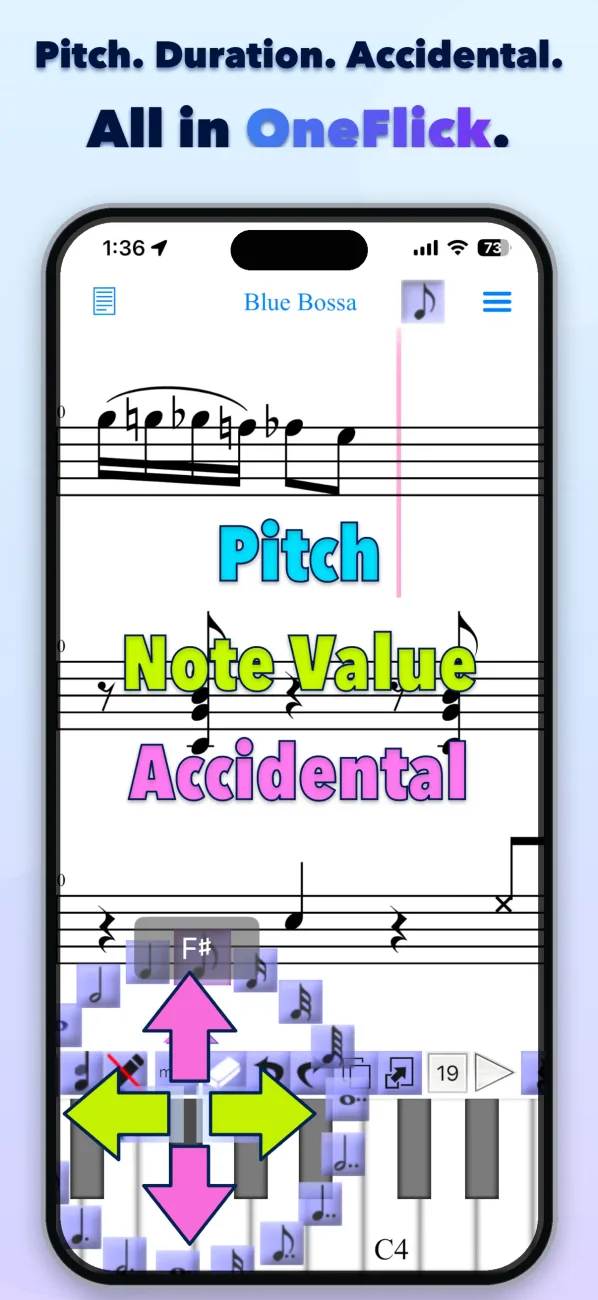
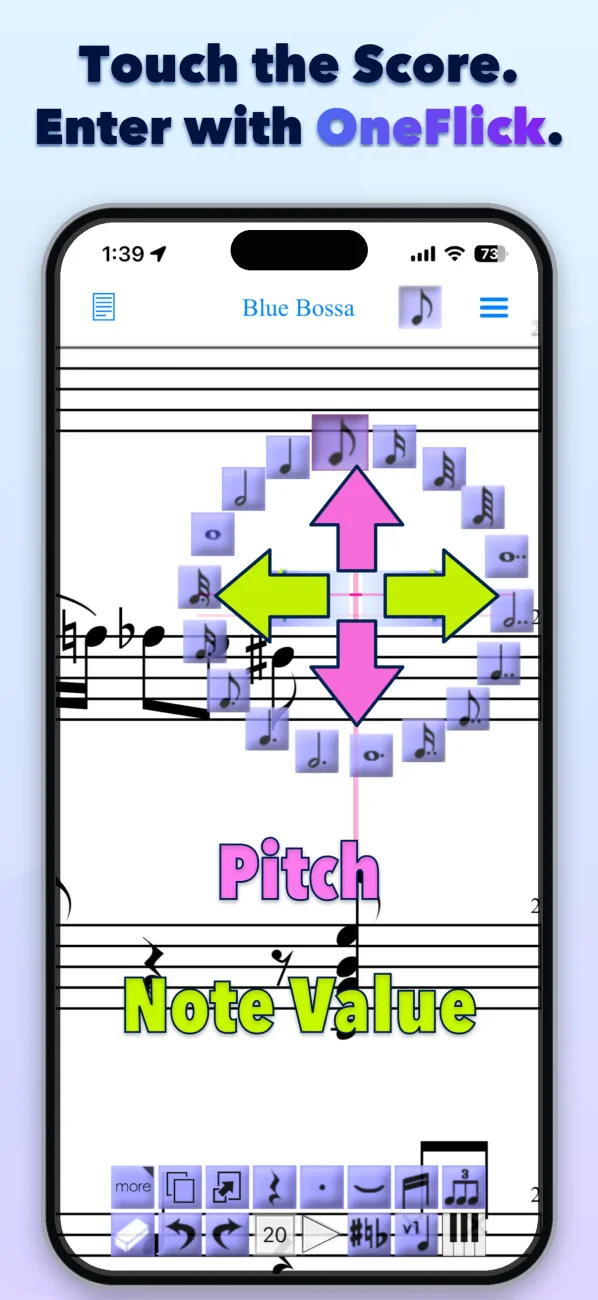
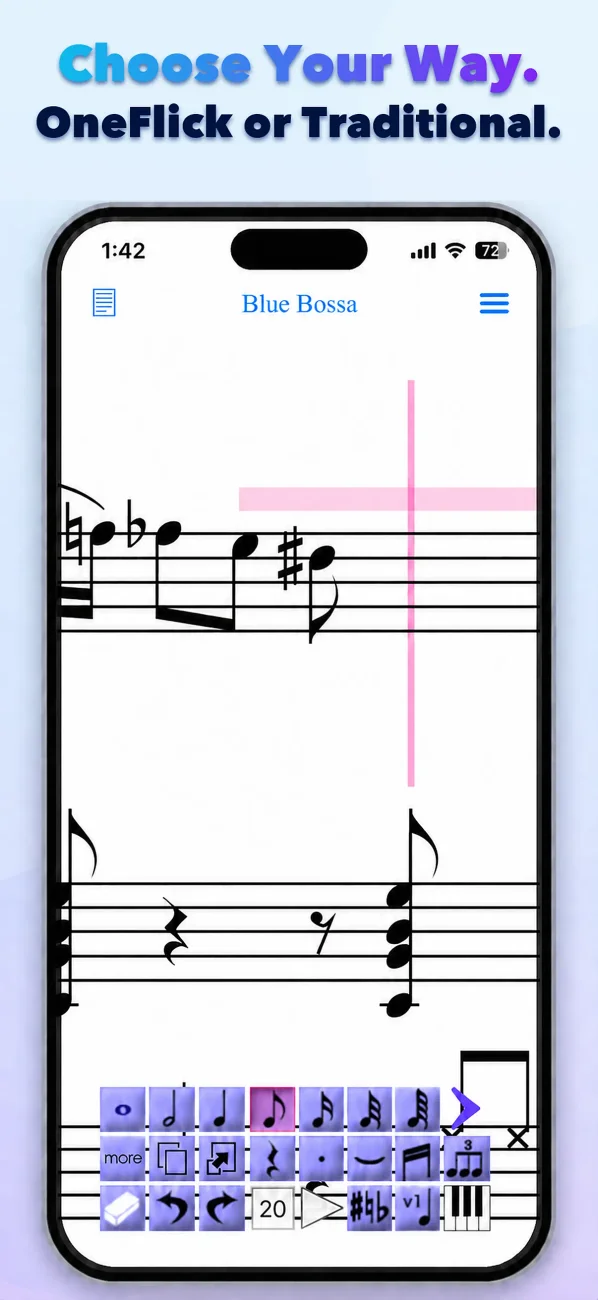
With OneFlick, you can combine choices such as pitch and note value into a single gesture.
Traditional Entry lets you choose the notation item and its position separately. Use either method to match the task and the way you prefer to work.
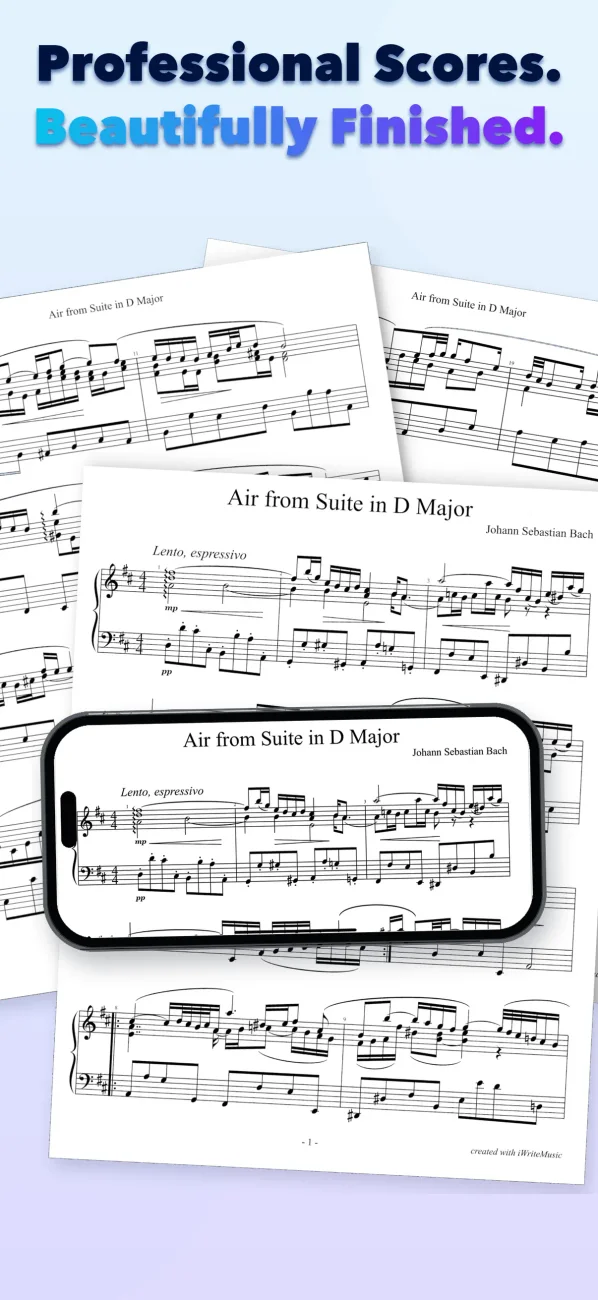
3. Create polished, professional scores.
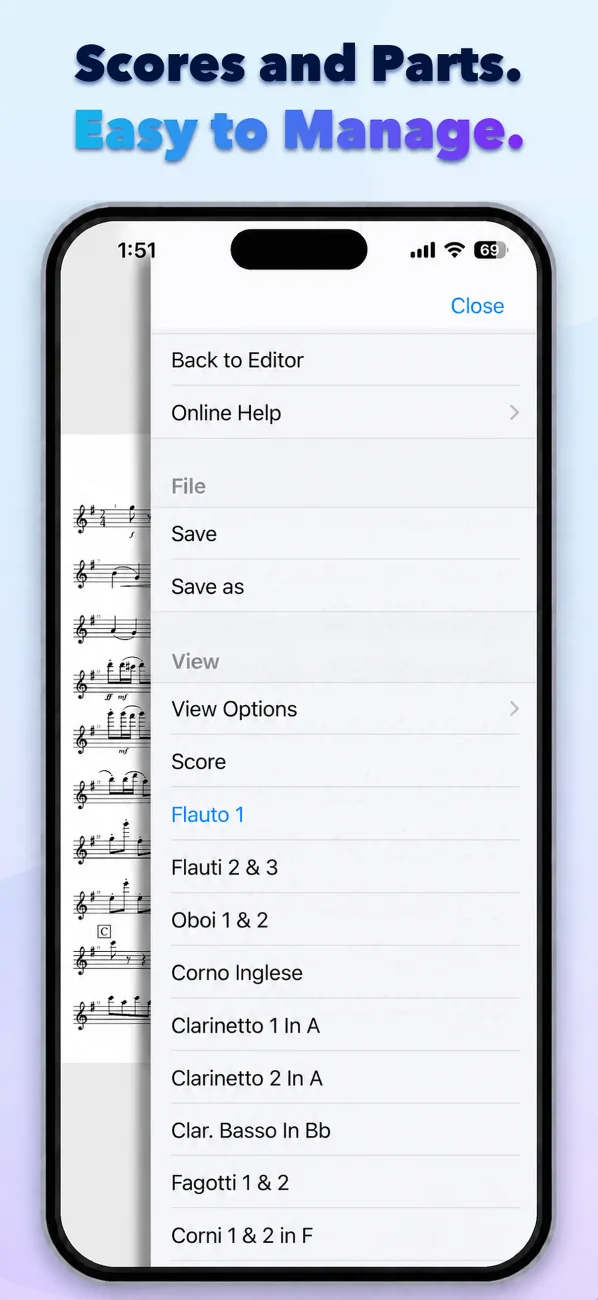
Flexible page-layout tools help you prepare music for practice, lessons, rehearsals, performance, and distribution. Create individual parts from a score and print directly with AirPrint.
4. Use the notation your music requires.
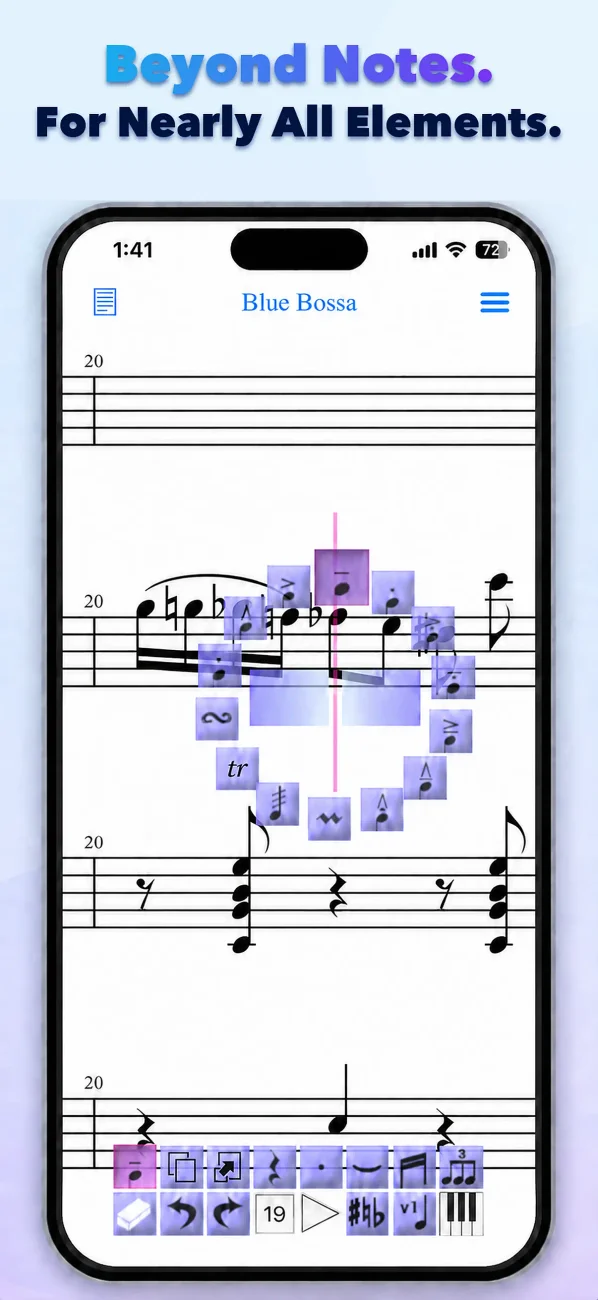
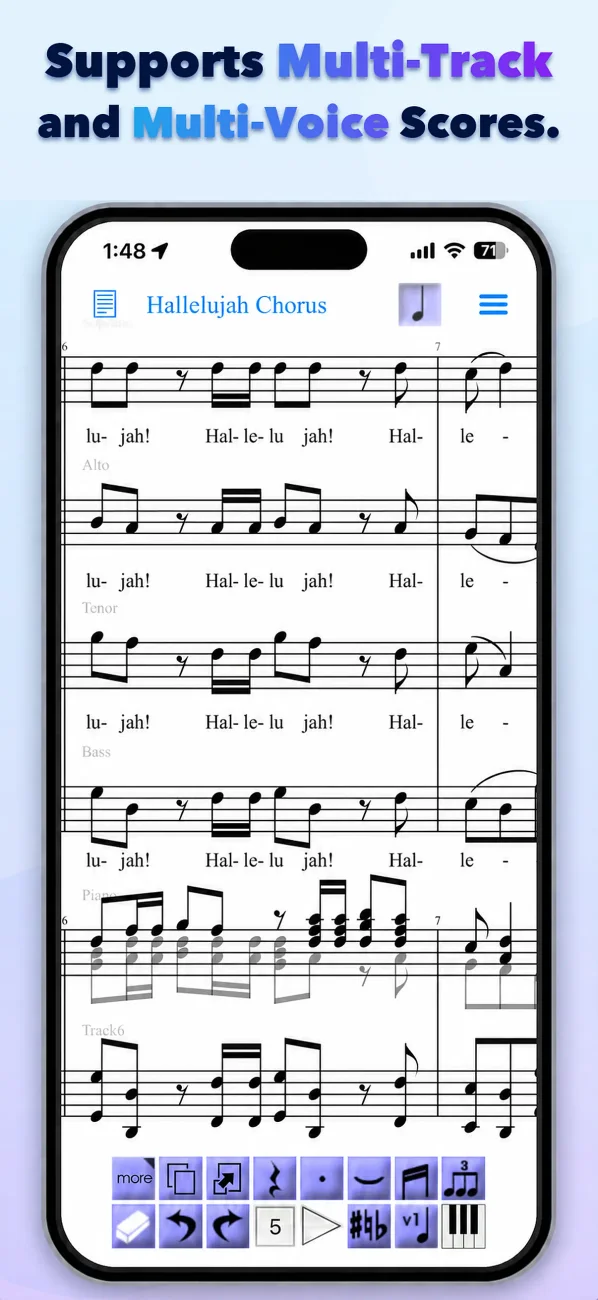
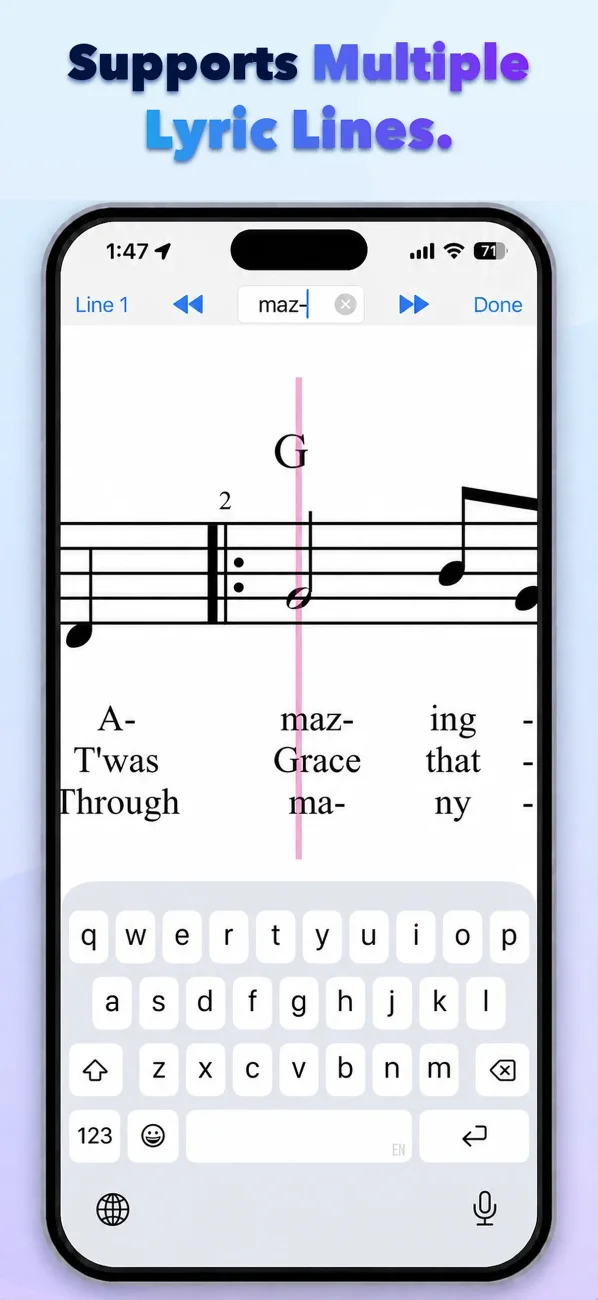
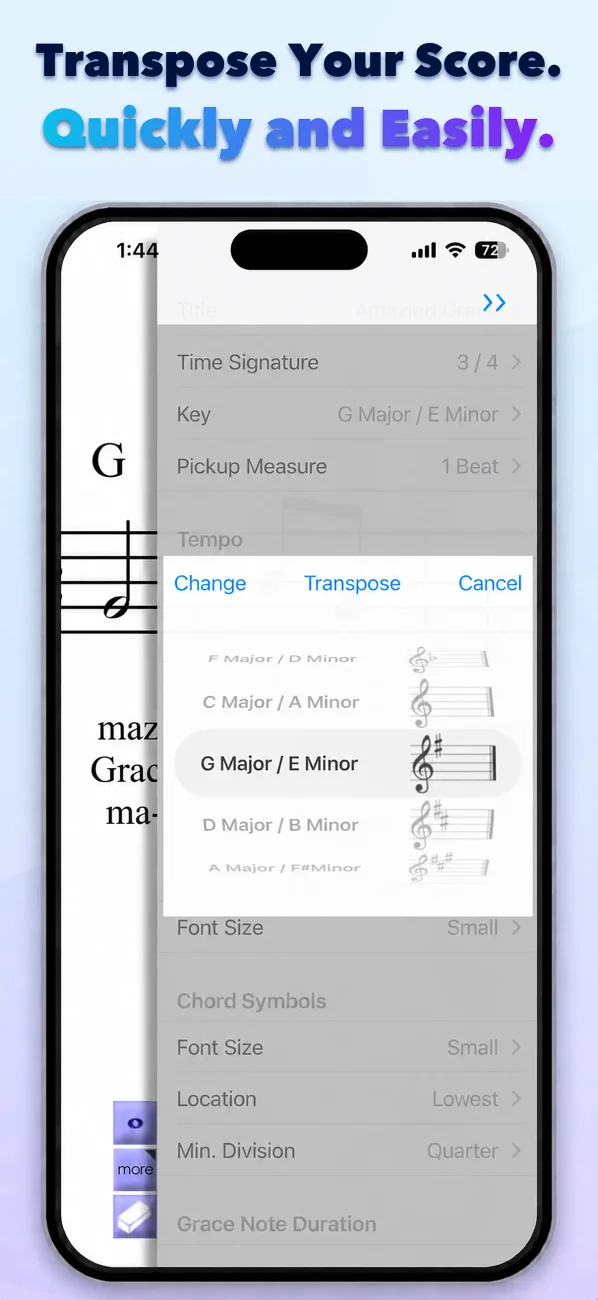
Create multi-track, multi-voice scores with lyrics, chord symbols, percussion, drum notation, and multi-bar rests. Add key, time, clef, and tempo changes within a piece, along with grace notes, articulations, dynamics, and full or partial transposition.
5. Keep scores and parts organized.
Manage scores and their individual parts together, and use folders to organize a growing collection of compositions and teaching materials.
6. Listen, check, and practice.
Play your score while you work. Use the mixer, solo, mute, instrument selection, loop playback, and swing playback to check your music or support daily practice.
7. Export and share for any purpose.
Export PDF, image, Standard MIDI, MusicXML, and audio files (WAV). Share editable iWriteMusic files and continue working on another device.
For composers, arrangers, songwriters, music teachers, students, singers, and instrumentalists. Use iWriteMusic for musical sketches, lead sheets, chord charts, lesson materials, choral and ensemble scores, chamber music, band music, orchestral scores, and individual parts.
iWriteMusic is free to download. Some features require one-time in-app purchases.
Yang baru
Versi 3.8.1 · 24/11/2026
3.8.1:
Improved behavior in certain cases when exporting MusicXML or opening files from other apps.
3.8.0 highlights:
• Added Piano Staff support.
• Improved piano pedal mark entry and editing.
• Added a tool for adjusting arpeggio length.
• Improved breath mark and caesura placement.
• Rehearsal marks and other shared markings now appear once per track group in Page View.
• Improved MusicXML export, display, and usability, along with bug fixes.
Privasi aplikasi
Yang dinyatakan iWriteMusicProject di App Store tentang cara aplikasi ini menangani data.
-
Data tidak dikumpulkan
Pengembang tidak mengumpulkan data apa pun dari aplikasi ini.
Praktik privasi dapat bervariasi, misalnya berdasarkan fitur yang Anda gunakan atau usia Anda.
Informasi
- Penjual
- Kazuo Nakamura
- Kategori
- Musik
- Versi
- 3.8.1
- Diperbarui
- 24/11/2026
- Dirilis
- 27/9/2010
- Ukuran
- 19,3 MB
- Memerlukan
- iOS 16.0 atau yang lebih baru
- Batasan usia
- 4+
- Harga
- Gratis
- Pembelian dalam aplikasi
- Ya
- Bahasa
- Inggris
- Hak cipta
- © Kazuo Nakamura