
iWriteMusic
Music notation & score editor
Designed for iPhone
Free · In-app purchases
- Age rating4+
- CategoryMusic
- DeveloperiWriteMusicProject
- LanguagesEnglish
- Size19.2 MB
Links to the official App Store page
Download.org hosts no file of iWriteMusic. The button opens its official App Store page, published by iWriteMusicProject. Listing last checked on Nov 19, 2026.
Screenshots


About
Less learning. More music.
Professional notation without the lengthly learning process.
Whether you are capturing a musical idea, preparing lesson material or a lead sheet, or completing a large score, iWriteMusic helps you turn inspiration into finished notation efficiently.
7 reasons to choose iWriteMusic.
1. Easy to master.
Essential controls are organized clearly, so even if notation apps are new to you, you can get started without relying on a thick manual or a long series of tutorial videos.
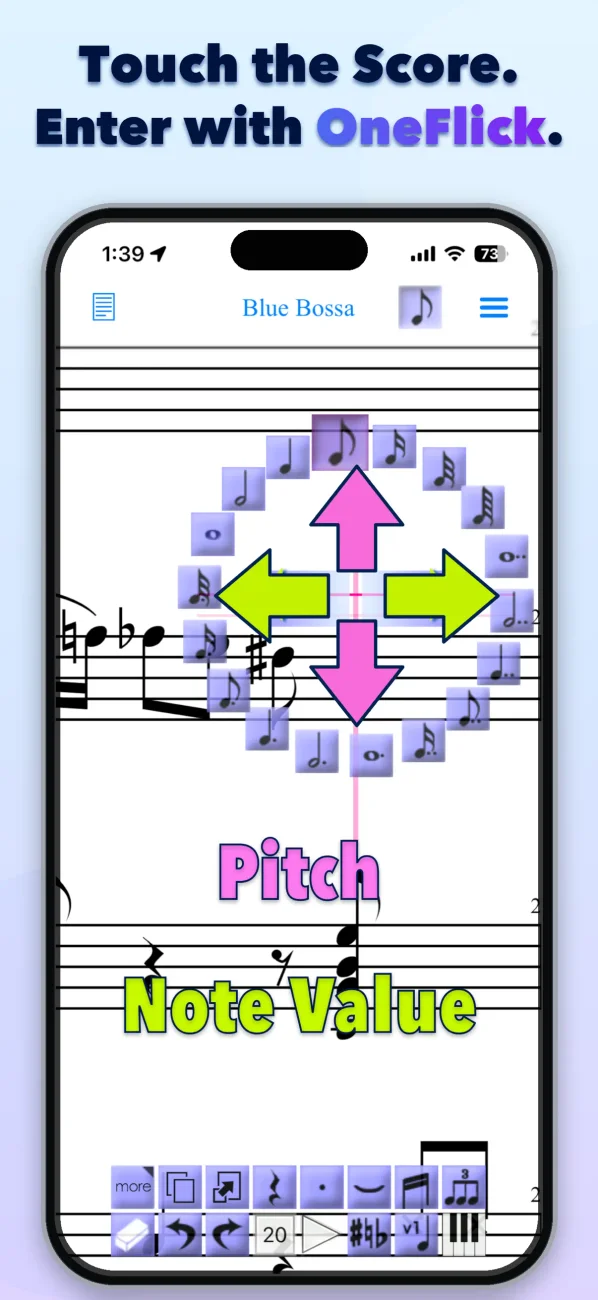
2. Enter notes faster, your way.
With OneFlick, you can combine choices such as pitch and note value into a single gesture.
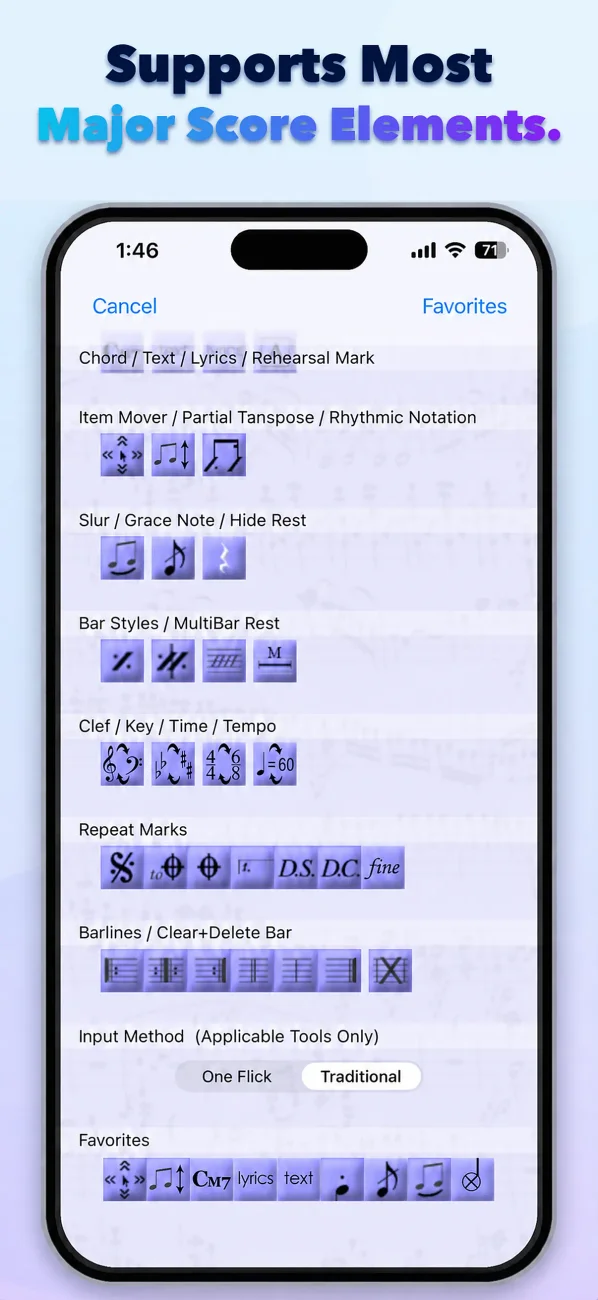
Traditional Entry lets you choose the notation item and its position separately. Use either method to match the task and the way you prefer to work.
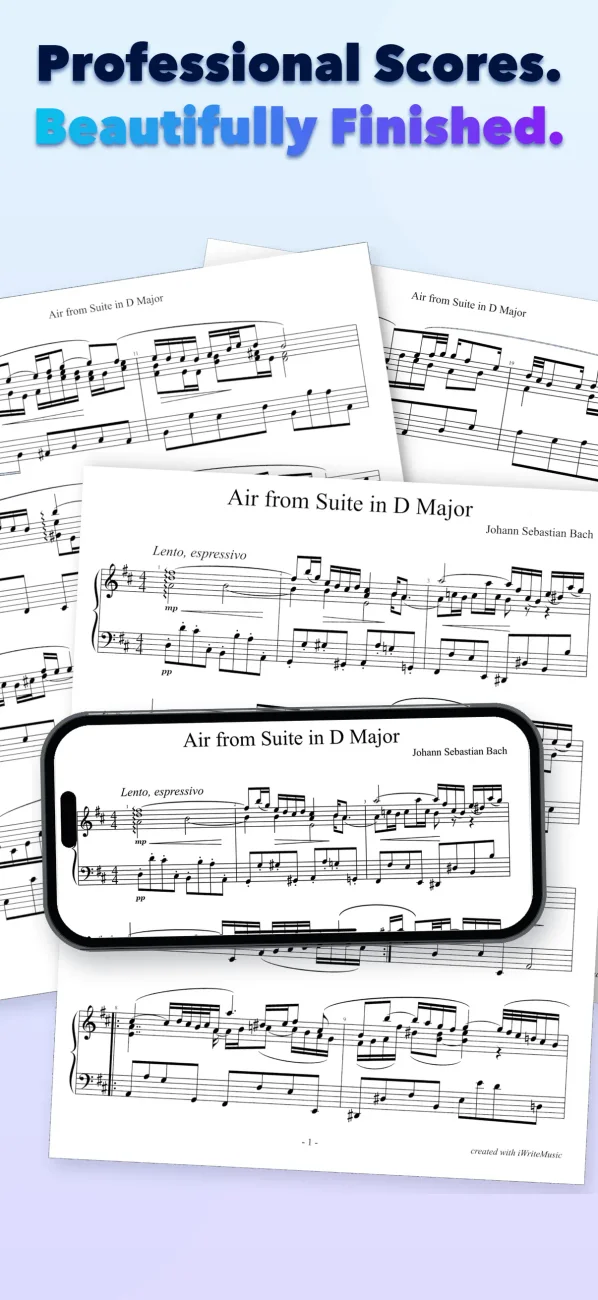
3. Create polished, professional scores.
Flexible page-layout tools help you prepare music for practice, lessons, rehearsals, performance, and distribution. Create individual parts from a score and print directly with AirPrint.
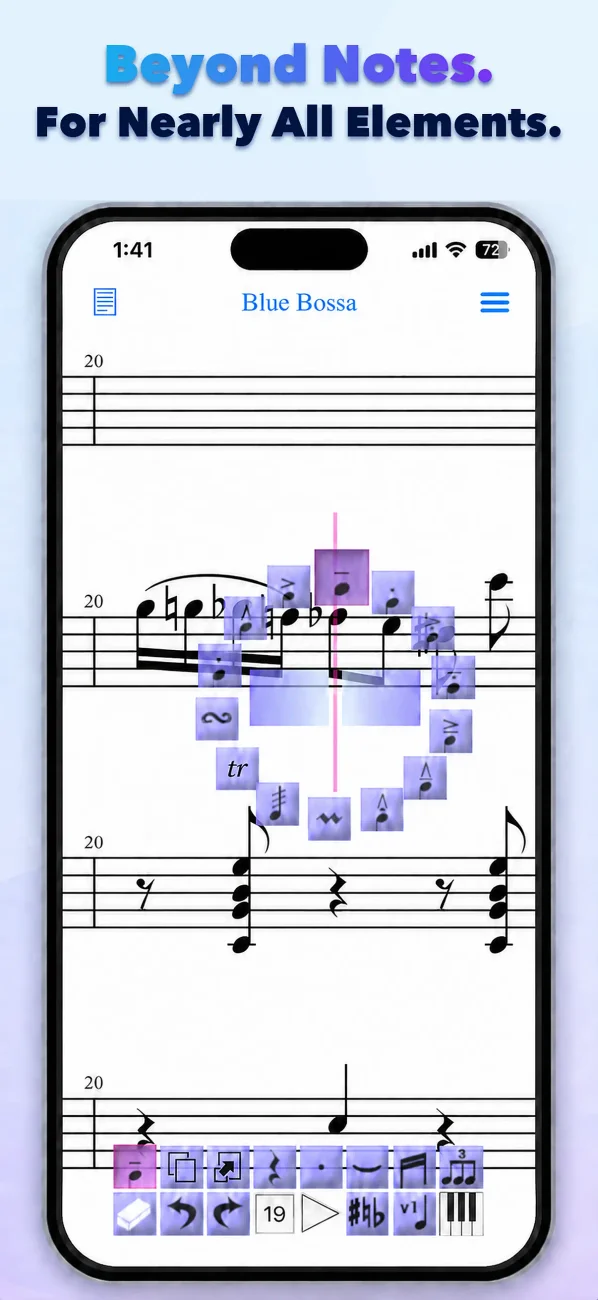
4. Use the notation your music requires.
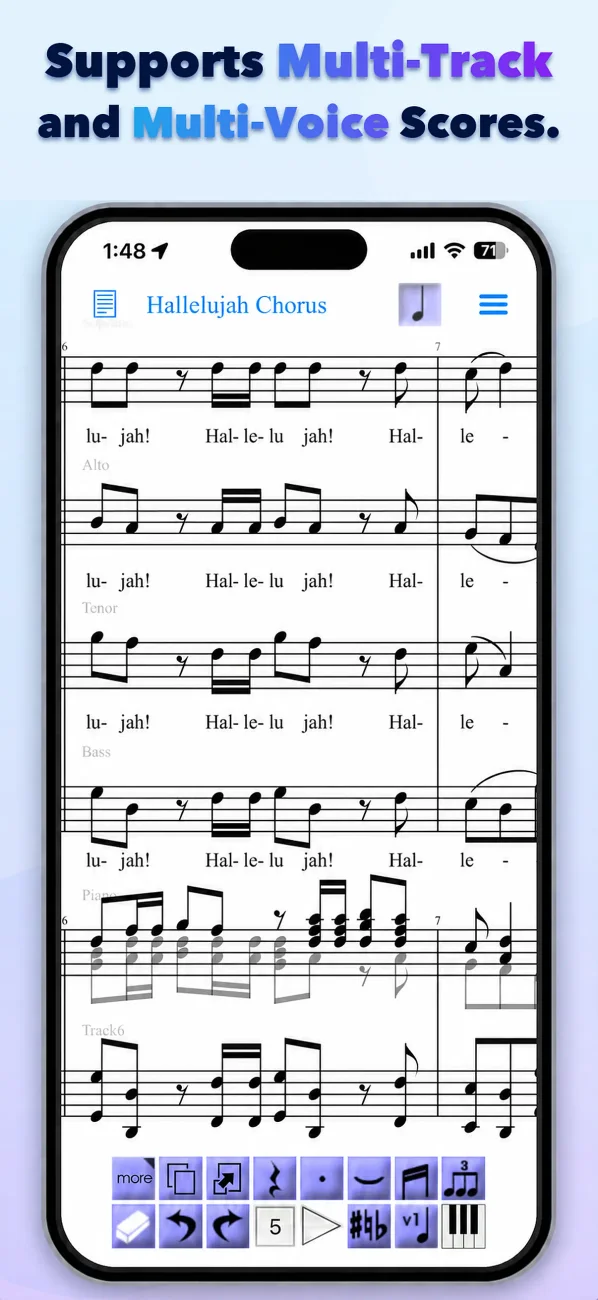
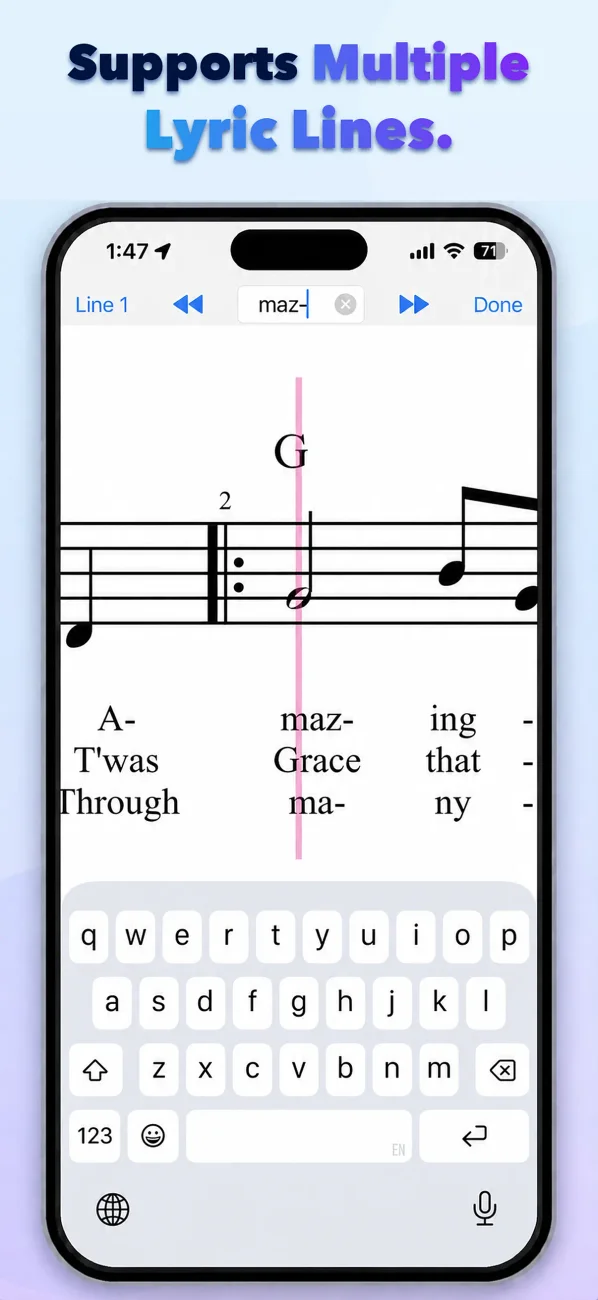
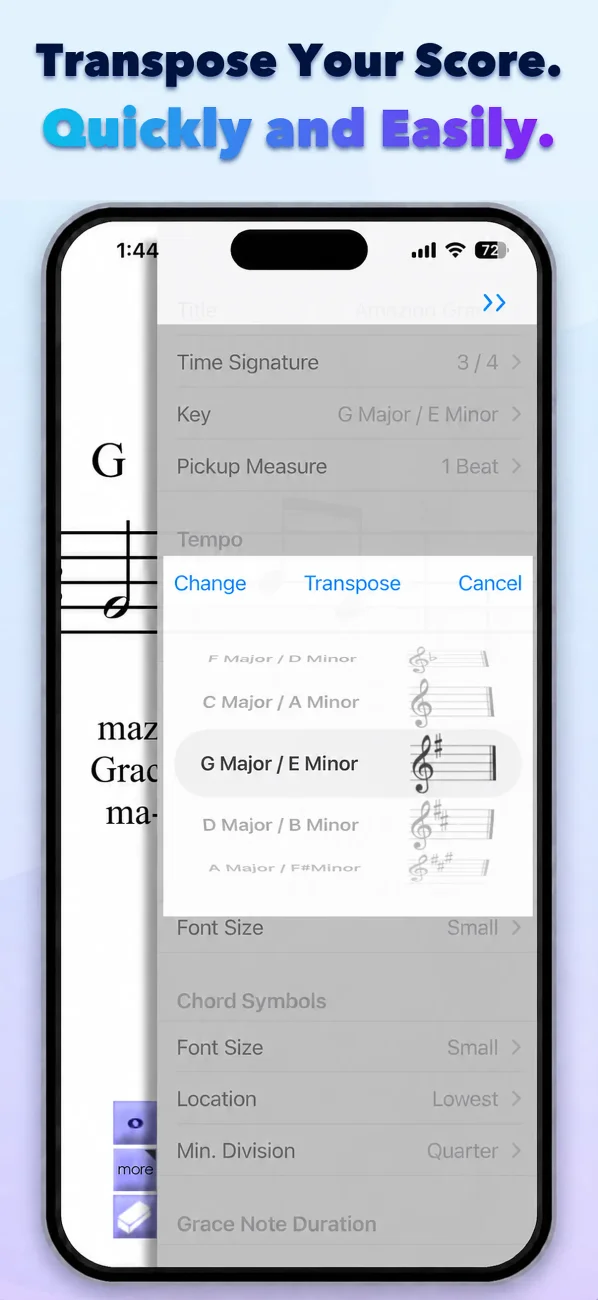
Create multi-track, multi-voice scores with lyrics, chord symbols, percussion, drum notation, and multi-bar rests. Add key, time, clef, and tempo changes within a piece, along with grace notes, articulations, dynamics, and full or partial transposition.
5. Keep scores and parts organized.
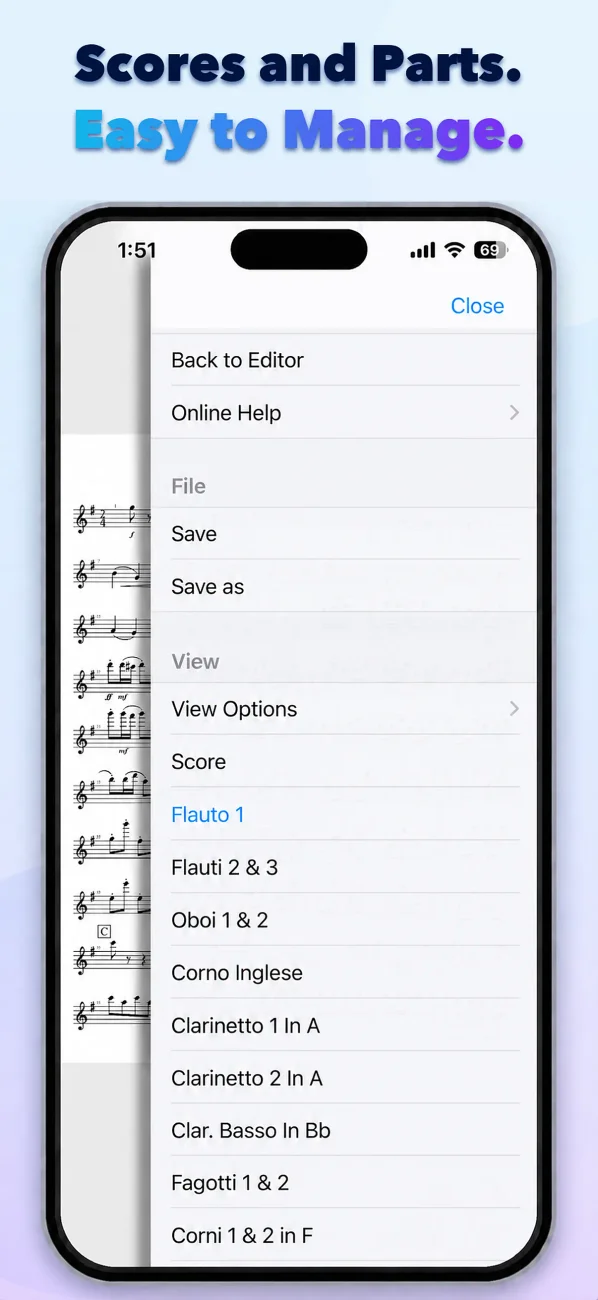
Manage scores and their individual parts together, and use folders to organize a growing collection of compositions and teaching materials.
6. Listen, check, and practice.
Play your score while you work. Use the mixer, solo, mute, instrument selection, loop playback, and swing playback to check your music or support daily practice.
7. Export and share for any purpose.
Export PDF, image, Standard MIDI, MusicXML, and audio files (WAV). Share editable iWriteMusic files and continue working on another device.
For composers, arrangers, songwriters, music teachers, students, singers, and instrumentalists. Use iWriteMusic for musical sketches, lead sheets, chord charts, lesson materials, choral and ensemble scores, chamber music, band music, orchestral scores, and individual parts.
iWriteMusic is free to download. Some features require one-time in-app purchases.
What’s new
Version 3.7.1 · Nov 10, 2026
Fixed an issue that could display incorrect track names when scrolling in Playback Settings.
Since version 3.7.0, this app has been free to download, with additional features available through in-app purchases. Features included in your previous app and in-app purchases remain available at no additional charge.
App privacy
What iWriteMusicProject declares on the App Store about how this app handles data.
-
Data not collected
The developer does not collect any data from this app.
Privacy practices may vary, for example with the features you use or your age.
Information
- Seller
- Kazuo Nakamura
- Category
- Music
- Version
- 3.7.1
- Updated
- Nov 10, 2026
- Released
- Sep 27, 2010
- Size
- 19.2 MB
- Requires
- iOS 16.0 or later
- Age rating
- 4+
- Price
- Free
- In-app purchases
- Yes
- Languages
- English
- Copyright
- © Kazuo Nakamura
You might also like
-
 Sight Reading MachinePiano, guitar & daily practice
-
 MIDI AidThe MIDI monitor
-
 GroovemakerBeach, sofa, studio ...
-
 Rewindi: Classic Music PlayerYour music. A classic wheel.
-
 Big MusicPlay albums. Listen together.
-
 Detox RadioMusic
-
 POLYMACHINEmusic production gamechanger
-
 ArtscriptureModern music transcription
-
 Funk Drummer: Drum MachineGroove Plugin: AUv3 & MIDI
-
 AudioM: Audiobook PlayerFor Audiobookshelf & Ebooks