Layerz Canvas
Design·Animate·Record·Export
Dirancang untuk iPhone, iPad, Mac
Gratis · Pembelian dalam aplikasi
- Batasan usia4+
- KategoriGrafik & Desain
- PengembangLayerz Corp.
- BahasaInggris+ 1 lainnya
- Ukuran41,6 MB
Tertaut ke halaman resmi App Store
Download.org tidak menyimpan file Layerz Canvas apa pun. Tombol ini membuka halaman aplikasi di App Store, tempat Layerz Corp. menerbitkannya. Halaman terakhir diperiksa pada 26/11/2026.
Tangkapan layar
Tentang
Pengembang belum menyediakan teks ini dalam bahasa Anda.
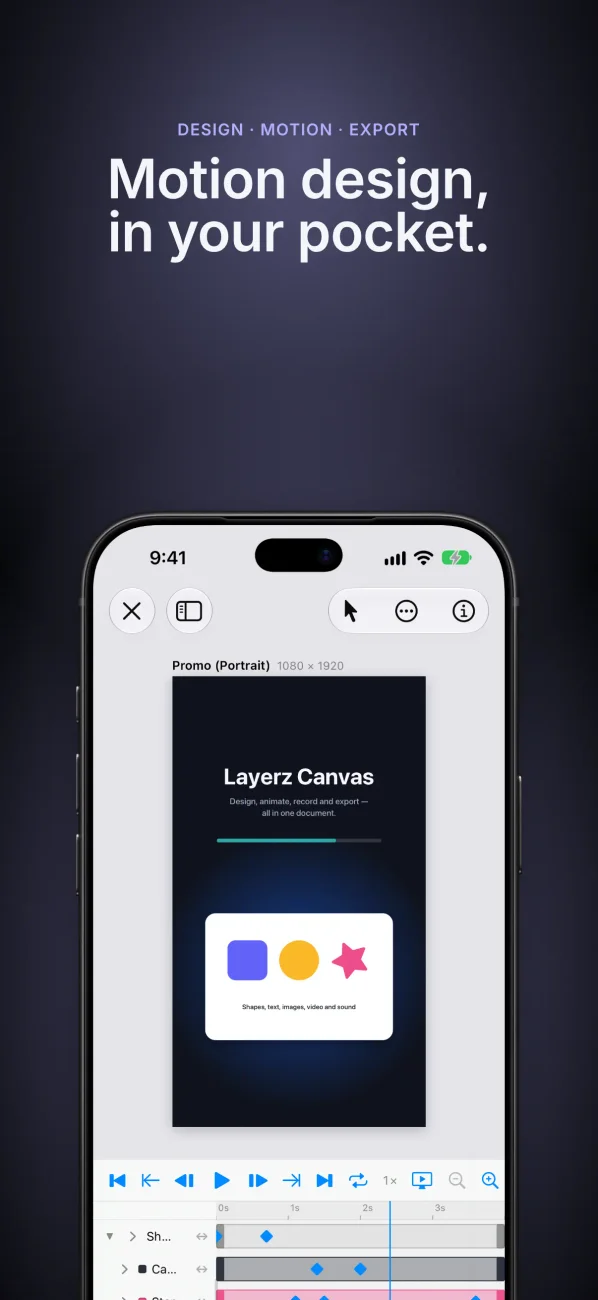
Layerz Canvas turns a design into a promo video without leaving the document — on iPhone and iPad, with the same files as the Mac app.
DESIGN
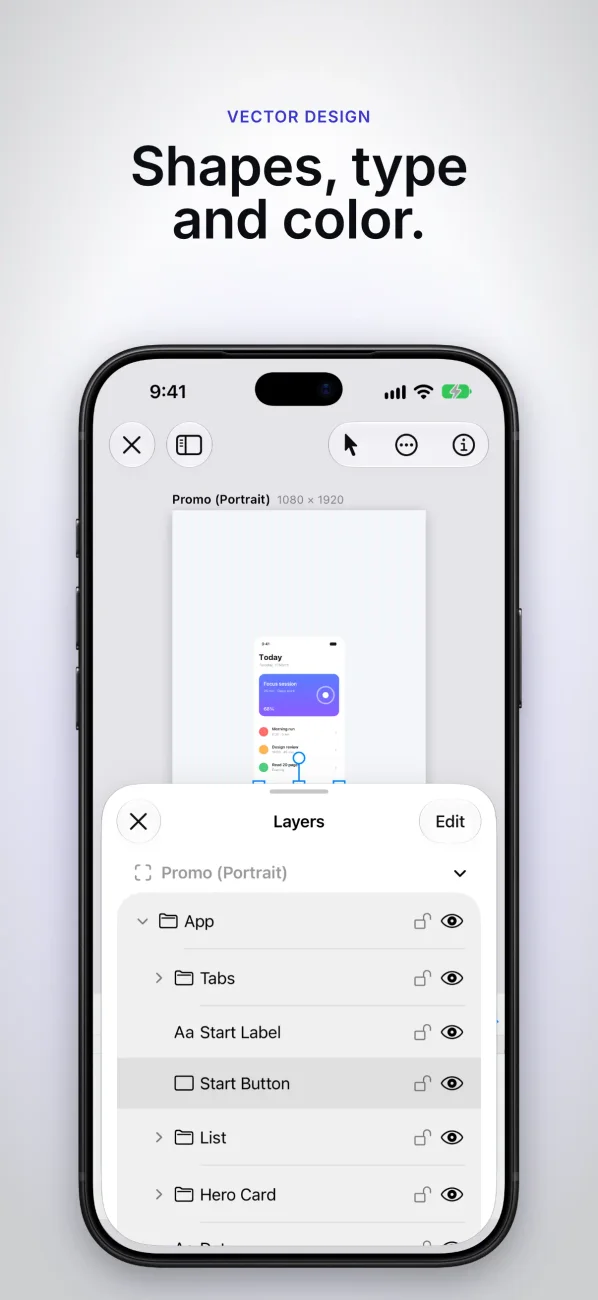
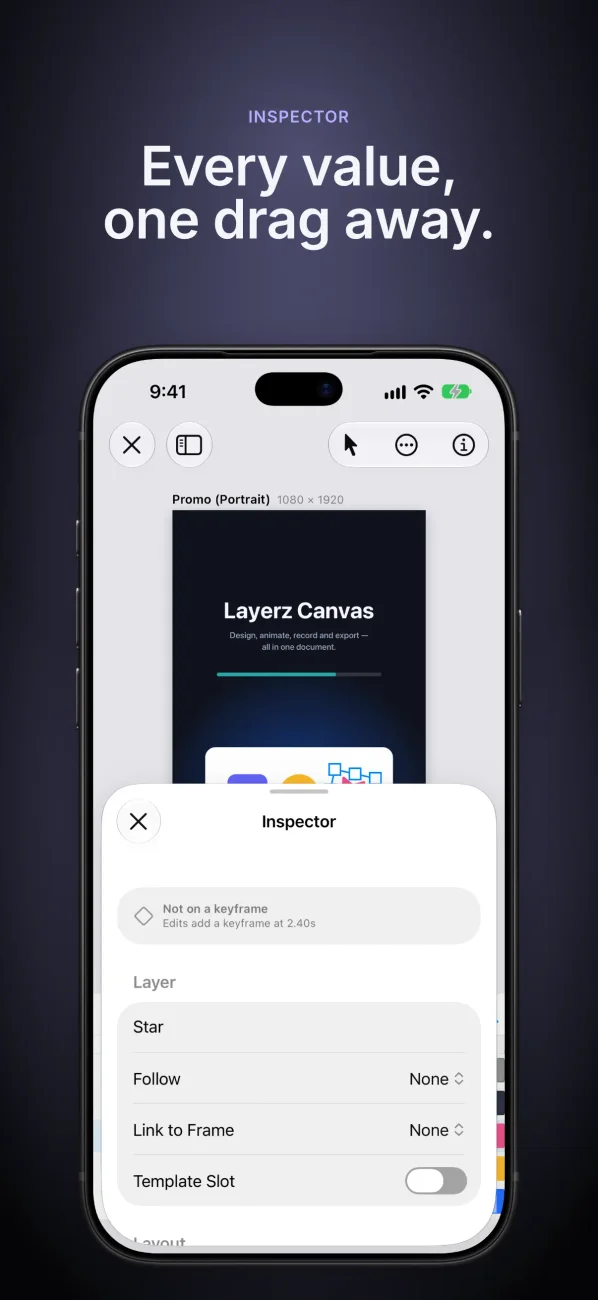
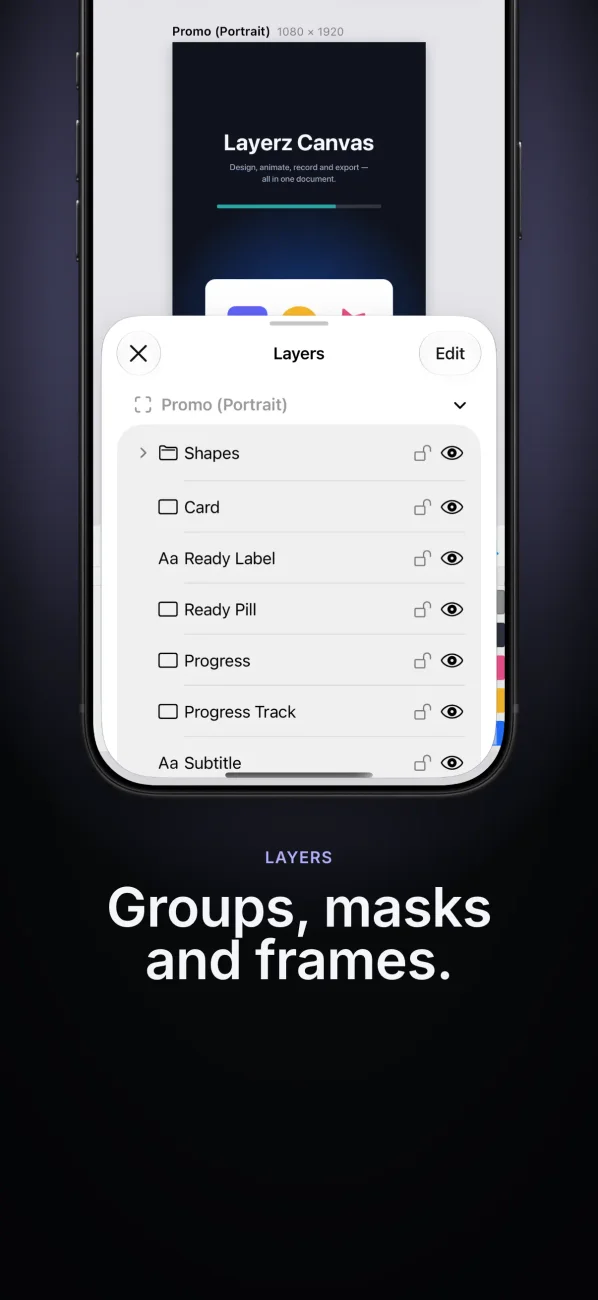
Rectangles, ellipses, polygons, pen paths and text. Frames that clip, groups, constraints that follow resizes, masks, boolean shapes, gradients you edit on the canvas, shadows, blur, glow and grain. Text that flows along a path. Repeaters that lay copies out in grids, rings and rows, and a stack of shape modifiers. Drag any number in the inspector sideways to scrub it.
ANIMATE
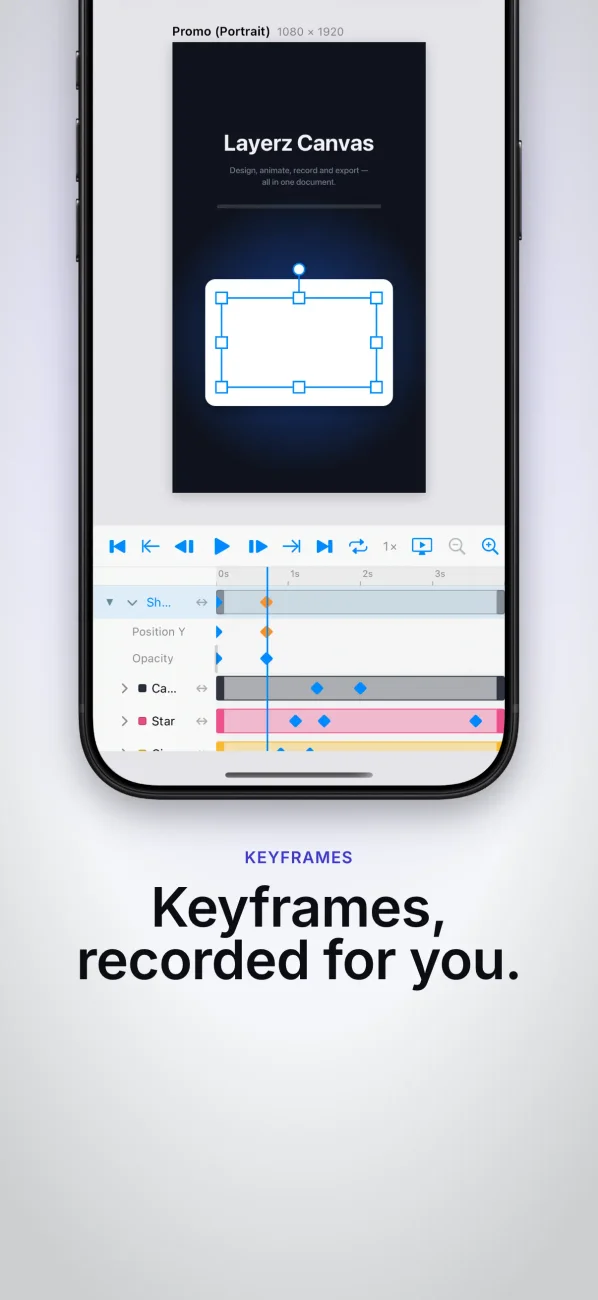
Turn on the timeline, move the playhead and change anything — keyframes are recorded for you. Select many keyframes and move, stretch or reverse them together; snap to keys and markers; shape every curve in the graph editor or pick a named easing. Springs, kinetic type with range selectors, entrance presets, loops and wiggle, counters, shape morphs, 2.5D rotation, camera moves with depth and lens blur, scene transitions and beat markers. Make a layer follow a path, link one property to another, add oscillation, drive keyframes from the music, or let physics drop, bounce and pile things up. Pinch the tracks to zoom; drag clips to move, trim, split and slip them.
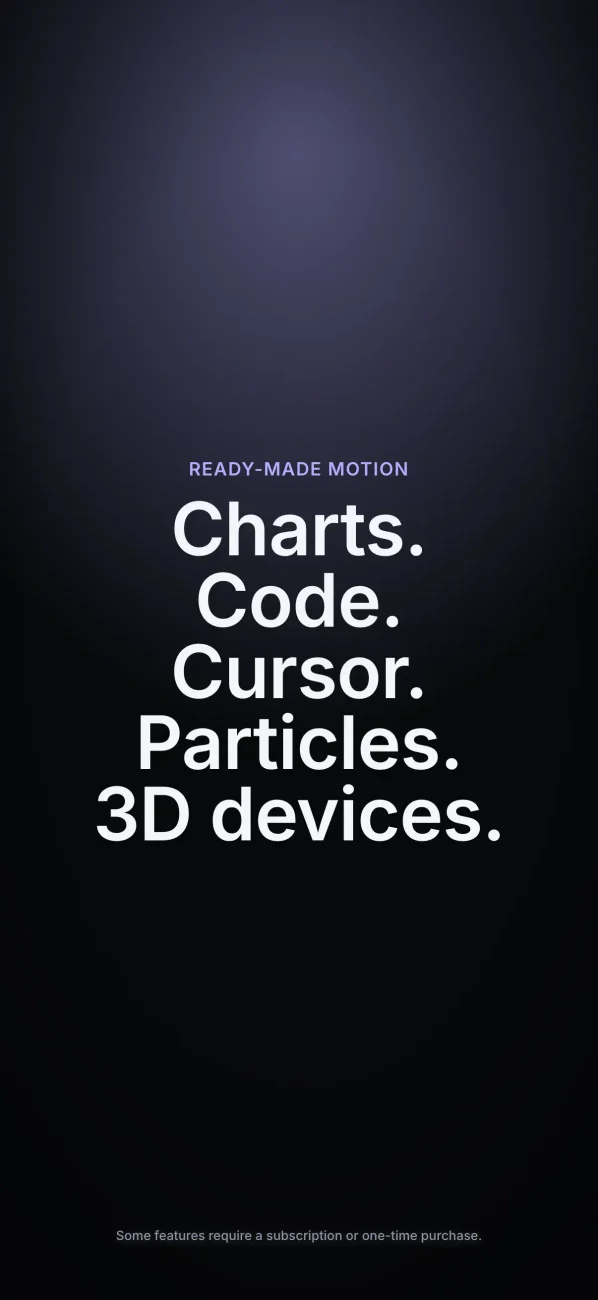
READY-MADE MOTION
Charts that grow from pasted data, code that types itself, a virtual cursor that glides and clicks, iPhone, iPad, Mac window and browser window frames for your screenshots and recordings — flat, or as 3D models you can turn and light, or any USDZ model of your own — particles — confetti, sparkles, snow, bubbles and bursts — and distortion effects: RGB split, glitch, wave and noise warp.
SOUND
Generate a soundtrack and sound effects that follow what moves on screen, right inside the app.
MEDIA
Bring in photos and videos from your library, and images, video, sound, SVG, Lottie animations and fonts from the Files app — or drop them onto the canvas. Trim, split and loop clips on the timeline; shape volume with fades.
RECORD (iOS 27)
Record your screen through the system picker, with narration from the microphone, and the recording lands on the canvas as a video layer.
LANGUAGES
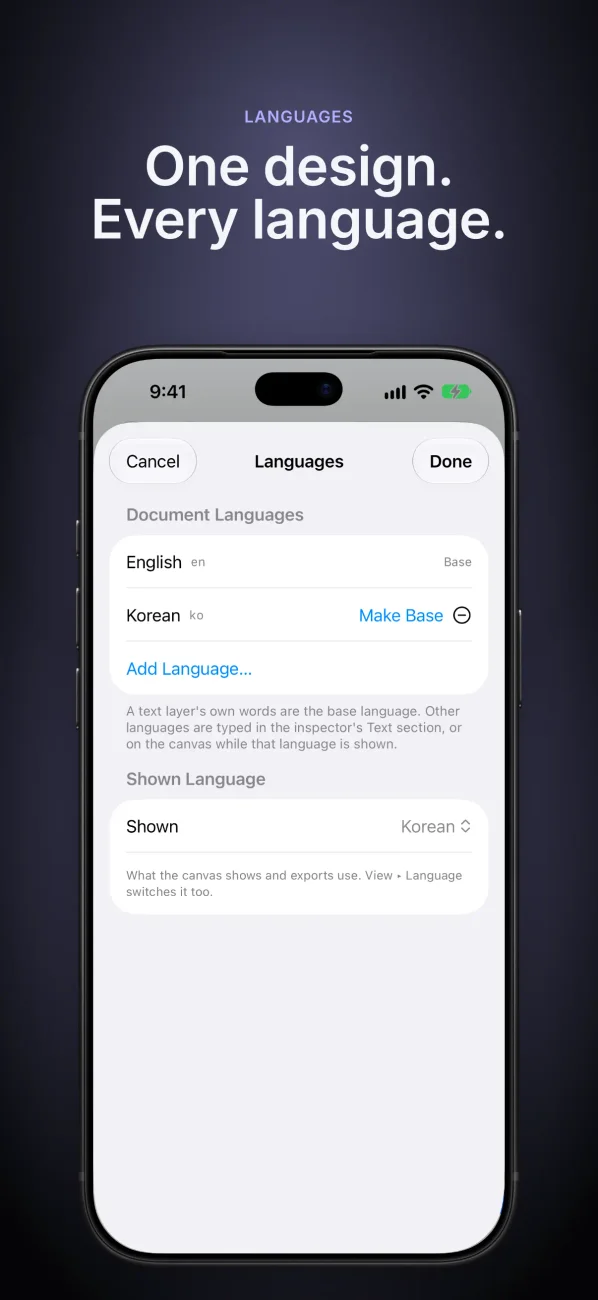
One document, every language. Add the languages your app ships in, type each text layer's words per language and switch what the canvas shows — the same design, keyframes and all. Export every language from one source: stills for all of them in one go, video in the language you pick.
PRESENT
Play your animation full screen, or present your frames like slides — with links from one frame to another, auto-advance and transitions.
EXPORT
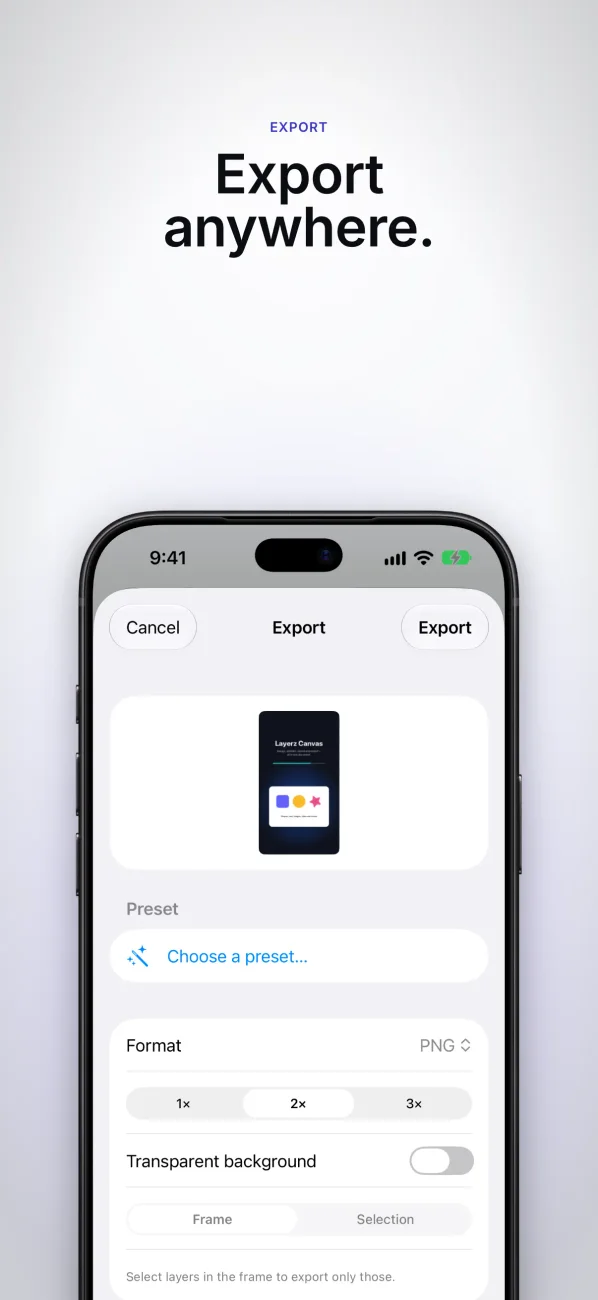
PNG, JPEG, SVG and PDF for stills, at the playhead or of just the selection. MP4, MOV (HEVC, with alpha), ProRes 4444, GIF, APNG, PNG sequence, Lottie JSON, animated SVG — and HTML, a web page that plays your animation without a video file, with hover and click states. Export every frame at once.
MAC AND IPAD
Documents live in iCloud Drive, so you can start on the iPad and finish on the Mac. On iPad, a keyboard brings the Mac's shortcuts and menu bar; the Files app shows thumbnails and Quick Look previews of your documents.
LAYERZ CANVAS PRO
Pro exports your motion: MP4, MOV (HEVC, with alpha), ProRes 4444, GIF, APNG, PNG sequences, Lottie, HTML and animated SVG. Available as a monthly or yearly subscription or a one-time Lifetime purchase, with Family Sharing — one purchase covers the Mac, iPhone and iPad.
Subscriptions renew automatically unless cancelled at least 24 hours before the end of the period. Manage them in your App Store account settings.
Terms of Use: https://www.apple.com/legal/internet-services/itunes/dev/stdeula/
Privacy Policy: https://www.layerz.app/canvas/privacy
Yang baru
Versi 1.9.0 · 25/11/2026
Background Blur and Pixellate
Blur or pixelate whatever lies under a shape — a photo, a screen recording, the layers below — inside its outline. Turn one on under Effects, or touch and hold a layer ▸ Add Blur Area or Add Pixellate Area. A translucent fill makes frosted glass, and the strength and the area can be animated.
Copy as Image
Touch and hold a selection ▸ Copy as Image to copy the layers just as the canvas shows them, as a transparent PNG to paste anywhere.
Privasi aplikasi
Yang dinyatakan Layerz Corp. di App Store tentang cara aplikasi ini menangani data.
-
Data yang tidak ditautkan dengan Anda
Dapat dikumpulkan, tetapi tidak ditautkan dengan identitas Anda.
- Data penggunaan
Praktik privasi dapat bervariasi, misalnya berdasarkan fitur yang Anda gunakan atau usia Anda.
Informasi
- Penjual
- Layerz Corp.
- Kategori
- Grafik & Desain
- Versi
- 1.9.0
- Diperbarui
- 25/11/2026
- Dirilis
- 1/10/2026
- Ukuran
- 41,6 MB
- Memerlukan
- iOS 26.5 atau yang lebih baru
- Batasan usia
- 4+
- Harga
- Gratis
- Pembelian dalam aplikasi
- Ya
- Bahasa
- Inggris, Korea
- Hak cipta
- © 2026 Layerz Corp.
Mungkin Anda juga suka
-
 IrisFold: Pattern MakerGrafik & Desain
-
 Sable: Pixel • Draw • VectorGrafik & Desain
-
 Rigster: 2D Skeletal AnimationGrafik & Desain
-
 Pattern StudioGrafik & Desain
-
 PuppetPadGrafik & Desain
-
 Kilona - Production StudioGrafik & Desain
-
 Vecta MotionGrafik & Desain
-
 AnimCreateGrafik & Desain
-
 SvgTrace ProGrafik & Desain
-
 Mesh Gradients UltimateBuat Gradien Mesh Memukau